



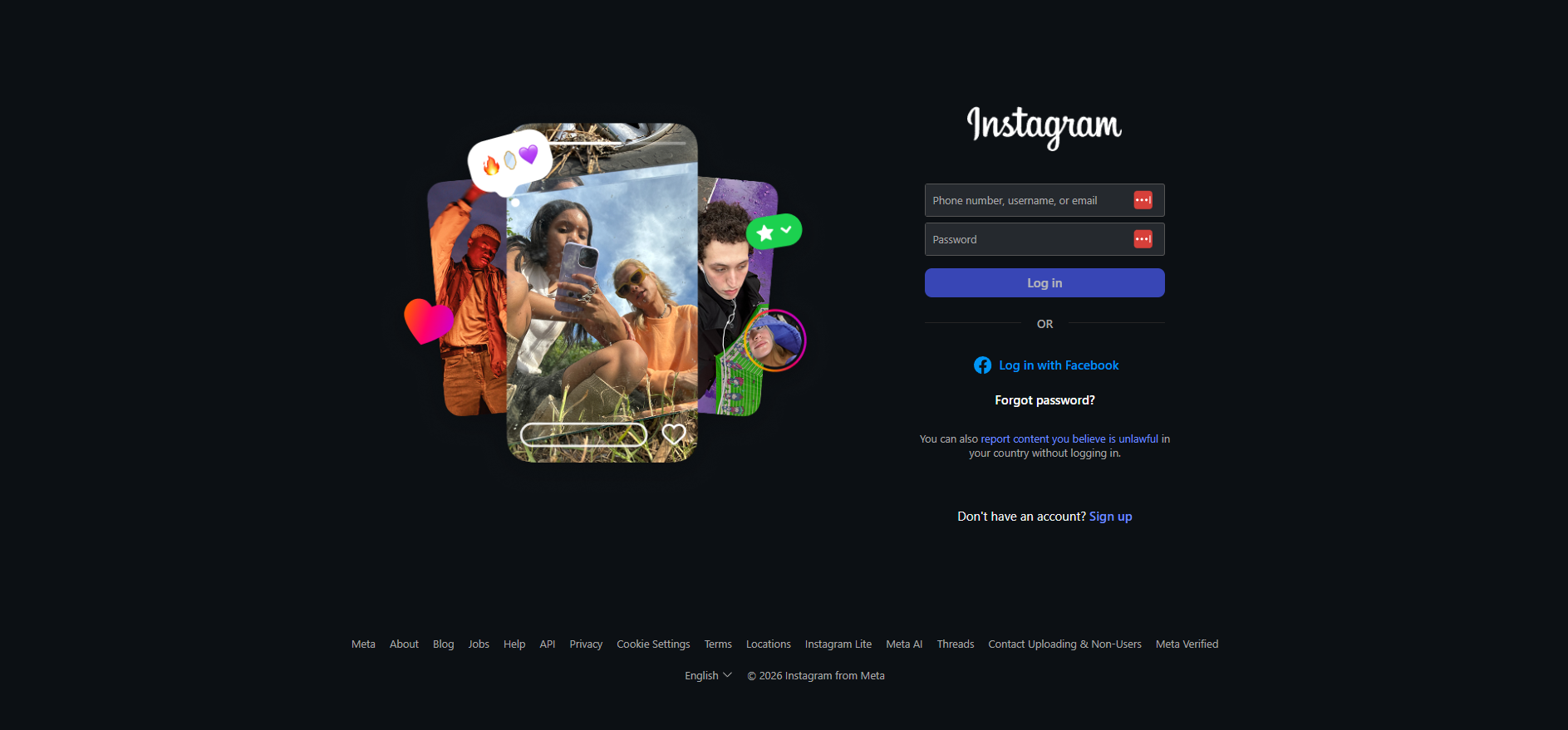
Instagram Customer Support
What is Instagram?
Instagram is a popular social media platform owned by Facebook. It is widely known for its focus on image and video sharing and has a large and diverse user base. The company prides itself on providing a seamless and user-friendly experience for its customers. Their customer support team is dedicated to addressing any issues or concerns that users may have and strives to provide prompt and effective solutions. Instagram also has a strong online community where users can reach out to each other for help and support. Overall, Instagram values its customers and goes the extra mile to ensure their satisfaction.
Instagram customer support channels
Instagram offers customer support through the following channels:
- Knowledge Base: https://help.instagram.com/
- Instagram: instagram.com/instagram/
- Facebook: facebook.com/instagram/
- Twitter: twitter.com/instagram
How do I contact Instagram?
Instagram provides customer support primarily through social media channels and their knowledge base. You can reach out to Instagram by leaving them a message on one of their social media platforms including Instagram, Facebook, or Twitter. If you prefer self-service support, Instagram maintains an extensive knowledge base with articles, FAQs, and tutorials to help you find answers to common questions and issues.
Learn more about Instagram
Instagram’s customer service team is dedicated to providing support to users worldwide. Whether you have questions about their products, services, or need assistance with your account, their support staff can help. You can connect with Instagram through their social media channels on Instagram, Facebook, and Twitter, or by accessing their comprehensive knowledge base for self-service support.
Common problems and solutions
How to recover my password?
If you can’t remember your password, you can reset it using your email address, phone number or Facebook account. If you’re not able to reset your password this way, open the Instagram app for additional help.
To reset your password, first open the Instagram app:
Android App:
- On the login screen, tap ‘Get help logging in" below “Log in”.
- Enter username, email or phone, or tap Log in with Facebook.
- Tap “Next”, and follow the on-screen instructions.
iPhone App:
- On the login screen, tap “Forgot password” above “Log in”.
- Tap “Username” or “Phone”.
- Enter your email address, username or phone number, then tap “Next”.
How do I request a verified badge for my Instagram profile?
To request a verified badge, you must be a public figure, celebrity or brand and meet certain account and eligibility requirements.
To request a verified badge on Instagram:
- Make sure you’re logged in to the account you’re requesting a verified badge for.
- Go to your profile and tap ‘Settings".
- Tap “Account”, then tap “Request verification”.
- Enter your full name and provide the required form of identification.
- Follow the on-screen instructions.
Keep in mind:
- Submitting a request doesn’t guarantee that your account will be verified.
- Verification cannot be transferred to a different account.
- Verifying your account on Instagram will not verify your account on Facebook.
- If you receive a verified badge using false information, your badge may be removed and your account may be disabled.
- Enable two-factor authentication for additional security.
I think my Instagram account has been hacked. What can I do?
If you think your Instagram account has been hacked or taken over, you can try the following recovery steps:
- Check your email for a message from Instagram about the account change, and try to revert it.
- Request a login link or security code from Instagram.
- Request support from Instagram. You may need to provide additional information to verify your identity.
- If you can’t recover your account, you can create a new account using a different email address.
If you are unable to recover your account, be sure to secure any other accounts that may be linked to your Instagram account (such as your email account). You should also enable two-factor authentication on your new account to help protect it.
