


Google Play Customer Support
What is Google Play?
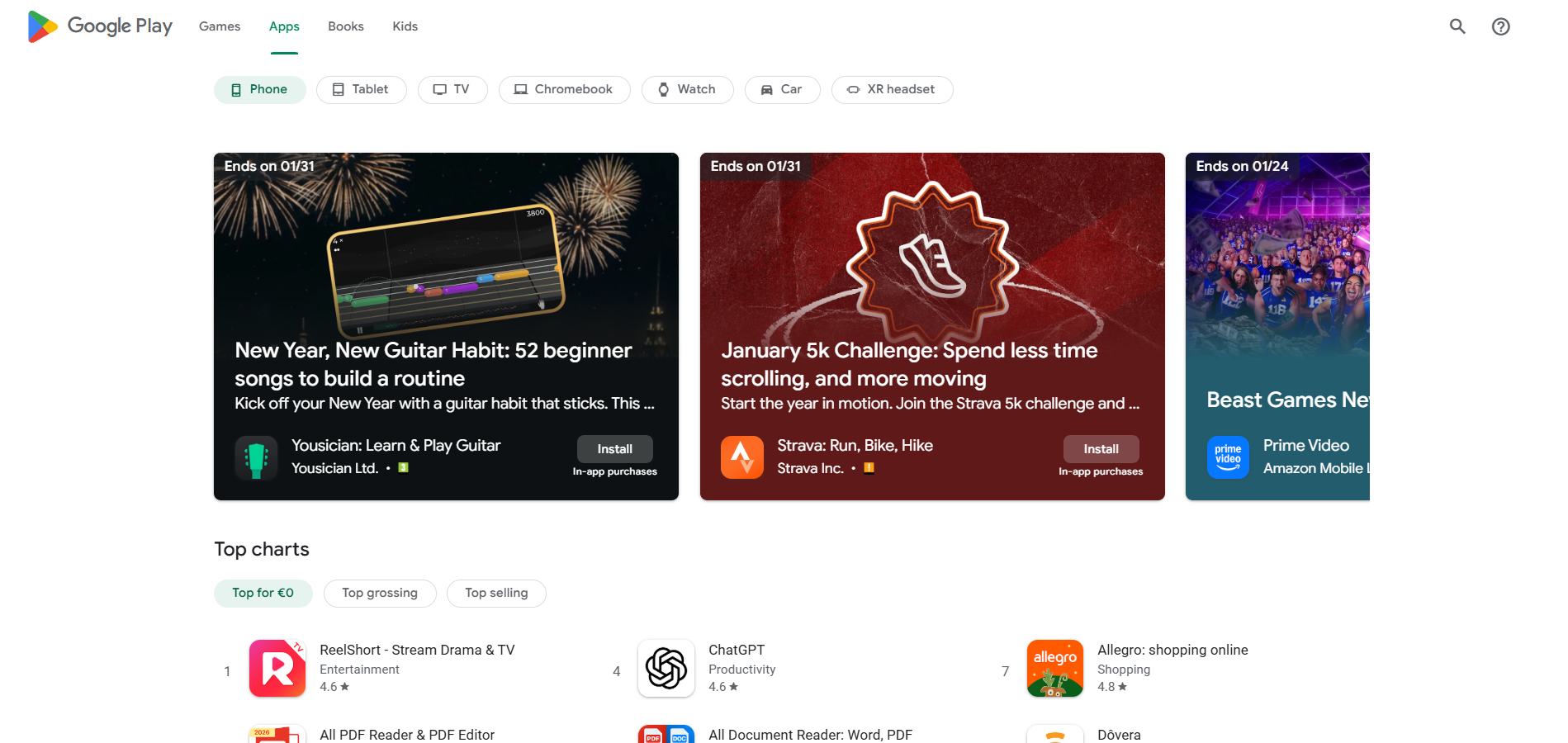
Google Play is a digital distribution platform developed by Google for Android devices. It serves as the official app store for Android smartphones, tablets, and other compatible devices. Google Play allows users to browse and download various types of digital content, including applications (commonly referred to as apps), games, music, movies, TV shows, e-books, and more.
Here are some key features and offerings of Google Play:
Apps and Games: Google Play offers a vast collection of applications and games for Android devices. These include productivity apps, social media apps, entertainment apps, gaming apps, and more. Users can search, browse, and download apps directly to their devices.
Movies, TV Shows, and Music: Users can rent or purchase movies and TV shows from Google Play Movies & TV. They can also access a wide range of music and purchase individual songs or albums through Google Play Music (though Google is transitioning from Play Music to YouTube Music).
E-books: Google Play Books provides a platform for users to discover, purchase, and read e-books on Android devices. Users can access a wide selection of books, including bestsellers, classics, textbooks, and more.
Newsstand and Magazines: Google Play Newsstand offers access to digital magazines and newspapers from various publishers. Users can subscribe to their favorite publications and read them on their Android devices.
In-App Purchases and Subscriptions: Many apps and games on Google Play offer additional features or content through in-app purchases. Additionally, some apps and services provide subscription models for ongoing access to premium content or services.
User Ratings and Reviews: Google Play allows users to rate and review apps, games, and other content. These ratings and reviews can help other users make informed decisions about which apps or content to choose.
Google Play is pre-installed on most Android devices, and users can access it by opening the Google Play Store app. It provides a convenient and centralized platform for Android users to discover, download, and enjoy a wide range of digital content for their devices.
Google Play customer support channels
Google Play offers customer support through the following channels:
- Support Portal: https://support.google.com/googleplay
- Contact Form: https://support.google.com/googleplay/gethelp
- Community Forum: https://support.google.com/googleplay/community
- Knowledge Base: https://support.google.com/googleplay/
- Twitter: https://twitter.com/googleplay
- Facebook: https://www.facebook.com/GooglePlay/
- Instagram: https://www.instagram.com/googleplay/
How do I contact Google Play?
To contact Google Play, you can explore the following options. Google provides an extensive Knowledge Base that includes guides and troubleshooting information. You can visit the Google Play Help Center at https://support.google.com/googleplay/ to search for relevant articles and find solutions to common issues.
Currently, Google Play does not offer a live chat support option. However, you can explore other support channels mentioned below.
Google has an official community forum called the Google Play Help Community. You can visit the forum at https://support.google.com/googleplay/community to ask questions, seek assistance from community members, and participate in discussions related to Google Play.
Google does not provide a specific email address for customer support or a direct phone support line, but you can contact them via contact form and submit inquiries or issues. Visit the Google Play Help Center and look for a “Contact us” section to access the contact form.
Google Play does have dedicated social media accounts for customer support. You can try reaching out to the official Google accounts on platforms like Twitter, Instagram or Facebook by sending a direct message or mentioning them in a post.
Remember that support options and availability can change over time, so it’s always a good idea to visit the official Google Play Help Center for the most up-to-date contact information and support channels.
Learn more about Google Play
Google Play’s customer service team is dedicated to providing support to Android users worldwide. Whether you have questions about apps, games, digital content, account management, or need assistance with purchases, their support staff can help. You can connect with Google Play through their comprehensive help center, community forum, or by reaching out via their social media channels on Twitter, Instagram, and Facebook.
Common Problems and Solutions
How to change or reset my password?
To change or reset your Google account password on Android:
- Open the Settings app and tap Google.
- Tap Manage your Google Account.
- Tap Security and then Signing in to Google.
- Tap Password and enter your new password.
- To reset your password, follow the steps to recover your account. If you don’t receive an email, check your spam folder and add noreply@google.com to your address book. Choose a new password that you haven’t used with this account before.
To change or reset your Google account password on a computer:
- Go to myaccount.google.com and sign in.
- Click Security and then Signing in to Google.
- Click Password and enter your new password.
- To reset your password, follow the steps to recover your account. If you don’t receive an email, check your spam folder and add noreply@google.com to your address book. Choose a new password that you haven’t used with this account before.
To change or reset your Google account password on iPhone or iPad:
- Open the Gmail app and tap your profile picture or initial. If you don’t use Gmail, go to myaccount.google.com.
- Tap Personal info and then Basic info.
- Tap Password and enter your new password.
- To reset your password, follow the steps to recover your account. If you don’t receive an email, check your spam folder and add noreply@google.com to your address book. Choose a new password that you haven’t used with this account before.
Can you refund on Google Play purchases?
Google may give refunds for some Google Play purchases, depending on the refund policies. You can also contact the developer directly.
- If a purchase was accidentally made by a friend or family member using your account, request a refund on the Google Play website.
- If you find a Google Play purchase on your card or other payment method that you didn’t make and that wasn’t made by anyone you know, report unauthorized charges within 120 days of the transaction.
- If you’ve had a refund request accepted, check how long your refund will take.
Important: If you don’t find your purchase on the recent purchases list, request a refund from the Google Play website.
Follow the instructions if:
- It’s less than 48 hours since you bought an app or made an in-app purchase, you can request a refund through Google Play.
- You bought music, movies, books, or other content, you may be able to request a refund after more than 48 hours.
- You’ll usually get a decision within 1 business day but it can take up to 4 business days.
How to recover my account?
Recover a recently deleted Google Account:
- If you deleted your Google Account, you may be able to get it back.
- If it’s been a while since you deleted your account, you may not be able to recover the data in your account.
- If you recover your account, you’ll be able to sign in as usual to Gmail, Google Play, and other Google services.
Follow the steps to recover your account:
- You’ll be asked some questions to confirm it’s your account. Answer as best you can.
- If you’re having trouble, try the tips to complete account recovery steps.
If your account is recovered, create a password that you haven’t already used with this account. Learn how to create a strong password.
Still can’t get in? Consider creating a replacement Google Account.
