



GoDaddy Customer Support
What is GoDaddy?
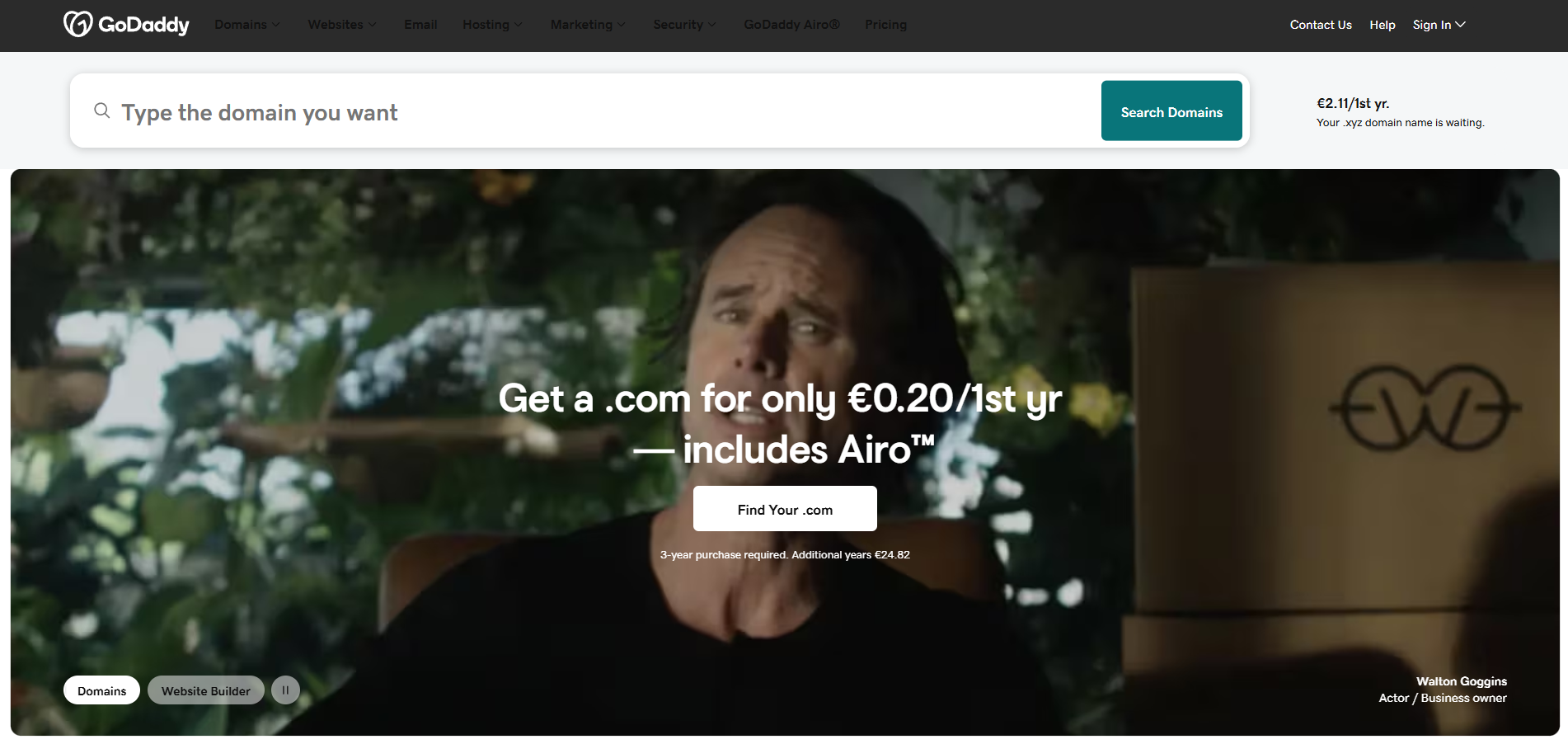
GoDaddy is a publicly traded internet domain registrar and web hosting company. It was founded in 1997 by Bob Parsons as Jomax Technologies and later changed its name to GoDaddy in 1999. The company is headquartered in Scottsdale, Arizona, United States.
GoDaddy primarily offers domain registration services, allowing individuals and businesses to purchase and manage domain names for their websites. It provides a wide range of domain extensions, including popular ones like .com, .net, and .org, as well as country-specific extensions such as .co.uk and .de.
In addition to domain registration, GoDaddy offers web hosting services, enabling individuals and businesses to host their websites on GoDaddy’s servers. They provide different hosting plans tailored to various needs, including shared hosting, virtual private servers (VPS), and dedicated servers.
GoDaddy also offers website builder tools, email hosting, SSL certificates, online marketing services, and various other products and services related to website management and online presence.
Over the years, GoDaddy has become one of the largest domain registrars and web hosting companies globally. It has a significant presence in the industry and is known for its aggressive marketing campaigns, including Super Bowl commercials featuring spokespersons like Danica Patrick and Dan Bongino.
GoDaddy customer support channels
GoDaddy offers customer support through the following channels:
- Phone: +020 7084 1810
- Live Chat: Live Chat Button on Website
- Support Portal: https://uk.godaddy.com/help
- Knowledge Base: https://uk.godaddy.com/help
- Community Forum: https://community.godaddy.com/s/
- Twitter: https://twitter.com/GoDaddyUK
- Facebook: https://www.facebook.com/uk.GoDaddy/
- YouTube: https://www.youtube.com/channel/UCMoMjgZ67wrRjs93ZWx3Ksw
How do I contact GoDaddy?
GoDaddy provides customer support through multiple channels to ensure you can reach them in the way that works best for you.
Knowledge Base: GoDaddy has a comprehensive knowledge base where you can find answers to common questions and browse through helpful articles and guides. You can access it at https://www.godaddy.com/help . There are various sections where you can find help, including Account Management, Domains, SSL Certificates, and Workspace Email.
Community Forum: In addition to the knowledge base, GoDaddy maintains a community forum where you can post questions, seek advice, and interact with other users. The community forum is available at https://www.godaddy.com/community .
Phone Support: GoDaddy provides phone support in multiple countries. The availability of phone support may vary based on your location. To find the appropriate phone number for your region, visit the Contact Us page on the GoDaddy website and select your country. The page will display the relevant phone numbers. Alternatively, the general phone contact advertised on their Facebook social media website is +020 7084 1810.
Social Media: The company is also active on various social media platforms, including Twitter and Facebook. You can reach out to them by sending a message or mentioning them in a post on these platforms. They also have a YouTube channel where you can subscribe for latest videos and news.
Please note that the availability and response times may vary depending on the method of contact and the nature of your query. It’s recommended to check the GoDaddy website for the most up-to-date contact information and support options.
Common problems and solutions
How to recover my password?
Reset your GoDaddy password
If you forgot your GoDaddy account password, you can reset it.
- Go to the ‘Reset Password" page.
- Enter your Username or your Customer #.
- Complete the Security challenge, then select “Submit”. In a few minutes, you’ll receive an email with a link to reset your password.
GoDaddy sends the email for a password reset to the email address on file for your account. If you don’t receive the email, GoDaddy might not have your current email address and you need to request access to your account.
What happens when my domain expires?
Each domain name extension and its registry rules can affect the renewal process once a domain has expired. Some domains, such as ccTLDs, may have special requirements for renewals.
GoDaddy will send multiple emails to notify you of expiration within the 30 days prior and 30 days after the expiration date of your domains.
Related steps:
- Make sure you enable auto renew to continue your domain registration uninterrupted.
- Here’s how to manually renew your domain.
- And here’s how to renew your domain after it expires.
