
What is Facebook?
Facebook is a social networking platform that allows users to connect with friends, family, and colleagues around the world. The platform was founded in 2004 by Mark Zuckerberg, Eduardo Saverin, Andrew McCollum, Dustin Moskovitz, and Chris Hughes. Since its launch, Facebook has become one of the largest social media platforms in the world, with over 2.8 billion monthly active users as of 2021.
The platform allows users to create a personal profile, share content, and interact with others through comments, likes, and messages. Users can also join groups, follow pages, and participate in events, making it a versatile platform for personal and professional use. In addition, Facebook offers a range of tools and features for businesses, including advertising options, business pages, and e-commerce integration.
One of the defining features of Facebook is its news feed, which displays a personalized selection of content based on a user’s interests and interactions. The news feed algorithm uses a variety of factors to determine what content to display, including the user’s previous interactions, the popularity of the content, and the time it was posted. This algorithm has been the subject of controversy and criticism, with some users and experts raising concerns about the impact of the algorithm on the spread of misinformation and polarization on the platform.
Despite these concerns, Facebook continues to be a popular and influential platform for social networking and communication. The company has also expanded its reach through the acquisition of other platforms, such as Instagram and WhatsApp, which have become integral parts of the Facebook ecosystem. With its massive user base and wide range of features, Facebook is likely to remain a major player in the social media landscape for years to come.
Facebook customer support channels
Facebook’s customer service team provides the following support options: email, social media, forum, and self-service help.
- Support Portal: https://www.facebook.com/help
- Knowledge Base: https://www.facebook.com/help
- Community Forum: https://communityforums.atmeta.com/
- Email: client-support-iw@support.facebook.com
- Twitter: https://twitter.com/facebook
- Facebook: https://www.facebook.com/facebook
- Instagram: https://www.instagram.com/facebook/
How do I contact Facebook?
Here are several ways to contact Facebook, including through their knowledge base, email, community forum and social media:
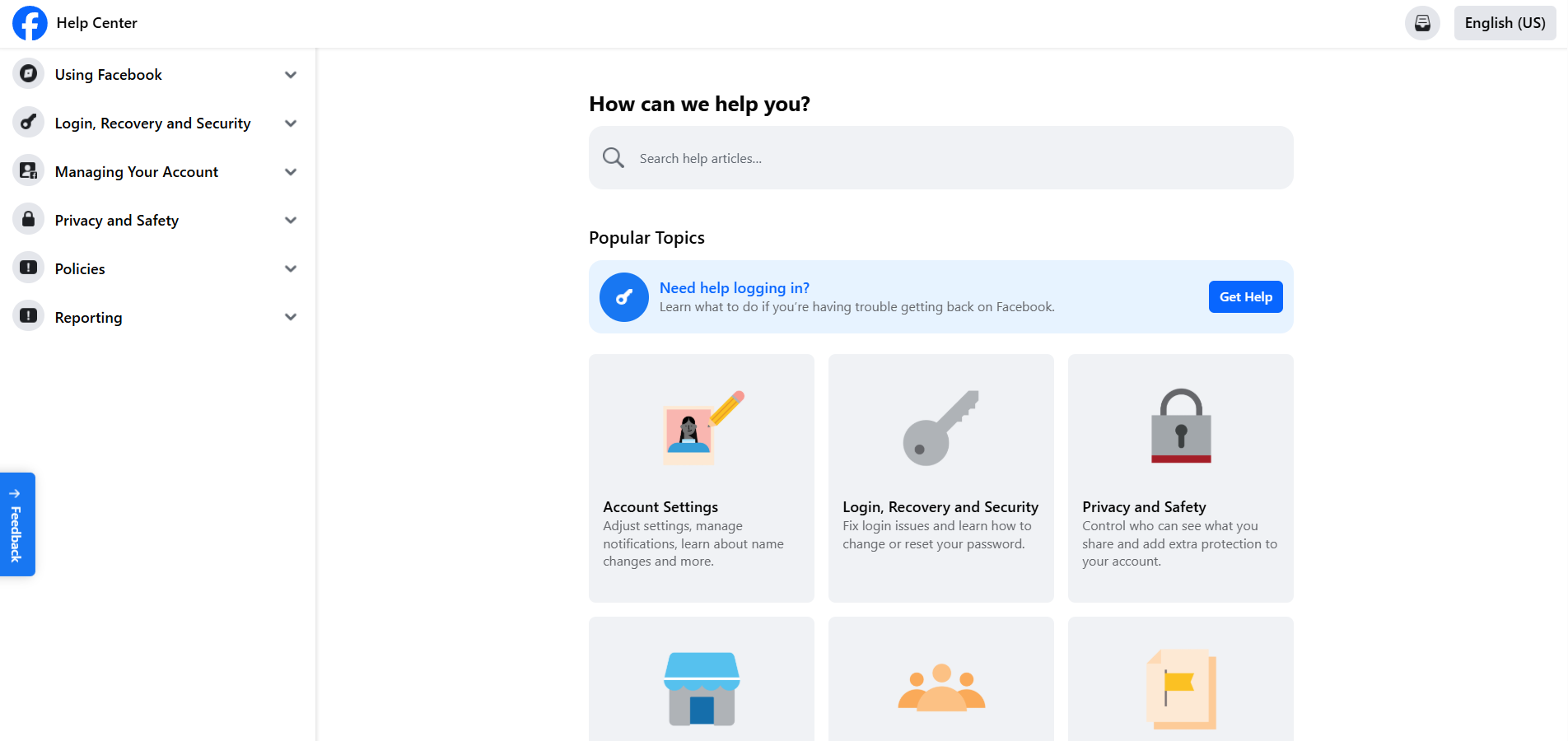
Facebook provides a comprehensive knowledge base that includes answers to frequently asked questions, product documentation, and how-to guides. You can access the knowledge base by visiting https://www.facebook.com/help/ .
Facebook provides a direct email address for customer support at client-support-iw@support.facebook.com , or you can report an issue or provide feedback through the Help Center by selecting the ‘Report a problem" or “Send feedback” option. Company doesn’t provide a direct phone number for customer support, so you can not contact them via phone. Facebook as social medium itself, maintains an active presence on social media platforms such as Twitter, Facebook and Instagram. You can follow them on these platforms to stay up-to-date on company news, product updates, and other announcements. Additionally, you can reach out to them through direct messaging or by commenting on their posts.
Overall, contacting Facebook directly can be challenging, as the company primarily relies on their knowledge base and automated support system. However, by utilizing the available resources and reaching out through social media, you may be able to receive assistance or provide feedback.
Common problems and solutions
Experiencing problems with this software? Take a look at our list of the most common problems and find out how you can solve them.
How to reset my password?
To reset your password if you’re not logged in to Facebook:
- Click ‘Forgotten password?"
- Type the email address, mobile phone number, full name or username associated with your account, then click “Search”
- Follow the on-screen instructions.
For security reasons, you won’t be able to use the same mobile phone number that you use for two-factor authentication to help you reset your password. You’ll need to have a different mobile phone number or email address added to your account to reset your password if you ever need to.
How do I recover my old account?
To recover an old account:
- Go to the profile of the account you’d like to recover.
- Tap ⋯ and select ‘Find support" or report profile.
- Choose “Something else”, then tap “Next”
- Tap “Recover this account” and follow the steps.
Learn more about hacked accounts and logging in to Facebook.
How do I permanently delete my Facebook account?
Before deleting your account, you may want to log in and download a copy of your information.
How do I permanently delete my Facebook account?
- Tap in the top right of Facebook.
- Scroll down and tap “Settings”
- Scroll down to the “Your Facebook information” section and tap “Account ownership and control”
- Tap “Deactivation and deletion”, and select “Delete Account”
- Tap “Continue to account deletion” and select “Delete Account”
Learn more about Facebook
Facebook customer support provides round-the-clock assistance if you have a question or need help. You can find assistance directly through Facebook’s online support center, where you can search their help topics or submit your specific concern. They also provide direct email support to address specific account related concerns and issues. Facebook customer support is available in over 180 languages, so there is sure to be someone available to assist you with your needs.
