


Eventbrite Customer Support
What is Eventbrite?
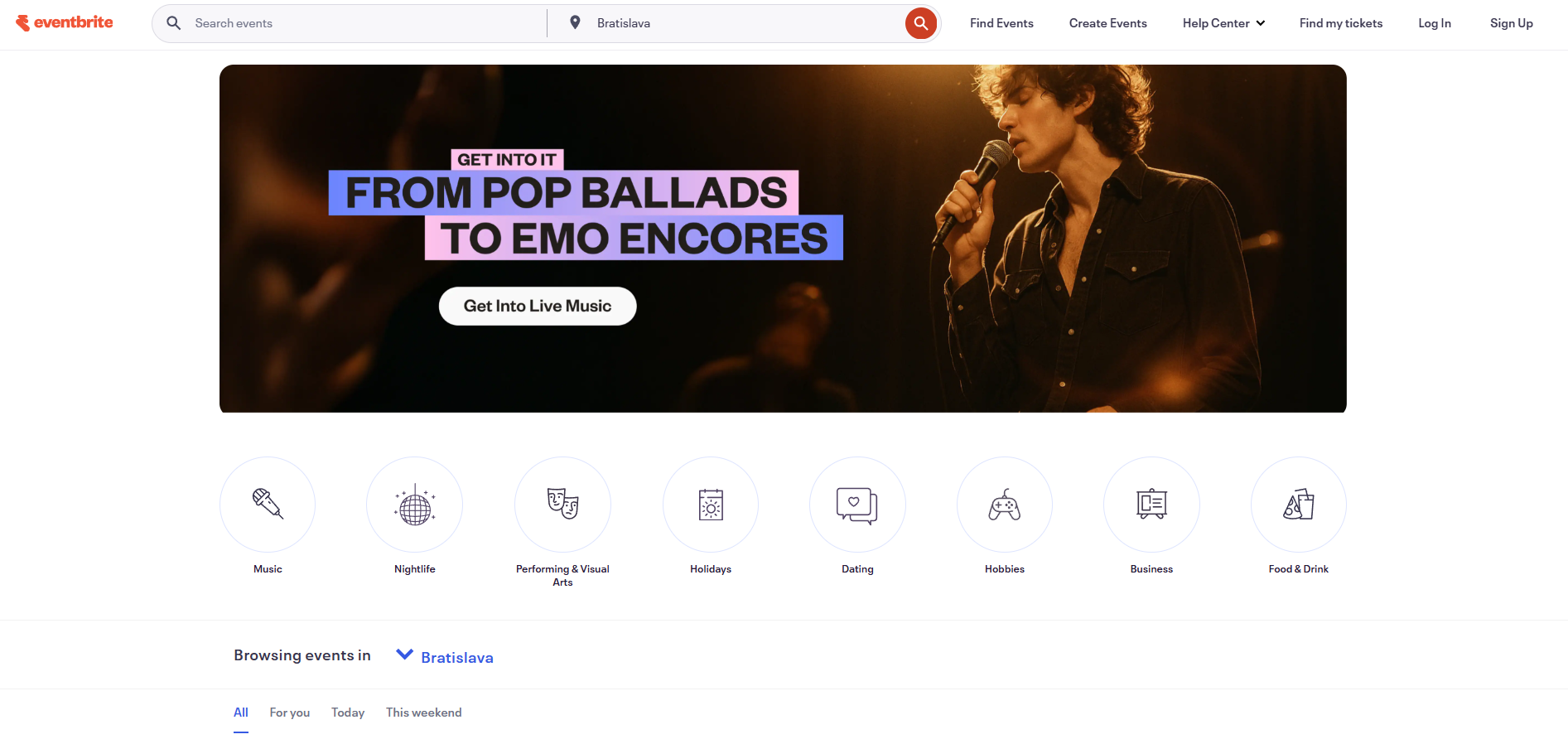
Eventbrite is a global self-service ticketing platform for live experiences that allows anyone to create, share, find and attend events. Whether you’re organizing a conference, concert, workshop, or any other type of event, Eventbrite provides the tools you need to manage registrations, sell tickets, and engage with your audience.
Eventbrite customer support channels
Eventbrite offers customer support through the following channels:
- Email Support: https://www.eventbrite.com/support/contact-us
- Live Chat Support: Live Chat Button on Website
- Call Center Support: 1-877-620-9578
- Knowledge Base: https://www.eventbrite.com/help/en-us/
- Instagram: instagram.com/eventbrite/
- Facebook: facebook.com/Eventbrite
- Twitter: twitter.com/Eventbrite
How do I contact Eventbrite?
You can contact Eventbrite through multiple channels depending on your preference. For email inquiries, visit their contact form at https://www.eventbrite.com/support/contact-us . If you prefer real-time assistance, Eventbrite offers live chat support accessible from their website. For urgent matters, you can call their helpline at 1-877-620-9578. Additionally, Eventbrite maintains active social media accounts on Instagram, Facebook, and Twitter where you can reach out for support or general inquiries.
Learn more about Eventbrite
Eventbrite’s customer service team is dedicated to helping event organizers and attendees with their ticketing needs. Whether you have questions about creating events, managing ticket sales, pricing structures, or need assistance with your account, their support staff can help. You can access their comprehensive knowledge base for self-service support or connect directly with their team through any of their available support channels.
Common problems and solutions
How to reset my password?
Request to reset your password:
- Click ‘Forgot password" while signing in or “Reset Your Password”.
- If you receive a message saying “We couldn’t find this email address in our records’, it means there is no Eventbrite account under the email address you entered.
Open the email and click “Set a New Password”:
- Password reset emails can take several minutes to reach you. Check your inbox and junk/spam folder for an email from noreply@order.eventbrite.com . It will have the subject line, “Reset your Eventbrite password”.
- If you’re still not able to find the email, review your email settings. Then, reset your password again.
Create a new password:
- Enter your new password and click ‘Reset password”. Passwords must be at least 8 characters long and are case sensitive.
Can I use Eventbrite for free events?
There’s no cost for organizers to use Eventbrite if you’re not charging for tickets. There are no monthly charges, enrollment costs, or setup fees. If you’re charging for ticket sales, their fees vary by package. Eventbrite is what you need to grow your community at your next free event.
How much does it cost to use Eventbrite?
You can sign up for free and avoid ticketing fees by passing them on to attendees. There are also paid solutions available:
- Essentials Package: Eventbrite’s pricing is 2% of the ticket price and $0.79 per paid ticket plus 2.5% payment processing per transaction.
- Professional Package: Eventbrite’s pricing is 3.5% of the ticket price and $1.59 per paid ticket plus a 2.5% payment processing fee per transaction.
- Premium Package: Custom pricing available.
