


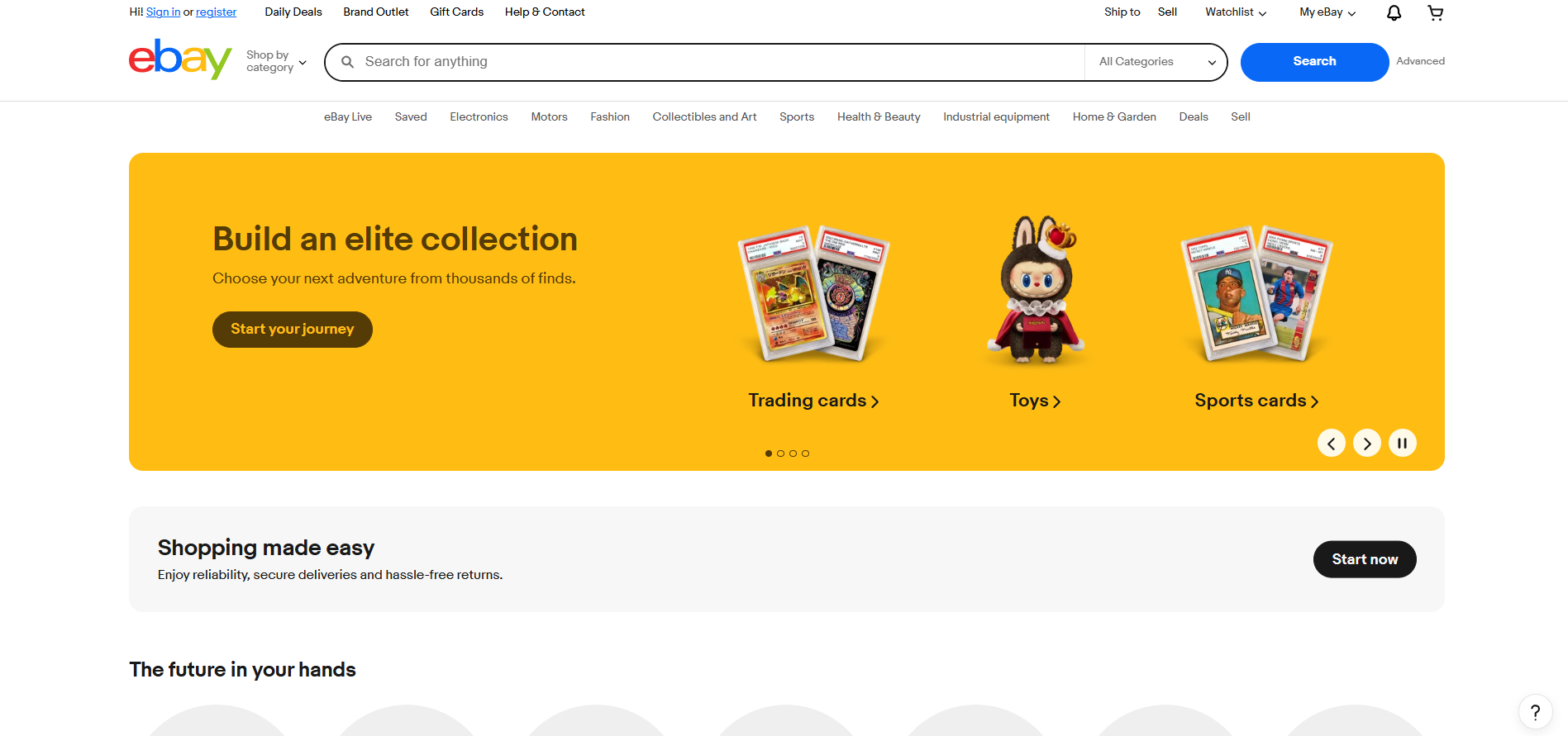
eBay Customer Support
What is eBay?
Buy & sell electronics, cars, clothes, collectibles & more on eBay, the world’s online marketplace. Top brands, low prices & free shipping on many items.
eBay customer support channels
eBay offers customer support through the following channels:
- Email Support: https://www.ebay.com/help/home
- Live Chat Support: Available through the Live Chat Button on Website at https://www.ebay.com/help/home
- Call Center Support: 1-866-961-9253
- Knowledge Base: https://developer.ebay.com/support/kb
- Instagram: instagram.com/ebay/
- Facebook: facebook.com/ebay/
- Twitter: twitter.com/ebay
How do I contact eBay?
eBay provides customer support through multiple channels to ensure you can reach them in the way that works best for you. You can contact eBay by:
- Email: Visit their help center at https://www.ebay.com/help/home
- Live Chat: Use the live chat button available on their website
- Phone: Call their toll-free number 1-866-961-9253
- Social Media: Reach out via Facebook, Instagram, or Twitter
- Self-Service: Browse their knowledge base and community resources
Common Problems and Solutions
How to recover my password?
If you’ve forgotten your password, click here . For security, eBay will ask you to verify yourself by email or text. If you choose email verification and don’t receive a message within 5 minutes, check your spam or junk folders.
Changing your password for security reasons
You can also change your password in the Account section of My eBay. Here’s how:
- Go to ‘Sign in" and “Security”
- Select “Edit” next to “Password”
- Enter your current password and your new password
- Select “Submit”
Troubleshooting if you have problems changing your password
If you’ve tried the steps above and you’re experiencing problems changing or resetting your password, try the following troubleshooting tips:
- Make sure Caps Lock is off when you’re typing your new password
- Clear your cache and cookies
- Check that your browser isn’t automatically populating the password field with an old password. If this is happening, manually type in your new password, or turn off auto-fill in your browser settings
- If you’ve tried to change your password more than 5 times in the last 24 hours, you’ll need to wait 24 hours before trying again
How to return an item for a refund?
The eBay Money Back Guarantee covers damaged, misdescribed, or wrong items. You can return these items even if the seller’s returns policy says they don’t accept returns.
If you no longer want an item, you can check the listing to see if the seller offers returns and any conditions.
To start a return, select the item from your ‘Purchase history". The seller has 3 business days to resolve the issue. If it is not resolved, you can ask eBay to step in and help within 21 business days of opening the request. When your return request is accepted, you’ll receive a return shipping label or be asked to purchase one.
The cost of shipping and the condition of the returned item will affect your refund.
If the item is worth $750 or more, it must be returned with signature confirmation. Your refund will be processed within 2 business days and should be available in your original payment method within 3-5 business days.
How do I start getting paid on eBay?
Getting paid for items you’ve sold on eBay is simple. Your buyers can choose from a range of payment methods, eBay manages the end-to-end payments process, and you receive your funds directly in your checking account.
If you’re a new seller on eBay, you can register by creating a listing.
Once you’ve registered as a seller, you can start selling on eBay. To comply with applicable laws, they’ll ask you for additional information to complete verification. Verifying your details helps you avoid any delays in receiving your payouts.
