



Dropbox Customer Support
What is Dropbox?
Dropbox represents a cloud-based file hosting and collaboration service that allows users to store and share files, photos, and videos with others. The company was founded in 2007 and has since grown to become one of the most popular cloud storage platforms in the world.
Users can use Dropbox to store files in the cloud and view them from any internet-connected device. Users have the option to share their works with others, enabling real-time viewing and editing. Dropbox also provides a variety of collaboration capabilities that make it simple for teams to collaborate on projects together, like commenting and version history.
Dropbox provides a variety of additional products and services, such as Dropbox Paper (a collaborative document editor), Dropbox Transfer (a tool for exchanging huge files), and Dropbox Passwords (a password manager), in addition to its core cloud storage and collaboration features.
Dropbox customer support channels
You can get in touch with Dropbox by sending them an email, beginning a live web chat with a representative, dialling their hotline, or sending them a message on one of their social media accounts. Alternatively, if you want self-service help, you can access their knowledge base or community forum.
- Phone: +800-620-5395
- Support Portal: https://help.dropbox.com/
- Contact Form: https://www.dropbox.com/support
- Email: support@dropbox.com
- Knowledge Base: https://help.dropbox.com/
- Community Forum: https://www.dropboxforum.com/t5/English/ct-p/English
- Twitter: https://twitter.com/dropboxbusiness
- LinkedIn: https://www.linkedin.com/company/dropbox/
- Facebook: https://www.facebook.com/Dropbox
- Instagram: https://www.instagram.com/dropbox/
- YouTube: https://www.youtube.com/user/dropbox
How do I contact Dropbox?
Company offers several types of support to its users and the most effective way to contact Dropbox depends on urgency of the issue. The Dropbox knowledge base is a comprehensive resource that provides answers to frequently asked questions, tutorials, and troubleshooting guides. It provides tips how to use the tool, account, apps and integrations and many more. It offers quick guide how to use and troubleshoot Dropbox products. Company also has an active community forum where users can ask questions, share ideas, and get help from other Dropbox users.
In the case of more urgent issue, users can contact Dropbox support via email at support@dropbox.com and receive personalized assistance from a support agent. Alternatively phone support is available at +800-620-5395 to Dropbox Business and Enterprise users. This option is available 24/7.
For users who need help in real-time, Dropbox offers live chat support. This option is available for Dropbox Business and Professional users. Company also offers a range of social media accounts, for less urgent issues. Dropbox’s social media accounts are a great way to stay informed about new developments, tips and tricks, and to engage with other Dropbox users.
Dropbox has an active presence on several social media platforms, including Twitter, Facebook, Instagram, LinkedIn, and YouTube. On these platforms, users can engage with Dropbox through comments, likes, and shares, and get involved in conversations with other Dropbox users. Additionally, company often shares user stories and case studies on its social media accounts, showcasing how individuals and organizations are using Dropbox to streamline their workflows and collaborate more effectively.
Learn more about Dropbox
Dropbox offers customer support through a variety of channels, including phone, email, and social media. Their team of customer support professionals are available 24/7 and are knowledgeable and friendly. They are dedicated to providing the best customer experience possible, and they are always willing to go the extra mile to ensure your satisfaction. With awesome customer support from Dropbox, you can trust that your needs will be taken care of.
+++
title="Dropbox Help Desk Contacts"
description="Find Dropbox customer support via email, live chat, phone, social media, forums, and self-service. Contact: support@dropbox.com, +800-620-5395, or dropboxforum.com. Socials: Twitter, Facebook, Instagram. Help available 24/7 for urgent issues."
url="/directory/dropbox-help-desk-contacts"
image="https://www.liveagent.com/app/themes/liveagent/assets/images/compact_header_directory.png"
shortDescription="Find Dropbox support contacts: email, live chat, phone, social media, forums, and self-service. Contact: support@dropbox.com, +800-620-5395, or dropboxforum.com. 24/7 assistance available."
tags = ["Software & Internet", "Enterprise", "SaaS", "Help Desk Software", "Ticketing Software", "Live Chat Software", "Call Center Software", "Social Media Support", "Customer Portal Software", "Knowledge Base Software"]

# Top description
top_description="It looks like you're trying to reach Dropbox's customer service team. Unfortunately, we're not associated with Dropbox's support team. We are two entirely different business organizations. However, to make your life a little easier, we've researched Dropbox's website and found the following customer support contact details. Please get in contact with Dropbox's representatives by reaching out to them directly using the contact information below."

# Screenshot (Go to website)
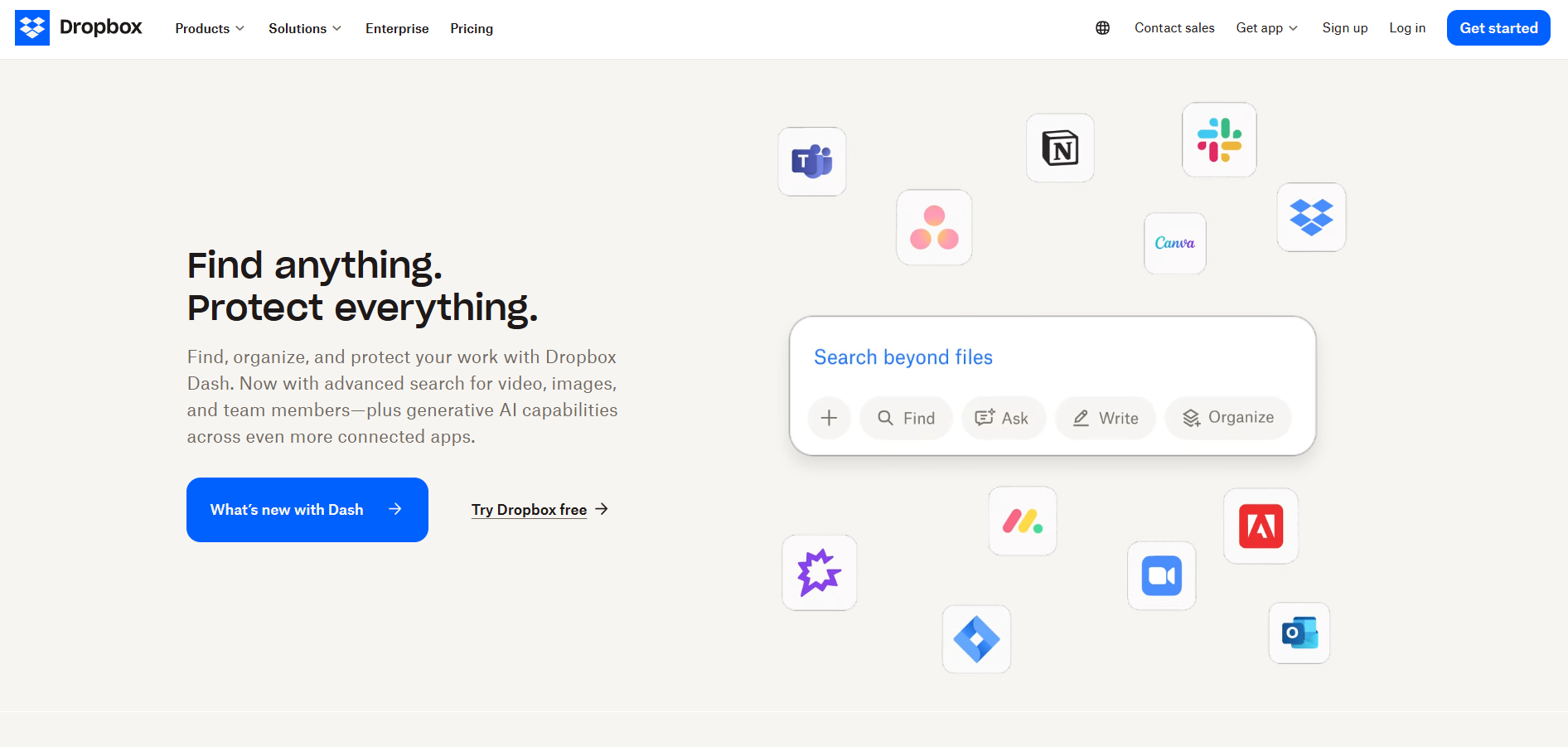
screenshot="https://assets.flowhunt.io/screenshots/51d8d719f4e40764/2d1f92ef35136f4f/1728889267_1366.webp"

# Company Information
company_name="Dropbox"
website="https://www.dropbox.com/"
support_portal="https://help.dropbox.com/"
business_hours=""
address=""

# Industry & Business Type
industry="software-internet"
business="enterprise"

# Customer Service Contacts
email_support="support@dropbox.com"
livechat_support="https://www.dropbox.com/get_help"
call_center_support="+800-620-5395"
knowledge_base="https://help.dropbox.com/"
forum="https://www.dropboxforum.com/t5/English/ct-p/English"

# Social Media
instagram="https://www.instagram.com/Dropbox/"
facebook="https://www.facebook.com/Dropbox"
twitter="https://twitter.com/DropboxSupport"

# Legal Contacts
terms_conditions="https://www.dropbox.com/terms"
privacy_policy="https://www.dropbox.com/privacy"
security_policy="https://www.dropbox.com/features/security"
gdpr=""

# Other Links
wikipedia="https://en.wikipedia.org/wiki/Dropbox"
affiliate_program=""

# Location (Google Maps Embed)
location=""

# FAQ
[[faq]]
question = "What is Dropbox?"
answer = "Dropbox is a software as a service company. Dropbox is a file hosting service that offers cloud storage, file synchronization, personal cloud, and client software."

[[faq]]
question = "What kind of support does Dropbox offer?"
answer = "Customer service team of Dropbox offers the following support channels: email, live chat, call center, social media support, forum support and self-service support."

[[faq]]
question = "How do I contact Dropbox?"
answer = "You can contact Dropbox by emailing them, starting a chat with a live agent on their website, calling their hotline or by leaving them a message on one of the social media platforms. Alternatively, you can use their knowledge base if you prefer self-service support."

[[faq]]
question = "What is Dropbox's email address?"
answer = "You can contact Dropbox by filling out the form: https://www.dropbox.com/support or by emailing support@dropbox.com"

[[faq]]
question = "Does Dropbox have live chat?"
answer = "Yes, Dropbox has live chat support. Go to the site: https://www.dropbox.com/support"

[[faq]]
question = "How do I speak to someone in Dropbox?"
answer = "If you prefer call support, you can contact their helpline: +800-620-5395"

+++

## Dropbox Customer Support

### What is Dropbox?

Dropbox represents a cloud-based file hosting and collaboration service that allows users to store and share files, photos, and videos with others. The company was founded in 2007 and has since grown to become one of the most popular cloud storage platforms in the world.

Users can use Dropbox to store files in the cloud and view them from any internet-connected device. Users have the option to share their works with others, enabling real-time viewing and editing. Dropbox also provides a variety of collaboration capabilities that make it simple for teams to collaborate on projects together, like commenting and version history.

Dropbox provides a variety of additional products and services, such as **Dropbox Paper** (a collaborative document editor), **Dropbox Transfer** (a tool for exchanging huge files), and **Dropbox Passwords** (a password manager), in addition to its core cloud storage and collaboration features.

### Dropbox customer support channels

You can get in touch with Dropbox by sending them an email, beginning a live web chat with a representative, dialling their hotline, or sending them a message on one of their social media accounts. Alternatively, if you want self-service help, you can access their knowledge base or community forum.

- **Phone:** +800-620-5395
- **Support Portal:** https://help.dropbox.com/
- **Contact Form:** https://www.dropbox.com/support
- **Email:** support@dropbox.com
- **Knowledge Base:** https://help.dropbox.com/
- **Community Forum:** https://www.dropboxforum.com/t5/English/ct-p/English
- **Twitter:** https://twitter.com/dropboxbusiness
- **LinkedIn:** https://www.linkedin.com/company/dropbox/
- **Facebook:** https://www.facebook.com/Dropbox
- **Instagram:** https://www.instagram.com/dropbox/
- **YouTube:** https://www.youtube.com/user/dropbox

### How do I contact Dropbox?

Company offers several types of support to its users and the most effective way to contact Dropbox depends on urgency of the issue. The Dropbox **knowledge base** is a comprehensive resource that provides answers to frequently asked questions, tutorials, and troubleshooting guides. It provides tips how to use the tool, account, apps and integrations and many more. It offers quick guide how to use and troubleshoot Dropbox products. Company also has an active **community forum** where users can ask questions, share ideas, and get help from other Dropbox users.

In the case of more urgent issue, users can contact Dropbox support via email at **support@dropbox.com** and receive personalized assistance from a support agent. Alternatively phone support is available at **+800-620-5395** to Dropbox Business and Enterprise users. This option is available 24/7.

For users who need help in real-time, Dropbox offers **live chat support.** This option is available for Dropbox Business and Professional users. Company also offers a range of social media accounts, for less urgent issues. Dropbox's **social media accounts** are a great way to stay informed about new developments, tips and tricks, and to engage with other Dropbox users.

Dropbox has an active presence on several social media platforms, including **Twitter**, **Facebook**, **Instagram**, **LinkedIn**, and **YouTube**. On these platforms, users can engage with Dropbox through comments, likes, and shares, and get involved in conversations with other Dropbox users. Additionally, company often shares user stories and case studies on its social media accounts, showcasing how individuals and organizations are using Dropbox to streamline their workflows and collaborate more effectively.
