


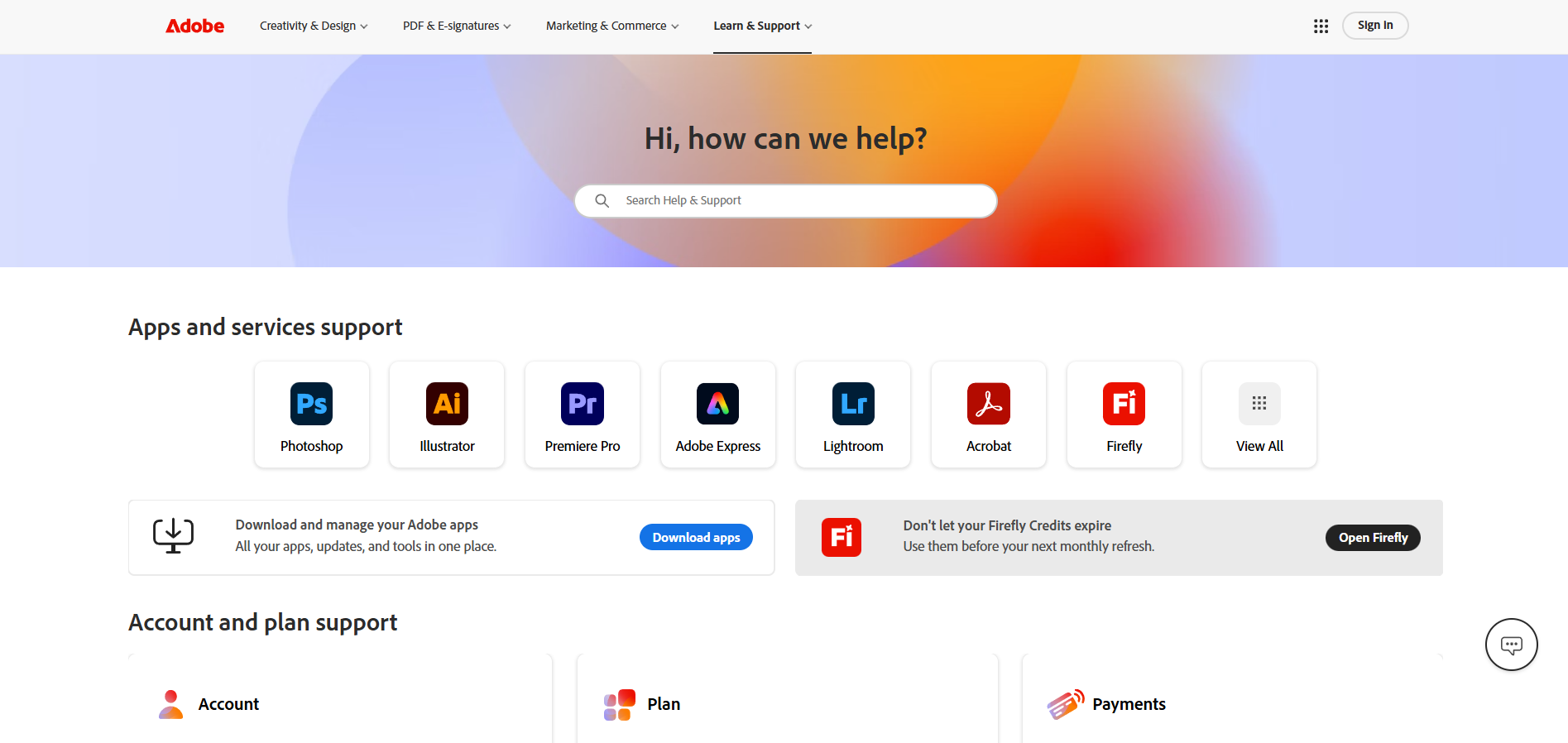
Adobe Customer Support
What is Adobe?
Adobe is a software company that creates a range of products used for graphic design, video editing, web development, photography, and more. It is best known for its flagship products, Adobe Photoshop and Adobe Creative Cloud, which offer a range of tools for creative professionals.
Adobe customer support channels
You can contact the Adobe support team by searching for help in knowledge base or ringing company’s contact phone. To come for help, and be inspired, community forum is the best place. Quick advice and help can be found via social media accounts.
- Phone: +800-585-0774
- Support Portal: https://helpx.adobe.com/support.html
- Knowledge Base: https://www.adobe.com/about-adobe.html
- Community Forum: https://community.adobe.com/
- Twitter: https://twitter.com/adobe
- LinkedIn: https://www.linkedin.com/company/adobe
- Facebook: https://www.facebook.com/Adobe/
- Instagram: https://www.instagram.com/adobe/
- Youtube: https://www.youtube.com/adobe
How do I contact Adobe?
The best way to contact Adobe is through their customer service contact phone at +800-585-0774. You can find product tutorials and peer support either via knowledge base, or by visiting community forum. Adobe is also operating on a variety of social media platforms, including Facebook, Twitter, LinkedIn, YouTube, and Instagram.
Common problems and solutions
Experiencing problems with this software? Take a look at our list of the most common problems and find out how you can solve them.
How to recover my password?
Reset forgotten password
- Go to https://account.adobe.com
- Enter your email address and select ‘Continue"
- Select “Reset your password”
- Enter the code sent to your email address or phone number
- If you have provided both an email address and a phone number, you can opt to receive your code in an email instead. Select “Get your code another way”
- In the “Update your password screen”, enter your new password twice to confirm, then select “Update password”
CAN’T FIND AN EMAIL CONTAINING THE CODE?
If you can’t find the email from Adobe in your inbox, check your spam or junk folder.
DON’T HAVE ACCESS TO YOUR EMAIL ADDRESS?
To update your email address, see Edit Adobe account personal profile.
Do I need to be online to access my desktop apps?
No, the desktop apps in Creative Cloud, such as Photoshop and Illustrator, are installed directly on your computer. So, you don’t need an ongoing Internet connection to use them.
An Internet connection is required the first time you install and license your apps. But, you can use the apps in offline mode with a valid software license. The desktop apps attempt to validate your software licenses every 30 days.
Annual members can use the apps for up to 99 days in offline mode. Month-to-month members can use the software for up to 30 days in offline mode.
What’s included with a free Creative Cloud membership?
A free Creative Cloud membership gives you access to file syncing and sharing features and 2 GB of storage space. You also get some free services and access to free trials of the Creative Cloud apps.
