


VoIP Call Blocking
Block unwanted VoIP calls with ease! Learn how to stop telemarketing, spam, and nuisance calls using apps or settings. Try LiveAgent now!
5 min read
Customer support
VoIP
+1


A VoIP caller uses digital signals to transmit voice conversations through an internet connection, offering cost-effective communication with proper caller ID setup for legitimacy.

Making phone calls using voice over Internet protocol (VoIP) is different from using traditional phone companies. A VoIP caller uses a digital signal to transmit their conversation through an Internet connection. When a business uses VoIP calls, it is vital to set up caller ID and other features to be seen as a legitimate caller.
The way some people use VoIP technology can cause suspicions. Put yourself in the shoes of a person who receives a large number of phone calls every day. In most cases, calls from traditional phones and mobile phones will have caller ID. That caller ID information makes it easier for the person to decide whether or not to accept the call.
Unfortunately, some VoIP callers abuse the technology to make calls by manipulating their caller ID and making other changes. This is why it’s important to understand how to identify legitimate VoIP callers and protect yourself from spam and fraudulent calls.
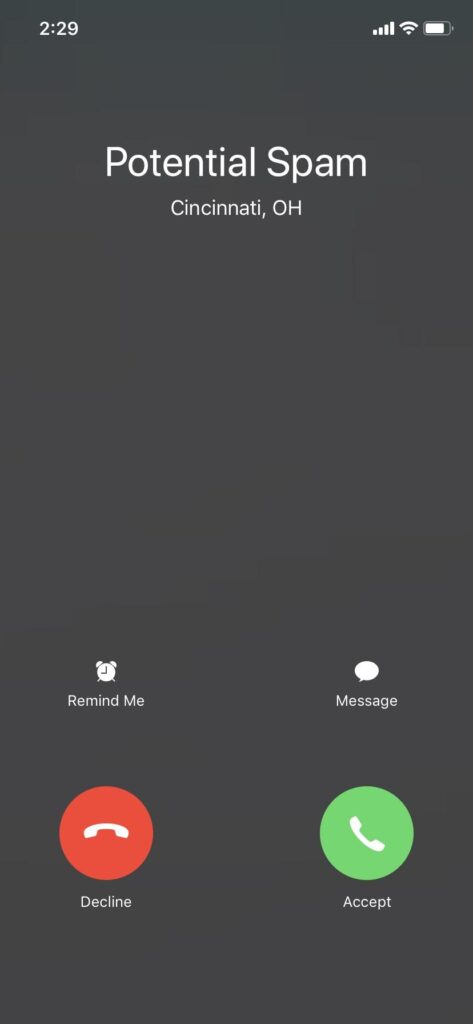
Receiving unwanted calls can be very frustrating, especially when you are focused on getting your work done. Fortunately, blocking calls or avoiding suspicious callers is very possible. Here are several strategies you can use:
Looking up a VoIP call’s phone number is one way to identify legitimate calls. Here are the steps you can follow:
Keep in mind that some people may use a non-fixed VoIP number, which is not linked to a physical address. For example, frequent travelers might use a non-fixed VoIP number because they move around a lot. Verifying a non-fixed VoIP number is more challenging because these phone numbers may not show anything in reverse phone lookup services.
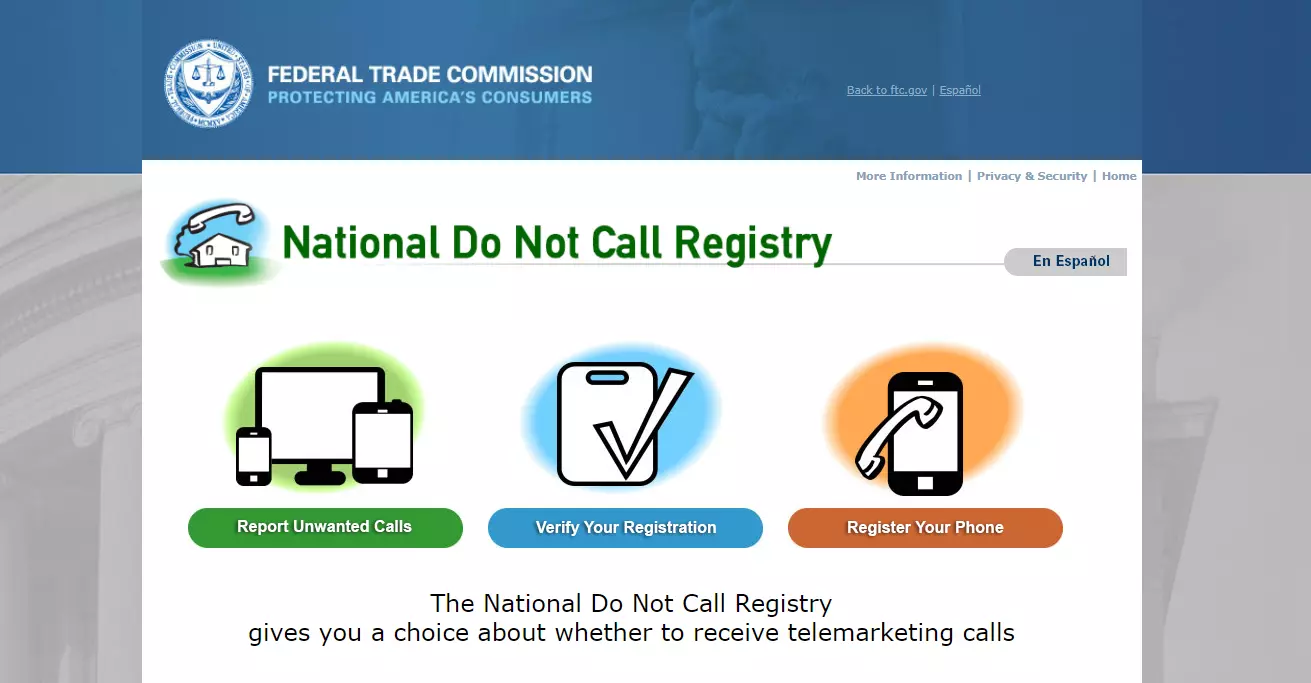
If you are concerned about spam calls and unwanted incoming calls, make sure your phone number is listed on the Do Not Call Registry available at donotcall.gov.
Caller ID sometimes works on VoIP. When customers sign up for VoIP phones, they have options regarding what appears on caller ID. For example, a VoIP caller using a Google Voice number can use a feature called “anonymous caller ID” to hide their caller ID for all calls. In addition, anybody making a phone call in the US can enter a prefix of *"67" before making a call to hide their caller ID.
Business owners may want to set a policy for their company about using caller ID. For example, your sales team might struggle with getting people to answer their outgoing calls when calling without caller ID. In that case, you might experiment with requiring caller identification to improve sales agent productivity (e.g., make more successful outbound calls).
Installing VoIP caller ID is beneficial for business owners in several ways without giving up the potential cost savings of VoIP:
Setting up your VoIP phone service to include caller ID is simple. Use the following steps:
Start by testing your VoIP caller identification setup by calling your cell phone. You might already have caller identification in place. In that case, ask other employees, including the sales team to verify caller ID is in place by calling their cell phone.
Compare your regular phone to VoIP caller ID. The next step is to make another test call using your regular phone or analog phone if you have one. Ideally, you want the caller ID on your VoIP phone and regular phone to match.
Adopt a consistent caller identification policy. Consider setting a policy for every employee and contractor at your company. For example, all caller IDs should display your company name in the same way.
If you’re unsure how to set up caller ID, ask your VoIP provider for tips on using their VoIP caller software.
Configure proper caller ID, ensure legitimate business calls, and integrate VoIP seamlessly with help desk operations.
Block unwanted VoIP calls with ease! Learn how to stop telemarketing, spam, and nuisance calls using apps or settings. Try LiveAgent now!
Learn about non-fixed VoIP numbers—flexible, cost-effective virtual phone lines for global communication. Ideal for businesses, but prone to misuse.
Boost privacy and save costs with call masking. Enhance customer engagement and manage calls efficiently. Try LiveAgent free today!
Join our community of happy clients and provide excellent customer support with LiveAgent.
