



Merge Tickets Feature
Combine duplicate tickets effortlessly with LiveAgent's Merge Tickets feature. Streamline support, save time, and boost efficiency. Try Free!
5 min read
Ticket Management
Merge Tickets
+1


A Ticket ID in LiveAgent is an 11-character reference number (XXX-XXXXX-XXX) used to efficiently manage and prioritize customer service requests, enhancing communication and work efficiency in support teams.

A ticket ID is a reference number consisting of a sequence of capitalized letters and numbers. Each ID consists of 11 characters and looks like the following format XXX-XXXXX-XXX. Every time a ticket ID is used in LiveAgent, for example in a note or in an internal chat, it is automatically hyperlinked for your convenience.
Every time a ticket ID is used in LiveAgent, for example in a note or in an internal chat, it is automatically hyperlinked for your convenience. If ticket ID A is mentioned in the note of ticket B, it’s also automatically mentioned in ticket A as well.

One of the key benefits of using a ticketing tool is the unique ticket ID assigned to each customer interaction. This ticket ID serves as a reference point for customer support representatives, allowing them to easily monitor, manage and find specific tickets without having to search through your help desk system. With the ticket ID, support agents can efficiently organize and prioritize all incoming tickets, ensuring that all customer inquiries are handled.
These IDs are extremely useful because they eliminate confusion and save tons of time for agents. You can also set up automation rules to categorize and prioritize tickets automatically, saving you time and improving efficiency.
A ticket is a service request from an end-user. Service requests can be from a multitude of communication channels such as email, live chat, social media, or even through the phone. Every time a new customer communication comes in, ticketing software automatically converts the interaction into a support ticket with an ID. Support agents handle these tickets to resolve customer issues efficiently.
Immediately identify the customer’s inquiry with a quick ticket ID check. Simply add information or communicate the ticket status to a customer.
Never lose track of your customer inquiries with the ticket phase feature. The ticket phases can be shown as: Open, New, Closed, etc.
To have efficient customer service, you need to rightfully divide the number of tickets, calls, chats each customer representative gets per shift. As a result, you can prevent agent burnout and increase overall efficiency. Automated ticket distribution allows you just that. You can define the amount as well as a break that the agent should take throughout the day.
Having centralized ticketing software for your customer service agents is a useful system for many reasons. Not only can you see agent performance reports, but you can also see which agent has dealt with which ticket. This prevents more agents from working on the same customer issue. Moreover, you can easily detect who was responsible for a specific customer issue. Also, if you need to transfer the customer to a different department, you can easily transfer the ticket ownership. As a result, you will never hear: ‘I didn’t know it was my responsibility.’

Ticketing software is a program used by support teams to streamline and manage customer communications. LiveAgent is a simple ticketing software that brings clarity and efficiency to customer support. It houses all customer communication as Tickets in one inbox.
For instance: Email, Calls, Social media posts, Live Chat, and more. Having all customer inquiries in one universal inbox makes it easy to locate all customer interactions and data.

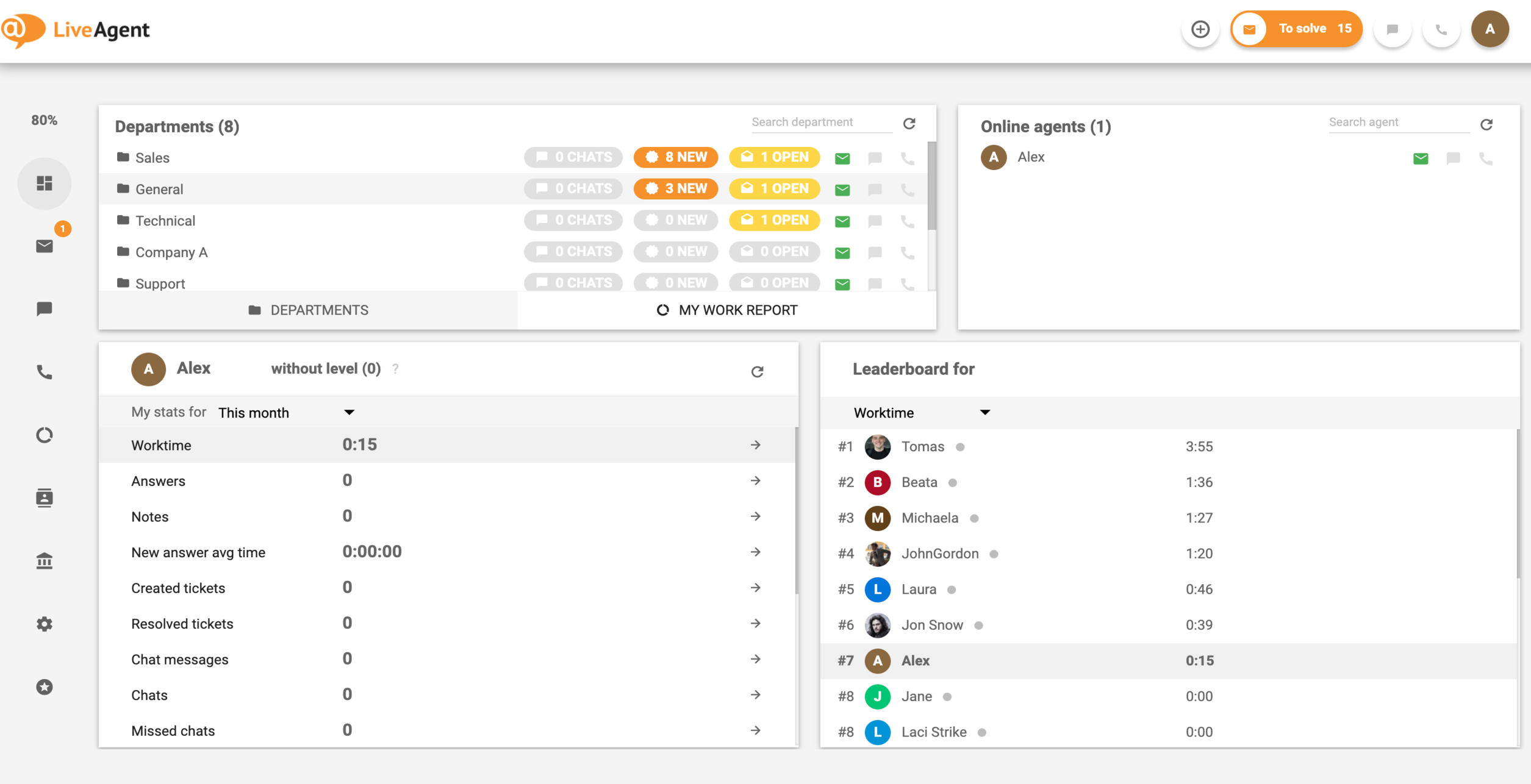

Ticket IDs are a fundamental component of modern customer support systems. They provide a unique reference number that helps support teams organize, track, and manage customer inquiries efficiently. By using ticket IDs, you can eliminate confusion, save time, and improve overall customer satisfaction.
LiveAgent’s ticketing system makes it easy to manage all your customer support requests in one centralized location, with powerful features like automated distribution, ticket phases, and comprehensive reporting. Start your free trial today to experience how ticket IDs can transform your customer support operations.
Track every customer interaction effortlessly with LiveAgent's unique ticket ID system. Find tickets instantly, automate workflows, and eliminate confusion.
Combine duplicate tickets effortlessly with LiveAgent's Merge Tickets feature. Streamline support, save time, and boost efficiency. Try Free!

Discover LiveAgent's multiple ticket tabs feature, enabling agents to handle multiple customer queries simultaneously for maximum efficiency. Opt for the 'To so...

Learn what resolved tickets are, how to speed up resolution time, and improve customer support with LiveAgent's reliable ticketing system.
Join our community of happy clients and provide excellent customer support with LiveAgent.
