



Support Channel
Explore various support channels like email, live chat, phone, and social media to boost customer satisfaction with LiveAgent's multi-channel system. Improve re...
4 min read
Customer support
Multi-channel support
+1


A support address is an email address customers use to contact you for help. It’s the central point where customer service representatives handle requests and can be easily managed in LiveAgent.

A support address is an email address your customers can use to contact you in case they need help. It is the address where most customer service representatives handle customer requests.
Generally, a support address consists of keywords like info, help, support, welcome, hello, or others. Following is the ‘@’ and your domain name. Here are a couple of examples of support addresses:
If you use ticketing software, you can create tickets from requests and notification emails sent to this address. With features like the universal inbox, all your outgoing and incoming emails are stored in one convenient place, so your agents don’t have to check multiple communication channels.
When you run a customer-centric business, offering clients a way to reach you is imperative. Support address allows them to contact you, submit service requests, bring issues to your attention, and ask questions. Your support address often functions as a distribution group email address, as it should be accessible to all your support agents.
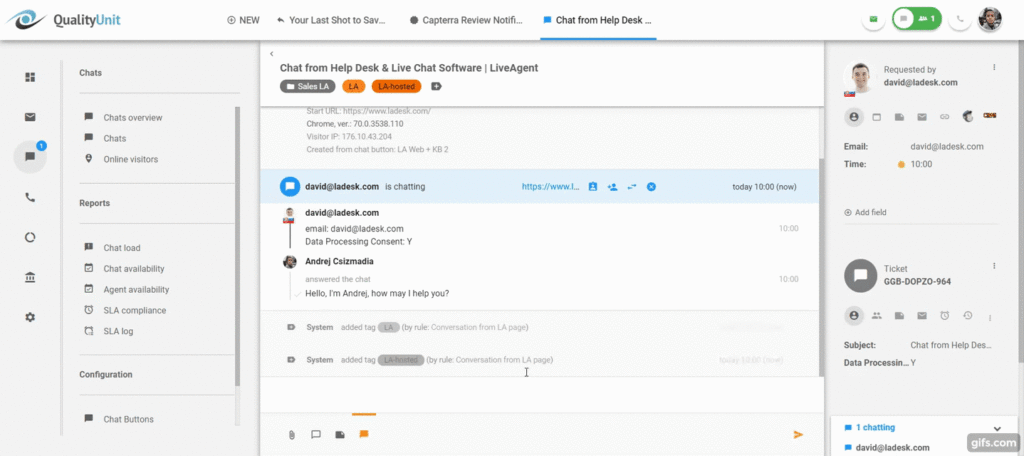
Usually, you can find a company’s support address on their website on the Contact us page. However, if you want other ways to reach a business, most companies offer multiple channels like live chat, phone support, social media, video calls, and more.
Yes, in LiveAgent, you can modify your wildcard email address, add custom email addresses, and even use an external email address for support requests.
There is, however, no way to modify built-in email addresses. There is a fixed structure for them: support@mail.DOMAIN.ladesk.com .
Handle all support addresses in one universal inbox with LiveAgent's flexible email management and ticketing system.
Explore various support channels like email, live chat, phone, and social media to boost customer satisfaction with LiveAgent's multi-channel system. Improve re...

Track website visitors in real-time with LiveAgent's Online Visitors feature. View visitor activities, locations, and referrers to enhance customer support and ...
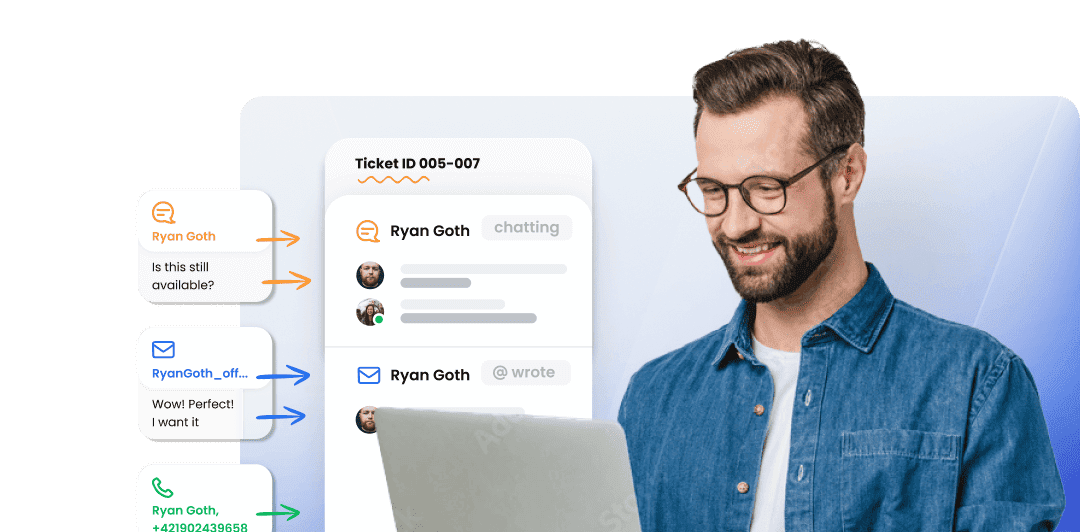
LiveAgent's ticketing system brings together essential ticketing feature elements such as mass actions, audit logs, and integrated communication channels, which...
Join our community of happy clients and provide excellent customer support with LiveAgent.
