



Support Address
Discover the importance of support addresses in customer service. Learn how LiveAgent simplifies email management for seamless customer interactions!
2 min read
Customer support
Email management
+1


Host mapping is a process of mapping your default domain URL to a URL of another domain, allowing you to customize your support page address to reflect your company’s name and brand identity.

Host mapping is a process of mapping your default domain URL to a URL of another domain. This way the URL can include your company's name.
Your address is by default a LiveAgent subdomain. With host mapping it can be changed to a subdomain of your own domain. This modification has to be approved by your domain provider.
For example, your default support page URL address may be support.companyname.ladesk.com. Host mapping allows you to make the URL support.companyname.com.
Host mapping, at its core, involves the process of directing a domain name to a server’s IP address. This allows a domain name to be associated with a specific web server, enabling users to access websites using easy-to-remember domain names rather than numerical IP addresses. Host mapping is a fundamental aspect of the Domain Name System (DNS), which acts as the internet’s phone book, translating human-friendly domain names into machine-readable IP addresses.
Host mapping can also involve changing the URL of your help center by mapping a subdomain of your own domain to your default address. This feature allows companies to customize their URLs to reflect their brand identity, which is particularly valuable for:
There are several types of host mapping techniques used in DNS management:
A Records are DNS records that map domain names to IPv4 addresses, specifying the IP address of a host. They are one of the most fundamental DNS record types and are essential for directing traffic to your web server.
CNAME Records (Canonical Name records) alias one domain name to another, allowing multiple domain names to point to the same IP address. CNAME records are particularly useful for host mapping as they enable you to point your custom domain to your LiveAgent subdomain without needing to manage separate IP addresses.
URL Redirects involve redirecting a domain name to a different URL. This technique is often used in website migrations or rebranding efforts. URL redirects ensure that users accessing your old domain are automatically directed to your new domain.
The process of host mapping involves several steps:
Host mapping is fundamentally connected to the Domain Name System (DNS). DNS acts as the internet’s phone book, translating human-friendly domain names into machine-readable IP addresses. When you implement host mapping:
Host mapping is a powerful tool for businesses looking to enhance their brand presence and customer experience. By customizing your support page URL to reflect your company name, you create a more professional and memorable experience for your customers. Whether you’re using A Records, CNAME Records, or URL Redirects, host mapping allows you to maintain complete control over your domain while leveraging the powerful features of LiveAgent’s help desk software.
With host mapping, your support page becomes an extension of your brand, reinforcing your company identity and building customer trust through a seamless, professional support experience.
Create a professional, branded support experience with LiveAgent's host mapping feature. Map your custom domain and strengthen your brand identity today.
Discover the importance of support addresses in customer service. Learn how LiveAgent simplifies email management for seamless customer interactions!
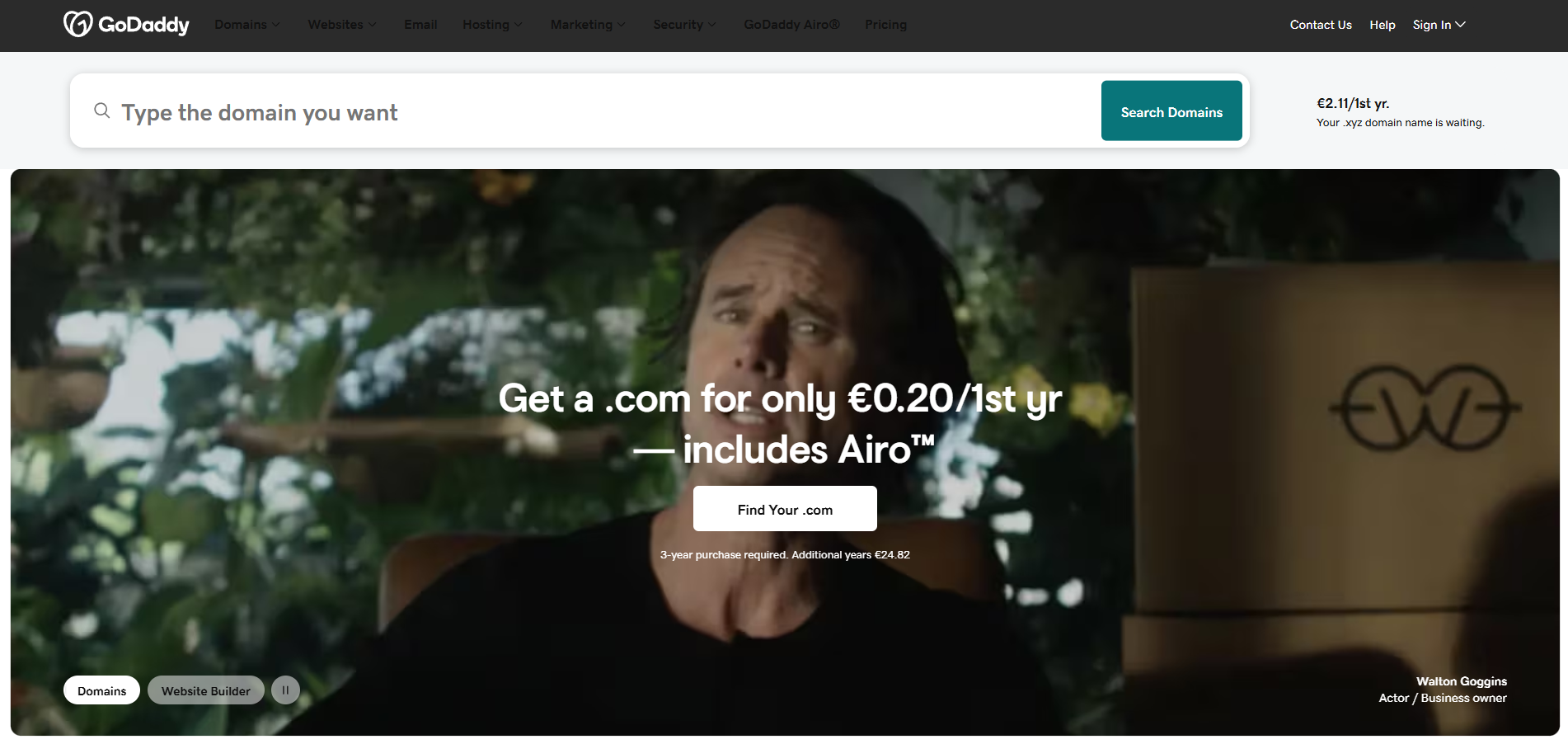
Discover GoDaddy's comprehensive customer support options with contact details for live chat, call center, and social media support. Access their knowledge base...

LiveAgent's website visitor tracking feature lets you see the URL your customer is on during chats, enhancing support by providing real-time insights. It allows...
Join our community of happy clients and provide excellent customer support with LiveAgent.
