



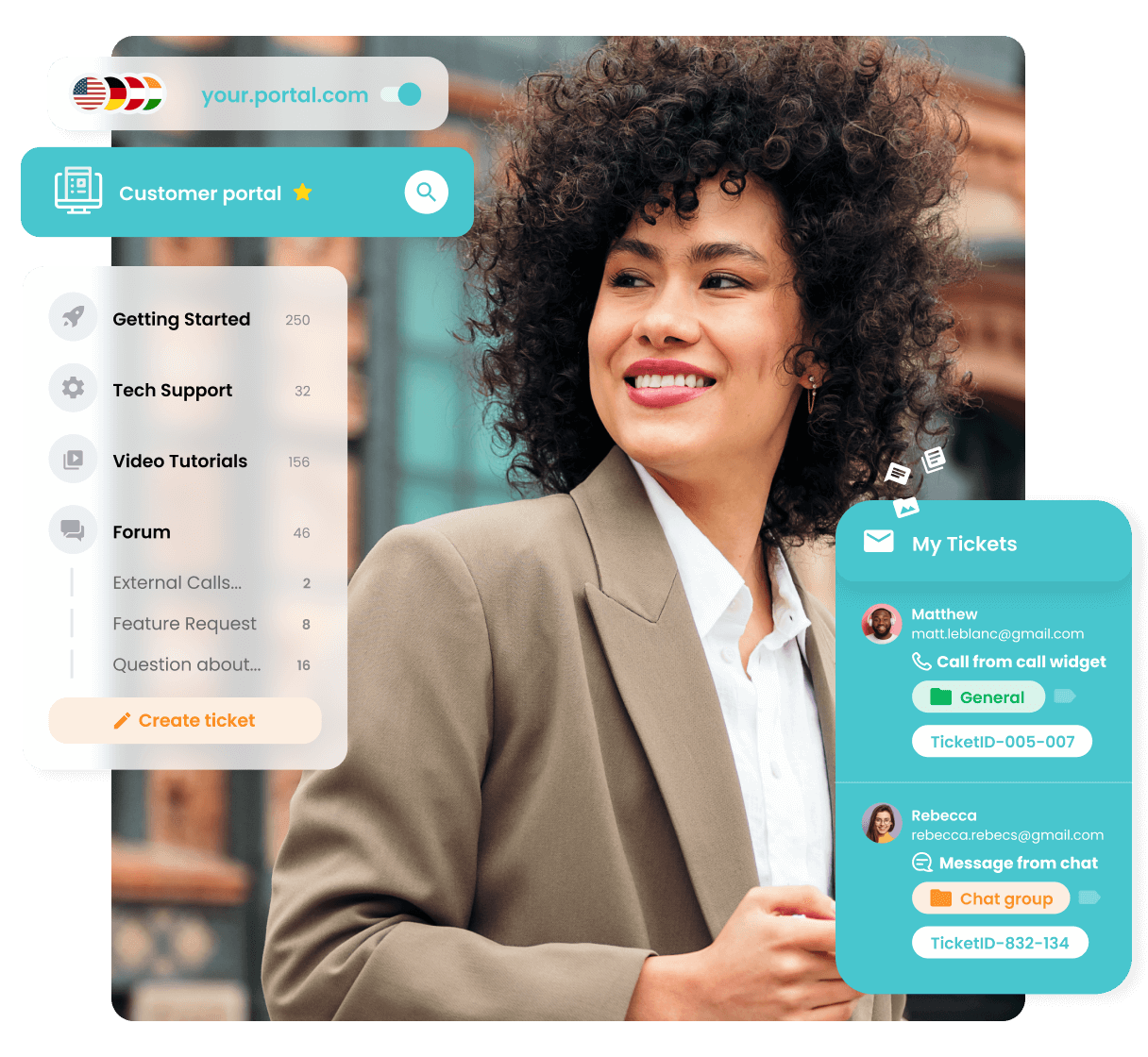










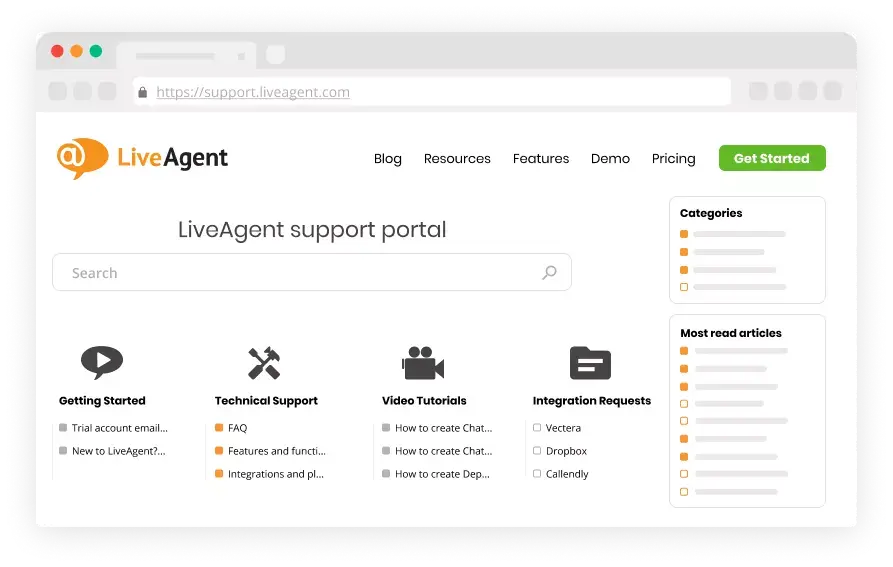
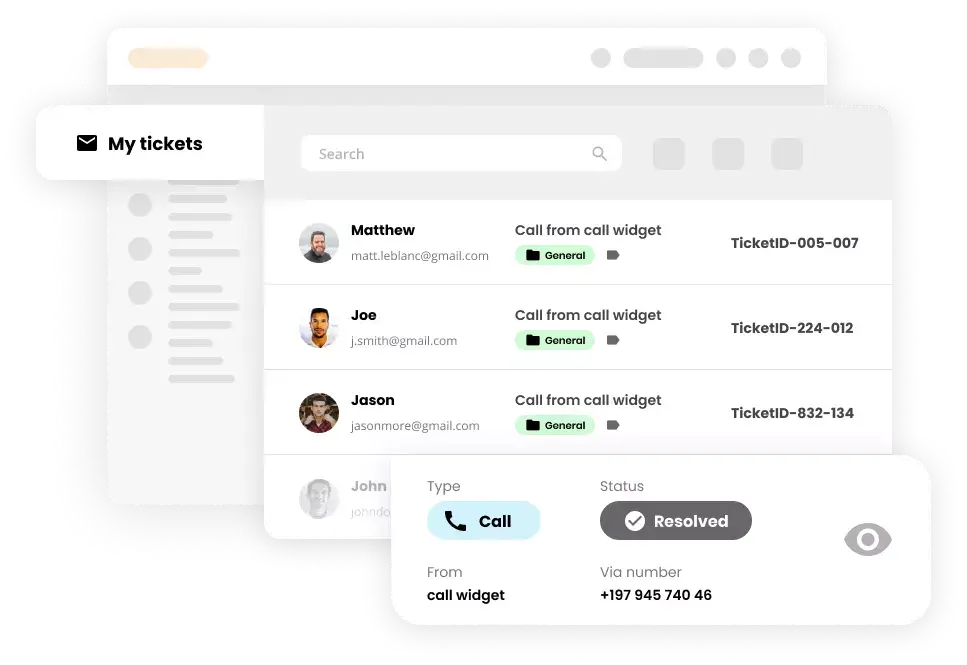
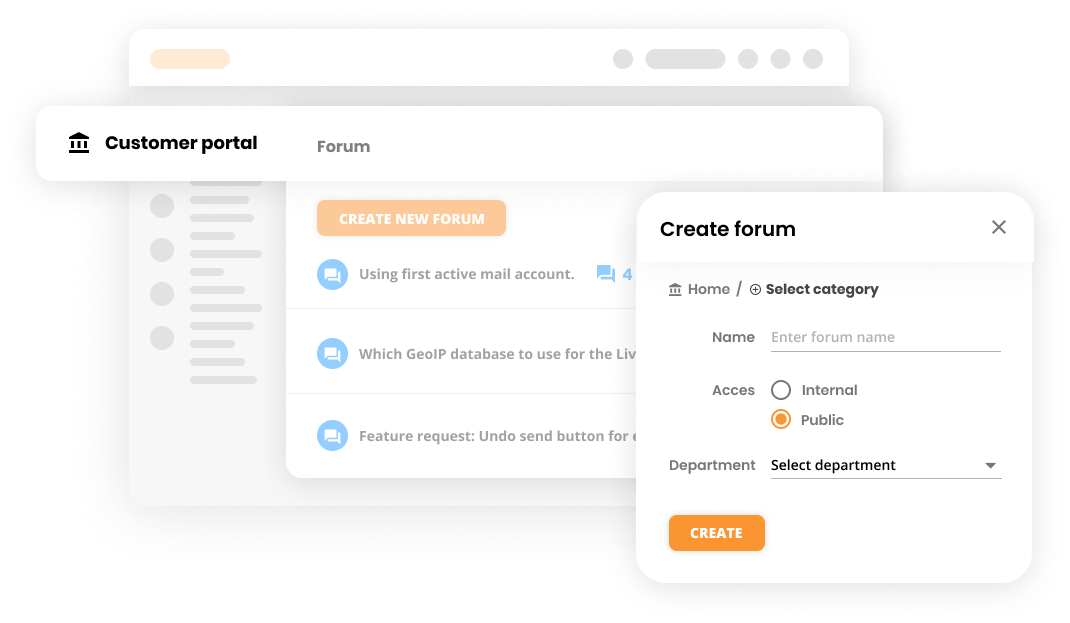
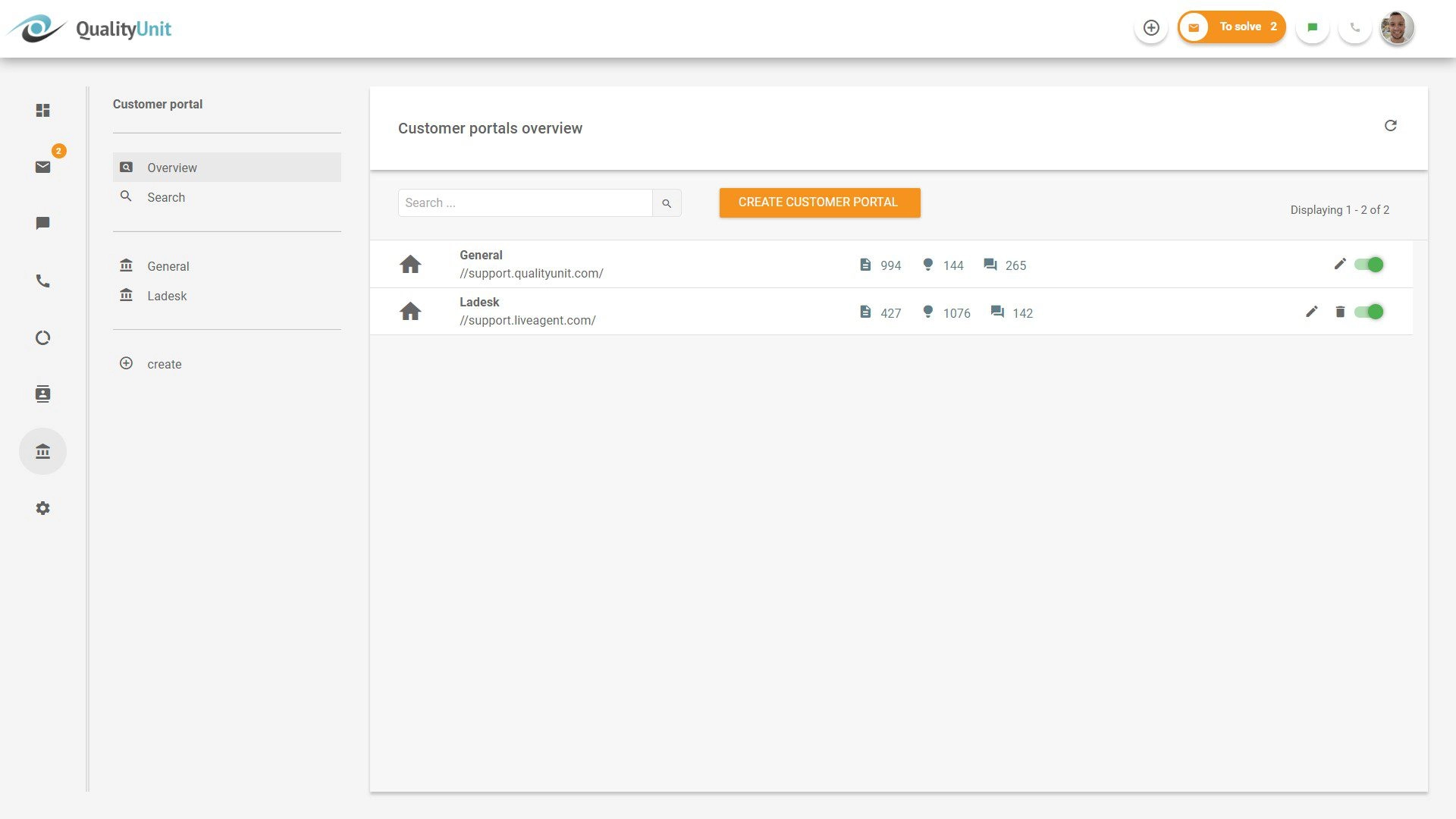
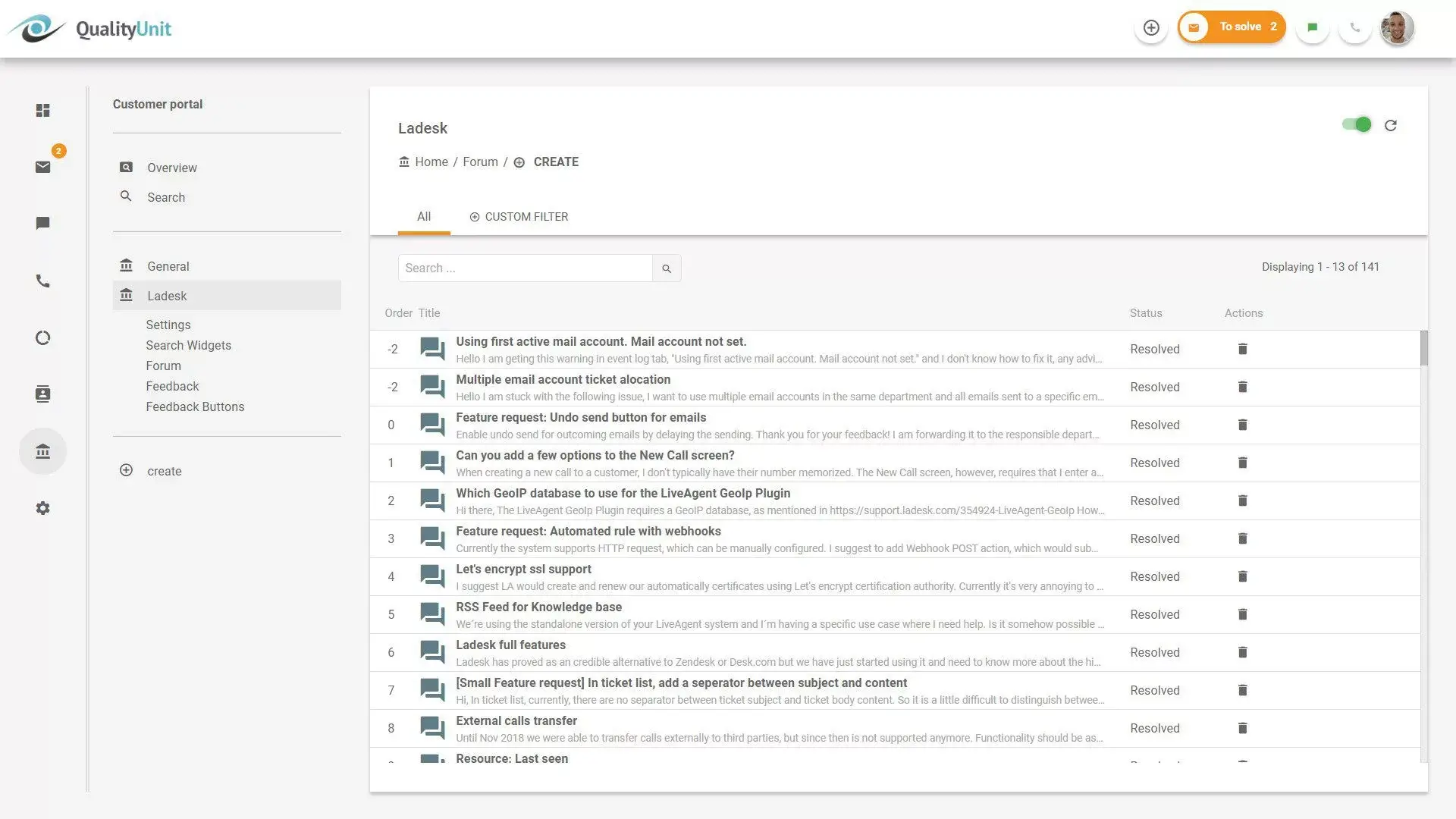







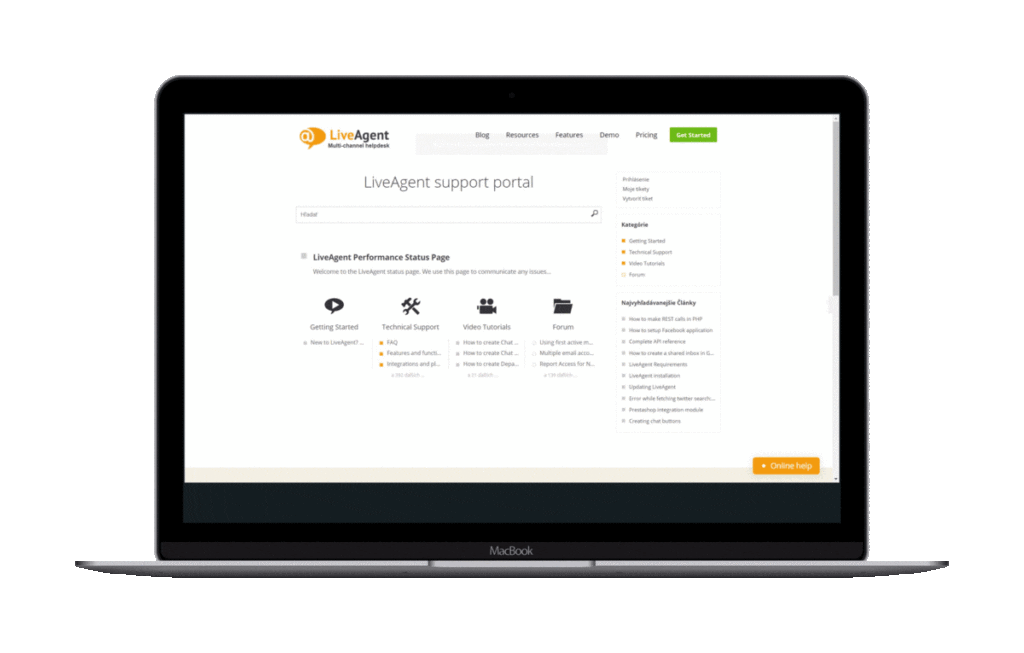
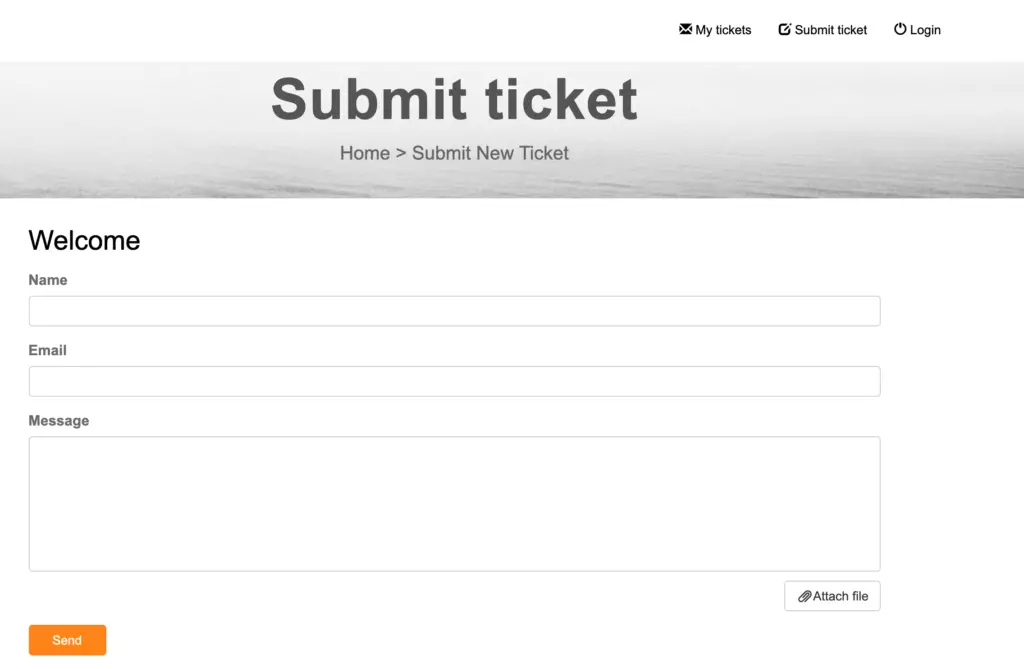
Customer support platform portals are designed to enhance the user experience by offering self-service options and secure environments for managing support interactions. Integration with tools like CRM systems streamlines the process, allowing customers to self-serve efficiently. Security features, such as two-factor authentication, ensure that only authorized users can access sensitive information, enhancing trust and data confidentiality.
Ticketing systems
Ticketing systems are crucial for managing and organizing customer interactions across various channels. They facilitate efficient workload distribution among team members, promoting collaboration in resolving customer issues.
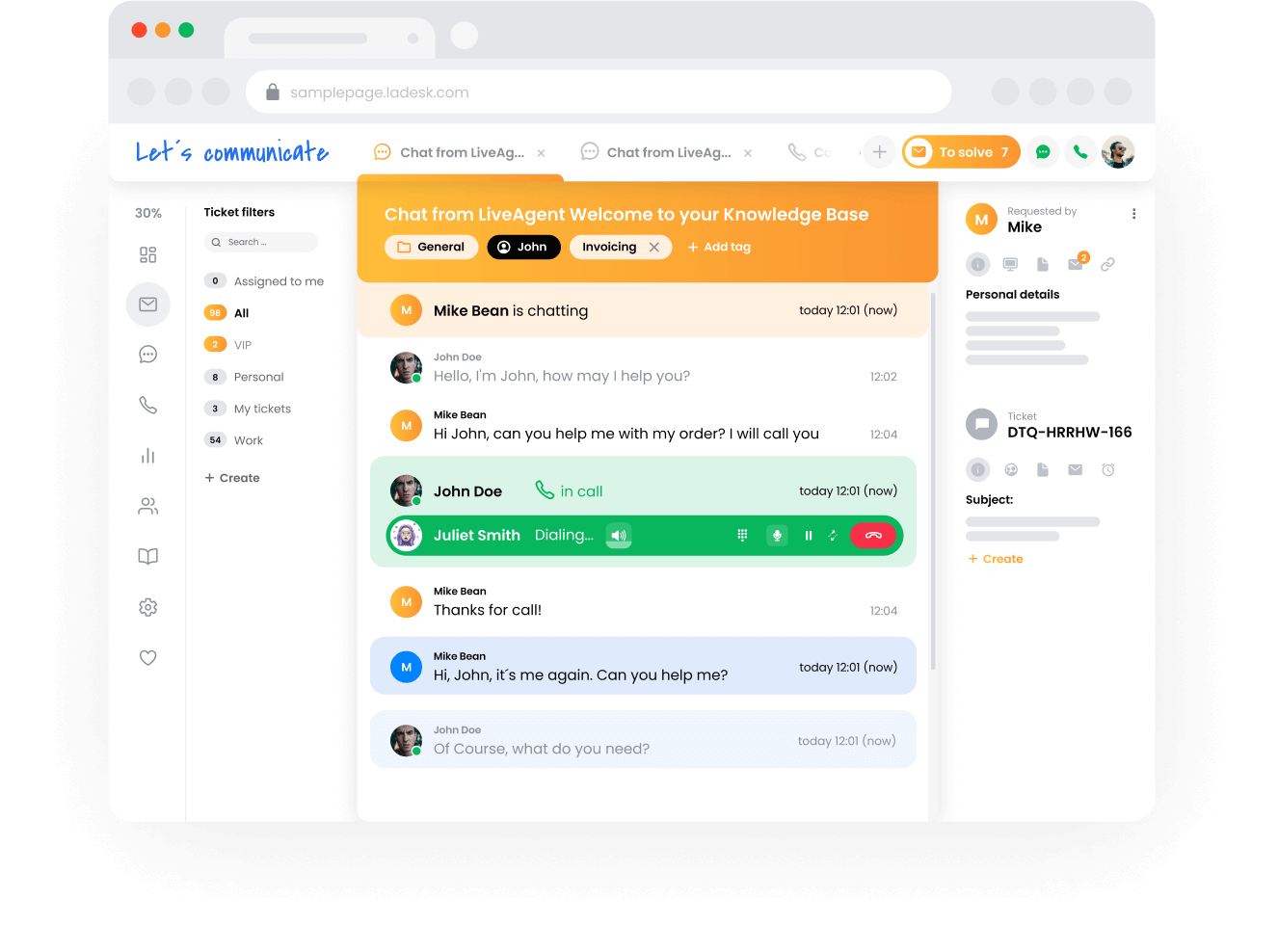
These systems also allow businesses to prioritize support requests, leading to quicker resolutions and increased customer satisfaction . Advanced features like automated workflows streamline problem-solving, enabling support agents to concentrate on more complex cases.
AI-driven knowledge bases
AI-powered knowledge bases are essential for stocking insightful content and FAQs that empower customers to resolve issues themselves. Features like Zendesk’s Content Cues utilize AI to analyze search patterns and suggest relevant resources, enhancing the user experience.
AI capabilities allow companies to keep [knowledge base](/knowledge-base-software/ ‘Discover the top 20 knowledge base software for 2024, exploring features, benefits, pricing, and expert tips for choosing the best solution for your business. Get insights on how knowledge base software works and a recommendation for LiveAgent’s free trial.’) content up to date, reducing customer inquiries and enabling support agents to address more complex issues. This approach significantly decreases support requests and improves overall support operations.
Customization options
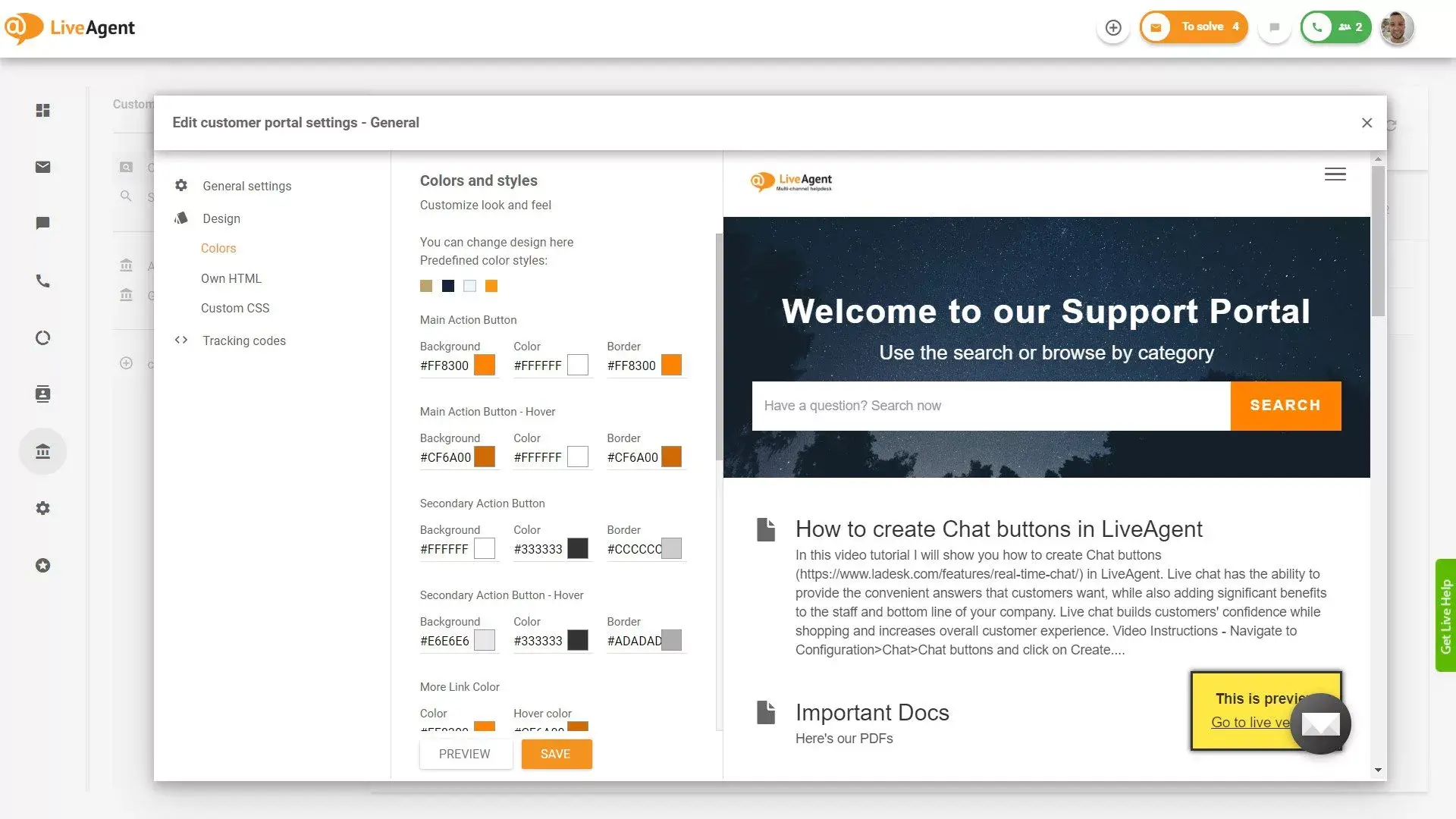
Customization options are vital for ensuring customer portals align with specific business requirements and brand identity. Platforms like Liveagent and Freshdesk offer extensive customization capabilities, enhancing user satisfaction with flexible configurations.
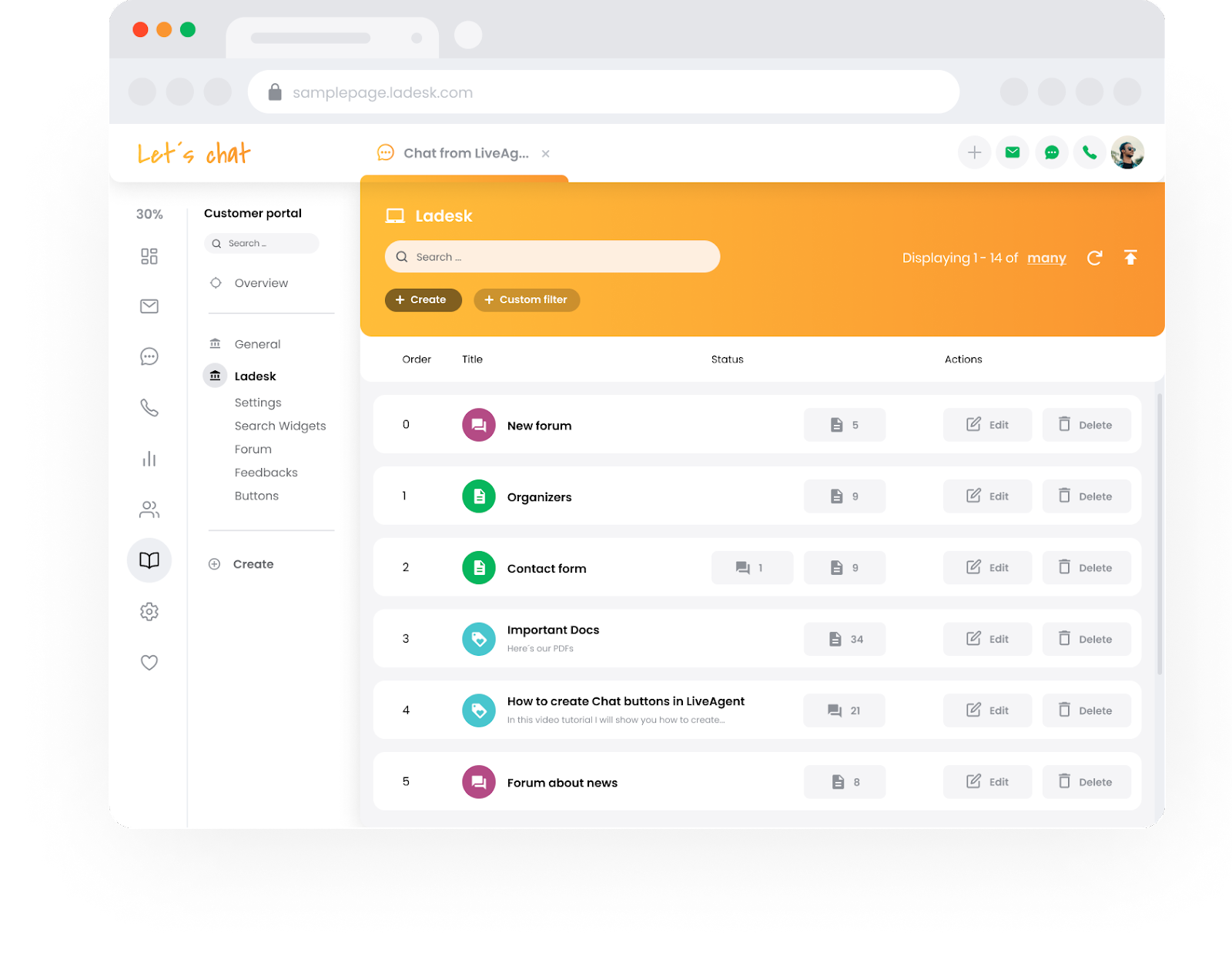
Client portal software can include features like ticketing systems, single sign-on, and interface customization options. Such flexibility allows businesses to integrate seamlessly with existing tools and optimize their customer support workflows, resulting in a tailored and efficient user experience.
Benefits of customer support portals
Customer portals can streamline support activities, decrease overall service tickets, and enhance operational efficiency.
Increasing customer satisfaction
Customer support portals boost satisfaction by allowing users to modify bookings and access answers without time-consuming calls. Personalized experiences further enhance loyalty, with a notable percentage of customers willing to stay with companies offering tailored services.
Self-service portals, equipped with [a knowledge base](/knowledge-base-software/ “Discover the top 20 knowledge base software for 2024, exploring features, benefits, pricing, and expert tips for choosing the best solution for your business. Get insights on how knowledge base software works and a recommendation for LiveAgent’s free trial.’), address frequently asked questions, offering quick solutions that heighten overall customer satisfaction. Additionally, clearly structured account and task management functionalities streamline user experiences, contributing to enhanced satisfaction.
Reducing support costs
A customer self-service portal significantly reduces the need for interaction with support agents, cutting costs for businesses. With fewer agents required to handle the same volume of inquiries, firms save on resources.
Automating support tasks with AI further reduces costs, as seen with significant savings accrued from minimized repetitive queries. This process decreases total service tickets, letting agents focus on complex issues, thus improving overall productivity.
Empowering clients with on-demand information
Self-service portals provide clients with relevant data access, including account information and invoices, empowering them with on-demand information.
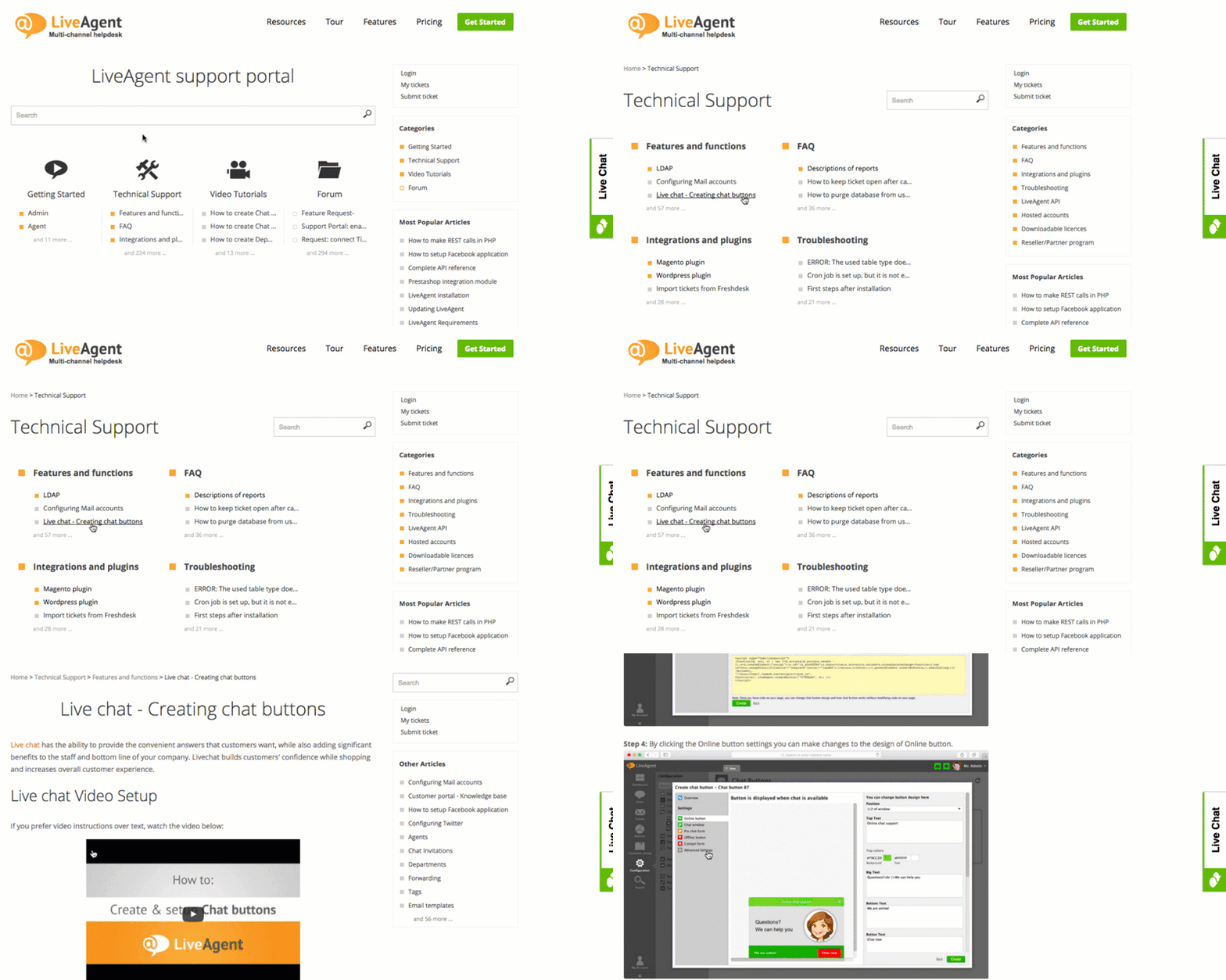
By integrating features like single sign-on, clients securely access project content and track statuses efficiently. Knowledge bases offer guides and resources, supporting clients in solving common issues independently. The inclusion of [customer service](/customer-service-software/ “Discover the 10 best customer service software ranked by experts. Compare top tools like LiveAgent, Zendesk & Freshdesk to enhance support!””) chatbots further aids in navigating inquiries, enhancing the instant availability of information and fostering a seamless experience.
Comparison of top customer portal software for 2025
Customer portals have become vital tools for modern businesses, facilitating seamless customer service experiences.
Among the top contenders in 2025 are Freshdesk, SuperOkay, and LiveAgent.
LiveAgent is recognized as the best option due to its comprehensive service and user-friendly design.
Freshdesk stands out with its flexible pricing options and feature-rich plans.
SuperOkay excels in offering custom-branded portals with enhanced secure file sharing, while
These platforms cater to the need for customers to manage support requests and access resources conveniently.
Feature analysis
Effective customer portal software incorporates key features like user-friendly interfaces, enabling effortless navigation for support request management. Essential components include ticket management systems and knowledge bases that streamline customer self-service.
Additionally, multi-channel support ensures customer preferences are respected across email, chat, phone, social media, and SMS. Automation is crucial for optimizing workflows, while reporting and analytics capabilities provide insights into customer behaviors and satisfaction levels.
Pricing models
Pricing in customer portal software varies, influencing the choice for businesses.
- LiveAgent offers plans starting at $15 per user per month, ideal for omnichannel needs.
- SupportBee provides a cost-effective option with plans starting at $15, while Clinked, priced from $119 per month, focuses on secure and branded portal services.
- Helpshift’s Starter plan at $150 per month suits those with high issue volumes, and
User experience assessments
User experience is paramount in evaluating customer portal software. It is enhanced by customization options, allowing portals to be tailored to specific business and client needs. Platforms that facilitate transparent interaction—such as tracking request progress and smart search for knowledge base articles—improve user satisfaction.
Built-in analytics allow organizations to monitor client activity and behavior, contributing to refined user experiences over time. Through these measures, portals provide a seamless and personalized client service.
Best practices for implementation
Implementing customer portal software requires meticulous planning to prevent friction and complexity for users. Proper execution is crucial to avoid extended downtime and conflicts with existing systems.
To ensure success, prioritize organizing data efficiently, as disorganization can cause platform slowdowns and user frustration. Also, seamless integration with existing systems is vital for enhancing user experience and operational efficiency.
Considering the customer support team ’s workflow during implementation can enhance productivity and reduce response times.
Setting clear objectives
Setting clear customer service objectives and understanding key performance indicators (KPIs) are crucial steps in the implementation process of a customer portal.
This clarity helps measure the portal’s efficacy in improving business processes and increasing customer satisfaction . Establishing initial objectives should include strategies to encourage customer adoption of the portal, ensuring it is valuable and user-friendly.
Training support staff
Training support staff in navigating and utilizing the self-service portal is necessary to maximize its usage and reduce direct support interactions. A well-structured portal allows staff to focus on complex issues, thus boosting productivity by addressing challenging requests.
Regular updates to the portal should come with corresponding training, keeping staff informed about the latest features and content. Additionally, using internal notes and tagging in the support system helps maintain clear communication regarding customer needs, while using data insights to address common issues allows for targeted content creation.
Engaging customers for feedback
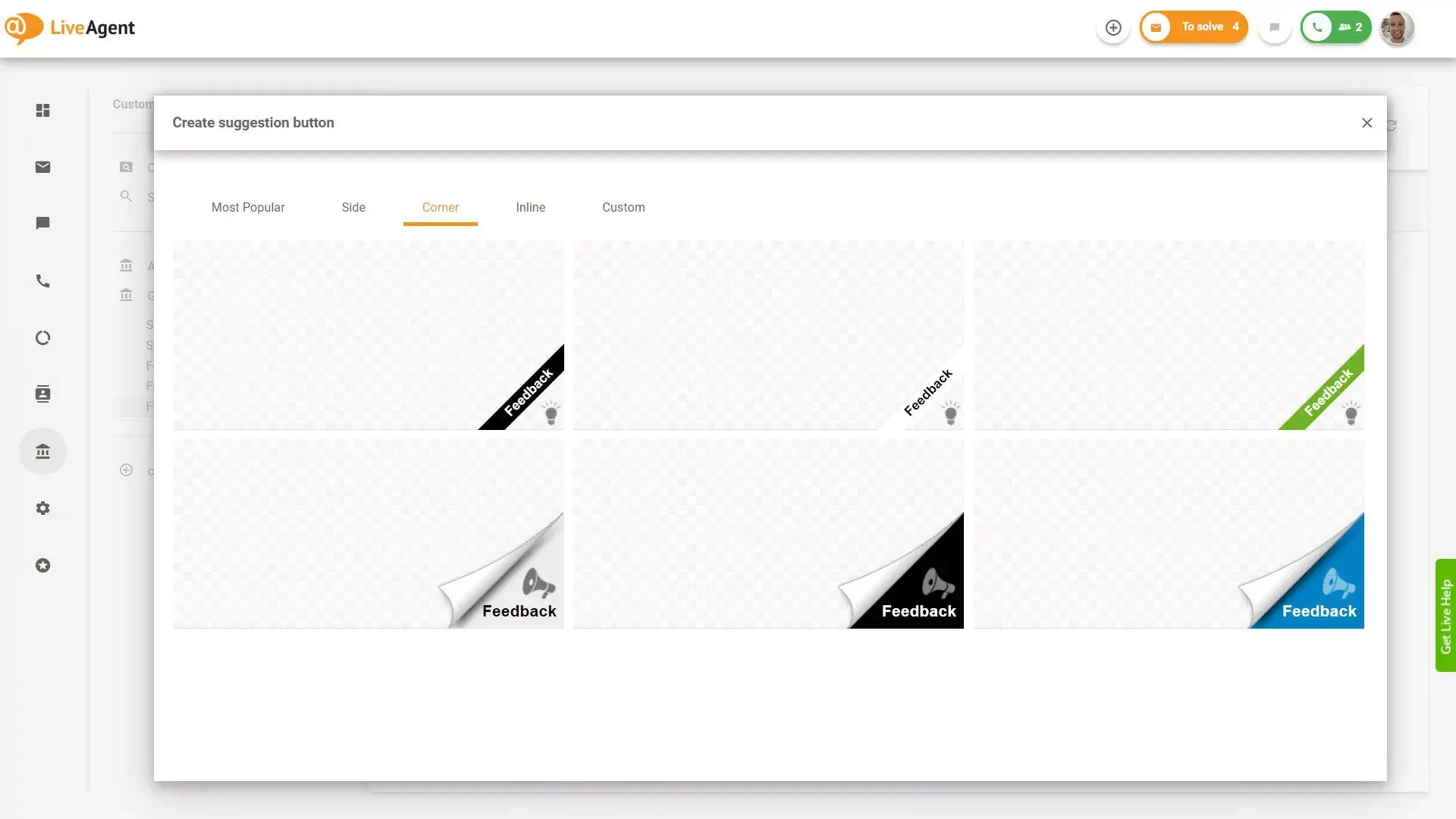
Engaging with customers through feedback collection is essential for refining customer experience and service offerings. Surveys are effective in assessing satisfaction levels and pinpointing improvement areas.
Monitoring customer inquiries on social media allows for proactive engagement and effective brand management. Implementing sentiment analysis aids in comprehending customer opinions, refining service strategies based on KPIs such as response times and satisfaction ratings.
Leveraging AI can further enhance service by automatically resolving common issues, improving feedback efficiency and response accuracy.
How to optimize customer support portals
Customer self-service portals empower users to independently resolve many common issues, reducing the need for direct support intervention.
This allows support teams to focus on complex issues that require personalized attention. Additionally, these portals enhance customer satisfaction by providing instant answers and enabling users to track their support tickets, fostering transparency and trust.
Regular updates and improvements
An up-to-date [knowledge base is](/knowledge-base-software/ “Discover the top 20 knowledge base software for 2024, exploring features, benefits, pricing, and expert tips for choosing the best solution for your business. Get insights on how knowledge base software works and a recommendation for LiveAgent’s free trial.’) crucial for communicating product changes and reducing support ticket volume. Regular updates help in maintaining accurate and relevant information, thus improving customer satisfaction.
Feedback mechanisms, like quick surveys and open comment sections, can highlight areas needing improvement, ensuring content remains valuable and informative.
Utilizing analytics for decision making
Detailed reporting and analytics capabilities in customer service software aid in understanding customer behavior, allowing for informed decision-making.
By analyzing support processes and satisfaction ratings, businesses can pinpoint areas for enhancement. Utilizing customer journey data fosters personalized support experiences, aligning with individual needs and expectations.
Ensuring mobile-friendliness
Mobile accessibility is a priority for customer portals, given the increasing preference for smart devices. A mobile-friendly portal should provide a seamless user experience across all devices.
Ensuring mobile compatibility as part of an omnichannel strategy enhances the overall user experience, meeting the demand for accessible self-service options.
