



SEO checklist for new websites
Boost your website's ranking with this 2024 SEO checklist! Step-by-step tips on keywords, domains, mobile-friendliness & more. Start now!
22 min read

A website audit checklist helps maintain high-quality sites by evaluating speed, content, mobile compatibility, and more. Regular audits enhance performance and user experience, benefiting businesses, customers, support, and sales teams.
You already have traffic to your website, but the number of visitors is much lower than you anticipated. By identifying the weak spot in your website, you can increase traffic dramatically. In order to maintain our own website’s volume of visitors, the LiveAgent marketing team has compiled a checklist of steps that we review periodically.
It is a logical list of all the tasks you need to do to ensure that your website is at its best. Your audit is a systematic inspection of website functionality. Work your way through this checklist in regular periods as it fits you, and maintain the high quality of your website.
The website is the face of the business. Every business owner knows that. It is via the website that people form an opinion of your product and choose to buy it or not. In the eyes of the potential customer, the quality of the website directly corresponds with the quality of the company and its products. Consequently, regular maintenance of your website is crucial.
You don’t want to jeopardize your business objective by neglecting what can be done. And since mundane technical issues like dysfunctional clickable elements, duplicate content, broken links, or poor technical performance send a very wrong signal, make sure to avoid them. With this website audit checklist, you can stay assured that everything is done and checked.
Customers are spoilt for choice, and the expectation that a website is high quality is self-evident. A single negative website experience can be punished harshly by clicking away from the website and away from your product. Why not avoid it if possible. If you audit your website regularly, customers will get what they expect from a good website, speed, content value, clarity, and accessibility on any shape or size device.
A high-quality website makes all the difference for a customer support team . Not only because having a live chat or a live call center on your website is the most important clickable element for contacting a customer support agent . But, also, because your website can contain a knowledge base , empowering your customers to find the information they need themselves. Making customers feel independent and at ease, and unburdening the customer support team.
A good website has accurate product information and transparent pricing. The sales team is more effective when they have the right tools handy, and a flawless website browsing experience improves conversion rates.
It is important that your website evolves in a systematic way over time, leading to higher traffic and a better user experience. When building a rapid website, mistakes can be made easily, so we use tools to automate the monitoring and auditing of the website. It is not possible to manually manage large websites once they reach a certain size.
Five tools help us understand what’s happening on our website every day. Here are some of the ways we monitor our website:
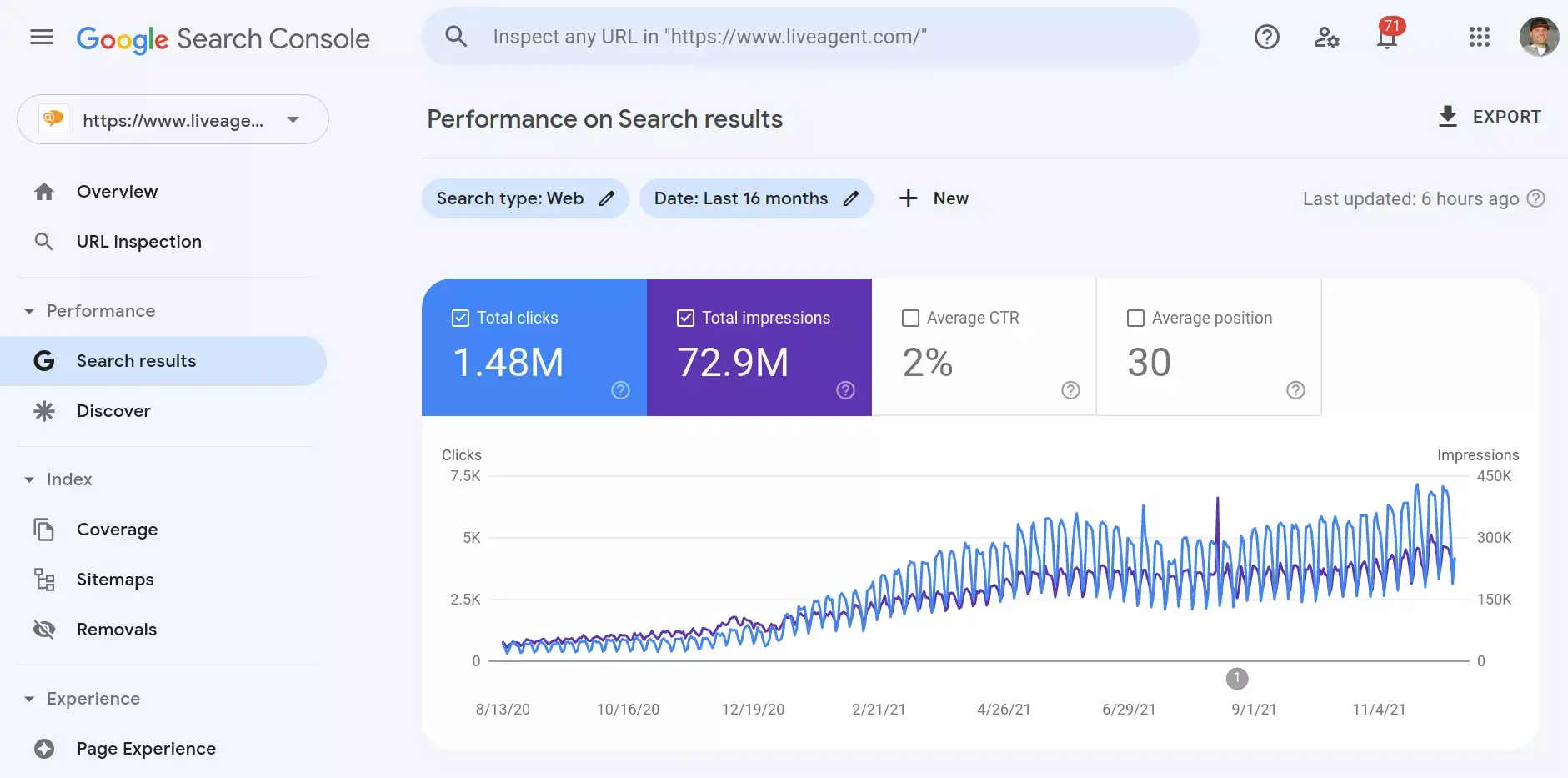
The Google search console is the most important tool we use daily to monitor the quality and performance of our websites.
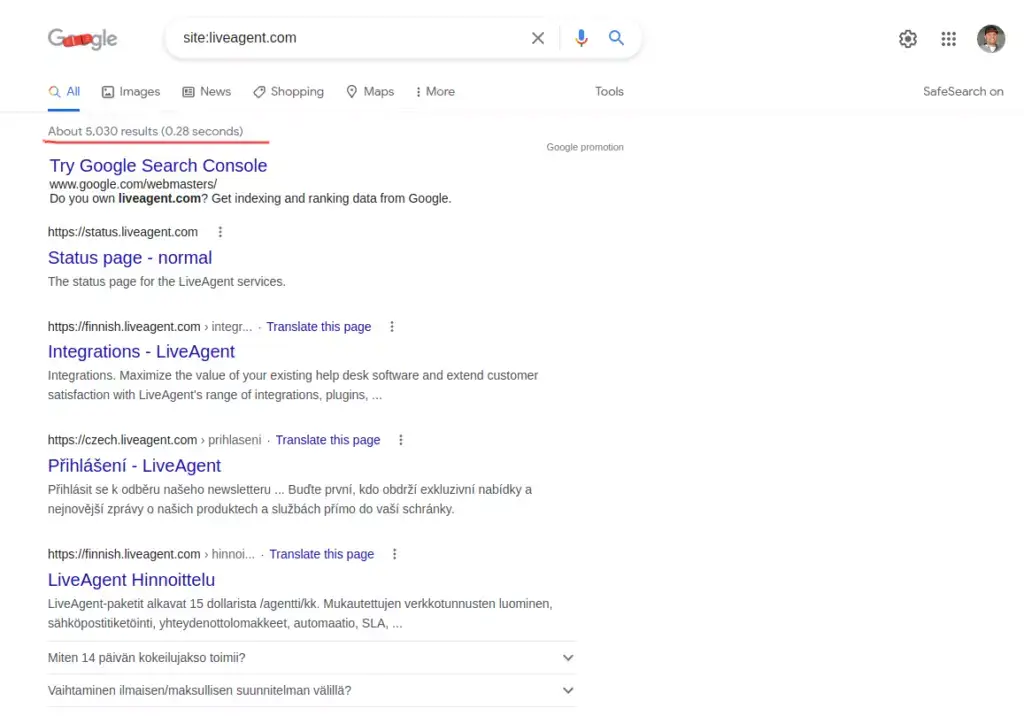
Try using the following Google search query to find out if Google knows about all the pages on your website: site:[your domain] (example: site:www.liveagent.com). Google’s search results show how many pages are indexed:
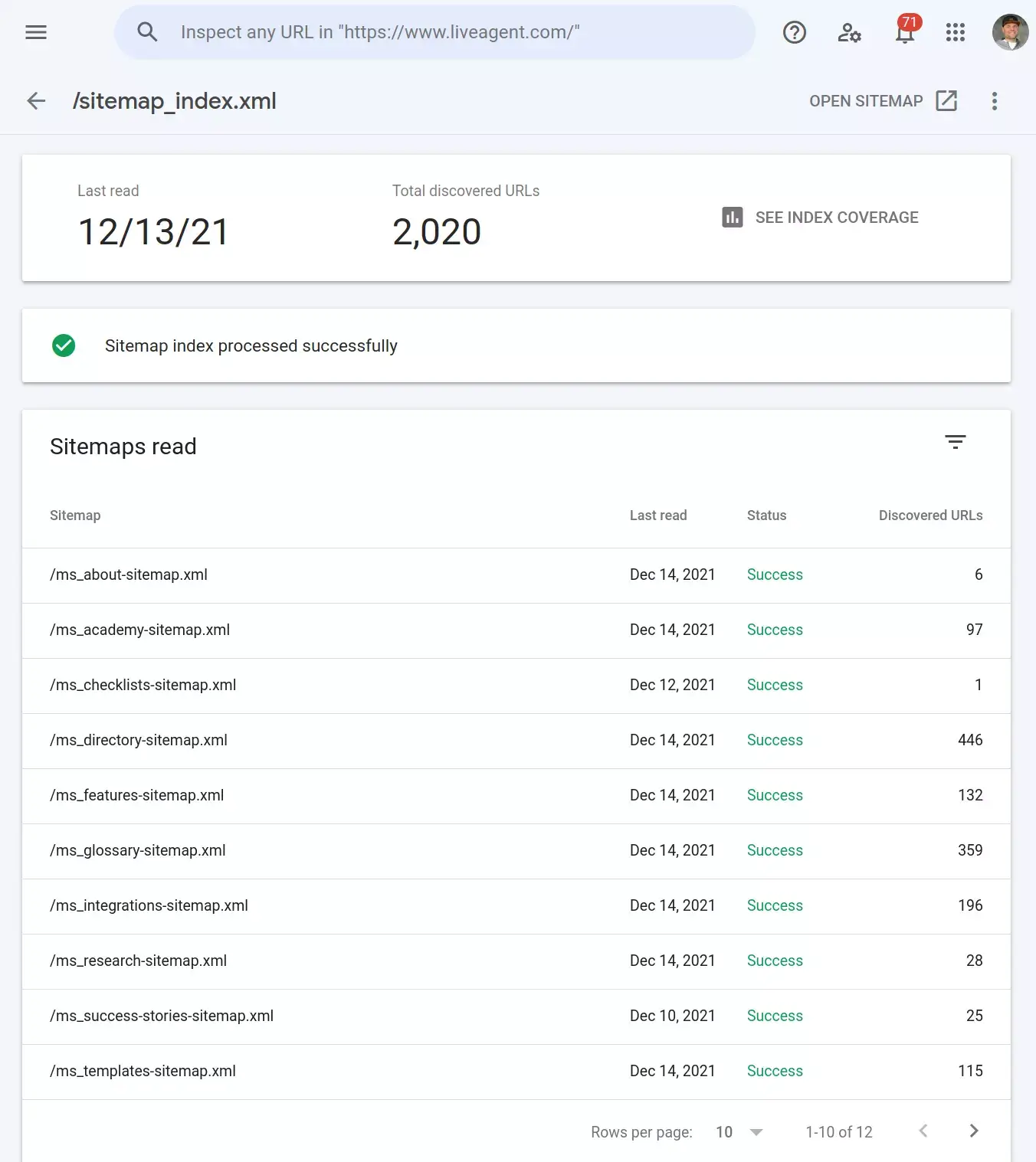
Set a path to your sitemap in the Sitemaps section of your website so that Google can see every page of your website:
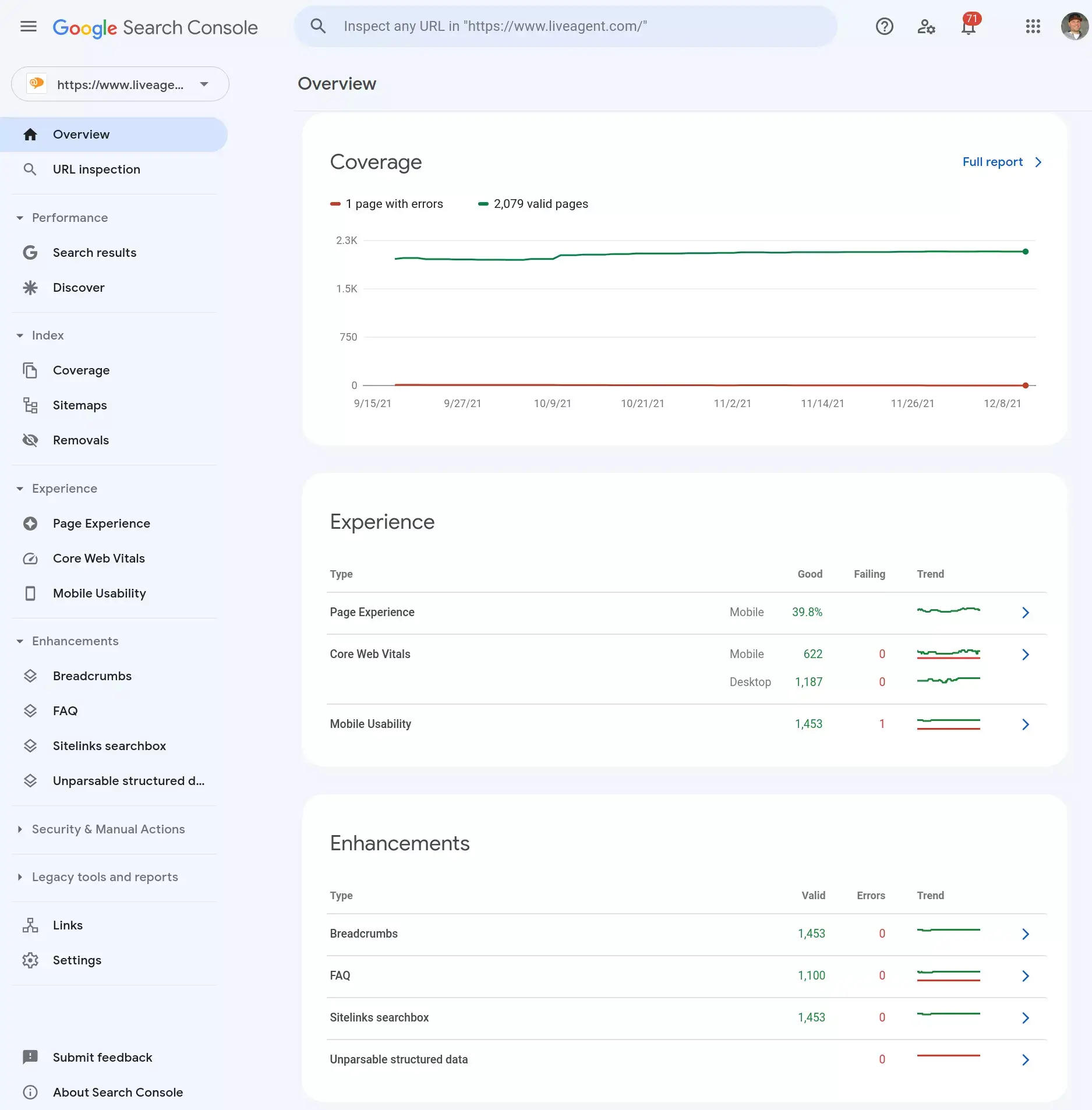
The Google search console accurately detects all significant errors and suggests improvements on your website, including pagination errors, technical errors, and 404 errors:
As part of the daily audit process, monitor the performance of your website based on keywords used by your visitors. Understand what visitors search for before they visit your page:
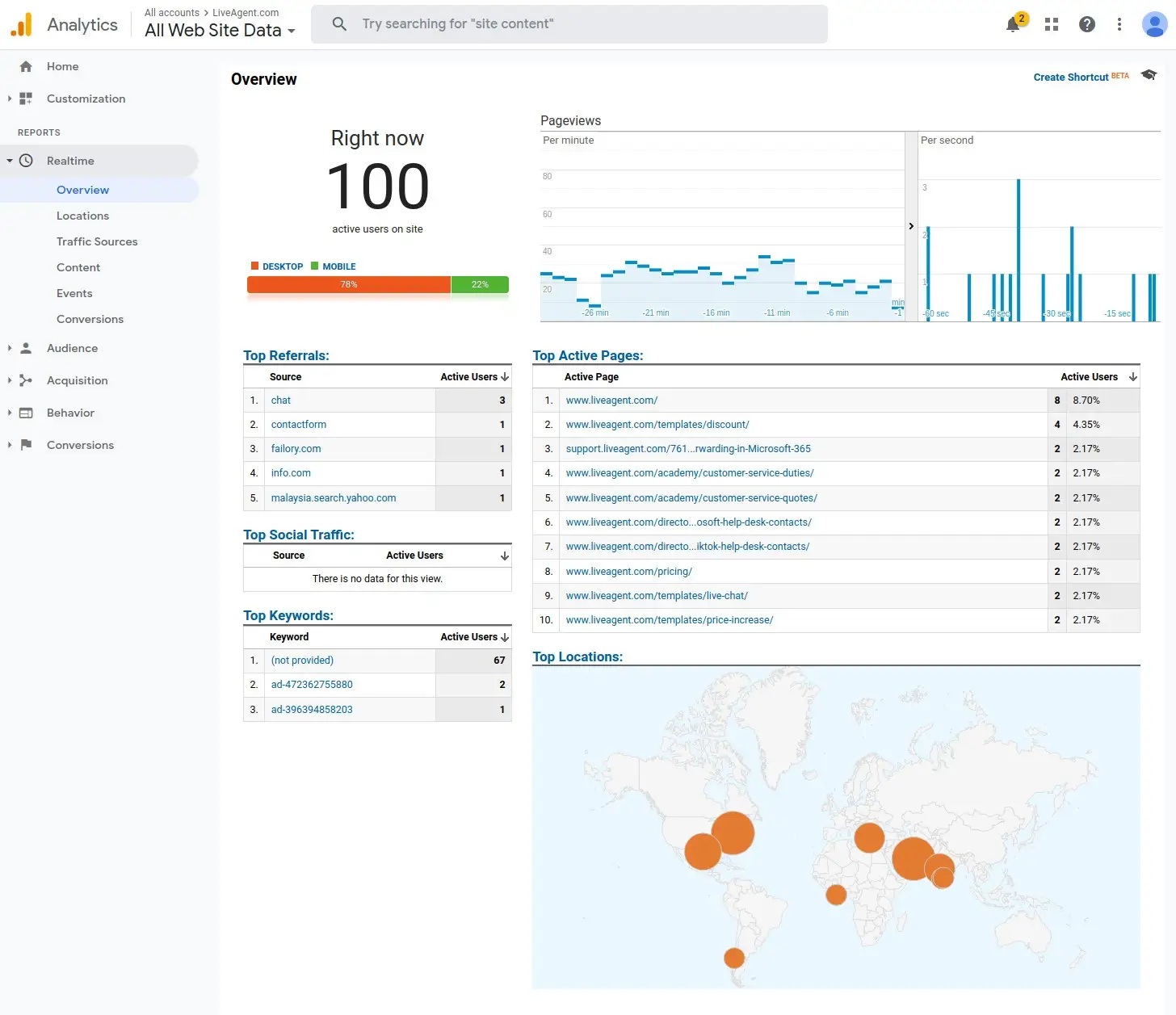
Google analytics is a free website visitors tracker and platform that collects data on how users interact with your website. As the data is collected, Google analytics sorts it into easy-to-read interactive reports, which are what we see on the platform. Analytical reports enable us to understand how our visitors behave and adapt our content strategy accordingly. It is also the go-to tool that covers the usual how to track visitors on website question.
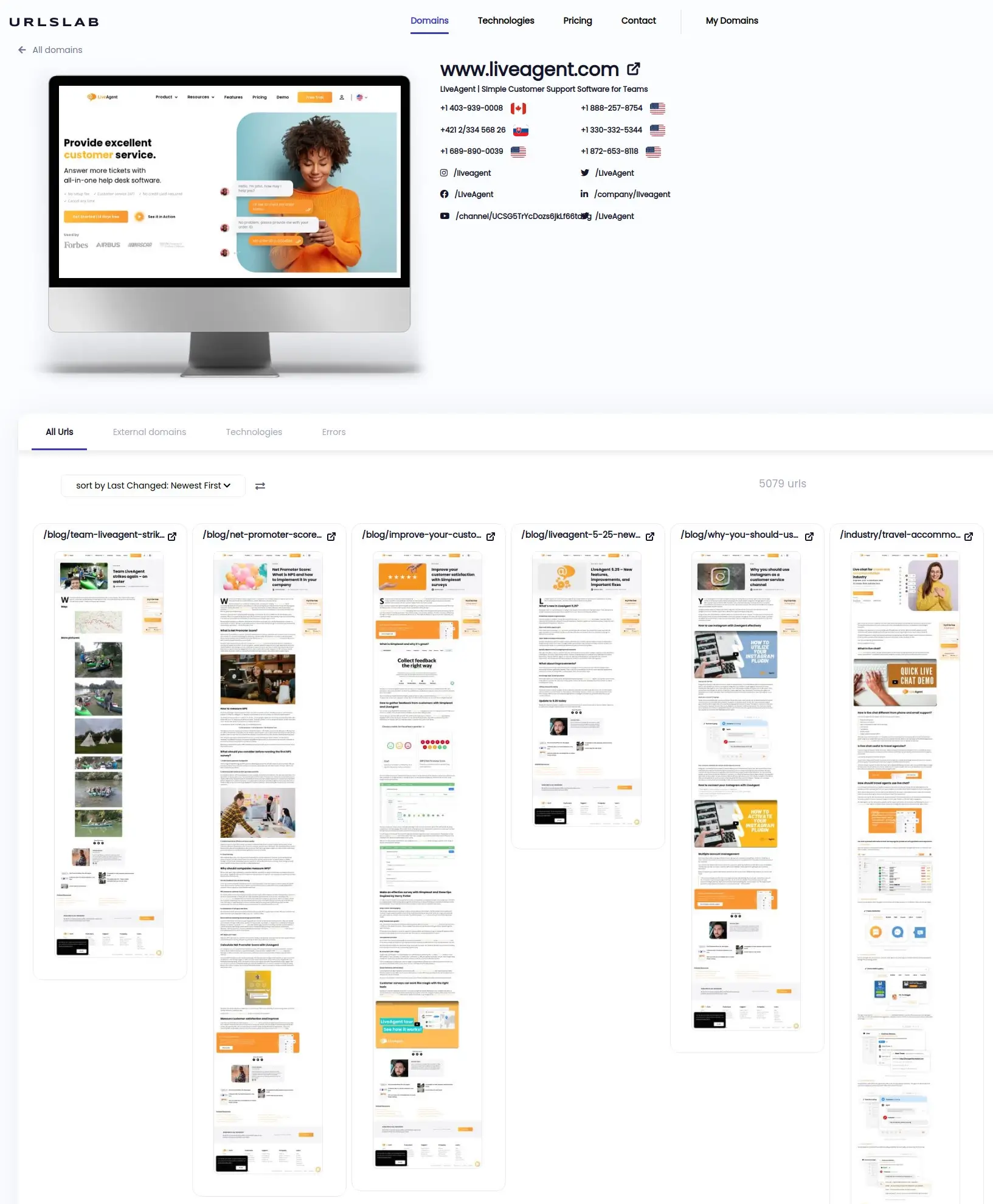
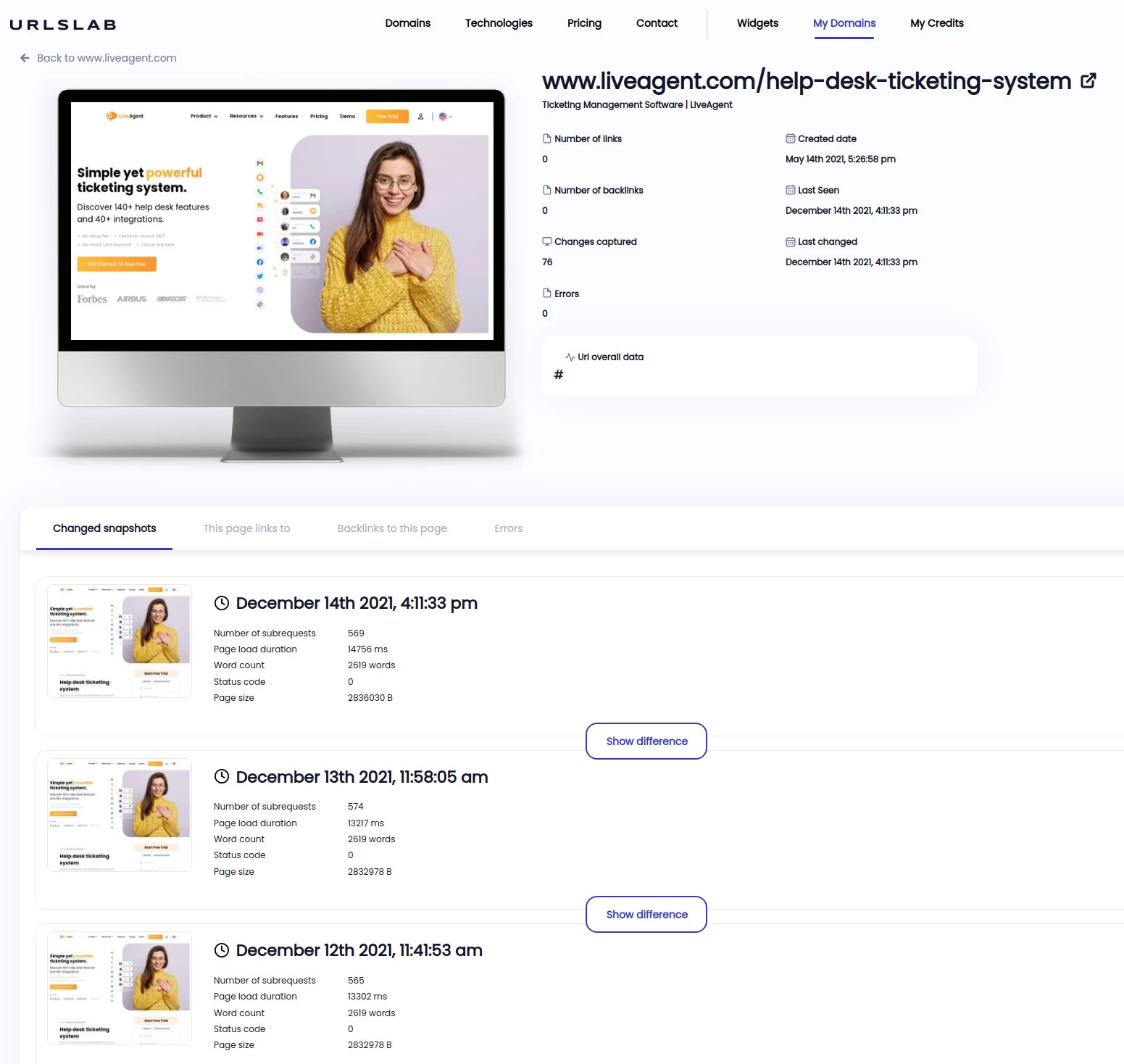
UrlsLab helps us to make quick visual audit of all our pages in one place. One of the main features of this tool is that it takes screenshots of all pages of our domain once a day as well as keeping track of those screenshots. Website screenshots enable us to see changes in our design over time and compare them pixel by pixel. Furthermore, it records and logs all javascript errors triggered in the browser console, which helps our web developers to develop error-free pages.
Easily scroll through your domain and immediately spot the design errors. You can see the real-time rendering in URLslab:
Changes to each URL are recorded:
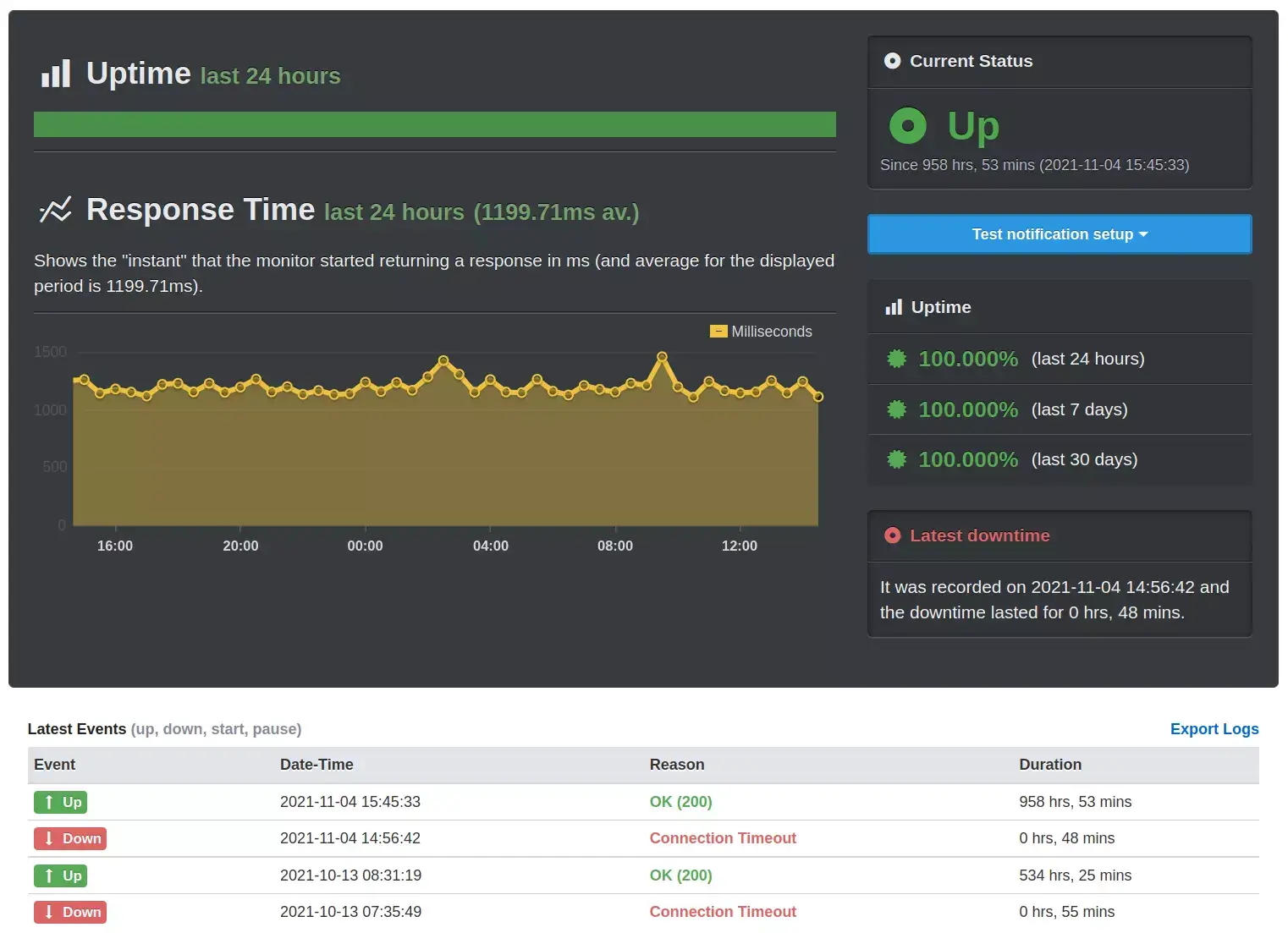
We monitor our infrastructure with multiple internal tools, but it is always good to have independent external tool, which notifies you immediately once your page is not accessible. One of the simplest free tools is uptimerobot.com .
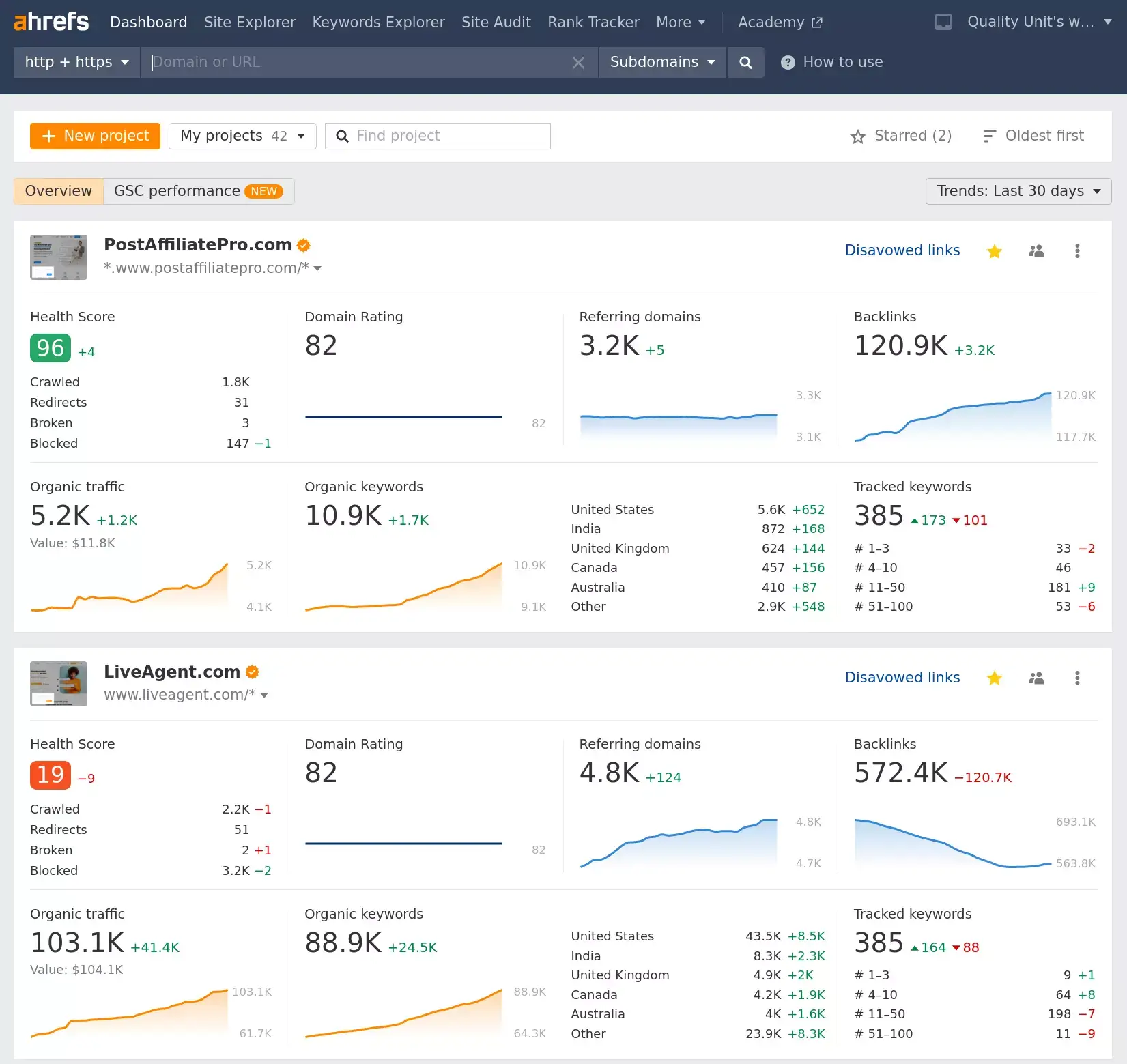
Ahrefs.com makes it possible for us to monitor the position of our landing pages in the Google Search results for keywords relevant to our business. With the exception of keyword monitoring, we use the Site Audit tool to identify all HTML/CSS errors generated by our copywriters, translators or developers on a daily basis.
The robots.txt file tells search engine crawlers which URLs the crawler can access on your site. This is used mainly to avoid overloading your site with requests. Make sure your robots.txt file doesn’t block important pages from being crawled.
You can check your robots.txt file by visiting: yourdomain.com/robots.txt
A sitemap is a file where you provide information about the pages, videos, and other files on your site, and the relationships between them. Search engines like Google read this file to crawl your site more efficiently.
Make sure your sitemap:
Website security is crucial for protecting your visitors and your business. Here are the key security measures to check:
Make sure your website uses HTTPS. An SSL certificate encrypts data between your website and visitors, protecting sensitive information.
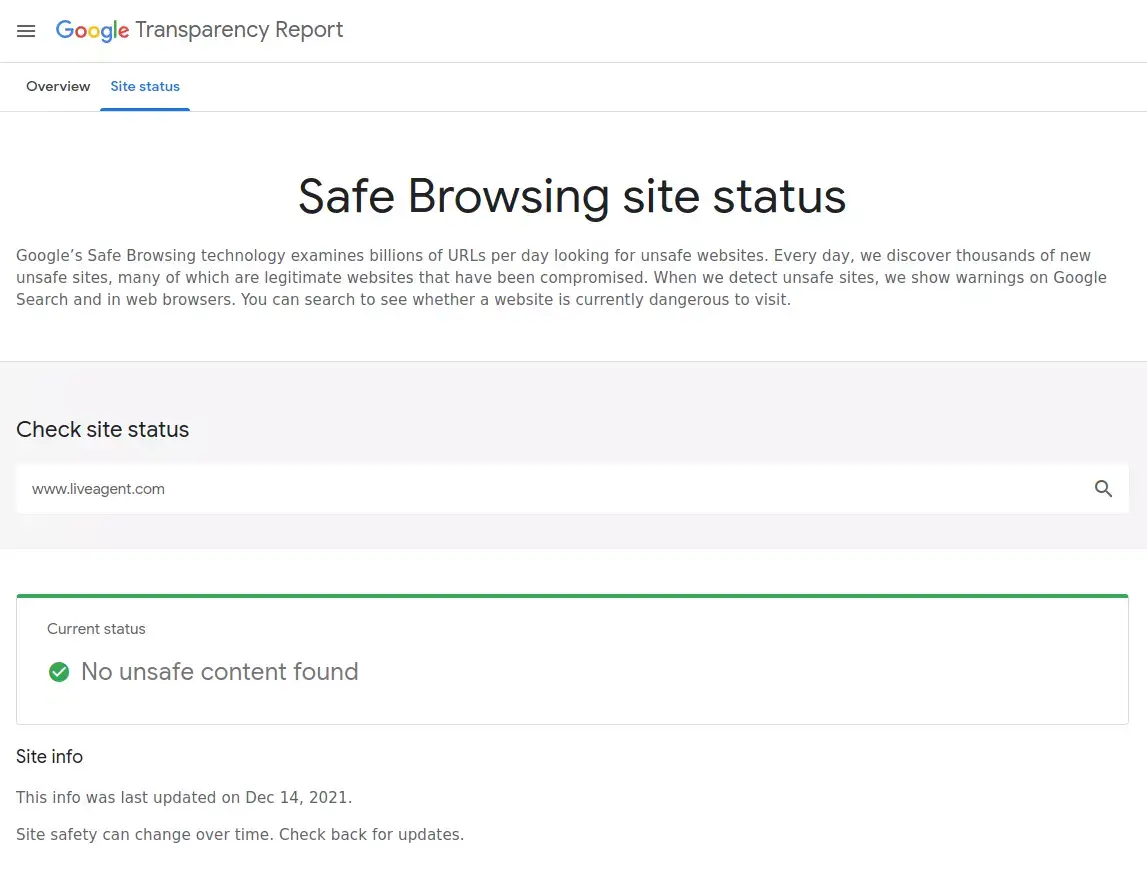
Check if your website is flagged by Google Safe Browsing. You can use the Safe Browsing Site Status tool to verify your site’s status.
Implement proper security headers to protect against common attacks:
Only unique and valuable content will be considered by Google when ranking your page higher in search results.
Prior to optimizing existing content or creating new content, remove all low-quality content from your domain. By removing low-quality content, you can improve traffic and save resources needed for maintenance and translations.
Whether your content team has to handle 100 pages of high quality or 20.000 pages of moderate quality makes a huge difference. Low-quality content will consume a lot of resources, such as translating your website into multiple languages and maintaining internal links.
How to identify pages with low quality?
To understand how Google rates the quality of the content read general guidelines for search quality rating process .
Google considers your page’s page speed, along with content quality, to be one of its most important ranking signals. Your visitors will not wait for more than 3-5 seconds for the page to load. If it doesn’t deliver on time, they will go to another website to find answers.
How to monitor page speed?
Monitor page speed with Google Analytics Site Speed Report . This tool helps you identify the slowest pages, geographical regions and browsers that deliver your content slowly.
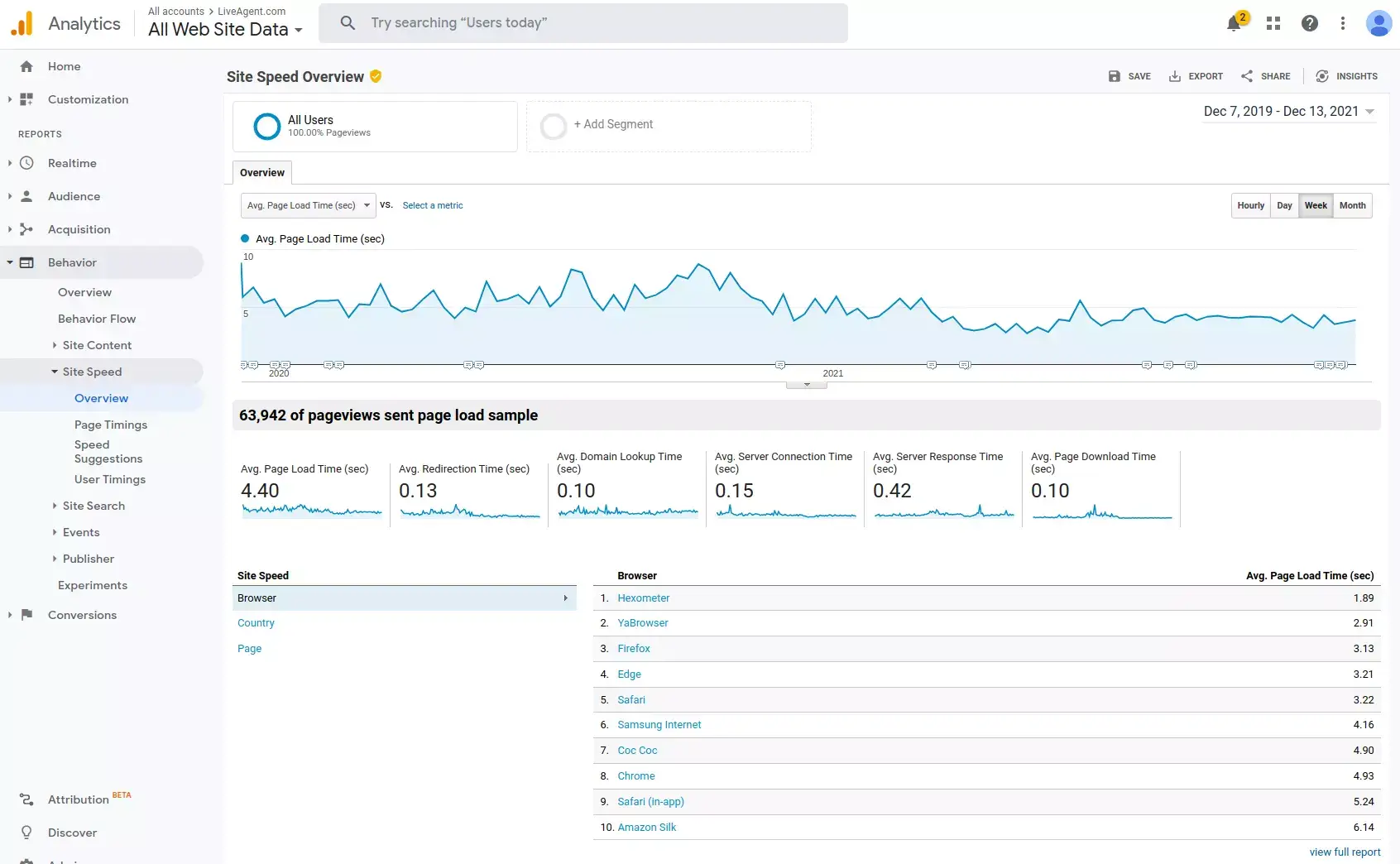
How to improve the page speed?
PageSpeed Insights have the most comprehensive recommendations on how to speed up your page, but here are our top recommendations on how to keep your page fast:
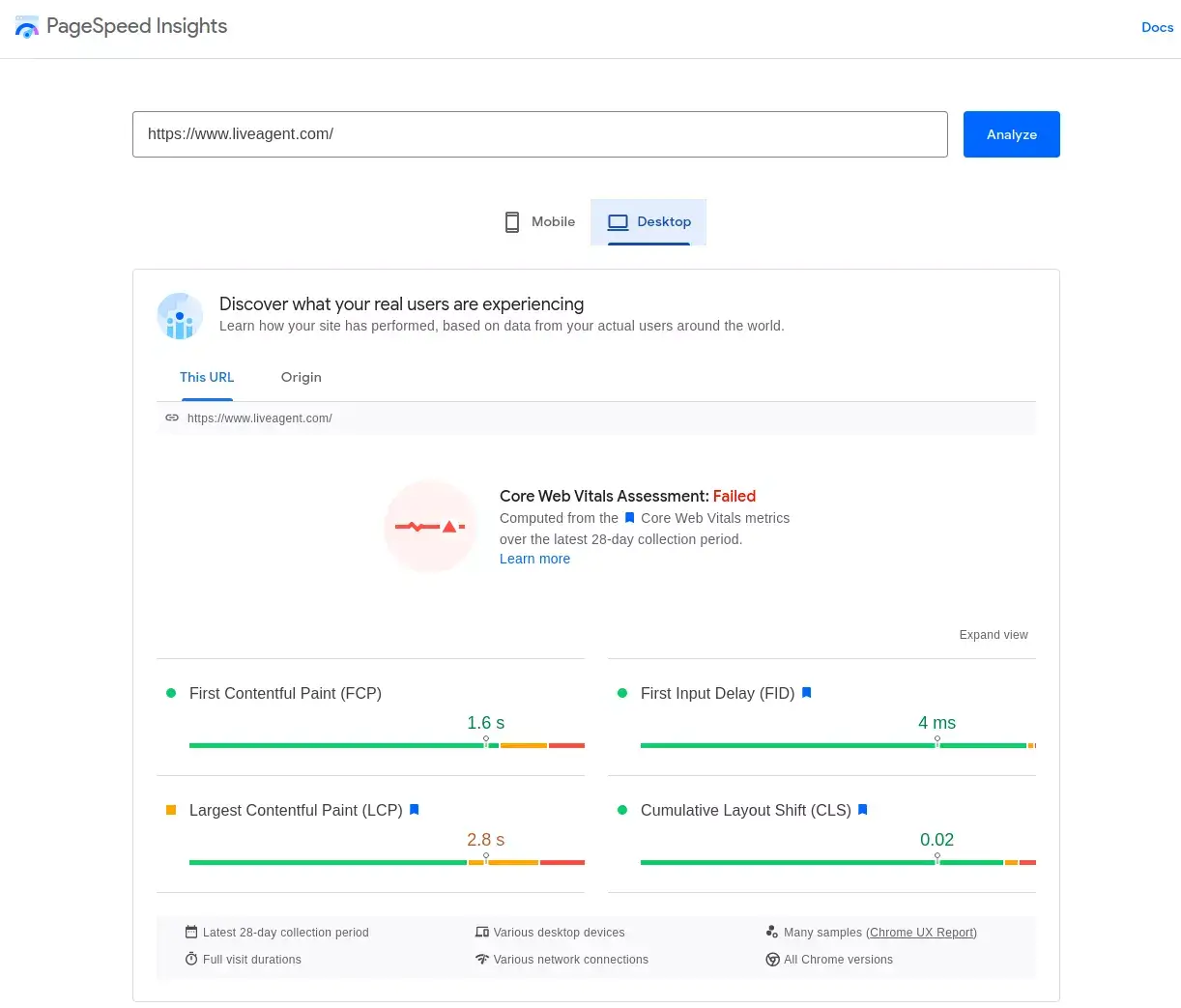
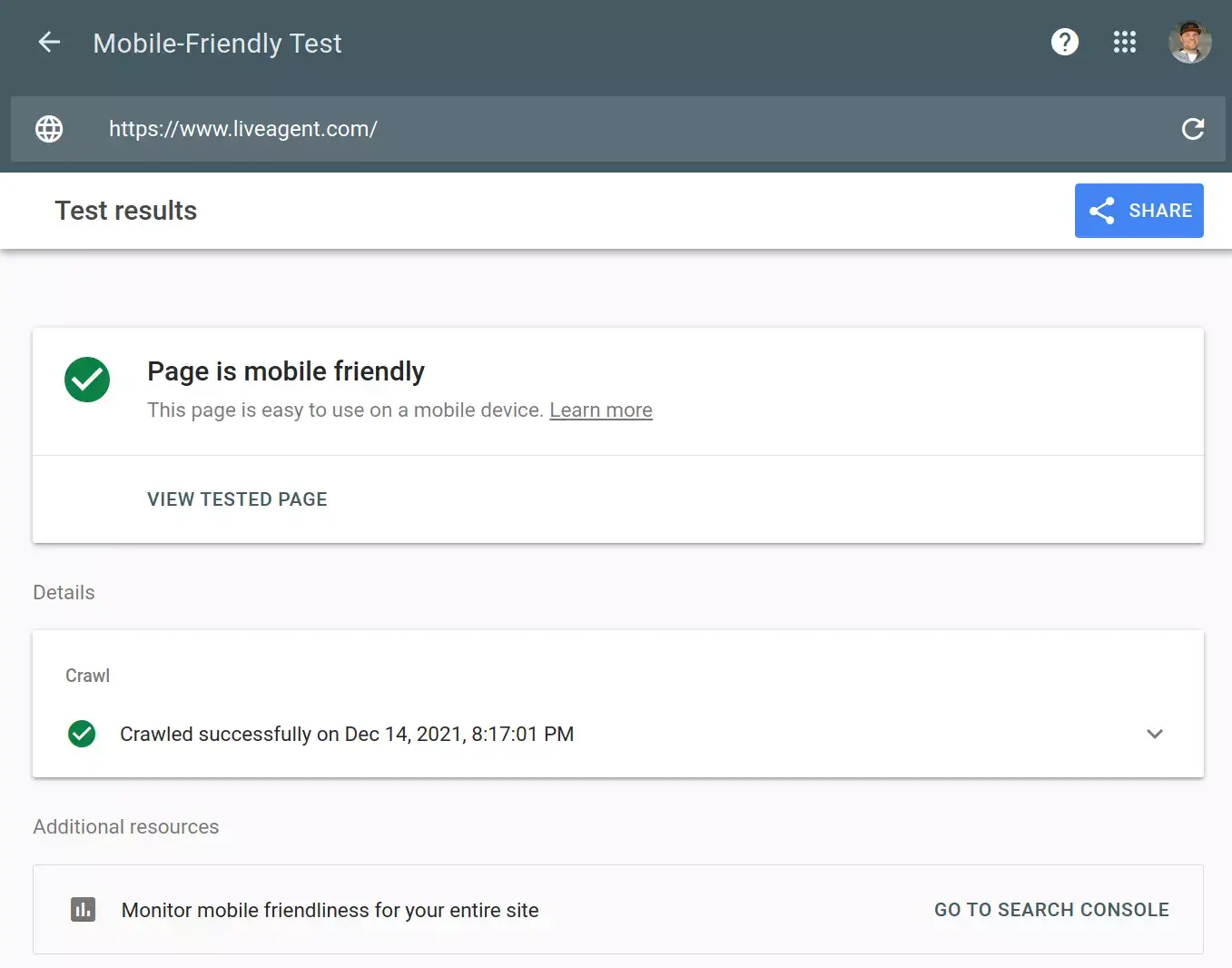
Google offers multiple tools to check compatibility of your web page design with mobile platforms. One of them is Mobile-Friendly Test . After entering your URL, you get an instant compatibility result.
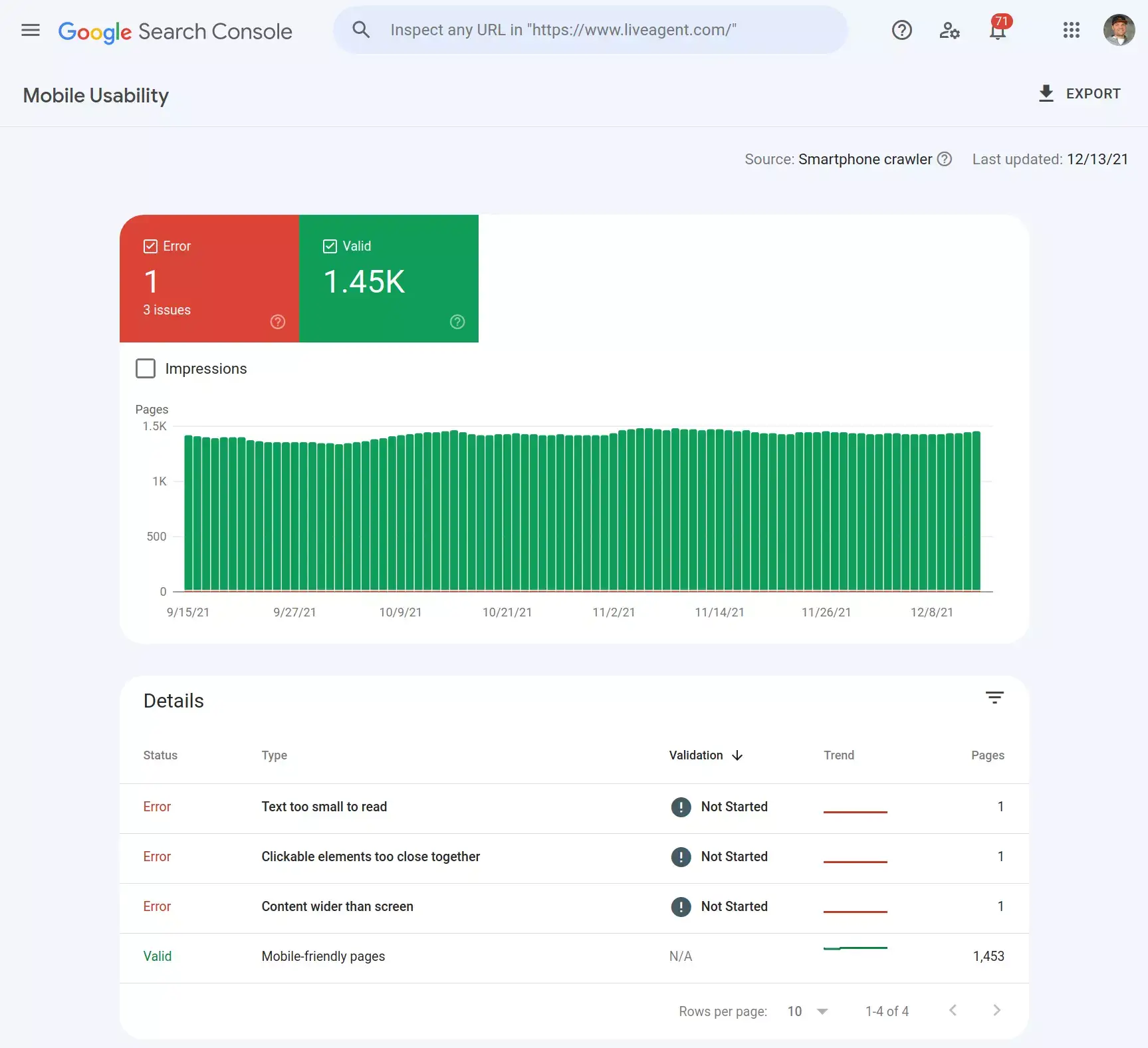
Mobile Usability Report in Google Search Console is another tool we use periodically for monitoring mobile usability. The report gives us detailed recommendations on how to improve mobile usability errors detected by Google during crawling.
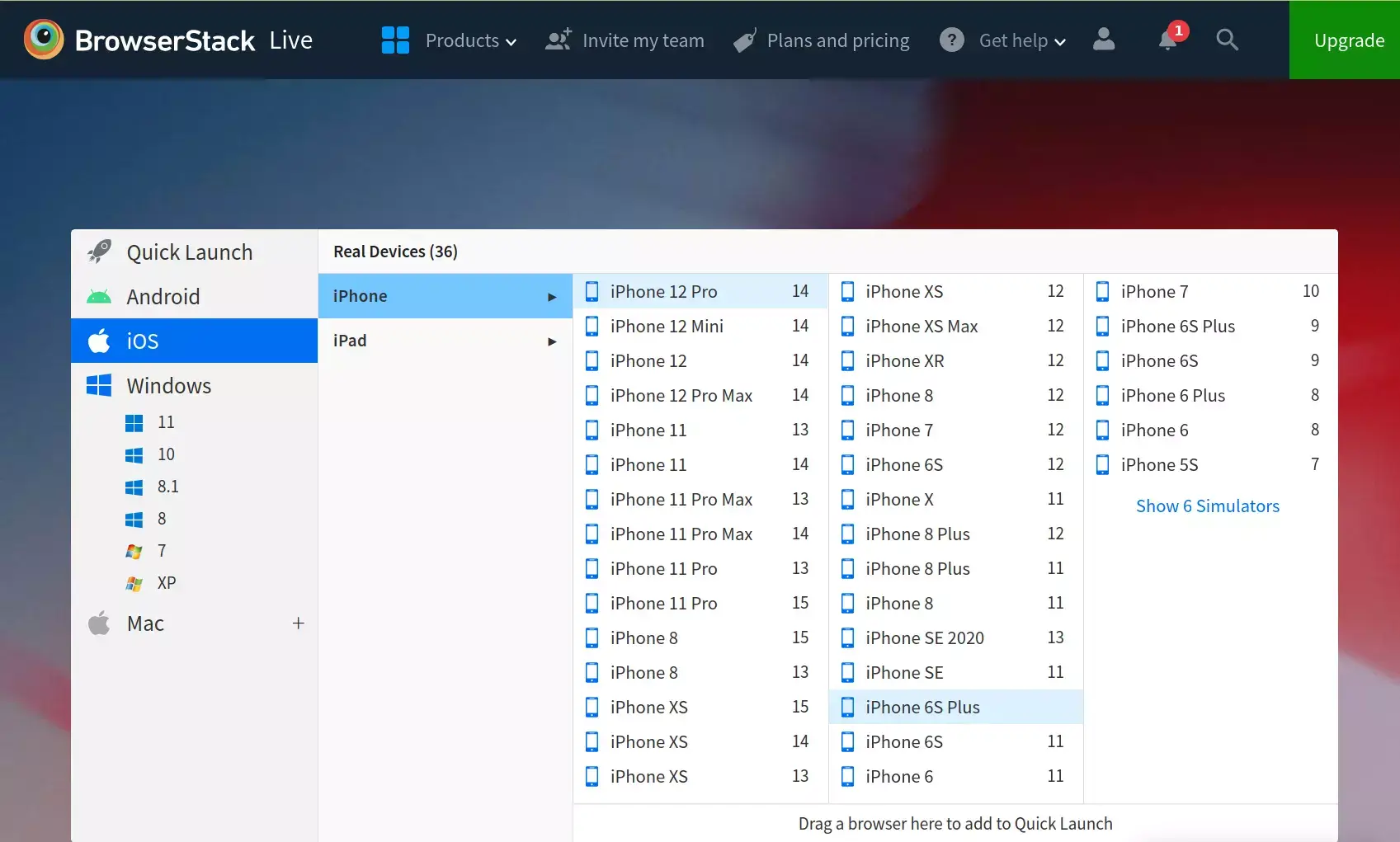
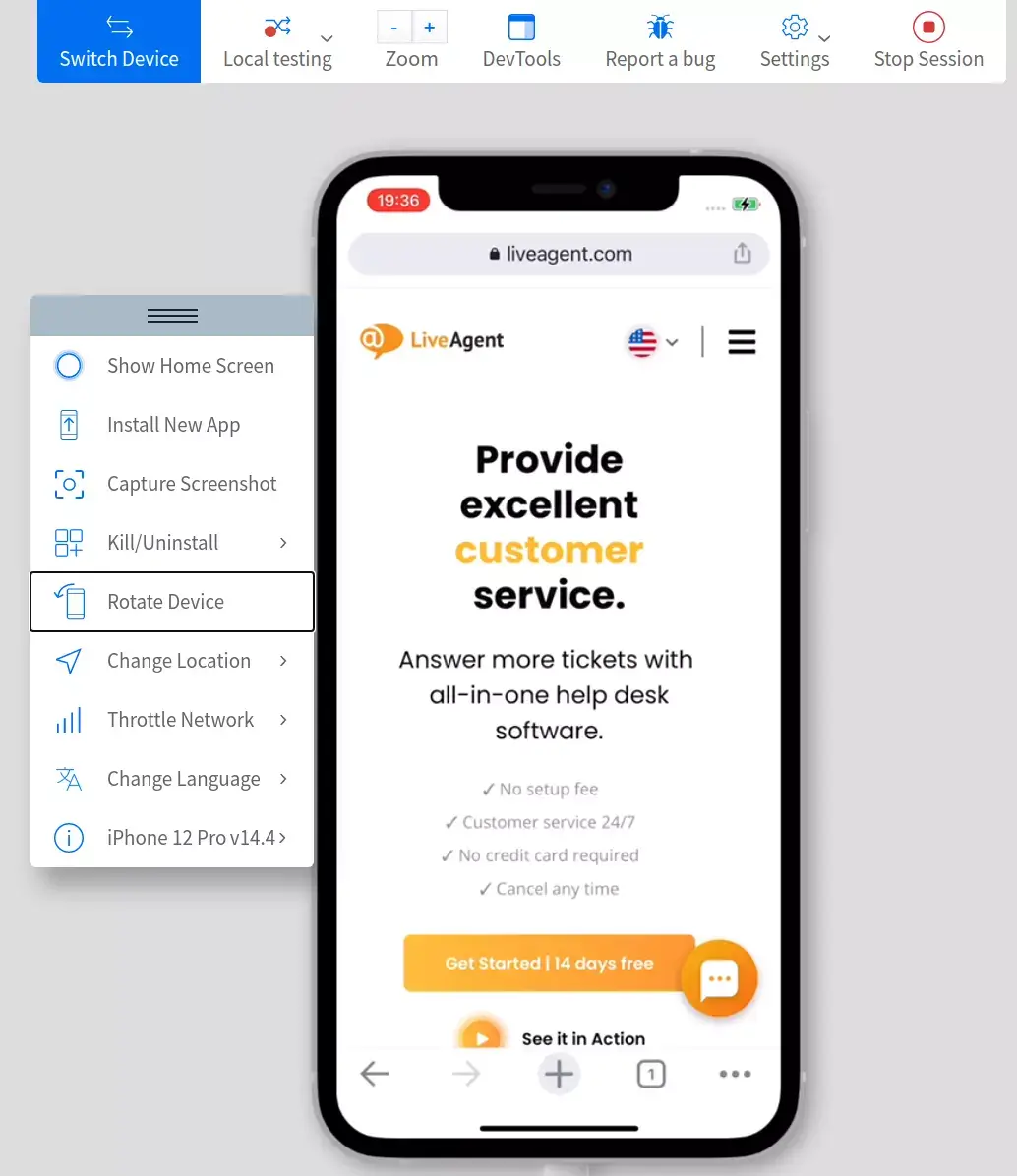
The most critical parts of our website are tested periodically using BrowserStack to simulate a wide variety of mobile platforms and operating systems. It is an essential tool primarily for development, but we also find it helpful during standard mobile compatibility checks.
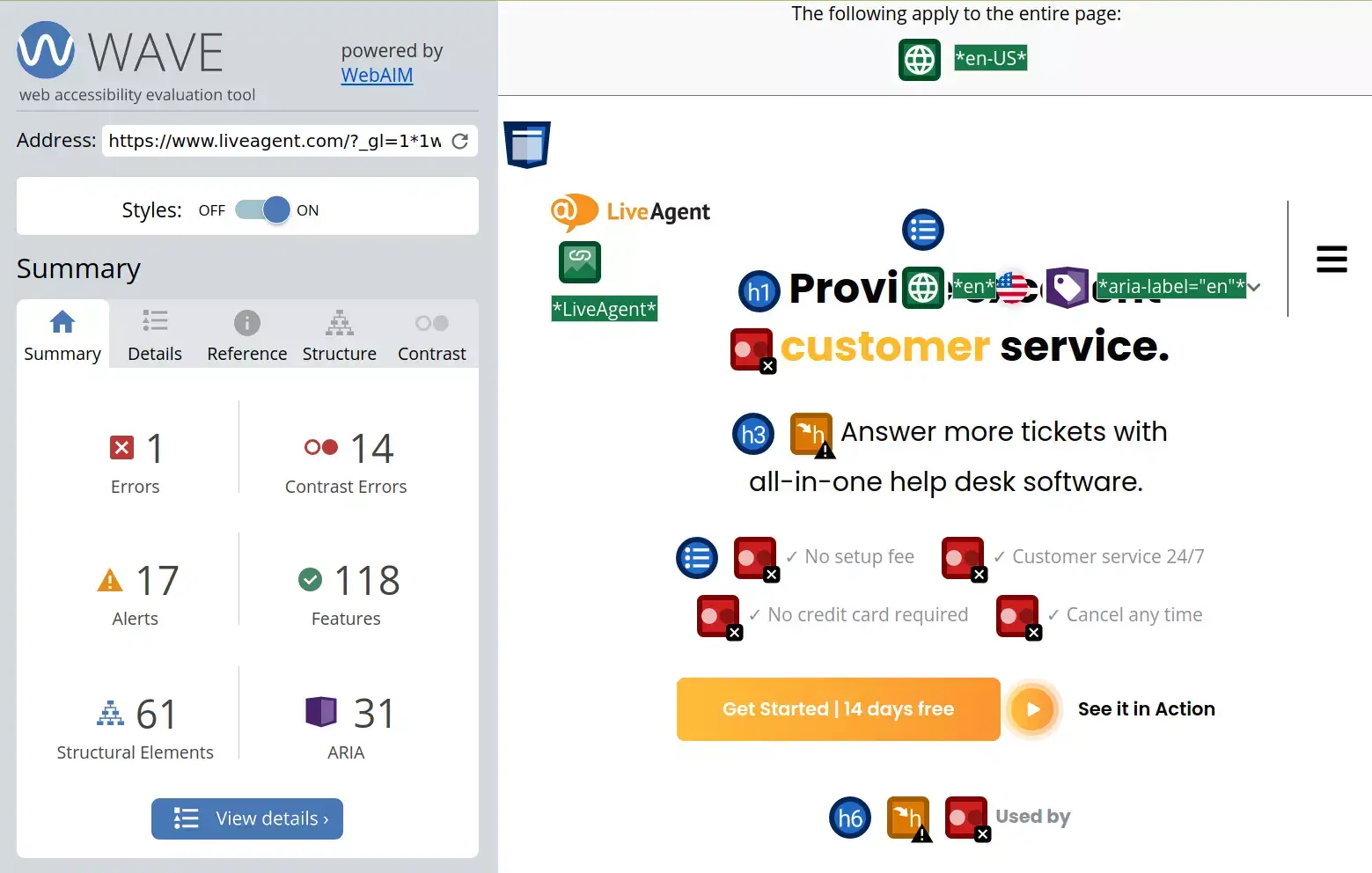
As part of our commitment to making our website accessible to individuals with disabilities, we evaluate it in WebAIM , a free tool for evaluating website accessibility standards, on an as-needed basis.
Boost your website's ranking with this 2024 SEO checklist! Step-by-step tips on keywords, domains, mobile-friendliness & more. Start now!

Optimize your marketing strategy with our comprehensive Marketing Audit Checklist. Evaluate goals, analyze markets, and boost business growth!

Launch your website seamlessly with our comprehensive checklist. From goals to compliance, cover all essential steps for success!
Join our community of happy clients and provide excellent customer support with LiveAgent.
