Valentine's Day promotion background
14.Feb - 13.Mar 2026

Valentine deal

AI UNLOCKED
For new and existing customers for 3 months
The 15 Best Zendesk Alternatives for 2025

The 15 Best Zendesk Alternatives for 2025

Published on Jan 20, 2026 by Viktor Zeman. Last modified on Jan 20, 2026 at 7:35 am
Zendesk Alternatives Customer Service Help Desk

Zendesk is a popular customer support solution with a wide range of features including ticketing and knowledge management. However, modern customer service software offers features like automation, live chat, and knowledge base integration to streamline support operations. Affordable alternatives allow smaller businesses to access enterprise-level tools at a fraction of the cost.

While Zendesk is undeniably powerful, why not keep your options open? Let’s explore 15 Zendesk alternatives that you might consider switching to.

Why Consider Alternatives to Zendesk?

Every business has its requirements, specific use cases, and preferences, so it’s only natural that Zendesk’s solution isn’t the most suitable for all. Streamlined customer support processes enable faster ticket resolutions and reduce overall operational costs.

Here are some of the reasons businesses tend to turn away from Zendesk:

  • Lack of flexibility – Customers may be deterred from using Zendesk due to a lack of flexibility in pricing and subscription reductions. This can cause considerable problems for smaller businesses that might not have a big enough budget to wait a few weeks or months to downgrade their subscription plan.
  • Neglecting customer feedback – Zendesk customers who left report that they were not heard and understood, regardless of how much they paid. Zendesk’s failure to consider feedback and user experience is highlighted by multiple reviews across review platforms.
  • High costs – Zendesk’s software comes with a hefty price tag that many smaller teams simply can’t afford.

According to American Express’s 2017 research, 1/3 of consumers could abandon your service after one negative interaction. What’s more, the solution you choose can be decisive. A staggering 91% of customers can leave without warning. Many platforms offer robust features without additional costs, making them more accessible to small businesses.

A Comparison Chart of the Top 5 Zendesk Alternatives

PlatformCapterra RatingIntegrationsFree VersionFree TrialPrice Range
LiveAgent4.7220+✅ Yes✅ Yes$15 agent/m
Freshdesk4.5500+✅ Yes✅ Yes$15/agent/m
Front4.580+❌ No✅ Yes$15/agent/m
Kustomer4.570+❌ No✅ Yes$29/agent/m
HubSpot Service Hub4.41000+✅ Yes✅ Yes$45/agent/m

The 15 Best Zendesk Alternatives and Competitors

1. LiveAgent

LiveAgent homepage - customer service ecommerce live chat software

LiveAgent offers fully-featured help desk software used across all industries. Despite boasting over 180 features and functionalities, it remains one of the most affordable options out there. With a user-friendly interface and 24/7 customer service, the software is accessible even to less tech-savvy users, while keeping the options open for those who are well-versed in coding.

Over 175 powerful extensive features contribute to LiveAgent’s omnichannel customer-centric approach. You can connect LiveAgent to 220+ third-party applications including Shopify, Magento, Jira, Slack, Salesforce, and many social media integrations.

LiveAgent Features

Common features with Zendesk:

  • Ticketing system
  • Multi-channel support
  • Live chat
  • SLA management
  • Automation features
  • Customer portals
  • Knowledge management
  • Ticket routing
  • Advanced reporting features and analytics

Features unique to LiveAgent:

  • Built-in call center
  • Social media monitoring
  • Self-service portal
  • Team collaboration tools
  • Gamification

Main Differences Between LiveAgent and Zendesk

  • Pricing structure – LiveAgent offers a more affordable and flexible pricing structure than Zendesk. With a forever free plan and paid plans starting at just $15 per agent per month, LiveAgent is an accessible solution for everyone.
  • All-in-one solution – LiveAgent is an all-encompassing customer service platform containing a wide range of features and integrations, whereas Zendesk offers multiple products you have to purchase separately.
  • Customer support quality – Zendesk often struggles to keep up with its customer queries. On the other hand, LiveAgent continuously receives high ratings regarding their customer support.
  • Built-in call center – LiveAgent offers built-in call center functionality, allowing you to handle phone support within the platform. Zendesk offers phone support through its Zendesk Talk product, which requires a separate subscription.

Pros

  • No need to purchase additional products with the all-in-one solution
  • Affordable pricing structure with a 30-day free trial period
  • Multilanguage features and language-adaptable widgets

Cons

  • Unable to log into two browsers with the same account at the same time
  • Tech support is available 24/7, but it is located in the EU

Best For

LiveAgent is the best choice for individuals, small and medium businesses. Nevertheless, LiveAgent’s Enterprise plan provides advanced features for large businesses as well. Features like the ticketing system, live chat, and knowledge bases are perfect for eCommerce, software development and IT, and finance and legal services. Enterprise plans include advanced analytics, dedicated support, and customizable workflows for large-scale operations.

A multi-channel ticket management, self-service options, and a fast live chat widget are also features that make LiveAgent a great choice for healthcare, education, and tourism. Streamlining customer support operations ensures efficient ticket handling and enhances the overall service experience. Chat widgets with automation can ensure speedy responses to common queries, even outside business hours.

A customizable chat widget allows businesses to engage customers directly on their website, improving accessibility and response times. Reducing routine tasks through automation enhances the productivity of customer support teams and improves response times.

LiveAgent Pricing

  • Small – $15 per agent per month
  • Medium – $29 per agent per month
  • Large – $49 per agent per month
  • Enterprise – $69 per agent per month

Customer review

All-around ticketing system for reasonable price (G2)

Whatever request we’ve had during this time, we’ve always been able to implement it. Either on our own, with countless features and possibilities LiveAgent offers, or with their amazing customer support, which is always helpful. We are using mainly their automation features, custom filters, tagging and statistics.

G2

It just works!

We have been using LiveAgent for more than a decade, and have never been tempted to move to anything else. It just works, and works well, with more than enough to provide excellent support, without burdening users with unnecessary bells and whistles. In turn, the quality of LiveAgent support to us, is fast, friendly and efficient. Having used several systems in the past, the cost per seat is quite palatable, and the ability to support many domains, from the same dashboard, is an agency dream.

G2

Cost-effective and user friendly

Even though I have used other customer support softwares, this was my first time selecting a provider and setting up the account and tools by myself. Initially I worried it would be too technical and difficult but the setting up process is easy, well explained and there always is assistance available.

Capterra

Try out LiveAgent, the top Zendesk competitor, for 30-day free trial and get acquainted with its features.

2. Freshdesk

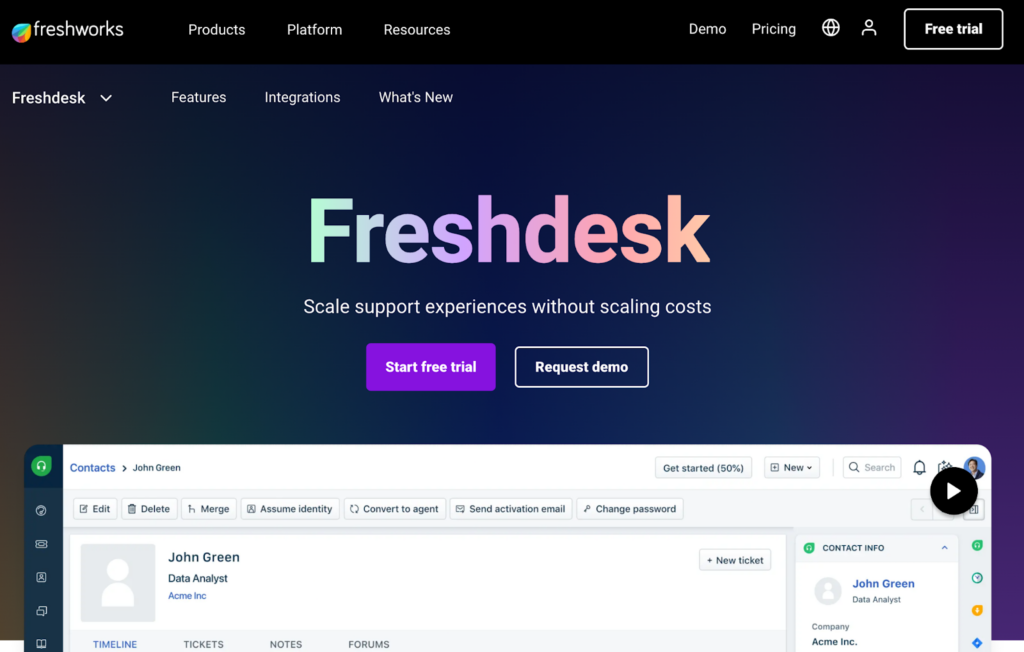
Freshdesk support ticketing system homepage

Freshdesk is a multichannel customer support software solution with a user base of over 60,000 customers. Their main goal is to streamline processes and communication and help deliver amazing customer experiences. Freshdesk comes equipped with dozens of helpful features and 1000+ integrations including Shopify, Slack, Trello, Amazon Connect, and Mailchimp.

Freshdesk Features

Common features with Zendesk:

  • Ticketing system
  • Live chat
  • Multi-channel support
  • Agent collision detection
  • Knowledge management
  • Ticket automation

Features unique to Freshdesk:

  • Freddy AI
  • Field service management
  • Parent/child ticketing
  • Remote access/control

Main Differences Between Freshdesk and Zendesk

  • Customer support – Freshdesk offers 24/7 phone support to its customers even with lower subscription tiers, whereas Zendesk provides this option only for more expensive Premier plans.
  • Integration – Zendesk comes with a wide set of its own paid apps and add-ons, so there is less need for integration with third-party applications. On the other hand, Freshdesk is easy to pair and integrate with a large set of third-party software.
  • User interface – In comparison to Zendesk, Freshdesk offers a more intuitive user interface, although it is less customizable.

Pros

  • The interface is easy to navigate and use effectively
  • Many integration options that are easy to set up
  • Robust reporting features and analytics provide valuable insights

Cons

  • Freddy AI is accessible only in higher pricing tiers
  • Limited UI customization
  • Occasional website slow response times and bugs

Best For

Small to medium-sized businesses due to its affordable and user-friendly approach.

Freshdesk Pricing

  • Free plan – Limited features for up to 10 agents
  • Growth – €15 per user/month, billed annually
  • Pro – €49 per user/month, billed annually
  • Enterprise – €79 per user/month, billed annually

3. Front

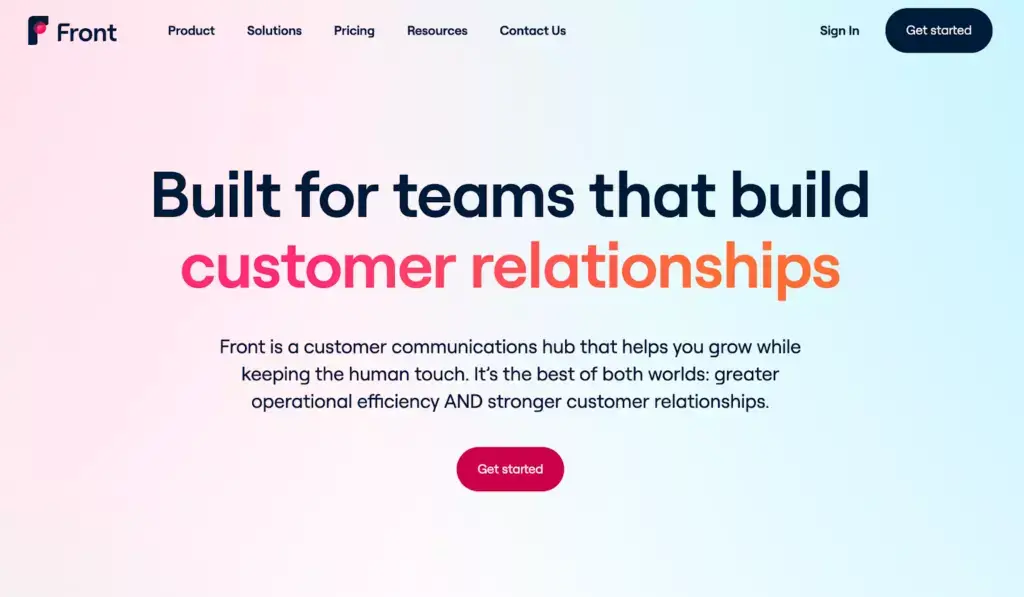
Front homepage

Front is a collaborative inbox tool trusted by over 8000 users worldwide. Front’s software helps customer service teams manage all customer messages and build long-lasting relationships. An intuitive interface makes it easier for teams to adapt quickly to new platforms, reducing training time and improving productivity.

Front Features

Common features with Zendesk:

  • Live chat feature
  • Customer database
  • Customer portals
  • Ticket management
  • Ticket automation
  • Workflow configuration

Features unique to Front:

  • Inbox management
  • Extensive internal collaboration tools

Main Differences Between Front and Zendesk

  • Intuitive user interface – Front is very user-focused, so it’s no surprise that their user interface is accessible and easy to navigate, even without prior experience.
  • Collaboration – Front’s software is full of collaborative features that promote proactive teamwork. Although Zendesk offers something similar to collaboration tools, they are focused primarily on individual ticket assignments.
  • Centralized communication – Both Zendesk and Front provide multi-channel communication, but Front’s channel configuration is easier and quicker than Zendesk’s which requires more extensive configuration and integration.

Pros

  • Easy team collaboration using a shared inbox
  • Helpful ticket automation options
  • Analytics dashboard provides valuable insights

Cons

  • Limited UI customization options
  • Steep learning curve
  • Some may find the tagging functionality restrictive

Best For

Small to medium-sized businesses.

Front Pricing

  • Starter plan – $19 per user/month
  • Growth plan – $59 per user/month
  • Scale plan – $99 per user/month
  • Premier plan – $229 per user/month

4. Kustomer

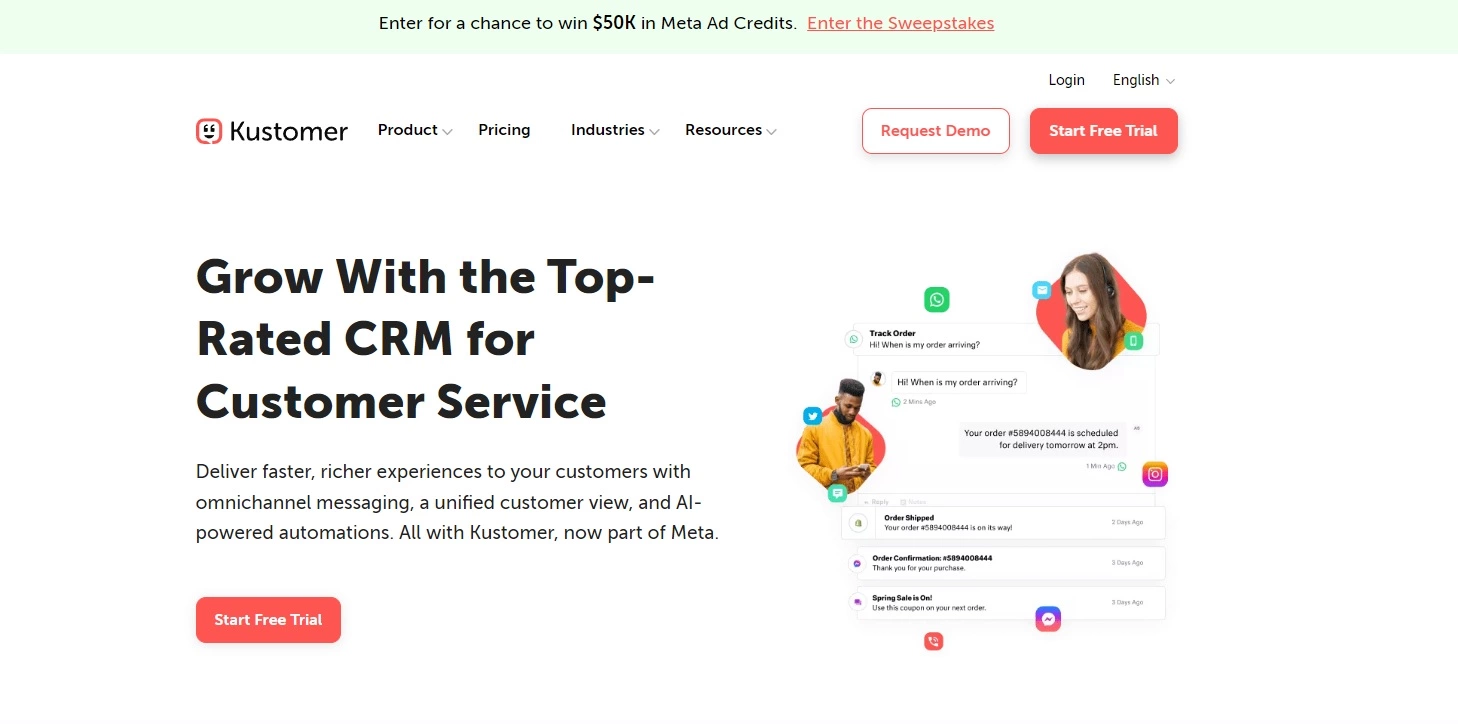
Kustomer help desk software

Kustomer’s software brings all customer communication together in a unified environment. With its vast automation capabilities, businesses use it to bring their customer service to the modern era.

Kustomer Features

Common features with Zendesk:

  • Ticket management
  • Ticket automation
  • Knowledge base
  • Live chat

Features unique to Kustomer:

  • Single-platform customer relationship management
  • 24/7 live rep support
  • Customer segmentation and profiles
  • Conversational AI

Main Differences Between Kustomer and Zendesk

  • The overall approach to customer service – Kustomer delivers a more holistic and customer-centric approach to handling inquiries compared to Zendesk. The latter is mainly focused on ticket management.
  • Advanced automation – Although Zendesk has some automation features, they can hardly compare to Kustomer’s conversational AI with chatbots, AI-powered suggestions, and sentiment analysis.
  • Data-driven approach – Kustomer is a spectacular platform for analyzing customer data including sentiment, customer timeline, and lifecycle. Compared to Zendesk, Kustomer allows its users to make more data-driven decisions.

Pros

  • Advanced automation with conversational AI
  • Highly customizable interface
  • Easy creation of customer segments

Cons

  • Slow response times when reaching out to customer support
  • Automation and UI customization can lead to a steep learning curve
  • Subscriptions can get expensive

Best For

Mid-sized and large businesses with greater resources due to its higher pricing.

Kustomer Pricing

  • Enterprise – $89 per user/month
  • Ultimate – $139 per user/month

5. HubSpot Service Hub

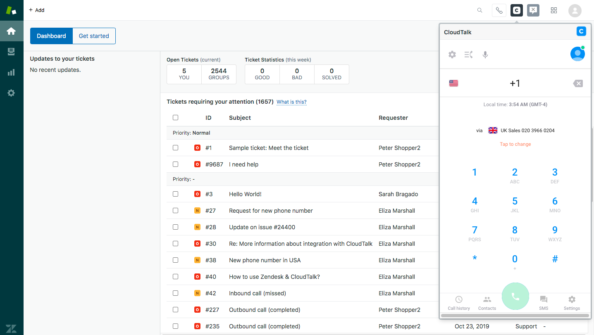
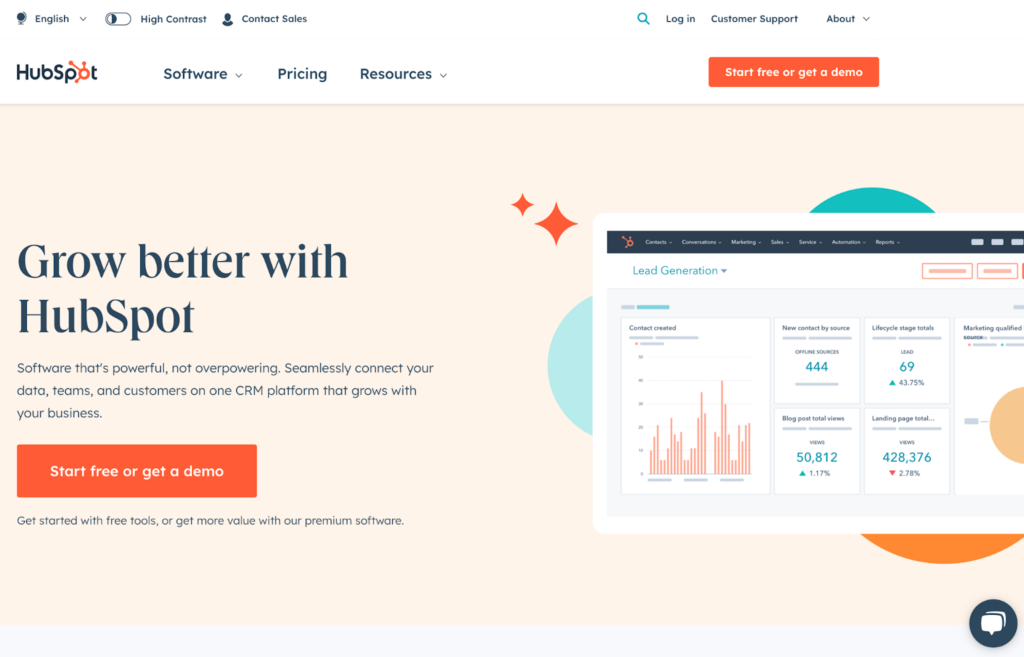
Hubspot Service Hub ticketing tool homepage

HubSpot Service Hub is a part of the HubSpot family that offers multiple B2B solutions for sales, marketing, customer service, and other operations. You can use HubSpot Service Hub on its own or combine it with other software solutions from HubSpot.

HubSpot Service Hub Features

Common features with Zendesk:

  • Ticket management
  • Knowledge management
  • Workflow automation

Features unique to HubSpot Service Hub:

  • Advanced conversational tools
  • Access controls/permissions
  • Customer satisfaction surveys

Main Differences Between HubSpot Service Hub and Zendesk

  • HubSpot ecosystem – We can’t talk about HubSpot Service Hub without mentioning the entire HubSpot ecosystem that makes it super easy to integrate different HubSpot applications. Although Zendesk offers some additions, the ecosystem is nowhere as developed as HubSpot’s.
  • Marketing, sales, and support alignment – HubSpot Service Hub, as a part of the HubSpot family, emphasizes the importance of aligning your marketing, sales, and support efforts to deliver personalized service. On the other hand, Zendesk is designed to handle individual ticket assignments which can result in a less personalized approach.

Pros

  • Easy to integrate with other HubSpot products
  • The UI is easy to navigate and use
  • Flexible and robust knowledge base

Cons

  • The subscription can get quite expensive
  • Steep learning curve
  • Not enough customization options

Best For

Small to large businesses.

HubSpot Service Hub Pricing

  • Free Tools
  • Starter – $20 per user/month
  • Professional – $880 per month (includes 3 users)
  • Enterprise – Starts at $3300 per month (includes 5 users)

6. Zoho Desk

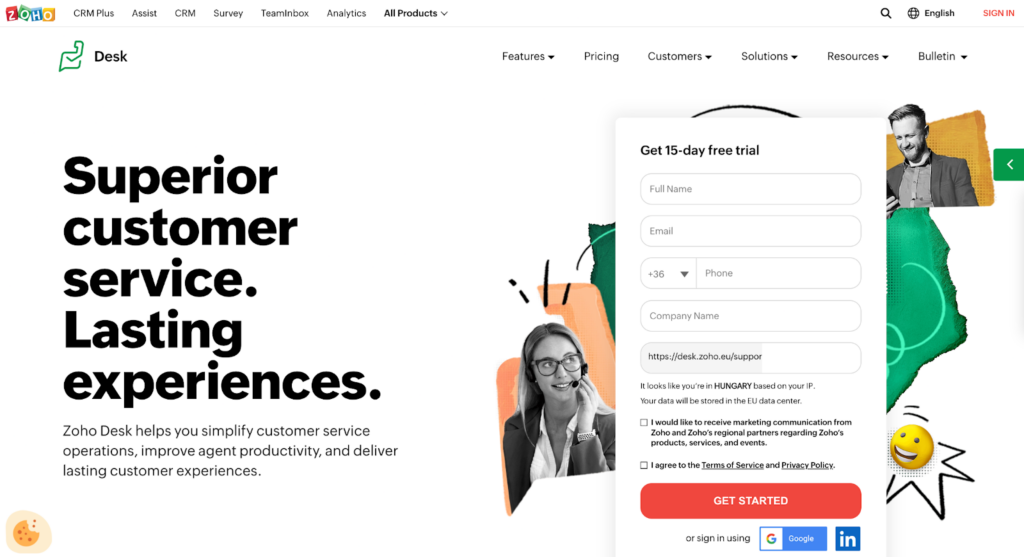
Zoho Desk ticketing system homepage

Zoho Desk is a customer support solution that puts the user experience at the forefront. With a huge customer base of 100,000 clients, Zoho Desk is a well-known solution focused on empowering customers and engaging customer service agents.

Zoho Desk Features

Common features with Zendesk:

  • Ticketing system
  • Live chat
  • Automation
  • Multi-channel support
  • Time tracking
  • Knowledge base management

Features unique to Zoho Desk:

  • Telephony
  • AI-powered chatbot
  • Team collaboration features

Main Differences Between Zoho Desk and Zendesk

  • Affordability – Zoho Desk offers a free plan that is accessible even to small teams with limited budgets. Zendesk caters mostly to larger teams with higher financial resources.
  • Integration ecosystem – Compared to Zendesk, Zoho Desk offers a highly-developed ecosystem. This makes it very easy for users to integrate Zoho Desk with other Zoho products without having to integrate with third-party apps.
  • Automation – While Zendesk offers automation features, Zoho Desk is mainly focused on their AI-powered chatbot.

Pros

  • The software is being continuously updated for better performance
  • Helpful comprehensive dashboards
  • It’s easy to integrate within the Zoho ecosystem

Cons

  • Limited UI customization options
  • The interface may be confusing for first-time users
  • Missing end-user alerts when a ticket is forwarded to another agent

Best For

Small to medium-sized businesses.

Zoho Desk Pricing

  • Zoho Desk Express – €9 per user/month for small teams
  • Zoho Desk Standard – €20 per user/month
  • Zoho Desk Professional – €35 per user/month
  • Zoho Desk Enterprise – €50 per user/month

7. Intercom

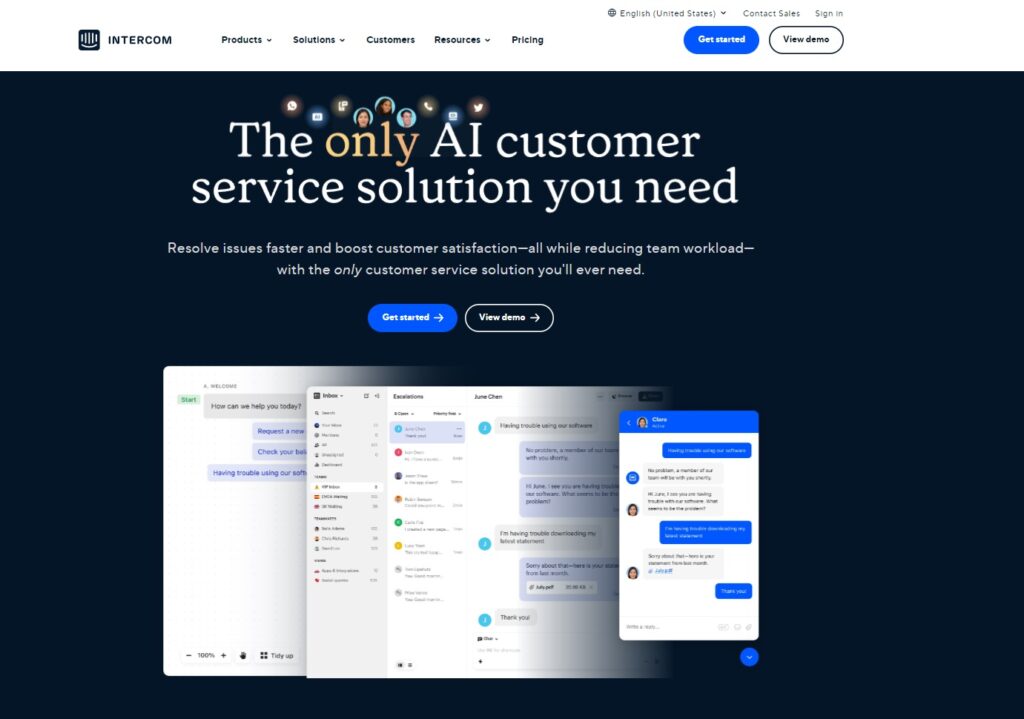
Intercom help desk software

Over 25,000 businesses trust Intercom with their customer service needs. Their unified platform heavily utilizes automation to streamline all customer communication.

Intercom Features

Common features with Zendesk:

  • Ticketing system
  • Reporting and statistics
  • Knowledge management
  • Multi-channel support

Features unique to Intercom:

  • Audience segmentation and targeting
  • Call center
  • AI chatbots and advanced automation
  • Product tour and onboarding tools

Main Differences Between Intercom and Zendesk

  • User interface design – Intercom’s UI is modern and sleek, emphasizing ease of use and collaboration. In comparison, Zendesk’s UI may feel more structured and restrictive.
  • Messaging-centric approach – While Zendesk is mostly focused on ticket management, Intercom offers a more messaging-centric approach. Using personalized and contextualized messaging, businesses can boost customer engagement throughout their journey with interactive conversations.

Pros

  • Modern and intuitive interface
  • Advanced automation and use of AI
  • The platform supports many media options – CSS, HTML, .gif, etc.

Cons

  • The subscription options are quite expensive
  • Advanced features require a steep learning curve
  • The knowledge base is relatively limited

Best For

Medium to large businesses.

Intercom Pricing

  • Essential – $39 per user/month
  • Advanced – $99 per user/month
  • Expert – $139 per user/month

8. HappyFox

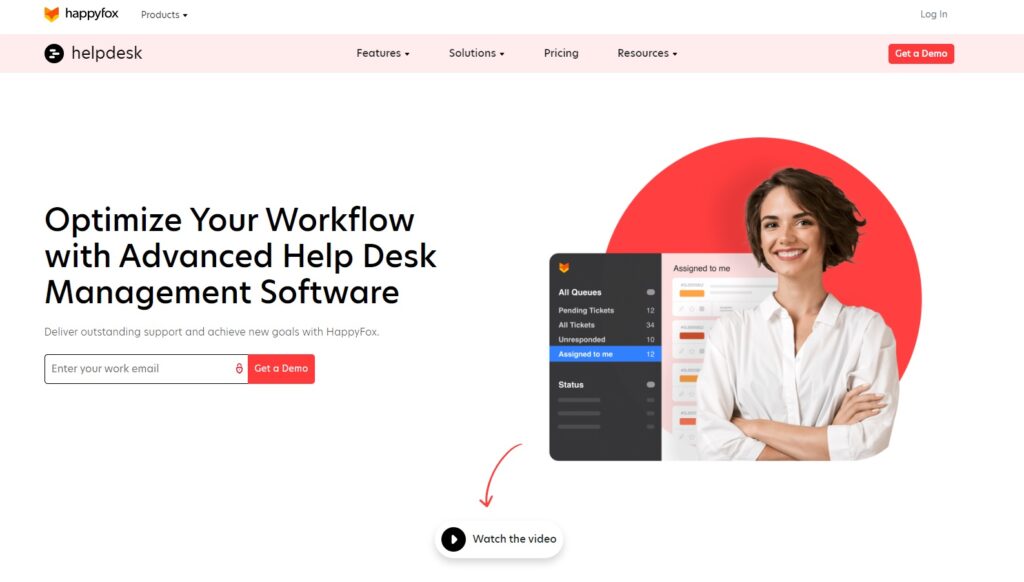
HappyFox help desk software

HappyFox’s customer support software solution is packed with helpful features designed to streamline customer communication across all customer-facing channels. Trusted by big names in various industries like Jabra and Metroland Media, they provide a reliable business solution.

HappyFox Features

Common features with Zendesk:

  • Customer database
  • Ticketing system
  • Reporting and analytics
  • Agent collision detection
  • Live chat

Features unique to HappyFox:

  • Help Desk gamification
  • Smart rules
  • Advanced task management

Main Differences Between HappyFox and Zendesk

  • Smart rules – Compared to Zendesk’s automation features, HappyFox’s smart rules take automated workflow optimization to another level. You can use smart rules to trigger webhooks, workflows, and much more.
  • Agent engagement – With gamification features using HappyFox is a much more engaging experience for support agents. Leaderboards and reward systems help motivate them and keep their workdays interesting. Zendesk, unfortunately, doesn’t have such a feature.
  • Task management – HappyFox offers a task management feature that helps agents streamline their workflows and stay on top of their duties. Although you can integrate Zendesk with some task management solutions, the platform doesn’t provide one on its own.

Pros

  • Customizable ticket forms and workflow
  • Efficient workflow automation with advanced bulk actions
  • Reliable and helpful customer support

Cons

  • The subscription can get quite expensive
  • The UI can be a little difficult to navigate
  • The platform lacks a built-in customer relationship management

Best For

Medium businesses to enterprises.

HappyFox Pricing

Unlimited Agents:

  • Starter – $1499 per month
  • Growth – $1999 per month
  • Scale – $2999 per month
  • Scale Plus – $4999 per month

Agent-based pricing:

  • Mighty – $39 per agent/month
  • Fantastic – $59 per agent/month
  • Enterprise – $79 per agent/month
  • Enterprise Plus – $99 per agent/month

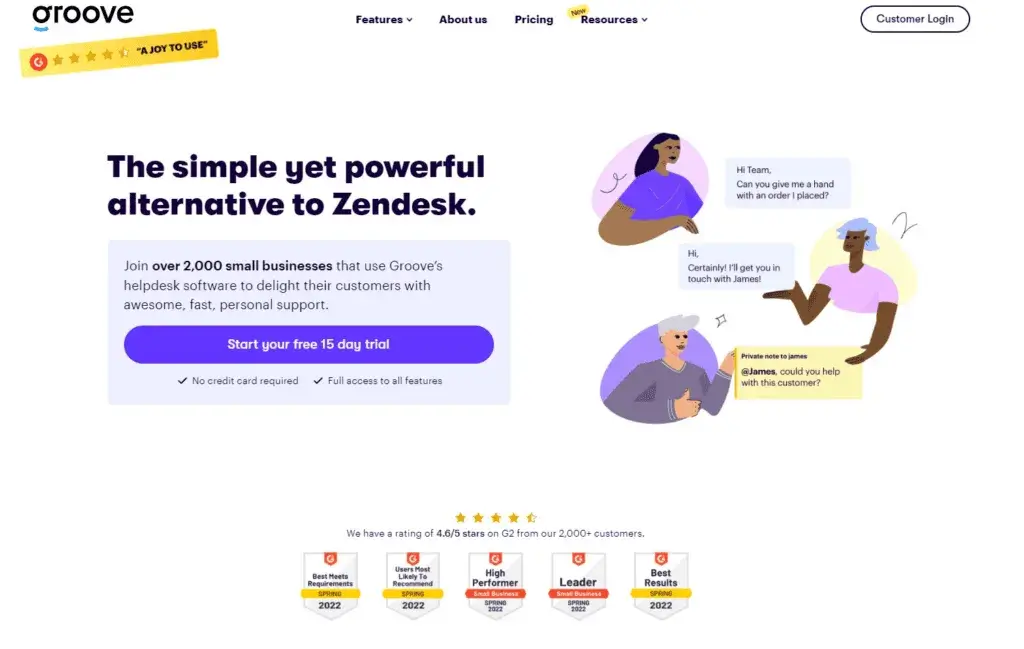
9. Groove

Groove homepage - Simplified Zendesk alternative for small businesses

Groove is a customer-experience-centric Zendesk alternative with multichannel capabilities. With a customer base exceeding 2000 clients, they are building a tight-knit community of customer service professionals.

Groove Features

Common features with Zendesk:

  • Ticketing system
  • Customer database
  • Live chat

Features unique to Groove:

  • Remote access and control
  • Shared inbox

Main Differences Between Groove and Zendesk

  • Simplicity and ease of use – Groove is designed to be accessible and easy to use for everybody. Although not as customizable as Zendesk, Groove is very easy to set up and use efficiently no matter the level of your expertise.
  • Personalized approach – Groove prides itself on its personalized approach and customer-centricity. On the other hand, Zendesk often receives complaints of insufficient customer support.

Pros

  • User-friendly interface
  • Tools that empower teams to collaborate on emails and tickets
  • Friendly and responsive customer support

Cons

  • Limited customization options
  • Regular agent collision
  • Limited automation

Best For

Small to medium-sized businesses.

Groove Pricing

  • Standard – $15 per user/month
  • Plus – $29 per user/month
  • Pro – $49 per user/month
  • Select – $65 per user/month

10. Hiver

Hiver help desk software

Hiver offers a customer service platform for streamlined communication and improved customer experience. Designed especially for Google Workspace, Hiver is trusted by more than 2000 businesses worldwide.

Hiver Features

Common features with Zendesk:

  • Knowledge base management
  • Reporting and analytics
  • Ticket automation
  • Ticket management

Features unique to Hiver:

  • Email notes and internal discussions
  • Advanced email analytics and insights

Main Differences Between Hiver and Zendesk

  • Gmail integration – Hiver is a platform specifically designed for Gmail integration. It allows teams to manage customer support directly from their Gmail inbox, taking advantage of Gmail’s familiar environment.

Pros

  • The interface is easy to navigate and use
  • Easy Gmail integration
  • Advanced email analytics

Cons

  • The software lacks some advanced features
  • Limited customization options
  • The website can be a little laggy

Best For

Small to medium-sized businesses that primarily use Google Workspace.

Hiver Pricing

  • Lite – $19 per user/month
  • Pro – $59 per user/month
  • Elite – $99 per user/month

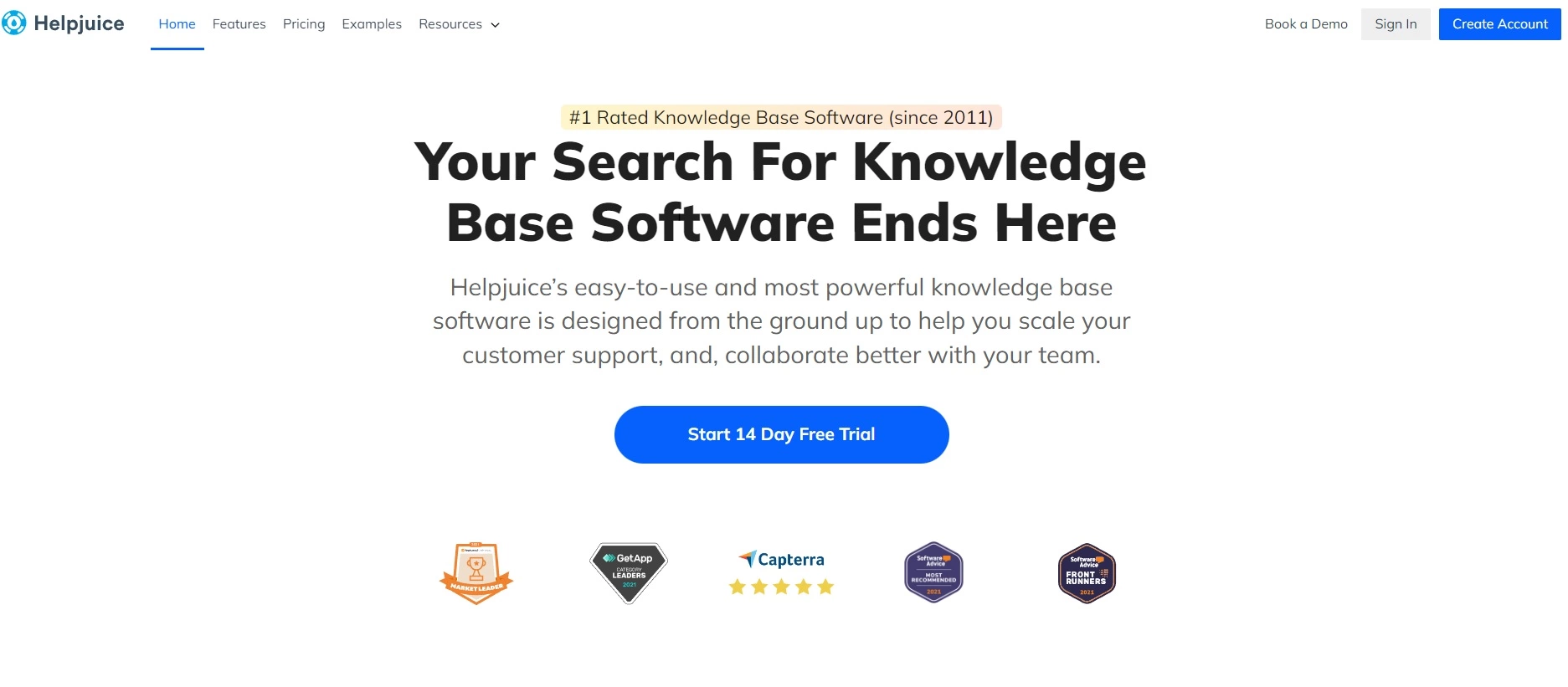
11. Helpjuice

HelpJuice help desk software

Helpjuice is a well-known knowledge base software used to build knowledge bases for internal use, or for customer support. Creating a robust library of knowledge base articles helps customers resolve issues independently, reducing ticket volume.

Helpjuice Features

Common features with Zendesk:

  • Knowledge base management
  • Article creation and editing
  • Content management
  • Customizable branding

Features unique to Helpjuice:

  • Advanced search functionality
  • Document management

Main Differences Between Helpjuice and Zendesk

The most distinctive difference between the two is their focus. Zendesk’s focal point is ticket management, while Helpjuice’s primary focus is building and maintaining internal and external knowledge bases. This competitor to Zendesk emphasizes team collaboration and content management above all else.

Pros

  • Reliable customer support
  • Categorizing and tagging knowledge base articles for easy organization
  • User-friendly interface

Cons

  • Only basic automation available
  • Limited design customization options
  • No direct integrations with popular project management tools

Best For

Small and medium-sized businesses that want an organized and well-maintained knowledge base.

Helpjuice Pricing

  • Starter – $120 per month (Up to 4 Users)
  • Run-Up – $200 per month (Up to 16 Users)
  • Premium Limited – $289 per month (Up to 60 Users)
  • Enterprise – Pricing upon request (Unlimited Users)

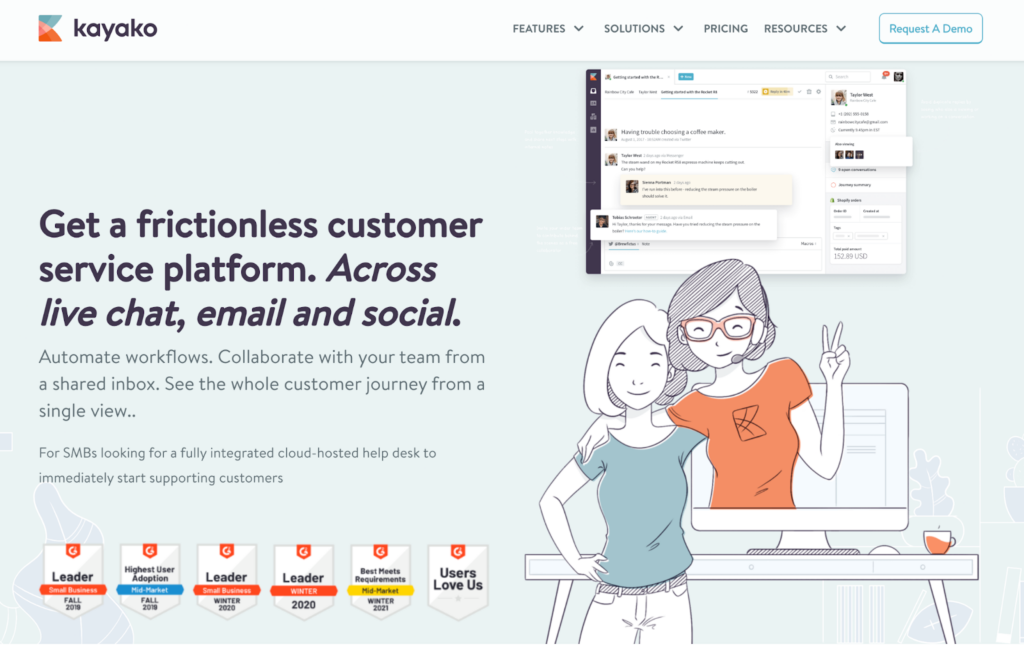
12. Kayako

Kayako ticketing system homepage

Kayako distinguishes itself as a Zendesk alternative by providing a fully integrated customer service platform that simplifies customer interactions across various communication platforms. With over 131,000 agents using Kayako, it supports businesses in offering 24/7 assistance through email, social media, live chat, and more, in multiple languages.

Kayako Features

Common features with Zendesk:

  • Customer database
  • Live chat
  • Ticket management
  • Knowledge management
  • Customizable branding

Features unique to Kayako:

  • Multi-channel attribution
  • Access controls/Permissions
  • Data visualization
  • Website integration

Main Differences Between Kayako and Zendesk

Kayako sets itself apart with its emphasis on a unified customer support experience across multiple channels, enabling a more personalized service. Unlike Zendesk’s more ticket-focused approach, Kayako offers a singular view of the customer journey, providing teams with comprehensive context for each interaction.

Pros

  • Unified platform
  • Self-service options
  • Extensive customization and branding capabilities
  • Insightful analytics

Cons

  • Complex User Interface
  • Slow Response Times
  • Lack of Integration Options

Best For

Small to medium-sized businesses looking for an efficient way to manage customer interactions across multiple channels.

Kayako Pricing

Kayako’s pricing is only available upon request.

13. Help Scout

Help Scout help desk ticketing tool homepage

Help Scout is a customer service platform that emphasizes efficient communication and streamlined customer conversations. With over 12,000 customers, Help Scout’s wide range of helpful features helps companies all around the world in eCommerce, Finance, Healthcare, SaaS, and Education.

Help Scout Features

Common features with Zendesk:

  • Knowledge management
  • Workflow automation
  • Live chat

Features unique to Help Scout:

  • Beacon (help center widget)
  • Shared inbox
  • Customer satisfaction rating

Main Differences Between Help Scout and Zendesk

  • Ease of use – Help Scout comes with a very user-friendly interface that doesn’t feel overwhelming even for the first time. Zendesk’s UI has been reported to be a bit confusing for new users.
  • Focus on the shared inbox – Help Scout emphasizes the shared inbox model. It facilitates seamless collaboration between customer support teams on customer inquiries and information sharing. Although Zendesk also offers collaboration features, Help Scout’s unified inbox is a central aspect of its platform.

Pros

  • Accessible and user-friendly interface
  • Clean and responsive mobile app
  • Advanced collaboration features within shared inboxes

Cons

  • Mobile app could use some improvements
  • Limited customization options
  • Missing a reliable ticketing system

Best For

Small to medium-sized businesses.

Help Scout Pricing

  • Standard – $25 per user/month (billed monthly)
  • Plus – $50 per user/month (billed monthly)
  • Pro – Pricing upon request (annual only)

14. ServiceNow

ServiceNow help desk software

ServiceNow provides an array of IT service management (ITSM) solutions. It enhances collaboration across departments, streamlines IT operations, and automates workflows.

ServiceNow Features

Common features with Zendesk:

  • Ticketing system
  • Knowledge base
  • SLAs (Service Level Agreements)

Features unique to ServiceNow:

  • IT Service Management (ITSM)
  • IT Operations Management (ITOM)
  • IT Business Management (ITBM)
  • Service management

Main Differences Between ServiceNow and Zendesk

  • Scope and functionality – ServiceNow offers a wide range of IT service management catering to companies working in IT and tech. On the other hand, Zendesk primarily focuses on customer support and service management.
  • Customization options – ServiceNow provides a highly customizable platform you can tailor to your specific needs. Zendesk also offers customization options, but they are more limited compared to ServiceNow.

Pros

  • Great for IT operations and agile environments
  • Many ticket automation options
  • Smooth and user-friendly interface

Cons

  • Fully understanding and using the software may require training
  • Limited functionality outside of ITSM
  • Insufficient customer support

Best For

Medium-sized to large companies.

ServiceNow Pricing

ServiceNow offers fully-featured Personal Developer Instances that act as a free trial for registered users. To learn more about the software’s pricing, you have to register and reach out to ServiceNow’s sales team to get a custom quote.

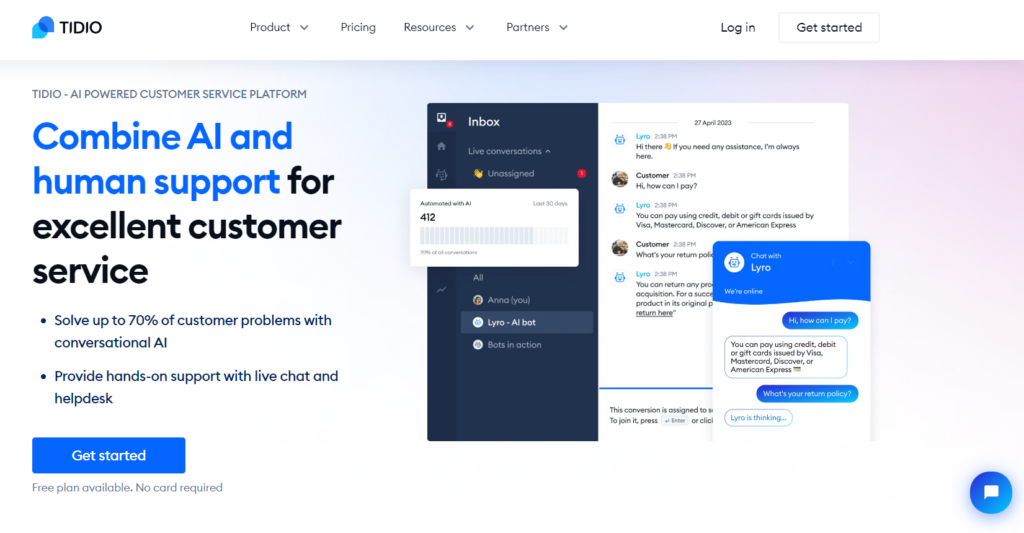
15. Tidio

Tidio homepage - growth ecommerce live chat software

Tidio emerges as a Zendesk alternative, crafted to enhance customer engagement and streamline communication channels for various types of businesses. It has quickly become a go-to platform for those looking to offer responsive and efficient customer service.

Tidio Features

Common features with Zendesk:

  • Live chat
  • Ticketing system
  • Automation and workflows
  • Multichannel communication

Features unique to Tidio:

  • Conversation AI
  • Access controls/permissions
  • Customer surveys

Main Differences Between Tidio and Zendesk

Tidio differentiates itself with a focus on automation and AI, providing tools to automate conversations and tasks, significantly enhancing customer interaction and service efficiency. Additionally, Tidio offers a highly intuitive user interface and seamless integration capabilities, especially for e-commerce platforms like Shopify, making it particularly advantageous for online retailers.

Pros

  • Simplified interface
  • Powerful AI chatbot
  • Extensive automation features

Cons

  • Limited customization options for the free plan
  • The platform can become expensive as additional features are added

Best For

Small to medium-sized businesses and e-commerce platforms.

Tidio Pricing

  • Free Plan – 0 EUR/month (Up to 50 Handled Conversations)
  • Starter Plan – 29 EUR/month (Up to 100 Handled Conversations)
  • Growth Plan – 59 EUR/month (From 0 to 250 Handled Conversations)

How to Choose the Right Zendesk Alternative?

Understand Your Needs

Every business has unique needs and requirements that their Zendesk alternative has to cover. For small teams, basic features like ticketing and live chat can suffice while evaluating more advanced functionalities later.

Look at things like the number of agents, your daily customer communication volumes, the types of customer requests you tend to receive through which communication channels, what standard features will suffice, and where you need upgrades.

When choosing a Zendesk alternative, don’t give in to peer pressure and go with the ‘big guy". Evaluate what your business and customer service team need and then start digging into whether you’ll go with a household name or an emerging startup.

Evaluate Pricing and Budget

Although it seems like a no-brainer, we can’t stress enough how important it is to not blow your budget on a solution just because it seems right at first. Circling back to the previous point, once you have a clear outline of the features and functionalities you require, do a deep dive into different solutions, and what they offer and at what price.

Understanding the cost of ownership is essential when comparing Zendesk alternatives, especially for long-term use. Of course, we don’t recommend choosing something just because it is cheap, but remember that help desk software should be a helper, not a huge burden on your company’s budget.

Assess Ease of Use and User Experience

If you can, get a free trial. That’s the best way to know what the user experience is like, how much training your staff will need, and how easy it will be to integrate a particular solution into your daily operations.

If you don’t have the option to give it a test drive, look up reviews from professionals. Read a few on different review sites, and you’ll get a pretty good picture of what the software is like. Don’t forget to look out for common customer issues as they may provide a window into your own experience.

Compare Features and Customization Options

This goes hand in hand with the first point, realizing which features your help desk tool has to have is crucial to make an informed decision. Once you’re settled on a few providers, write down their feature lists and compare the number of features, and how customizable they are.

Although more isn’t always better, look for a solution that gives you the most bang for your buck. Even an IT help desk software free of charge could be the best fit for you, depending on your needs.

Analyze Integration Capabilities

Another important thing you should consider is how well your future customer service software solution integrates with third-party applications. The chance is you already know about a handful of integrations you’ll definitely need.

For example, if you’re working in eCommerce, you’ll probably benefit from having a Shopify integration. Or if you’re planning on running a call center, Twilio comes in handy. Look for Zendesk alternative that let you integrate most, if not all, of the third-party apps you need to smoothly run your contact center.

Examine Customer Support and Resources

Last, but certainly not least, don’t forget to check out the vendor’s customer support, customer service portal, and support documentation. They can offer a great solution, but if you run into problems, it’s the support you’ll turn to.

When reading reviews, pay attention to mentions of customer support. You don’t want to find yourself trying to call an unreachable hotline or be continuously blown off by a poorly programmed chatbot. Look for a solution which, in case the help is needed, can provide expert support on demand.

Conclusion

As you can see, there is no shortage of customer service support solutions to choose from, so don’t worry that you won’t be able to find the right one for you. Platforms offering migration support ensure a smooth transition from existing customer service tools. As long as you carefully evaluate your business needs and requirements, and stay within your budget, you can have excellent Zendesk alternative.

Platforms like LiveAgent are an excellent choice for small businesses due to their affordability and feature-rich offerings. Selecting the right customer support platform involves evaluating scalability, integration options, and user experience.

Take LiveAgent into consideration. Even if you have virtually a non-existent budget, LiveAgent has an answer. If you’re willing to spend a little, even $15 can get you pretty far. That’s without considering the entirely free option. LiveAgent’s multichannel customer communication, ticketing, live chat, over 200 integrations, and reliable and professional customer support is a player worth competing with Zendesk.

Share this article

Viktor is a developer and technical content contributor at LiveAgent, focused on creating informative content about help desk software and customer service solutions.

Viktor Zeman
Viktor Zeman
Developer

Frequently asked questions

Who are Zendesk's competitors?

Zendesk has several considerable competitors including LiveAgent, Zoho Desk, Help Scout, Tidio, HappyFox, and Hiver. Each offers unique features and pricing models tailored to different business needs.

What are the key features to look for in a Zendesk alternative?

Key features include ticketing software, multi-channel support, automation options, robust reporting and analytics, customization capabilities, integrations, and transparent pricing.

Can I migrate my data from Zendesk to a new alternative?

Yes, most Zendesk alternatives support data migration. For example, LiveAgent offers free data migration assistance from Zendesk, or you can follow step-by-step guides for self-migration.

Is there a free alternative to Zendesk?

Yes, several free alternatives exist including LiveAgent (with a free plan), Zoho Desk, Freshdesk, and HubSpot Service Hub. LiveAgent consistently receives higher customer ratings across review platforms.

What are the disadvantages of Zendesk?

Common complaints include complex ticket management, limited customization options, expensive pricing plans, and lack of phone support for all pricing tiers.

Is LiveAgent better than Zendesk?

Customer reviews on Capterra, G2, and Getapp rate Zendesk at approximately 4.4 out of 5, while LiveAgent averages 4.7 out of 5. However, the best choice depends on your specific business needs and requirements.

Learn more

The 15 Best Freshdesk Alternatives for 2025

The 15 Best Freshdesk Alternatives for 2025

Discover the 15 best Freshdesk alternatives like LiveAgent, Zoho Desk & Salesforce to boost customer service with better pricing & features!

31 min read
Freshdesk Alternatives +3

The 15 Best Aircall Alternatives & Competitors for 2025

The 15 Best Aircall Alternatives & Competitors for 2025

Discover the top 15 Aircall alternatives for 2025! Compare features, pricing, and support to find the best communication tools for your business.
17 min read
Aircall Alternatives +3
The 15 Best Aircall Alternatives & Competitors for 2025

The 15 Best Aircall Alternatives & Competitors for 2025

Discover the top 15 Aircall alternatives for 2025! Compare pricing, features, & user experience to find the perfect customer communication tool.

19 min read
Aircall Alternatives +3

You will be in Good Hands!

Join our community of happy clients and provide excellent customer support with LiveAgent.

Post Affiliate Pro Dashboard - Campaign Manager Interface