


Top 10 Best Help Scout Alternatives for 2025
Discover the top 10 Help Scout alternatives for 2025 offering superior features, integrations, and cost-effective solutions for your business.
23 min read
Help Scout
Alternatives
+3
Explore 15 top Spiceworks alternatives for 2025 with advanced features, better integrations, and flexible pricing to optimize your IT management and customer support.
While Spiceworks is a popular IT management solution for many businesses, it may not always be the perfect fit for everyone. There are a few reasons why you might consider seeking Spiceworks alternatives:
In this table, we want to give you a clear overview of all the key factors worth considering when choosing a Spiceworks alternative. The following options offer great versatility for companies of different sizes operating in various industries, giving you the ability to choose the one that will be able to fit your needs.
| Platform | Capterra rating | Integrations | Free version | Free trial | Price starts at |
|---|---|---|---|---|---|
| LiveAgent | 4.7/5 | 220+ | ✅Yes | ✅Yes | $15 agent/m |
| Zendesk | 4.4/5 | 240+ | ✅Yes | ❌No | €19 agent/m |
| Jira | 4.4/5 | 40+ | ✅Yes | ✅Yes | $7.75/agent/m |
| Freshdesk | 4.5/5 | 250+ | ✅Yes | ✅Yes | €15/agent/m |
| Freshservice | 4.5/5 | 100+ | ✅Yes | ❌No | €15/agent/m |
After looking at a few of the Spiceworks alternatives, continue reading to learn more about the unique features offered by 15 different providers and see what makes them different from each other.
LiveAgent specializes in providing an all-in-one customer support platform for businesses that are looking to streamline their management and deliver exceptional experiences. With a focus on features such as a ticketing system, live chat, and knowledge base management, LiveAgent enables you to effectively manage customer inquiries, monitor performance, and ensure seamless communication across various channels. LiveAgent also offers an intuitive interface and seamless integration with third-party applications, which makes it a strong Spiceworks contender.

LiveAgent offers an omnichannel toolset with over 175 powerful features and over 220 integrations that ensure your business will be able to provide exceptional customer service, and improve the overall efficiency.
The key integrations include CRM like Salesforce, e-commerce-Shopify, email marketing-Mailchimp, collaboration tools, social media, project management, and VoIP platforms like Twilio. These integrations help manage customer inquiries from a single centralized dashboard, reduce response times, and improve overall efficiency.
Let’s look at some of the most essential features that are included in both LiveAgent as well as Spiceworks.
Additionally, LiveAgent offers many other powerful features that Spiceworks does not have:
Let’s discuss some of the key differences between LiveAgent and Spiceworks:
LiveAgent is a scalable and versatile solution that can benefit companies of all sizes that prioritize excellent customer service and need to manage a high volume of customer inquiries. It is also an excellent choice for businesses that want to streamline their customer support processes and save time and resources by automating daily routine tasks. With features like live chat, call center, ticketing system and knowledge base, LiveAgent is a great choice for eCommerce, marketing and telecommunications, SaaS, or software and IT businesses.
LiveAgent is a powerful, all-in-one solution that provides a wide range of advanced features to meet the needs and requirements of businesses of all sizes. Yet, it still remains affordable, making it a suitable choice even for startups and smaller companies. Even though Spiceworks is a completely free solution, it only offers a limited amount of features compared to LiveAgent’s robust toolset. This can be limiting for many companies that would like to take their business to the next level.
When we focus on the best Spiceworks alternatives, LiveAgent is without a doubt worth considering. Not only is it affordable, but it is also a user-friendly platform that offers many functionalities that can be used to improve your performance and enhance the productivity of your team.
I’ve been using this wonderful tool for the last 1.5 years. It helps alot in resolving issues without any call or any waiting time. It is very secure, reliable and cost effective tool in this segment. It is very easy to use and setup. This tool also play a vital role in resolving our customers issue with using chat option. Recommended tool for all types of organizations. It boosts our productivity and customer relationships. It gives us transparency.
LiveAgent Reviews 2023 | Capterra
Zendesk is a customer service and engagement platform equipped with an intuitive interface and many extensive features. It focuses on streamlining customer support processes and enhancing the customer experience. Zendesk’s integration options and its emphasis on data-driven insights make it a good choice for companies looking to optimize their IT management and customer support capabilities.
Zendesk is a comprehensive solution that comes with a wide range of features to streamline your processes and increase efficiency. Additionally, it allows you to integrate with many third-party tools to offer better customer service. Some of the key integrations include CRM tools such as Salesforce and HubSpot, e-commerce platforms like Shopify and Magento, social media platforms, ticketing systems, and VoIP systems like Twilio.
Here are some of the features that Zendesk has in common with Spiceworks:
However, there are also some Zendesk features that Spiceworks does not offer:
Lets focus on a few of the main differences between these two solutions to give you a clear picture of where they differ from each other.
Zendesk is a versatile and scalable platform that can benefit businesses of different sizes that are operating in various industries. Zendesk’s flexible solutions can be used by educational institutions, entertainment industry, software and cloud services companies, and many others.
Zendesk is one of the most popular choices when it comes to help desk solutions. Its user-friendly interface and wide range of integrations empower businesses to deliver personalized and effective customer support.
However, Zendesk can be quite costly if you want to utilize its full potential, and its limited customization options can also be a drawback for larger enterprises that require a more specific customization approach to meet their needs and goals.
Keep in mind that both solutions have their pros and cons. Yes, Spiceworks is a free platform, which can be great for companies with tighter budgets; however, you also get fewer functionalities and features. All in all, in order to make the best choice for your business, you need to take into consideration your specific requirements and what you need in a solution like this.
Jira is a project management and issue-tracking platform popular because of its robust feature set. It provides tools for IT management and customer support, as well as integration with third-party applications. Jira’s flexibility and scalability make it an interesting choice for companies that want to enhance their management processes and overall productivity.
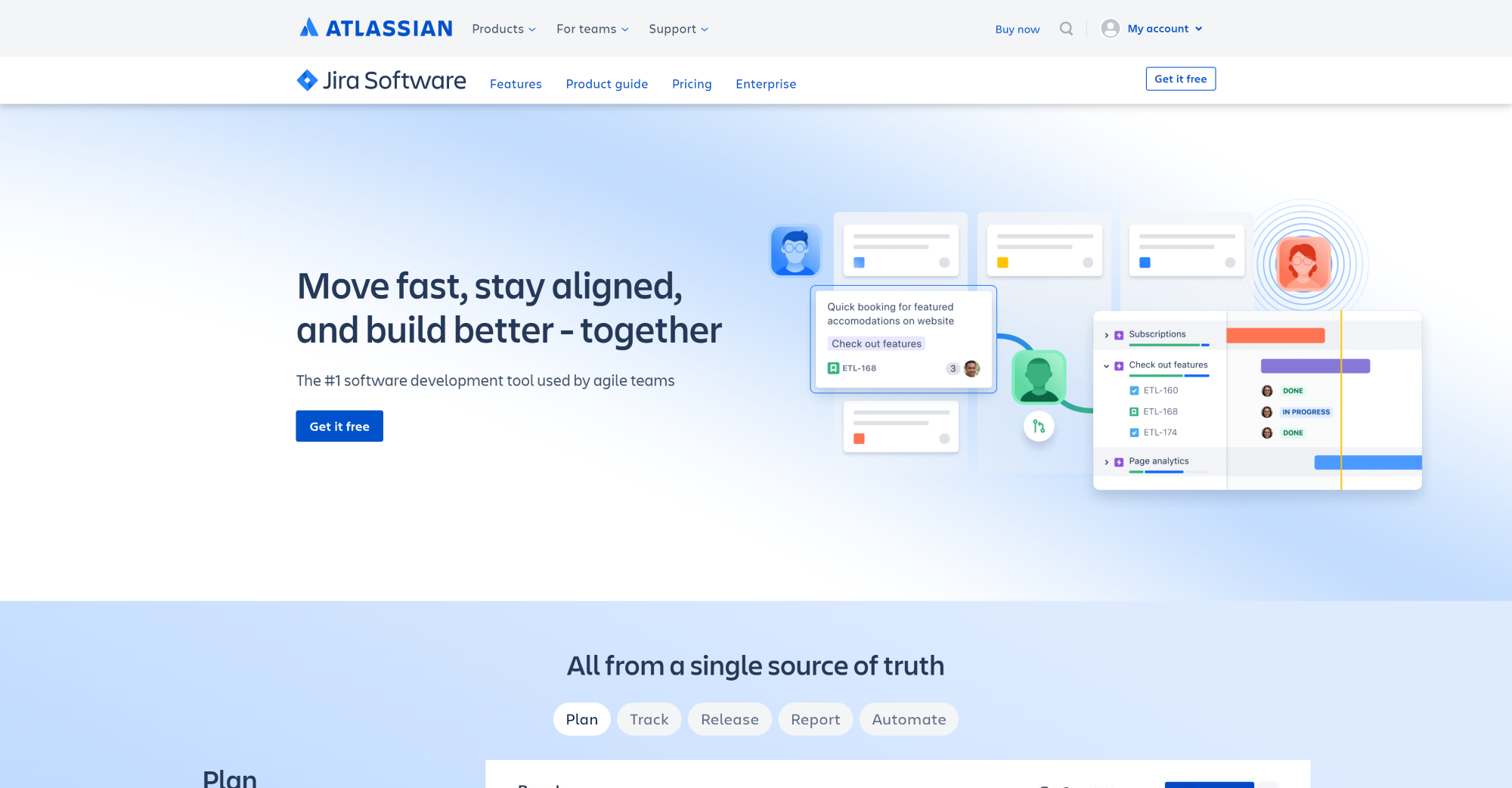
Jira offers a set of features for easier project management, work mapping, and customizable workflows that can help you handle even the most complex projects with ease. To extend its power, Jira can be integrated with more than 3000 apps and integrations such as GitHub, Microsoft Teams, Atlas CRM, Intercom, and more. Here are some of the key feature that Jira and Spiceworks have in common:
However, Jira offers a few functionalities that Spiceworks lacks, such as:
Let’s discuss few key points that differentiate Jira from Spiceworks:
Jira caters to a wide range of businesses, from small startups to large enterprises across various industries. This is thanks to its flexibility, compatibility, and customization features that make it a good choice for software development teams, IT departments, marketing teams, HR, or finance teams.
If you want to improve your project management processes and you want a tool that will help you handle complex projects, Jira may be a good Spiceworks alternative to consider. However, it lacks features that would allow you to communicate internally with your teammates, which could be a key feature when it comes to project management. It is also a bit more difficult to navigate because of its complexity, whereas Spiceworks provides a more user-friendly interface.
Although both have some pros and cons, depending on your needs and goals, Jira may be a good alternative to consider if you want to focus more on the aspect of your management processes and issue tracking.
Freshdesk offers an all-in-one customer support and helpdesk platform that is designed to simplify issue tracking and streamline the customer service experience. Freshdesk allows businesses to manage customer inquiries effectively, and ensure quick problem resolution. It can be a good Spiceworks alternative for companies seeking an intuitive solution to optimize their customer support and IT management processes.

Freshdesk comes with many helpful features to improve your customer support and increase efficiency of your team. In addition, you can integrate Freshdesk with other tools to streamline your everyday operations.
Some integrations are free, however, some of them come with an additional price. Freshdesk integrates with popular tools such as Slack, Microsoft Teams, Google Analytics, popular CRM tools, Jira, and many others. These are some of the features that Freshdesk and Spiceworks have in common:
However, there are some feature that you can’t find in Spiceworks, these include:
Now, let’s look at some of the key differences between Freshdesk and Spiceworks:
Freshdesk is a suitable option for a wide range of organizations, including small to medium-sized businesses, startups, and enterprise-level organizations. Freshdesk’s comprehensive features, customizable pricing, and numerous integrations make it a versatile solution for businesses in all industries.
One great thing about Freshdesk is its feature-packed, user-friendly and intuitive interface that is easy to navigate even if you have a minimal technical experience or knowledge. It also offers many customization options. This gives Freshdesk a competitive edge compared to Spiceworks that offers an easy to navigate dashboard with fewer features and customization options.
To sum it up, both options are good when it comes to their performance, however for more established and larger businesses, Freshdesk’s wide range of features provide a value that is worth the price. All this makes it a good Spiceworks alternative worth considering.
Freshservice is a dynamic alternative to Spiceworks, providing a comprehensive cloud-based IT service desk solution that can help your company modernize and streamline IT support processes. Freshservice also enables organizations to effectively address IT-related issues and deliver exceptional customer service experiences by reducing manual tasks, and optimizing workflows.
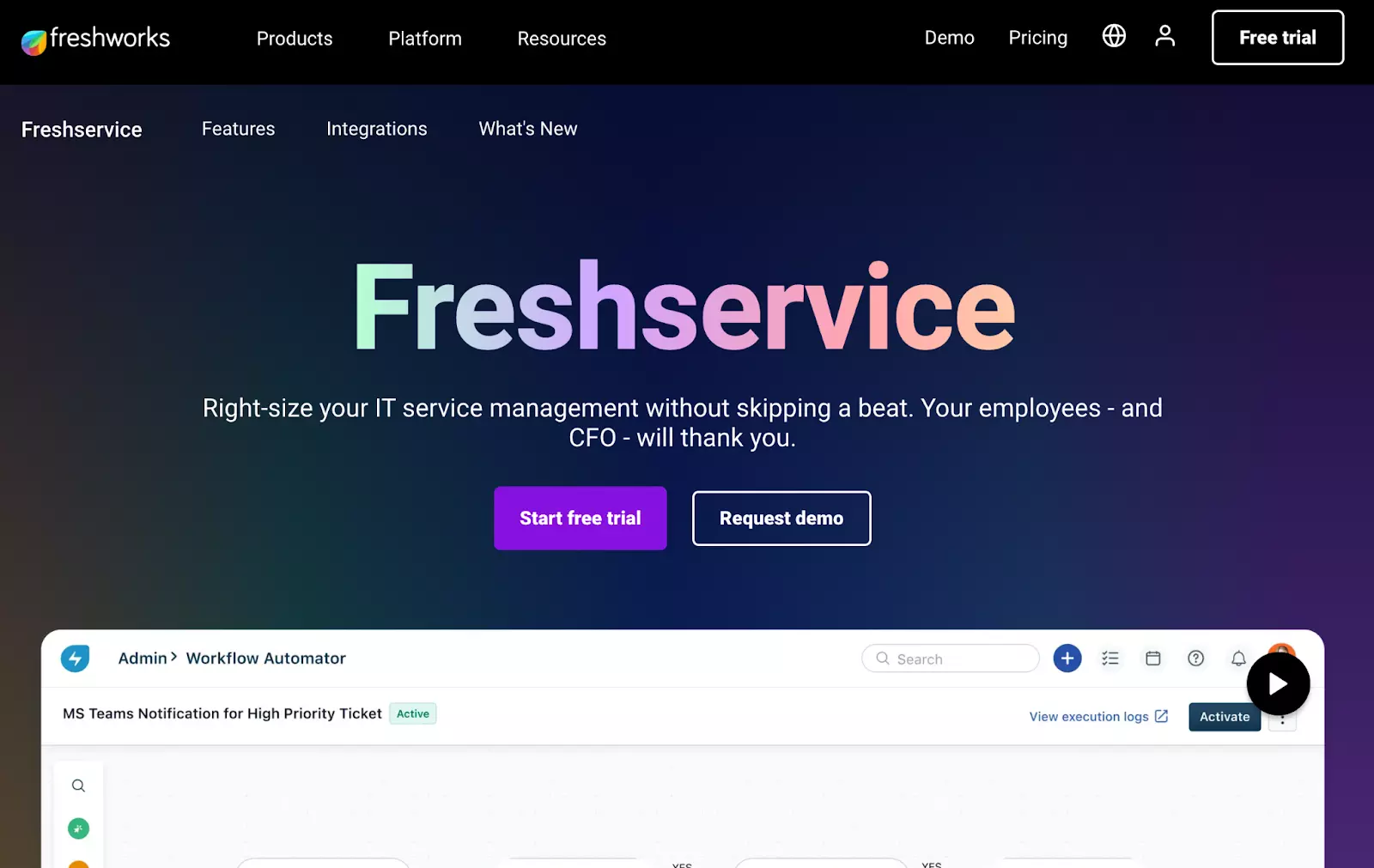
Freshservice offers many powerful features and third-party integrations, enabling organizations to create a cohesive IT service management and streamline their workflows. These integrations cover different aspects of business operations. Some of their popular integrations include Slack, Microsoft Teams, Trello, Salesforce, GitHub, Document 360, and many others.
Here are some essential features included in both Freshservice and Spiceworks:
Additionally, Freshservice offers many other powerful features that Spiceworks does not have:
To give you a better and clearer understanding, let’s discuss some of the key points that differentiate Freshservice from Spiceworks:
Freshservice is a versatile IT service management solution that is well suited for companies of all sizes and industries. Its scalability and easy integrations with third-party tools make it ideal for small businesses, as well as large enterprises, enabling them to optimize their IT support processes and enhance operational efficiency.
Freshservice offers all the necessary features that an IT support helpdesk needs for excellent workflow automation. Its user-friendly interface is easy to navigate, even if you have minimal technical knowledge.
Another thing worth mentioning is their customer support, which is very responsive and helpful. If you don’t feel like contacting their support, their knowledge base is also well-equipped with answers you are looking for. These are the main advantages that give Freshservice an advantage over Spiceworks, which lacks some advanced features that some businesses may require.
However, it is worth noting that both are great options for their own reasons. You just need to take into account your specific needs and what it is that you are looking for.
SolarWinds is an IT management software that provides a comprehensive solution for system and network management. SolarWinds Service Desk is specifically designed to simplify a wide range of IT operations. Its user-friendly interface and comprehensive set of features make it an interesting choice for businesses that want to improve their overall infrastructure performance.
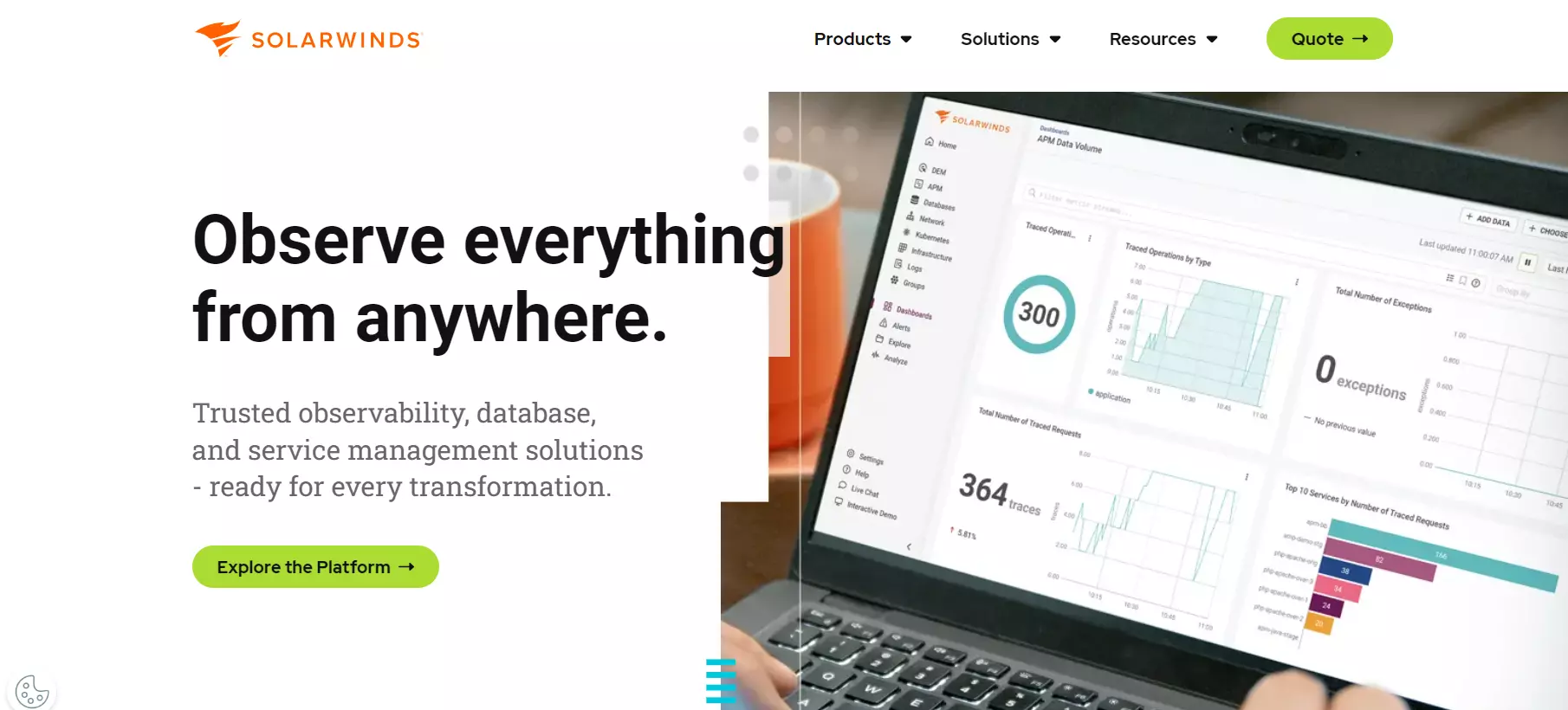
SolarWinds offers a comprehensive set of features to streamline workflows and improve efficiency. With over 3000 different integration options, it gives businesses the flexibility to connect tools they are already using into one centralized system. Some of their options include ServiceNow, Jira, Microsoft Teams, and more.
Here are some of the key features that SolarWinds and Spiceworks share:
There are some additional features that SolarWinds have that you can’t find in Spiceworks:
Let’s talk about some of the main factors that differentiate SolarWinds and Spiceworks:
SolarWinds is a suitable solution for businesses ranging from small startups to large enterprises that need a reliable IT management tool capable of handling complex and diverse IT infrastructures. SolarWinds provides a complete set of tools for managing network devices, servers, applications, and other IT assets, making it ideal for businesses operating in different industries that require a comprehensive solution for IT infrastructure management.
SolarWinds is a powerful and flexible tool that can help many organizations to automate and streamline their IT service management. However, it has its flaws as well. Compared to Spiceworks, SolarWinds’ user interface can be a little confusing and harder to navigate for the first time user and may require some technical knowledge.
To sum it up, both solutions can be a great addition for your business depending on your requirements. They share some similarities as well as some differences that may be the key deciding factors when it comes to choosing between them.
SysAid is a cloud-based IT service management platform that offers an extensive set of tools designed for IT service desk and IT asset management. It is equipped with core features, intuitive user interface, intelligent automation, and robust ITSM capabilities that can enhance the overall support experience, increase productivity, and improve customer satisfaction.
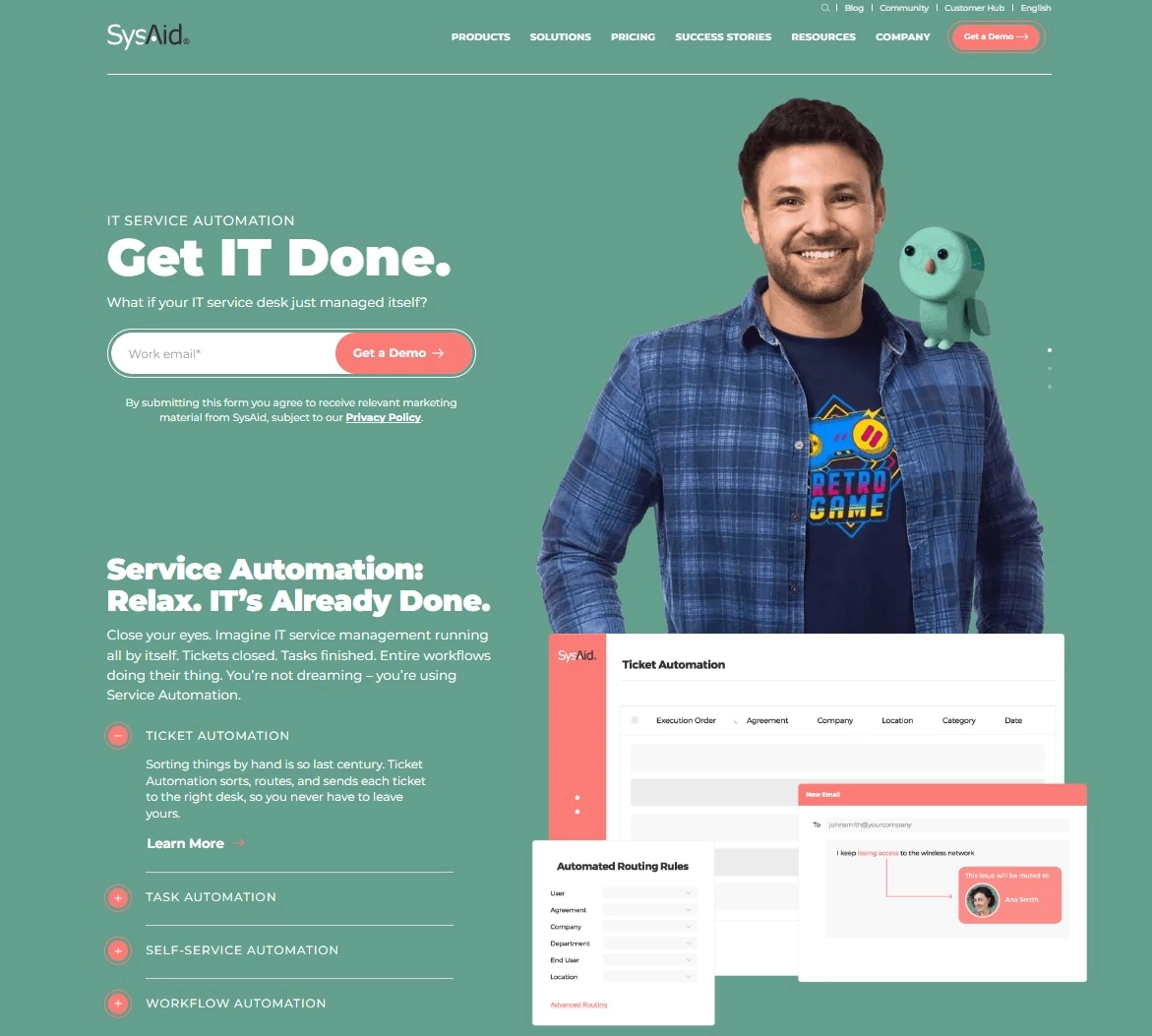
SysAid has many features to make the IT management breezy and improve the efficiency of your team. It also offers integrations with a variety of third-party applications, including Microsoft Office 365, Microsoft Teams, Salesforce, Zapier, Slack, and more. With these integrations, SysAid streamlines your IT operations by providing support for tools that are important to the IT support ecosystem.
Some of the features that SysAid and Spiceworks have in common include:
Here are some additional features you can get if you decide to implement SysAid:
Let’s look at some key differences that set these two providers apart:
SysAid is a well suited option for mid-sized organizations to large enterprises across various industries that require a comprehensive ITSM solution. It provides IT professionals with tools and features that aim to address complex IT support needs. Its scalability, customization options, make it a great solution for companies looking to simplify their IT service management processes.
One important aspect of SysAid is its comprehensive approach to service management and help desk. It offers a multitude of advanced features and functionalities that make it easy to manage incidents, changes and problems regarding IT assets. Its ability to automate processes, generate custom reports, and provide multi-channel support makes SysAid stand out from Spiceworks.
On the other hand, SysAid’s interface can seem a bit outdated and could use some work to make it more user-friendly. It can have some occasional bugs, but these types of issues can be expected when it comes to software solutions.
Datadog is an IT monitoring and analytics platform that enables IT teams to monitor performance, visualize metrics, and troubleshoot issues across different IT infrastructures. Datadog provides a wide set of features, including log analytics, APM, network performance monitoring, and infrastructure management, among others which make it an attractive solution for IT teams looking to optimize IT operations.
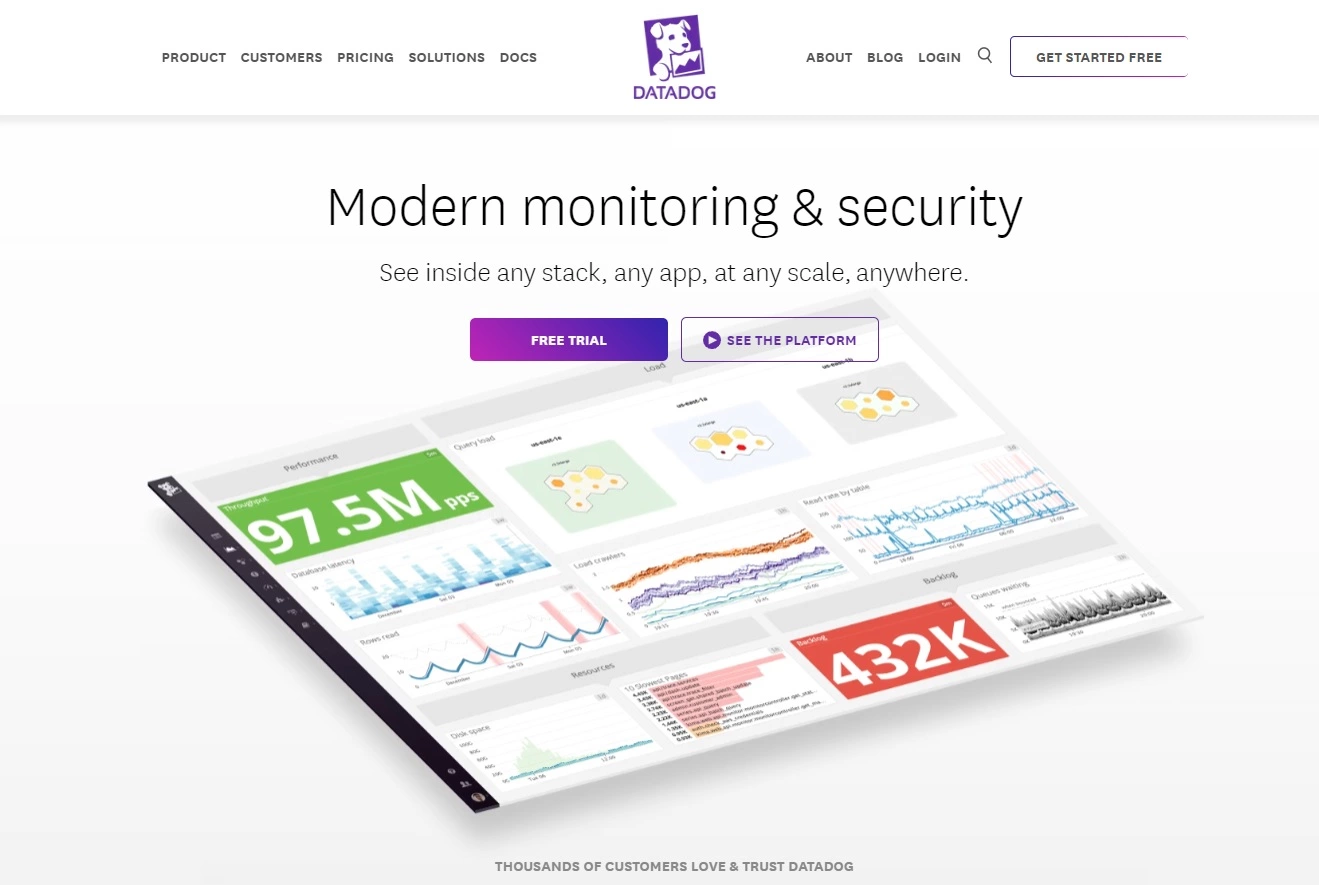
Datadog offers features that can help IT teams manage their tasks and monitor performance. It also integrates with 400+ tools, including cloud providers, container services, collaboration tools, and more. Through these integrations, you can easily combine Datadog’s monitoring and analytics capabilities with tools used throughout the DevOps ecosystem.
These are some of the features Datadog and Spiceworks have in common:
Now, let’s look at some additional features you can get from Datadog:
After looking at the key features, let’s discuss some of the main differences between Datadog and Spiceworks.
Datadog is a great option for organizations of all sizes, primarily those with complex and dynamic IT infrastructure. Datadog is used by companies in various industries such as finance, healthcare, retail, and others, that require an IT monitoring and analytics platform that can adapt to their evolving business needs.
Datadog is generally a pretty straightforward tool that provides a real-time visibility of the system performance. Its customization options also allow you to tailor the tool according to your needs. The advanced customization is something that is missing from Spiceworks which can be a drawback for some organizations.
However, Datadog also has some things that could be improved. For example, it has a steep learning curve because of its complexity, especially for those that don’t have much previous experience with analytics and monitoring. Therefore, it would be helpful to include more training material and documentation to help their new users.
All in all, Datadog can be a good Spiceworks alternative for IT professionals that require a solution with a more complex set of tools and advanced customization.
BMC Helix ITSM is a cloud-based IT service management platform that offers a comprehensive set of IT service management capabilities to streamline different IT operations, such as ticket management, change management, or asset management. It also comes with robust automation and intelligence features that enable IT teams to optimize their processes, reduce manual tasks, and improve the overall customer experience.
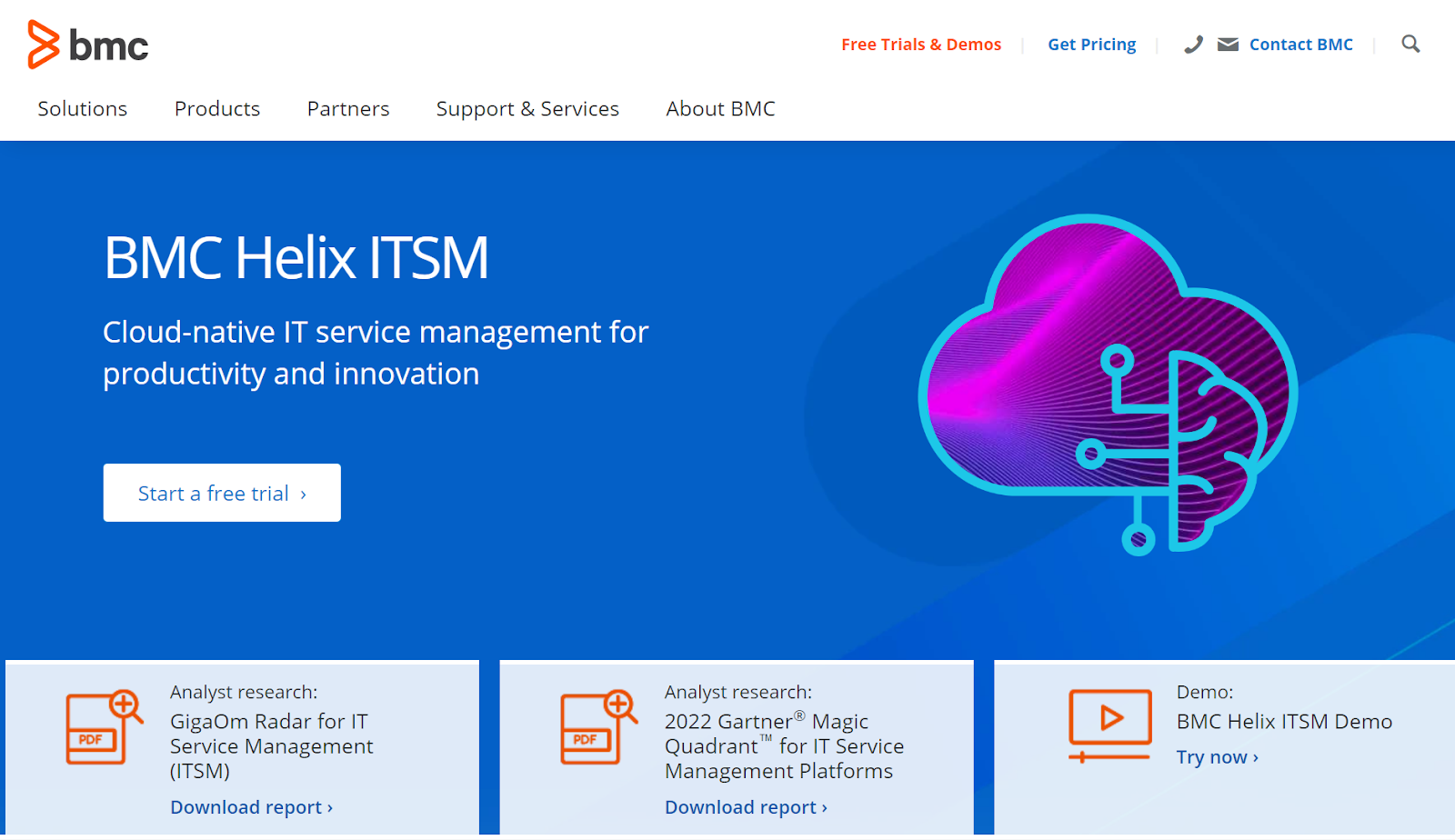
BMC Helix ITCM provides a wide range of features for productivity and innovation within IT service management. It supports integrations with many tools used across the IT support industry, including popular collaboration, automation, and monitoring tools.
The platform supports integration with Microsoft, ServiceNow, Jira, Salesforce, and many other tools that facilitate seamless data exchange between platforms.
Some of the features that BMC Helix ITCM and Spiceworks have in common include:
Here are some additional features you can expect from BMC Helix ITCM that differentiate them from Spiceworks:
Now, let’s discuss some of the main differences between BMC Helix ITCM and Spiceworks that may play an important role in the decision making process:
BMC Helix ITSM is a suitable alternative for large enterprises across various industries that require an ITSM solution that can handle complex service desk issues and processes. It provides a reliable platform that enables businesses to manage their IT support operations effectively while maintaining high availability, security, and compliance standards.
ManageEngine ServiceDesk Plus offers an integrated IT help desk and asset management solution. ServiceDesk Plus combines key features to efficiently handle and resolve issues. It is available both on-premise and in the cloud which makes it a great choice for organizations looking for a scalable, secure, and extensible IT and enterprise service management solution.
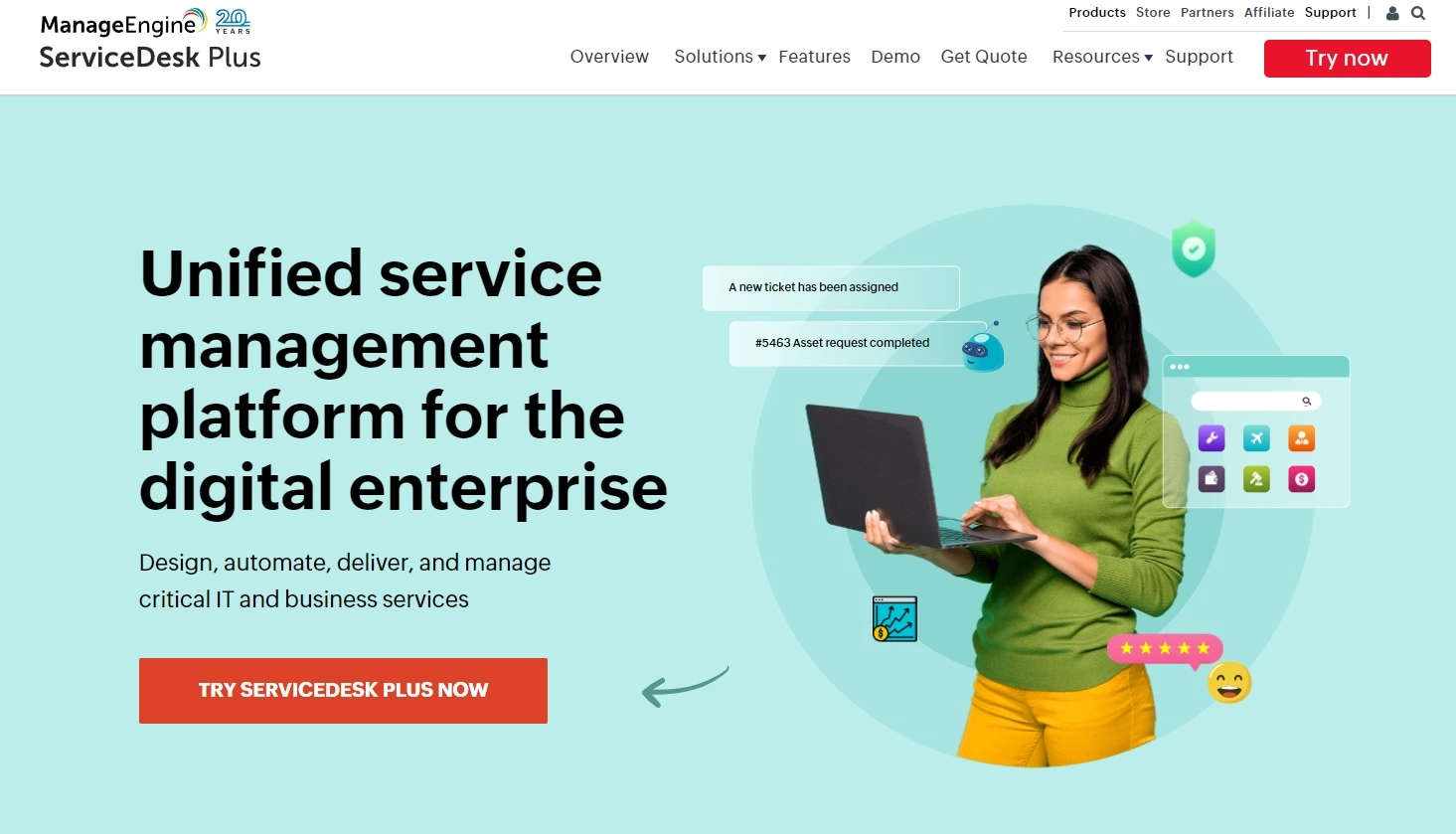
ManageEngine ServiceDesk Plus comes equipped with many features to help you handle different types of issues and resolve them effectively.
It also offers seamless integration with a wide spectrum of applications including software commonly used by companies in the IT support industry. Some of the key integrations include Microsoft Active Directory, Microsoft Azure, Jira, Salesforce, and more.
Here is a list of some features that ManageEngine ServiceDesk Plus and Spiceworks offer to their customer:
Now, let’s look at some of the features that are specific to ManageEngine ServiceDesk Plus:
After looking at some of the features that both services provide, let’s dive into the main differences between them to give you a clear overview.
ManageEngine ServiceDesk Plus is a comprehensive IT service management (ITSM) solution that can be mostly beneficial to medium to large enterprises. Companies in various industries, including IT, healthcare, finance, education, and manufacturing, can leverage its functionalities to streamline their IT service delivery and management processes.
ManageEngine ServiceDesk Plus is a reliable and comprehensive solution that can help you keep track of all service requests and manage all changes and incidents. It caters primarily to medium to large organizations.
However, like any tool, it has its advantages and disadvantages that organizations should consider. For example, it follows ITIL best practices and offers built-in ITIL modules that enable organizations to align their ITSM processes with industry-standard guidelines.
One potential disadvantage of ServiceDesk Plus is its pricing, which can be a bit high for smaller organizations or those with limited budgets. While ServiceDesk Plus offers customization options, certain advanced customization capabilities may be limited. This could be a drawback for organizations that require extensive tailoring of their ITSM processes.
Zabbix is a powerful open-source and versatile monitoring platform that provides comprehensive network, server, and application monitoring capabilities that empower organizations to proactively monitor their IT infrastructure and ensure optimal performance.
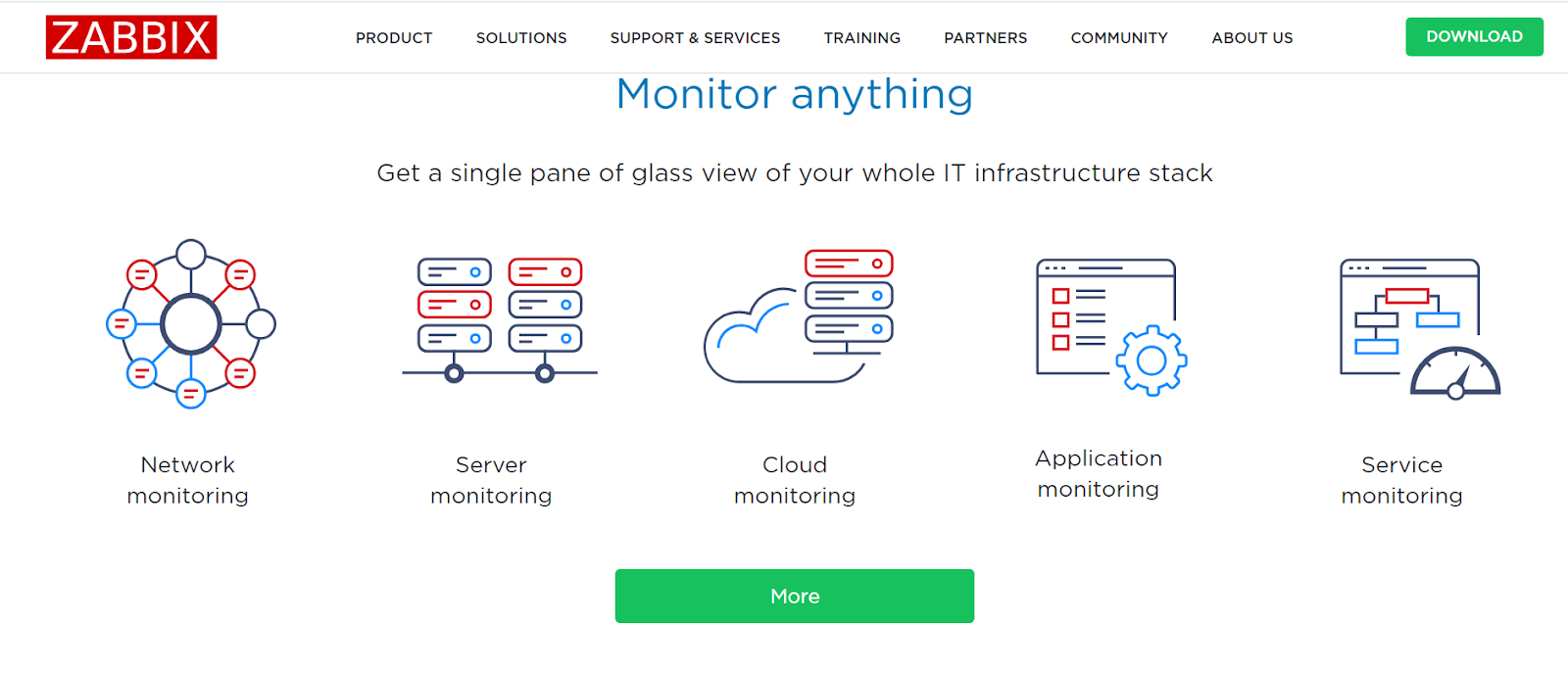
Zabbix is a tool with a comprehensive set of features and it also offers integrations with other applications and tools, expanding its functionality and enabling seamless data exchange. It provides integrations with tools such as Slack, Google Cloud, Jira, Microsoft Teams, Grafana, Skype, Zoom, and many others.
These are some of the key features that Zabbix and Spiceworks share:
Now, let’s look at some additional features Zabbix offers to its users:
These are the main differences between Zabbix and Spiceworks worth mentioning:
Zabbix is a suitable tool for organizations of all sizes, seeking a highly customizable and scalable monitoring solution. It’s commonly used by IT teams that require a comprehensive monitoring solution to meet complex infrastructure requirements. Zabbix can be also tailored to suit specific needs and handle the challenges of diverse IT environments.
Zabbix is an open source solution that is highly flexible and customizable, and its implementation process is also quite easy. It is a great tool for network monitoring with great visual capabilities.
However, the user interface could be improved to create a more pleasant user experience while navigating through it. It would also be very useful if they had more extensive documentation resources to help users get some guidance regarding certain processes.
Vivantio is a comprehensive IT service management solution that offers many powerful features that help organizations optimize their IT support processes and deliver great customer service. Its intuitive configuration helps to keep your team in control of all the internal processes. On top of that, workflow automation streamlines service operations to increase productivity.

Vivantio offers seamless integration with a variety of platforms to deliver exceptional customer service and streamline IT operations. Some of their integrations include Jira, Gmail, Microsoft Azure DevOps, Microsoft Teams, Slack, Zapier, and many others. It can improve collaboration efforts between different teams and systems while providing a unified IT service view.
Let’s look at some of the features Vivantio and Spiceworks have in common:
Here are some of the features specific to Vivantio that you won’t find in Spiceworks:
Some of the main differences between Vivantio and Spiceworks include:
It is most suitable for mid-sized to large businesses across different industries that want a flexible and scalable IT service management solution. Vivantio is a great Spicework alternative for organizations with complex IT infrastructures and multiple departments, IT service providers, managed service providers (MSPs), and businesses with internal IT teams that require incident and problem management capabilities.
Vivantio is an easy to navigate and highly customizable solution that can be tailored based on different requirements and needs of a particular business. Its user-friendly interface allows even the new team members to quickly pick up on how to use the tool.
Overall, it is a great Spiceworks alternative for medium to large businesses that are looking for a comprehensive IT service management solution. However, there are few areas that could use some improvement. For example, the process of creating custom reports can be a bit time-consuming and complex. Making this process easier could improve the overall user experience.
LiveHelpNow is a great alternative to Spiceworks, offering a user-friendly interface, comprehensive live chat and customer support software solution. Designed to enhance customer engagement and support, LiveHelpNow provides businesses with real-time communication channels, knowledge base management, ticketing systems, and proactive chat features which empowers organizations to deliver exceptional customer experience across various channels.
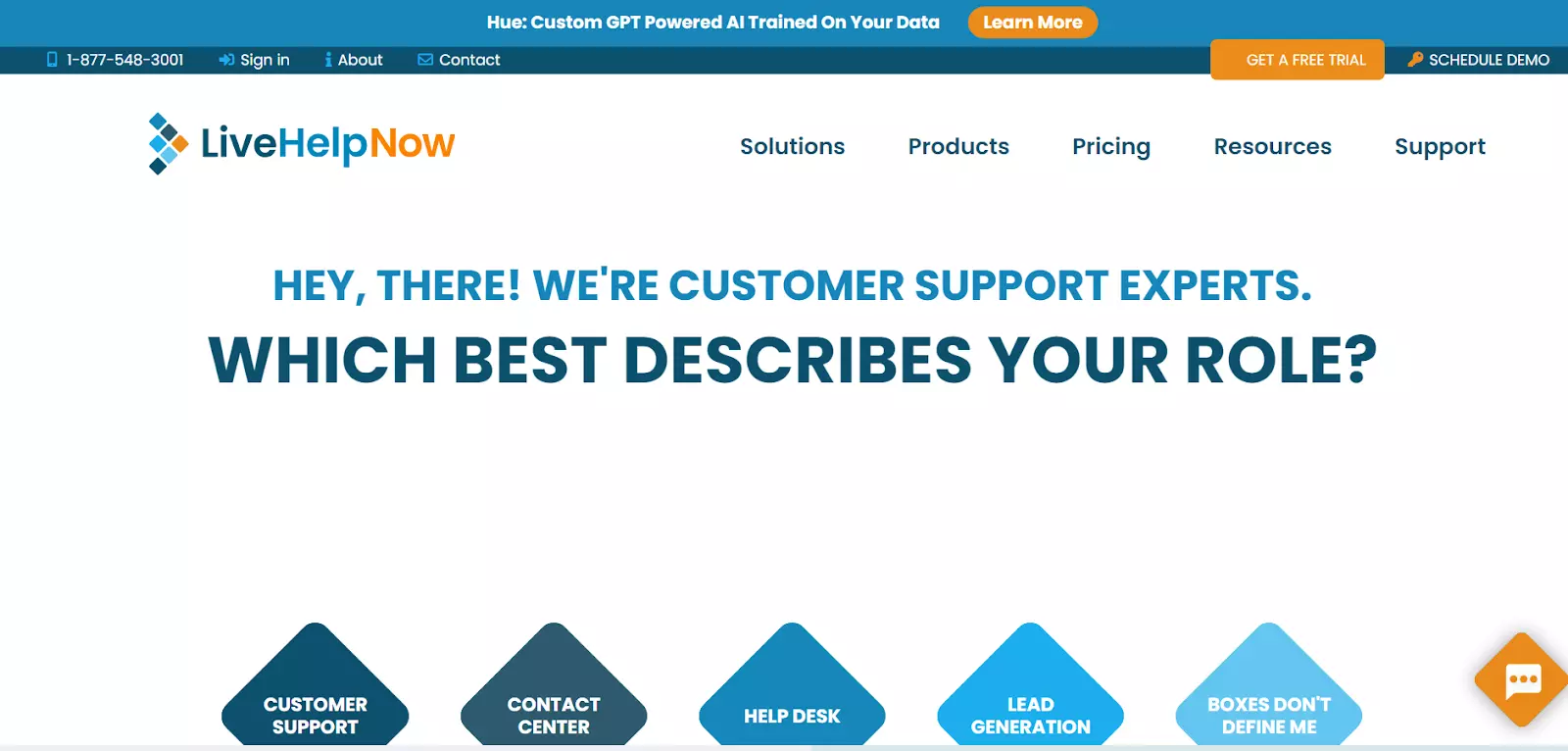
LiveHelpNow’s comprehensive set of features makes it a good choice for many businesses. It can also integrate with popular CRM platforms like Salesforce, HubSpot, and Zoho CRM which enables a seamless flow of data between systems.
It also integrates with help desk software and social media platforms like Facebook and Twitter to facilitate efficient ticket management. All these integrations allow businesses to have a clear overview of customer interactions and help agents to access critical information from one centralized platform.
These are some of the features that LiveHelpNow has in common with Spiceworks:
There are also multiple features that Spiceworks lacks, but are available in LiveHelpNow:
Let’s discuss some of the key differences between the two solutions:
This solution is suitable for businesses of all sizes that focus on providing efficient and personalized customer support, and those who value live chat functionality to offer proactive engagement to website visitors. LiveHelpNow provides the right tools and features that are necessary in order to improve customer satisfaction and build long-term relationships with them.
LiveHelpNow is a user-friendly and customizable live chat and customer support software that offers great reporting features. The platform makes it easy for businesses to engage with their customers in real-time and provide exceptional support.
The interface is intuitive, making it a breeze for both support agents to navigate and utilize the features effectively. The platform also provides robust reporting features that provide insights that help organizations make data-driven decisions.
However, it’s worth mentioning that there is room for improvement when it comes to its interface. While it is functional and gets the job done, a more visually appealing and modern design could enhance the overall user experience.
Jitbit Helpdesk is a reliable and efficient tool that offers a comprehensive helpdesk solution for businesses. It offers both SaaS and on-premise versions. With its many features, Jitbit Helpdesk empowers organizations to streamline their customer support processes and deliver exceptional service. Its user-friendly interface, customizable workflows, and collaboration tools make it an ideal alternative for businesses seeking a simplified and efficient helpdesk solution.
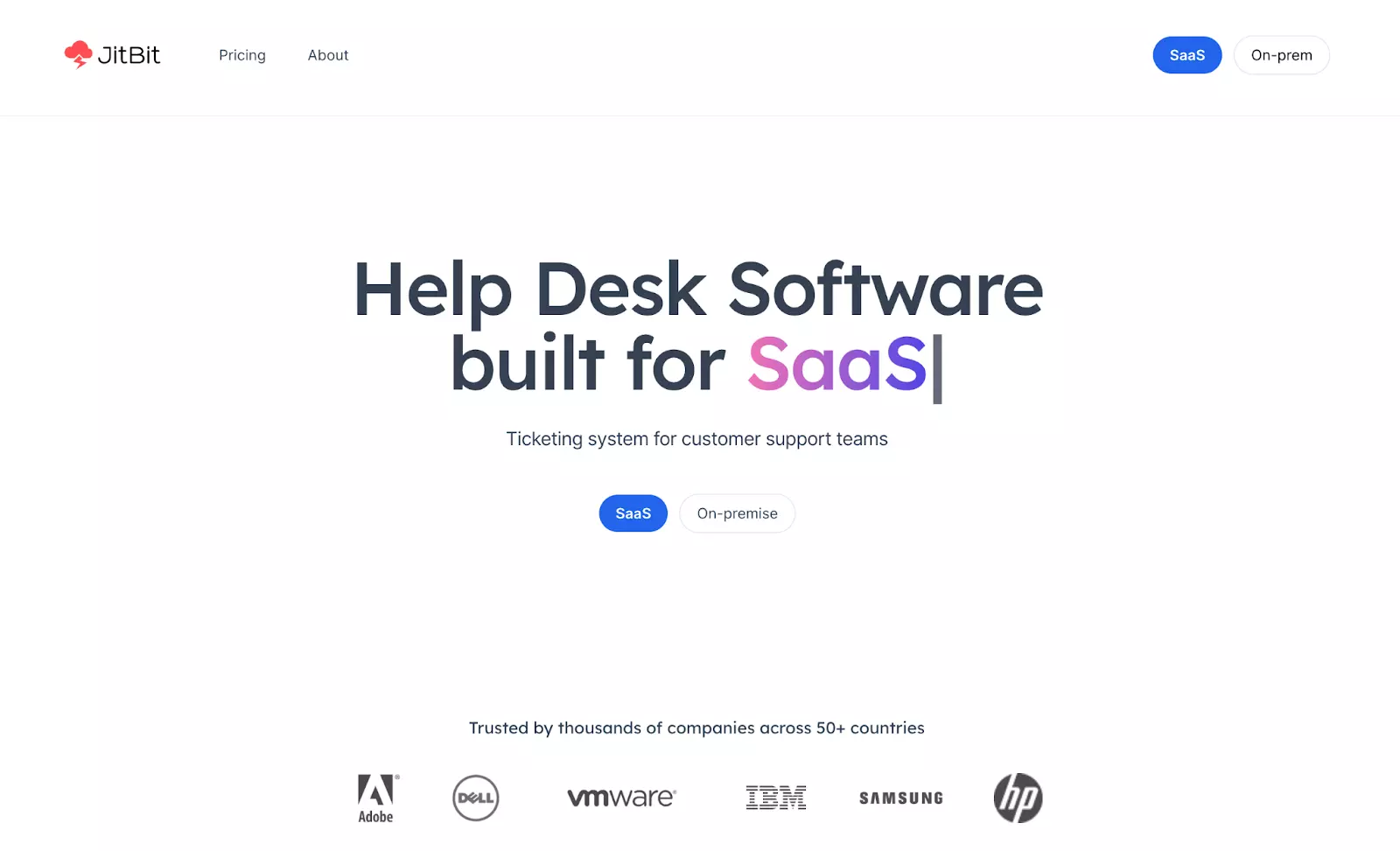
JitBit Helpdesk offers over 500 integrations with tools like Slack, Jira, Google Drive, Dropbox, Github, Zapier and many others. Their built-in API allows you to connect the tools that you are using with other third-party applications within seconds, which leads to optimized help desk processes, improved response times, and personalized customer support experience.
Here is a list of some of the key features that JitBit Helpdesk and Spiceworks share:
Now, let’s also look at some of the features that are only available in JitBit Helpdesk:
Jitbit Helpdesk is a suitable solution for small to medium-sized businesses that require a straightforward and easy-to-use helpdesk system. Whether you are a startup company with limited resources or teams that need a simplistic helpdesk solution to manage customer inquiries, Jitbit Helpdesk provides the necessary features to efficiently handle support requests and provide timely resolutions.
Pricing (SaaS)
Self-hosted pricing
JitBit Helpdesk is an efficient help desk solution with a clean interface that makes customer support a breeze. Its well-organized layout ensures that support agents and customers can effortlessly engage with the system, saving time and effort. The analytics and reporting tools provide invaluable insights into customer support operations and performance. The analytics enable businesses to identify trends, monitor response times, and measure customer satisfaction.
However, it’s worth mentioning that there have been occasional instances of slowness and glitches in the system. Nevertheless, the overall user experience and the benefits offered by JitBit Helpdesk overshadow these occasional hiccups.
ProProfs Help Desk is a user-friendly and feature-rich helpdesk software that provides support management service to handle company’s internal as well as external support requests. With its ticketing system, knowledge base management, and automation capabilities, ProProfs helps businesses to provide efficient and personalized customer support. The platform also helps you automate repetitive tasks, collaborate better among departments, and make data-driven decisions.
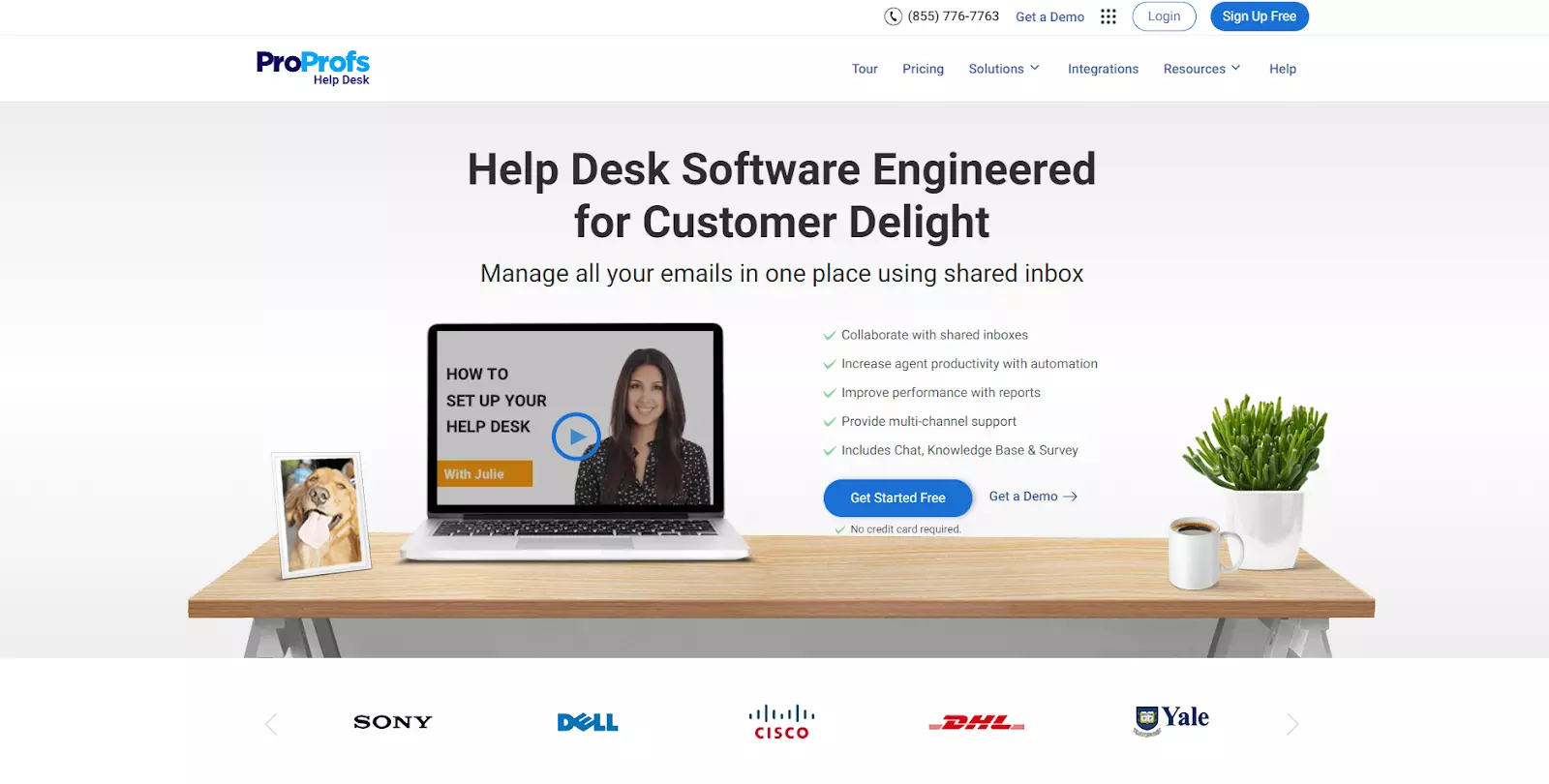
Along with many advanced features, ProProfs Help Desk also offers integrations that allow businesses to optimize their help desk operations and improve the overall efficiency. It seamlessly integrates with many different platforms and tools like Slack, Microsoft Teams, or Salesforce to ensure smooth coordination and prompt resolution of customer queries, as well as synchronization of customer data for a more comprehensive view.
There are some features that ProProfs Help Desk and Spiceworks share:
But, there are also some features that are available in ProProfs Help Desk, which are not included in Spiceworks:
The main difference is that ProProfs Help Desk offers robust customer support features designed to enhance customer interactions and provide efficient support. While Spiceworks also provides help desk ticketing functionality, it may not offer the same comprehensive set of customer support features as ProProfs Help Desk.
ProProfs Help Desk is best suitable for businesses of all sizes that want to provide exceptional customer service. ProProfs Help Desk is particularly well-suited for organizations that require a versatile and scalable platform, and are looking to establish a strong customer support foundation. It is also suitable for larger enterprises seeking advanced features for managing complex operations.
ProProfs shines as a user-friendly live chat and customer support software. Businesses can quickly implement and navigate the platform without much technical knowledge or training. Agents can easily engage with customers in real-time, ensuring a smooth support experience.
However, one area where ProProfs could improve is in the personalization of automatic responses. While the platform offers predefined responses, it lacks the ability to customize them to match the brand’s tone or specific customer needs.
Another missed opportunity for ProProfs is the absence of social media integrations. With social media integrations, businesses can efficiently interact with customers on popular social media channels, improving their overall support presence and customer satisfaction.
By choosing the right solution for your business, you can streamline many aspects of your customer management and enhance efficiency.
Investing in a paid Spiceworks alternative can impact time and resource savings, as these solutions often come with advanced features tailored to meet your specific needs. Some of the key advantages of paid Spiceworks alternatives include:
When you’re looking into Spiceworks alternatives, identify the key features you need for your IT management and customer service needs. Let’s discuss the most significant ones:
User reviews and testimonials provide valuable information that can help in making a more informed choice.
Reviews offer first-hand experiences about interactions with the software and provide a more genuine understanding of both the positives and negatives of the product, including its practical functionality, ease of use, and reliability.
User reviews are also typically independent and provide unbiased feedback that helps to paint a realistic picture of what to expect. Analyzing user reviews and testimonials can help validate your decision, which ultimately increases your confidence in choosing the right software solution.
By analyzing multiple reviews, you can identify recurring issues that the users face. Being aware of these potential challenges helps you determine if these performance issues may impact your company and if the provider is proactively addressing them.
Reviews often discuss experiences with the software’s customer support. This feedback is important to evaluate the responsiveness, effectiveness, and overall quality of customer support. Ensure that you choose a provider who is committed to delivering exceptional service.
Most of the Spiceworks help desk alternatives excel in terms of automation and efficiency, offering advanced features and tools that allow you to streamline processes and optimize workflows.
These alternatives enable your business to automate processes such as ticket routing, prioritizing support requests, and implementing self-service options, which ultimately improves response times and enhances overall efficiency.
Taking a demo call before committing to a software product allows you to see the product in action, interact with a company representative, and ask questions about features and functionality. This live interaction helps you make an informed decision by providing a deeper understanding of the software’s capabilities.
A free trial offers a hands-on experience to test the software in your own environment, allowing you to assess its user-friendliness, performance, and compatibility with existing systems.
Additionally, both trial runs and demo calls give you a chance to evaluate the vendor’s customer support and responsiveness, helping you gauge their reliability and level of assistance.
When searching for Spiceworks alternatives, businesses should evaluate their unique requirements to find the best fit, considering each option’s features and capabilities. Utilizing free trials, demo calls, and checking user reviews can provide valuable insights into the software’s functionality, user interface, and overall performance.
Key factors to consider include automation capabilities, integration possibilities, and return on investment (ROI). Some alternatives, like LiveAgent, offer advanced automation tools that enhance efficiency, while robust integration options support long-term growth. Assessing these elements will help businesses make an informed decision that improves operational efficiency, customer support, and overall success.
So don’t hesitate any longer; Consider trying LiveAgent’s free 30-day trial to see how it can meet your needs.
Share this article
Penelope is a seasoned copywriter and content specialist at LiveAgent, where she has spent over two years crafting insightful content on customer service, AI, and affiliate marketing. She has a background in business and psychology and focuses on translating complex topics into accessible content. Her experience includes collaborating with customer service experts to produce practical, informative material.

While Spiceworks is a popular IT management solution, you might consider alternatives if you need more advanced features, better customization options, broader integrations, an ad-free experience, or specific functionalities like live chat and advanced ticketing workflows that better align with your business requirements.
Spiceworks is an IT management software designed for IT professionals and system administrators. It offers tools for network monitoring, help desk ticketing, inventory management, and community-driven support where IT professionals can collaborate and share knowledge.
Essential features include a robust ticketing system, live chat capabilities, comprehensive knowledge base management, Service Level Agreement (SLA) tracking, advanced reporting and analytics, collaboration tools, and seamless integration with third-party applications like CRM and project management tools.
Yes, several alternatives offer free versions or free trials. Options like Jira, Zabbix, and LiveAgent provide free tiers with basic features, while others like Zendesk and Freshdesk offer limited free versions with paid plans for advanced features.
Evaluate your specific needs, compare features and pricing, analyze user reviews and testimonials, consider integration capabilities, assess automation and efficiency features, and take advantage of free trials or demo calls to test the software before committing.
Discover the top 10 Help Scout alternatives for 2025 offering superior features, integrations, and cost-effective solutions for your business.
Explore 15 Zendesk alternatives for 2025 to enhance customer service with options like LiveAgent, Freshdesk, and HubSpot Service Hub. These solutions offer flex...
Discover the top 15 Spiceworks alternatives for 2025! Compare features, integrations, and pricing to find the perfect IT management solution.
Join our community of happy clients and provide excellent customer support with LiveAgent.
