



First Contact Call Center Templates
LiveAgent offers free first-contact call center templates to enhance communication during initial customer interactions. These templates include opening phrases...
6 min read
LiveAgent
Call Center
+1

Learn how to manage seamless channel transitions and track the right metrics for omnichannel success.
Customers often move between different support channels during their interactions. This can happen when an issue becomes more complex, when someone wants more privacy, or simply when it is more convenient to use another device or communication method. Scientific studies show that people pay close attention to the features of each channel. For example, some channels offer quicker responses, more privacy, or fit better with the customer’s current situation. You might start solving a problem through live chat but switch to a phone call if you need quick escalation. If your issue is sensitive, you may leave a public social media channel and continue the conversation in a private message. Research from NNG (2026) and ScienceDirect (2021) shows that people expect to keep making progress on their issue, no matter which channel they use.
To keep the customer journey smooth during channel switching, you need to keep all the context and guide the customer clearly. Here are some best practices:
When you follow these steps, you reduce frustration. Customers do not have to repeat themselves, and they feel more confident in the support they receive. Academic studies show that smooth transitions between channels help more people complete their support requests and report higher satisfaction (ScienceDirect, 2021).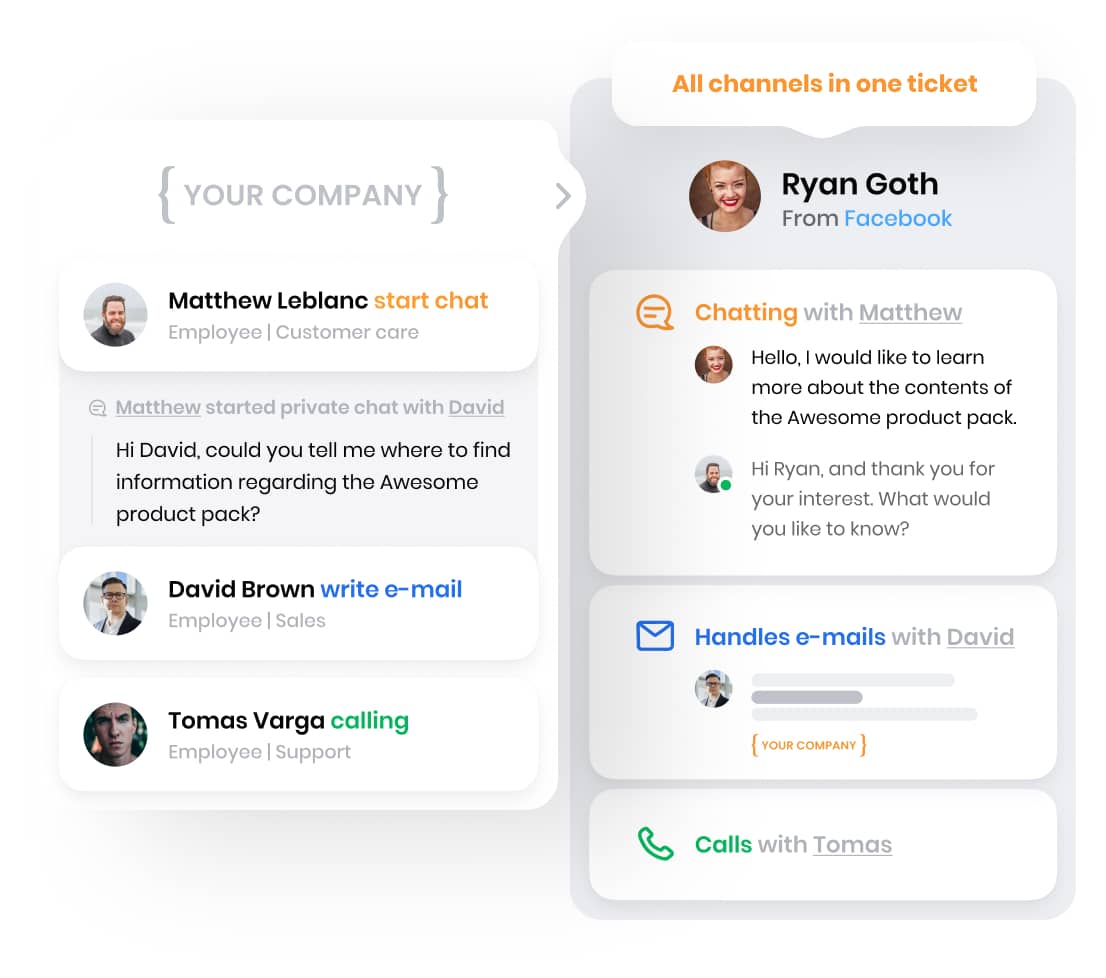
To give effective support across channels, agents need strong training. Good training programs should cover:
Multi-channel journey scenario: Imagine a customer starts a support request on social media. They move to chat for more detailed help, then finish the conversation over the phone. Throughout this journey, they do not need to repeat their issue, and the agent always has the full context.
Agent training checklist:
If you follow these practices, you can help organizations keep their support journeys smooth, efficient, and focused on the customer. This leads to better experiences and stronger customer relationships.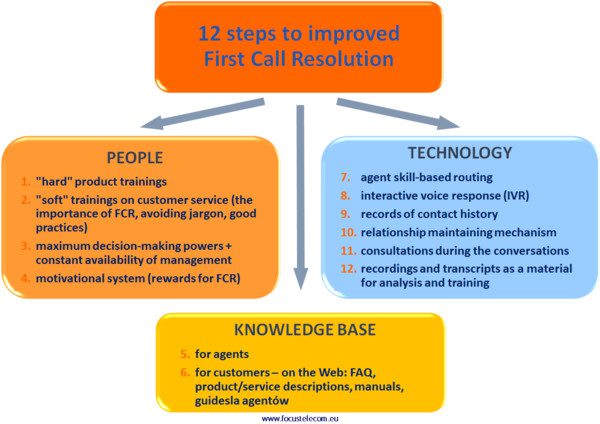
To measure how well your omnichannel customer support works, you need to track key performance indicators across all channels. Here are the main metrics you should monitor:
To improve your service, you need feedback from customers. Here are some effective ways to gather and use it:
When you measure and analyze your KPIs regularly, you can spot patterns and make your support better. Here are some steps you can take using this data:
KPI dashboard: Set up a real-time dashboard to display your main metrics: CSAT, NPS, response times, resolution times, and channel effectiveness. Use color codes to make it easy to spot where you meet your targets and where you need to act right away.
By tracking these metrics and acting on feedback, you can improve your omnichannel customer support and deliver better experiences across every channel.
Share this article
Lilia is a copywriter at LiveAgent. Passionate about customer support, she crafts engaging content that highlights the power of seamless communication and exceptional AI-powered service.

LiveAgent offers free first-contact call center templates to enhance communication during initial customer interactions. These templates include opening phrases...

Enhance customer service with omnichannel support and efficient help desk request forms. Learn benefits of customizable templates, improve agent productivity, a...
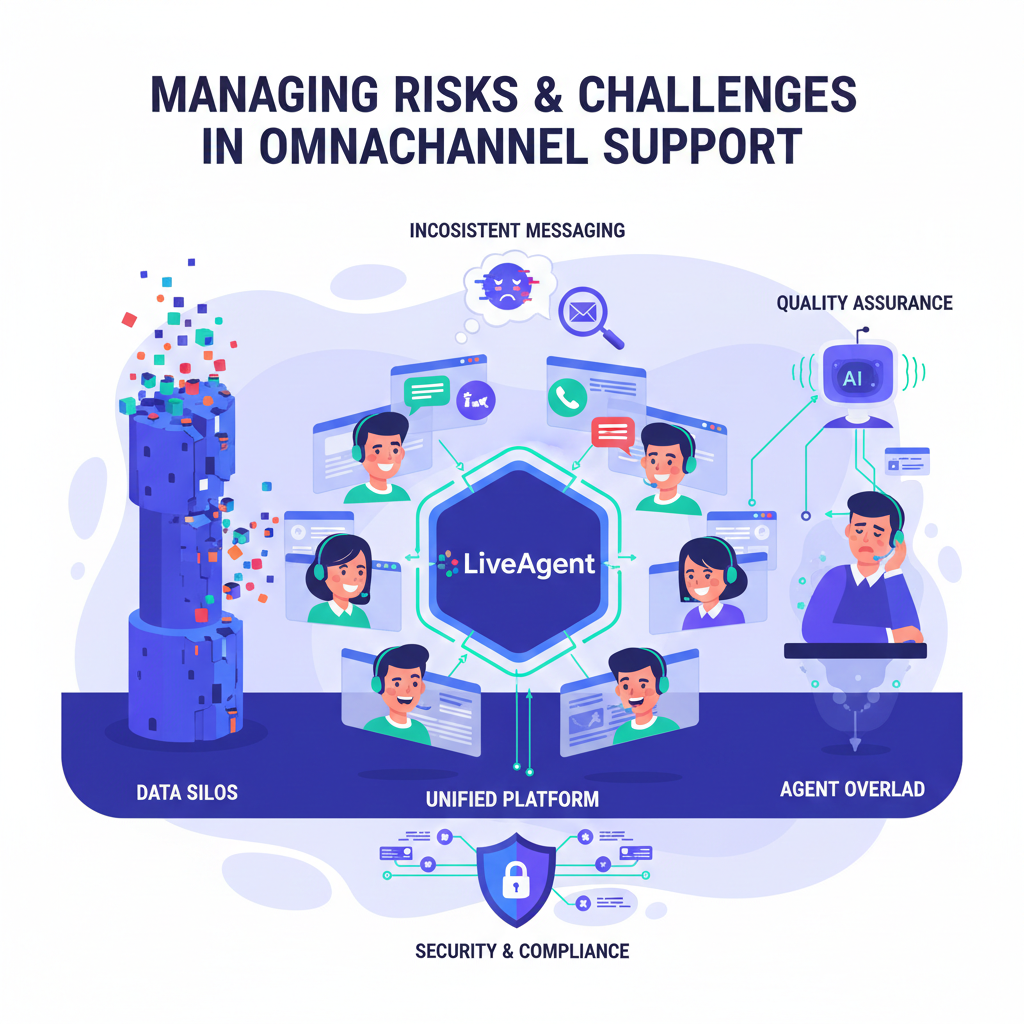
A comprehensive guide to identifying omnichannel pitfalls like data silos and agent overload, with proven mitigation strategies and real-world success stories.
Join our community of happy clients and provide excellent customer support with LiveAgent.
