LiveAgent 5.34 – Bringing a plethora of improvements
LiveAgent 5.34 update includes custom roles permissions logs, customizable ticket tabs order, improved status messages, automatic expanded ticket view on smaller devices, and various bug fixes, enhancing user experience and functionality.
Published on Jan 20, 2026 by Jana Kostelanska.Last modified on Jan 20, 2026 at 7:35 am
LiveAgent is coming with a new and updated version that brings a significant amount of fixes and some great improvements to our current features and their interface. Take a look at the list of changes below and find out what are the most significant changes in the LiveAgent 5.34 version.
New LiveAgent improvements and updates
Custom roles permissions log
This update to our custom roles feature allows you to keep track of what changes have been made to any of your custom roles. Owner and admin could check the audit log to see who changed/created, deleted custom roles, or edited role permissions.
Custom order of ticket tabs
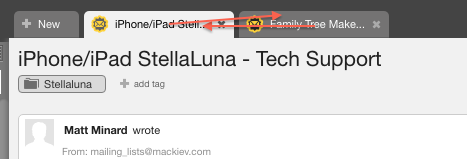
From now on you can say goodbye to automatic ticket tab order in your LiveAgent ticketing. Simply click and drag any of the tabs and replace them in any order you prefer, just like with tabs in web browsers.
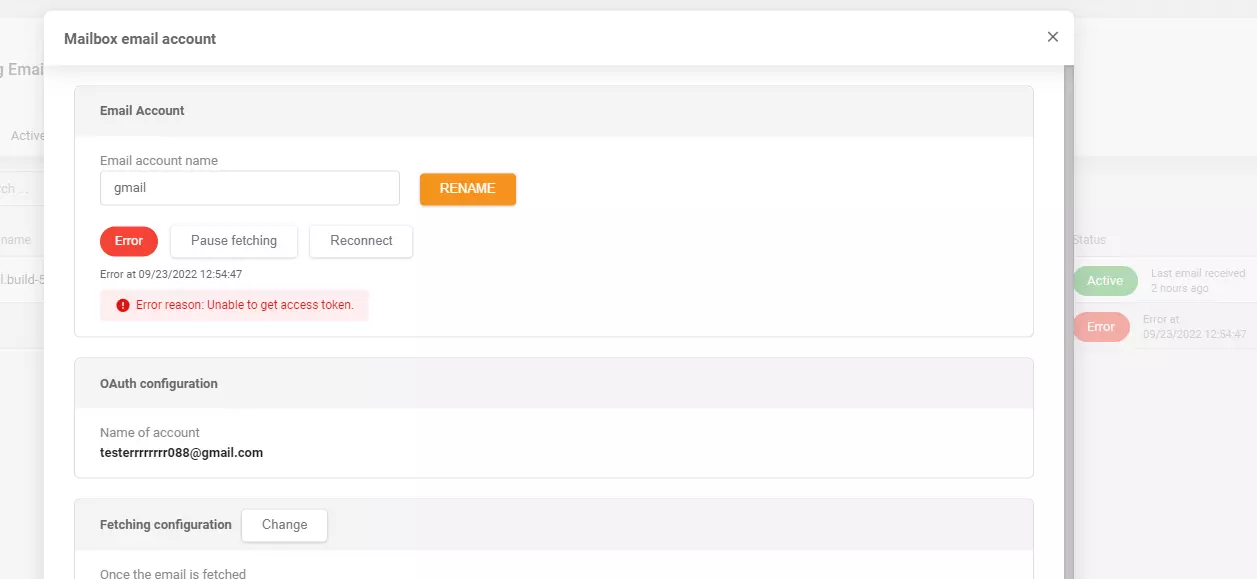
Improved status messages for incoming and outgoing email accounts
Incoming email account status messages have received a tweak, so they will show more descriptive information to each user. A similar change has been done to the outgoing email accounts. This change brings more information about certain errors.
Automatic expanded ticket view on smaller devices
If you’re using LiveAgent on a smaller device, the ticket views will automatically expand based on the screen size of your device.
List of opened tickets design improvement
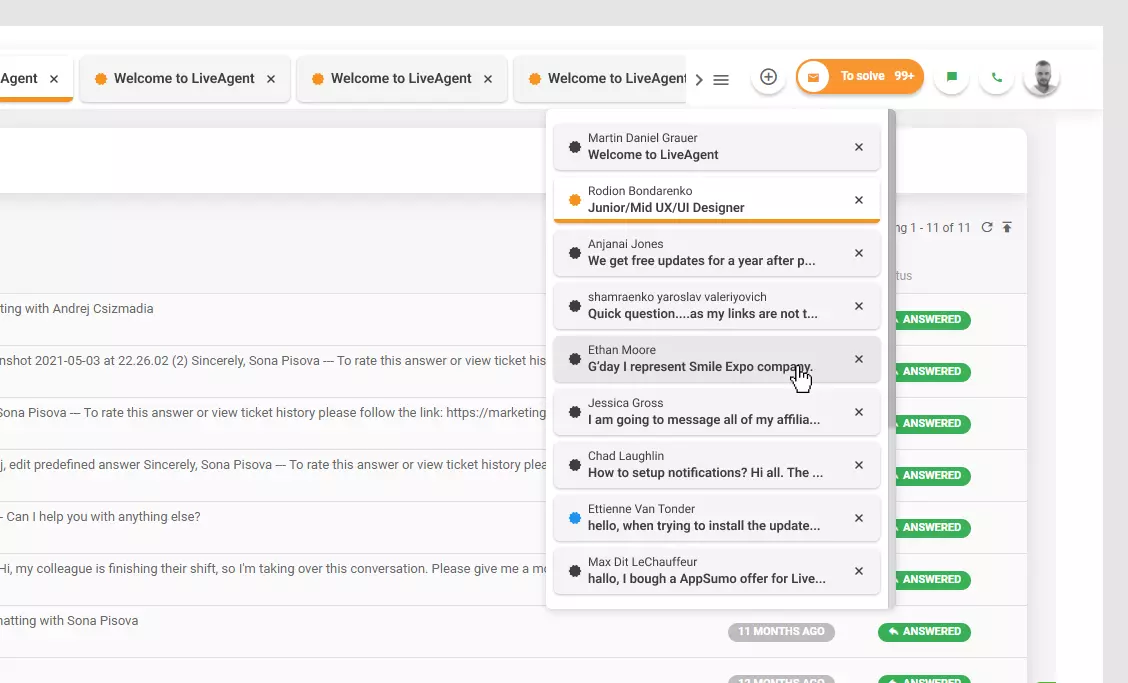
Every time you have a large number of tickets opened, or if you’re working from a device with a smaller screen, the tabs will switch into a scrollable list view. The design of the list of opened tickets tabs got a new fresh coat and it looks better than before. The list looks more organized and more pleasant to look at in Material, White, and Dark themes.
Automatic switch between light/dark theme in live chat
From now on the live chat will accommodate the browser and switch between a light and dark theme to match the browser settings accordingly. The user doesn’t have to change anything manually, this change will perform automatically once you activate this option in the settings.
Larger agent avatars
The standard avatar size has been changed from 80×80 pixels to a larger 150×150 pixels. This change makes agent photos much more visible, so customers can always see who they are talking to.
Ticket requester info in ticket tabs
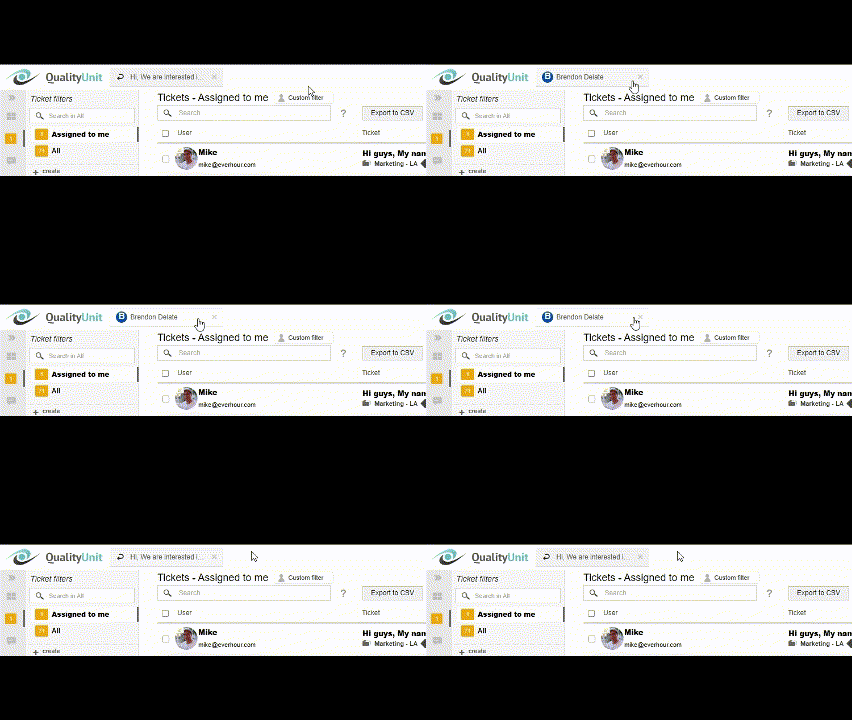
This improvement allows you to see the name of the requester of any ticket you have open in the tab section anytime you hover over tabs. The improvement allows you to better keep track of customers and names of ticket requestors.
Drag-and-drop ticket filters
The 5.34 update brings a new drag-and-drop feature to ticket filters. You can now simply click on any of the ticket filters and drag them to where you want them to be, just like with ticket tabs.
New fixes, tweaks, and bug removals
Salesforce deactivated bug
Some users experienced a bug where their Salesforce plugin would automatically deactivate after a couple of seconds after activation. This issue has been removed in the LiveAgent 5.34 update.
Duplicate records in ticket state
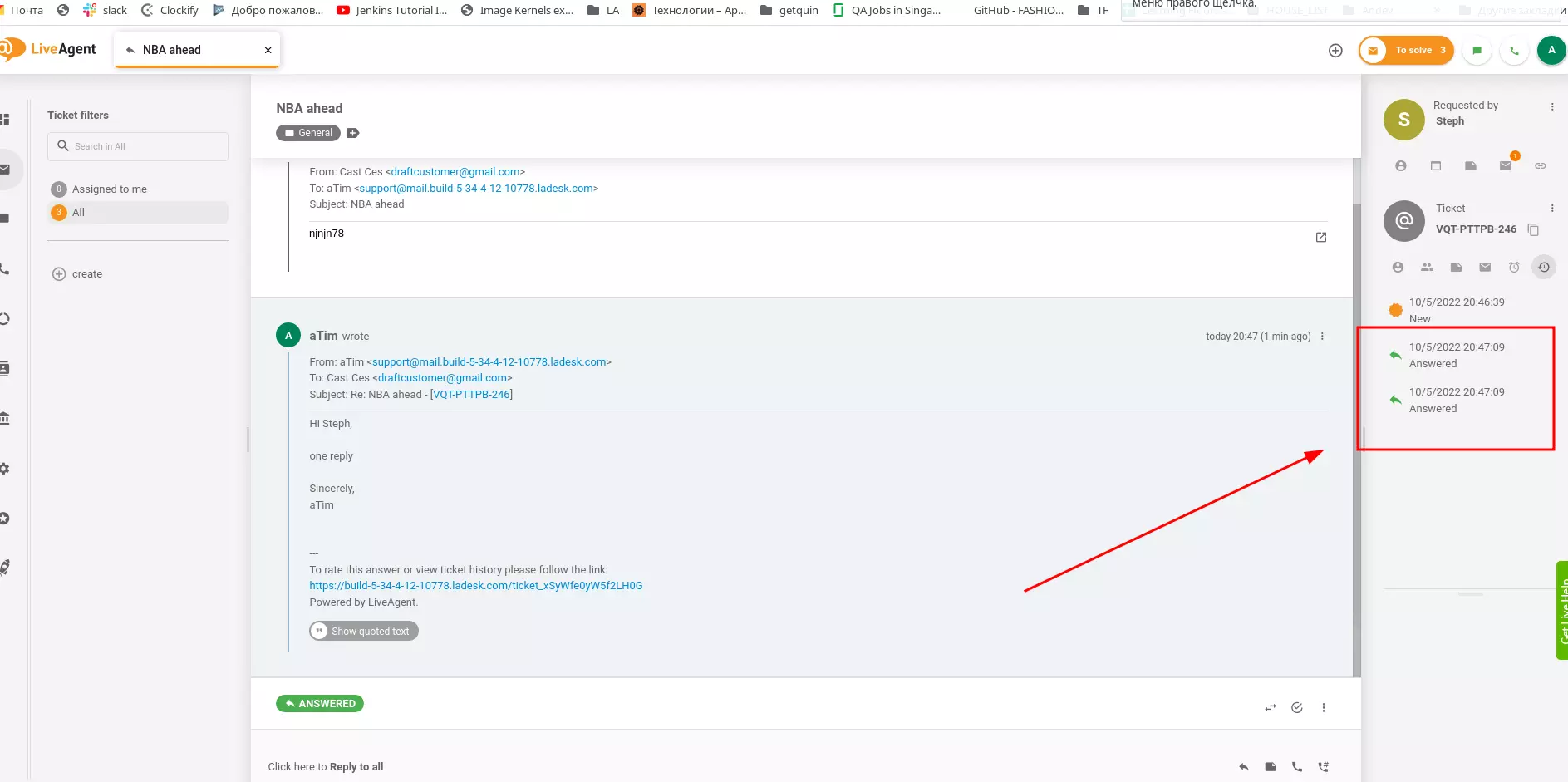
Our ticketing system had a bug which caused a ticket state to show up twice in a row in the history tab on the right. We have removed this issue in the latest update, and ticket states will show correctly from now on.
SLA rules problems
SLA rules wouldn’t apply after some users forwarded a ticket. This issue has been fixed in the new update and SLAs should apply correctly even after forwarding.
Twitter integration problems
Some LiveAgent users weren’t able to add new Twitter accounts into the system and received errors. Other users who had Twitter accounts connected to the system reported that the integration isn’t fetching tweets. We have removed both of these issues and the Twitter integration should run smoothly.
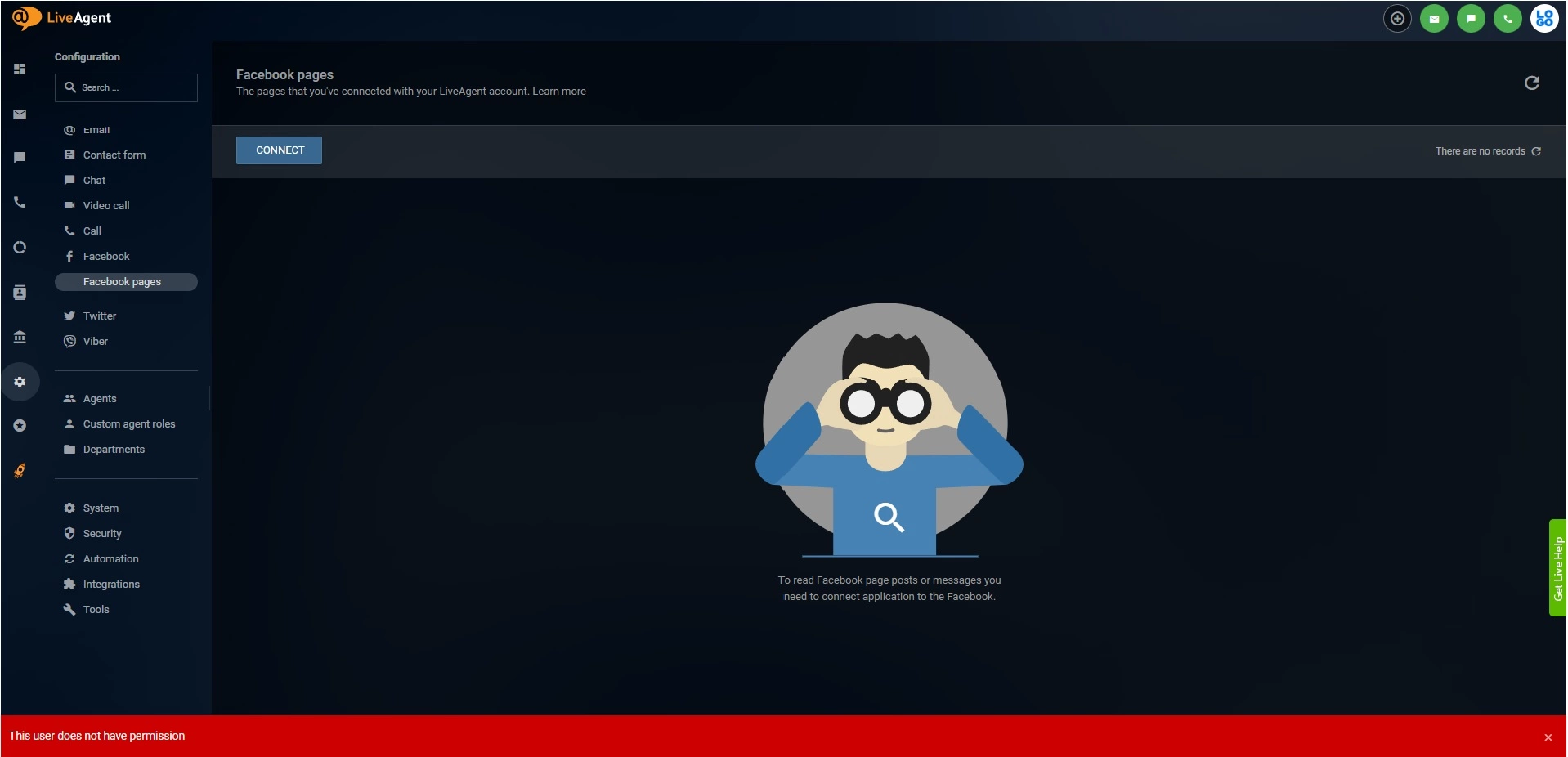
Facebook integration problem
Similarly to Twitter problems, some users also experienced trouble while trying to connect their Facebook account to LiveAgent. This issue has been fixed in the LiveAgent 5.34 update.
Problems with indexing knowledge base articles
LiveAgent had a bug which caused some knowledge base entries to not index as they should. We have removed this problem and knowledge base indexing should work correctly.
Viber link problems
Viber account links in LiveAgent user accounts included an error, which caused that users were unable to log into their Viber account and therefore couldn’t access them directly from LiveAgent. This issue has been resolved by removing the non-functional links.
Errors in new Gmail accounts for incoming tickets
Some users received an error whenever they tried to add new Gmail accounts into their incoming email accounts. We have removed this problem and Gmail accounts should work correctly without errors.
Internal call redirects
Some users experienced a bug that caused that if an agent missed an internal call, it was automatically redirected to another agent. It does not make sense to redirect internal calls for specific agents. We have removed this issue and internal calls will not be redirected anymore.
Problems with ticket submitting in knowledge base
LiveAgent had a bug which caused an issue with ticket submitting from the knowledge base if the message had a custom message field. This issue has been resolved.
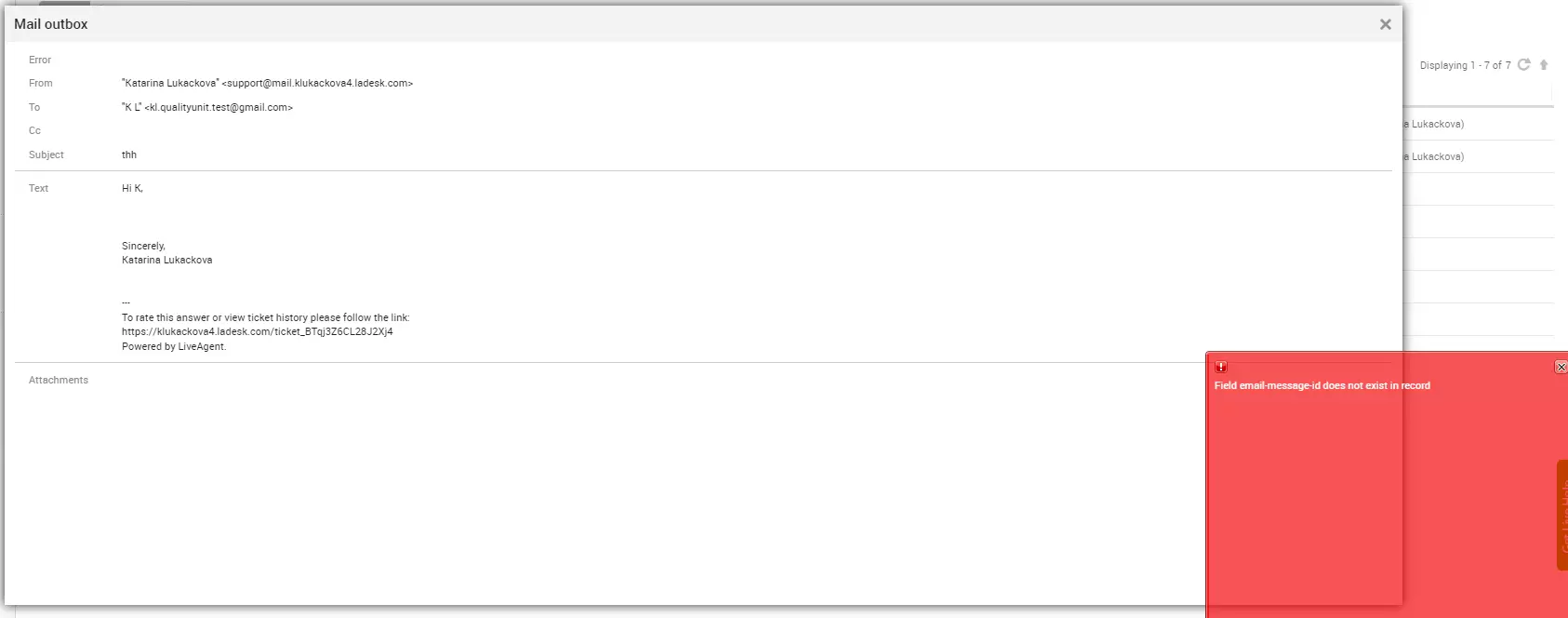
Problems with email attachments
Some email tickets with attachments incorrectly triggered an error that the message ID does not exist in record, even that the email has been sent. This issue has been fixed in the updated version.
Did you happen to overlook the previous update? Explore the LiveAgent 5.33 improvements and fixes!
Share this article
Meet Jana, the distinguished head WordPress content editor spearheading operations at LiveAgent, Post Affiliate Pro, URLsLab and FlowHunt. Armed with an unwavering dedication to excellence, she diligently navigates the intricate landscapes of digital content, ensuring pristine quality and seamless functionality across platforms. She enjoys creative activities even outside of work.
LiveAgent 5.33 – Important UI improvements and new fixes
LiveAgent 5.33 update enhances UI with a new tab design, ticket status indicator, and conversation improvements. It also includes main menu resizing and ticket ...
Explore LiveAgent's February updates featuring revamped ticket control buttons, migration to Amazon servers, streamlined ticket deletion, and enhanced undeliver...
3 min read
Updates
Features
+1
You will be in Good Hands!
Join our community of happy clients and provide excellent customer support with LiveAgent.