



Salesforce
Integrate Salesforce with LiveAgent to enhance customer management and productivity. Create cases from tickets, track information, and manage tasks easily. Acti...
4 min read


LiveAgent 5.24 introduces new features including Salesforce integration, updated call button designs, and improved tag sorting. It also offers bug fixes and interface enhancements. Share feedback for future updates and sign up for a free account.
LiveAgent 5.24 brings new fixes, updates, customer support features, and a new Salesforce integration for our clients. Have a look at some of the new stuff.
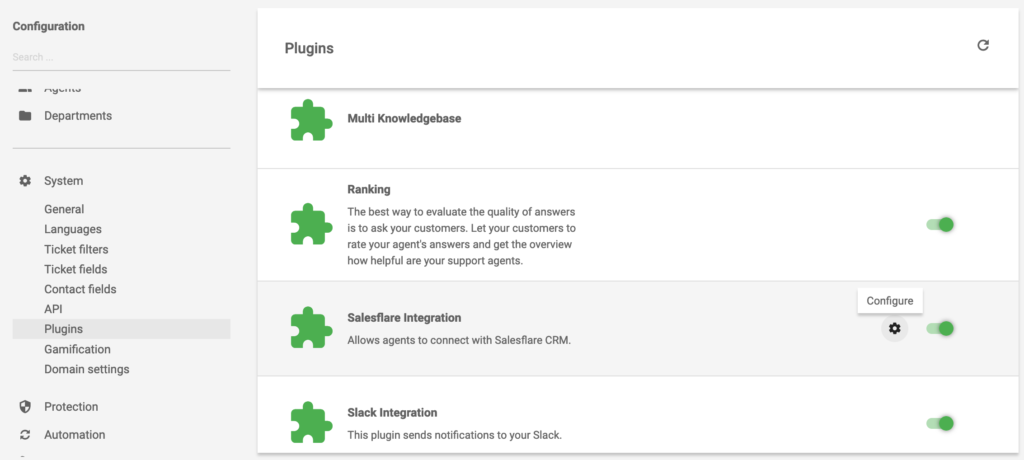
From now on, Salesforce integration is available in your LiveAgent ticketing system. Check your list of plugins in the configuration section and start using Salesforce. You can use it to add or manage customers and create or update cases from one solution. Have a look at our Salesforce integrations page to get more detailed information about plugin capabilities and how to activate them.
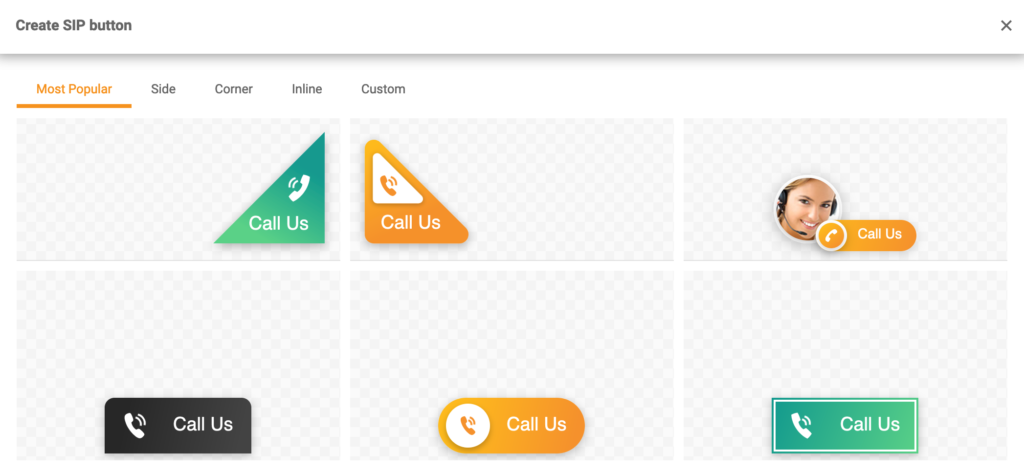
LiveAgent 5.24 brought a fresh and modern look to available Call button designs. There are quite a few to choose from so go and pick the one that suits your website. You can find them in your call button configuration options.
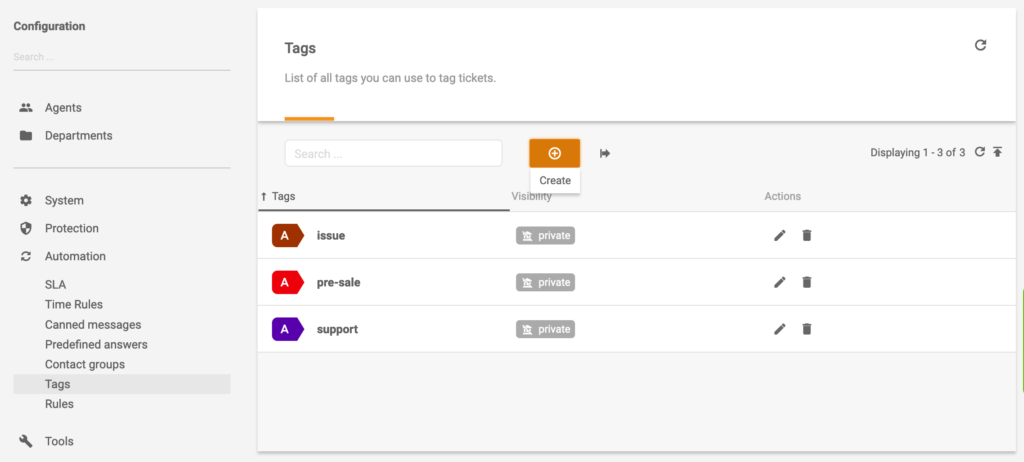
A ticket will move to the upper position when you add a tag to a ticket when you have lists sorted by “changed”. This allows for better ticket management and improves tag capabilities to keep your ticketing system from getting messy.
Call center recordings could not be deleted separately from tickets, we brought a fix to this and you can delete recordings while keeping the ticket. There are also many minor improvements and new features to the user interface. These include:
Some of you might have noticed that Knowledge Base was slow when you created articles with long texts. We have fixed this and improved the speed so go ahead and create those long articles when you need to without us slowing you down.
If you have any suggestions, ideas for future updates, or simply want to ask us something, feel free to contact us and let us know what you would like to see in the future LiveAgent updates.
Share this article
Meet Jana, the distinguished head WordPress content editor spearheading operations at LiveAgent, Post Affiliate Pro, URLsLab and FlowHunt. Armed with an unwavering dedication to excellence, she diligently navigates the intricate landscapes of digital content, ensuring pristine quality and seamless functionality across platforms. She enjoys creative activities even outside of work.

Integrate Salesforce with LiveAgent to enhance customer management and productivity. Create cases from tickets, track information, and manage tasks easily. Acti...

LiveAgent 5.27 update enhances call center features, configuration options, and fixes bugs for improved performance and user experience.
Integrately connects over 600 apps to automate workflows, enhancing efficiency and saving time. Integrate LiveAgent with email marketing, billing, CRM, etc., to...
Join our community of happy clients and provide excellent customer support with LiveAgent.
