


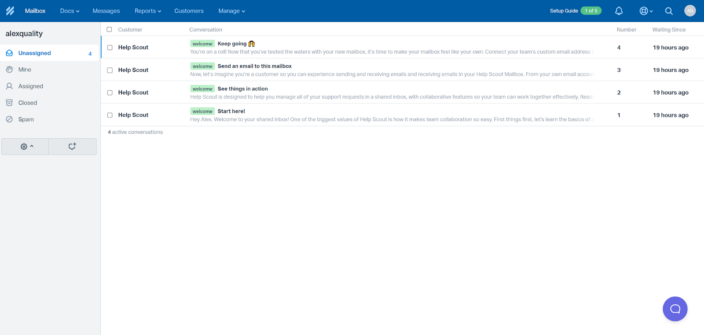
Top 10 Best Help Scout Alternatives for 2025
Discover the top 10 Help Scout alternatives for 2025 offering superior features, integrations, and cost-effective solutions for your business.
23 min read
Help Scout
Alternatives
+3

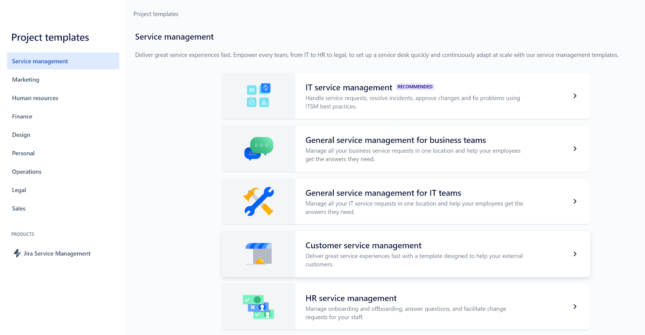
Discover the top 15 Jira alternatives for 2025 to boost your team’s efficiency and streamline project management. Explore options like LiveAgent, Trello, and Asana for better customization, cost-effectiveness, and integration.
Jira is an intuitive project management tool developed by Atlassian, known for its extensive features that help streamline various aspects of customer service. However, it’s always good to explore other alternatives available on the market.
Let’s dive into some of the other available options to ensure that you find the most suitable solution for your customer service team.
By exploring tools similar to Jira, there is a high chance you find a solution that better aligns with your organization’s customer service requirements, improves your team’s efficiency, and fits your budget. When you are looking for Jira alternatives, consider these aspects:
| Platform | Capterra rating | Integrations | Free version | Free trial | Price range |
|---|---|---|---|---|---|
| LiveAgent | 4.7 | 220+ | ✅Yes | ✅Yes | $15 agent/m |
| Trello | 4.5 | 200+ | ✅Yes | ✅Yes | $5 agent/m |
| LiquidPlanner | 4.3 | 40+ | ✅Yes | ✅Yes | $15/agent/m |
| Assembla | 4.2 | 100+ | ✅Yes | ❌No | $12/agent/m |
| Asana | 4.5 | 100+ | ✅Yes | ✅Yes | €10.99/agent/m |
LiveAgent stands out from other Jira alternatives by offering a comprehensive customer support solution that goes beyond project management features. It includes help desk software, reliable live chat solutions, and social media integration.
With over 180 features and functionalities and numerous third-party integrations, LiveAgent enhances its versatility. Additionally, it boasts an intuitive interface, customizable ticket statuses, and automation features that streamline processes and boost productivity. Plus, LiveAgent provides 24/7 customer support to ensure your needs are always met.

LiveAgent offers a suite of powerful features designed to enhance your customer support operations. With over 220 third-party integrations, you can seamlessly connect with platforms like Shopify, WhatsApp, CRM systems, project management tools, Slack, and various social media channels. This extensive integration capability ensures you can manage customer interactions efficiently while keeping all your tools in one place.
Let’s look at the features that LiveAgent and Jira have in common:
And here are the features that are missing from Jira but can be found in LiveAgent:
Here are some key differences between LiveAgent and Jira:
LiveAgent is a great alternative for small and medium-sized businesses that prioritize excellent customer service and manage a high volume of customer inquiries. However, it is a highly scalable and versatile tool, offering many advanced features as part of the Enterprise plan. These features can also benefit larger companies or industries such as e-commerce, software development, hospitality, education, etc.
You can try LiveAgent for free with the 30-day trial. Not only that, you also have a free plan option that can be useful for companies with limited budgets. However, keep in mind that this plan only includes basic features. If you would like to experience more advanced features, consider opting for one of the other pricing plans:
Overall, LiveAgent offers a fantastic range of features and integrations, making it a go-to alternative if you are looking for a comprehensive customer support tool. It offers many customizable options and supports various languages, allowing businesses to tailor it to their specific needs. However, some users have mentioned wanting more customization options and advanced reporting and analytics features.
One thing to note is that while LiveAgent is quite user-friendly, it does come with an initial learning curve. You have to spend some time getting familiarized with the system, but once you do, it becomes much easier to navigate.
Another benefit is the 24/7 customer support, which is always available if you run into a problem. Plus, the comprehensive knowledge base filled with tutorials and step-by-step guides is a great resource for troubleshooting and learning how to leverage all the features effectively.
‘Great all-in-one solution.’ It was easy to get started, and it provides an all-in-one solution for helpdesk and support. The fact that it can connect to our website and provide chat, as well as a knowledge base, was great… but adding the capability of Phone Support through VOIP connections gives it an edge over almost everything out there. It’s very customizable, and we haven’t found any issues with making it do what we need. The support was good and answered all the questions we had, but frankly, we didn’t really need them too much when we got started. They have continued fixing bugs and adding features, so it’s an active and live product that keeps getting better. Customer review on Capterra
Trello is a simple yet powerful tool that brings all your tasks and tools together. It helps keep all your tasks organized and allows you to track individual or team tasks in one place. Plus, its automation features make it easy to automate repetitive, everyday tasks. If you want to uphold team transparency, Trello may be a good option to consider.
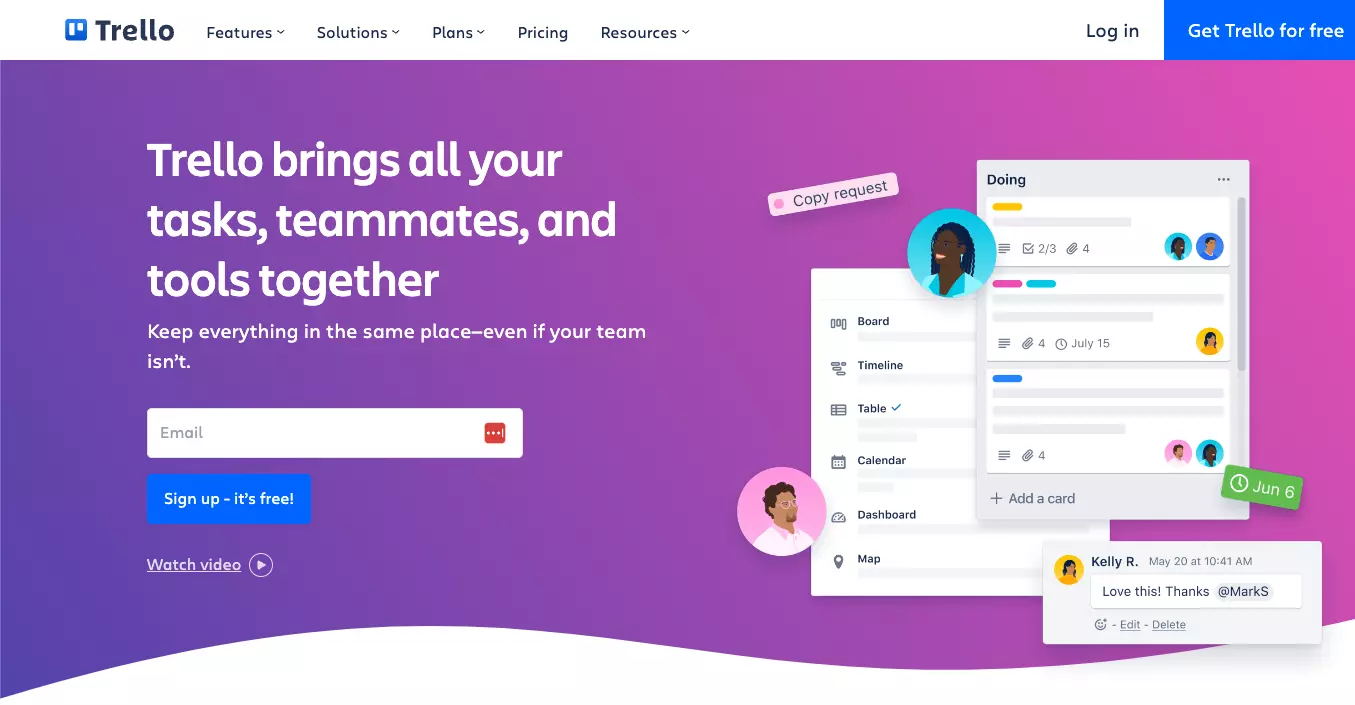
Trello offers many useful features that can help you keep everything organized and ensure all your team members are on the same page. Additionally, it provides third-party integrations with popular tools such as Slack, Jira, Google Calendar, WebWork Time Tracker, GitHub, Mailchimp, and others. These integrations make it easy to streamline workflows and enhance productivity.
These are the main differences between Trello and Jira:
Trello is a popular choice for businesses of all sizes that need help managing their projects. Trello’s free and affordable pricing plans make it a great choice for startups and small businesses that need a cost-effective solution. However, thanks to its advanced features, Trello is also a suitable alternative for larger team sizes that need to manage complex projects.
Trello is one of those tools that you can get up and running in no time due to its easy setup and user-friendly interface. It’s great for team collaboration and project management, making it simple to keep everyone on the same page. The ability to customize boards and organize them with a simple drag-and-drop feature is also a plus.
That said, the mobile version could use some work, especially when it comes to the user interface, as it is not as user-friendly as the desktop version. While the platform is intuitive, some users feel it could benefit from more advanced features and better integration with Google Calendar. Another downside is its limited offline functionality, which can be a hassle for those who need access to their boards without an internet connection.
LiquidPlanner is a project management solution that can dynamically adapt to changes and it can help your team to plan, predict, and perform more efficiently.

LiquidPlanner offers a range of features as well as integrations with tools like Box, Google Drive, and Dropbox. However, other integrations can be built via their Open API or Zapier.
The main differences between LiquidPlanner and Jira are:
LiquidPlanner is mostly beneficial for small to medium-sized businesses because of its affordability and scalability. It offers a user-friendly interface, customizable workflows, and real-time reporting and data analytics that make it easy for teams to track their project progress, manage resources, and deliver projects within deadline and budget.
LiquidPlanner is a reliable tool, especially if you need to prioritize tasks based on their urgency, or track the progress of your projects, time, and expenses. The dynamic Gantt chart and priority-based scheduling help you visualize project timelines. These features are really helpful if you’re juggling multiple projects and need to keep everything on track.
One of the downsides is the cost. LiquidPlanner is more expensive than some of the other alternatives on the market. It also lacks some of the advanced features. However, it makes up for this by integrating well with external apps, offering some flexibility.
There is also an initial learning curve due to its complexity, especially for people who are new to project management tools. The user interface could also use some improvement to enhance ease of use and navigation.
Assembla is a software development platform that also offers a suite of project and program management tools. It offers two solutions that meet the needs of different team sizes, from 5 up to 5,000 users.
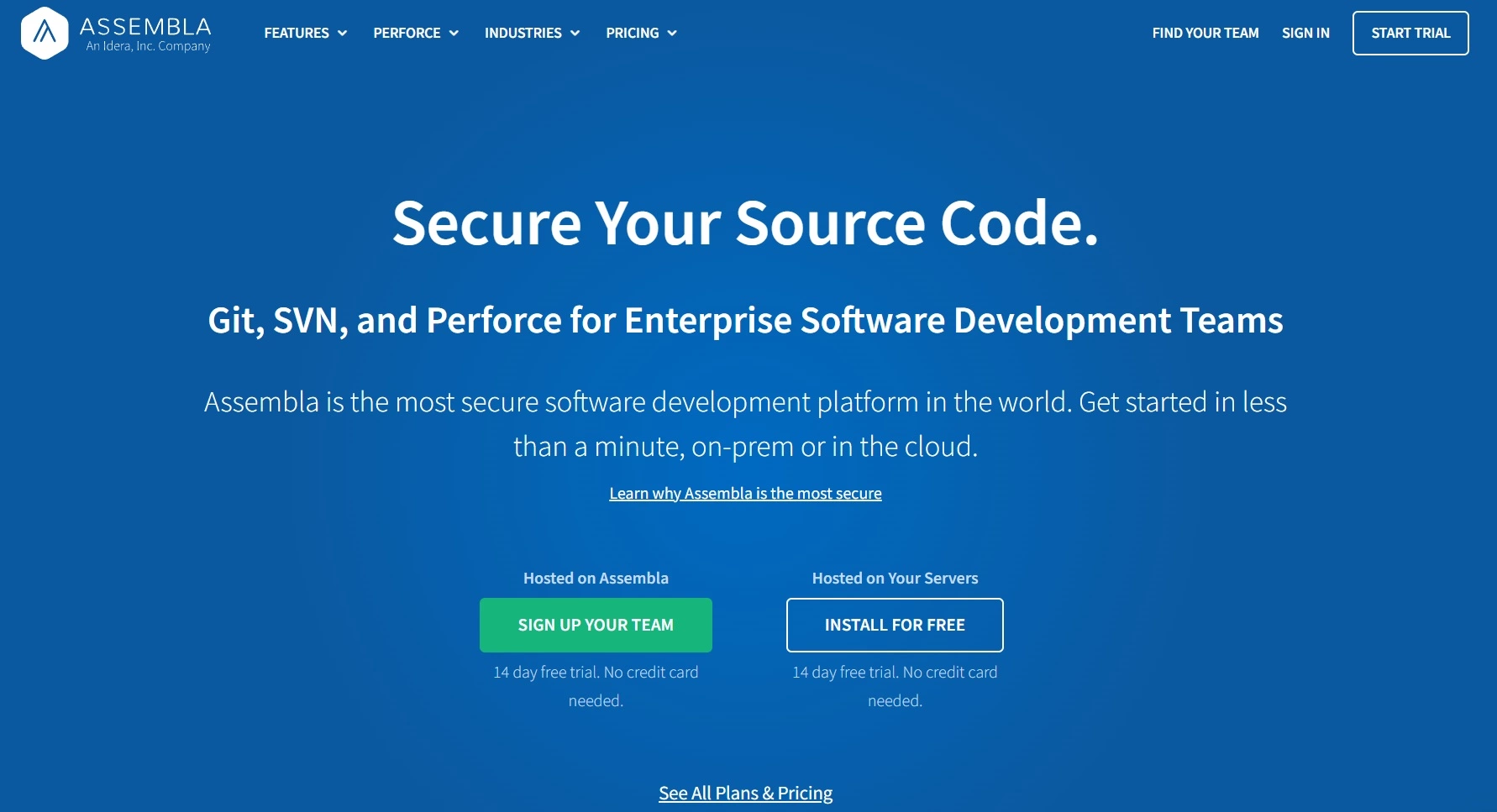
Assembla offers many useful features and a wide range of third-party integrations with other tools like Google Drive, Gmail, Slack, Trello, Dropbox Business, GitHub, and many others.
Let’s take a closer look at some of the features:
Assembla is a versatile tool ideal for software development, IT, marketing, and creative teams of all sizes. It is scalable and customizable to fit the needs of any company, from small startups to large enterprises.
Assembla is a pretty robust tool, especially when it comes to project management and version control, but it’s not the easiest to set up. If you’re not tech-savvy, the initial steps might be overwhelming. The setup process can be quite complex, and there’s a steeper learning curve.
However, the advanced security features and range of integrations and customization make it a valuable asset for businesses that need project management and version control capabilities. Plus, the ability to escalate and prioritize tasks adds another layer of utility, allowing teams to stay on top of what’s most important. For smaller software development teams, Assembla offers a great set of features. But, some users have reported that as their teams grew, Assembla’s capabilities didn’t quite keep up with their needs.
Asana is an easy-to-use and flexible tool that will help improve efficiency across your organization. It supports an entire team collaboration and helps maintain transparency within your business.
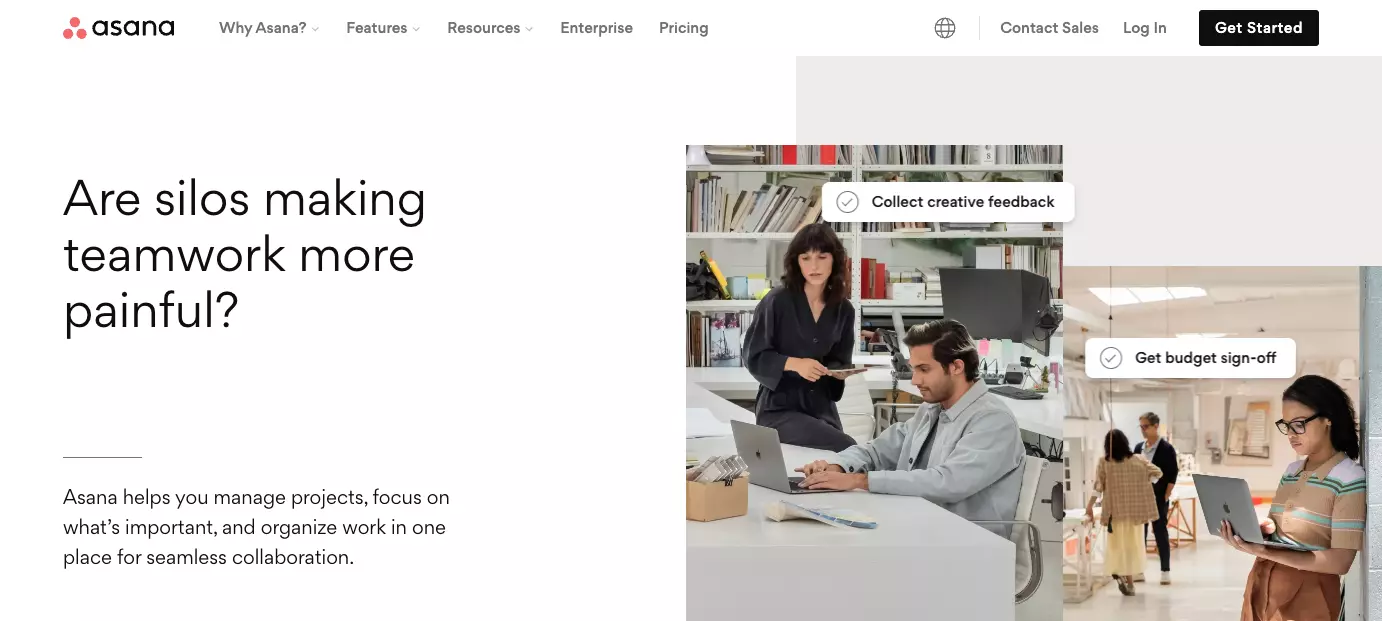
Asana offers a range of integrations with other tools such as Slack, Google Drive, Microsoft Teams, Canva, One Drive, and Dropbox, among others. It also comes equipped with a set of features including the following:
Asana is a suitable tool for businesses of all sizes and industries. It offers a wide range of features that make it easy for businesses to manage their workflows, tasks, and entire projects effectively. Different collaboration features, such as comments, mentions, and shared projects, make it easy for teams to communicate and work together on projects in real-time.
When it comes to project management tools, Asana certainly stands out. It is a great option for both easy task tracking and team collaboration. You can move tasks around, assign deadlines, and easily keep others in the loop. Plus, it provides visibility into what other team members are working on, which is also very useful. This becomes especially important when multiple team members are working on the same project, as it keeps everything clear and organized.
However, there’s a potential learning curve for new users. The user interface could be a little more intuitive. If you don’t organize and manage it properly, it can get pretty cluttered with tasks, comments, and notifications. This can be a bit overwhelming, particularly for someone just getting started.
The free version of Asana offers a lot of useful features. But if you need some of the more advanced features, it can get a bit pricey compared to other alternatives on the market.
If you want to boost your team’s efficiency and productivity, you can do so by implementing Monday.com into your business. It will allow you to collaborate with your team and get a clear picture of all your work.
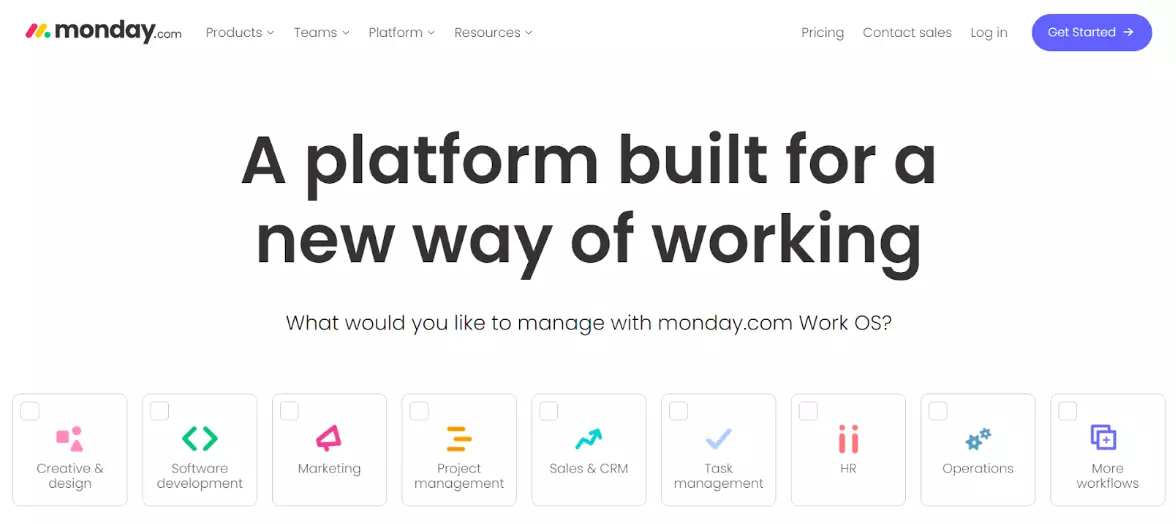
Monday.com offers a wide range of features and over 200 integrations that help you work seamlessly and boost collaboration within your organization. It integrates with tolls like Outlook, Slack, Zoom, Excel, software development tools, and more. Here are some of the main features:
Monday.com is an intuitive project management platform that offers a flexible tool that is suitable for businesses of all sizes. Monday.com is a scalable solution that can easily adapt to the growing needs and requirements of businesses in various industries.
If you’re looking for an easy-to-use project management tool, Monday.com is a solid choice. You can easily track project progress, see when tasks were completed, and identify who is currently working on which aspect of the project. Its visual and highly customizable interface allows you to tailor workflows and dashboards to meet your specific needs, making it versatile for various types of projects.
That being said, this flexibility comes with a bit of a learning curve. The wide range of features can be a little overwhelming for new users, so getting used to the tool might take some time. Another thing worth mentioning is the integrations. While Monday.com offers various integrations, some users have reported issues with them not working properly. Improving these could make the tool more seamless to use. Lastly, the cost can get quite high as your team grows, and you may need to upgrade to a higher tier. It’s something to consider when planning your budget.
Simplify your work and get more done by using ClickUp. It allows you to plan, track, and manage your work and projects. ClickUp’s customizable features and automation capabilities make it a good option for businesses that need to manage their workflows effectively.
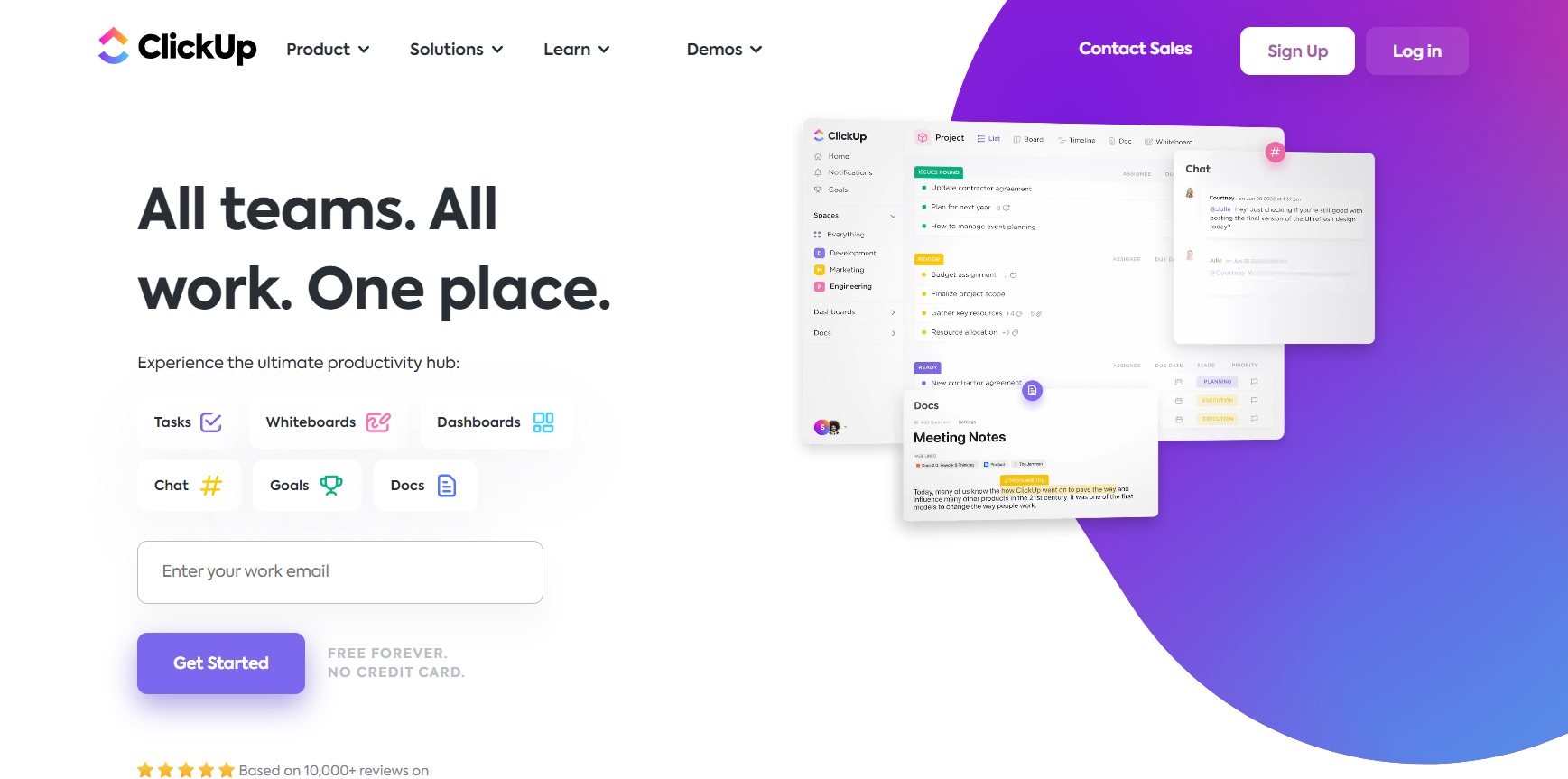
You can connect ClickUp with over 1,000+ tools or build your own custom integrations using their public API. Some of their most popular integrations include LiveAgent, Slack, Google Drive, Google Calendar, Amazon Alexa, Microsoft Teams, and many others. ClickUp also offers many customizable features based on your needs to give you more flexibility and control to organize everything.
ClickUp is an all-in-one project management tool that provides a comprehensive solution for businesses of all sizes. ClickUp’s free and affordable pricing options make it an ideal choice even for smaller businesses that require a cost-effective solution.
ClickUp is packed with features, even in its free plan. This makes it ideal for budget-conscious teams who still need a robust tool for task and project management. One of ClickUp’s benefits is its customizability. You can personalize almost all default settings and templates to fit your needs. Although it is quite flexible, some users wish for even more customization options, especially when it comes to reports.
If you’re new to project management tools, ClickUp might seem overwhelming at first. However, ClickUp offers numerous videos and guides to help you get through the learning curve. Once you become familiar with it, navigating and using ClickUp is pretty straightforward.
While ClickUp is generally reliable, you might occasionally encounter minor bugs, which are usually quickly fixed. Their support team is also helpful in resolving any issues you might run into.
Quickbase is a no-code platform that lets businesses easily build custom applications without any coding experience. It also allows them to connect and customize enterprise applications that fix workflow gaps to improve efficiency in their organization.
Quickbase offers three integration capabilities. The first is a visual drag-and-drop interface that allows users to create apps that integrate external data sets. The second is a RESTful API for custom integrations, and finally, webhooks provide simple access to data stored outside of Quickbase. It also offers a wide range of features such as:
Quickbase is a valuable tool for any company that is looking to streamline their day-to-day operations, increase team productivity, and improve collaboration within the organization.
Quickbase offers a pretty wide range of features, like live data tracking or reporting and analytical tools, which can be really useful. The ability to automate tasks can also be a huge time saver and free up your team to focus on more important work. Plus, Quickbase has a modern layout and is generally pretty easy to use, which is always appreciated.
However, the customization is a bit limited compared to other similar tools out there. Another area where Quickbase falls short is customer support. Quite a few users reported that their support is not very responsive, which can be frustrating when you’re trying to resolve an issue quickly.
Overall, Quickbase has its perks but also some drawbacks. It can be a good alternative for basic automation and data tracking, but if you need something highly customizable, you may benefit more from other alternatives.
Successful project delivery starts with a clear plan of what needs to happen and when. This is where Aha! delivers a tool that can help you build project plans and manage cross-functional work to meet your deadlines.
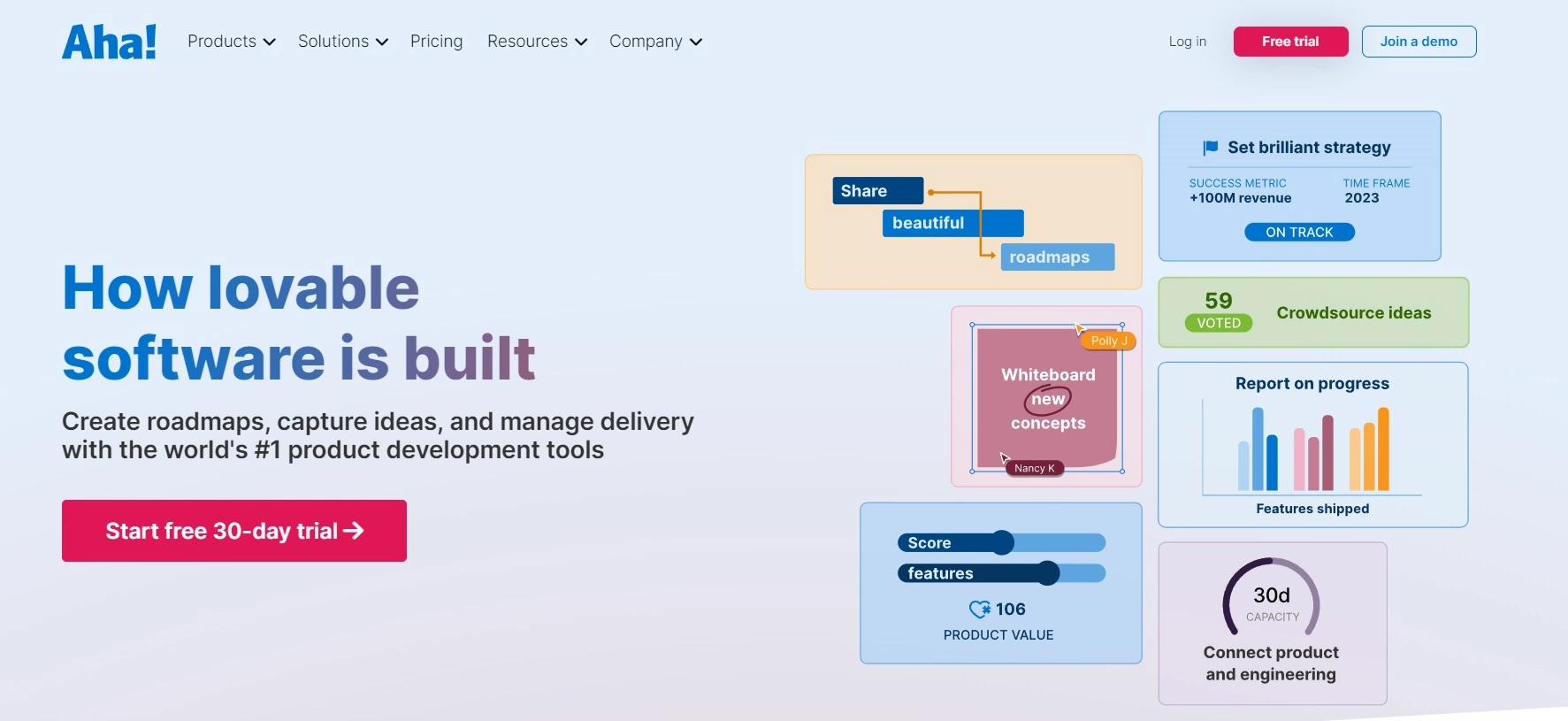
You can connect Aha! with over 30 other tools, including Azure DevOps, GitLab, Jira, Zapier, Google Drive, Google Analytics, and others. It also offers a nice set of features and functionalities; some of the key ones are:
Aha! Is a great solution that can benefit many companies, from small startups to large enterprises. However, it is particularly useful for companies that focus on creating and launching products, such as software development or marketing industries. It is also ideal for companies that need to align their product strategy with their business goals.
Aha! is a robust tool for product management, but it comes with its own set of challenges and benefits. For example, the initial setup can be time-consuming, and getting acquainted with all the features requires some patience. However, once you get past this hurdle, you’ll find that Aha! offers a wide range of functionalities. It covers different aspects of product management and allows for a high degree of customization, such as creating tailored reports.
They also implement regular updates, which means the platform is constantly improving. A standout feature is Aha! Roadmaps+ which is an extensive product planning tool that integrates well with other tools like Jira. This makes it easier to manage different parts of the project seamlessly.
The customer support team is reliable and helpful, which is a plus. That said, the documentation could be improved for those who prefer self-service, making it easier to find answers on their own. Another thing to consider is the cost, which is relatively high. For smaller teams or startups, this might be a significant factor.
Wrike is an all-in-one platform that helps you manage your projects, organize work, see the project progress, and enhance collaboration across all departments.
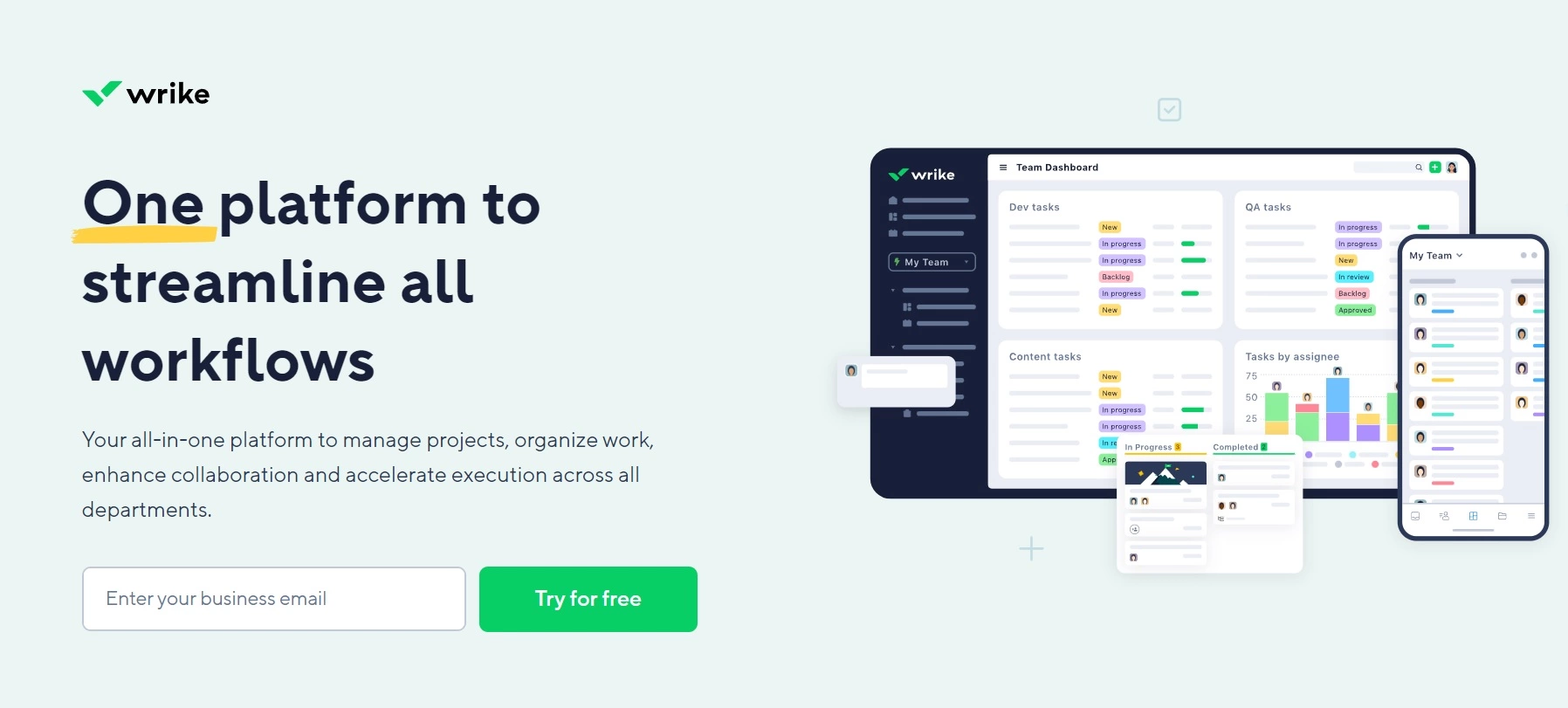
Wrike offers integrations with other tools. Some of the most popular ones include Gmail, LinkedIn, Shopify, WordPress, Google Drive, Google Calendar, Salesforce, and Dropbox. It also comes equipped with the following features:
Wrike can be a good choice for businesses of all sizes, helping teams stay organized and focused and enabling them to deliver projects on time and within budget. However, small companies or startups may find the pricing structure more expensive than similar tools.
Wrike stands is quite intuitive and easy-to-use project management tool. Its wide range of training materials helps users quickly become familiar with its features. One of Wrike’s strengths is its ability to scale effortlessly from small projects to enterprise-level initiatives. Customized workflows and real-time updates help maximize efficiency and productivity.
The platform allows you to create detailed tasks and assignments, which can be broken down into subtasks and dependencies. This is particularly helpful for managing complex projects. However, the notification system could use some improvement to keep users better informed.
Another point to consider is the range of advanced features Wrike offers. While these can be very powerful, they might feel overwhelming for users looking for basic project management solutions. Additionally, Wrike’s pricing is on the higher side, which might be a drawback for budget-conscious users or smaller organizations.
GitLab is a comprehensive DevSecOps platform that enables teams to manage their entire software development lifecycle in one place. From planning and coding to testing and deployment, GitLab provides all the necessary tools teams need to collaborate and accelerate their workflow.
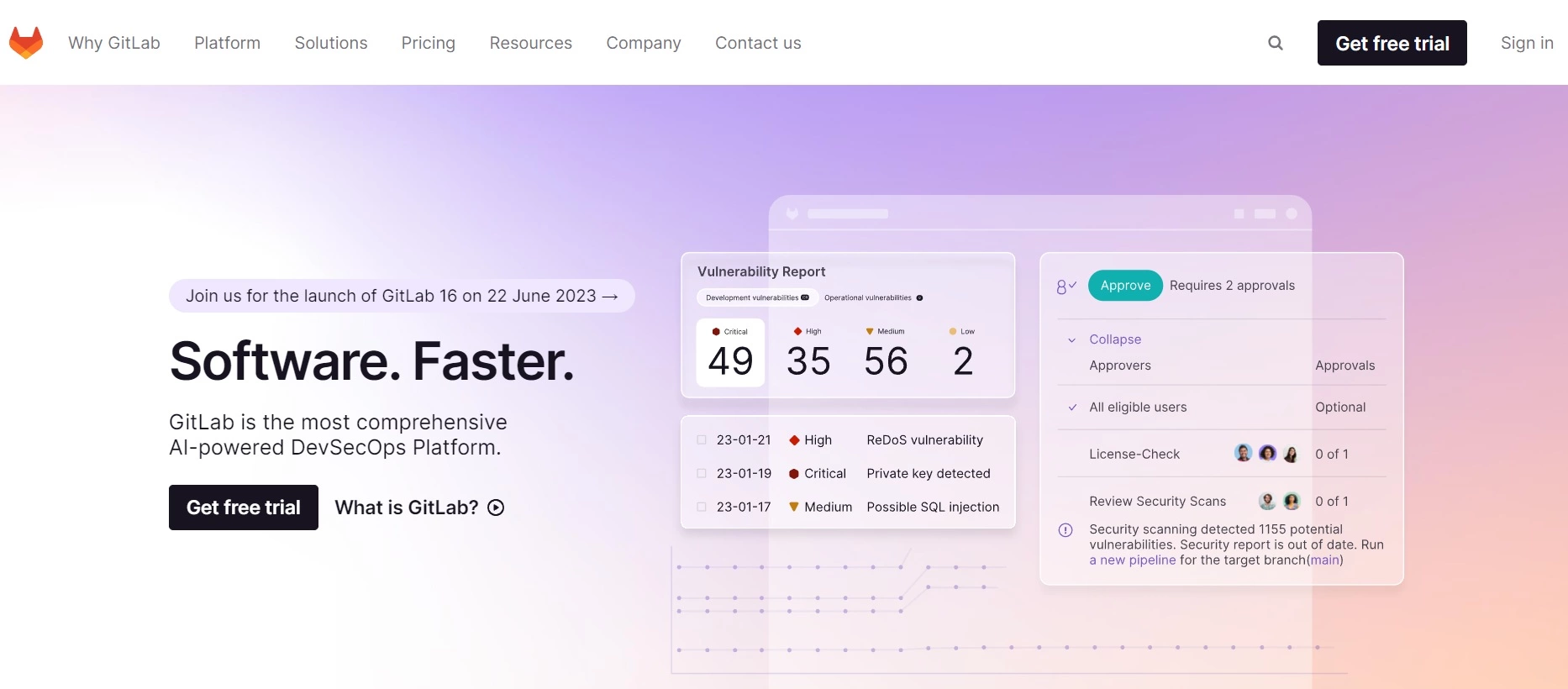
GitLab allows users to integrate the tool with other applications such as GitHub, Google Chat, Jira, Slack notifications, Datadog, Bugzilla, Assembla, and others. It also offers some valuable features such as:
GitLab is best suited for development-focused teams and companies that prioritize a seamless DevSecOps workflow. It caters to a wide range of company sizes, from startups to large enterprises, especially those seeking an all-in-one platform to accelerate software innovation and deployment.
GitLab is a highly comprehensive and integrated DevOps tool that can help you streamline the entire software lifecycle. Its robust access control and detailed permission settings make security and collaboration straightforward, which is a major plus for any development team. However, GitLab can be quite overwhelming at first, especially if you’re not familiar with similar tools. There is definitely a learning curve involved.
Another thing is GitLab’s reporting functionality, which is somewhat limited compared to its competitors. Additionally, the system can be a bit slow at times, and it takes a while to load. Overall, while GitLab offers a wide range of features and capabilities, it does require some getting used to and has a few areas where it could improve.
Redmine is a flexible Jira open-source alternative that can help you automate your processes and assist with planning. Using the Ruby on Rails framework, it is cross-platform and cross-database.
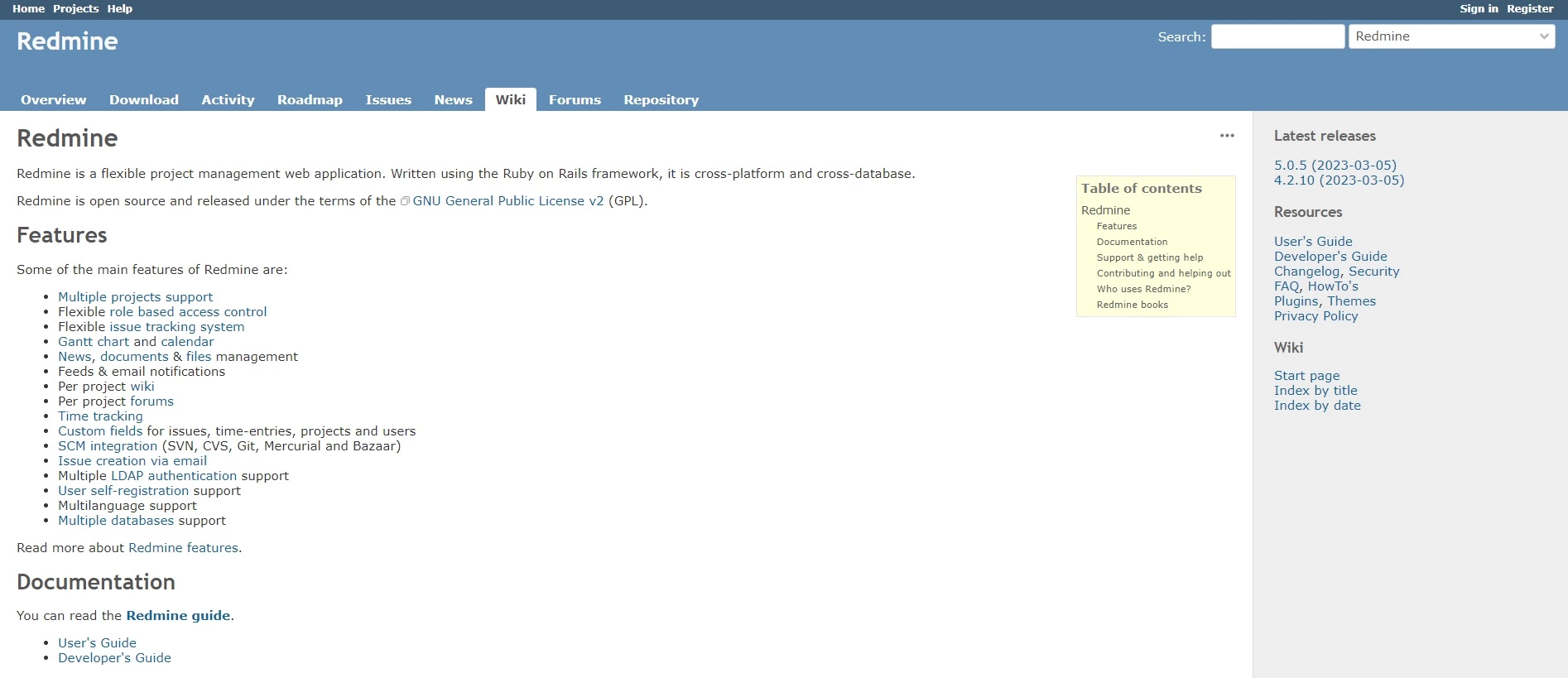
Some of Redmine’s key integrations include Zendesk Suite, Typeform, OpsGenie, TypeCamp, Hubstaff, Backlog, and others. Now, let’s take a look at some of the features it offers:
Redmine is one of the open-source Jira alternatives and can be a good option for a wide range of companies, especially for smaller businesses with tight budgets. Companies in the software development, IT, and marketing industries can benefit the most from Redmine because it offers features tailored to their needs.
Redmine offers a solid set of features that make it possible for teams to share and manage files, handle projects, and track progress in real time— and it’s all for free. This is quite impressive, considering many other tools charge for similar capabilities. Though outdated in terms of design, the interface is relatively easy to navigate. Creating new tickets is straightforward and efficient, without the additional approval steps found in many other tools.
However, one drawback is the lack of customer support. Users must rely on community forums to resolve issues, which can be hit or miss depending on the problem. Despite this, Redmine remains a valuable tool, especially for teams looking for a cost-effective solution for project management and issue tracking.
Notion is a powerful project planning and management tool that can help you manage any type of project, no matter how big or small your organization or team is. It provides clarity to all team members and enables them to be more efficient. It also offers an AI-powered assistant that can answer your questions, help you brainstorm ideas, and simplify complicated data.
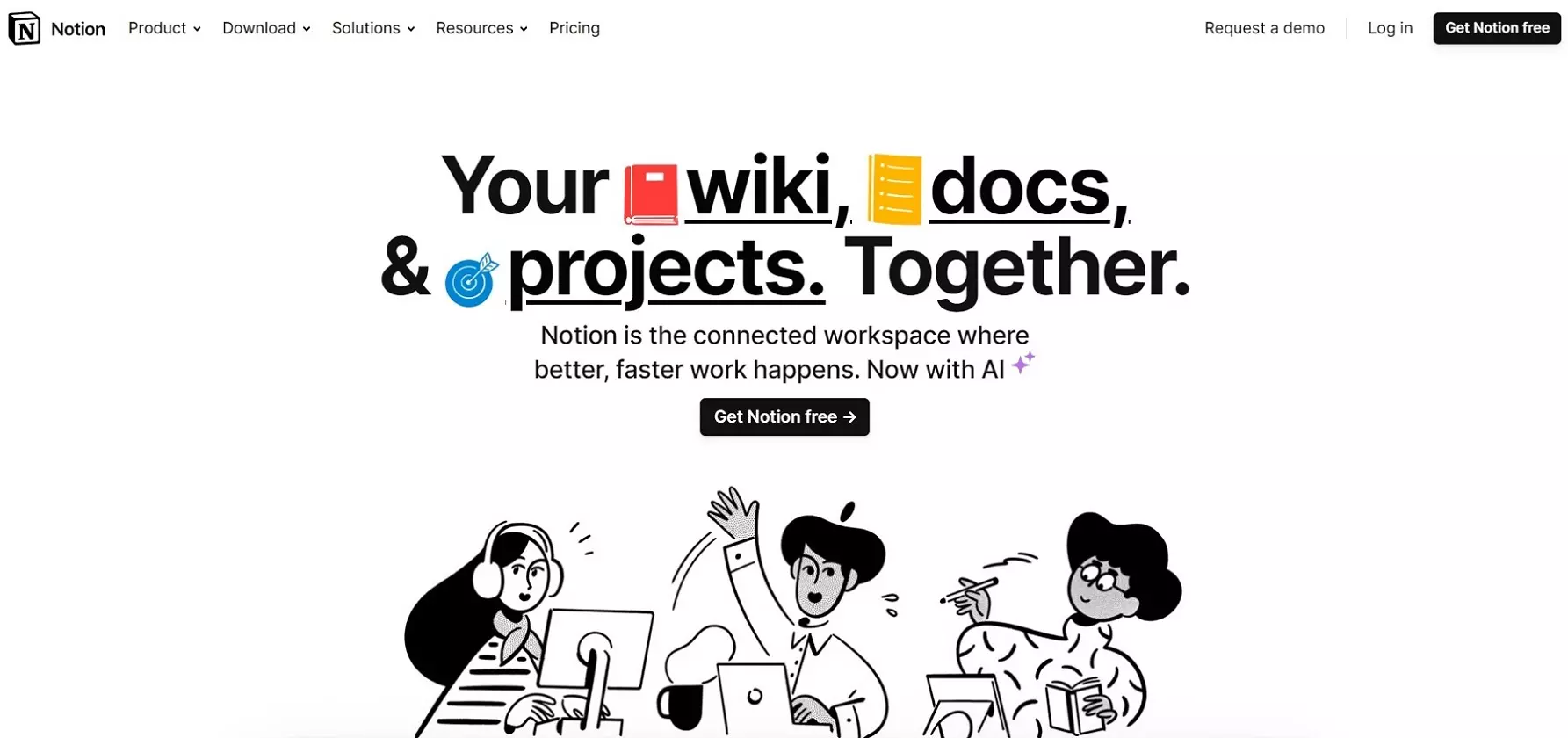
Notion offers many useful features and integration possibilities with other tools such as GitHub, Slack, Zapier, Trello, Google Drive, Zoom, OneDrive, etc. Here is the list of the key features:
Notion offers an intuitive interface and robust features, making it a great choice for companies of all sizes and across various industries, such as marketing, education, and creative agencies. It’s a great, all-in-one tool that can help teams collaborate more effectively and streamline their workflows without the need for technical expertise.
Notion is as a powerful and user-friendly tool with a simple interface that is quite easy to navigate, even for those who aren’t tech-savvy. The flexibility of Notion is also quite impressive; you can organize different kinds of information and easily share it with others, making it perfect for collaboration purposes.
Many users also like its extensive library of templates, which can save you a lot of time, and you can personalize them to fit your needs. However, some users might find that the platform lacks some additional customization options for certain features. Additionally, adding more integration options would be a great improvement. While Notion performs well on desktop, it can be a bit slow on mobile devices, which might be a drawback for users who need to access information on the go.
GitHub is a platform designed for developers and project managers to share and collaborate on software projects. It allows its users to store code, track changes, view project progress, and manage versions of their projects.

GitHub allows users to install integrations either in their personal accounts or in the organizations they own. Additionally, they can install third-party apps in a specific repository where they have admin permissions or in repositories owned by their organization. On top of that, GitHub also offers a lot of features, including:
Companies of all sizes can benefit from using GitHub. However, it is particularly valuable for software development teams. Smaller businesses can use GitHub to efficiently manage code and collaborate on their projects, while larger enterprises can use it to streamline development workflows and improve team collaboration.
GitHub is a popular tool for software development, offering a robust version control system that maintains a record of all changes made to a project. This keeps everyone informed and ensures that nothing is lost in the shuffle.
One of the standout benefits of GitHub is its collaborative capabilities. Multiple developers can work on the same repository, making changes and merging their contributions seamlessly. This is a game-changer for team projects, as it allows everyone to stay on the same page and work together efficiently.
However, GitHub does have its limitations, particularly in terms of project management features. It doesn’t offer the comprehensive tools you might find in specialized project management software. There’s also an initial learning curve, especially for those without a technical background. Navigating it can be a bit tricky at first, but once you get the hang of it, it can be a very useful tool.
Basecamp is an all-in-one solution that offers a unique set of tools and methods to make project planning and management easier and less of a chore.
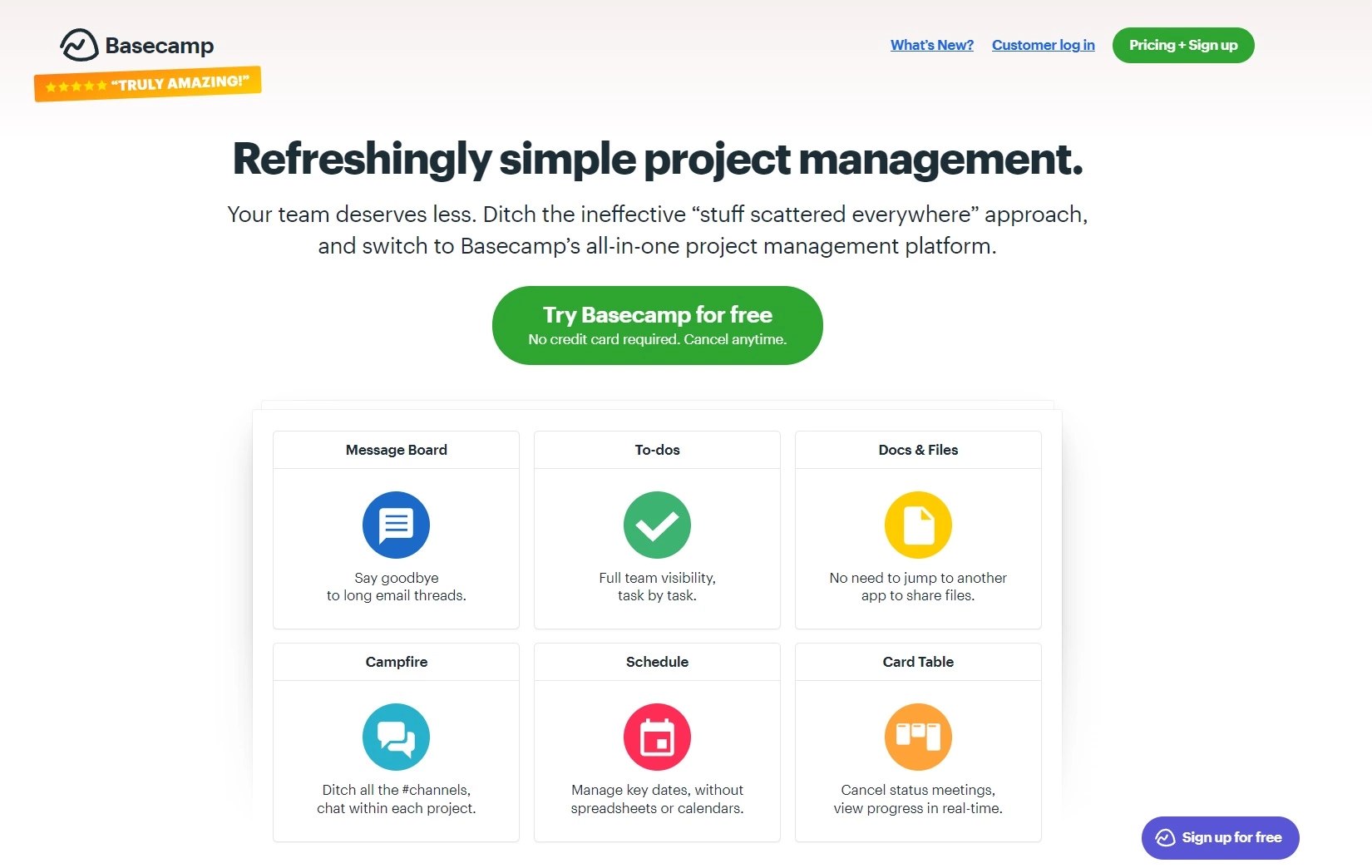
Basecam offers mobile and desktop integrations, time tracking integrations, accounting integrations, reporting and planning integrations, and software development integrations that increase the efficiency of the tool. It also offers features such as:
Basecamp is a scalable tool that can adapt to the unique needs of businesses of different sizes and in various industries, providing an efficient solution for agile project management and team collaboration. However, due to its limited task management capabilities, larger companies may find other alternatives that are more suitable for large projects.
Overall, Basecamp is a good project management tool with a very user-friendly interface. It’s easy to navigate right from the start, making it accessible for users of all skill levels. Creating tasks is straightforward, and the seamless communication features make it an excellent choice for both internal team interactions and client communications.
Basecamp excels in managing multiple projects simultaneously. It offers features that help keep to-do lists organized and allow you to track everyone’s activity on the team. However, Basecamp does have some limitations. Its customization options are quite limited, and users might find themselves wishing for more ways to personalize features to fit their team’s specific needs. Additionally, it lacks some advanced project management features found in other tools, which could be beneficial for more complex projects.
Another point to consider is the customer support. Some users have reported that getting a response from customer support can be a bit slow, which might be frustrating for users needing quick resolutions.
If you’re looking for an alternative to Jira that can better meet your organization’s needs, there are several aspects you should take into consideration. By taking these into account, you can choose the best option for your business.
Finding the perfect tool for your business is essential to maximize efficiency and productivity in your organization. To do this, it’s important to clarify your objectives and expectations.
Take a look at the set of features offered by the alternative software and how well those features align with your business needs.
To give you an idea, take a look at Jira’s Reports and Insights feature and compare it with LiveAgent’s analytics feature.
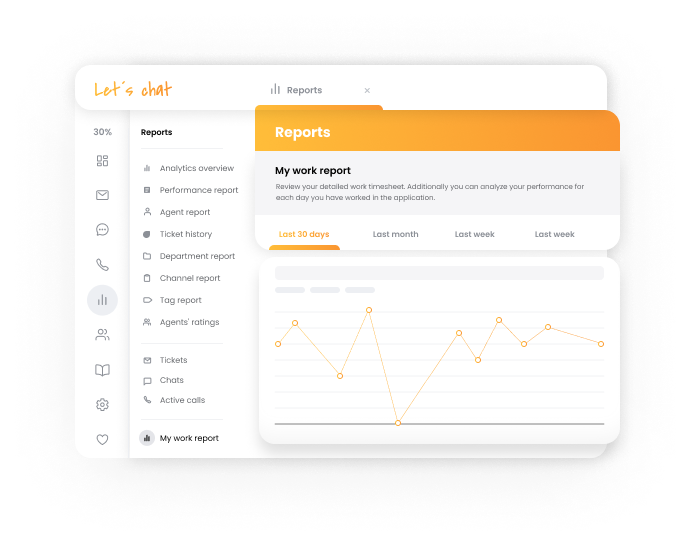
Another is the level of customization. Your business has its unique needs and requirements, so it’s important to choose software that allows flexibility and customization to meet those needs.
Always aim for a balance between cost and functionality. Make sure that what you get from the particular provider is worth the money and that you don’t have to sacrifice important features and capabilities in exchange for cost savings. Fortunately, many providers on the market offer similar functionality at a more affordable price, or there are also many free alternatives to Jira software that can offer you enough to meet your expectations.
One of the best ways to evaluate different options is by analyzing user reviews and testimonials. They can provide valuable insights into the experiences of real users, which can help you identify the strengths and weaknesses of each option.
While you are going through the customer reviews, it is important to look for patterns. Are there common issues reported by multiple users? Are there certain features that users seem to enjoy? By identifying these patterns, you can get a better understanding of how the software performs in different scenarios. However, don’t rely on one source. Instead, take time to read a variety of reviews from different sources.
When evaluating customer support offered by Jira alternatives, there are some key factors worth considering. First of all, you want to look for a software provider that offers a variety of support channels, such as email, and live chat, as well as an online knowledge base.
You also want to evaluate customer support quality levels. Are the support representatives helpful? Are the resources easy to understand? How easy is it to contact customer service representatives? What is the average resolution time?
By carefully evaluating software providers’ customer support and resources, you can find the perfect solution for your business. Throw in the added benefit of excellent customer support, and you may have the Jira alternative of your dreams.
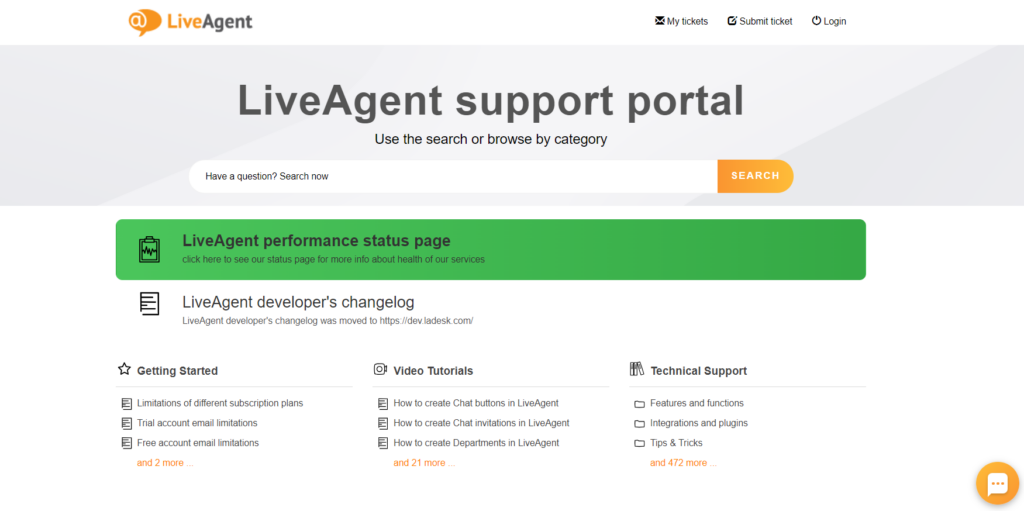
LiveAgent offers its customers the best customer support thanks to its live chat support and extensive knowledge base, accessible to everyone from anywhere. There, you can find a variety of helpful articles, video tutorials, answers to commonly asked questions, and much more.
Before you decide to commit to any of these project management tools, make sure you conduct a trial run or a demo call. It can be beneficial for several different reasons:
Firstly, it allows you to try different features, see how they work in practice, how easy or difficult they are to navigate, and how they integrate with other tools. You will get a feel for the software and see if it meets your specific needs before purchasing.
Another reason is that it allows you to compare various options and find the best fit for your business and your team. You can compare features, pricing plans, customer support, usability, and more. A trial run or demo can also help you identify any potential issues or limitations of the software. Users can test it out with their own data to see if it is suitable for their needs. Keep in mind that sometimes helpdesk software, free of charge, can be enough to meet your needs.
To sum it up, there are many different Jira alternatives available, each offering a unique set of features and capabilities tailored to different businesses and industries. When choosing the right project management software for your business, take into consideration factors such as scalability, ease of use, integration capabilities, collaboration tools, and pricing to ensure that the solution aligns with your specific needs and requirements.
Some potential reasons for seeking an alternative include the need for a more user-friendly interface, better collaboration tools, easier task tracking, or more affordable pricing. By understanding your specific needs, you can make an informed decision and choose the best project management software that will streamline your daily tasks and enhance your team’s productivity.
LiveAgent could be a great solution for businesses looking to improve their internal and external collaboration and streamline communication with customers. With features such as a ticketing system, live chat, call center, and social media integrations, LiveAgent offers an all-in-one solution that can help teams manage customer inquiries more efficiently. Its task management and seamless integration with other third-party tools enhance productivity and workflow. With a user-friendly interface and affordable pricing options, LiveAgent is worth considering as a Jira alternative.
However, to find the perfect alternative for your business, start by identifying your team’s needs, existing pain points, and desired improvements. It may also be helpful to take advantage of free trials or demos to gain firsthand experience with each platform.
Are you ready to streamline your communication and elevate your customer support? Sign up for our free trial today and experience its powerful features firsthand!
Take your customer support to the next level with LiveAgent's customer service software.
Share this article
Patricia has worked at LiveAgent for two years, leveraging her marketing background to create content. She specializes in articles, blogs, and guides on various topics, including customer service, help desk software, and customer communication. Her approach emphasizes making content not only informative, but also easy to understand, often sprinkling in a few tips to help readers transform theory into practice.

Discover the top 10 Help Scout alternatives for 2025 offering superior features, integrations, and cost-effective solutions for your business.
Explore 15 Zendesk alternatives for 2025 to enhance customer service with options like LiveAgent, Freshdesk, and HubSpot Service Hub. These solutions offer flex...
Discover the top 15 Aircall alternatives for 2025! Compare features, pricing, and support to find the best communication tools for your business.
Join our community of happy clients and provide excellent customer support with LiveAgent.
