Explore top 15 Intercom alternatives for 2025, highlighting cost, features, and user experience. Consider factors like niche, customer base size, and support. Key features include live chat and omnichannel support to enhance customer interaction and satisfaction.
Published on Jan 20, 2026.Last modified on Jan 20, 2026 at 7:35 am
Intercom
Alternatives
Customer Communication
Help Desk
Live Chat
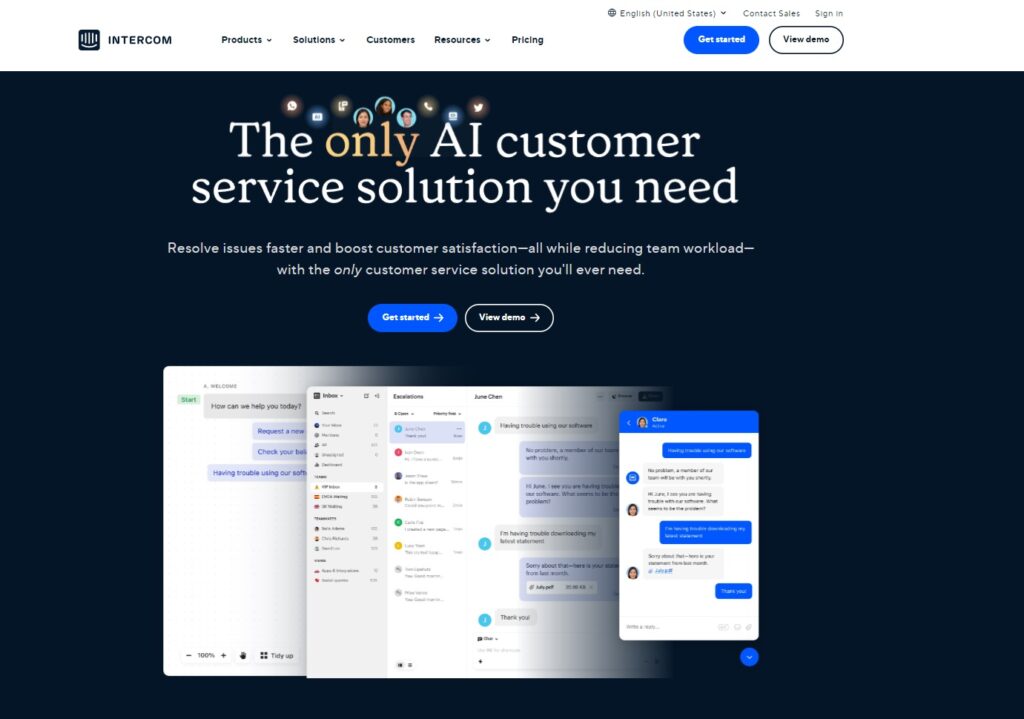
Intercom is a popular customer service platform that allows businesses to connect with their customers in real time through various channels such as personalized messaging, email, chat, and more. However, it may not be the best fit for everyone. Let’s explore the top Intercom alternatives and help you find the best option for your business.
Why Should You Look for Intercom Alternatives?
While Intercom is a great customer communication platform, there are several potential reasons why businesses may look for alternative solutions:
Cost – One common reason is cost. Intercom prices can be quite high, especially for smaller businesses or those just starting out. You don’t have to sacrifice the needs of your business because of the cost.
Features – While different businesses may require certain key features, for smaller companies that need only a set of basic features, Intercom can be overwhelming. Intercom is full of advanced functionalities such as powerful segmentation features that allow businesses to target specific customer groups with personalized messaging.
User experience – Customer experience is another factor that could lead businesses to explore other options. While Intercom has a modern and customizable interface, it may not be the most intuitive or user-friendly if you haven’t interacted with similar tools before.
Customization – While Intercom provides a wide range of customization options, some companies may require more flexibility and control over their platform. Intercom’s customization options are limited, which means that businesses can’t customize its core features.
A Comparison Chart of the Top 5 Intercom Alternatives
Platform
Capterra Rating
Integrations
Free Version
Free Trial
Price Starts At
LiveAgent
4.7/5
220+
✅ Yes
✅ Yes
$15 agent/m
Zoho Desk
4.5/5
500+
✅ Yes
❌ No
€14/agent/m
Freshdesk
4.5/5
500+
✅ Yes
✅ Yes
€15/agent/m
Crisp
4.4/5
50+
✅ Yes
✅ Yes
€25/agent/m
HubSpot Service Hub
4.4/5
100+
❌ No
✅ Yes
€18/2 agents/m
Exploring the Important Factors in Selecting the Optimal Intercom Alternative
Selecting the right Intercom alternative can be a challenge, especially with the wide range of options available on the market. There are several factors that come into play when choosing the most suitable option for your business.
Assess Your Business Requirements for an Intercom Competitor
When you are looking for the best Intercom alternative, assess your business requirements and specific needs to make an informed decision. Here are some of the factors you should consider:
Target niche – This is another important factor to consider. Different customer communication tools may specialize in serving specific niches or industries, such as e-commerce, SaaS, healthcare, or education. Consider whether the chosen platform has specific features or integrations that cater to your specific niche.
Cost – If you are searching for Intercom alternatives, the price is an important factor to consider. Consider your budget, features, and the level of customization you require. Different providers offer various pricing plans that can range from free plans with only limited features to more expensive tiers with advanced features and customizations. Pay close attention to any hidden costs or fees that may have an impact on your budget.
Size of your customer base – Different customer communication tools are designed to handle varying volumes of customer interactions. You should look for a platform that can handle the increasing volume of customers and continue to provide an excellent customer experience. Companies with a smaller customer base may be able to use a simpler and more affordable alternative that provides fewer features, integrations, and customization options. However, as your business grows, you may need a scalable solution that can handle your needs.
Customer support – Does the platform you are considering offer 24/7 support? Are they available through multiple channels? Do they have a comprehensive and easily accessible knowledge base? All these questions may help you assess the level of support they provide. Intercom’s customer service can be one of the reasons why users decide to look for a different alternative platform. It can take up to a few hours until you receive a response from their team and their customer support agents often send pre-written messages, rather than offering specific replies to your issues.
Determine Essential Features to Look for in Intercom Competitors
To pick a platform for effective and seamless communication with customers, examine some of its key features:
Live chat – Live chat is an essential tool that allows businesses to connect with customers in real time. It provides instant support and assistance leading to improved customer satisfaction and better customer experience. Look for a platform that offers a customizable chat widget and canned responses to improve efficiency and reduce response times.
Omnichannel support – Customers expect to seamlessly communicate with businesses through their preferred channels, such as email, live chat, social media platforms, and phone. Therefore, look for a platform that offers exceptional omnichannel support, allowing businesses to manage all customer interactions in one centralized place, regardless of the channel customers decide to use.
Ticketing system – Implementing a ticketing system allows businesses to manage and track all customer inquiries in an organized and efficient manner. Look for a platform that offers customizable ticket fields, ticket history, time tracking, automation, reporting, and other features.
Segmentation and targeting – A platform that can provide segmentation and targeting features allows businesses to personalize their approach based on specific criteria, such as customer behavior, their specific location, or demographics. Tailoring your customer interactions to their needs and preferences leads to improved customer loyalty and retention.
Analytics and reporting – Providing real-time analytics and reporting allows businesses to measure and optimize their customer communication efforts, identify trends and patterns, make data-driven decisions, and track engagement rates and response times.
Evaluate User Experience and Ease of Use in Intercom Alternatives
Choosing an Intercom alternative with an intuitive interface and seamless user experience is crucial to ensure that your team can effectively manage customer communication and provide an excellent customer experience. By following these tips, you can select the best provider for your business and your team:
Look for a tool that provides a modern interface that is easy to use and navigate. Try to avoid platforms that seem cluttered or confusing because it can lead to frustration and errors. Instead, opt for a platform that is easy to use and requires minimal training.
Consider the level of customization it allows. The platform should allow you to customize its interface to your liking, and allow changes such as branding, color schemes, and layouts.
Evaluate the level of customer support and service the platform provides. Make sure the provider offers comprehensive user support and training in the form of tutorials, documentation, and customer support.
Read reviews and testimonials from businesses that have first-hand experience. Read their feedback on the platform’s user experience and interface, as well as any issues or challenges they faced.
Compare Pricing and Value Among Intercom Alternatives
Pricing and value are crucial factors worth considering because they directly impact the cost-effectiveness of the solution. While Intercom is one of the most popular customer service platforms, it may not be a perfect fit for all businesses due to its pricing structure or set of features.
Compare Intercom pricing plans and Intercom features with other providers and determine which option offers the most value for your money. By comparing various popular alternatives, businesses can make an informed decision about which solution will provide the best ROI.
Ultimately, finding a provider that strikes the right balance between pricing and value is essential for your business to offer world-class customer service while staying within the budget.
The 15 Best Intercom Alternatives
1. LiveAgent
LiveAgent is a help desk software that can be used across various industries. It offers over 120 features and functionalities, and more than 220 integrations, yet it remains one of the most affordable options in the market. With a user-friendly interface and 24/7 customer service, the software is accessible even to those with minimal technical know-how, while keeping the options open for those users who have coding experience.
LiveAgent Features
Live chat
Chat history
Ticketing system
Automated ticket distribution
Hybrid ticket system
Service level agreements
Customer service reporting
Knowledge base management system
Feedback and suggestions
Call center
Key Integrations
LiveAgent offers over 220 integrations that help streamline customer service operations and improve efficiency. The key integrations include ticketing, CRM, e-commerce, email marketing, collaboration tools, social media, project management, and VoIP platforms. All these integrations allow businesses to manage customer inquiries from a single dashboard, reduce response times, and improve overall efficiency.
Pros
Omnichannel approach
Internal and external knowledge base
Pricing
User-friendly interface
Cons
Unable to log into two browsers with the same account at the same time
Tech support is available 24/7, but it is located in the EU
Best For
In general, LiveAgent is best for businesses seeking a user-friendly, affordable, and customizable help desk solution. Although mostly used by eCommerce businesses, LiveAgent’s features can be useful in every industry. Small to medium-sized businesses that want to simplify their customer service processes and improve customer satisfaction will especially benefit from using it.
LiveAgent Pricing
Free trial: Yes
Small: $15/agent per month (billed annually) – includes basic features such as 3 incoming and outgoing email accounts, up to 10 departments, a live chat button, a knowledge base, customer service, and more.
Medium: $29/agent per month (billed annually) – includes all the features from the small subscription plan, plus some additional features such as 10 incoming and outgoing email accounts, 20 departments, call center support, product training, 5-10 SLA levels, interactive voice response, custom domain hosting, and more.
Large: $49/agent per month (billed annually) – includes up to 150 incoming and outgoing email accounts, 3 Whatsapp accounts, a multi-knowledge base, a senior account manager, 2 knowledge bases, 50 SLA levels, and many other additional features.
Enterprise: $69/agent per month (billed annually) – includes all the features from previous plans, plus other advanced features such as 500 incoming and outgoing email accounts, 3+ Whatsapp accounts, assisted channels integrations, priority support, service review call, and reports, up to 100 custom roles, and much more.
2. Zoho Desk
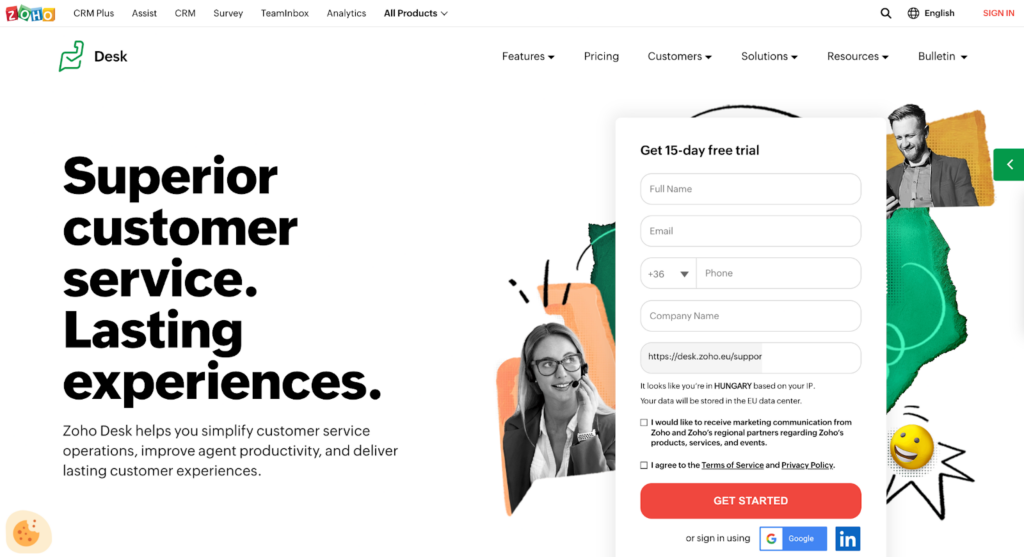
Zoho Desk offers a powerful set of tools that help you simplify customer service operations, be more accessible for customers, and empower agents to stay productive and organized.
Zoho Desk Features
Multi-brand help center
Call center
Omnichannel communication
Instant messaging
Live chat solution
Manage multiple conversations simultaneously
Create separate departments
Contextual reports
Analytics and reporting
Key Integrations
Zoho Desk enables a variety of key integrations that help businesses streamline their customer service processes. Zoho Desk integrates with various platforms, including customer relationship management (CRM) software, bug trackers, Zoho analytics, Google, Slack, Jira, Salesforce, Twilio, and many more. These integrations enable companies to manage customer inquiries from a single reporting dashboard.
Pros
Team collaboration across different departments
Omnichannel interactions with customers
User-friendly interface
Cons
Task automation could use some improvements
Lower-priced plans don’t offer many third-party integrations
It takes time to understand the whole platform
Best For
Zoho Desk is an excellent choice for businesses of all sizes. However, small to medium-sized businesses that prioritize cost-effectiveness, customization, and scalability can highly benefit from implementing Zoho Desk.
Zoho Desk Pricing
Free trial: Yes
Standard: €14 per user per month (billed annually) – contains essential support features to help your customer service team to be more productive. This includes a help center, social media (Facebook & Twitter) for one brand, 5 email channels, feedback widgets, ticket history, and many more.
Professional: €23 per user per month (billed annually) – has all the features included in the Standard plan, plus some additional ones. The additional features include 10 email channels, instant messaging (WhatsApp, Telegram, WeChat & Line), telephony, customer-based SLA, auto time tracking, etc.
Enterprise: €40 per user per month (billed annually) – offers advanced AI and customization capabilities.
3. Freshdesk
Freshdesk is a customer support solution that provides intuitive tools to empower your support team in handling customer inquiries with ease, and effectively managing complex issues.
Freshdesk Features
Team inbox
SLA management
Team huddle
Support across channels
Intelligent ticket assignment
Chatbot features powered by Freddy AI
Custom reports
Customization capabilities
Feedback mechanism
Identity & access management
Key Integrations
Freshdesk provides a wide range of integrations that can help streamline your operations. Some of their integration options are free, however, some of them come with an additional price. They integrate with some of the most popular tools such as Slack, Microsoft Teams, Google Analytics, popular CRM tools, Jira, and many others.
Pros
Intuitive user interface
Good customer support
Customizable dashboard
Cons
Reporting
Limited flexibility for creating custom reports in lower-priced plans
Best For
Freshdesk can benefit a wide range of companies, including small to medium-sized businesses, startups, as well as enterprise-level organizations. Freshdesk’s comprehensive features, customizable pricing plans, and integrations make it a versatile solution for businesses of all industries.
Freshdesk Pricing
Free trial: Yes
Free: The free plan offers basic features such as integrated ticketing across email and social, ticket dispatch, knowledge base, ticket trend report, analytics and reporting, team collaboration, 24/7 support, and more. However, it is available for only up to 10 agents.
Growth: €15 per agent/month (when billed annually) – includes features such as automation, collision detection, SLA management, a custom email server, custom ticket fields, in-depth helpdesk report, 1000+ marketplace apps, and more.
Pro: €49 per agent/month (when billed annually) – the most popular subscription. It offers a variety of features including custom roles, customer journeys, custom dashboards and reports, extendable API limits, SLA reminder & escalation, a multilingual knowledge base, custom metrics, report sharing, CSAT surveys & reports, and many others.
Enterprise: €79 per agent/month (when billed annually) – the highest subscription that Freshdesk offers. The features include everything in the Pro plan, plus additional features such as an email bot, audit log, skill-based routing, flexible knowledge base hierarchy, article suggester, report sharing, custom metrics, and more.
4. Crisp
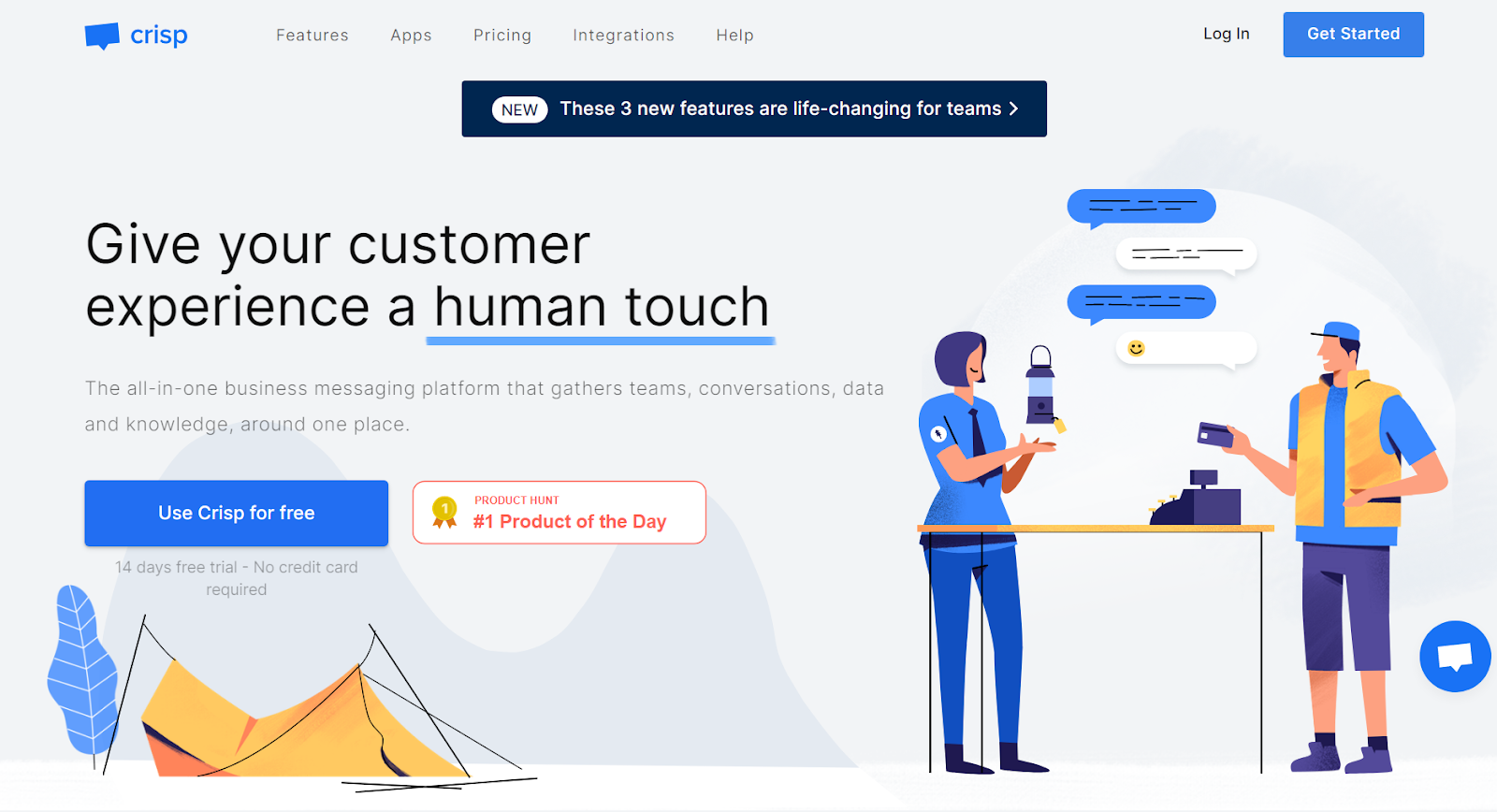
Crisp is a multi-channel messaging platform that helps to connect customers with your business in a more personal way. It is a versatile solution that is trusted by more than 60,000 companies worldwide.
Crisp Features
Customizable website widget
Real-time chat message translation
CRM
Track events
Ticketing system
Automatic ticket assignment
Multilingual knowledge base
Chatbot
Shared inbox
Track customers’ lifecycle
Key Integrations
Crisp offers many different integrations with your favorite apps to deliver the best customer experience. Some of their most popular integrations include WordPress, Shopify, Zapier, Salesforce, Instagram, Twitter, Facebook Messenger, Slack, etc.
Pros
Customer support
Great integrations with social media platforms
User-friendly interface
Cons
You can’t disable chat or redirect customers outside of business hours
CRM system has a very limited contact list
Limited customization options
Best For
Crisp offers good value for money and more affordable pricing plans compared to Intercom, making it an appealing option for small and medium-sized businesses. Larger companies may find Crisp’s feature set somewhat limited, but it’s still a viable option for specific use cases.
Crisp Pricing
Free trial: Yes
Free: This plan is a suitable option for personal websites and anyone who wants basic features that will allow them to communicate with site visitors. This plan provides the following features: 2 seats, a website chat widget, shared inbox, contact form, mobile application, unlimited conversation, and a Shopify integration.
Pro: €25 per month per workspace – a popular option for early-stage startups who want to improve their customer relationships. It includes features, such as 4 included seats, 5,000 contacts, unlimited history, chat triggers, Messenger integration, email integration, slack integration, and shortcuts.
Unlimited: €95 per month per workspace – suitable for companies that require a solution with additional features. Its advanced features include 20 seats, 50,000 contacts, chatbots, audio and video chat, LiveTranslate, automated campaigns, analytics, segment integration, MagicBrowse, and more.
Enterprise: Custom pricing – best suited for larger companies that have specific requirements and will benefit from advanced features, custom onboarding, and personalized SLAs. This plan includes unique pricing, custom limits, dedicated onboarding, and more.
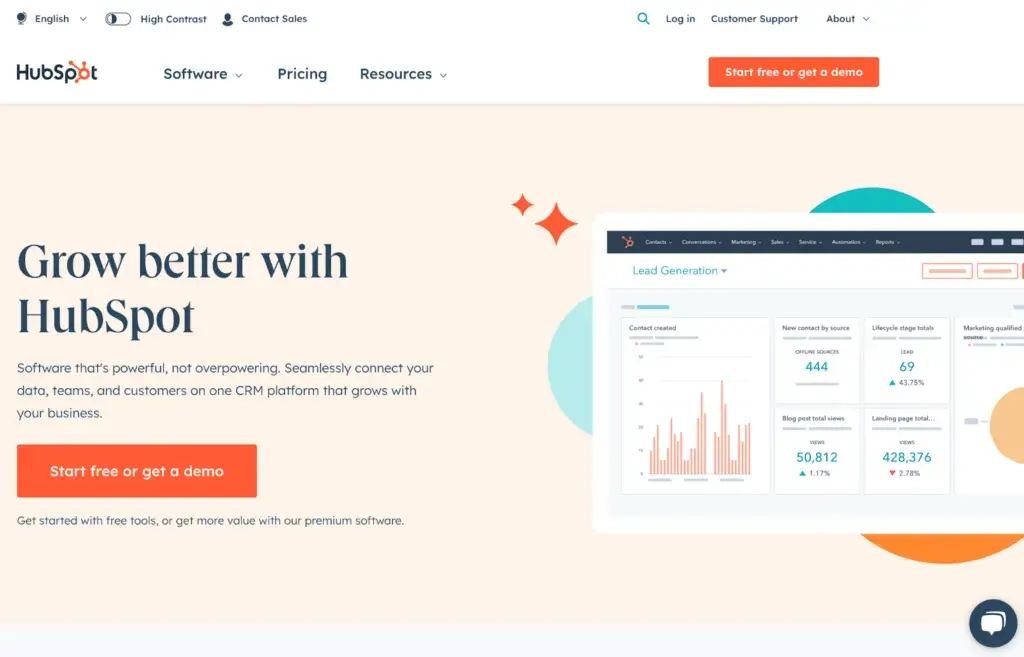
5. HubSpot Service Hub
HubSpot Service Hub is a customer service software that can help your organization improve customer relationships, drive your team’s efficiency and deliver great customer service by connecting all your data and channels to one centralized platform.
HubSpot Service Hub Features
Customer portal
Ticketing system
Knowledge base
Omni-channel messaging
Inbound calling
Live chat solution
Customer service tracking
VoIP calling
Call logging and analytics
Issue tracking
Key Integrations
HubSpot offers more than 1,400 integrations including Slack, Jira, SurveyMonkey, Google Calendar, HubSpot for WordPress, Facebook Ads, and many more.
Pros
User-friendly interface
Ticketing system
Easy installation
Cons
Lack of automation features
Site speed could be improved
High price
Best For
HubSpot Service Hub can benefit a wide range of companies of different types and sizes. Small businesses, startups, and medium-sized companies can benefit from using HubSpot because it is easy to use and offers affordable plans. Larger companies can also gain from using HubSpot Service Hub. The platform integrates with other business tools, offers advanced analytics features, tracks customer satisfaction, and identifies problem areas, which makes it easier to make data-driven decisions.
HubSpot Service Hub Pricing
Free trial: No
Free tools: This plan contains some free marketing tools, free sales tools, free service tools, free CMS tools, and free operations tools. However, this plan is limited to 10 custom properties, 1 email automation per form, standard web analytics and reporting dashboard, 1 inbox, etc.
Starter: €18 per month – includes 1,000 marketing contacts. It also includes all the free tools, plus removes HubSpot branding from live chat, forms, landing pages, and email marketing. The additional features you can enjoy in this plan are up to 10 automated actions, multi-language versions of website pages with up to 3 HubSpot-supported languages, 10 dashboards, 10 reports per dashboard, email and in-app chat support, and many others.
Professional: €441 per month – mostly suitable for larger teams that need more advanced features. It includes features such as omnichannel marketing automation, customizable website traffic analytics, up to 100 inboxes, 25 dashboards and 30 reports per dashboard, up to 10 teams, 1,000 campaigns per portal, and many others.
Enterprise: €1,180 per month – suitable for large enterprises that require a lot of advanced features. Some of the functionalities in this plan are up to 500 custom reports, up to 1,000 workflows, 600 custom views per account, predictive lead scoring, YouTube analytics integration, and many others.
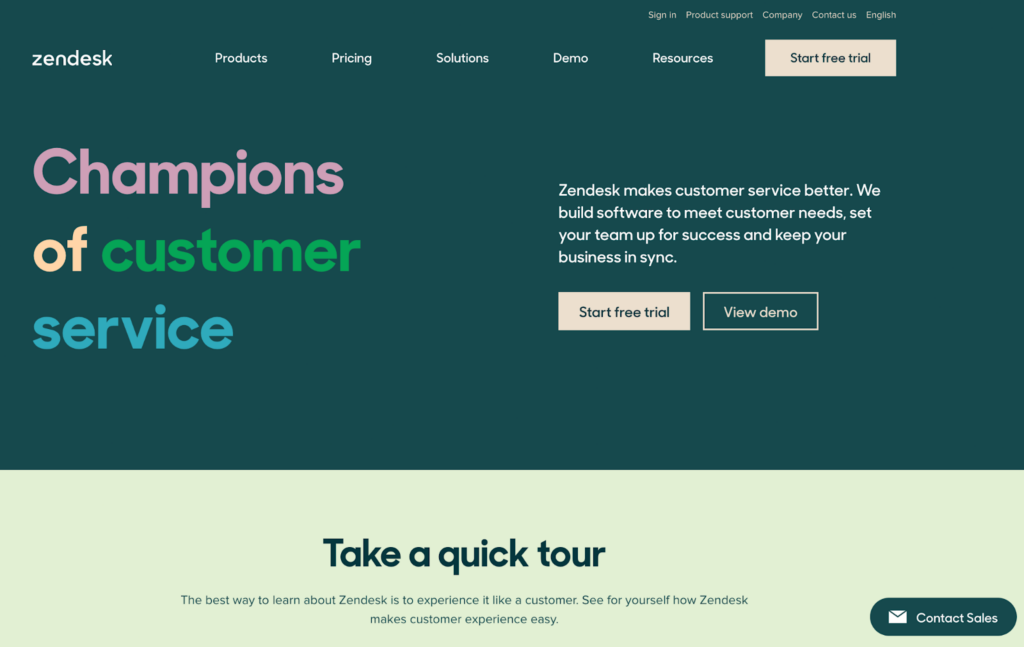
6. Zendesk
Zendesk is a customer service software trusted by over 100,000 companies around the world. It helps businesses in managing their customer interactions across multiple channels and lets them personalize the conversations based on customers’ exact needs.
Zendesk Features
Ticketing
Help center
Centralized workspace
Chatbots
Analytics and reporting
Routing and intelligence
Integrated voice software
Multi-channel messaging
Proactive messaging
Key Integrations
Zendesk offers many key integrations that help streamline customer service operations and therefore offer more personalized customer service. Some of the key integrations include popular CRM tools like Salesforce and HubSpot, e-commerce platforms like Shopify and Magento, social media platforms, ticketing systems, and VoIP systems like Twilio.
Pros
Wide range of integrations
Customization options
User-friendly interface
Cons
Poor customer support
Hard to track a ticket’s progress
No notifications about ticket updates
Best For
Zendesk is a versatile customer service platform that can be beneficial for businesses of all sizes and industries. Businesses that value flexibility and scalability can appreciate Zendesk, as it offers a range of pricing plans and features that can be customized to meet the specific needs of each business.
Zendesk Pricing
Free trial: Yes
Support Team: €19/month per user (billed annually) – Zendesk’s cheapest plan catering to small teams with limited resources. Including basic features such as email, voice, and social, with prebuilt analytics and a basic ticketing system, the Support Team tier is a great entryway to Zendesk’s software.
Suite Team: €49/month per user (billed annually) – provides an upgrade from the Support Team tier. Some of the included features are a unified agent workspace, standard bots, a single help center, up to 50 automated AI-powered answers, pre-built reporting and analytics, standard data storage, onboarding guides, and more.
Suite Growth: €79/month per user (billed annually) – offers all the features from the previous one, plus some additions. The additional features include customizable ticket layouts, SLA management, multilingual support, AI-powered knowledge management, up to 100 AI-powered automated answers, intermediate data storage, and more.
Suite Professional: €99/month per user (billed annually) – includes some more additional features such as up to 500 AI-powered automated answers, multiple help centers, integrated community forums, private conversation threads, customizable and shareable dashboards, advanced voice capabilities, and many others.
Suite Enterprise: €150 per agent/month (billed annually) – offers advanced features such as custom team roles and permissions, advanced knowledge management, live data and external dashboard sharing, customizable branding for web conversation, and others.
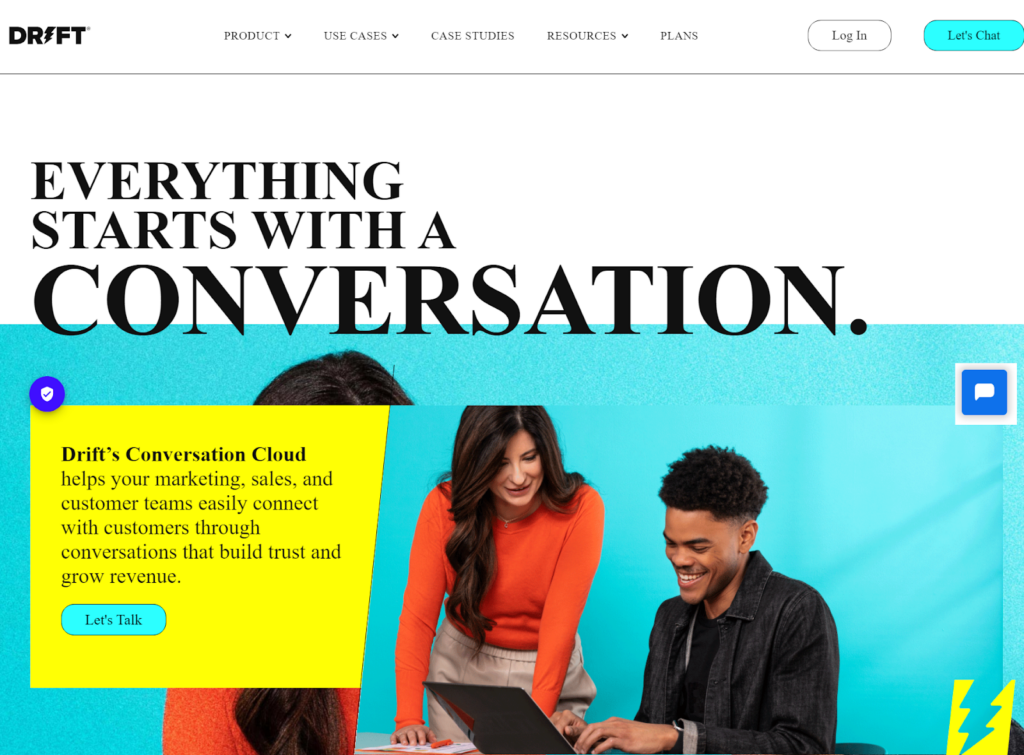
7. Drift
Drift is a conversational platform that enables marketing, sales, and support teams to engage with their customers in real-time, build trust and increase revenue by delivering meaningful customer experience.
Drift Features
AI bots
Custom chatbot features
Prospector
Real-time notifications
Mobile app
Live chat
Real-time dashboard
Reporting
Response timer
Key Integrations
Drift offers 50+ native integrations and Zapier connection to over 500 different apps that will help you streamline your customer communication. Some of their integrations include Salesforce, Google Calendar, Microsoft Dynamics, Databox, Salesloft, and others.
Pros
Live chat
Gathers customer information before connecting them to agents
Arranging meetings
Cons
More customization options needed
Higher pricing
Time to set up
Best For
Drift is mostly suitable for larger organizations that require a customizable platform that can integrate with other tools and ensure compatibility with their workflow. Due to their higher pricing, Drift’s platform may not be suitable for smaller teams and startups, however, the software is designed to support the needs of businesses of all sizes.
Drift Pricing
Free trial: No
Premium plan: Starts at $2,500 per month (billed annually) – includes features such as live chat, meetings, custom chatbots, intel, real-time notifications, and conversational landing pages.
Advanced: Contact Drift’s sales team for pricing – with this tier, you will get all the features from the Premium plan, plus some additional ones, such as Fastlane, audiences, A/B testing, and flex routing.
Enterprise: Contact Drift’s sales team for pricing – offers the most features and includes all the previously mentioned ones from lower tiers, plus other advanced features like workspaces, AI-powered chatbots, and custom RBAC.
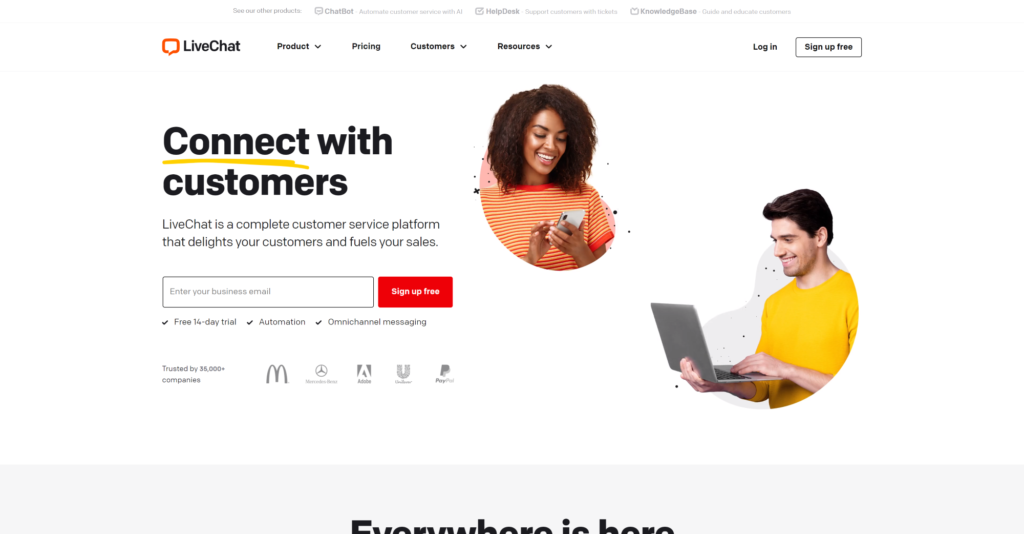
8. LiveChat
LiveChat is a customer service platform that helps create a memorable chat experience for your customers and helps solve customer problems proactively. It provides tools to build a customer service experience that can improve brand reputation and build stronger relationships with customers.
LiveChat Features
Notifications
Chatbots
Multilingual chat widget
Chat history
Chat buttons
Routing rules
Targeted messages
Customization
Analytics and reports
Access restriction
Key Integrations
LiveChat offers over 200 integrations with many different third-party tools. Some of their most popular integrations include Google Business messages, Whatsapp, Zoom, Microsoft Dynamics, Facebook Messenger, Google Analytics, Salesforce, and many others.
Pros
Easy setup
Accepting or declining incoming chats
User-friendly interface
Cons
Slow when overloaded
Higher price
Insufficient mobile app
Best For
LiveChat is an excellent Intercom alternative that offers many features and integrations for businesses of all sizes. The platform is primarily focused on live chat capabilities, allowing organizations to engage with their customers in real time.
LiveChat Pricing
Free trial: Yes
Starter: $20/month per user – includes basic features that are most suitable for small business or startups. It offers a limited amount of features, but it can be enough if you have a limited budget, or if you are only starting with your business. These features include: inactivity messages, multiple website support, traffic tracking up to 100 customers, ticket management, daily summary reports, knowledge base, etc.
Team: $41/month per user – consists of all the features from the Starter plan, plus additions like canned response suggestions, traffic tracking up to 400 customers, file sharing, routing rules, ticket tagging, ticket statistics, chat button customization, and many others.
Business: $59/month per user – includes features from the Team plan, plus additions, such as traffic tracking up to 1000 customers, chat takeover, routing rules based on geolocation, work scheduler, access restriction, private mode, and more.
Enterprise: Contact LiveChat’s sales team – has many advanced features that should meet even some of the most specific needs that the organization might have. These advanced features include an audit log, security assistance, product training, 24/7 support, legal assistance, a key account manager, and others.
9. Olark
Olark is a live chat software that allows businesses to easily connect with their customers in real time. Olark’s chat transcript makes it easy to track and analyze customer behavior and interactions, providing them with valuable insights to improve their customer service.
Olark Features
Live chat analytics
Custom chatbox forms
Team performance monitoring
Shortcuts system
Automated live chat messages
Real-time chat
Chat routing
Customization options
Multilingual chat app
Key Integrations
Olark offers many integrations with popular tools that businesses use to streamline their processes. Some of the integrations include WordPress, Slack, Google Analytics, Magento, Zapier, Squarespace, Shopify, and many more. If you can’t find what you are looking for, you can build your custom integrations using Webhooks or JavaScript API.
Pros
User-friendly interface
Affordable pricing
Customer support
Cons
Few options to customize chat widget
Issues with screen sharing
Occasional outage
Best For
Olark is an Intercom alternative accessible to businesses of all sizes in various industries.
Olark Pricing
Free trial: Yes
Standard plan: $29 per month per seat – a full-featured live chat plan. This plan gives you access to all of Olark’s core live chat features, such as unlimited chat history, customizable chatbox, advanced reporting, real-time reporting, agent groups, and more.
Olark Pro: Contact Olark for pricing – this plan can help you meet different kinds of requirements, such as business, legal, security, privacy, and accessibility. This plan comes with several benefits on top of all the features. These benefits include training, personal account manager, different payment options, priority support, etc.
10. Tawk.to
Tawk.to is a 100% free live chat and messaging software that helps businesses connect with their customers, monitor visitors on their website, respond to support tickets, facilitate team collaboration, and keep everything organized.
Tawk.to Features
Real-time monitoring
Video and voice add-ons
Live chat
Ticketing system
Internal and external knowledge bases
Engagement tracking
Screen sharing
Desktop notifications
Detailed reporting
Message filtering
Key Integrations
You can connect Tawk.to with your favorite apps in just a few clicks. There are over 100 available integrations, including popular CRM tools like Salesforce, as well as marketing automation tools. Other integrations include WordPress, Squarespace, Google Analytics, and more. You can also create custom integrations to fit your specific needs through Tawk.to’s REST API and JavaScript API.
Pros
Easy to use and setup
Displays visitor’s information
Data insights
Cons
You have to pay in order to remove their branding
Complex dashboard design
Best For
Tawk.to is a great and cheap Intercom alternative because it is free to use. Businesses of all types and sizes can get access to their communication features that will help them improve communication with their customers. Tawk.to’s free pricing model, coupled with its set of tools, makes it an interesting option for businesses looking for cost-effective customer support solutions.
Tawk.to Pricing
Free – 100% free live chat and messaging software
11. HelpCrunch
HelpCrunch is a multichannel customer communication platform that offers an intuitive and customizable solution to engage with customers effectively and efficiently. It allows you to manage all communication channels in one dashboard and provide 24/7 self-service by creating your own help center.
HelpCrunch Features
Intuitive customer self-service
Multilingual knowledge bases
Chatbot
Omnichannel communication
Track personal data
Team collaboration
Track customer satisfaction
Custom shared inboxes
Event announcements
Re-engage inactive customers
Key Integrations
HelpCrunch offers many integration options to boost your productivity and automate daily tasks. Some of the most used integrations include Slack, WordPress, Zapier, Facebook Messenger, Instagram, Google Analytics, Jira, Magento, and much more.
Pros
Helpful, easy to navigate dashboard
Targeted messages
Good customer support
Cons
Mobile app could use some improvements
Widget customization
It takes time to learn the functionalities and features
Best For
If you are looking for an affordable alternative to Intercom, consider HelpCrunch as an option. This platform performs well in customer communication, and it is a suitable choice for businesses of all sizes. Whether you operate a small startup or a large enterprise, HelpCrunch offers features that can help you engage with your customers effectively.
HelpCrunch Pricing
Free trial: Yes
Basic: €12 per month per team member – offers a limited amount of features, however, it could be enough for smaller companies or startups. Included features are one widget, 3 auto messages, 3 pop-ups, a monolingual knowledge base, basic automation, HelpCrunch branding, and live chat support. It can be billed on a monthly or annual basis.
Pro: €20 per month per team member – in this subscription, you get some additional features: 5 widgets, 25 auto messages, 15 chatbot flows, a multilingual knowledge base, advanced customization and automation, no HelpCrunch branding, and priority live chat support. It can also be billed monthly or annually.
Unlimited: €495 per month (only available as an annual subscription) – offers a number of unlimited features, such as unlimited widgets, auto messages, pop-ups, and chatbot flows. It also includes a multilingual knowledge base, advanced customization and automation features, no branding, and personal onboarding assistance.
12. Tidio
Tidio is a live chat and messaging software designed mainly for small to medium-sized businesses to provide outstanding customer service. It provides automation tools to handle repetitive tasks more efficiently which gives support agents more time to focus on complex issues.
Tidio Features
Live typing
Canned responses
Offline messages
Measure customer satisfaction
Ban users
Custom tags and contact properties
Chatbots
AI response bots
Ticketing system
Workload optimizer
Analytics and performance
Key Integrations
Tidio offers a wide range of integrations you can connect to many of your work tools and services. Some of their most popular integrations include Shopify, WordPress, Magento, Google Analytics, Zapier, Facebook Messenger, Instagram, and many others.
Pros
Intuitive interface and management
Customizable bots
Offline email notifications
Cons
No voice notes in chat
Some integrations could be improved for better performance
Best For
If you’re searching for an affordable alternative to Intercom, Tidio may be a perfect solution for you. It is designed with small to medium-sized businesses in mind, and offers various communication tools to help you stay connected with your customers.
Tidio Pricing
Free trial: Yes
Free: The free subscription offers a limited amount of features and includes up to 3 seats. These features include 50 live chat conversations, 100 chatbot triggers, unlimited tickets, integrations with Messenger, Instagram, and email, and basic analytics.
Starter: €29 per month – includes up to 3 seats. The features included in this subscription are 100 live chat conversations, 500 chatbot triggers, unlimited tickets, the same integrations as the free subscription, and basic analytics.
Communicator: €25 per month per seat – includes an unlimited number of live chat conversations, 100 chatbot triggers, unlimited tickets, Native Shopify actions, as well as integration with Messenger, Instagram, and email.
Chatbots: €29 per month for up to 3 seats and 2,000 chatbot triggers – the features available within this subscription are 50 live chat conversations, unlimited tickets, basic analytics, and the same integration with Instagram, email, and Messenger, but no Shopify actions.
Tidio+: €329 per month – personalized plan. For more information, you have to contact Tidio.
No Tidio branding: €20 per month – removing Tidio’s branding will cost you this amount on top of your existing subscription.
13. Gorgias
Gorgias is a multichannel e-commerce helpdesk software that provides your visitors with a personalized shopping experience. It brings all customer conversations into one centralized platform, making it easier for businesses to manage all customer interactions.
Gorgias Features
Live chat
Voice support
Automation add-ons
Rules
Pre-made responses
Help center
Order management
Customizable workspace
Analytics and statistics
Multi-stores
Key Integrations
Gorgias offers 80+ different integrations that can help you with your e-commerce business. Some of Gorgias’ most popular integrations include Shopify, Instagram, Facebook, Yotpo, Klaviyo, Gmail, Magento, Trustpilot, and many others.
Pros
Easy to use
Customizable and well-organized dashboard
Customer support
Cons
It can be a little slow sometimes
Issues with some integrations
Best For
Gorgias is specifically designed for e-commerce companies, it integrates with many popular platforms to offer an all-in-one solution. From small stores to enterprise-level brands, Gorgias can help you provide an efficient and personalized customer service experience.
Gorgias Pricing
Free trial: Yes
Starter: $10/month – this option is only available as a monthly subscription. The features include up to 50 tickets per month, up to 3 users, a multi-stores feature, live chat, chat campaigns, a help center, and more. However, some of the integrations are not available for this plan.
Basic: $50/month – offers all the features included in the Starter plan, plus some additional ones, such as 300 tickets per month, up to 500 user seats, voice add-on, SMS add-on, user permissions, additional integrations, etc.
Pro: $300/month – includes up to 2,000 tickets per month, 500 user seats, unlimited social media channels, support and revenue reporting, lite onboarding, Gorgias academy, and many others.
Advanced: $750/month – includes some additional features, plus all the features from the Pro plan. Some of the additional features are 5,000 tickets per month, full onboarding, and Dedicated Success Manager.
Enterprise: Contact Gorgias for custom quote – offers the most advanced features and many customizations.
14. ClickDesk
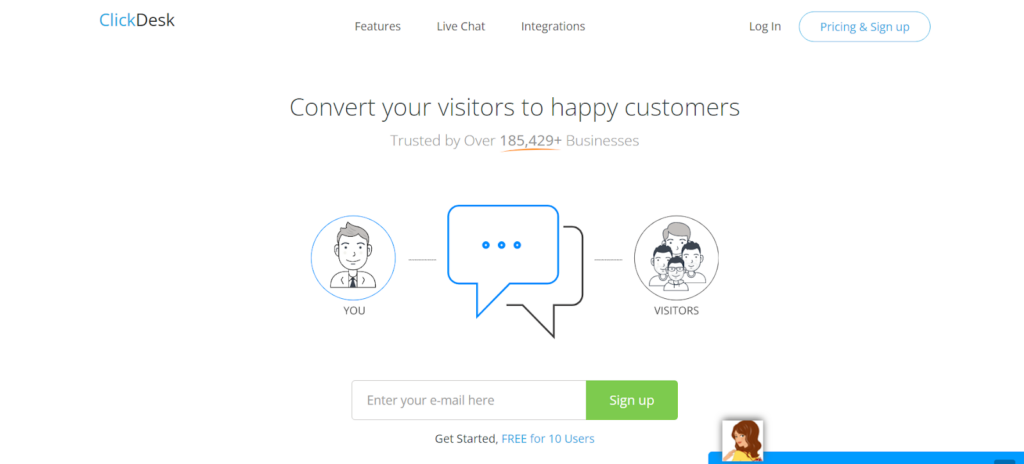
ClickDesk is a communication platform that allows businesses to connect with their customers via live chat, voice, and video calls. They are trusted by over 100,000 businesses in over 120 countries.
ClickDesk Features
Live chat
Video chat
Help desk
Mobile application
Reporting and analytics
Custom domain
Canned responses
Customizable ticket management
Proactive chat
Translation feature
Key Integrations
ClickDesk offers integrations with third-party apps that can help you with seamless live support operations. Their most popular integrations include WordPress, Shopify, Magento, Google Apps, JavaScript, Zapier, Basecamp, and many others.
Pros
Easy to use
Intuitive agent panel
Simple ticketing system
Cons
Customer support
There could be more available integrations
Best For
ClickDesk is best suited for small to medium-sized businesses in need of a comprehensive customer service solution. With ClickDesk, you can efficiently handle customer queries across multiple channels. With easy set-up and their pricing plans, ClickDesk is a popular and affordable option for businesses that are looking to improve customer engagement.
ClickDesk Pricing
Free trial: No
Free: It is free for 10 users and it includes a limited set of features including up to 30 chats, 25 tickets monthly, audio calling, localization of chat widget, and it allows you to customize basic settings.
Lite: $14.99/month – the second option is a Lite plan that offers a few additional features. Some of the additional features include unlimited chats, widget customization, chat transfer, chat groups, and SSL security.
Pro: $24.99/month – offers all the features included in the Lite and Free plan, plus additional chat conferencing, video calls, CRM integration, post chat survey, chat history, and reports.
Enterprise: $39.99/month – the highest available plan that ClickDesk offers. The plan includes their most advanced features, such as an unlimited number of domains, queuing, widget custom CSS, dedicated account manager, analytics, and white label.
15. Twilio
Twilio is a trusted platform that empowers businesses in creating personalized customer communication experiences.
Twilio Features
Built-in channels
Omnichannel messaging
Personalized campaigns
Self-service automation
Real-time reporting
Mobile app
API-powered text
Conversation history
Key Integrations
Twilio integrates with a number of different applications and systems to improve your workflow. Some of their integrations include Monday.com, Zapier, Make, Pipedrive, WhatsApp, Facebook, and more.
Pros
Integration with instant messaging apps
Ease of use
Customer support
Cons
Analytical data and reporting could be better
Sometimes it can be slow
Best For
Twilio is a versatile platform that can work for businesses of all sizes, from start-ups to large enterprises. Twilio’s API-based approach allows for custom integrations, making it a perfect fit for businesses that want to streamline their communications with customers. If you’re looking to improve your customer engagement, Twilio may be a good Intercom alternative to consider.
Twilio Pricing
Twilio Flex:
Free trial: Yes
Per-hour pricing: Starts at $1 per active user hour. You only pay for what you use and you can scale up or scale down to keep up with changing traffic or changing the number of customer support agents.
Per-user pricing: Starts at $150 per named user per month. The named user can be an agent, supervisor, or administrator and you only pay per user regardless of volume or activity.
Twilio also offers features like Twilio Engage, Twilio Segment, Twilio Flex, Twilio SendGrid Marketing Campaigns, Elastic SIP Trunking, and more. Each of them has separate pricing.
Investigate Multi-Channel Support in Intercom Alternatives
Multi-channel support is an essential part of any customer support software. Platforms offer various support channels for customers to interact with your team, including email, live chat, social media customer service, and phone. And although at first glance, you may not see that much of a difference between the providers, choosing the right Intercom alternative can help your company provide better support, reduce response time, and enhance interactions with customers through multi-channel support.
Several popular alternatives provide comprehensive multi-channel support. For example, Zendesk provides a personal phone support that helps manage all customer conversations and a chat channel that delivers a faster way to engage with customers. Freshdesk offers multichannel support that allows businesses to handle customer inquiries via email, voice, chat, social media, and even SMS. HelpCrunch also provides businesses with multiple communication channels in one dashboard, and the customizable chat widget ensures that businesses can provide a unique customer support experience.
LiveAgent is an all-in-one help desk solution with comprehensive multi-channel support capabilities that allow businesses to handle all significant customer communication channels, including social media, email, voice, and advanced live chat from one universal inbox. LiveAgent provides the ability to connect multiple social media accounts such as Facebook and Twitter to offer more effective customer support, enabling support teams to receive notifications of new direct messages and respond faster to customer inquiries. To make things even better, the platform also supports ticket management, creating a hybrid ticket stream that helps reduce response time and increase customer satisfaction.
Conduct a Trial Run or Demo Before Committing
Before committing to any customer service software, it is important to carefully assess the platform’s suitability for your specific needs and integration requirements. This is where conducting a demo call or a trial run comes in handy. It allows businesses to test the software’s features without making a commitment.
During a demo or trial run, you can explore a platform’s features and determine whether the software aligns with your needs and business model. Furthermore, it gives you the opportunity to evaluate the platform’s ease of use and the quality of support offered by the provider. All this will ensure that you can make an informed decision that the platform meets your support needs and aligns with your vision. Sometimes even free support desk software might be enough to meet your needs.
Conclusion
In conclusion, choosing an Intercom alternative can have several advantages for businesses that require more comprehensive features or cost-effective pricing plans. Companies often choose to exchange Intercom for other platforms due to their limited or missing features, high pricing, or other needs that Intercom doesn’t cover.
Some of the reasons that cause companies to look for an alternative option include cost, set of features, user experience, or limited customization. To choose the best Intercom alternative for your business, assess multiple factors, such as the size of your customer base, your target niche, the scalability of the platform, and more. Take a look at the features each alternative offers to ensure that it will provide effective and seamless communication, as well as comprehensive analytics and reporting that will measure your performance and identify the areas that need improvement.
LiveAgent stands out as one of the best Intercom alternatives, offering a wide range of features and benefits that include more comprehensive multi-channel support options, advanced ticket management, customizable customer portals, cost-effective pricing plans, and more. LiveAgent is an excellent option that can help transform your help desk by improving your team productivity, streamlining communication, and providing excellent customer support. So why not try LiveAgent for yourself and see how it can help take your customer support to the next level?
Ready to Switch to a Better Solution?
Experience LiveAgent, the top Intercom alternative with comprehensive customer communication features, 220+ integrations, and 24/7 support.
Many businesses switch from Intercom due to high pricing, limited customization options, overwhelming feature sets for smaller companies, and slower customer support response times. Alternatives often provide better value with more flexible pricing and easier-to-use interfaces.
LiveAgent offers an all-in-one solution with live chat, ticketing, call center, and social media integration at a lower price point. Intercom focuses primarily on customer messaging and communication. LiveAgent starts at $15/agent/month compared to Intercom's higher pricing, and includes 220+ integrations.
Yes, most Intercom alternatives including LiveAgent, Freshdesk, and Zendesk support data migration. You can typically export your conversation history and customer data from Intercom and import it into the new platform.
Yes, most modern Intercom alternatives provide omnichannel support, allowing you to manage customer interactions across email, live chat, social media, and phone from a single dashboard.
For small businesses, LiveAgent, Crisp, and Tawk.to are excellent choices due to their affordable pricing, ease of use, and comprehensive features. LiveAgent offers a free plan and starts at just $15/agent/month.
Explore 15 Zendesk alternatives for 2025 to enhance customer service with options like LiveAgent, Freshdesk, and HubSpot Service Hub. These solutions offer flex...
23 min read
Zendesk
Alternatives
+3
You will be in Good Hands!
Join our community of happy clients and provide excellent customer support with LiveAgent.