


Hubspot Service Hub Alternative - Best Solution
Explore 16 top HubSpot alternatives for 2025! Compare features, pricing, and discover LiveAgent's free trial for exceptional customer service.
6 min read

Explore 16 alternatives to HubSpot for CRM and customer service, evaluating features, pricing, integrations, and flexibility to enhance your business efficiency in 2025. Consider options like LiveAgent, Salesforce, and Zendesk to fit your needs and budget.
HubSpot Service Hub is a popular player in customer service, sales, and marketing. Over 160,000 customers trust HubSpot’s tools, including ticketing and CRM systems.
But HubSpot has many competitors. The following article examines 16 HubSpot alternatives, their pricing, and key features. Maybe you’ll find your new customer service platform.
Claiming HubSpot doesn’t have a positive presence in the market would not only be inaccurate, but dishonest. However, as with any other customer service software, it’s not without its faults and drawbacks that prompt customers to seek other options.
One of the common customer issues is HubSpot’s pricing. Although it is a robust piece of software, customers find themselves going over their budgets trying to afford it. Many have stated that the software just wasn’t customizable enough or didn’t offer enough functionalities to be considered worth the price tag.
Another issue customers may stumble upon is HubSpot’s frequent use of jargon and brand-specific terminology. Although branding is important and can help create a distinct customer experience, HubSpot tends to go overboard. This means that customers might have to decipher the terminology trying to navigate an otherwise complex and sometimes confusing software suite.
Of course, with almost two decades of experience, HubSpot Service Hub certainly does many things right. Many people swear by its extensive knowledge base and customizable ticketing system. What it ultimately boils down to is finding a help desk system that covers your specific needs and requirements.
When you’re searching for a HubSpot alternative, one of the most significant deciding factors includes the suite of features and functionalities it has to offer. Before committing to a single platform, evaluate which features your business needs to operate, and then add those that will make your day-to-day sales workflows more streamlined and efficient.
For example, you decide features like a ticketing system, drag-and-drop editor, meeting scheduler, visitor tracking, and some kind of telephony feature are necessary for your customer service team to function. Sure, you could stop there, but why not look for more? At this stage, you should consider additional features like mergeable tickets and unlimited contacts to streamline the sales process. On top of that, you can consider adding more multilingual channels and social media to your ticketing system. If you’ve decided on a call center feature, why not look for a HubSpot alternative that contains IVR, video calls, and unlimited call history?
Don’t settle for the bare minimum that keeps your contact center afloat, but aim for operational efficiency and consider software with a wide range of features that can elevate the experience not only for your support team but mostly for your customers.
Although paying for quality is certainly a thing, don’t blow your budget just because it seems like the right thing to do. Carefully look at a software’s pricing structure and plans before purchasing. Buying any SaaS product is a tradeoff between the money you’re willing to spend and the features the software delivers. So don’t think the cheapest option is always the right one either. Look for that balance of substantial functionality and affordability. This way, you can decide on a HubSpot alternative that best suits not only your contact center needs but also your budget.
When providing customer service, chances are that you’ll need some third-party applications to make the business process more efficient and convenient. Look for a HubSpot alternative that not only has a substantial number of integrations, but also easily connects to the apps that you use the most. Remember, it’s quality over quantity. Having hundreds of integrations doesn’t necessarily mean that you’ll be able to connect all the apps you like to use.
Besides that, look for integration updates; you should probably opt for a solution that continuously adds to its integrations, as it shows that the development team is receptive to the needs of their customers.
As we’ve already established, help desk software is not a one-size-fits-all solution. When considering a HubSpot alternative, look for its personalization and customization options and flexibility. Can you make it your own? Will it be able to support the needs of your customer service agents and your business?
These are valid questions you need to ask yourself to ensure you don’t regret your investment down the line.
You will probably agree that implementing a HubSpot alternative shouldn’t require all your customer service agents to have an engineering degree just to use it. Of course, the more complex the software, the steeper the learning curve. However, implementing even a complex platform can be easy, and hassle-free if its design keeps the user in mind. When considering a solution, look for ones that cater to less tech-savvy folk as well as specialists that can add custom code to it.
Most businesses strive for growth. When choosing a HubSpot alternative, always consider a software’s scalability. This way, you will not be caught off guard when you suddenly need to upgrade from a basic plan to an enterprise. On the other hand, you may find out your subscription is too extensive for your needs. Don’t get trapped in the loop of endless arguments with customer support and waiting for your subscription to be adjusted. Choose a platform that can easily scale up or down, based on your unique needs.
Last, but certainly not least, read up on a HubSpot alternative’s customer support. A company is as good as its customer service. Even if a software solution seems to be the perfect one for you, if it comes with poor customer service, steer clear.
Besides the availability of a customer service team, make sure your chosen solution has an extensive knowledge base with troubleshooting guides, tutorials, and customer forums. This way, you can rest assured that the platform does its best to prioritize their customers’ needs.
| Platform | Capterra Rating | Integrations | Free Version | Free Trial | Price Range |
|---|---|---|---|---|---|
| LiveAgent | 4.7 | 220+ | ✅ Yes | ✅ Yes | $15/agent/m |
| Salesforce Service Cloud | 4.4 | 5000+ | ❌ No | ✅ Yes | $29/agent/m |
| Zendesk | 4.4 | 1000+ | ❌ No | ✅ Yes | €19/agent/m |
| Freshdesk | 4.5 | 500+ | ✅ Yes | ✅ Yes | €15/agent/m |
| Zoho Desk | 4.5 | 500+ | ✅ Yes | ✅ Yes | €14/agent/m |
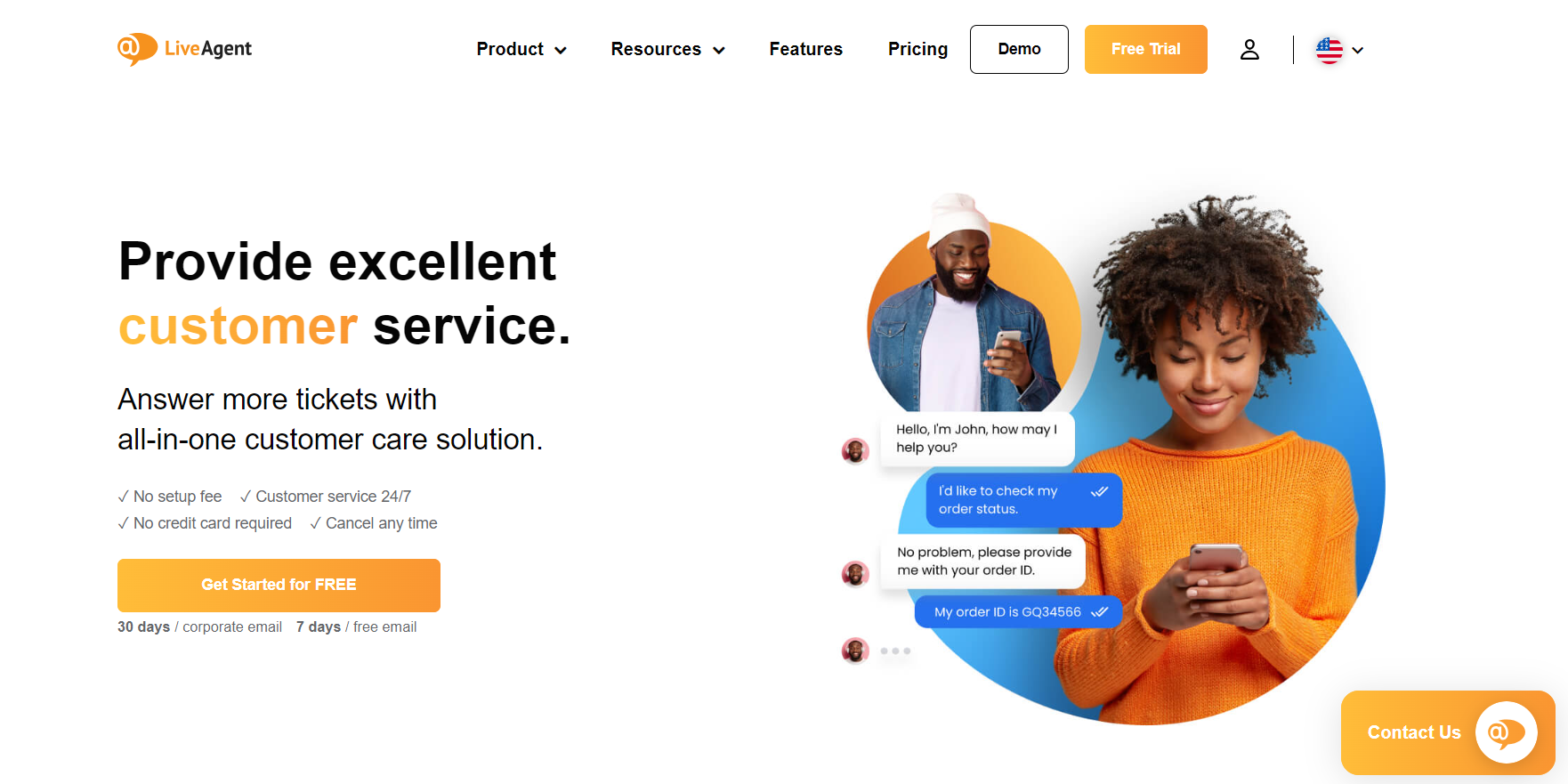
LiveAgent is a well-established HubSpot alternative with over 130 powerful features that ensure an omnichannel experience. Although packed with features and integrations, LiveAgent is a user-friendly and affordable solution for businesses around the globe. LiveAgent’s help desk software allows thousands of customers to deliver the best customer experience.
LiveAgent Features:
Key Integrations: You can pair LiveAgent with more than 200 third-party apps. Customer favorites include Shopify, Slack, Jira, Magento, WhatsApp, Salesforce, Twilio, ActiveCampaign, and many more.
Pros:
Cons:
Best For: LiveAgent helps deliver good customer service for many customers worldwide. This versatile HubSpot alternative is most suitable for small to medium businesses; however, large-scale companies often find it just as useful. Most of LiveAgent’s customers work in eCommerce, education, finance, travel and hospitality, and tech.
LiveAgent Pricing: LiveAgent offers four main paid pricing tiers, plus a Free plan that provides a variety of features with some limitations. The paid plans start with the Small tier for $15 per agent per month and continue with the Medium plan for $29 per agent per month. More expensive plans consist of the Large package for $49 per agent per month and the Enterprise tier for $69 per agent per month.
Before committing to a paid plan, you can give LiveAgent a test drive with a 30-day free trial.
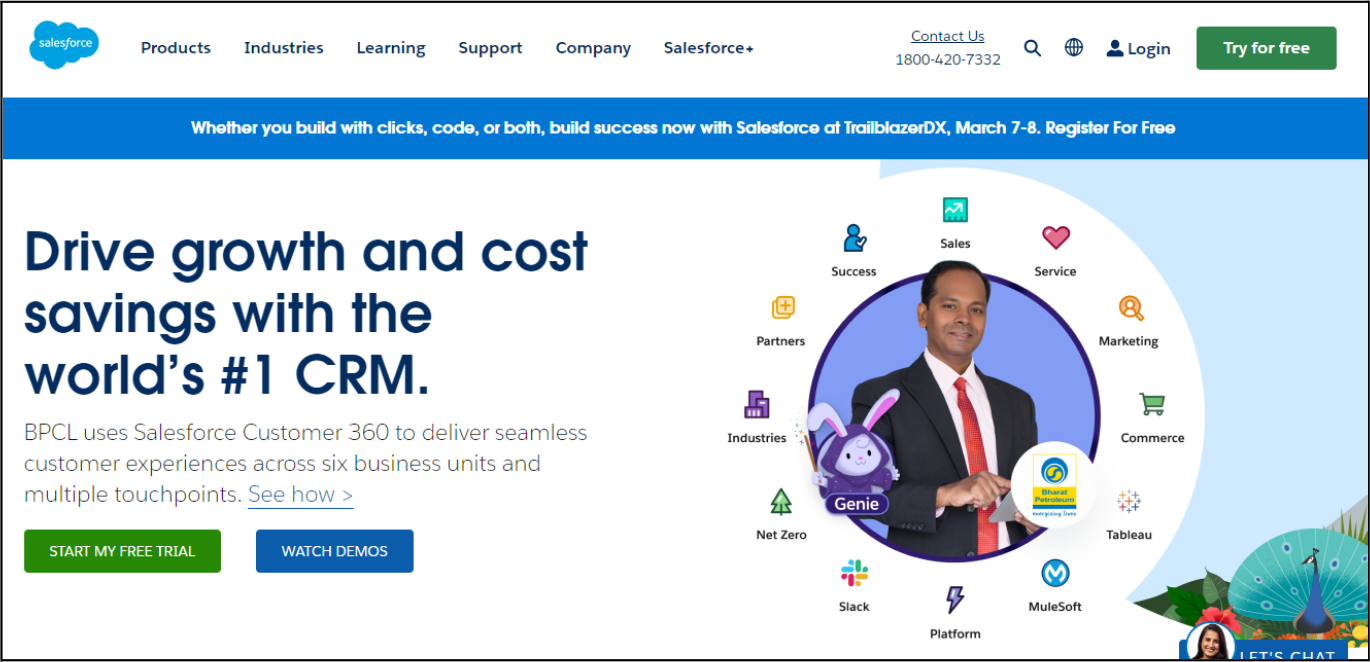
Salesforce Service Cloud is one of the well-known competitors of HubSpot. Their software helps to boost engagement throughout the entire customer journey and helps more than 150,000 customers worldwide bring personalized service to their clients.
Salesforce Service Cloud Features:
Key Integrations: Salesforce Service Cloud offers integrations with many third-party tools, including Shopify, Asana, Trello, MailChimp, Twilio, and Scoro.
Pros:
Cons:
Best For: Salesforce Service Cloud is suitable for companies of all sizes. Although tailored for eCommerce, many Salesforce Service Cloud users specialize in finance, manufacturing, education, technology, and healthcare.
Salesforce Service Cloud Pricing: You can choose from four different pricing options Salesforce Service Cloud offers. The Starter tier costs $25 per user per month, billed annually; the Professional tier costs $75 per user per month, billed annually; the most popular Enterprise tier costs $150 per user per month, billed annually; and the most expensive Unlimited plan comes up to $300 per user per month, billed annually.
If you wish to try Salesforce Service Cloud before making a purchase, you can sign up for their 30-day free trial.
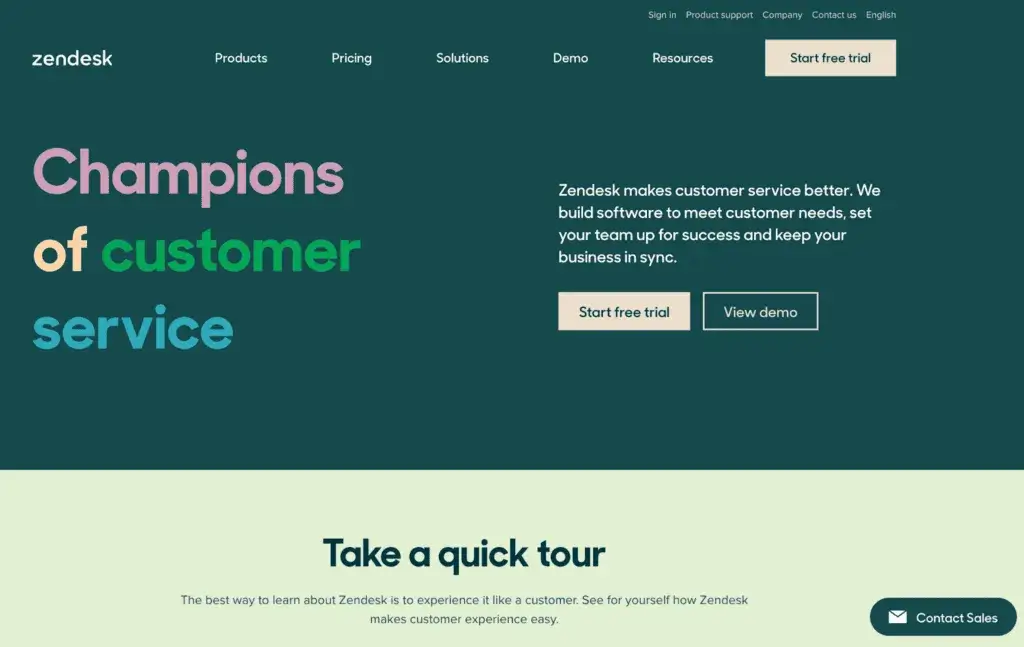
With a customer base of over 50,000, Zendesk is a popular alternative to HubSpot. Zendesk prides itself on creating a holistic customer experience and helping businesses around the globe deliver great customer service.
Zendesk Features:
Key Integrations: Zendesk offers many integrations for you to enjoy. Some of them are Trello, Harvest, RingCentral, Shopify, Slack, and Jira.
Pros:
Cons:
Best For: Zendesk is most suitable for larger and medium-sized companies in various industries, including healthcare, financial services, eCommerce, and travel and hospitality.
Zendesk Pricing: If you’re considering Zendesk, you can choose from four pricing plans. The Support Team costs €19 per agent/month, Suite Team will cost you €49 per agent/month, Suite Growth costs €79 per agent/month, and Suite Professional comes up to €99 per agent/month. To get a quote for Zendesk’s largest plan, the Enterprise tier, contact their sales team.
Before buying any of the subscriptions, you can try Zendesk out with a 14-day free trial.
Freshdesk is one of the industry-famous HubSpot CRM alternatives. Over 60,000 customers use it to unify and streamline customer communication and provide exceptional support.
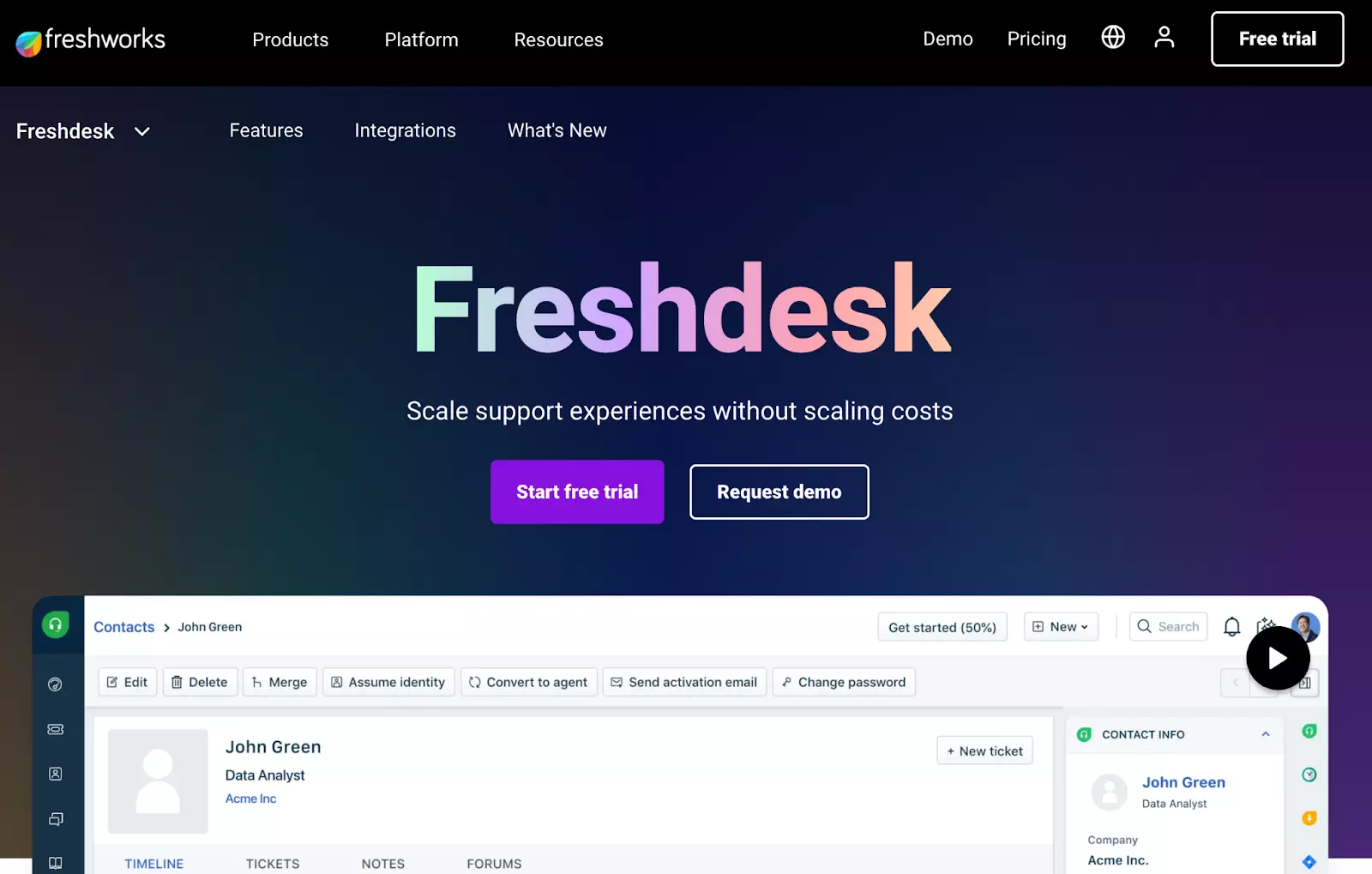
Freshdesk Features:
Key Integrations: Freshdesk lets you connect their suite of tools to many third-party tools, including Slack, Jira, Asana, Shopify, MailChimp, and Twilio.
Pros:
Cons:
Best For: Freshdesk is suitable for businesses of all sizes, including startups and small teams. You can find most of Freshdesk’s customers in retail, tech, eCommerce, finance, and education.
Freshdesk Pricing: Freshdesk offers a Free package with some limited features. Besides that, you can choose from the Growth plan for €15 per user per month billed annually, the Pro plan for €49 per user per month billed annually, and the Enterprise plan for €79 per user per month billed annually.
Before picking out one of the paid plans, you can get acquainted with the software with Freshdesk’s 21-day free trial.
Zoho Desk is a web-based customer service platform with over 100,000 customers worldwide. They focus mainly on simplifying day-to-day customer support operations and improving customer relationships.
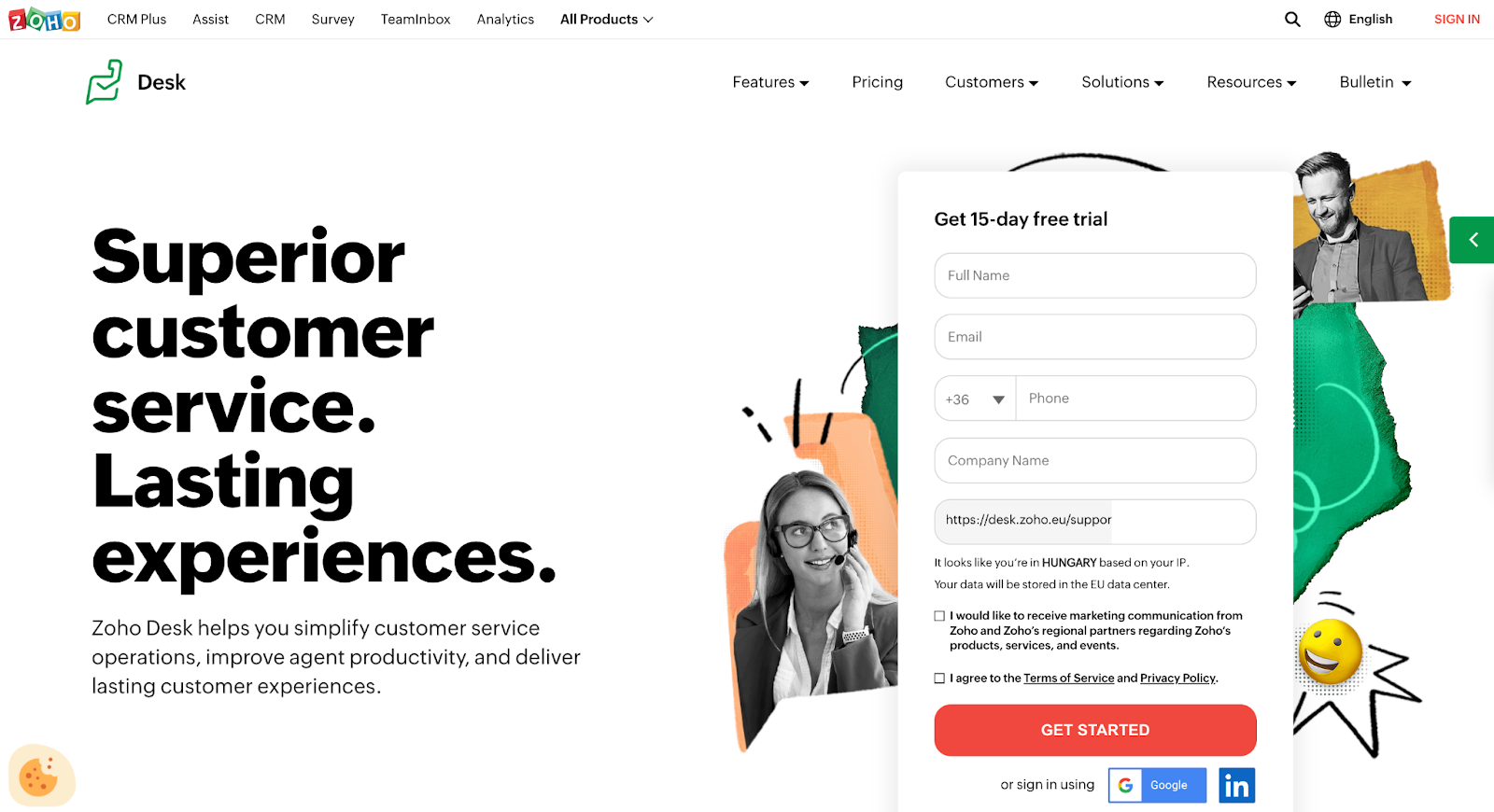
Zoho Desk Features:
Key Integrations: Among Zoho Desk’s most notable integrations, you can find Pipedrive, Slack, WooCommerce, Aircall, Salesloft, and Alegra.
Pros:
Cons:
Best For: Zoho Desk’s suite of tools is used across many industries, including technology, eCommerce, retail, education, and financial services. It caters to businesses of all sizes.
Zoho Desk Pricing: When you decide to give Zoho Desk a go, you can choose from three pricing options. First is the Standard plan with some basic features for €14 per user/month, the second is the most popular Professional plan for €23 per user/month, and finally the Enterprise plan for €40 per user/month.
If you’d like to test the software out for yourself, you can sign up for a 15-day free trial.
Intercom is a well-established customer service and marketing automation platform that helps more than 25,000 businesses resolve customer issues.
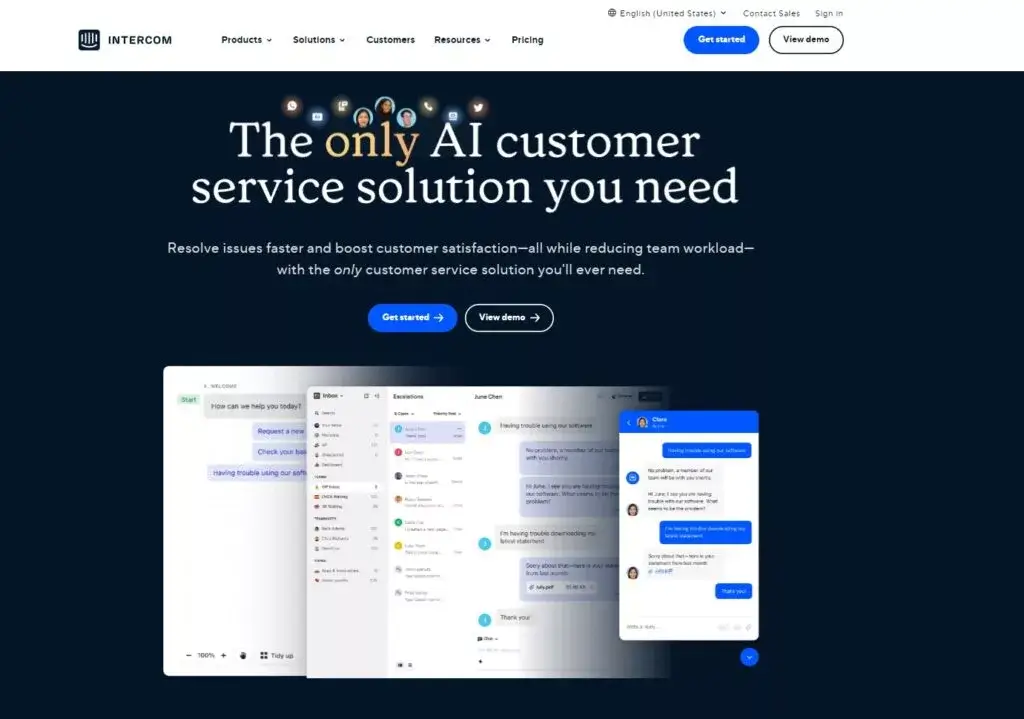
Intercom Features:
Key Integrations: Intercom offers an extensive catalog of available integrations. Some of them are Aircall, Jira, Stripe, WhatsApp, Polytomic, and Shopify.
Pros:
Cons:
Best For: Intercom’s business model is most suitable for larger businesses with many incoming customer requests. The software is mostly used in eCommerce, software development, finance, and healthcare.
Intercom Pricing: Intercom’s three pricing packages include the Starter plan, which will cost you $74 per month billed annually. The other two more extensive Pro and Premium plans come with custom pricing, so you’ll have to contact Intercom’s sales team to discuss it.
However, before you commit to a paid plan, you can give Intercom a go with a 14-day free trial.
Help Scout is an alternative to HubSpot that prides itself on its accessibility and ease of use. With a customer base of more than 12,000, Help Scout revolutionizes everything you know about an inbox.
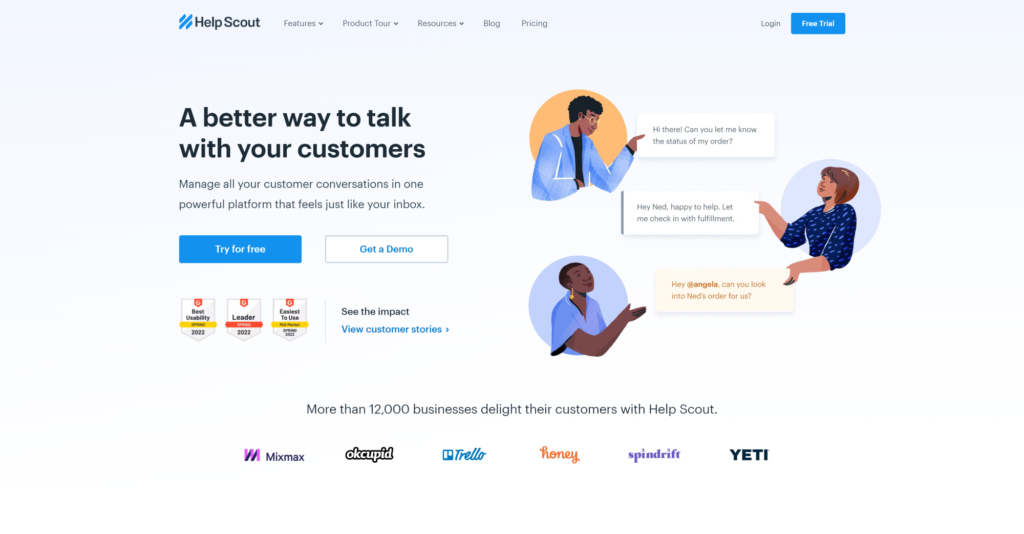
Help Scout Features:
Key Integrations: You can connect your Help Scout account with many third-party applications, including Shopify, Magento, MailChimp, Jira, Slack, and Salesforce.
Pros:
Cons:
Best For: Help Scout can be encountered in small and medium-sized businesses. Regarding their industries, Help Scout’s customers tend to work in tech, healthcare, education, and eCommerce.
Help Scout Pricing: Help Scout’s cheapest Standard pricing tier costs $20 per user per month, billed annually. You can also opt for the extended Plus tier that costs $40 per user per month, billed annually. Your third option is the Pro tier which comes up to $65 per user per month, billed annually.
Before choosing a paid package, you can try Help Scout’s software for free with a 15-day trial.
Front is a HubSpot alternative that strives to unify and streamline all its clients’ customer conversations and help deliver the best support. With over 8,000 businesses trusting this software, Front is a well-established player in the industry.
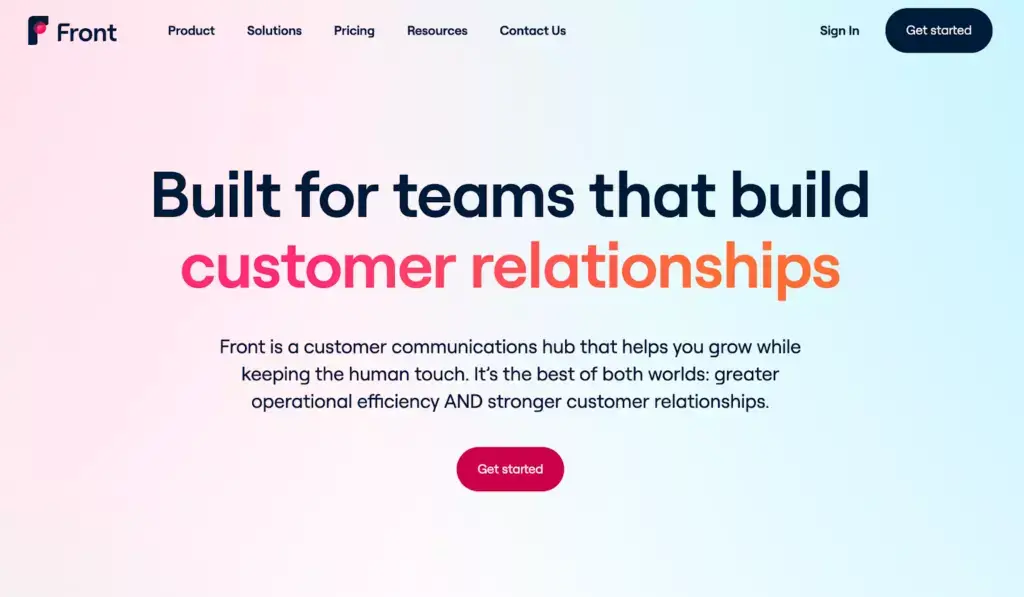
Front Features:
Key Integrations: Front pairs with many third-party tools including Asana, Slack, Salesforce, Twilio, Shopify, and Trello.
Pros:
Cons:
Best For: Businesses of all sizes use Front; however, the bulk of its customers consists of small to medium businesses. You can mostly find them working in tech, healthcare, eCommerce, and legal services.
Front Pricing: Front divides its pricing into two categories. The first one is designed for small teams and includes the Starter pricing plan. It costs $19 per seat/month. The other category is suitable for most businesses and consists of three pricing tiers: Growth for $59 per seat/month, Scale for $99 per seat/month, and Premier for $299 per seat/month.
You can also put Front to the test before choosing a paid plan. The software is available to you by signing up for a 7-day free trial.
Gorgias boasts over 11,000 customers worldwide. Gorgias’ customer service software was designed with eCommerce in mind, so it’s no surprise it’s making a splash in the industry.
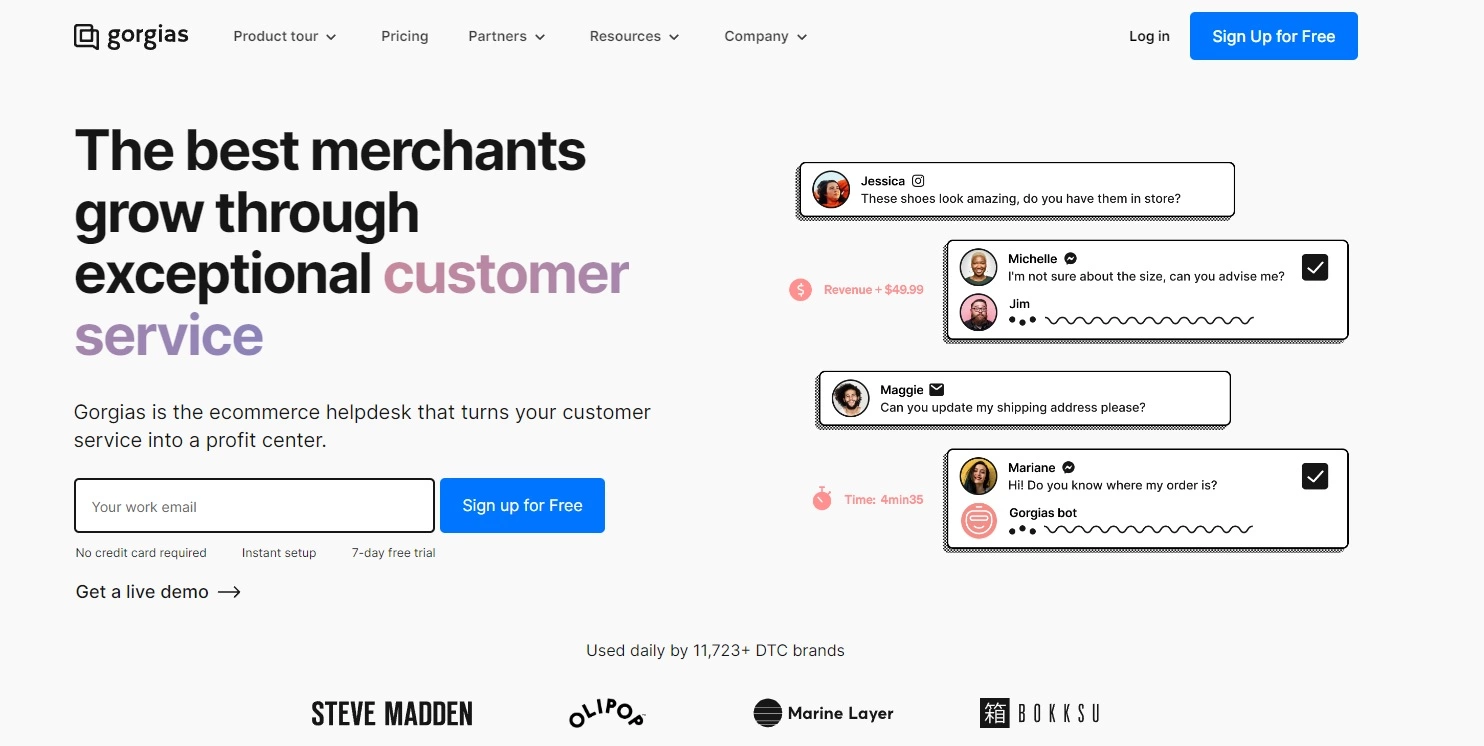
Gorgias Features:
Key Integrations: Gorgias is compatible with many apps that help customers primarily with their eCommerce business. Some of them include Slack, Shopify, Magento, BigCommerce, CallHippo, Konnektive, and others.
Pros:
Cons:
Best For: Gorgias’ software is designed and continuously developed with eCommerce brands of all sizes.
Gorgias Pricing: Gorgias offers five main pricing plans as well as add-ons. You’ll pay $10 for 50 tickets per month with the Starter plan, $60 for 300 tickets per month with the Basic plan, $360 for 2000 tickets per month with the Pro plan, and $900 for 5000 tickets with the Advanced plan. If you’re interested in a pricing package that offers even more features, contact Gorgias’ sales team about Enterprise pricing.
Using Gorgias’ 7-day free trial, you can test out their software before buying a paid plan.
Groove is a customer service software with the goal of bringing high-end functionality to small businesses around the world.
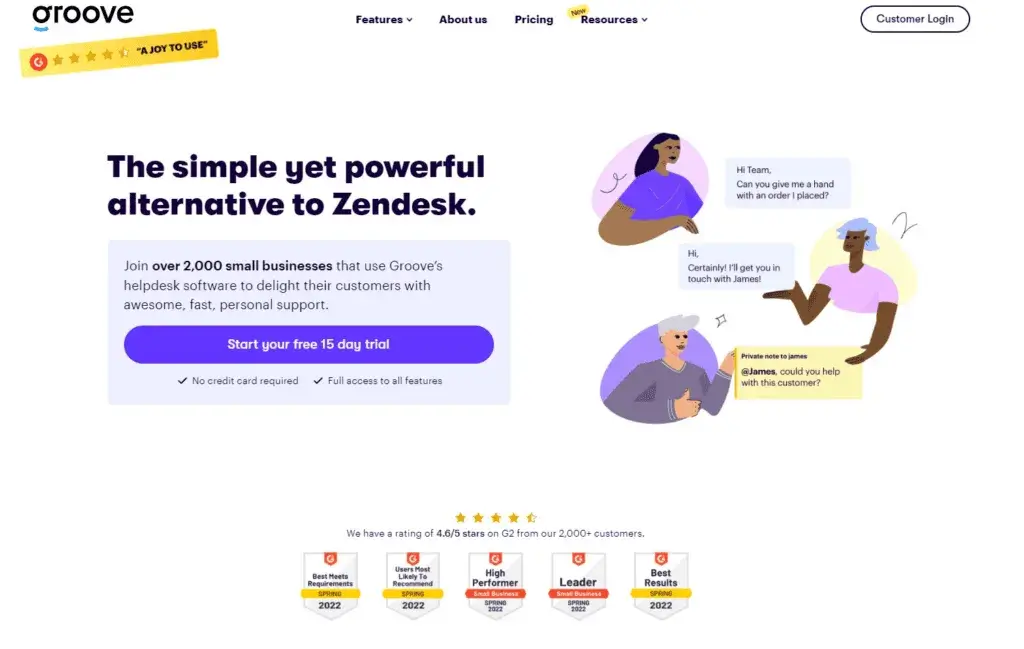
Groove Features:
Key Integrations: Groove’s integration repertoire includes MailChimp, Slack, Stripe, Shopify, Jira, Recharge, and more.
Pros:
Cons:
Best For: As a HubSpot alternative, Groove is most suitable for small and medium SaaS companies.
Groove Pricing: Groove offers its customers three main pricing packages: the Starter plan for $12 per user per month billed annually, the Plus plan for $20 per user per month billed annually, and the most extensive Pro plan for $40 per user per month billed annually.
On top of the paid subscription tiers, Groove lets you test out the software with a 7-day free trial.
MailChimp is a popular email and marketing automation tool with a long history in the industry. With a staggering customer base of over 12 million, MailChimp has certainly made an impression on everyone who has tried it.
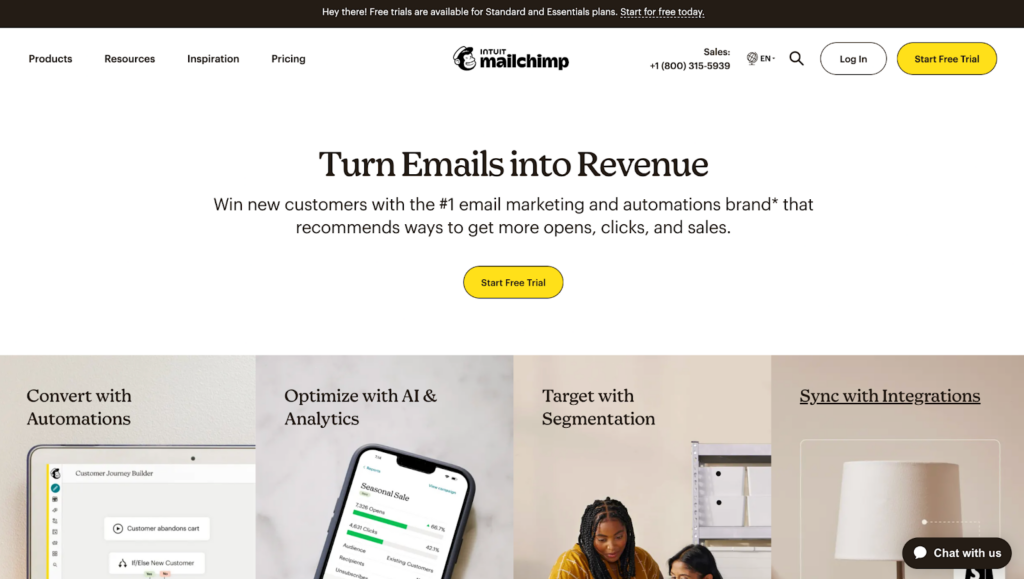
MailChimp Features:
Key Integrations: MailChimp’s email marketing tools are compatible with many third-party applications, including Shopify, Matcha, Firebase, Open Table, ConvertFlow, and FeedOtter.
Pros:
Cons:
Best For: MailChimp’s software is most suitable for small to mid-sized companies. You can commonly find it in retail, eCommerce, nonprofits, and service-based organizations.
MailChimp Pricing: MailChimp offers a Free plan that has some limitations, but marketing teams with smaller budgets can still find it useful. The paid plans start with the Essentials package, which is free for one month and then starts at €11.99/month based on 500 contacts. The next tier is Standard, which is also free for one month and then starts at €18.44/month based on 500 contacts. The most expensive tier MailChimp has to offer is the Premium plan, which costs €322.77/month based on 10,000 contacts.
The one-month free usage of either the Essentials or Standard package acts as MailChimp’s free trial period.
ZoomInfo is a combination of an extensive business database and growth-focused software with more than 20,000 dedicated customers worldwide.
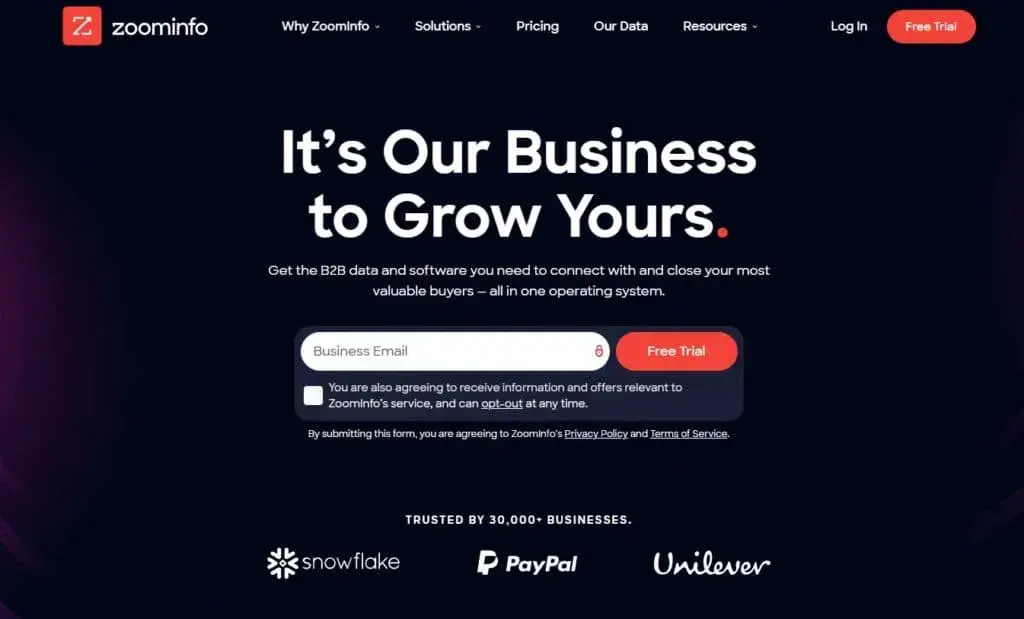
ZoomInfo Features:
Key Integrations: ZoomInfo is compatible with many third-party tools, including Salesforce, Snowflake, Avaya, Slack, Marketo, and Pipedrive.
Pros:
Cons:
Best For: ZoomInfo’s software has been developed with modern businesses in mind. It is suitable for companies of all sizes, including startups and enterprise-level operations. You can find ZoomInfo’s customers in fields such as HR and recruiting, sales, eCommerce, and many others.
ZoomInfo Pricing: ZoomInfo has custom pricing. To get a personalized quote, reach out to ZoomInfo’s sales team. However, before purchasing a subscription, you can give ZoomInfo a try with their 14-day free trial.
ConnectWise ScreenConnect is a remote desktop and mobile support solution formerly Control. With its fully functional remote access capabilities and advanced features, it is a valuable asset in many IT companies.
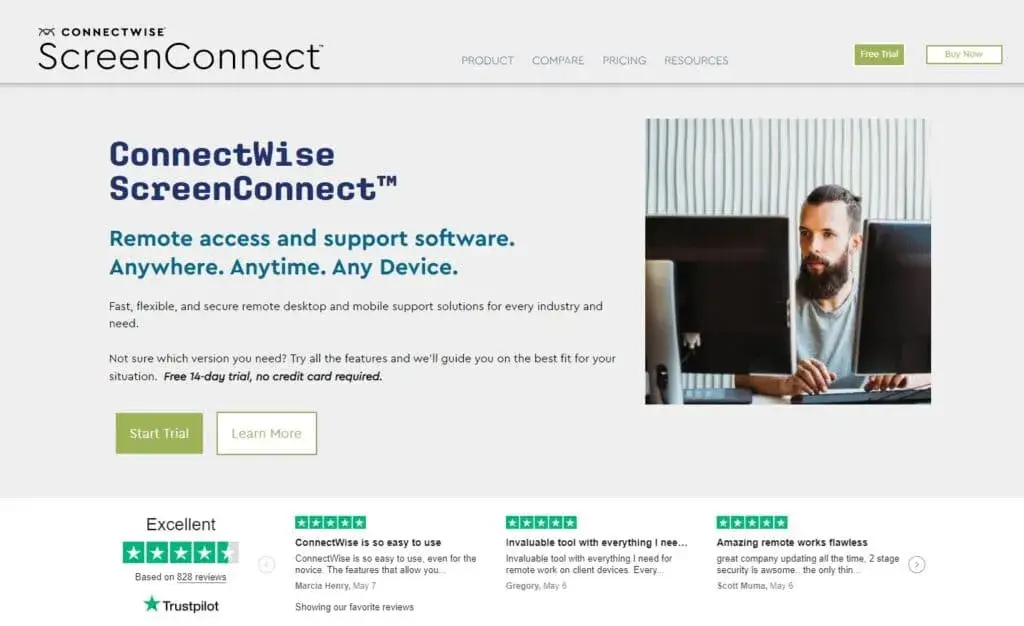
ConnectWise ScreenConnect Features:
Key Integrations: ConnectWise ScreenConnect offers the following third-party applications: Acronis, Freshdesk, Zendesk, SolarWinds, and Microsoft Outlook.
Pros:
Cons:
Best For: ConnectWise ScreenConnect can be used by small and large businesses alike. The most common use case of this software is troubleshooting issues in IT support companies and other tech-focused businesses.
ConnectWise ScreenConnect Pricing: To use ConnectWise ScreenConnect, you can opt for the One plan with a single license restriction. With this plan, a single user can make one connection for $27. The next tier is Standard which lets one user make 3 simultaneous connections for $42. The last – Premium plan lets one user make 10 simultaneous connections for $52.
You can give ConnectWise ScreenConnect a try with a 14-day free trial.
Pipedrive is a well-known CRM platform with many sales features. This HubSpot alternative helps more than 100,000 companies worldwide grow their business and bring in more revenue.
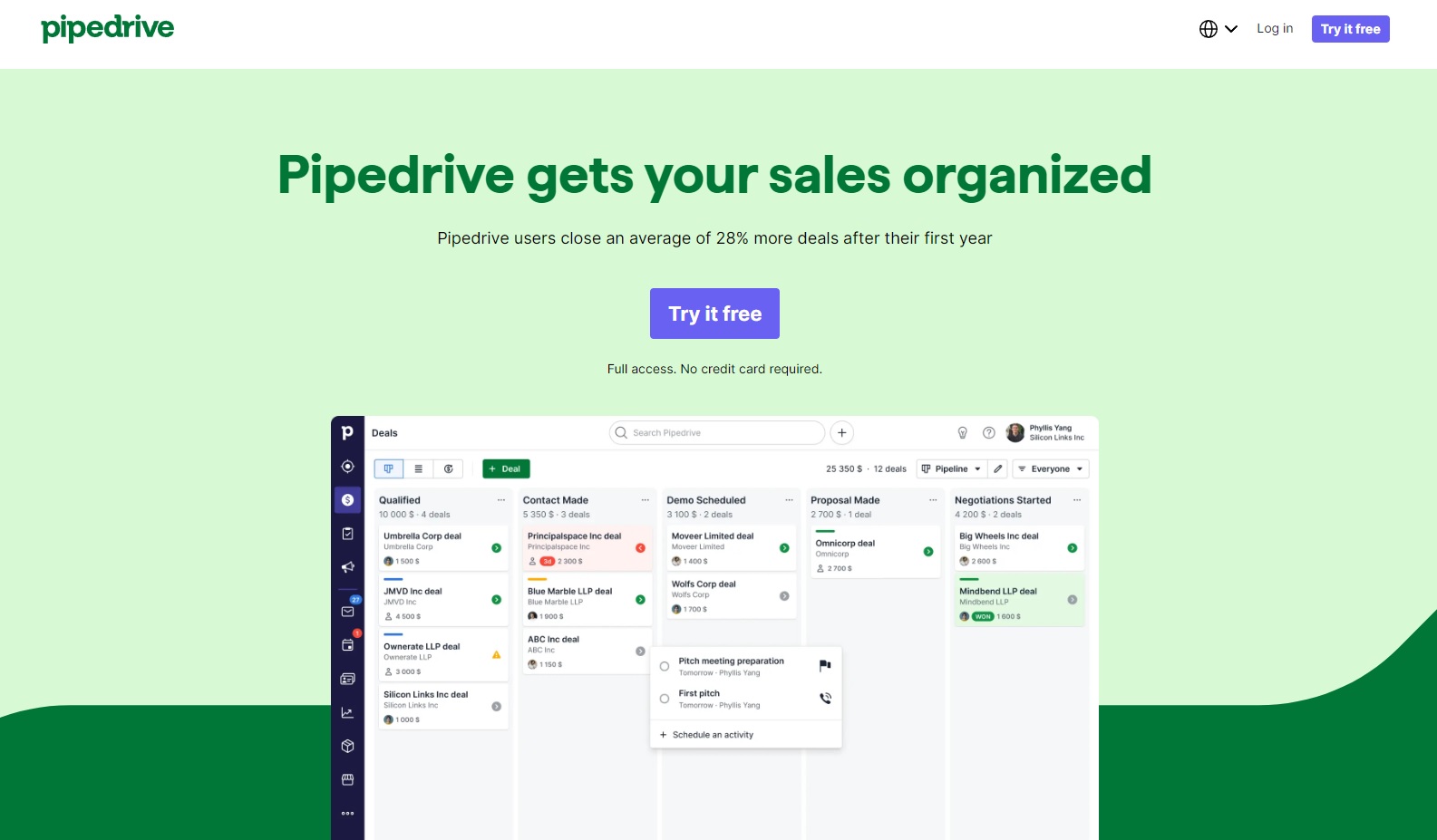
Pipedrive Features:
Key Integrations: Pipedrive integrates with various third-party applications including Slack, Twilio, Wiza, Paperflite, Skyvia, and Asana.
Pros:
Cons:
Best For: Pipedrive is popular mostly among small and medium-sized companies. Their customers primarily work in sales, marketing, real estate, and eCommerce.
Pipedrive Pricing: To gain access to Pipedrive’s features, you can subscribe to one of the following plans: Essential for €14.90 per user/month, the Advanced plan for €24.90 per user/month, Professional for €49.90 per user/month, or Enterprise for €99.00 per user/month.
Before signing up for Pipedrive’s marketing and sales tools, you can give the software a go with a 14-day free trial.
LiveChat helps more than 36,000 customers reduce response times and improve customer satisfaction.
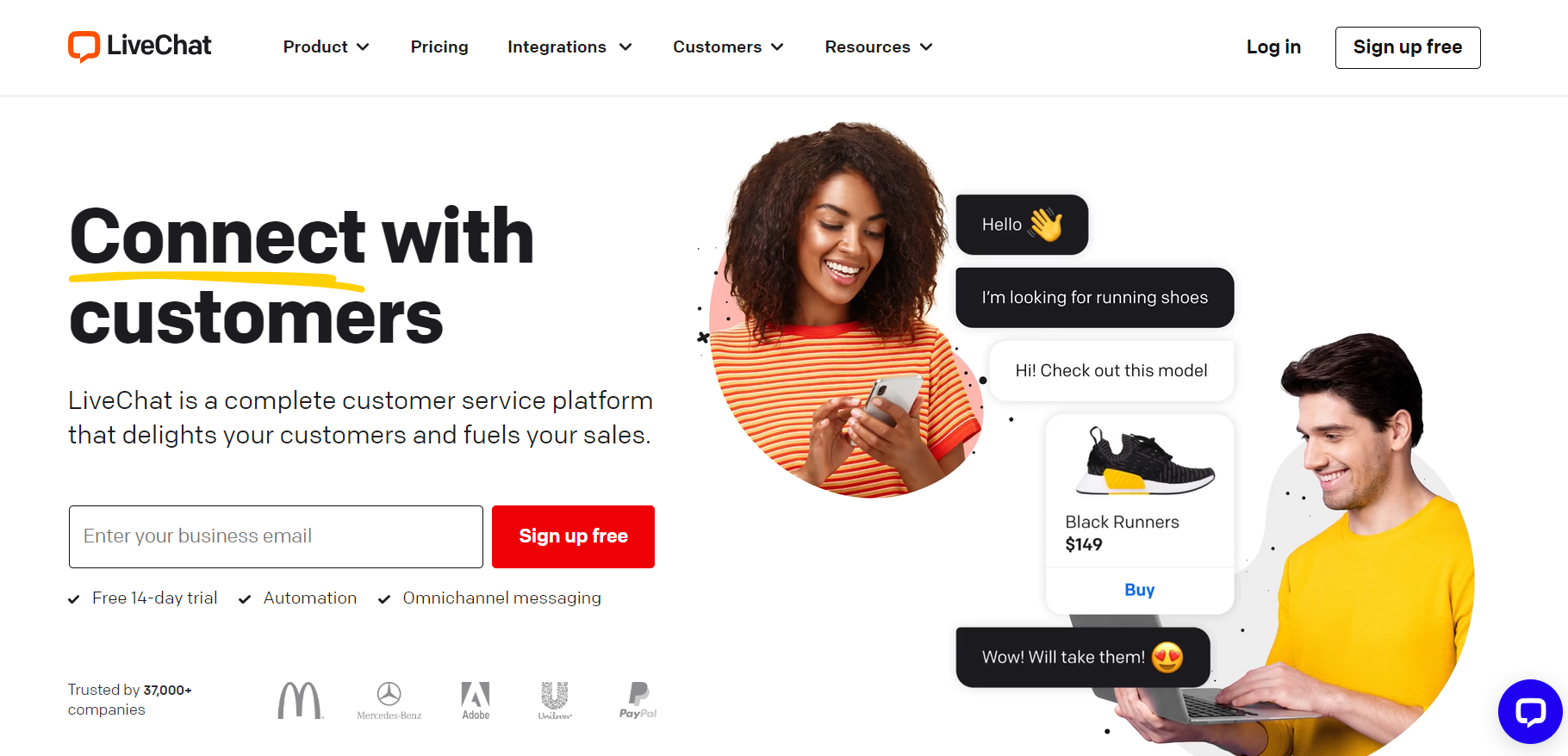
LiveChat Features:
Key Integrations: You can pair LiveChat with many third-party tools, including BigCommerce, Slack, Magento, Volusion, Zapier, and Klaus.
Pros:
Cons:
Best For: LiveChat helps businesses of all sizes keep up with messages from their customers. The most common industries using LiveChat are customer service, eCommerce, education, finance, travel, and hospitality.
LiveChat Pricing: The cheapest plan LiveChat has to offer is the Starter package for $20 per agent/month. The second is the Team tier for $41 per agent/month, then the Business plan for $59 per agent/month. If you’d like to find out about LiveChat’s most robust Enterprise plan, contact their sales team.
Besides the four paid plans, you can try LiveChat during the 14-day free trial.
Omnisend is a great choice for online stores looking for an alternative to HubSpot Service Hub. It’s all about making email and SMS marketing easy and effective, with tools that help you communicate with your customers in a way that makes sense for your brand.
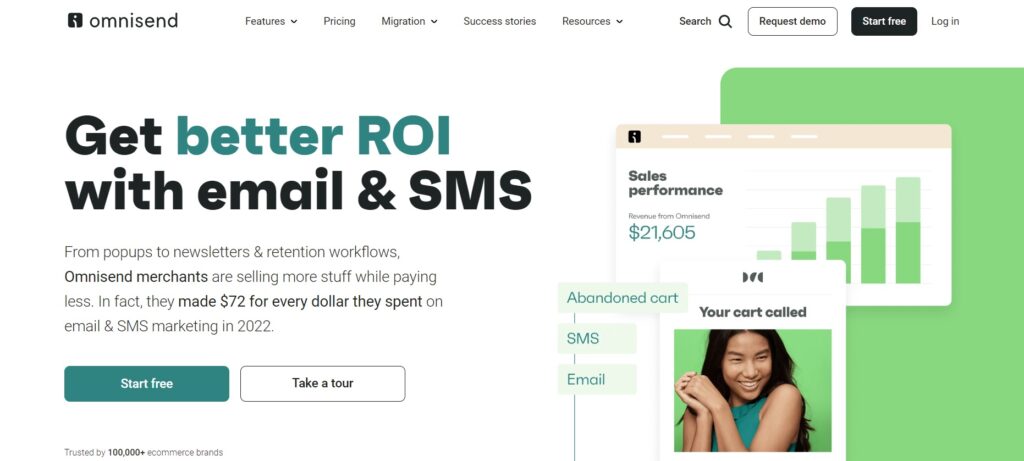
Omnisend Features:
Key Integrations: You can integrate Omnisend with 130+ third-party apps, including Shopify, WooCommerce, WordPress, Justuno, Gorgias, Wix, and many more.
Pros:
Cons:
Best For: Omnisend is perfect for ecommerce merchants who want to keep their email & SMS marketing simple but powerful. It’s really user-friendly, so you can start sending out beautiful emails and texts without needing to be a tech expert.
Omnisend Pricing: Omnisend has a free plan that lets you use all its features for up to 250 contacts – great for small businesses just starting out. If you have more contacts, the Standard plan is $16/month for 500 contacts, with more tools for growing your store. For bigger stores, the Pro plan is $59/month for 500 contacts, giving you everything you need to reach lots of customers with SMS.
Each alternative to HubSpot we talked about has some unique functionalities and advanced features that make it a strong contender worth considering. Based on the type of business you run and your specific use case, features like call transfers, unlimited call recordings, customizable templates, automation rules, IVR, and ticketing tools can make a world of difference in your decision.
Another aspect that can nudge you toward the most suitable HubSpot alternative is the integration capability. Besides looking at the list of integrations, read up on how you can connect them to your help desk software. Are they native integrations? Do they use APIs? If so, are you comfortable with such a system, or will you need help from support?
Although many features and capabilities can seem like a no-brainer, look through the cracks. If it seems substantial on the surface, always dig deeper before spending your money. Be inquisitive. Remember, the right customer service software will not only withstand all your questions but will go above and beyond.
So what have we learned? Probably that HubSpot may be a big fish in the pool, however, it’s not the only one. You may be happy with HubSpot, or you’re just curious about other options that are out there.
Continuing the fish analogy, consider HubSpot a carp. You can spot it around; it’s quite common. It’s a big fish, and it can feed many people, but it is pretty difficult to prepare. And if you don’t prepare it exactly right, it often has a muddy taste which can ruin your dinner.
LiveAgent, for example, could be considered a rainbow trout. Agile and sleek, but still easy to catch. Although not as big as carp, it will not let you go hungry by far. On top of that, it’s incredibly easy to prepare and its delicious taste can take your whole meal to another level.
Stepping back from the pond now, HubSpot alternatives can be difficult to navigate. Of course, your particular needs and requirements are what will eventually point you in the right direction. However, if features like omnichannel capabilities, sleek and user-friendly design, and powerful ticketing software sound like something your business could use, you might just give LiveAgent a try. After all, it is a great example of an all-encompassing free help desk system.
Experience the power of LiveAgent - an affordable, feature-rich HubSpot alternative with 24/7 support and no setup fees.
Share this article
Common reasons include pricing concerns, limited customization options, complex terminology and interface, and the need for specific features not offered by HubSpot. Many businesses find alternatives that better fit their budget and specific use case requirements.
Key factors include feature set and functionality, pricing and value for money, integration capabilities, customization and flexibility, user experience and ease of use, scalability and room for growth, and customer support and resources.
Yes, LiveAgent is an excellent HubSpot alternative offering over 130 powerful features, omnichannel support, 200+ integrations, affordable pricing starting at $15/agent/month, and a user-friendly interface. It's suitable for businesses of all sizes.
LiveAgent offers competitive pricing starting at $15 per agent per month, while Freshdesk starts at €15 per user per month, and Zoho Desk at €14 per user per month. Many also offer free plans with limited features.
Gorgias and Omnisend are specifically designed for eCommerce businesses, offering integrations with platforms like Shopify, WooCommerce, and Magento. LiveAgent is also excellent for eCommerce with its omnichannel capabilities and integrations.
Yes, most alternatives offer free trials ranging from 7 to 30 days. LiveAgent offers a 30-day free trial, Zendesk offers 14 days, and Freshdesk offers 21 days, among others.
Integration counts vary: Salesforce Service Cloud offers 5000+, Zendesk offers 1000+, LiveAgent offers 220+, Freshdesk offers 500+, and Zoho Desk offers 500+. Most focus on quality integrations with popular business tools.
Most alternatives provide migration support and have customer success teams to help with the transition. It's recommended to contact their sales team to discuss your specific migration needs and timeline.
Explore 16 top HubSpot alternatives for 2025! Compare features, pricing, and discover LiveAgent's free trial for exceptional customer service.

Integrate HubSpot with LiveAgent for streamlined contact and customer management from a single interface. Benefit from triggers and actions for improved workflo...
Explore 15 Zendesk alternatives for 2025 to enhance customer service with options like LiveAgent, Freshdesk, and HubSpot Service Hub. These solutions offer flex...
Join our community of happy clients and provide excellent customer support with LiveAgent.
