


Benefits of Chatbots: Top Business Examples & Use Cases
Discover how AI chatbots are revolutionizing business interactions, boosting efficiency, reducing costs, and delivering 24/7 customer support. Explore top benef...
10 min read
AI
Chatbots
+2


Explore our definitive guide for developing powerful AI chatbots from the ground up. Learn which key technologies and practical steps you should consider if you are a beginner intending to develop your own AI chatbot.
Explore our definitive guide for developing powerful AI chatbots from the ground up. Learn which key technologies and practical steps you should consider if you are a beginner intending to develop your own AI chatbot.
If you want to provide a personalized experience for your customers, an AI chatbot is the way to go. According to studies by Gartner , 80% of companies are either using or planning to adopt AI-powered chatbots for customer service by 2025. Artificial intelligence, language models, and conversational flows can help you understand user inputs and provide personalized feedback based on your customer’s request.
To build an effective AI chatbot, you should create a strategy, considering the area of application—whether it’s customer support, handling financial operations, assisting patients with health advice, or accompanying tourists with itinerary building.
Building an AI chatbot initially required significant programming expertise and an understanding of complex algorithms. But now, even non-pros can create and implement an AI chatbot from their home laptop due to the new user-friendly platforms, which are accessible to anyone. So, which technology or platform should you choose to build your AI chatbot? Options like FlowHunt , Dialogflow, and Microsoft Bot Framework offer versatile solutions for customizing, training, and deploying your AI chatbot. For non-technical users, platforms such as WotNot simplify the creation process, eliminating the need for coding skills.
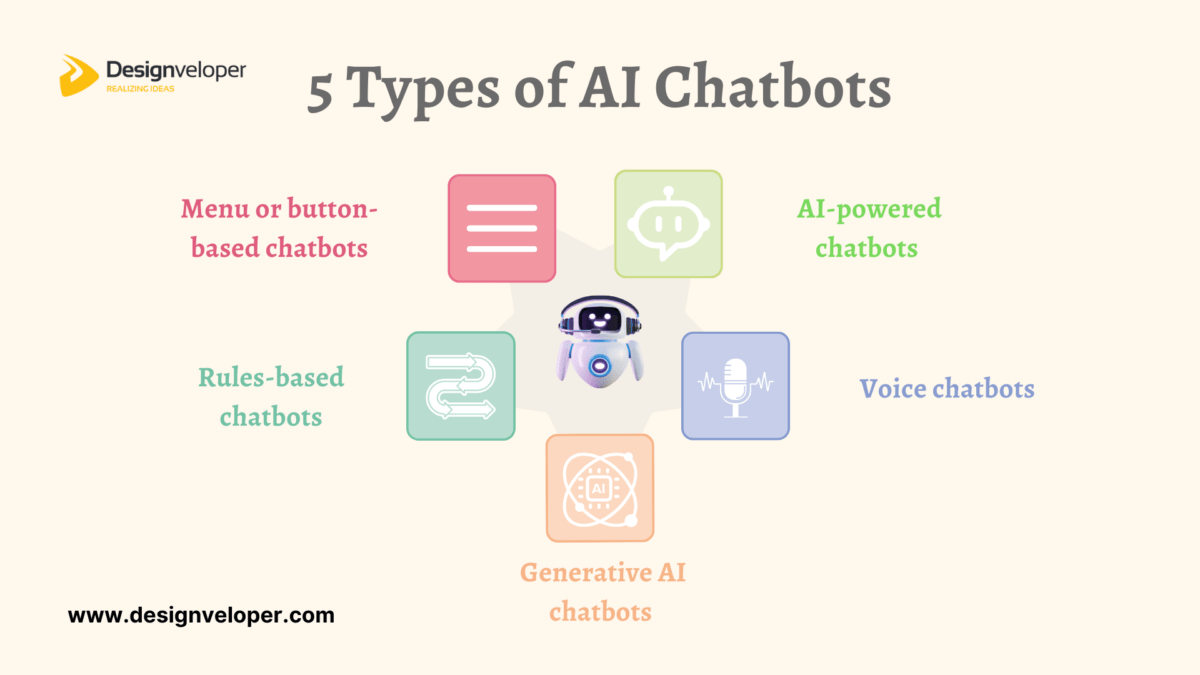
There are several types of chatbots that vary depending on the models of artificial intelligence they use to accompany you with your tasks and automate overall productivity. If you’re wondering how to make an AI chatbot, it helps to first understand the different kinds of chatbots based on the technology they operate on and how they are programmed to interact with users:
The following chatbots vary by the types of interaction:
These chatbots are categorized by the technology they use:
These chatbots chat with you through written messages. You’ll find them on websites or apps, ready to answer your typed questions anytime. When building an AI chatbot, this type is often the easiest to start with.
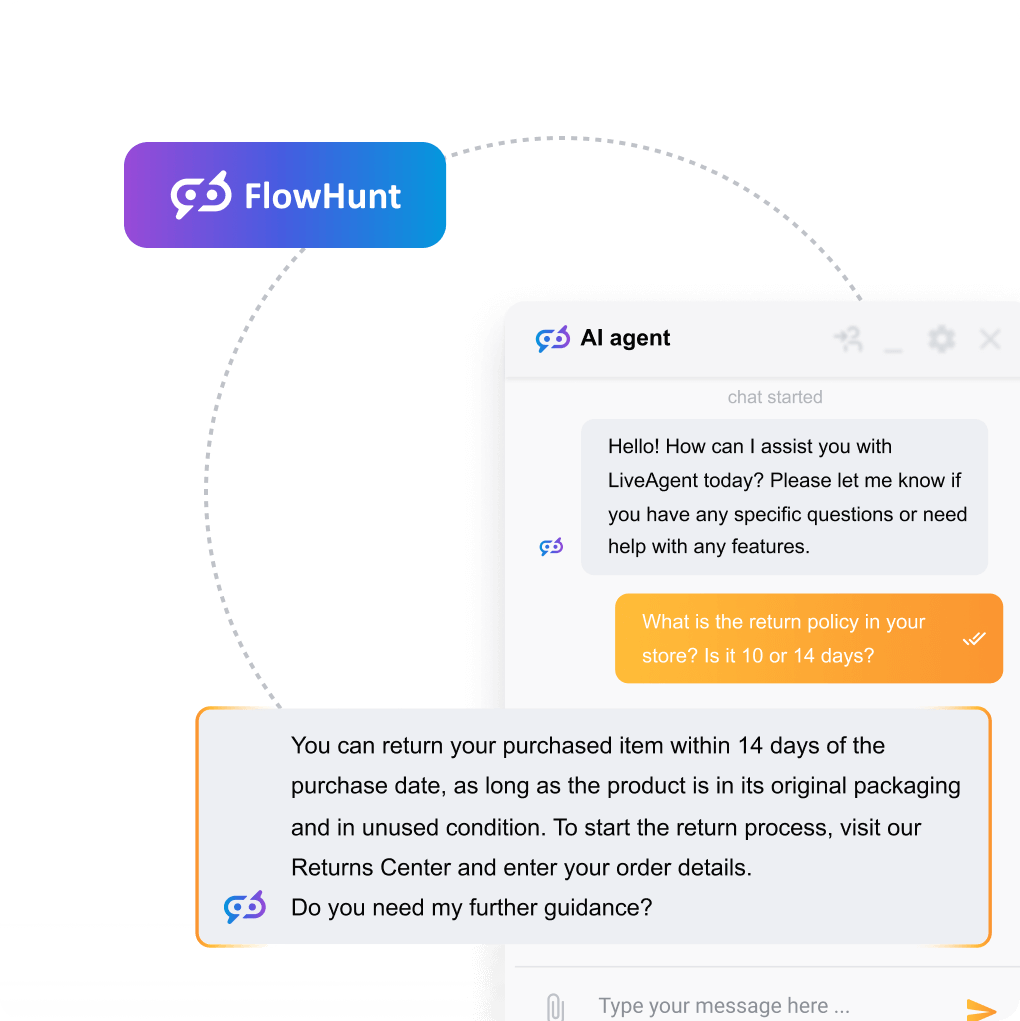
Example: You ask about return policies in a store’s chat window, and the bot instantly provides the information.
Voice chatbots let you talk to them like you would with a real person. They listen to your voice and respond aloud — super handy when you’re busy. If you’re learning how to create an AI chatbot that uses voice recognition, this is the direction to explore.
Example: You tell your phone, ‘Remind me to call Mom," and it replies", “Got it!”
These old-school bots follow set rules or give you a menu to click through. They’re great for simple tasks but don’t handle complex questions well. When you make an AI chatbot, traditional chatbots are often the starting point before adding AI capabilities.
Example: A bot asks you to press 1 for store hours or 2 for customer support.
AI chatbots are smarter. They understand what you mean, not just what you say. They learn from conversations and can have more natural, helpful chats. Knowing how to build AI chatbot systems requires understanding machine learning and natural language processing.
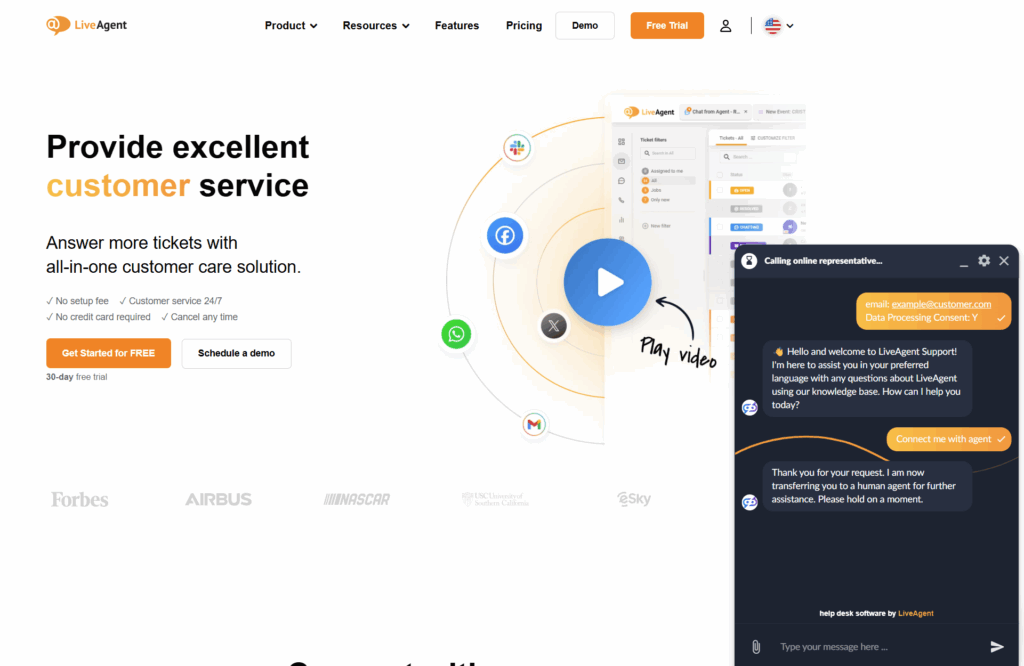
If you’re curious to see how AI chatbots work in practice, try LiveAgent’s free trial — it lets you experience intelligent customer support automation first-hand, without any setup hassle.
Example: You ask for a dinner spot, and the bot suggests nearby restaurants based on your past choices.
Hybrid chatbots are the best of both worlds. They follow the rules when needed but can also think like AI when things get tricky. This makes them reliable and competent. If you want to learn how to build an AI chatbot that’s both robust and intelligent, hybrid models are a great option.
Example: The bot helps you reset your password with a step-by-step guide, but if you get stuck, it switches to a smart response mode to better assist you.
| Category | Type | Description | Examples |
|---|---|---|---|
| Interaction Type | Text-based | Chatbots that interact via written text messages. | Messenger bots, LiveAgent AI Chatbot |
| Voice-based | Chatbots that interact through spoken language using speech recognition and synthesis. | Alexa, Google Assistant | |
| Technology Type | Traditional chatbots | Rule-, menu-, and keyword-based chatbots with predefined scripts and limited flexibility. | FAQ bots, IVR systems |
| AI chatbots | Contextual and generative chatbots using machine learning and natural language processing (NLP). | GPT-based bots, ex. LiveAgent AI Chatbot | |
| Hybrid chatbots | Combine rule-based logic with AI capabilities to balance control and flexibility. | Customer service bots with fallback rules |
Essential steps include defining the chatbot’s purpose, customizing its functionalities, and implementing it effectively to meet user demands. As a result, businesses can swiftly adapt to customer needs, enhancing user experiences and ensuring satisfaction.
Building an AI chatbot generally involves several key steps. First, businesses must define the chatbot’s purpose—be it handling customer service inquiries or facilitating online booking. Next, functionalities are customized to ensure accurate and human-like responses, contributing to a positive customer experience.
Here’s a brief overview of how to build an AI chatbot:
First, you should decide between using no-code chatbot builders or coding from scratch. For beginners, we recommend using platforms like FlowHunt , which offers intuitive visual flows and templates, enabling the creation of chatbots without extensive coding skills. Here are your 10 steps on how to make an AI chatbot:
Why it matters: A chatbot without a clear purpose will confuse users. Start with one specific task it should handle.
Steps to follow:
Example: If you need an AI Chatbot that will automate all your customer interactions, consider trying LiveAgent AI Chatbot, where you can even request a custom AI chatbot setup for free.
Why it matters: Your choice depends on your skill level and how advanced your chatbot needs to be.
Steps to follow:
Example: A beginner uses a drag-and-drop template in FlowHunt to build a chatbot that books hair appointments.
Why it matters: A structured flow keeps users engaged and guides them smoothly.
Steps to follow:
Example: Your chatbot starts with: “Hi! Need help tracking your order?” with options like “Yes, track my order” and “No, something else.”
Why it matters: This is the core of your chatbot — giving it the knowledge to answer properly.
Steps to follow (no-code):
Steps (code-based):
Example: You upload past customer support tickets to FlowHunt’s AI training section to help your bot learn how your team answers real inquiries.
Why it matters: Real users interact differently than expected — testing reveals gaps.
Steps to follow:
Example: A test user tries to return a product but gets stuck. You realize a return option needs to be added under the ‘Order Help" section.
Why it matters: Your chatbot only helps if users can access it.
Steps to follow:
Example: A restaurant adds a chatbot widget to its homepage and connects it to Facebook Messenger for quick table bookings.
Why it matters: Ongoing tracking helps improve results and user satisfaction.
Steps to follow:
Example: You notice 40% of users ask about refunds. You add a quick reply button labeled ‘Refund policy" on the welcome screen.
Why it matters: Basic bots are limited; AI-powered chatbots understand context and language better.
Steps to follow:
Example: A travel site adds GPT-4 to recommend personalized destinations based on user input like ‘I want a quiet beach in Europe."
Why it matters: A consistent design builds trust and improves the user experience.
Steps to follow:
Example: A kids’ learning app uses bright colors, a cartoon chatbot avatar, and cheerful language like ‘Let’s play and learn!’
Why it matters: The best chatbots evolve with user feedback and business changes.
Steps to follow:
Example: Over time, users request a delivery address change feature. You add that option and train the chatbot on related questions.
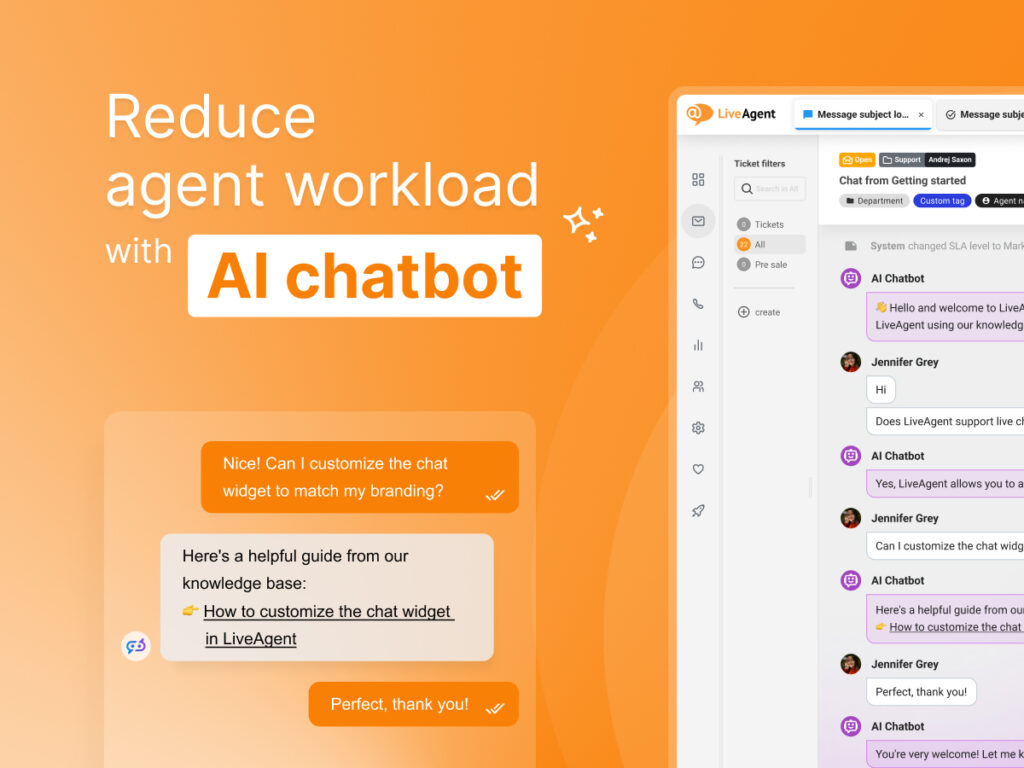
Generative AI is becoming extremely popular for businesses looking to automate their routine tasks and decrease human workload. So, one should definitely consider creating an AI chatbot, especially if your business is striving for white-glove customer support. Building an AI chatbot is quite a complex task that often requires a technical background if you decide to code it independently. However, if you choose one of the no-code platforms offered on the market, this task no longer seems like a challenge.
Building an AI chatbot feels like an overwhelming and lengthy process? Don’t worry, we have a ready-made solution for you: try LiveAgent AI Chatbot, which will start answering your customer queries already in 1 hour after implementation! You can even request a custom AI chatbot set-up 100% free of charge.
We'll create a personalized one for you—ready in under an hour!
Share this article
Lilia is a copywriter at LiveAgent. Passionate about customer support, she crafts engaging content that highlights the power of seamless communication and exceptional AI-powered service.

Traditional chatbots follow predefined rules and scripts, while AI chatbots use machine learning and natural language processing to understand context, learn from conversations, and provide more personalized and human-like responses.
No, you don't need coding skills to build an AI chatbot. No-code platforms like FlowHunt, Kommunicate, and LiveAgent AI Chatbot allow beginners to create chatbots using drag-and-drop interfaces and templates.
The main steps include: defining the chatbot's purpose, choosing your tools (no-code vs. code-based), planning the conversation flow, building and training the chatbot, testing and improving it, deploying it on your website or messaging platforms, monitoring performance, and continuously learning and improving.
With no-code platforms, you can build a basic AI chatbot in a few hours to a few days. More complex chatbots with advanced features may take longer. LiveAgent offers a free AI chatbot setup service that can have your chatbot ready in under an hour.
You can deploy AI chatbots on your website using a chat widget, or integrate them with messaging platforms like WhatsApp, Facebook Messenger, Instagram, and other channels depending on your platform's capabilities.
Discover how AI chatbots are revolutionizing business interactions, boosting efficiency, reducing costs, and delivering 24/7 customer support. Explore top benef...
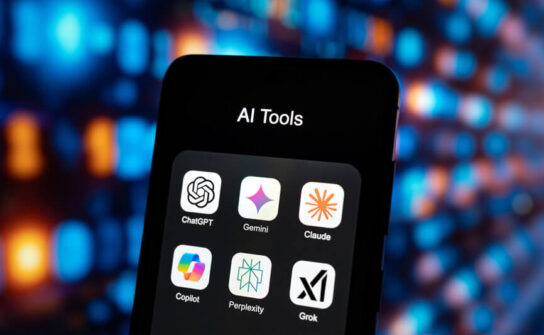
Discover the top 5 AI chatbots of 2025 for writing, support, safe interactions, productivity, and SEO. Find your perfect chatbot now!
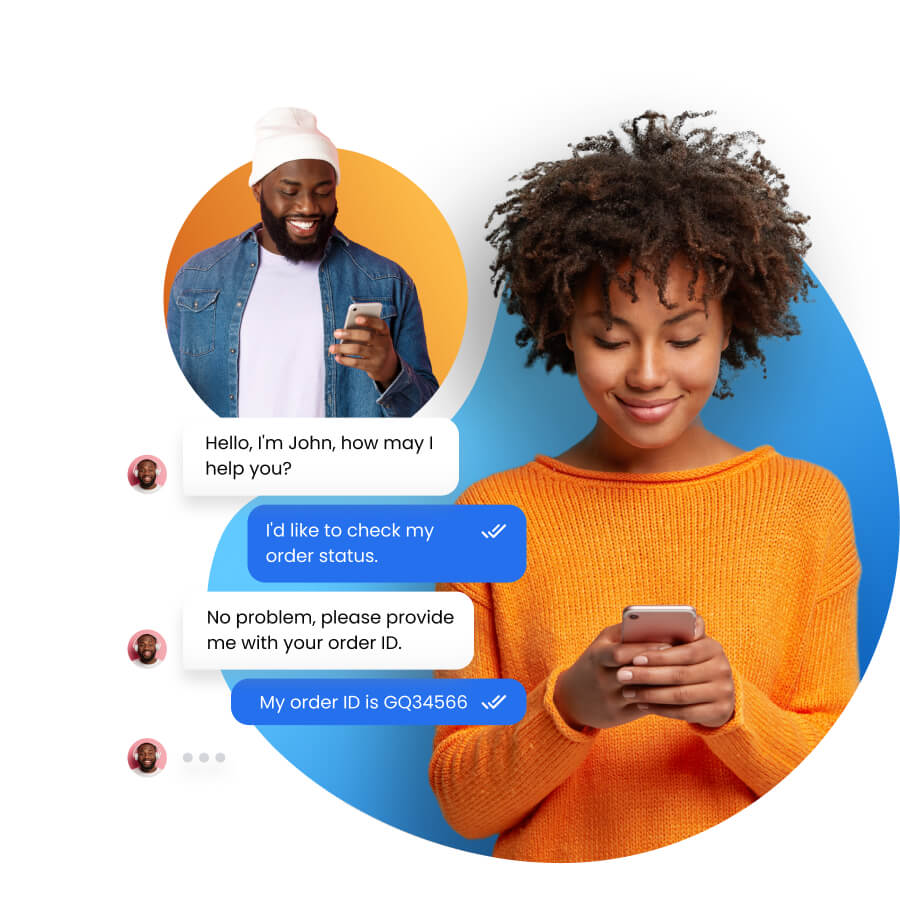
Empower your team with LiveAgent AI Chatbot for faster and smarter support. Automate customer service, boost efficiency, and delight customers. Try free for 30 ...
Join our community of happy clients and provide excellent customer support with LiveAgent.
