


The Top 15 Gmail Alternatives for 2025
Explore the top 15 Gmail alternatives for 2025, including LiveAgent, Zoho Mail, and Outlook, to enhance support performance, improve team collaboration, and boo...
40 min read
Email
Gmail Alternatives
+3
Explore the top 15 Gmail alternatives for 2025, including LiveAgent, Zoho Mail, and Outlook, to enhance support performance, improve team collaboration, and boost communication efficiency. Consider factors like cost, user experience, and integration.
Email has become a universal channel of communication, integrating itself into the professional and personal streams of almost everyone’s life. Astonishingly, an estimated 98% of individuals reportedly make use of email services.
While Google’s Gmail holds sizable popularity in this space, the year 2025 has brought a myriad of fascinating and versatile email alternatives worth considering.
Join us as we explore the top fifteen Gmail alternatives of 2025, each offering unique features and innovative improvements to enhance your emailing customer service experience.
There are several reasons and key factors that might lead you to explore some Gmail alternatives, whether for personal use or for your business. Some of these reasons may include:
Ultimately, considering alternatives is important for finding a platform that leads to higher customer satisfaction and retention. Exploring different email services helps you identify those that best meet your needs in terms of features, cost, and overall user experience.
| Platform | Capterra rating | Free version | Free trial | Price range |
|---|---|---|---|---|
| LiveAgent | 4.7 | ✅Yes | ✅Yes | $15 agent/month |
| Zoho Mail | 4.5 | ❌No | ✅Yes | €0.99 user/month |
| Outlook | 4.5 | ✅Yes | ✅Yes | $6 /month |
| Yahoo! Mail | 4.2 | ✅Yes | ❌No | $5 /month |
| Titan Mail | 4.6 | ❌No | ❌No | €2 per user/month |
If you’re looking for Gmail’s excellent alternative, you may want to consider LiveAgent. With over 15,000 customers worldwide, including companies such as Yamaha, Huawei, and Forbes, LiveAgent is a great choice for businesses of all sizes. With its many customer-centric and automation functionalities, LiveAgent creates a well-rounded customer service experience.
LiveAgent’s main goal is to provide an omnichannel customer service platform that includes email, live chat, social media, and phone support, making it a great option for companies looking to streamline their customer communication.
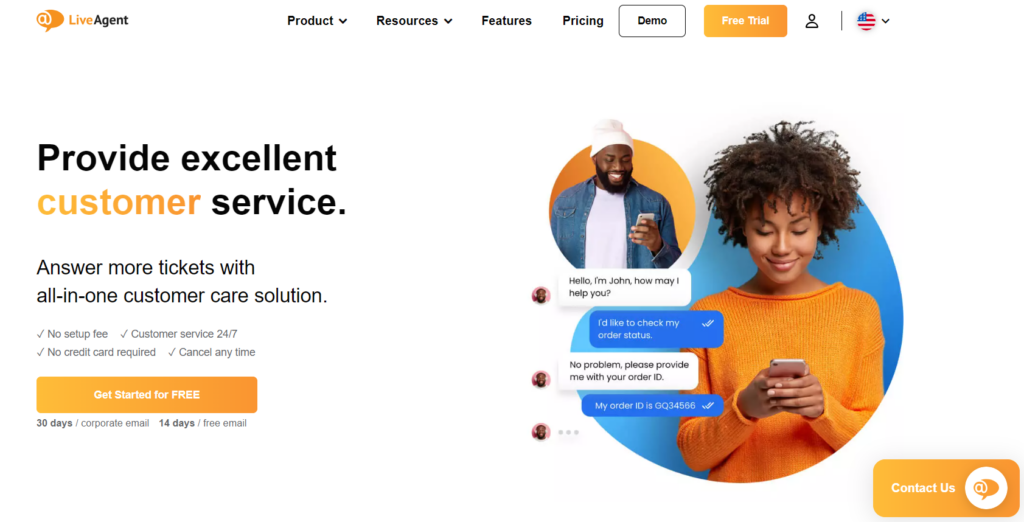
LiveAgent and Gmail has many features in common. However, LiveAgent offers more customer-centric features that help ensure you can provide effective customer service.
Here are some of LiveAgent’s automation and security features:
LiveAgent offers more than 220 integrations to augment its functionality. You can integrate them through API, use native integrations, or activate them through a plugin.
Some of the most widely used LiveAgent integrations include Salesforce, Slack, Magento, WhatsApp, Shopify and Jira.
LiveAgent, with its affordability and scalability, caters to companies of all sizes and industries, particularly those reliant on customer support. Ideal for sectors like e-commerce, hospitality, IT, financial services as well as software, SaaS, and tech companies, it helps streamline customer service operations and enhance satisfaction by providing real-time solutions. Furthermore, it facilitates communication between various teams, making it an effective tool for businesses with complex structures or multiple departments.
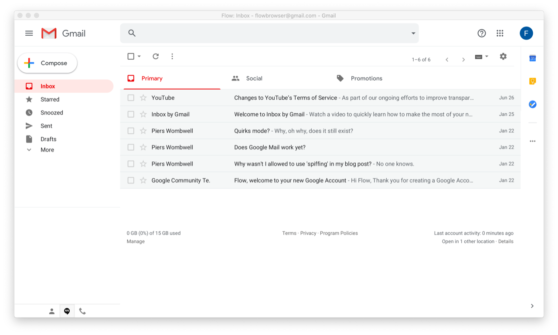
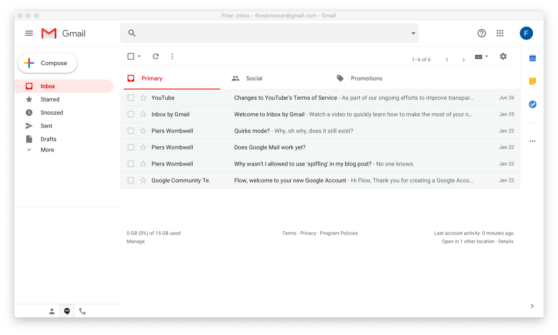
LiveAgent helpdesk software is an excellent alternative to Gmail, specifically for those who prioritize customer service. While Gmail offers a flexible email platform, LiveAgent focuses more on customer service, providing a centralized system for managing customer needs.
Features common to both platforms ensure a smooth transition, but LiveAgent goes further, offering a universal inbox for ticketing, chat, and call center interactions. It also supports a wide range of integration options, enhancing team collaboration and customer interaction. Unique features such as easy navigation, ticket sorting, and tagging further set LiveAgent apart. Its tiered pricing system suits all business sizes and budgets, providing excellent value without scrimping on support. LiveAgent emerges as a superior choice for customer service-intensive operations.
‘The experience from our end has been a reliable one. From implementation to usage, LiveAgent has always been at the top most level in ensuring that we are able to meet our customer support delivery needs in the best way we know how. This allows us to give our customers a satisfying experience by delivering real-time support to their inquiries and ensuring they are always contented with the services that we offer.’
Customer review from Capterra
‘I recently switched to LiveAgent. LiveAgent offers the perfect solution for my customers and my company. It was relatively easy to set up and integrate and when something doesn’t work, professional help is just a mouse click away. Very friendly but above all fast support. Very simple and easy to use, and use the service daily, I would recommend it to everyone!’
Customer review form G2
Zoho Mail is a reliable Gmail alternative. Zoho boasts over 50 million users around the world, which makes them a popular email service provider for businesses of all sizes. It offers many integrations, including Dropbox, Alexa, Zapier, and Slack to improve its functionality.
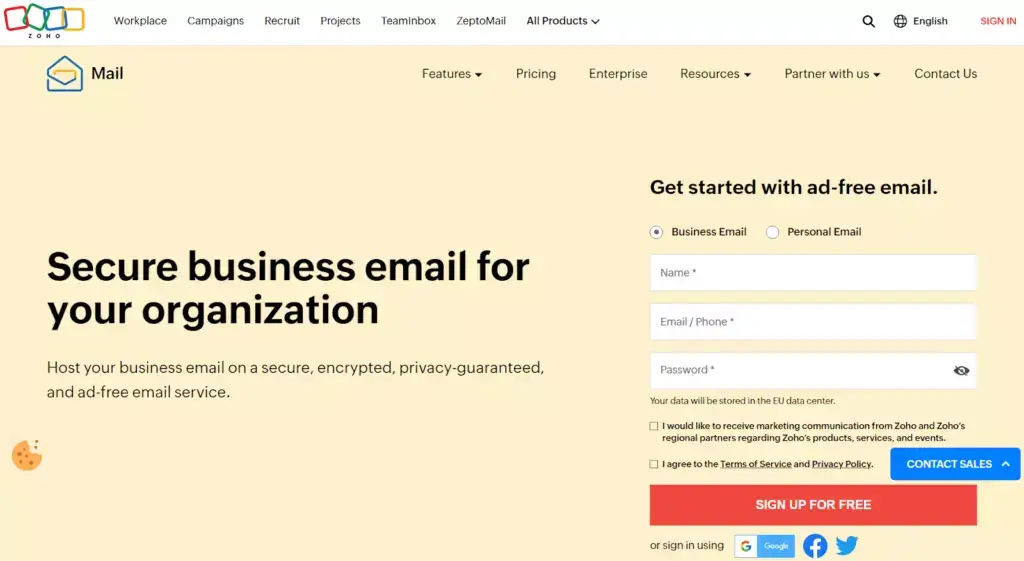
Zoho Mail is an all-in-one email software suitable for small to medium businesses, combining tasks, calendars and a robust contacts database. It aids in streamlining business processes and reduces costs associated with purchasing multiple software applications. Zoho Mail also emphasizes on privacy and security, making it beneficial for organizations in regulated industries. It even offers eDiscovery for electronic searches, essential for strict compliance to regulations.
Zoho Mail, with its ad-free, minimalistic interface, offers notable features like Streams for easy team collaboration. It surpasses many platforms, including Gmail, in terms of customization, control, security, and privacy.
However, it carries a steep learning curve, especially for novices, and limited search functionality and filtering options compared to Gmail. While Gmail offers smooth integration with other Google services, Zoho Mail’s integrations are mainly within its ecosystem, which may upset people moving from Gmail. Despite its shortcomings, Zoho Mail remains an impressive email client.
Outlook can be a great Gmail alternative for your business. With over 400 million users worldwide, Outlook is a popular choice for individuals, as well as businesses. The software is compatible with other Microsoft applications, as well as Slack, Trello, Zoom, and Salesforce.
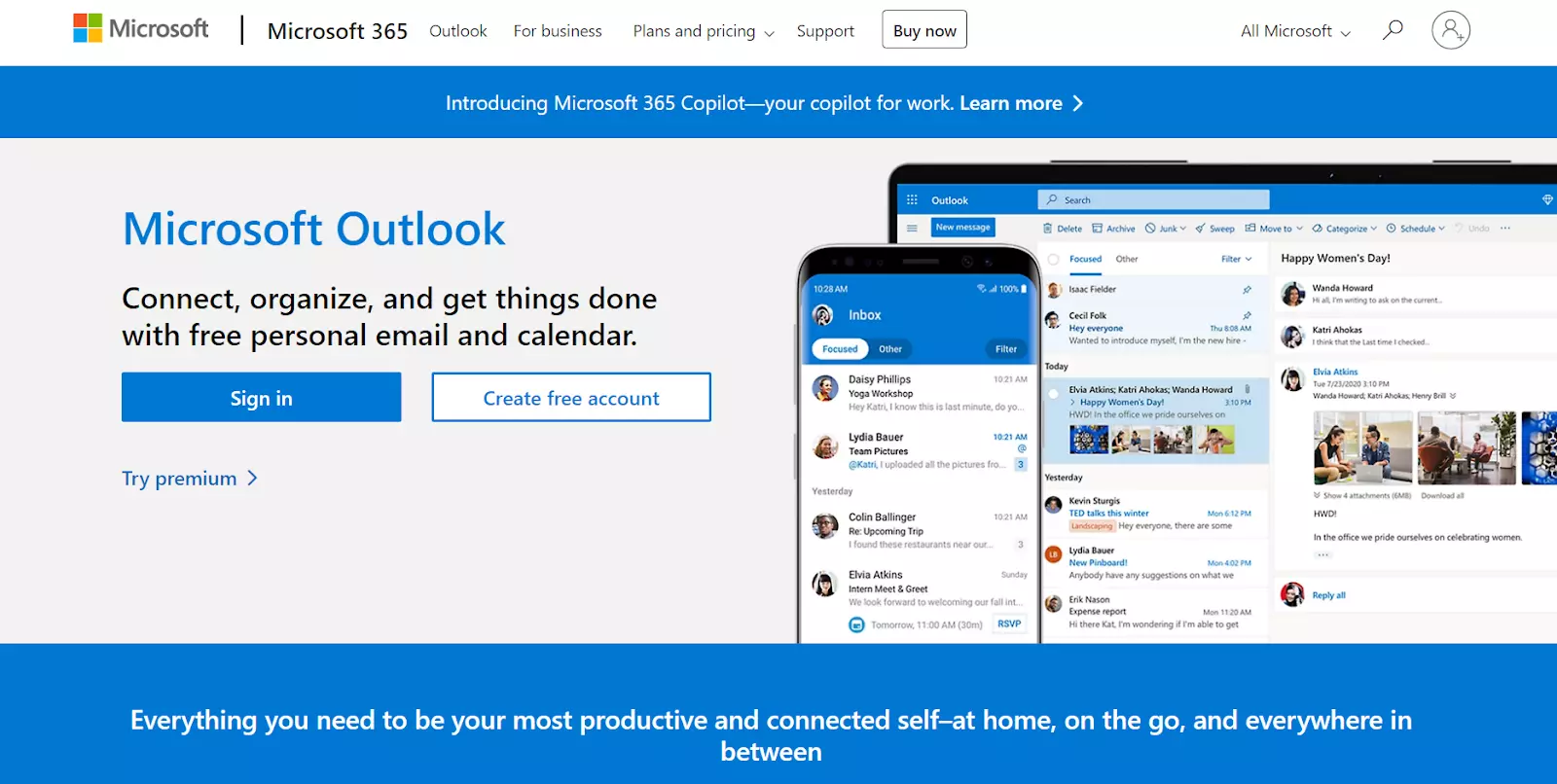
Outlook is beneficial for businesses heavily reliant on communication and scheduling, such as in finance, tech, and healthcare. It aids seamless collaboration with its email, calendar, and task systems, making it easier to schedule meetings and manage tasks. Additionally, Outlook enhances functionality with other Microsoft Office products, simplifying file sharing and receiving, ideal for businesses requiring real-time updates.
Or you can opt for Microsoft 365 and Microsoft Teams that contain Outlook with the following subscriptions:
Check out a full Outlook alternative comparison and find out how it holds up against LiveAgent.
Outlook is a reliable email client with efficient organization tools and good integration with Microsoft services, making it ideal for those in the Microsoft ecosystem. It outshines Gmail in managing large inboxes and having a built-in calendar.
However, Outlook’s search function is slower and less inclusive than Gmail’s. Its category management features, while robust, are complex and require time to learn. The interface can be overwhelming for novices due to a steep learning curve. Furthermore, Outlook’s mobile app doesn’t provide as seamless an experience as Gmail’s. Despite its strengths, Outlook has areas where it doesn’t measure up to Gmail.
Yahoo! Mail is one of the most popular email providers on the market and has been around for over two decades. With millions of users worldwide, Yahoo! Mail is a trusted Gmail alternative. You can pair Yahoo! with various applications, including Mozilla Thunderbird, Apple Mail, and Teamstack.
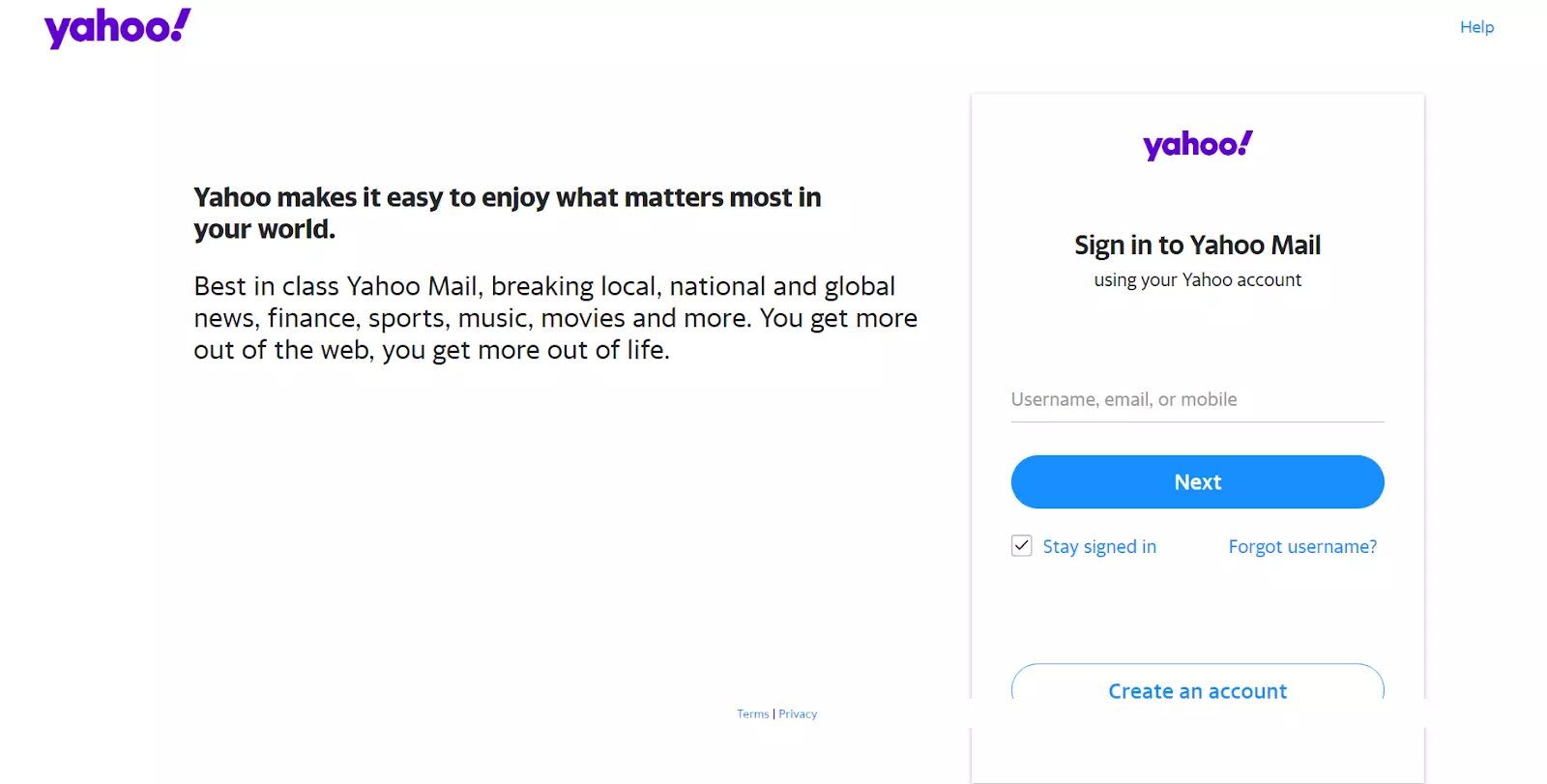
Yahoo! Small Business offers SMEs vital online services like domain registration, website hosting, and e-commerce tools. Their platform also includes SEO, local search listings, and email marketing tools. Yahoo! Finance and Yahoo! Search may benefit businesses in finance and marketing with comprehensive financial data and an alternative search engine for SEO diversification.
Yahoo! offers a unique approach to web-based emails, integrating seamlessly with other company products like news updates and its own search engine.
However, it offers fewer email template customizations compared to Gmail. Its interface is user-friendly but lacks Gmail’s innovative add-ons. Although both offer excellent security against spam, Yahoo! can be overbearing, sometimes necessitating multiple password resets.
While Yahoo! caters to most users’ emailing needs, it could improve customization options and user control.
Titan Mail is an alternative to Gmail that helps over 100 000 active users build deeper customer relationships. Titan Mail currently does not offer extensive third-party integrations like some other email providers. It supports standard email protocols such as IMAP and SMTP that allow users to access their accounts through various email clients, like Outlook and Thunderbird. With its many features and mobile-friendly interface, it is accessible to everyone either in the office or on the go.
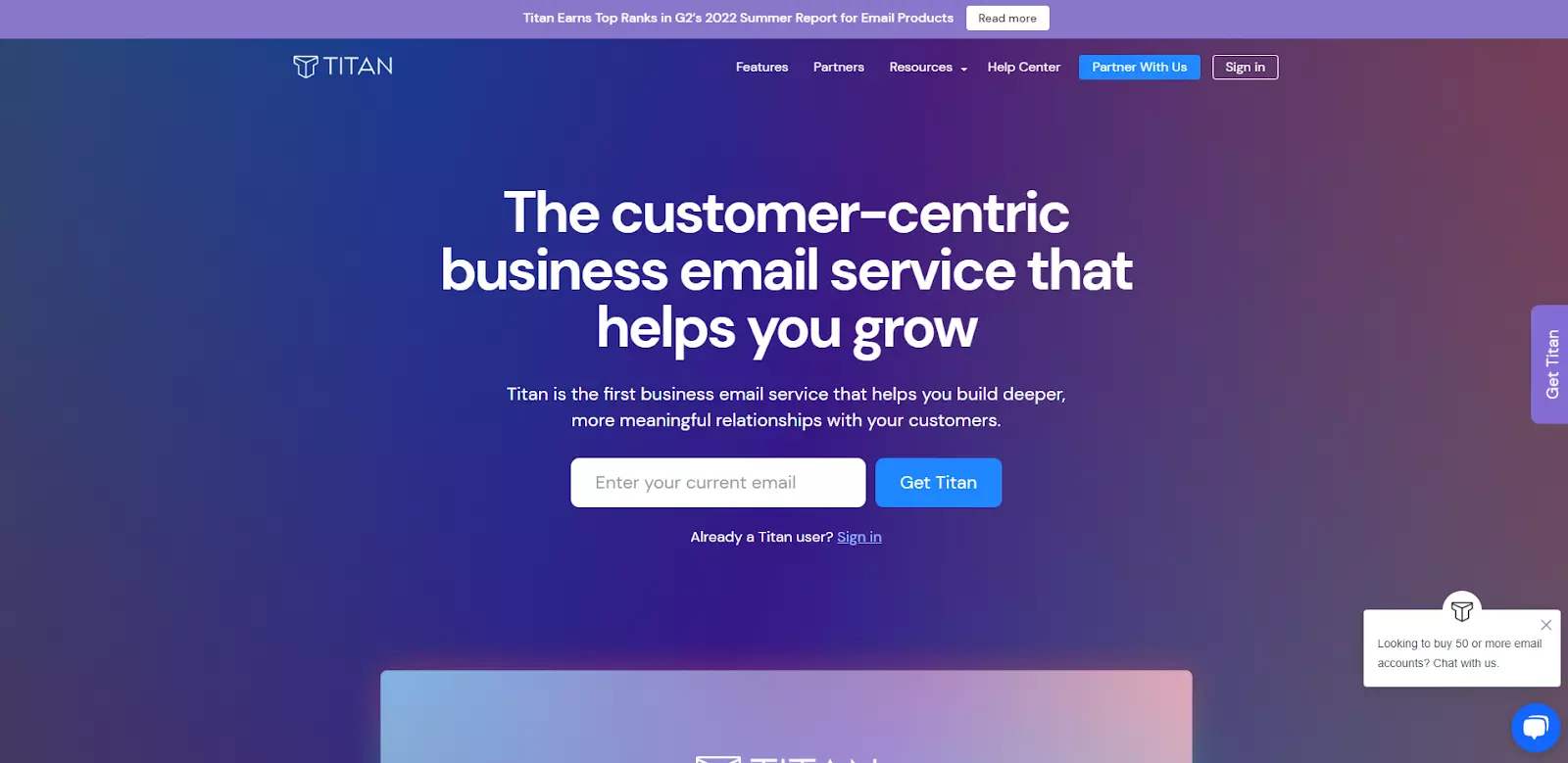
Titan Mail is ideal for all businesses, especially those reliant on email communication, like tech, e-commerce, finance, and consulting firms. It’s perfect for start-ups and small businesses wanting professional, branded emails, and large businesses needing to synchronize communication across locations. Titan Mail’s strong security features make it critical for businesses dealing with sensitive data.
Titan Mail provides a clutter-free, user-friendly email hosting with easy navigation and features like contact management and calendar. It offers a consistent experience across devices and robust spam prevention.
However, it lacks some advanced features compared to Gmail, like smart folder categorization and synchronization with the Google ecosystem. Additionally, Titan’s search function could return more accurate results for improved ease of locating emails. Despite these shortcomings, Titan Mail is a solid email service provider needing a few improvements to compete with industry veterans.
Tutanota is the best alternative to Gmail when it comes to end-to-end encryption. Compatible with various browsers, iOS, Android, macOS, Windows, and Linux, Tutanota is an accessible solution for everyone who strives to keep their data protected at all times. Regarding integrations, Tutanota is compatible with other Tutanota products, including Tutanota desktop clients, Tutanota mobile apps, and Tutanota API.
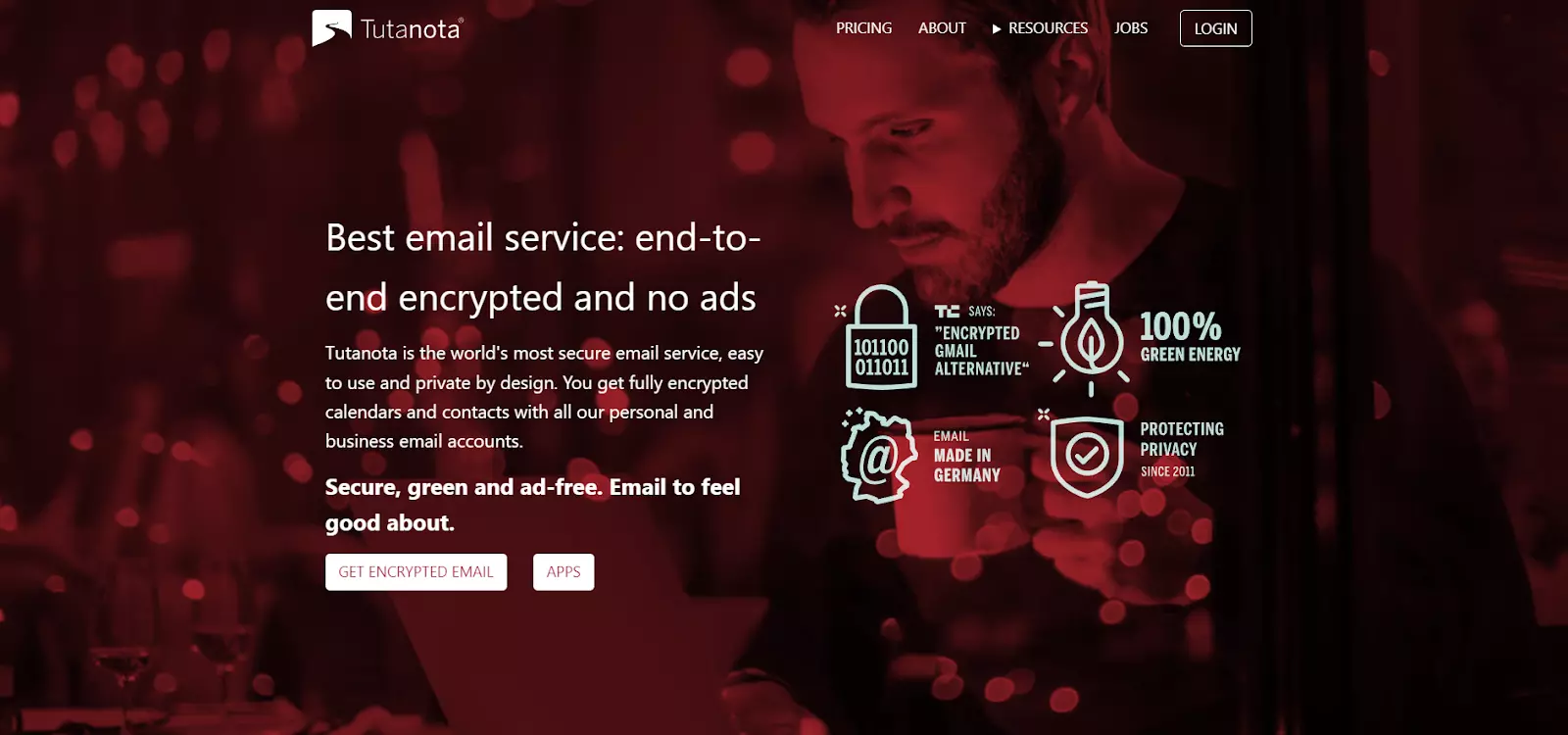
Tutanota is beneficial for businesses dealing with sensitive information including healthcare, law, and financial services. Smaller enterprises also benefit due to its affordability, offering high-level security akin to larger corporations. Non-profit organizations handling sensitive social issues and investigative journalists needing to protect sources can also use Tutanota to ensure secure and uncompromised communication.
Tutanota Software offers an encrypted email service with high-level security and data privacy. Its end-to-end encryption on emails and attachments makes it ideal for highly confidential communication. This service can be used across various platforms.
However, it has a less user-friendly interface compared to more popular platforms like Gmail. Additionally, it sometimes experiences minor performance lags. Despite these cons, Tutanota’s emphasis on privacy makes it a valuable alternative for secure email services.
With over 20 years of experience providing secure email services, Hushmail is a trusted Gmail alternative. Hushmail’s main goal is to provide encrypted email communication that is accessible from anywhere. You can pair Hushmail with Microsoft 365, Microsoft Outlook, and Apple Mail.
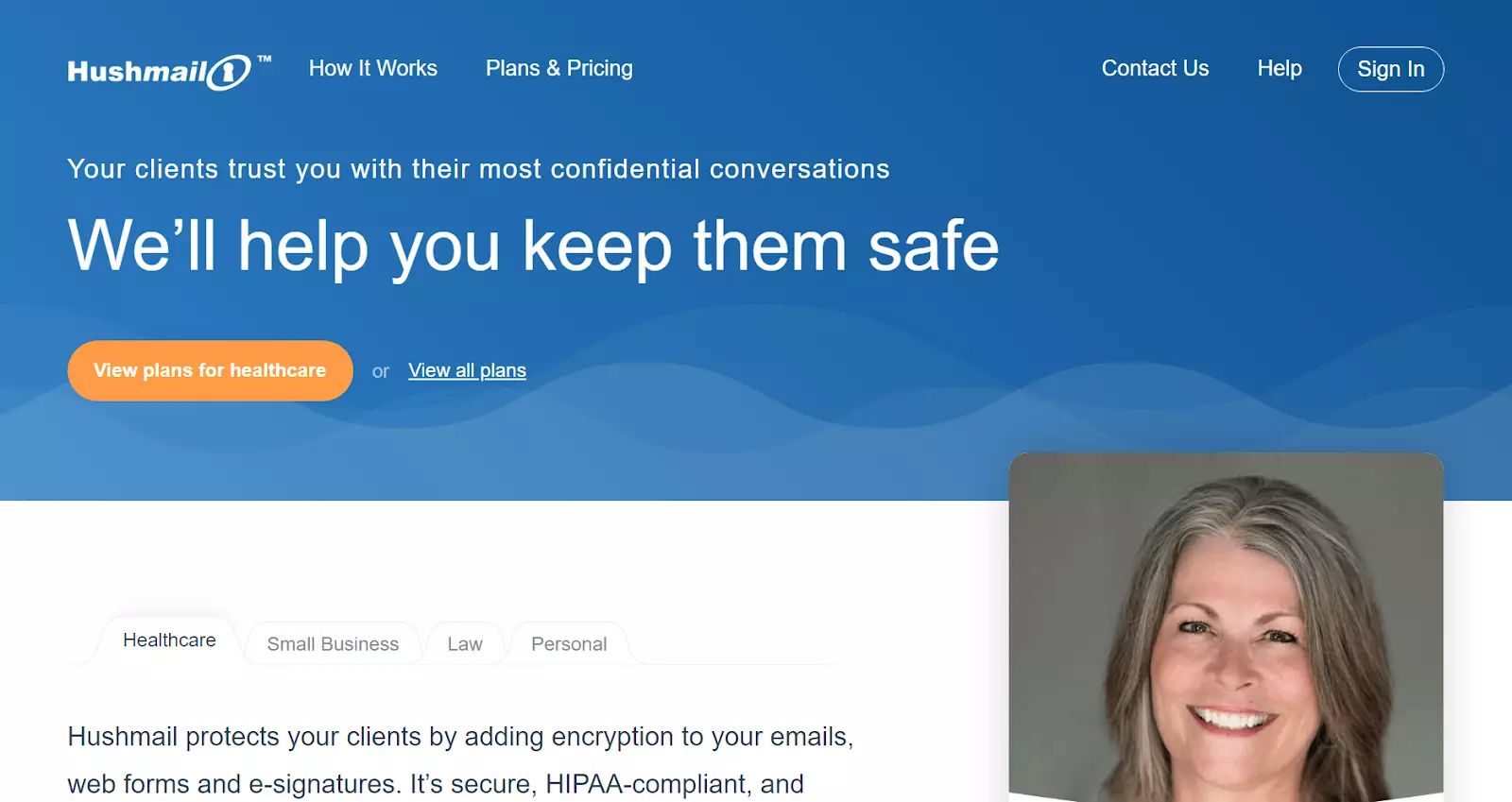
Hushmail provides encrypted email services ideal for businesses dealing with sensitive information like those in medical, legal, and financial sectors. For instance, healthcare providers can securely share patients’ private data maintaining HIPAA compliance. Law firms can also securely exchange confidential documents or client communications using Hushmail’s encryption feature.
Hushmail stands out in the sea of email service providers with its emphasis on providing secure, encrypted email services. Compared to Gmail, Hushmail offers an extra layer of protection with encrypted emails which are not scanned for advertising, making it well-suited for those who prioritize privacy over anything else
The interface design is seamless, easy to navigate and offers a unique feature of creating encrypted web forms—an excellent tool for businesses dealing in sensitive information.
However, getting on-board with Hushmail is not as smooth a journey as it is with Gmail, primarily due to its cost. Unlike Gmail which is free, Hushmail offers a 14-day free trial after which it’s a paid service, not an ideal option for those seeking free email services. WhileHushmail’s security is notably robust, there have been reports of its not-so-friendly customer service.
Mailfence is a secure Gmail alternative with over 2 million users worldwide. It focuses on providing end-to-end encryption and secure email communication to protect sensitive information. You can connect Mailfence with Microsoft Outlook, Google Authenticator, Gmail, and Thunderbird.
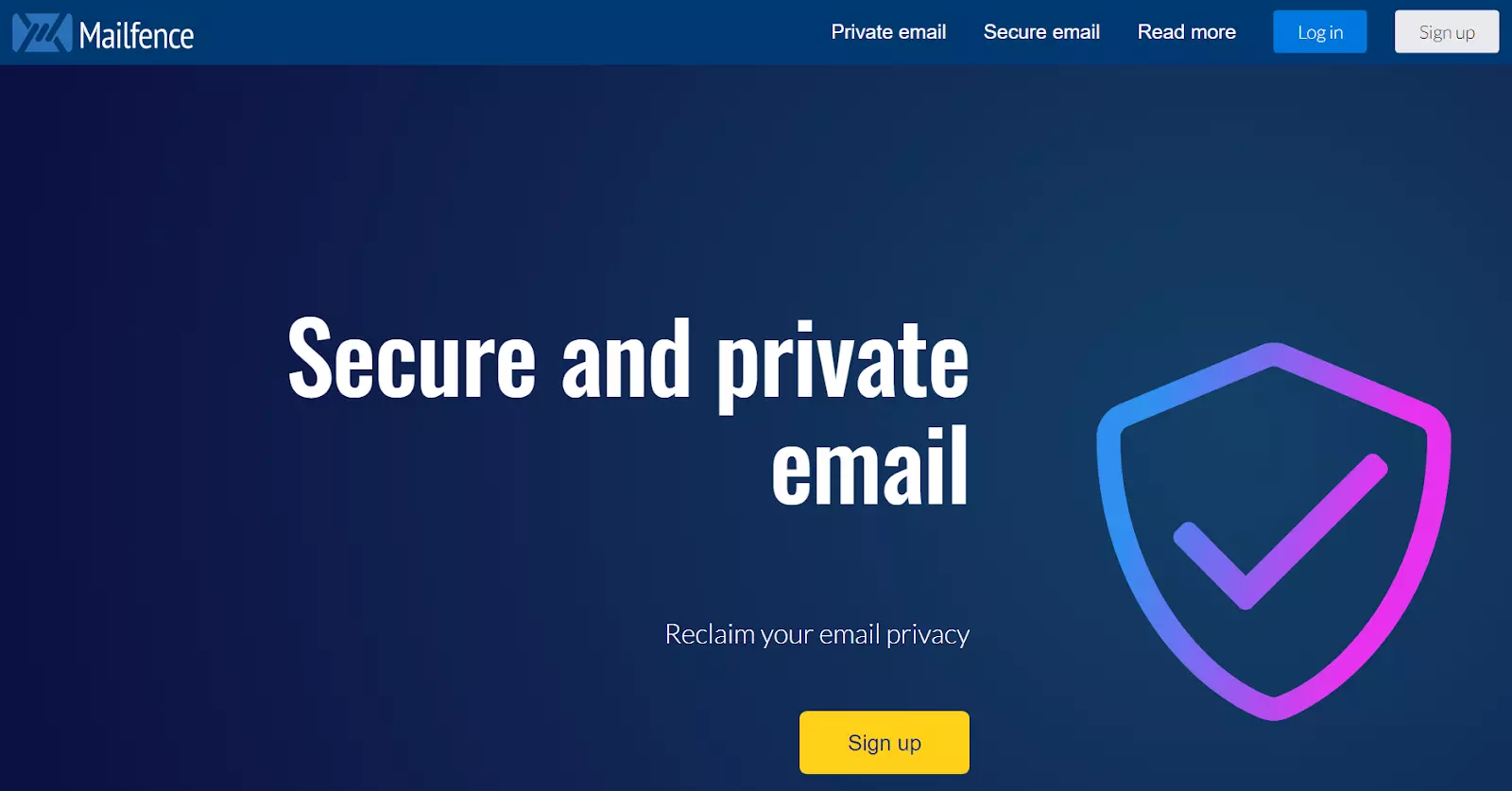
Mailfence is an ideal choice for businesses prioritizing email security and privacy, including legal, healthcare, and financial industries. Its end-to-end encryption ensures secure and confidential communication, helping businesses comply with regulations. Plus, it’s a cost-effective tool for startups, offering a custom domain feature for a professional look in email correspondence.
Mailfence shines with its robust, secure features and superior privacy, especially due to its no-ad policy in comparison to Gmail. With end-to-end encryption, impressive calendar tool, and document support, it aligns with professional usage.
However, it lacks Gmail’s third-party app integration and has a less intuitive interface, necessitating a learning phase. Though privacy-focused, Mailfence’s free tier offers only limited storage and encryption process could be tricky for less tech-savvy users.
Mozilla Thunderbird provides a free and open-source service that is highly customizable and integrates with other applications. Its integration include Sidekick, McAfee LiveSafe, Outlook, and Google Calendar. It also offers many advanced features, making it a comprehensive productivity tool suitable for many.
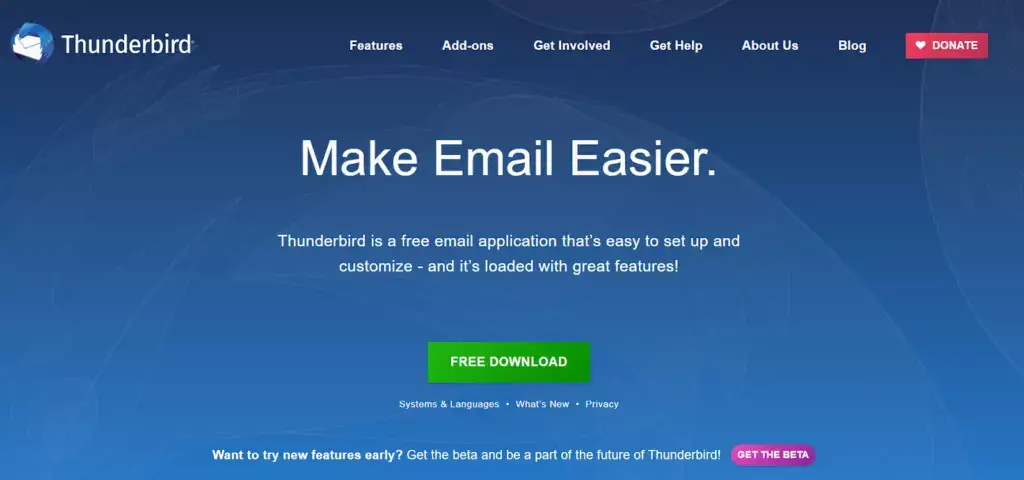
Thunderbird, Mozilla’s free and open-source software, is ideal for businesses employing remote workers or with multiple offices, such as IT, ecommerce, and digital marketing firms. Also beneficial for cost-conscious startups, it ensures data security with phishing protection and encrypted communication, rendering it perfect for sectors like finance, healthcare, and law.
Mozilla Thunderbird provides a strong alternative to an email client like Gmail. Its robust set of features facilitates efficient email management, such as quick filters, intelligent spam filters, and automatic folder organization, which are all incredibly useful. Recently, advances such as tabbed emails, smart folders, and chat integration further elevate the user experience. The well-laid theme and layout offer immense customization, allowing users to tailor the software’s appearance to meet personal preferences.
However, there are distinct downsides. Compared to Gmail’s web interface, Thunderbird’s heavy software characteristics can make it sluggish at times. Also, its lack of a native calendar can require extra effort to synchronize external calendar tools, which Gmail offers within its platform.
If you’re looking for a Gmail alternative, Aol Mail is a worthy contender. You can augment Aol mail’s functionalities by integrating it with Facebook, SplitCam, Slack, and Google Analytics. Their main focus is to provide an easy-to-use email platform that is accessible from anywhere, making it reliable for people on the go.
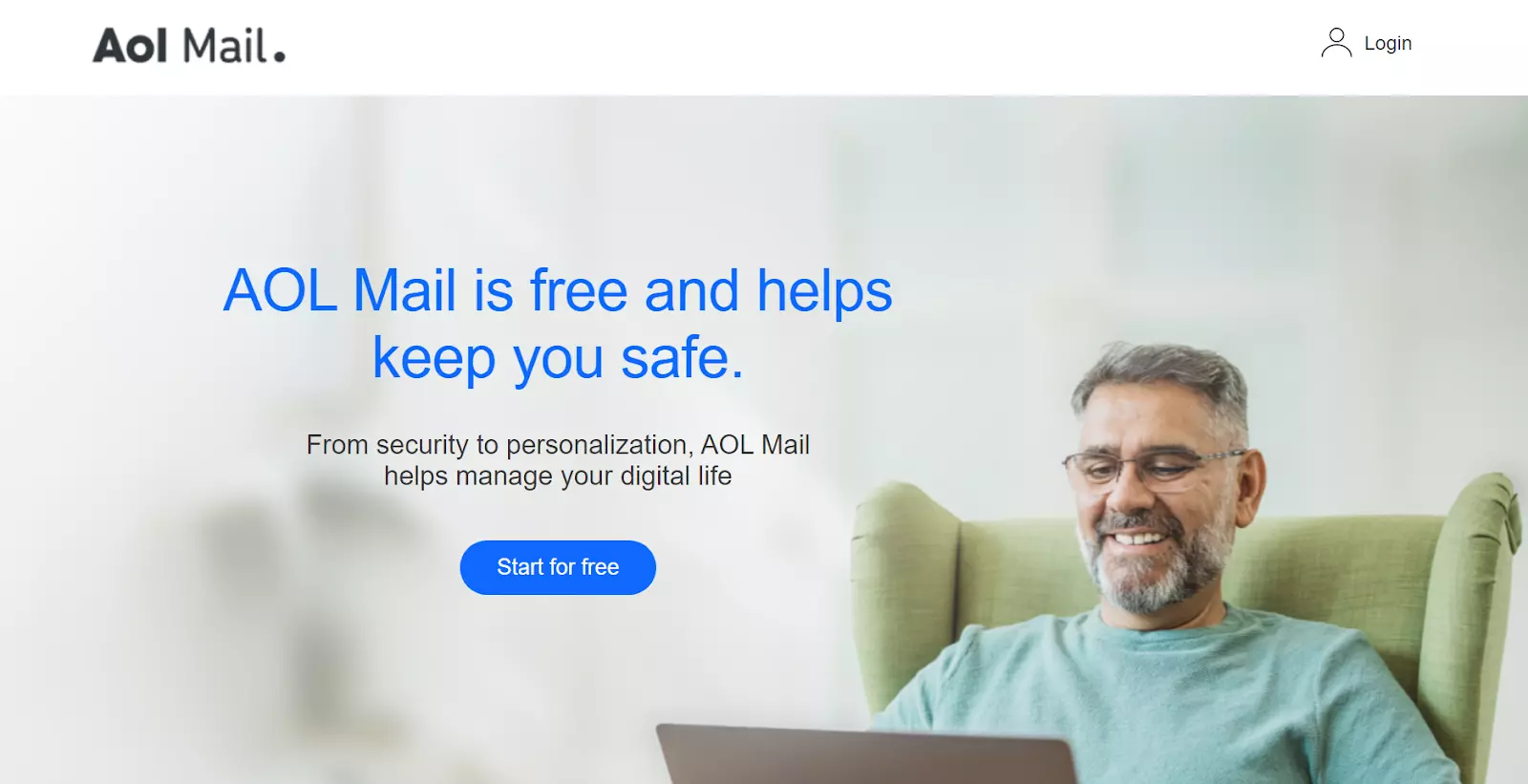
AOL Mail is ideal for small businesses and startups that need basic email functionality. Its cost-effectiveness and simplicity make it suitable for those on a tight budget or just starting. It’s also beneficial for businesses in rural areas with lower-bandwidth connections, as high-speed internet isn’t required for its optimal usage, maintaining reliable communication channels.
AOL Mail, a free web-based email service, offers platform for personal and professional communication. Its user interface is quite intuitive and clean, encouraging an efficient management of electronic correspondence.
A notable advantage is its unlimited storage capacity which dramatically outshines Gmail’s 15GB cap. However, its features are a bit behind the curve compared to other email services– Gmail, for example, with its smart compose and nudge features shows its advanced approach to productivity.
However, there have been issues reported about its stability and performance. AOL Mail, has been known to have frequent glitches and lags. Moreover, it lacks a complete integration with other tools and apps unlike Gmail which is seamlessly connected to Google’s suite of products.
With millions of customers worldwide, iCloud Mail is a popular choice for those who use Apple products. iCloud Mail’s main focus is to provide an email platform that seamlessly integrates with other Apple services, like iCloud Drive and Contacts, making it a convenient option for Apple users.
iCloud Mail is beneficial for small to medium-sized businesses, especially those heavily dependent on the Apple ecosystem like design firms, marketing agencies, and tech startups. It offers benefits like seamless communication and integration. Particularly useful for firms engaged in remote work, sales, or consulting, iCloud Mail’s accessibility on all Apple devices makes it ideal for on-the-go business communication.
iCloud Mail is a noteworthy software that provides a reliable emailing service. Its clean, user-friendly interface is intuitive, making it easy to send, receive, and organize emails.
Its seamless integration with other Apple devices and software is a definite plus, providing synched notifications and easy access across varied platforms.
However, iCloud Mail still has room for enhancements. Despite its ample 5GB storage space, it falls short of Gmail’s 15GB offering. Furthermore, the filter and tagging options in Gmail are more detailed and user-friendly than iCloud Mail. iCloud Mail’s search functionality also seems less refined, providing less accurate results compared to Gmail.
This suggests that iCloud Mail might be a better choice for Apple enthusiasts who appreciate the interconnected ecosystem.
ProtonMail has over 10 million users worldwide. It caters to businesses of different sizes that prioritize privacy and security. ProtonMail provides end-to-end email encryption and secure email communication, making it a reliable option if you need to protect sensitive information. You can integrate ProtonMail with various apps, including Microsoft Outlook, Mozilla Thunderbird, Apple Mail, Integration with Android devices, and Integration with iOS devices.
ProtonMail is ideal for businesses in sensitive sectors like healthcare, legal, finance, and government. It’s also excellent for start-ups, multinational corporations, non-profit organizations, and journalism outfits that handle sensitive data and prioritize privacy. ProtonMail adheres to strict privacy regulations like HIPAA and GDPR, safeguarding source integrity and ensuring regulatory compliance.
ProtonMail has been recognized for its robust security and privacy measures. It is built especially for users who seek absolute privacy that isn’t offered by most standard email services like Gmail.
ProtonMail doesn’t keep personal data and messages are end-to-end encrypted before they leave the user’s device, making the user data inaccessible to third parties including ProtonMail. It provides the ability to send password-protected emails to non-ProtonMail accounts, and set an expiry time on sent mails.
However, has its drawbacks. The user interface is less intuitive and streamlined compared to Gmail which could deter some. Advanced features like categorizing emails and autoresponders are missing in the free version, forcing users to upgrade.
Another Gmail alternative worth considering is GMX Email . It is a popular email provider for businesses in varying industries. Their customers include those who value customization and flexibility. You can pair it with various third party solutions, such as Gmail, Zapier, and Outlook.
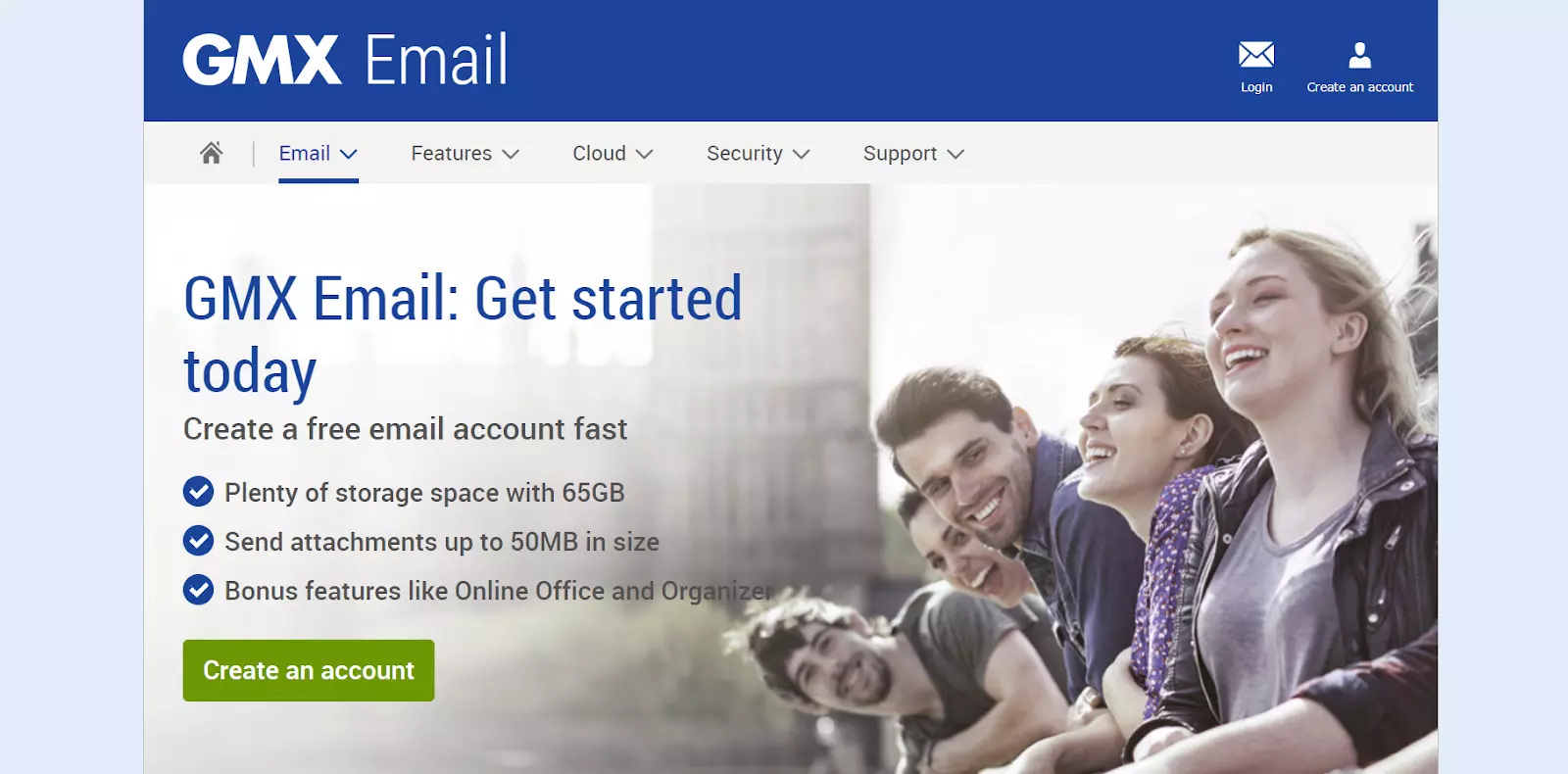
GMX Email software is an affordable and effective solution for small to medium-sized businesses. Its free, ad-financed service provides plenty of storage and a user-friendly interface. Ideal for businesses with mobile employees, GMX is accessible on multiple devices, fostering remote communication and collaboration. Its integrated calendar enhances organization. Simply put, GMX meets needs of businesses seeking functionality and cost-effectiveness in email management.
GMX Email software, with its user-friendly interface and strong security features, offers an alternative to popular email like Gmail. Users appreciate the storage, integrated calendar, and the no-cost for its use. Additionally, GMX supports features for email management, ensuring that junk mail becomes a thing of the past.
The richness of GMX’s features brings about a slight complexity in the initial setup. Gmail users might miss the built-in video chat option and active community support available in their existing email client. GMX leads in attachment size; it allows 50MB attachments while Gmail only allows 25MB.
Although GMX lacks a built-in editing tool like Google Docs, it can definitely hold its own in the competitive landscape of email clients.
Yandex Mail is a Russian software that’s easy to use and accessible from anywhere. This Gmail alternative is a robust email solution that can help you keep everything organized and stay efficient at the same time. Yandex is compatible with solutions like Gmail, Microsoft Outlook, Yahoo Mail and Rambler.
Yandex Mail is ideal for small to medium-sized businesses with predominantly Russian-speaking customers. Its culturally-specific algorithms offer precise keyword searches and superior spam filtering. As a trusted and recognized brand in Russia, Yandex Mail offers reliability and widespread user familiarity, making it a valuable tool for businesses targeting the Russian market.
Yandex Mail is a commendable software that provides an array of interesting features, making the platform a worthy contender against popular email platforms like Gmail. The interface is intuitive and well-designed, reminiscent of Gmail’s simplistic aesthetic.
However, Yandex is not without its shortcomings. First off, it lacks advanced settings that are offered Gmail, such as the ability to undo a sent email. There have also been concerns about the level of security and privacy offered by Yandex, as it is governed by Russian laws. Users also report occasional issues with receiving emails.
While Yandex Mail holds its ground in certain aspects, these cons can make it a second choice for users who prioritize advanced features, utmost security, and consistent reliability.
If you’re searching for a Gmail alternative, Fastmail is an interesting option to consider. With over 20 years of experience providing email services, Fastmail is trusted by many businesses. They offer features like end-to-end encryption, two-factor authentication, and customizable spam filters that can help to keep your confidential information safe. It offers various integrations, such as Zapier, Trello, Boomerang, Apple Mail, and Google Calendar.
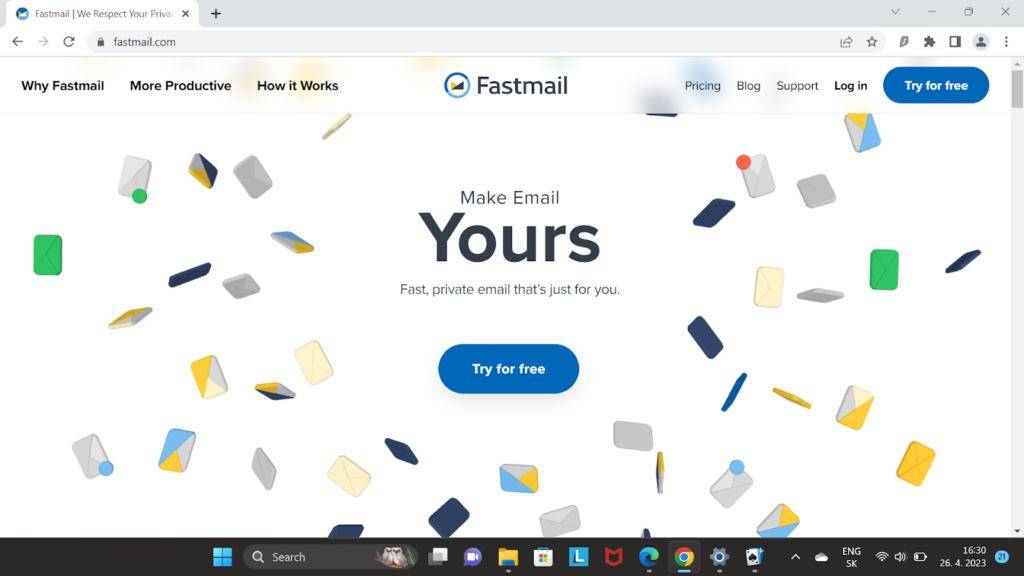
Fastmail is beneficial for small to medium businesses, especially those relying heavily on email, such as those in marketing, sales, consulting, PR, customer support, and remote operations. It is also ideal for creative agencies and professional service firms like web design companies or software developers who frequently share large attachments thanks to its ample storage, file-sharing functionality, and file version history management.
Fastmail presents a mixed bag of functionality, simplicity, and quality email services. The interface is user-friendly, providing high usability and a smooth experience. Its spam filters are effective, and it excels in data protection and security.
However, Fastmail is not without its shortcomings. It falls behind in terms of cloud storage space with the basic plan offering less storage capacity. Fastmail also lacks the feature-rich ecosystem of Google, which offers a suite of productivity tools like Google Docs, Sheets, and Drive, making Gmail more integrated for productivity. Furthermore, Fastmail’s customer service has room for improvement, with occasional slow response times reported.
Email continues to be an important communication tool for not only individuals but also many businesses. While Gmail has been a popular choice among many users, people are seeking email alternatives that offer improved privacy, security, and additional features. Let’s look at some key factors that may help you determine which Gmail alternative is right for you.
Businesses’ particular needs and requirements play a crucial role in email provider selection. By understanding these needs, businesses can ensure that they choose a provider that aligns with their objectives and enhances their overall productivity. Some companies require a particular suite of features, while others keep a close look at the available payment plans.
For example, if you need an affordable solution with omnichannel capabilities, opt for something like LiveAgent. If you’re working with confidential customer data and require a higher level of privacy, consider Mailfence, or StartMail.
A universal Inbox allows users to manage multiple email accounts from various providers in one central location. It helps streamline email management and saves time by eliminating the need to switch between platforms.
The Multi-Agent Dashboard is a particularly important feature for businesses that require multiple team members to access and manage a shared email account. It enables more efficient collaboration, where team members can assign tasks, track progress, and ensure timely responses to inquiries from their customers. LiveAgent, a ticketing system, and email management software, provides both of these features with the added advantage of customization options.
Another key factor to consider is the possibility to integrate your email service with other tools that are necessary for your day-to-day operations. Seamless integration between your email and other productivity tools can significantly enhance efficiency and collaboration within your organization. These tools might include calendars, CRM systems, help desk systems, analytics, and many others. Although there is not a recommended amount of integrations an email tool should have, opt for one that can cover all your needs and still have some spare.
Storage capacity is a crucial factor that determines how much data can be stored within the system. This data includes things such as emails, documents, audio files, photos, videos, etc.
Having adequate storage is important to manage all communications without worrying about running out of space and having to delete important information.
Therefore, it is crucial to choose an email provider that offers enough email storage space for your particular needs to ensure smooth and uninterrupted communication.
Companies send emails every day that involve sensitive data and confidential information. This is the reason why you should never overlook email providers’ security and privacy policies.
Make sure that they offer end-to-end encryption that ensures your emails are encrypted during transit and can only be decrypted by the recipient. Another important feature is a Two-Factor Authentication (2FA) can add an extra layer of protection to your account by requiring a unique code in addition to your password.
Make sure that your email service does not rely on advertisements or tracking to generate revenue. This way you don’t have to be afraid that they will sell your data to third parties for marketing purposes.
Reading Privacy Policy and Data Storage is also essential to understand how your data is stored, processed, and protected by the email service provider. Ideally, they should follow strict data protection regulations and store data in secure locations with strong encryption standards.
Collaboration features are another key factor to consider when choosing a Gmail alternative, as efficient teamwork and communication are vital for businesses to thrive and grow. Advanced collaboration features can streamline workflows, improve productivity, enhance team cooperation, and improve customer satisfaction.
These collaborative features may include:
Being able to customize and personalize everything you use for your business is important to make sure that it aligns with your brand identity and meets your unique needs. An email service with customizable branding can help maintain a consistent and professional business image.
Here are some examples of customization features that can be beneficial for your company brand:
If you are considering switching from Gmail to a different email service, make sure you prepare your team for this change to ensure a smooth transition.
The first step is to communicate the reasons for switching and the benefits that the new service can bring to the team and the company in general. This will help your team understand why the change is necessary and motivate them to learn the new system.
Once your team is on board, it’s important to assess their training needs and create a training plan. It should take into account your team’s familiarity with the new system and take action accordingly. Providing hands-on training and resources such as video tutorials, in-person training or seminars, or even keeping an updated knowledge base can be helpful.
Last but not least, ongoing support and resources for further skill development are crucial for ensuring your team gains confidence in using the new system. This can include regular check-ins, feedback sessions, and access to additional training.
To have a smooth migration process from Gmail to the new email service provider, manage your data migration and integration as effectively as you can. Here are some tips on how you can ensure a seamless transition to your chosen alternative.
Firstly, create a plan for data migration from Gmail to the new service. It should outline the steps you need to take to move all your emails, contacts, and files to the new platform. Make sure you have a backup of all your data before initiating the migration.
Next, ensure your new email service integrates seamlessly with other tools you use in your organization for communication, collaboration, and productivity. For example, if you use a project management tool, make sure that your email service integrates with it.
Some email providers like LiveAgent offer a seamless free Gmail migration to your new account.
In conclusion, many available alternatives can provide you with many benefits and advantages based on your particular needs and requirements. Whether you are looking for better security, more storage space, advanced features, or improved collaboration tools, there’s an email service out there that can offer you just that.
Don’t hesitate to explore your options and make the switch to a Gmail alternative that will work for you. LiveAgent is definitely an option worth considering; it offers a wide range of benefits, including an advanced ticketing tool, seamless integration with other tools, and excellent email management solutions.
Share this article
Daniel oversees marketing and communications at LiveAgent as a member of the inner product circle and company top management. He previously held various managerial positions in marketing and client communication. He is recognized as one of the experts on AI and its integration into the customer service environment.

There is no one-size-fits-all answer to this question. You need to take into consideration your specific needs and preferences when choosing a Gmail alternative. However, there are some email platforms like Gmail: LiveAgent, Outlook, ProtonMail, Zoho Mail, and many others. Each of these email services offers unique features and benefits.
While choosing an alternative email to Gmail, look for features such as advanced security, sufficient storage, seamless integration with other tools, advanced management features, clean design, a user-friendly interface, and excellent customer support. These features will help you choose an email service that is going to maximize your productivity and efficiency.
Migrating from Gmail to another email service can be an easy process if you plan and execute it well. Some providers, including LiveAgent, offer migration tools to help transfer data, but it's essential to ensure you have a backup. Also, make sure that the new email service integrates seamlessly with your existing business systems and tools to provide a smooth transition.
While overall security can be subjective and dependent on specific needs, two mail services often cited for enhanced security features are ProtonMail and Tutanota. Both of these services provide end-to-end encryption and are based in countries with strict privacy laws (Switzerland and Germany, respectively). However, it's worth noting that no system can guarantee absolute security.
Many Gmail alternatives offer integration with CRM, helpdesk, and chat software. When choosing a Gmail alternative, consider integration capabilities and ensure that the email service you choose integrates well with your existing business systems and tools. For example, LiveAgent is primarily a help desk software with built-in CRM, and live chat software.
Explore the top 15 Gmail alternatives for 2025, including LiveAgent, Zoho Mail, and Outlook, to enhance support performance, improve team collaboration, and boo...
Discover the top 15 Aircall alternatives for 2025! Compare features, pricing, and support to find the best communication tools for your business.
Discover the top 15 Aircall alternatives for 2025! Compare pricing, features, & user experience to find the perfect customer communication tool.
Join our community of happy clients and provide excellent customer support with LiveAgent.
