Exceptional customer service today is defining your business growth. Freshdesk, a major contender in the industry, is a customer support platform used to help companies manage customer service interactions. While Freshdesk offers various features, it may not meet every business’s needs. Let’s compare the main customer service platforms to see which Freshdesk alternative suits you best.
Why Consider Alternatives to Freshdesk?
While there is no denying that Freshdesk offers a robust platform with notable functionalities such as multi-channel support and an intuitive ticketing system, it may not be a one-size-fits-all solution for everyone.
Pricing structure: Some businesses might find Freshdesk’s pricing structure a bit limiting, especially for startups or small businesses with tight budgets. This could hamper accessibility to necessary tools for those businesses that are most in need of affordability.
Limited features and customization options: Additionally, despite its rich feature suite, there may be some specific features or customizations that Freshdesk doesn’t offer. The lack of customizability and specific advanced features could potentially restrict a business’s ability to streamline workflows to meet their specific customer service goals.
Steep learning curve: Internally, the learning curve may also be seen as challenging, making it difficult for teams and agents to adopt it. Time is of the essence, especially in the customer service world that appreciates quick service, so finding an alternative that can be easily integrated in no time is crucial.
Lack of advanced reporting and analytics: Companies looking for advanced reporting and analytics may find Freshdesk’s reporting features relatively weak. The platform may not provide the depth of insights or customizable reporting options required for businesses that heavily rely on data-driven decision-making and performance tracking.
The key features of Freshdesk, such as powerful automation tools and dependable template capabilities make it an attractive choice for businesses seeking reliable customer service software. They have built a strong foundation in managing customer conversations effectively. However, every business has unique needs, and finding the right customer service software may require exploring alternative solutions tailored to specific requirements.
A Quick Comparison Chart of the Top 5 Freshdesk Alternatives
Platform
Capterra Rating
Integrations
Free Version
Free Trial
Price Range
LiveAgent
4.7
220+
✅ Yes
✅ Yes
$15 agent/m
Zoho Desk
4.4
650+
✅ Yes
✅ Yes
$14/agent/m
Salesforce Service Cloud
4.4
20+
❌ No
✅ Yes
$25/agent/m
ProProfs
4.9
1+
✅ Yes
✅ Yes
$15/agent/m
Intercom
4.5
40+
❌ No
✅ Yes
€74/agent/m
15 Best Freshdesk Alternatives and Competitors
1. LiveAgent
LiveAgent is one of the top-performing contenders on the market as a robust customer service platform that offers a wide array of useful features and integrations. Its easy-to-use interface, convenient pricing, and seamless integration capabilities make it a great choice for businesses of all sizes. LiveAgent also offers reliable and quick-responding customer support, making this one of the most considered customer service solutions out there.
LiveAgent Features
LiveAgent boasts over 175+ features, including over 200 app integrations, that facilitate handling customer service interactions from multiple channels. Below is a list of features that are key to a successful interaction. LiveAgent offers all of Freshdesk’s key features plus more, making it an ideal Freshdesk alternative.
Multi-channel support
Ticketing system
Real-time live chat
Automated routing
Knowledge base
Collaboration tools
SLA management
Customizable branding
Self-service portal
Workflow automation
Customizable reports and dashboards
Mobile applications for iOS and Android
Features unique to LiveAgent:
Performance reporting
Customer support portal
Universal inbox
Call center integration
Time tracking
Geotargeting
Main Differences Between LiveAgent and Freshdesk
Analytics: LiveAgent provides robust analytics and reporting features, allowing businesses to track and analyze key performance metrics particularly important for businesses that rely on data-driven insights to optimize operations.
Features: While both offer similar features, Freshdesk tends to offer more advanced functionality such as project management and team collaboration features.
Pricing: LiveAgent offers a simpler and generally more affordable pricing structure than Freshdesk, providing better value for money for some users and offering essential services to businesses on a tight budget.
Built in call center: LiveAgent includes built-in call center, enabling businesses to handle customer support inquiries through phone calls. Freshdesk offers some level of telephony integration but not the same level of native call center capabilities.
Customer support: Both platforms offer reliable customer support, but LiveAgent’s support is well-reputed for being particularly helpful, responsive, and fast.
Pros
Around-the-clock customer service ensures assistance anytime
Broad feature set caters to diverse needs
Affordable pricing plans
User-friendly interface for easy usage
Seamless support across various channels
Cons
Limited customization restricts flexibility
Some learning is needed for full utilization
Best For
Small to medium businesses. LiveAgent is a powerful customer support tool ideal for startups, small, and mid-size businesses that prioritize customer service. It integrates seamlessly with social media, email, and live chat, unifying customer interactions. With customizable workflows, advanced features, automation of repetitive tasks, and advanced reporting, LiveAgent streamlines operations and boosts efficiency.
E-commerce companies might find LiveAgent particularly noteworthy due to the live chat feature, which can help convert prospective customers and boost sales.
Marketing and telecommunication companies would find LiveAgent especially useful because of the omnichannel communication capabilities and the ability to personalize the customer experience, leading to boosted conversion rates.
SaaS companies who benefit from streamlined communications would appreciate LiveAgent’s streamlined universal inbox feature, keeping customer queries organized and ultimately maintaining SLAs and customer expectations.
LiveAgent Pricing
Small: $15 per agent per month
Medium: $29 per agent per month
Large: $49 per agent per month
Enterprise: $69 per agent per month
LiveAgent offers a free 30-day trial that includes all features from the Large plan.
Author’s Opinion
LiveAgent truly stands out as one of the best Freshdesk alternatives, both in terms of its pricing structure and the exceptional customer service it provides. Freshdesk is praised for its structure and exceptional customer service, but it falls short in robust call center capabilities—critical for managing customer support tickets and ensuring high first-contact resolution rates. While it offers features like workflow automation, it may not fully meet business requirements for handling routine tasks or utilizing custom fields efficiently.
Though highly rated, Freshdesk lacks key features offered by LiveAgent, making the latter a better choice for businesses seeking an affordable, all-in-one helpdesk solution with customizable workflows and comprehensive support.
2. Zoho Desk
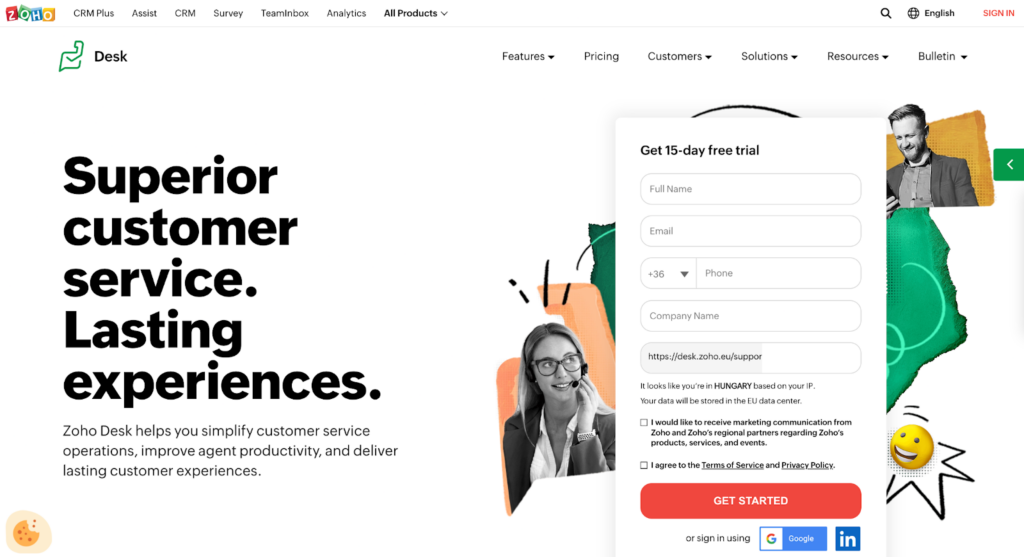
Zoho Desk is a leading customer support and help desk software designed to streamline and enhance customer service operations. The platform offers features such as ticket management, automation, multichannel support, insightful analytics, and over 650 out-of-the-box integrations, making it an invaluable tool for businesses aiming to deliver exceptional customer service.
Zoho Desk Features
Let’s now examine the key features that both Zoho Desk and Freshdesk share:
Omnichannel support
Ticket management
Agent productivity tools
Team collaboration
Automated workflows
Customer self-service portal
Knowledge base
SLA management
AI-powered chatbot
Personalized customer views
Reporting and analytics
Customizable ticket templates
Mobile applications
Third-party integrations
Features unique to Zoho Desk:
Help desk management
Onboarding
SEO management
Video support
Rich text editor
Main Differences Between Zoho Desk and Freshdesk
IT asset management: Freshdesk offers built-in IT asset management features to track and manage IT assets directly within the support system, which is great for those that require integration between customer support and IT asset management processes. Zoho Desk doesn’t have built-in IT asset management capabilities, however, businesses can integrate Zoho Desk with other IT asset management tools or platforms.
Inbound call center: Zoho Desk includes features for managing inbound call center operations, allowing businesses that rely heavily on phone support to handle customer support inquiries through phone calls efficiently. While Freshdesk does technically offer telephony integration, it doesn’t offer elaborate native call center capabilities like Zoho Desk.
Sales pipeline management: Zoho Desk offers sales pipeline management features that allow businesses to track and manage their sales opportunities and deals within the support system. This gives a unified view of customer interactions and sales progression. Freshdesk focuses on customer support and doesn’t offer dedicated sales pipeline management functionalities like Zoho Desk.
Pros
The interface is user-friendly for easy navigation
Support extends across multiple channels for efficient customer service
A range of integrations provides enhanced functionality
Cons
Social media integration is limited which may affect customer engagement
Initial setup can be complex and require additional resources
Small to medium-sized businesses. Zoho Desk is a great tool for small to medium businesses across a range of industries, especially e-commerce and education sectors, who utilize knowledge bases and self-service options. It’s also particularly beneficial for companies that emphasize automation and collaboration in their customer service approach, such as those in retail.
Zoho Desk Pricing
Standard: $20/agent/month
Professional: $35/agent/month
Enterprise: $50/agent/month
Author’s Opinion
Zoho Desk serves as a compelling alternative to Freshdesk, offering a user-friendly interface and robust capabilities, including ticket management, automation, advanced analytics, and multichannel support. With over 650 out-of-the-box integrations, Zoho Desk ensures seamless connectivity with other tools and systems, making it a suitable choice for businesses looking to consolidate and optimize their customer support processes. Additionally, the inclusion of sales pipeline management sets it apart from Freshdesk, allowing organizations to efficiently track customer interactions and sales progression within the same platform.
3. Salesforce Service Cloud
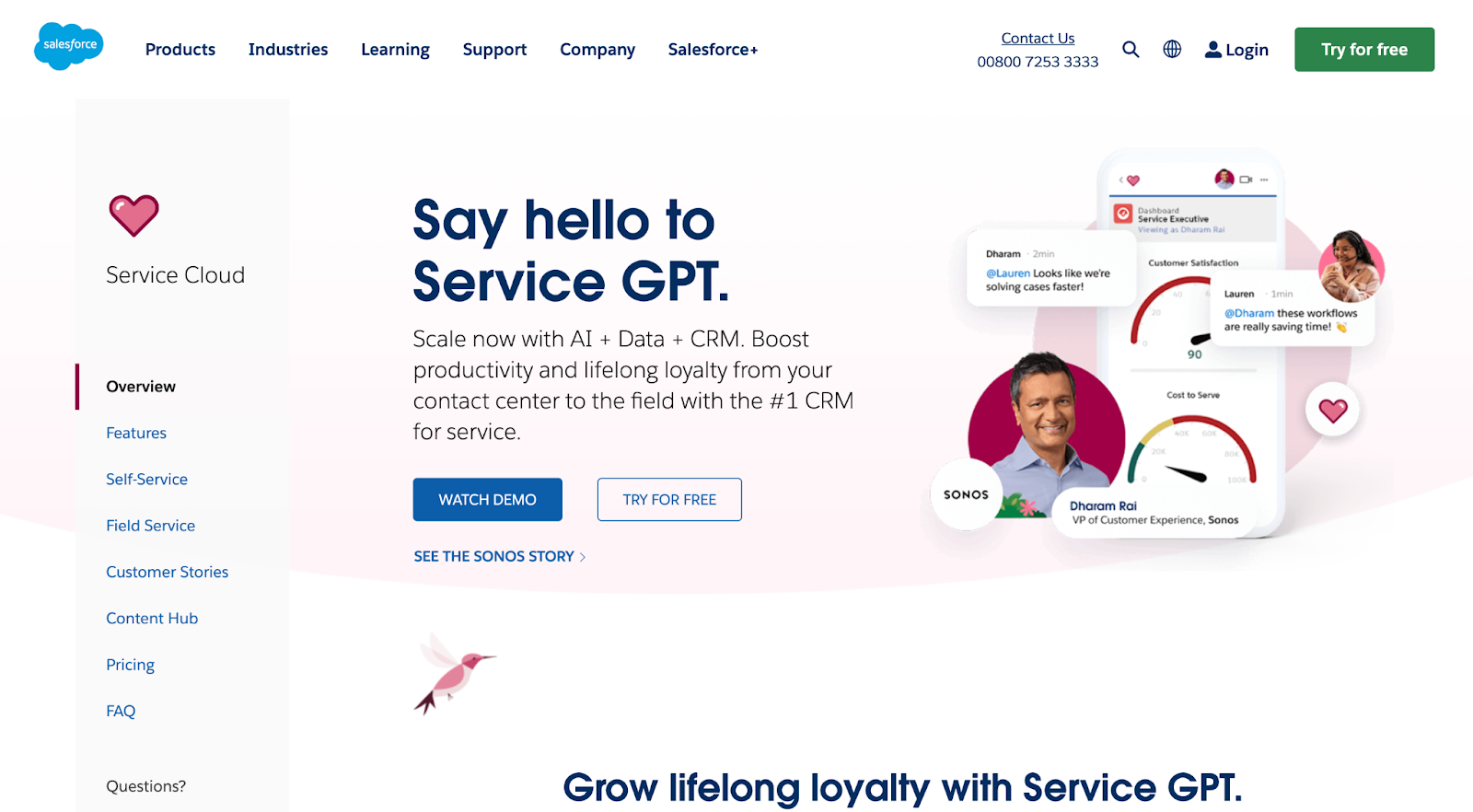
Salesforce Service Cloud is a powerful customer service and support platform that enables organizations to deliver personalized and efficient customer experiences. Its extensive set of features include omnichannel support, AI-driven automation, in-depth analytics, and over 125 available integrations, making it a comprehensive solution for businesses seeking to excel in customer service.
Salesforce Service Cloud Features
Let’s delve into the key features shared by both Salesforce Service Cloud and Freshdesk:
Omnichannel support
Case tracking and management
AI-driven automation
Personalized customer interactions
Live chat and messaging
Knowledge base
Workflow and approvals
SLA management
Service analytics
Performance reports and dashboards
Collaboration tools
Telephony integration
Features unique to Salesforce Service Cloud:
Canned responses
Geotargeting
Client portal
Main Differences Between Salesforce Service Cloud and Freshdesk
Predictive Analysis: Salesforce Service Cloud offers built-in predictive analytics capabilities that let businesses leverage sentiment analysis and data-driven insights to anticipate customer needs and forecast support demands. This is an excellent choice for meeting business requirements, enabling proactive responses to customer issues and optimizing resource allocation. Its email integration and compatibility with analytics tools further enhance its functionality. On the other hand, Freshdesk may require integration with external predictive analysis solutions, including options for sentiment analysis, to meet business needs.
Gamification: Freshdesk offers gamification capabilities, allowing the possibility of elements like leaderboards, badges, and rewards to motivate and incentivize support agents. Salesforce Service Cloud does not provide built-in gamification features for support agents, but businesses can explore third-party integrations or solutions to implement gamification within their support workflows.
SSL security: Salesforce Service Cloud provides robust SSL security features to ensure secure communication and data transmission between users and the platform, which especially matters for businesses that prioritize protecting sensitive customer information during support interactions. Freshdesk also provides SSL security measures, although the implementation and security features may not be as elaborate.
Pros
Strong analytics drive data-based decisions
The feature-rich platform addresses diverse needs
Innovative AI enhances service efficiency
Cons
High plan costs could deter small businesses
The complex interface might impede rapid adoption
New users may face a steep learning curve
Limited customization options may restrict adaptability
Best For
Medium to large-sized businesses. Salesforce Service Cloud offers key benefits for various industries. Tech companies gain from their AI and analytics for personalized service, whereas finance and healthcare sectors benefit from strong case tracking and data security, essential in their regulated environments. Retail businesses can also appreciate its omnichannel support for consistent customer interaction.
Salesforce Service Cloud Pricing
Starter Suite: $25/agent/month
Professional: $80/agent/month
Enterprise: $165/agent/month
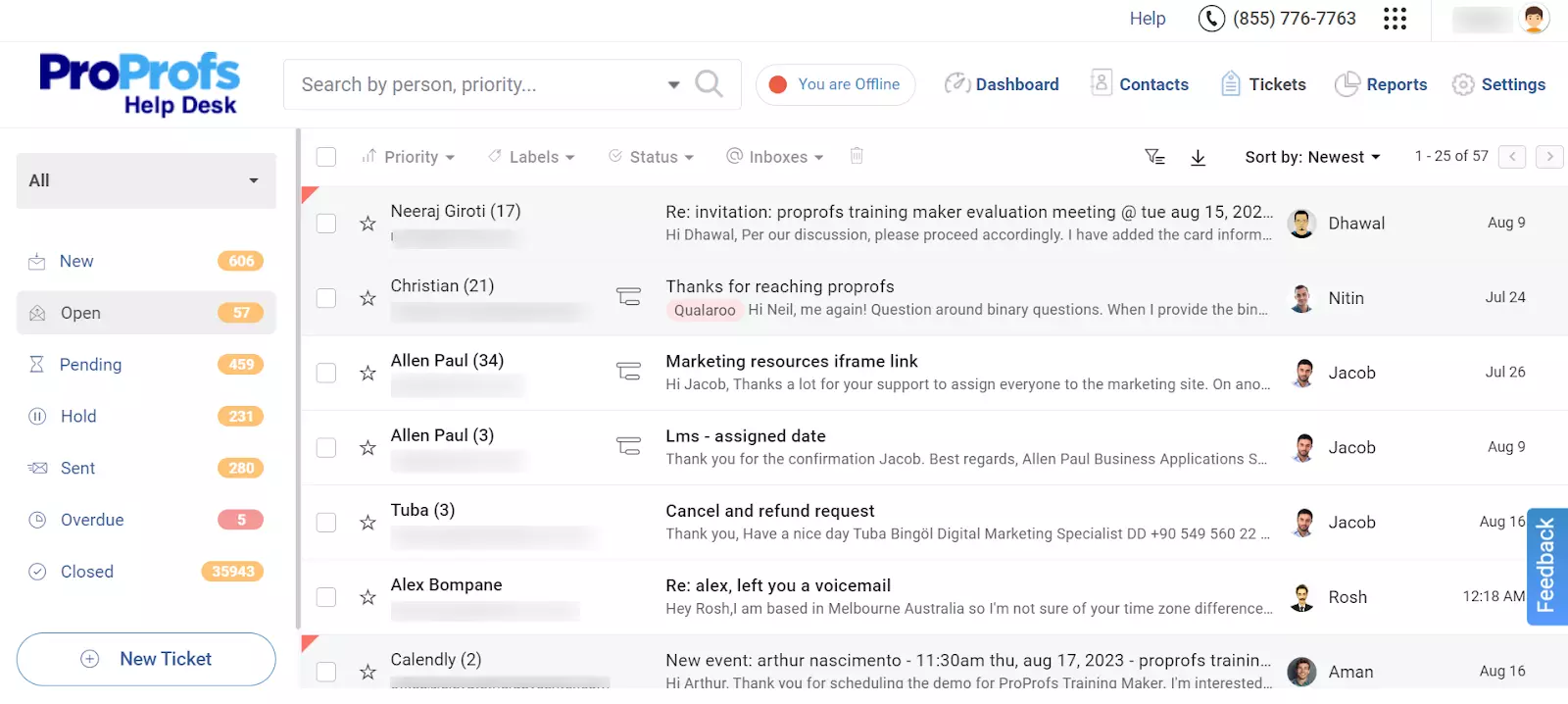
4. ProProfs Help Desk
ProProfs Help Desk is a robust customer support software designed to streamline and optimize customer service operations. With its extensive capabilities including ticket management, automation, self-service knowledge base, and real-time chat, ProProfs Help Desk enables businesses to efficiently manage customer inquiries. Moreover, it offers seamless integrations with over 100 popular applications and platforms, allowing organizations to enhance their support workflows.
ProProfs Help Desk Features
Up next, we will explore the commonalities in features between ProProfs Help Desk and Freshdesk:
Multi-channel support
Smart automations
Live chat and messaging
Self-service knowledge base
Customizable feedback forms
Customer segmentation
SLA management
Branding customization
Features unique to ProProfs Help Desk:
Shared team inbox
Mobile applications
Calendar management
Process and workflow management
SEO management
Main Differences Between ProProfs Help Desk and Freshdesk
Reporting capabilities: Freshdesk has robust reporting and analytics capabilities, providing a comprehensive understanding of customer interactions and agent performance. ProProfs Help Desk, while providing basic reporting, is noted to have limited reporting features, which could be a constraint for businesses that need detailed data analysis.
Integration: Freshdesk offers seamless integration with a multitude of apps, making it flexible and adaptable to different workflows. Although ProProfs Help Desk integrates with popular applications, some users have indicated it has fewer integration options.
Customer service: ProProfs Help Desk has been praised for its responsive customer support, which can be a significant advantage for businesses requiring prompt assistance.
Pricing: ProProfs Help Desk comes with more affordable pricing options compared to Freshdesk, which could be a determining factor for small to mid-sized businesses with budget constraints.
Pros
The interface is intuitive which makes it easy for users to navigate
The setup process is speedy and reduces downtime
Customer support is always responsive and ready to assist
Cons
The platform has limited reporting capabilities which may restrict data insights
The lack of integrations might limit workflow efficiency
Best For
Small to medium-sized businesses. ProProfs Help Desk, well-suited to small and medium businesses in e-commerce, technology, and software sectors, offers an affordable, user-friendly support system with features like live chat and ticket management.
ProProfs Pricing
FREE for a single user. Plans start at $19.99/user/month for 2 or more users. No hidden fees. A 15-day money-back guarantee.
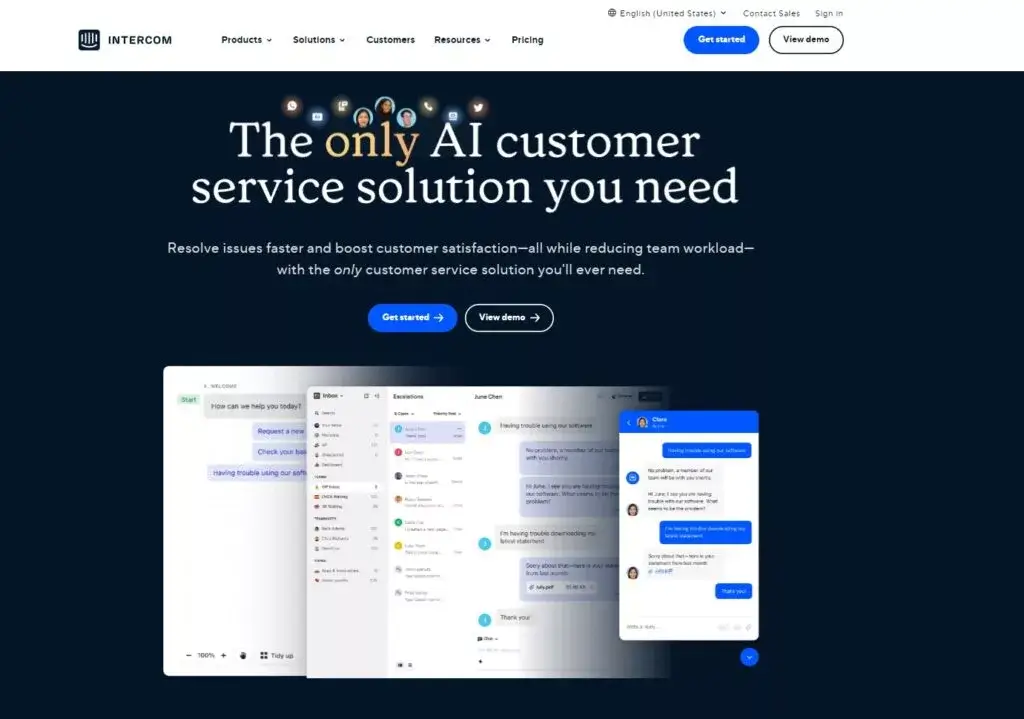
5. Intercom
Intercom is a customer messaging platform that facilitates personalized and real-time communication between businesses and their customers. With its robust set of capabilities and over 250 key integrations, Intercom allows companies to engage with users through chat, email, and other channels, providing targeted messaging, automated workflows, and valuable customer insights to deliver exceptional support and drive growth.
Intercom Features
Next, we’ll pivot to examining the key features that are common in both Intercom and Freshdesk:
Live chat and messaging
Automated chatbots
Personalized customer interactions
Multi-channel support
In-app messaging
Customer profiles
Reporting and analytics
Customizable responses
Integrated knowledge base
Features unique to Intercom:
Mobile applications
Team inbox
Automated workflows
Canned responses
Campaign management
AB testing
Fin AI
Main Differences Between Intercom and Freshdesk
AB testing: Intercom offers AB testing capabilities, allowing businesses to test and optimize different variations of messages, chatbots, or campaigns to improve engagement and conversion rates. Freshdesk doesn’t have native AB testing features, so businesses that want to conduct AB tests may need to use external tools or platforms.
Call center management: Freshdesk offers call center management capabilities, including features like call routing, IVR, call recording, and real-time analytics. This provides a comprehensive solution for businesses that heavily rely on phone support. Intercom does not have built-in call center management features, instead focuses on messaging and chat-based customer interactions.
AI-driven customer interactions (Fin AI): Intercom incorporates Fin AI, an advanced AI chatbot powered by OpenAI’s GPT-4, designed to enhance customer support interactions. Fin AI efficiently handles inquiries by instantly providing accurate responses based on the company’s support documentation. This capability streamlines the workflow by autonomously resolving routine questions, allowing human agents to dedicate more time to complex issues. In contrast, Freshdesk does not incorporate a similar AI-driven tool directly within its customer support framework.
Pros
Chatbot functionalities are robust and capable
User onboarding features enhance the experience
Communication features foster seamless user interactions
Comprehensive tracking of customer data
Cons
The pricing structure may be prohibitive for some
Customization options are limited
Setup may require technical skills
The API integration can pose challenges
Best For
Small to medium-sized businesses. Intercom is best for small to midsize businesses, especially those in the tech and e-commerce sectors. It provides an integrated platform for customer engagement, support, and sales communication that allows managing all customer interactions in one place, making it easier to track and improve customer experience.
Intercom Pricing
Essential: $39/agent/month
Advanced: $99/agent/month
Expert: $139/agent/month
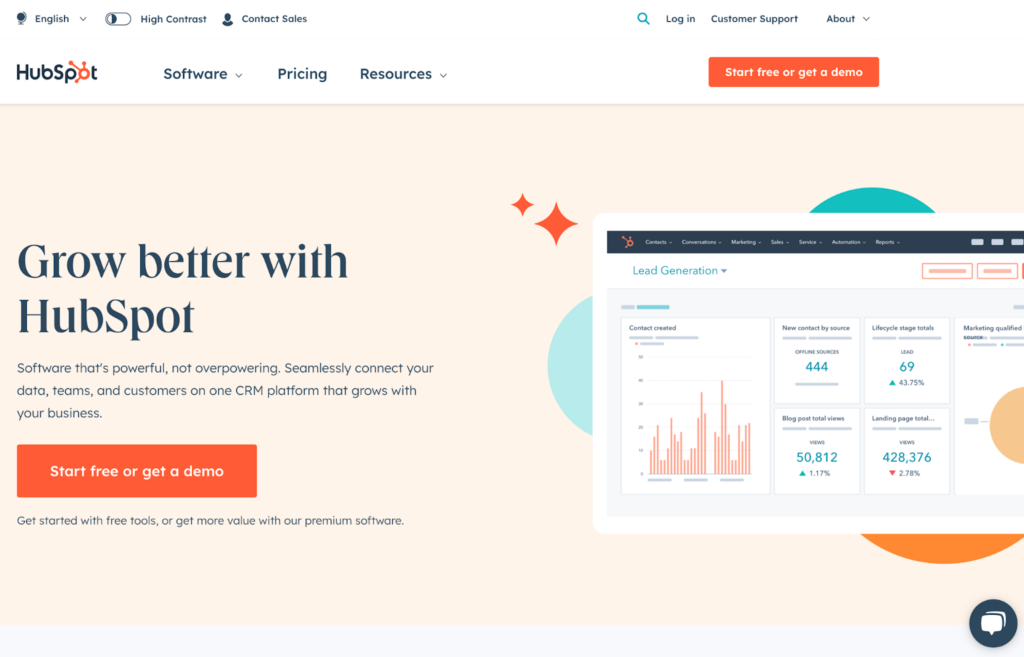
6. HubSpot Service Hub
HubSpot Service Hub is a comprehensive customer service software that enables businesses to build stronger relationships with their customers. Integrating with over 500 apps and platforms and offering a suite of powerful capabilities including ticketing, live chat, knowledge base, automation features and customer feedback tools, HubSpot Service Hub helps organizations to deliver top-notch support and foster long-lasting customer satisfaction.
HubSpot Service Hub Features
Let’s now take a look at the main features that both HubSpot Service Hub and Freshdesk share:
Ticketing system
Multi-channel support
Live chat and messaging
Automated chatbots
Knowledge base
Customer feedback surveys
SLA management
Team collaboration
Customer segmentation
Customizable views
Features unique to HubSpot Service Hub:
Automated workflows
Shared inbox
Canned responses
Calendar management
Main Differences Between HubSpot Service Hub and Freshdesk
Customization: Freshdesk offers more customization options than HubSpot Service Hub, which can be a critical factor for businesses with specific needs.
Ease of use: Some users have reported that HubSpot Service Hub can be complicated for non-tech users, whereas Freshdesk is generally considered to have a lower learning curve and to be easier to use.
Integration capabilities: Both platforms offer numerous integrations, but HubSpot has an edge for businesses already using HubSpot’s other tools like Marketing Hub and Sales Hub.
Customer feedback: HubSpot Service Hub places a greater emphasis on customer feedback with integrated survey tools. While Freshdesk does have feedback capabilities, they are not as central to its offering.
Pros
Tools for customer service are comprehensive
Integration with CRM is seamless
Accommodates business growth with scalability
Reporting and analytics are extensive
Cons
Pricing plans can be steep
Customization options are not extensive
Complexity may challenge non-tech users
Best For
Small to large businesses. HubSpot Service Hub is a flexible customer service platform well-suited for small to large-sized businesses across sectors such as healthcare, real estate, and finance.
HubSpot Service Hub Pricing
Free Tools: Free for up to 5 users
Service Hub Starter: $15/agent/month
Starter Customer Platform: $15/agent/month
Service Hub Professional: $90/agent/month
Service Hub Enterprise: $150/agent/month
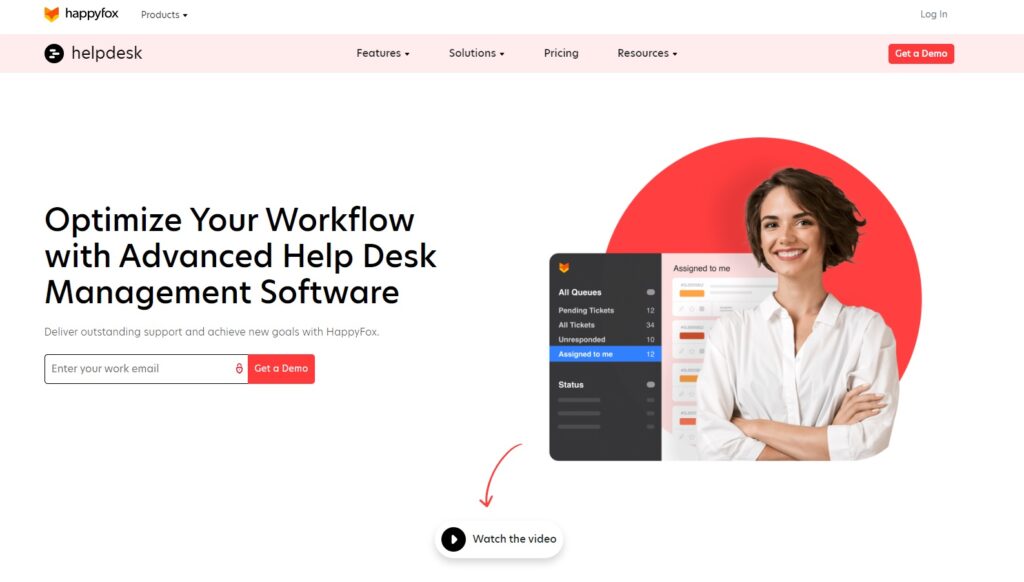
7. HappyFox
HappyFox is a cloud-based help desk and customer support software designed to simplify and streamline customer service operations. With its user-friendly interface, integration with over 50 tools and platforms, and extensive features such as ticket management, automation, and reporting, HappyFox empowers businesses to efficiently handle customer queries, enhance response times, and deliver exceptional support experiences.
HappyFox Features
Up next, we will explore the commonalities in features between HappyFox and Freshdesk:
Omnichannel support
Ticket management
Smart rules and automation
Knowledge base
Self-service portal
Workflow management
SLA management
Custom ticket templates
Collaboration tools
Multilingual support
Features unique to HappyFox:
Time tracking
Mobile applications
Issue scheduling
Main Differences Between HappyFox and Freshdesk
Reporting: HappyFox has a strong reporting system with a focus on analytics. While Freshdesk also offers reporting capabilities, some users believe HappyFox’s reporting feature is more comprehensive.
Integrations: Freshdesk offers a higher number of third-party integrations compared to HappyFox, which could provide more comprehensive support for businesses using a range of other tools.
Learning curve: Some users report a steep learning curve when using HappyFox, whereas Freshdesk is often viewed as more accessible and easier to learn for new users.
Pricing: Freshdesk has a more varied range of pricing options that could make it more affordable for smaller businesses or startups, whereas HappyFox’s pricing may be higher, particularly for its more advanced features.
Pros
The interface is user-friendly and intuitive
Effective and reliable ticketing system
Reporting capabilities are extensive
Cons
There is a steep learning curve
Pricing may be high
Integration capability is somewhat limited
Best For
Small to medium-sized businesses. HappyFox is well-suited for small to medium-sized businesses across sectors such as e-commerce, healthcare, education, and non-profit organizations.
HappyFox Pricing
Mighty: $39/agent/month
Fantastic: $59/agent/month
Enterprise: $79/agent/month
Enterprise Plus: $99/agent/month
Starter: $1499/month/billed annually
Growth: $1999/month/billed annually
Scale: $2999/month/billed annually
Scale Plus: $4999/month/billed annually
8. Zammad
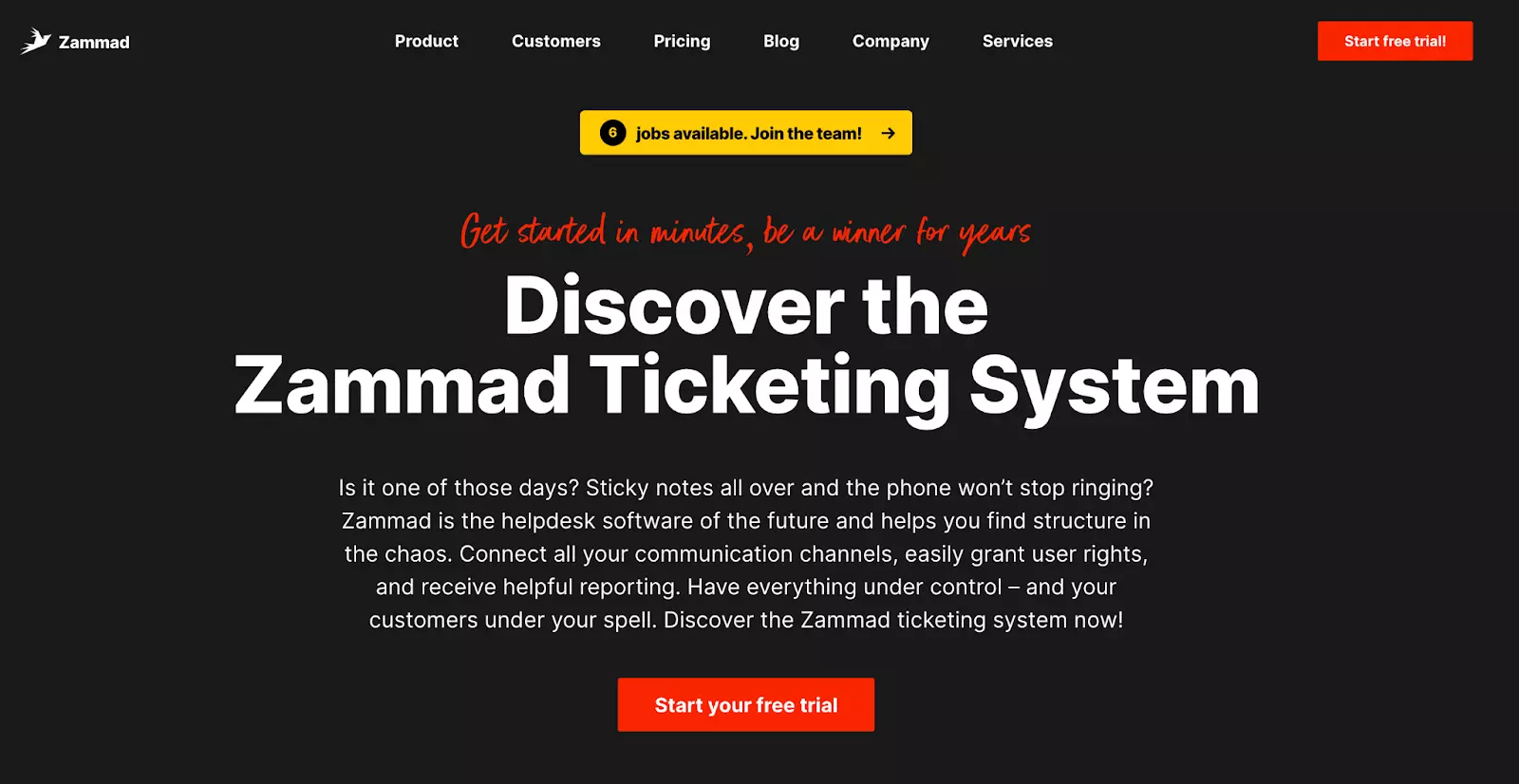
Zammad is a web-based, open source customer support software and ticketing system that enables organizations to efficiently manage customer inquiries and support requests. With its versatile capabilities including multichannel ticket management, automation, and reporting, as well as over 40 key integrations, Zammad provides businesses with the tools they need to deliver responsive and effective customer service, fostering strong relationships with their clients.
Zammad Features
Let’s now examine the key features that both Zammad and Freshdesk share:
Multi-channel support
Omnichannel ticketing
Knowledge base
Customizable automations
SLA management
Collaboration tools
Reporting and analytics
Customer segmentation
Customizable views
Features unique to Zammad:
Task and time tracking
Text modules
Customer profiles
Calendar management
Main Differences Between Zammad and Freshdesk
Open-source: Zammad is an open-source platform, which means it can be freely used, modified, and shared by users. This might be appealing to businesses that require flexibility and customization, but it also often requires technical knowledge. Freshdesk, on the other hand, is not open-source and is generally easier to set up and use.
Data privacy: Zammad emphasizes strong data privacy provisions which can make it a better choice for businesses handling sensitive customer data.
Integrations: Freshdesk supports a larger number of third-party integrations compared to Zammad, providing greater flexibility and interoperability with other business tools.
Pros
Ticket support is available across multiple channels
The interface is customizable and easy to use
Data privacy provisions are adequate
Suitable for scaling with business growth
Cons
Technical knowledge is needed for optimal use
There are limited integrations with third-party apps
Reporting options could be improved
Best For
Small to medium-sized businesses. Zammad suits small to medium-sized businesses, especially in data-sensitive sectors like healthcare, finance, and tech. Its open-source nature and data privacy focus appeal to firms needing customization and security.
Zammad Pricing
Starter: $7/agent/month
Professional: $17/agent/month
Plus: $26/agent/month
9. Zendesk
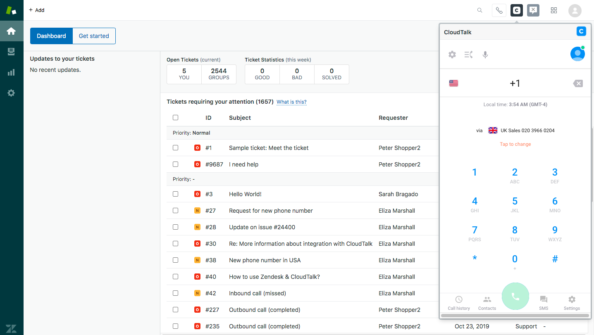
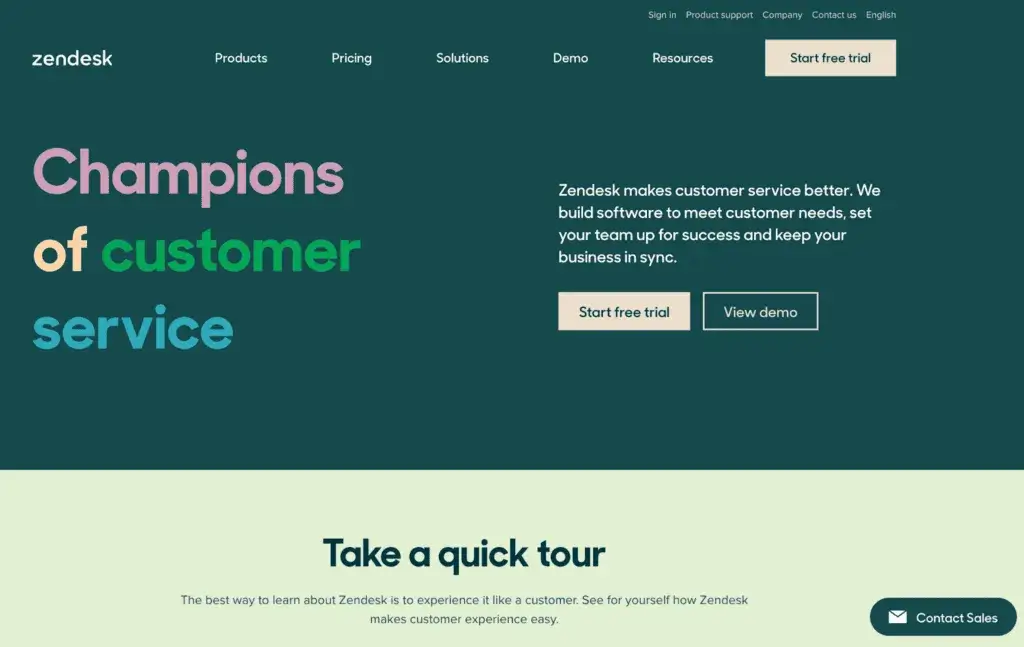
Zendesk is a leading customer service and support platform that empowers businesses to build meaningful relationships with their customers. With its wide range of capabilities including ticket management, live chat, knowledge base, and supporting over 1200 integrations, Zendesk provides a centralized solution for organizations to deliver personalized and efficient support experiences, driving customer satisfaction and loyalty.
Zendesk Features
These are some of the features you can find in both Zendesk and Freshdesk:
Omnichannel support
Ticketing system
Live chat and messaging
AI-powered chatbots
Knowledge base
Self-service portal
Customizable automations
SLA management
Team collaboration
Customizable views
Features unique to Zendesk:
Shared inbox
Blended call center
Canned responses
Trend analysis
VoIP connection
Main Differences Between Zendesk and Freshdesk
Integrations: Zendesk supports over 1200 integrations, which is more than Freshdesk. This makes Zendesk more adaptable to different business tools and ecosystems, improving its flexibility.
Learning curve: Zendesk Suite tends to have a steeper learning curve compared to Freshdesk due to its complex setup process and broad set of features. Freshdesk is often seen as more beginner-friendly.
Feature set: Both platforms provide a comprehensive set of features for customer service management. However, Zendesk’s advanced features like AI-powered chatbots and customizable views can give it an edge for some businesses.
Pros
The ticketing system operates efficiently
Reporting capabilities are comprehensive
Integration options are seamless and varied
The interface is easy to navigate and use
Cons
Premium features can be costly
Customization options are somewhat limited
There is a steep learning curve for new users
The setup process can be complex
Best For
Businesses of all sizes. Zendesk is a good fit for businesses of all sizes and across industries, from small startups to large enterprises, including tech, retail, and finance.
Zendesk Pricing
Suite Team: $69/agent/month
Suite Growth: $115/agent/month
Suite Professional: $149/agent/month
Suite Enterprise: pricing obtainable from their sales team
10. Help Scout
Help Scout is a customizable customer service solution designed to deliver personalized and efficient support experiences. With its user-friendly interface and robust capabilities, including shared inboxes, advanced collaboration tools, and over 50 key integrations, Help Scout enables businesses to streamline communication and manage customer inquiries seamlessly.
Help Scout Features
Moving forward, let’s check out the key features that Help Scout and Freshdesk both possess:
Multi-channel support
Conversation threading
Collision detection
Integrated knowledge base
Team collaboration
Customizable branding
Features unique to Help Scout:
Mobile applications
Shared inbox
Automated workflows
Canned responses
Main Differences Between Help Scout and Freshdesk
Shared inboxes: Help Scout emphasizes shared inboxes, which allows teams to collaborate and manage customer inquiries efficiently. While Freshdesk also supports team collaboration, it doesn’t specifically highlight shared inboxes as a feature.
Social media integration: One area where Freshdesk stands out is its social media integration. Freshdesk allows businesses to manage customer interactions on social media platforms, a feature currently lacking in Help Scout.
Customization: Freshdesk offers more customization options compared to Help Scout. If customization is a priority for your business, Freshdesk may be a better option.
Pricing: While both offer different pricing tiers, Help Scout’s pricing structure could be costlier for larger teams. On the other hand, Freshdesk provides a helpdesk free plan and several tiers to cater to different sizes and budgets of businesses.
Pros
The interface is straightforward and easy to use
Customer support is exceptional and prompt
Reporting features provide in-depth analysis and insights
Cons
Customization options are somewhat limited
Pricing can be costly for larger teams
Integration with social media channels is lacking
Best For
Small to medium-sized businesses. Help Scout is ideally suited for small to medium-sized businesses, particularly in industries like e-commerce, software services, healthcare, and education.
Help Scout Pricing
Standard: $25/agent/month
Plus: $50/agent/month
11. Kayako
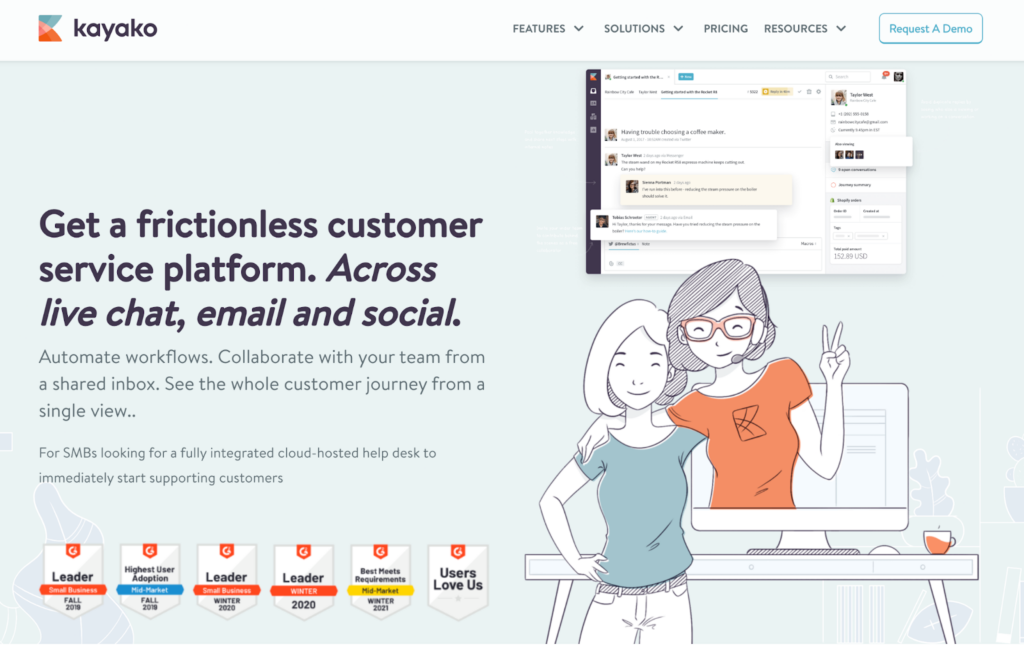
Kayako is a comprehensive customer service platform that empowers businesses to manage and improve their customer support operations. With over 100 key integrations and its array of capabilities, including ticket management, live chat, customer engagement, and robust analytics, Kayako enables organizations to provide personalized, efficient, and data-driven support and get deeper customer insights.
Kayako Features
Let’s take a look at the key features that both Kayako and Freshdesk share:
Omnichannel support
Live chat and messaging
Integrated knowledge base
Customizable automations
Shared views and collaboration
SLA and escalation management
Customizable email templates
Multilingual support
Features unique to Kayako:
Unified inbox
Real-time data
Customer journey tracking
Mobile applications
Main Differences Between Kayako and Freshdesk
Omnichannel support: Both Kayako and Freshdesk offer omnichannel support, but Kayako emphasizes a unified inbox that allows businesses to handle customer interactions across multiple channels in one place, providing a comprehensive view of the customer journey.
Customer insights: Kayako offers customer journey tracking, which enables businesses to understand customer interactions and experiences on a deeper level. While Freshdesk does provide customer insights, it doesn’t explicitly offer customer journey tracking.
Pricing: Freshdesk has transparent pricing plans, while Kayako requires potential users to contact their sales team for pricing details. This might make it more challenging for businesses to make a quick decision about Kayako.
Pros
Offers extensive reporting and analytics
Provides easy integrations with multiple platforms
Has an interface that is intuitive and user-friendly
Cons
Higher-end features can be pricey
Offers limited options for customization
Might present a steep learning curve for beginners
The initial setup process can be potentially complex
Best For
Small to medium-sized businesses. Ideal for small to medium businesses in sectors like e-commerce, software, financial services, and hospitality, Kayako offers efficient customer support through features like unified inbox and customer journey tracking.
Kayako Pricing
Contact their sales team for details about their pricing plans. Kayako offers a free 14-day trial for any of its plans.
12. Front
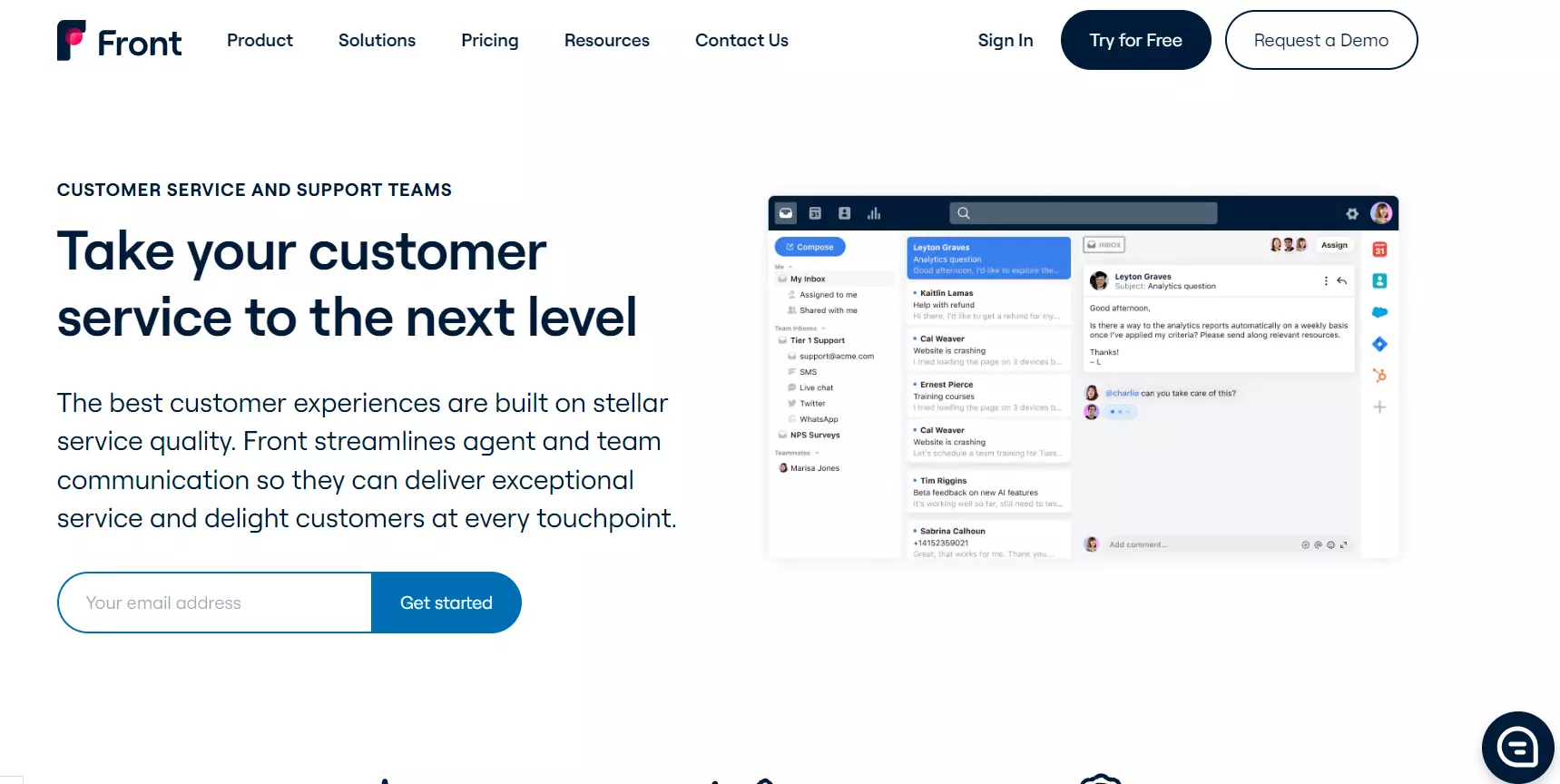
Front is a collaborative email management platform that revolutionizes how teams handle customer communication. Its capabilities include shared inboxes, real-time collaboration, task assignment, email analytics, and over 80 key integrations with various tools, making it a versatile solution for teams looking to optimize their customer communication processes.
Front Features
Next on our agenda is to assess the key features mutual to both Front and Freshdesk:
Multi-channel support
Internal team collaboration
Customizable templates
Customer contact management
Conversation tagging
Analytics and reporting
Access control
Customizable branding
Features unique to Front:
Shared inbox
Automated workflows
Mobile applications
Real-time analytics
Time tracking
Deadline management
Main Differences Between Front and Freshdesk
Online forums: Freshdesk offers built-in features for creating and managing online forums, allowing businesses to create public or private forums for customer discussions, self-service support, and community engagement. Front doesn’t have dedicated features for online forums, although businesses can leverage Front’s shared inbox and communication tools to facilitate discussions, knowledge sharing, and collaboration among team members.
Deadline management: Front offers deadline management features through its shared inbox and task management capabilities, allowing users to set deadlines, track progress, and collaborate on tasks within the platform. Freshdesk doesn’t have built-in deadline management capabilities, requiring businesses to use separate task management tools or rely on integrations.
Calendar sync: Front offers calendar sync features, allowing customer support teams to integrate their calendars with Front’s shared inbox and schedule meetings or appointments directly within the platform. This streamlines scheduling processes and helps avoid conflicts by having a centralized view of team members’ availability and appointments. Freshdesk doesn’t have built-in calendar sync capabilities, meaning businesses have to use separate calendar tools or integrations.
Pros
Team collaboration features boost efficiency
Support extends across multiple channels
Robust automation streamlines operations
Cons
Reporting features could use enhancement
Pricing plans may strain smaller budgets
Limited integrations restrict broader utility
Best For
Small to medium-sized businesses. Front suits small to medium-sized businesses, especially tech startups, marketing agencies, and remote-first companies.
Front Pricing
Starter: $19/agent/month
Growth: $59/agent/month
Scale: $99/agent/month
Premier: $229/agent/month
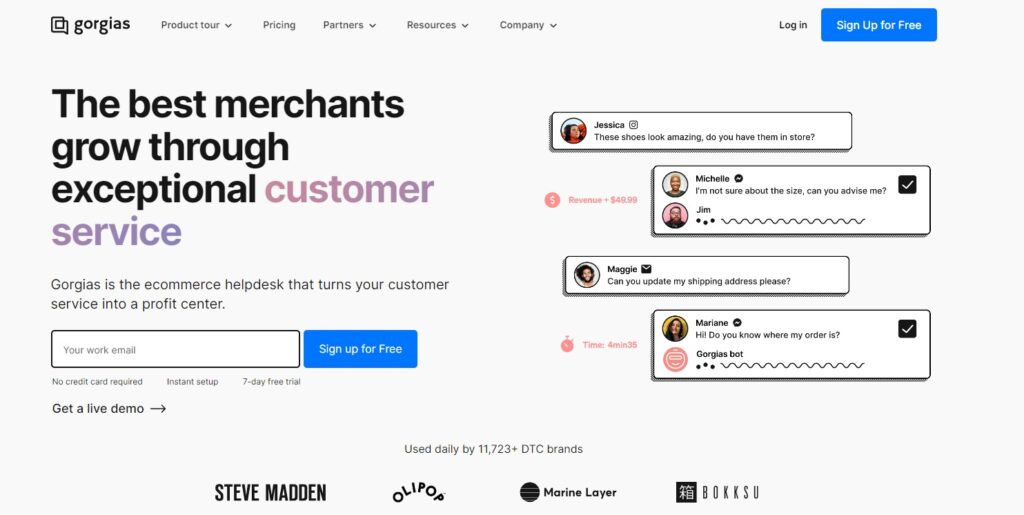
13. Gorgias
Gorgias is a powerful customer support helpdesk built for e-commerce businesses to meet exceptional customer service goals. With its advanced capabilities in automation, AI-driven responses, and over 30 key integrations with various e-commerce platforms like Shopify, Magento, and BigCommerce, Gorgias enables businesses to efficiently manage customer inquiries, increase response times, and deliver personalized support across multiple channels.
Gorgias Features
Let’s now examine the key features that both Gorgias and Freshdesk share:
Omni-channel support
Integrated helpdesk
Automated ticket routing
Customer information consolidation
Live chat and messaging
Team collaboration
Features unique to Gorgias:
Mobile applications
Canned responses
AI-powered suggestions
Customizable macros
E-commerce platform integrations
Main Differences Between Gorgias and Freshdesk
AI-powered responses: Gorgias employs artificial intelligence technology to provide automated responses to customer inquiries. It assists businesses with integration of customer service. Freshdesk doesn’t have this AI-driven response feature.
Customizable macros: Gorgias offers customizable macros that automatically respond to common customer inquiries, helping to enhance efficiency in customer service.
Integrations: Freshdesk offers many integrations with various third-party apps and tools, giving businesses the flexibility to connect their customer support processes with other systems. Gorgias also offers integrations, but it primarily focuses on e-commerce platform integrations, facilitating communication and data synchronization between the support system and the e-commerce store.
Pros
Platform supports various communication channels
Automated responses boost service speed
Effective tools streamline workflow management
Flexibility in integrating with other software
Cons
Customization options are limited
Steep learning curve for newcomers
Occasional software glitches may occur
Best For
Small to medium-sized businesses. Gorgias’ software is designed specifically for e-commerce businesses, particularly those on Shopify, making it an excellent choice for small to medium-sized e-commerce retailers.
Gorgias Pricing
Starter: $10/50 tickets/month
Basic: $60/300 tickets/month
Pro: $360/2000 tickets/month
Advanced: $900/5000 tickets/month
Enterprise: pricing available upon request
14. Jira Service Management
Jira Service Management is a robust service desk software that empowers teams to deliver exceptional IT and business services. With comprehensive capabilities in incident management, problem resolution, change management, and self-service portals, on top of integration with over 500 applications and platforms, Jira Service Management enables organizations to streamline service operations and improve customer satisfaction.
Jira Service Management Features
Next up is to examine the shared features between Jira Service Management and Freshdesk:
Incident and request management
Queues and SLA tracking
Service request workflows
Customizable forms and fields
Knowledge base integration
Automated request routing
IT service catalog
Team collaboration
Features unique to Jira Service Management:
Integrations with Atlassian products
Mobile applications
Change management
Asset and configuration management
Main Differences Between Jira Service Management and Freshdesk
Incident and change management: Jira Service Management shines in its incident management and change management features, giving teams the tools necessary to manage and mitigate problems efficiently. Freshdesk, while offering robust ticketing and issue tracking, doesn’t offer the same level of incident and change management.
IT service catalog: Jira Service Management includes an IT service catalog that helps businesses manage services and requests in a more organized manner.
Configuration and asset management: Jira Service Management has configuration and asset management capabilities, enabling teams to track and manage IT resources effectively.
Pricing: Freshdesk typically offers straightforward pricing plans based on the number of agents, making it easy for businesses to understand and budget for their support expenses. Jira Service Management’s pricing structure can be more complex, and it may be bundled with other Atlassian products in their pricing model.
Pros
Integrated features facilitate team collaboration
Powerful reporting enables insightful analysis
Scalability accommodates growth needs
Cons
Configuration can be complex
Learning curve might be steep for beginners
Limited customization could limit flexibility
Best For
Medium to large-sized businesses. Jira Service Management is primarily geared towards medium to large-sized businesses and IT teams seeking a comprehensive and customizable service desk solution.
Jira Service Management Pricing
Free: Free for up to 3 agents
Standard: $22.05/agent/month
Premium: $49.35/agent/month
Enterprise: pricing available upon request
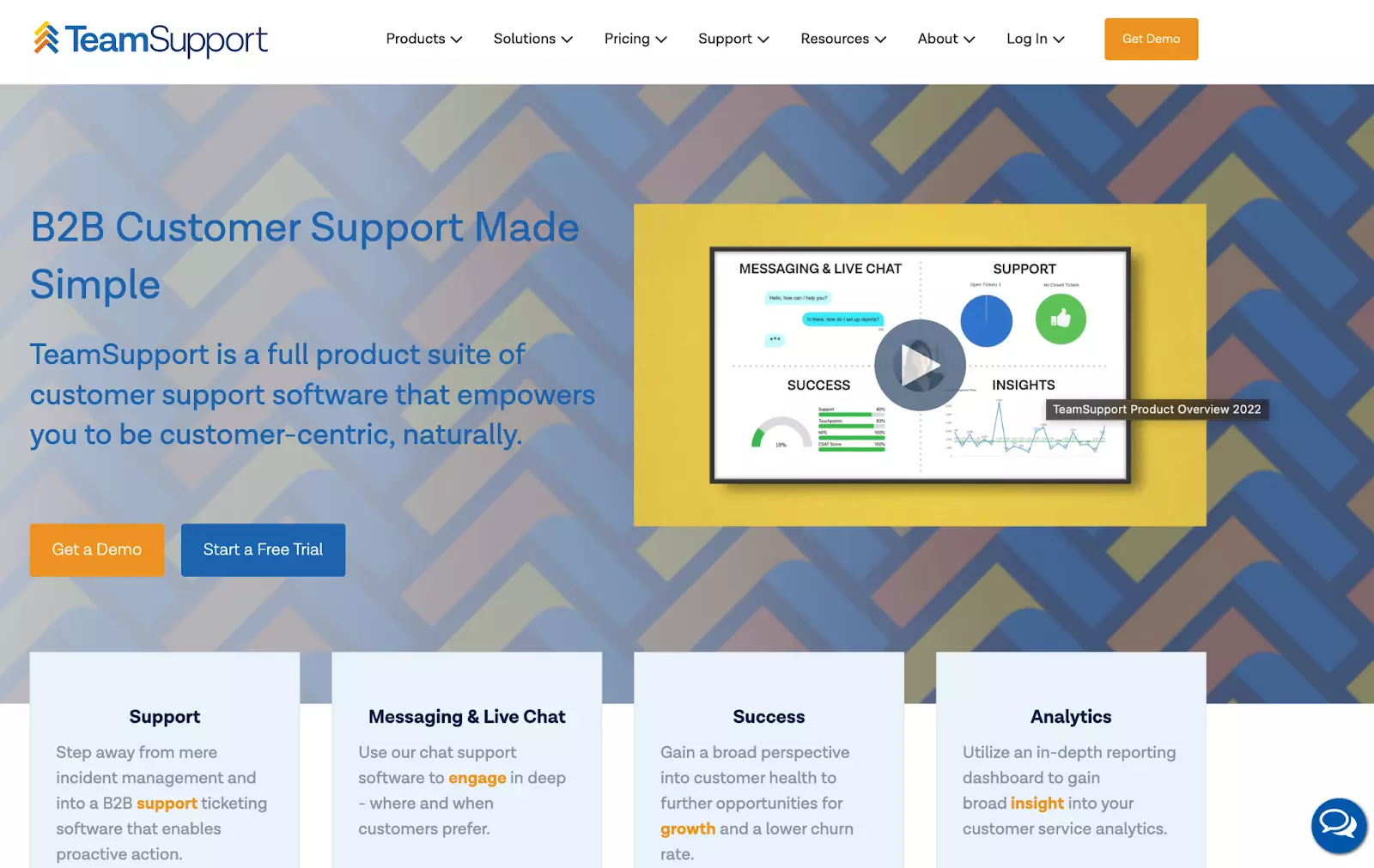
15. TeamSupport
TeamSupport is a customer support software that provides a collaborative platform for businesses to efficiently manage customer inquiries and support tickets. TeamSupport offers over 25 integrations and facilitates ticket management, customer self-service, and customer database, enabling organizations to deliver personalized support experiences and foster stronger customer relationships.
TeamSupport Features
Now, let’s take a look at some of the key features TeamSupport and Freshdesk have in common:
Multi-channel support
Collaboration tools
Knowledge base
Customizable automation
SLA management
Advanced reporting and analytics
Features unique to TeamSupport:
Water cooler social tools
Customizable agent views
Customer distress index
Mobile applications
Calendar management
Main Differences Between TeamSupport and Freshdesk
Customer distress index: TeamSupport features a unique Customer Distress Index, which helps businesses identify and prioritize at-risk customers. This index is calculated based on various factors such as ticket volume, ticket severity, and resolution time. Freshdesk doesn’t have a similar feature.
Chatbot: Freshdesk offers AI-driven chatbot capabilities to automate responses and provide instant support. TeamSupport doesn’t have built-in chatbot functionality but may allow integrations with third-party chatbot solutions.
Customizable agent views: With TeamSupport, agents can customize their views based on their roles, preferences, or specific tasks. This can increase efficiency and productivity by allowing agents to focus on the most relevant information.
Pros
Ticket management is handled efficiently
Customer portal is robust and reliable
Customer support is prompt and effective
Cons
The complexity of the interface might be challenging
New users may experience a learning curve
Report customization may be lacking
Best For
Medium to large-sized businesses. TeamSupport is ideally suited for medium to large-sized businesses operating in the B2B sector, particularly in industries such as software services, manufacturing, and technology.
TeamSupport Pricing
Essential Support: $35/agent/month
Professional Support: $49/agent/month
Enterprise Support: pricing available upon request
How Can Freshdesk Alternatives Help Improve Team Collaboration and Productivity in Customer Service?
Freshdesk alternatives offer various features that can significantly enhance team collaboration and productivity in customer service. Comprehensive integrations, such as LiveAgent’s fast live chat widgets and canned messages, streamline communication and response times, enabling teams to resolve customer queries efficiently.
Additionally, powerful workflow automation rules in these alternatives automate repetitive tasks and standardize processes, freeing up valuable time for support agents to focus on more complex issues. This improved workflow ensures a smoother and more organized customer service operation.
The flexibility of Freshdesk alternatives is another key factor. These solutions allow customer service teams to adapt the system to their specific needs, fostering seamless collaboration and increased productivity. By customizing the platform to align with their unique workflows, teams can optimize their processes, leading to more effective customer support and overall enhanced team performance.
How Do Freshdesk Alternatives Perform in Terms of Customer Support and Resource Availability?
Navigating the diverse realm of customer service platforms, one quickly realizes the importance of robust support and extensive resources. Let’s evaluate how some of the leading Freshdesk alternatives fare in these essential aspects.
LiveAgent
Resource availability: LiveAgent is equipped with an array of resources such as extensive online tutorials, a dedicated customer portal, enlightening webinars, and an active community forum to assist users in various scenarios.
Support options: Users can rely on LiveAgent’s round-the-clock support channels, which include a 24/7 live chat, phone support, and email assistance.
Zoho Desk
Resource availability: Zoho Desk enriches its users with a blend of resources. From in-depth developer documentation for the tech-savvy, to webinars, training programs, and a vibrant user community, they aim to cover all bases.
Support options: While Zoho Desk doesn’t offer live chat support, they do provide phone and email support from Monday to Friday.
Salesforce Service Cloud
Resource availability: Salesforce Service Cloud stands out with a comprehensive array of resources. Their offerings span from detailed user guides and developer-oriented documentation to training, certification programs, and the interactive Trailhead learning path.
Support options: Premium users of Salesforce Service Cloud can avail of 24/7 phone support. Additionally, email support is available to cater to users’ queries.
Front
Resource availability: Front champions user education through its comprehensive guides, timely webinars, invaluable training resources, and a community forum that promotes peer-to-peer engagement.
Support options: Front offers phone support during standard business hours, with premium users receiving priority assistance. Email support is also accessible during these times.
Intercom
Resource availability: Intercom’s curated resources comprise insightful books, detailed guides, informative webinars, and a user community buzzing with best practice sharing and peer insights.
Support options: While phone support isn’t an option with Intercom, they offer a live chat feature exclusively for premium users and standard email support for inquiries and assistance.
Conclusion
Exploring Freshdesk alternatives can lead businesses to discover a customer support solution that perfectly aligns with their unique needs and preferences. When considering a customer support platform, it is crucial to carefully evaluate your own business needs and objectives. Take into account factors such as the required feature set, scalability, budget constraints, and desired level of customization.
Amongst the Freshdesk alternatives, LiveAgent emerges as a strong contender, offering a comprehensive set of features, including ticket management, automation, live chat, knowledge base, and much more. Its competitive pricing, ease of use, and extensive integrations make it a versatile and cost-effective choice for businesses of all sizes.
Don’t hesitate to take action and try LiveAgent for yourself. By experiencing its value firsthand through the 30 days free trial, you can determine if it is the right fit for your organization, and potentially discover a powerful tool that elevates your customer service to new heights.
Ready to Switch from Freshdesk?
Experience LiveAgent, the top Freshdesk alternative with 175+ features, 220+ integrations, and 24/7 support at a fraction of the cost.
Viktor is a developer and technical content contributor at LiveAgent, focused on creating informative content about help desk software and customer service solutions.
Viktor Zeman
Developer
Frequently asked questions
Businesses often seek Freshdesk alternatives due to pricing limitations, lack of advanced customization options, steep learning curves, and insufficient advanced reporting and analytics capabilities. Many alternatives offer better value and more intuitive interfaces.
Key features include multi-channel support, ticketing system, live chat, automation capabilities, knowledge base, reporting and analytics, customization options, integrations, and transparent pricing.
Yes, most Freshdesk alternatives support data migration. For example, LiveAgent offers free data migration assistance from Freshdesk, or you can follow step-by-step guides for self-migration.
Yes, several free alternatives exist including LiveAgent (with a free plan), Zoho Desk, Freshdesk, and HubSpot Service Hub. LiveAgent consistently receives higher customer ratings across review platforms.
Common complaints include pricing structure limitations for startups, limited customization options, steep learning curve, and lack of advanced reporting and analytics features.
Customer reviews on Capterra rate LiveAgent at 4.7 out of 5, while Freshdesk averages 4.5 out of 5. However, the best choice depends on your specific business needs and requirements.
Explore 15 Zendesk alternatives for 2025 to enhance customer service with options like LiveAgent, Freshdesk, and HubSpot Service Hub. These solutions offer flex...