Best 10 free help desk and ticketing software in 2025
Explore the top 10 free help desk and ticketing software in 2025, with features, pricing, and expert insights to enhance your customer service affordably.
Published on Jan 20, 2026 by Daniel Pison.Last modified on Jan 20, 2026 at 7:35 am
Help Desk
Software Review
Customer Service
Ticketing
Free Tools
Businesses, regardless of size, are on a quest for reliable solutions that improve customer support without breaking the bank. With the rapid advancements in technology, free options are emerging that provide robust features and functionalities.
Navigating the world of help desk software can be overwhelming, especially when trying to find the most effective free solutions available in 2025. By understanding the key features that elevate customer service and address common pain points, organizations can choose a tool that not only streamlines their operations but also enhances user experience. Among the available options, LiveAgent stands out as the leading choice, exemplifying the capabilities that modern businesses seek.
This article examines the ten best free help desk and ticketing software solutions for 2025, highlighting their unique features and benefits. By comparing these tools, we aim to equip you with the knowledge needed to make an informed decision for your customer support needs.
Key features to look for in free help desk software
When choosing free help desk software, certain key features can make a big difference. A good help desk should bring all customer support functions together. This helps improve relationships with customers.
Here are essential features to consider:
Organization: The software should help you organize, track, monitor, and resolve customer issues. This makes managing support much easier.
Knowledge Base Integration: An integrated knowledge base can reduce support requests. This enhances efficiency and allows your team to focus on complex issues.
Performance Tracking: Look for tools that track key metrics like response time, ticket volume, and resolution times. This helps in evaluating and boosting team performance.
Automation: Automation is crucial. It directs tickets to the right team members and streamlines the escalation process, ensuring timely support.
Here’s a quick comparison of features:
Feature
Benefit
Organization
Efficient support management
Knowledge Base
Fewer support requests
Performance Tracking
Better team management
Automation
Faster issue resolution
Among the free options, LiveAgent stands out as the best choice. It includes these vital features and more, ensuring outstanding customer support.
The top 5 free help desk and ticketing software
Here’s a comparison table for the top 5 free help desk and ticketing software based on the provided information:
Help Desk Software
Free Trial Option
Free Plan Option
Pricing
Main Features
LiveAgent
Yes
Yes
Paid plans start at $15/user/month
Live chat, ticket management, call center capabilities, knowledge base
Zoho Desk
Yes
Yes (3 free users)
Paid plans start at $14/user/month
Omnichannel support, automation, process optimization, agent productivity tools
Freshdesk
Yes
Yes
Paid plans start at $15/user/month
Multi-channel support, automation, team collaboration, self-service options
Zendesk
Yes
Yes (limited features)
Paid plans start at $19/user/month
Customizable ticketing system, multi-channel support, reporting and analytics
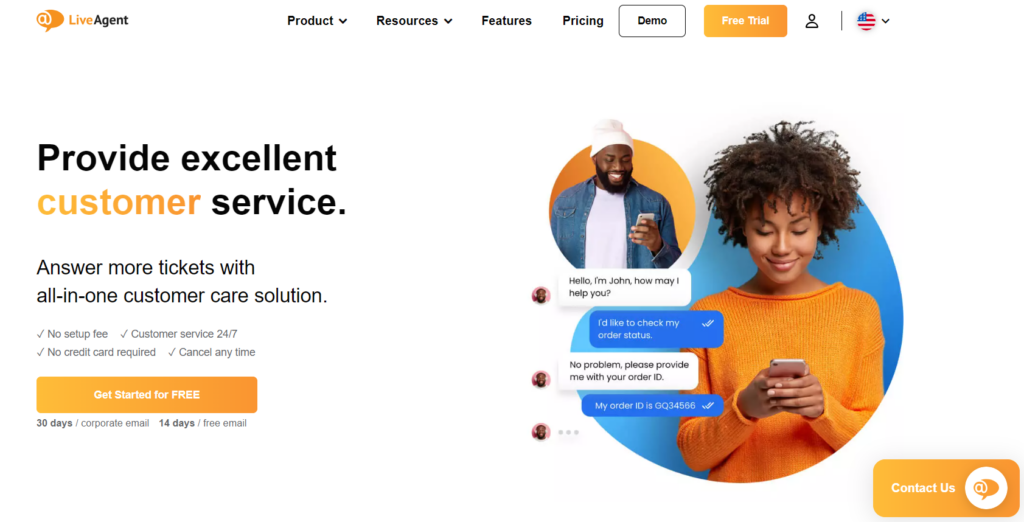
LiveAgent stands out as one of the best free help desk software options available. It’s perfect for businesses needing an efficient customer support solution. One of LiveAgent’s notable features is its ticket history. This allows businesses to track recent customer inquiries easily and ensures no request is missed.
Main Features:
Email Ticketing: Users get two email accounts for ticketing, allowing for streamlined customer communications.
Customer Portal & Forum: Provides a dedicated space for customers to submit inquiries and engage with community discussions.
Live Chat Channel: Includes one live chat option for real-time customer support.
Security Features: Supports restricted access for agents, enforced password policies, two-step verification, and HTTPS encryption to ensure data protection.
Pros:
Cost-Effective: The free plan is robust enough for startups that need essential support features without an upfront investment.
User-Friendly Interface: Many users find the platform intuitive and easy to navigate.
Customizable: Offers customization options for chat and call widgets to fit branding needs.
Integrations: Can easily integrate with multiple email inboxes, enhancing team communication.
Cons:
Learning Curve: Some users report that while the features are plentiful, the implementation can be confusing.
Limited Free Features: While the free plan is generous, some advanced features are only available in paid tiers.
Mobile App Issues: Users have experienced difficulties while using the mobile app for on-the-go support.
Pricing:
Free Plan: Allows unlimited agents but comes with limited features.
Paid Plans:
Small: $15 per agent/month (billed annually)
Medium: $29 per agent/month (billed annually)
Large: $49 per agent/month (billed annually)
Enterprise: $69 per agent/month (billed annually)
Free Trial: Offers a 30-day trial for users to explore advanced features before committing.
Author’s Note:
LiveAgent is an excellent option for startups and small businesses seeking a free help desk solution with essential features. While the learning curve may pose a challenge, the ability to accommodate unlimited agents and the inclusion of strong security measures make it a competitive choice in the market. Consider taking advantage of the free trial to assess if it aligns with your support needs.
Zoho Desk
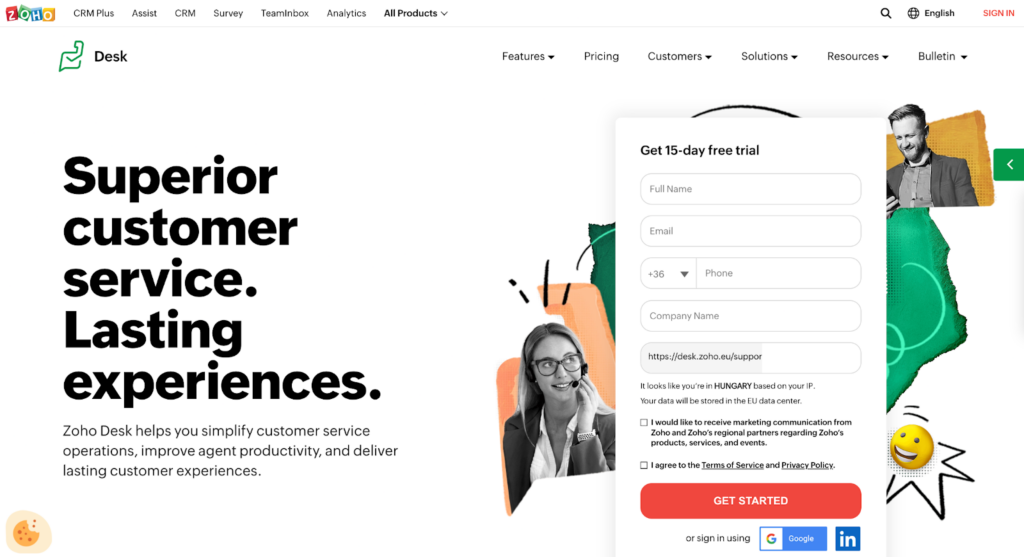
Zoho Desk is a versatile, web-based help desk software designed to streamline customer support. It operates across multiple channels, like email, chat, and voice, ensuring comprehensive service capabilities. The platform offers a Forever Free plan. This allows up to three agents to use the software at no cost, making it an attractive option for small teams.
Main Features:
Multi-Channel Support: Zoho Desk allows businesses to manage customer queries across various channels, including email, chat, phone, and social media, creating a seamless omnichannel experience.
Email Ticketing: Incoming customer emails are automatically converted to tickets, enabling organization and tracking in one place.
Customer Self-Service Portal: Users can set up a help center with FAQs and articles, allowing customers to find solutions independently.
Knowledge Management: A private knowledge base facilitates information sharing among team members to improve response times.
Macros: Automate repetitive tasks by creating macros that execute predefined actions with a single click.
Pros:
Free Forever Plan: Ideal for small teams, the free plan accommodates up to three agents, making it accessible for startups and freelancers.
User-Friendly Interface: The intuitive design reduces the learning curve, enabling teams to get started quickly without extensive training.
Customization Options: The ability to rebrand the help center and create multi-language support enhances customer experience.
Cons:
Limited Features in Free Version: Some users report that the free version lacks advanced features like automation and analytics, which may necessitate an upgrade as needs grow.
Seat Limitations: The free plan is limited to three agents, which may not suffice for businesses experiencing growth.
Pricing:
Free Plan: Forever free for up to three agents with limited features.
Paid Plans: Additional seats and advanced features are available through various paid plans, starting at competitive pricing, which can be explored on the Zoho website.
Author’s Note:
Zoho Desk is particularly well-suited for small businesses and startups looking to streamline customer support without incurring costs. Its robust free plan offers essential features that can significantly enhance service operations, though businesses should evaluate their needs for scalability and features when considering upgrades. Overall, Zoho Desk provides a valuable solution for those starting with help desk software.
Freshdesk
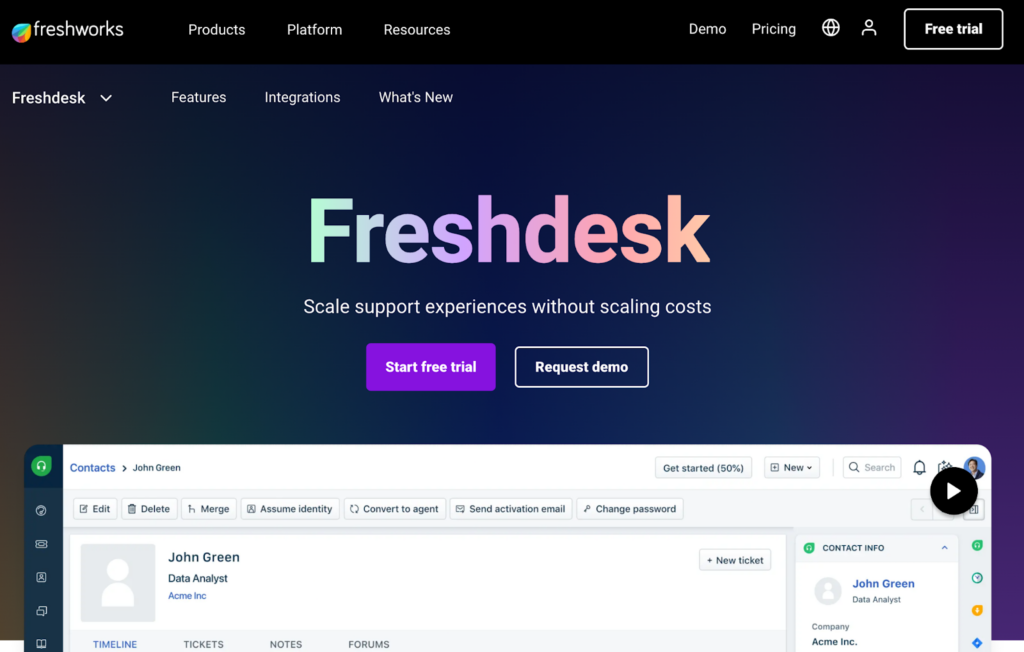
Freshdesk offers a notable free plan packed with useful features. Users can enjoy 24/7 email support and access to a comprehensive knowledge base. However, phone and chat support are notably missing from the free package, which might limit immediate issue resolution.
Main Features:
Ticketing System: Manages customer requests from multiple channels such as email, chat, phone, and social media.
Self-Service Portal: Empowers customers to find answers independently through a knowledge base and FAQs.
Collaboration Tools: Featuring shared views, internal notes, and ticket assignments to streamline team communication.
Automation: Automates repetitive tasks and responses to enhance efficiency.
Pros:
Free Plan Available: Freshdesk offers a generous free tier, allowing smaller businesses to utilize essential features without any cost.
User-Friendly Interface: The intuitive design makes it easy for new users to navigate and utilize its features.
Scalable: Adapts to the growth of a business, providing advanced features in paid tiers as needed.
Cons:
Limited High-End Features on Free Plan: Advanced features are often locked behind higher pricing tiers, which may limit the testing of the full software capabilities.
Learning Curve: The multitude of features could overwhelm some users, especially those unfamiliar with help desk software.
Beta Features: Some advanced analytics are still in beta, which may not provide the reliability expected by established businesses.
Pricing:
Free Plan: $0 per agent per month. Includes email and social ticketing, a knowledge base, and team collaboration tools.
Growth Plan: $15 per agent per month (billed annually). Adds features like automation, SLA management, and access to marketplace apps.
Pro Plan: $49 per agent per month (billed annually). Offers advanced capabilities such as custom roles, multiple time zones, and custom reports and dashboards.
Enterprise Plan: $79 per agent per month (billed annually). Provides premium features including skill-based ticket assignment, sandbox environment, and advanced security options.
Author’s Note:
Freshdesk stands out as a compelling option for small businesses seeking a straightforward yet effective help desk solution. Its free tier not only allows for a trial of the platform but also provides essential tools to manage customer support efficiently. While it may require some time to master all features, the benefits of streamlined support and enhanced customer interaction make it a worthwhile investment.
HubSpot Service Hub
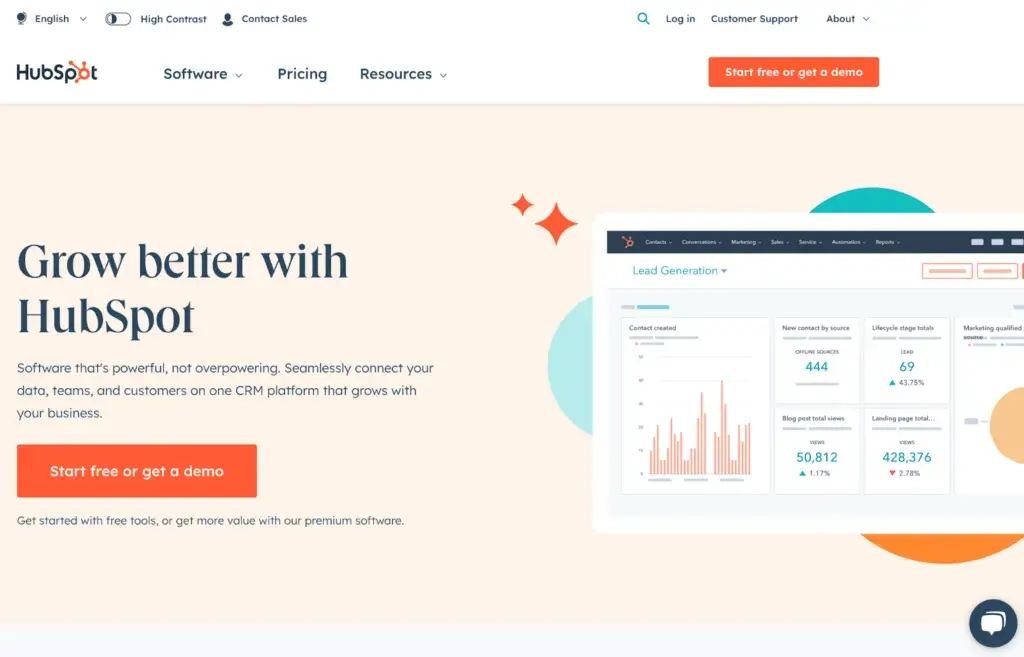
HubSpot Service Hub is a versatile tool designed to streamline customer support. The free version includes over 30 features, making it an excellent option for businesses looking for comprehensive support solutions without the cost.
Main Features:
Unified Help Desk Dashboard: Centralizes customer requests, allowing teams to easily track, prioritize, and manage tickets in one place.
AI-Powered Automation: Utilizes built-in AI to enhance ticket routing, recommendations, and responses, helping reps resolve issues faster.
Knowledge Base Integration: Offers a robust documentation tool that allows businesses to create a self-service portal for customers, reducing the number of repetitive inquiries.
Multi-Channel Support: Facilitates communication across various channels, including email, chat, and social media, to provide a seamless customer experience.
Reporting and Analytics: Delivers valuable insights into team performance and customer satisfaction, helping to identify areas for improvement.
Pros:
Free Version Available: HubSpot Service Hub offers a feature-rich free tier, making it accessible for small businesses.
Seamless Integration: Works effectively with HubSpot CRM, allowing for easy data synchronization.
User-Friendly Interface: The dashboard is intuitive and easy to navigate, aiding quick onboarding for new users.
Scalable Solution: Designed to grow with your business, making it suitable for companies of all sizes.
Cons:
Limited Customization on Free Plan: Some users find fewer options for customization in the free version compared to premium plans.
Premium Features Can Be Costly: Advanced functionalities are only available in paid versions, which may not be affordable for all businesses.
Email Notification Cap: Users on the free plan may face limitations on the number of email notifications per day.
Pricing:
Free Tier: Access to basic help desk features.
Starter, Professional, and Enterprise Plans: Pricing details for advanced features can be found on HubSpot’s pricing page, typically starting at around $45/month for the Starter plan, with costs increasing based on additional features and user count.
Author’s Note:
HubSpot Service Hub stands out as an ideal choice for businesses looking for a robust and user-friendly help desk solution without incurring significant costs. Its impressive free tier, combined with powerful AI tools and a seamless CRM integration, makes it particularly appealing for those already within the HubSpot ecosystem. However, businesses should assess their needs carefully, especially regarding the limitations of the free plan and the need for advanced features as they scale.
Zendesk
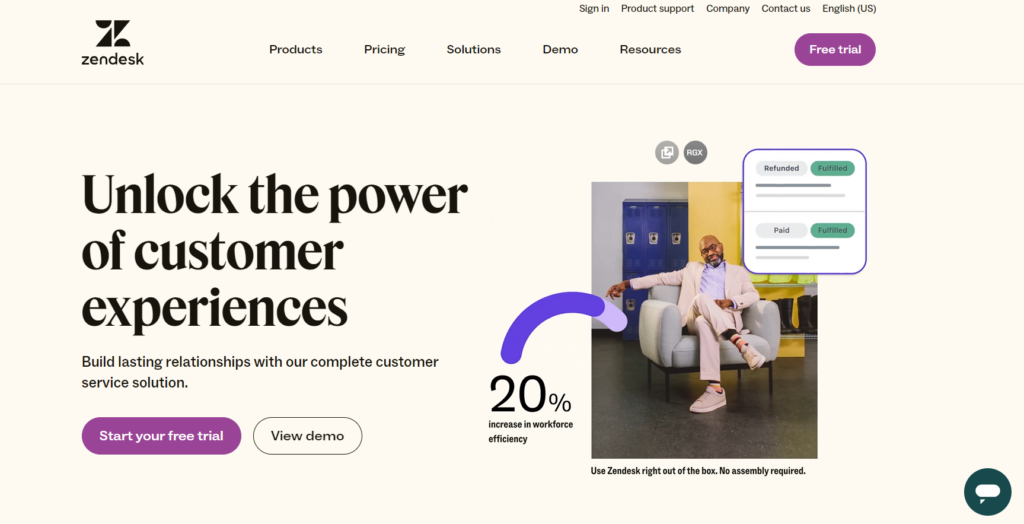
Zendesk Suite is a well-known tool for tracking support tickets and monitoring team performance. It offers a comprehensive dashboard that can give insights into workflow efficiency. However, many find it challenging to learn due to its complexity. This can be a hurdle for support teams looking to streamline operations quickly.
Main Features:
Ticket Management: Zendesk allows users to create, track, and manage support tickets efficiently through a centralized dashboard.
Multi-Channel Support: It integrates various communication channels including email, live chat, social media, and phone support, providing a holistic customer service experience.
Automation and Workflows: The platform includes features to automate repetitive tasks and create custom workflows to enhance productivity.
Reporting and Analytics: Zendesk provides insightful analytics to monitor team performance, ticket resolution times, and customer satisfaction.
Extensive Integrations: It connects with numerous third-party tools, although some may require additional setup.
Pros:
User-Friendly Interface: The dashboard is intuitive, making it easy for agents to navigate and manage support tickets.
Comprehensive Training Resources: Zendesk offers extensive training options, helping users maximize their use of the platform.
Strong Customer Support: User feedback highlights the quality of support provided by Zendesk’s team.
Cons:
Costly for Larger Teams: The pricing structure can be expensive, particularly for companies needing many individual users, as each agent incurs a fee.
Cumbersome Admin Panel: Admins face challenges managing separate systems for tickets and workflows, which can complicate operations.
Data Management Issues: Users have reported problems with data uploads, exports, and occasional data loss.
Pricing:
Support Team: $19 per agent per month (billed annually)
Suite Team: $55 per agent per month (billed annually)
Suite Professional: $115 per agent per month (billed annually)
Suite Enterprise: Pricing discussed individually
Free Trial: 30-day free trial available
Author’s Note:
While Zendesk is a powerful tool for customer support and ticketing, its pricing model and potential management challenges may not suit every organization, especially those seeking a no-cost or low-cost solution. For businesses with minimal support needs or those just starting, exploring free ticketing and help desk software options might be more feasible. Nonetheless, for organizations ready to invest in a robust customer service platform, Zendesk offers a comprehensive suite of features that can significantly enhance customer interactions.
Additional Free Help Desk Solutions
Tawk.to
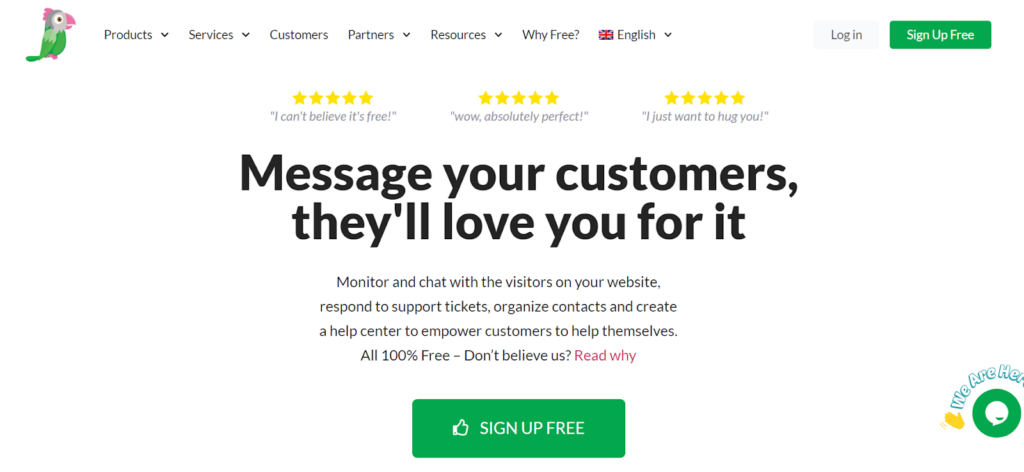
Tawk.to is a popular help desk ticketing software. It offers a structured approach for managing customer interactions. This approach improves service delivery by making support teams more accessible and approachable. As a result, it fosters positive relationships with customers.
Main Features:
Live Chat Support: Engage customers in real-time, addressing their queries instantly, which can enhance satisfaction and loyalty.
Automated Ticket Creation: Any chat that isn’t resolved immediately can be converted into a support ticket for follow-up.
Customizable Widgets: Easily integrate chat widgets into your website, allowing customers to reach out without any hassle.
Visitor Monitoring: Track visitors on your website in real time, enabling proactive support to potential customers.
Multi-Channel Support: Manage interactions across multiple channels, including email, chat, and social media, all from one platform.
Pros:
Completely Free: Tawk.to’s core functionalities are entirely free, making it an attractive option for startups and small businesses.
Easy Setup: The software can be set up quickly with little to no technical knowledge required.
Rich Analytics: Provides insights into customer interactions and agent performance, helping teams optimize their service strategies.
Cons:
Limited Advanced Features: While the basic functionalities are strong, some advanced capabilities may require payment, such as removing the Tawk.to branding.
Reliance on Internet Connectivity: As a cloud-based solution, any downtime or slow internet can impact service delivery.
Scalability Concerns: Larger organizations may find the free access inadequate as their support needs grow.
Pricing:
Free Plan: Offers all key features with no hidden fees, although some advanced functionalities may be limited.
Paid Features: Additional services are available, such as access to premium support and removal of the default branding, starting at around $15/month.
Author’s Note:
Tawk.to stands out as a highly effective free help desk solution, making it ideal for small businesses and startups looking to enhance their customer interactions without incurring extra costs. While it may lack some advanced features of paid platforms, it still offers substantial functionality. For teams that prioritize live engagement and basic ticketing capabilities, Tawk.to is a top contender in the realm of free help desk and ticketing software.
HelpCrunch
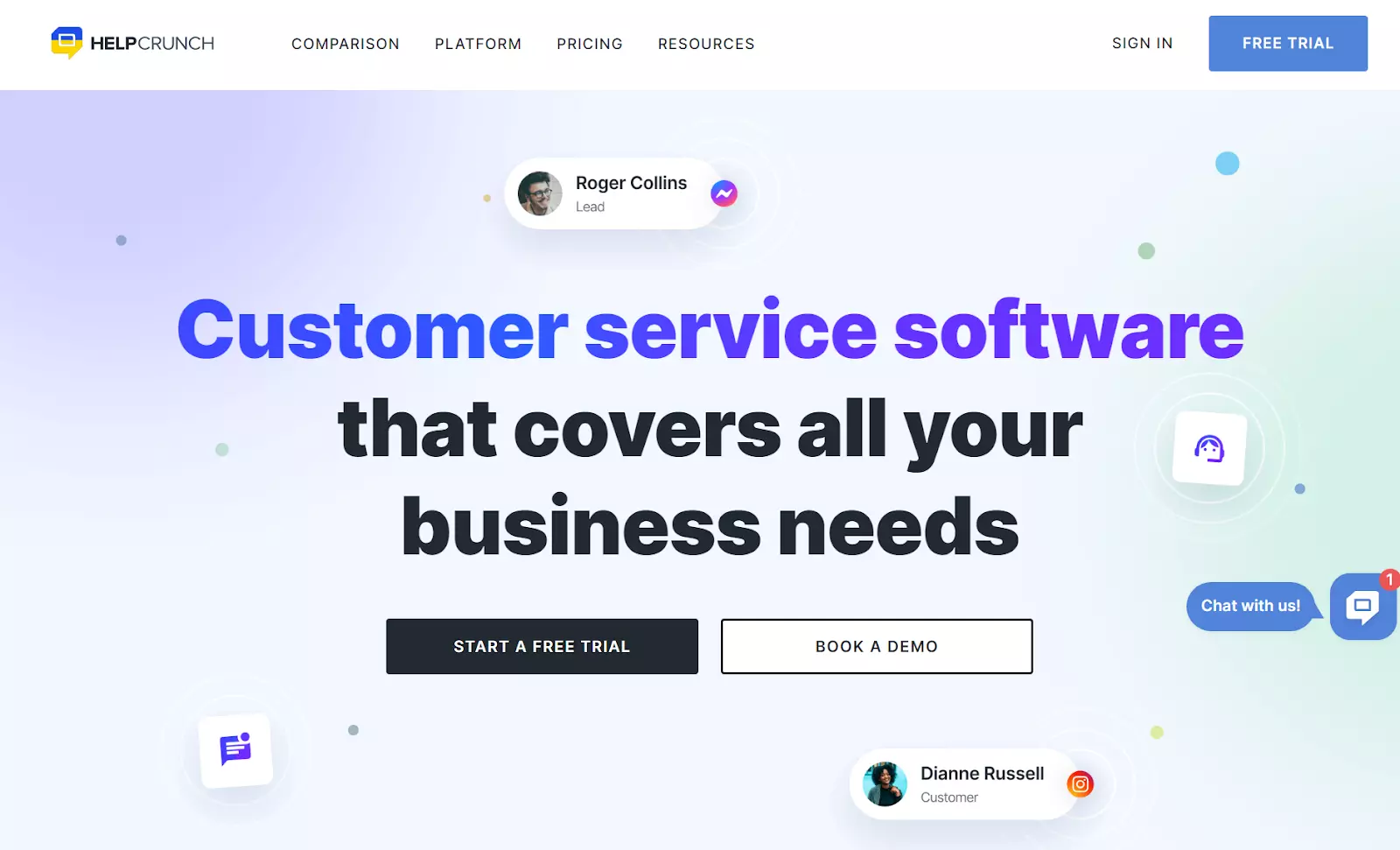
HelpCrunch is an efficient help desk software that centralizes customer support efforts. This tool helps manage and organize customer interactions effectively. By using HelpCrunch, teams can monitor key performance metrics such as response time and ticket volume. This helps in resolving customer issues promptly.
Main Features:
Multi-Channel Support: HelpCrunch allows users to manage customer inquiries across various channels, including live chat, email, and social media, ensuring a seamless experience for both customers and support teams.
Automated Responses: With automated messaging capabilities, HelpCrunch helps teams respond to common queries quickly, reducing response time and improving customer satisfaction.
Knowledge Base: The software includes a self-service knowledge base where customers can find answers to frequently asked questions, allowing them to resolve issues without needing to contact support.
In-App Messaging: This feature enables real-time communication with users while they navigate your website or application, enhancing customer engagement significantly.
Pros:
User-friendly interface that simplifies the management of customer support interactions.
Affordable pricing options, including a free tier that provides essential features for small teams or startups.
Integration capabilities with various third-party applications, enabling better workflow and productivity.
Strong emphasis on customer engagement with personalized messaging options.
Cons:
The free version has limitations in terms of access to advanced features, which may not be sufficient for larger teams.
Some users have reported that the reporting features could be more robust and detailed.
Limited customization options compared to other premium software in the market.
Pricing:
HelpCrunch offers a free tier that includes basic ticketing and help desk features suitable for small teams. Paid plans start at a competitive rate, unlocking advanced features such as detailed reporting, automation tools, and additional integrations. Exact pricing may vary, and it’s advisable to check HelpCrunch’s official website for the most up-to-date information.
Author’s Note:
HelpCrunch serves as a practical option for startups and small businesses looking to streamline their customer support without incurring significant costs. Its combination of essential help desk features and budget-friendly pricing makes it a compelling choice for those just getting started in managing customer interactions. However, potential users should consider their growth projections and feature needs when selecting a plan to ensure it aligns with their future requirements.
Jira Service Management
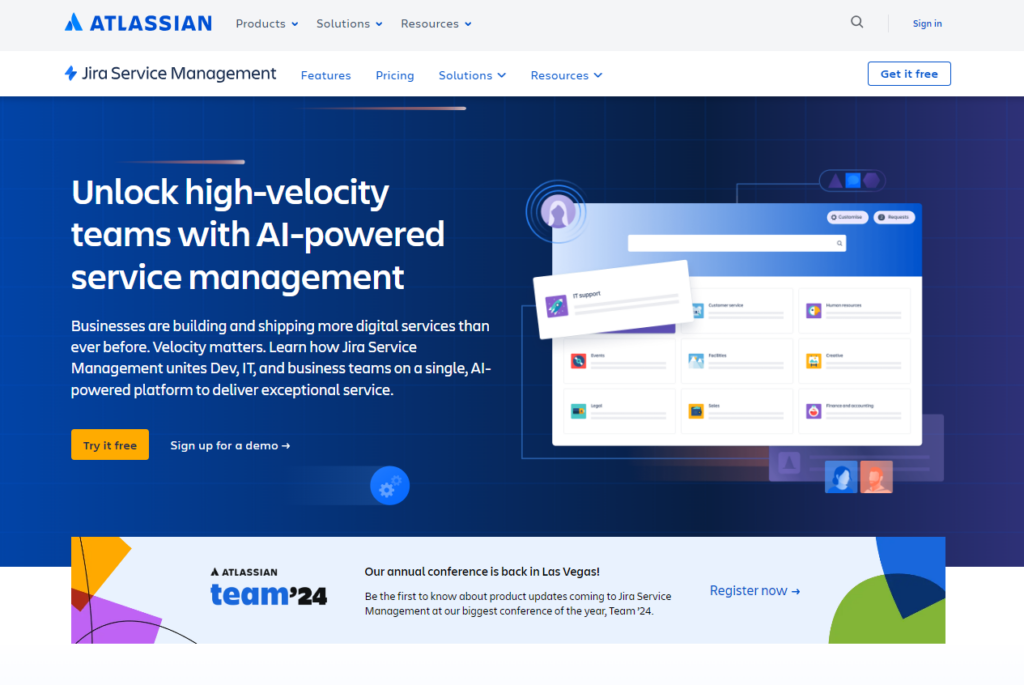
Jira Service Management is a versatile tool for managing service requests. It offers unlimited goals, projects, tasks, and forms. This makes it adaptable for various service needs. Integrated deeply with Agile and DevOps workflows, it’s perfect for IT teams looking for operational synergy.
Main Features:
Asset Management: Track and manage assets effectively within the service desk.
Unlimited Goals, Projects, and Tasks: Create as many goals and tasks as required, allowing for flexible project management.
Multiple Viewing Options: Users can track progress through various views: Backlog, List, Board, Timeline, Calendar, and Summary.
Integration Capabilities: Seamlessly integrate with other Atlassian tools and external services to enhance functionality.
Custom Reporting: Generate detailed reports to analyze service performance and team productivity.
Pros:
Free Plan for Small Teams: The free plan accommodates up to 10 users, providing essential features without cost.
Versatile Tool: Suitable for multiple job roles with customizable focus areas.
Low-Code Form Creation: Easy to create intelligent forms without extensive coding knowledge.
Cons:
Limited Features in the Free Version: Some advanced features, such as social media integration and third-party add-ons, require additional subscriptions.
Initial Learning Curve: Users may face a learning curve when adapting to the platform’s extensive features and integrations.
Pricing:
Free Plan: Available for up to 10 users, offering essential help desk capabilities.
Paid Plans: Start at $17 per user per month for more advanced features, including automation, reporting, and broader integration options.
Author’s Note:
Jira Service Management is a robust solution for teams seeking a free ticketing and help desk software option. While the free plan is an excellent starting point, users should assess their specific needs, especially if they require more advanced features. The adaptability and scalability of JSM make it a solid choice for growing organizations.
Spiceworks
Spiceworks is a popular free, cloud-based help desk software perfect for businesses of all sizes. It supports unlimited tickets, agents, and users, providing flexibility and scalability.
Main Features:
Ticket Management: Spiceworks allows users to manage tickets from a shared inbox, making it easy for teams to collaborate and resolve issues efficiently.
IT Asset Management: Users can keep track of company assets such as laptops and other IT resources, providing visibility into inventory and asset utilization.
Self-Service Portal: A unified portal enables users to submit tickets and access resources, reducing the workload on support teams.
Automated Ticket Sorting: The software automatically sorts and assigns tickets based on priority and category, streamlining the workflow.
Reporting and Analytics: Spiceworks offers detailed reports through filters and integrates with Microsoft Power BI for advanced data analysis.
Pros:
Completely Free: Spiceworks is entirely free, with no limitations on tickets, agents, or devices, making it an excellent choice for budget-conscious businesses.
Cloud-Based: As a cloud-based solution, it is accessible from any web browser, allowing for flexibility and remote work.
Community Support: A large user community provides ample resources and support for troubleshooting and best practices.
Easy to Use: The intuitive interface allows even those new to help desk software to navigate it easily.
Cons:
Basic Interface: The interface is less visually appealing than some paid alternatives, which may detract from the user experience.
Notification Spam: Users report excessive individual notifications that can become overwhelming, especially during busy periods.
Limited Support Options: Community support is the primary avenue for assistance; there are no dedicated support channels in the free version.
Scalability Concerns: Larger teams may find the inability to route tickets to specific sub-teams limiting.
Pricing:
Spiceworks is available for free with no hidden costs:
Individual, Team, Enterprise, Custom: $0 per user per month (billed annually).
Author’s Note:
Spiceworks offers a robust, completely free ticketing and help desk solution that is well-suited for IT departments and small businesses. While it has some limitations in terms of interface and notification handling, its core features and community support make it a strong contender for those looking to manage customer and internal IT tasks efficiently without incurring additional costs. It serves as a great entry point for teams exploring help desk software.
osTicket
osTicket is a robust open-source support ticket system that streamlines customer query management. Designed for small to mid-sized businesses, its free plan offers a range of customizable features that enhance operational efficiency.
Main Features:
Ticket Management: Create, manage, and track support tickets with ease, consolidating inquiries from emails, web forms, and phone calls into one platform.
Customizable Interface: As an open-source tool, osTicket allows for tailored modifications to fit specific business needs.
Dashboard Reports: Access essential statistics and insights through an intuitive dashboard.
Agent Collision Avoidance: Prevents multiple agents from addressing the same ticket simultaneously, enhancing operational efficiency.
Customer Support Portal: A dedicated portal for customers helps maintain strong relationships and ensures their queries are managed effectively.
Service Level Agreements (SLAs): Easily define business hours and response expectations to streamline service delivery.
Pros:
Cost-Effective: The free version provides substantial functionality suitable for most small businesses.
Customizability: Open-source nature allows for significant modifications based on user needs.
Community Support: A large user community provides forums and resources for troubleshooting and best practices.
Cons:
Limited Reporting: Users may find the reporting functions lacking compared to more modern ticketing systems.
Outdated Design: The interface may appear dated, which could be unappealing to some users accustomed to sleek, modern designs.
Technical Setup Required: Requires a basic understanding of web technologies like PHP and MySQL, which might be challenging for non-technical users.
No Official Support: While community support is available, there is no dedicated official support for troubleshooting.
Pricing:
osTicket is entirely free for its basic features. However, for advanced features and scalability, users can opt for paid plans starting at $12 per agent per month.
Author’s Note:
osTicket is an excellent solution for those with the technical capabilities to harness its potential. Its robust features make it a worthwhile consideration for businesses seeking a cost-effective and customizable help desk solution. However, users should be prepared for the initial setup and potential limitations in modern reporting and design. If you’re looking for straightforward ticket management without breaking the bank, osTicket is a viable option.
Benefits of using free help desk software
Free help desk software offers a streamlined approach to customer support. It makes the support team more accessible and enhances customer interactions. Organizations benefit from these systems as they centralize support functions, leading to optimized service operations. An important feature is the ability to manage service tickets. These systems track incidents from creation to resolution, all within one platform. This ensures efficient and timely handling of customer issues.
Moreover, many free help desk solutions include a built-in knowledge base. This allows users to resolve common issues on their own, thus decreasing the number of service requests that need handling. This self-service feature empowers customers and lightens the load on support teams.
Free help desk software often includes service level agreement (SLA) tracking. This component is crucial for monitoring compliance with response and resolution timelines. Meeting these standards ensures that customers receive fast and reliable service.
Key Benefits:
Centralized support functions
Efficient ticket management
Built-in knowledge base
SLA tracking
Free help desk software is an essential tool for improving customer service and operational efficiency. Adopting it reflects a smart strategy in the modern customer service landscape.
Tips for selecting the right help desk solution
When selecting a help desk solution, focus on centralized information management to ensure easy access to assistance for all users. Evaluate the ease of use. Platforms with intuitive interfaces simplify ticket creation and workflow implementation for both end users and administrators.
Look for help desk solutions offering automated routing, prioritization, and categorization. These features enhance efficiency by streamlining ticket handling. Free trials are a crucial step—opt for solutions that offer this period to test functionality and see if they fit your team’s needs.
Consider the following tips:
Ease of Use: Check if the software is user-friendly.
Automation Features: Ensure it supports automated operations.
Free Trial: Test before you commit.
Lastly, research user feedback on customization limits and reporting features. This helps manage expectations and ensures the software suits your organization’s needs.
Essential features for optimal customer support
In today’s fast-paced world, a help desk ticketing system needs to support multiple channels. This means customers can reach out via calls, emails, chats, or website forms. Such flexibility ensures smooth communication and quick responses.
A top feature of any robust system is its ticket management capability. It lets support agents track cases and provides thorough reports on tickets: opened, resolved, and closed. This helps in analyzing team performance effectively.
Customizable ticketing is crucial. Features like setting priorities, defining statuses, and adding attachments let agents manage their tasks based on specific needs. This streamlining leads to better efficiency.
Automation is another key element. It directs tickets to the best-suited team members instantly, which makes customer support quick and effective.
Creating a self-service portal can greatly boost customer satisfaction. An intuitive service request system empowers users to solve minor issues themselves. This not only improves user experience but also takes pressure off support teams.
Here’s a summary of must-have features:
Multi-channel support
Detailed ticket management
Customizable options
Automation capabilities
Self-service portal
By integrating these features, businesses can offer exceptional customer support.
Conclusion
Free help desk software is a game-changer for small teams and solo tech support operators. It optimizes customer support and improves service quality without breaking the bank. With numerous options available, businesses can test these systems to find the right fit without financial commitment.
When searching for the best free ticketing system, consider features like ease of use, scalability, and integration capabilities. Not all systems are created equal, so experimenting with different ones is key to discovering which meets your needs best.
LiveAgent stands out as a top choice for those seeking excellent free help desk software. It offers a comprehensive suite of tools tailored for efficient customer service. From managing tickets to facilitating communication, LiveAgent empowers teams to deliver exceptional support.
Remember, many providers offer a 30-day free trial. This allows you to explore features and assess their impact on your operations. Here’s a quick checklist to start your search:
Identify must-have features
Test scalability and integrations
Evaluate ease of use
Utilize free trials for firsthand experience
By exploring these solutions, you can enhance your customer service while keeping costs under control.
Ready to revolutionize your customer service?
Try LiveAgent's ticketing software today and experience seamless, efficient customer support like never before!
Daniel oversees marketing and communications at LiveAgent as a member of the inner product circle and company top management. He previously held various managerial positions in marketing and client communication. He is recognized as one of the experts on AI and its integration into the customer service environment.
Daniel Pison
Marketing and Communication Strategy Lead
Frequently asked questions
What is the most important help desk feature?
One of the most important features of any help desk software is a help desk ticketing system. Such a system organizes all interactions between a company and its customers by turning these interactions into unified tickets.
What does the term ticketing system mean?
The term ticketing system refers to all the applications that automatically administer, manage, process, classify, authorize, and organize incidents. These incidents are turned into tickets that are generated internally by employees or externally by customers.
What information does a ticket include?
Each ticket should store information about the inquiry and the customer's contact information, such as customer name, date, and time of contact.
How long does it take to fully implement free help desk software?
Fully implementing free help desk software can vary greatly depending on the complexity of the software, the size of the organization, and the technical skills of the team. On average, it can take anywhere from a few hours to a few weeks. However, it's important to note that ongoing training and adjustments may be needed as the team gets used to the new system.
Can you integrate free IT help desk software with your existing tools?
Yes, many free IT help desk software solutions offer integration capabilities with existing tools. However, the extent of integration may vary depending on the specific software and the tools you are using. It's important to check the software's specifications or contact their support for detailed information.
What is a free IT ticketing system?
It's a tool that helps IT teams manage and resolve issues reported by users or within their systems. It allows for tracking, prioritizing, and solving these issues in an organized and efficient manner. Despite its no-cost nature, it often includes features such as automation, reporting, and integration with other IT management tools.
Is Freshdesk free to use?
Yes, Freshdesk offers a permanently free plan called 'Free' (previously called Sprout) with limited features and functionalities. This plan is available on both the older version of Freshdesk and the new Mint experience. Additionally, users can start a 14-day free trial with no credit card required. Therefore, Freshdesk does have a free plan available for use.
Is Zendesk ITIL compliant?
Introduction to ITIL, a set of IT service management practices that align services with business needs, is necessary. Zendesk, a customer service software company, has aligned their offerings with ITIL practices, offering features and functionalities to support ITIL's key components. While Zendesk provides materials to demonstrate their ITIL alignment and works with ITIL experts, it's critical to conduct an individual assessment to determine suitability. Therefore, while Zendesk endeavors to support ITIL processes, the level of compliance may depend on an organization's specific needs.
Top 10 Remote Help Desk Software In 2025: Review & Guide
Explore the top 15 remote help desk software for 2025, featuring reviews and benefits like improved satisfaction, cost savings, and enhanced security. Learn how...
Open Source Ticketing System: Is It Right for You?
Explore the benefits and challenges of open source ticketing systems, compare them with proprietary options, and learn how to choose the best one for your busin...
Explore the top 15 SolarWinds alternatives for 2025, offering diverse features, pricing, and user experiences. Discover options like LiveAgent, PRTG, and WhatsU...
42 min read
SolarWinds
Alternatives
+3
You will be in Good Hands!
Join our community of happy clients and provide excellent customer support with LiveAgent.