




VoIP Software
Discover cost-effective VoIP software with features like video calls, screen sharing & call recording. Enhance communication & save more today!
4 min read
VoIP
Communication
+2


Explore the top 20 VoIP phone systems for 2025, focusing on features, pricing, and integration benefits to enhance business communication. Discover how to select the ideal VoIP system tailored to your needs.
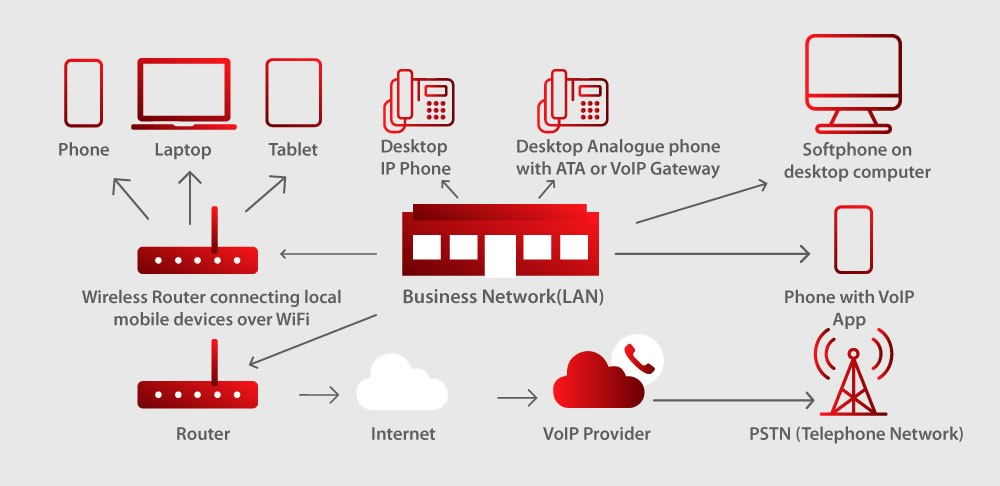
VoIP phone systems are computerized telecommunications services that allow users to make voice calls over the internet instead of a regular phone. The best VoIP phone systems can be easily configured and provide text message alerts about missed calls, voicemail messages, and call routing. In addition, some VoIP service providers allow you to pre-purchase blocks of time at discounted prices, which all countries can use. With the most outstanding VoIP phone systems, you don’t have to worry about international rates and save money with your calling plan.
VoIP phone software is a telephone service that uses Voice over IP technology to transmit calls. It sends analog signals online to digital systems rather than through traditional telephone lines. Companies can utilize business VoIP services with home-based phones or commercial VoIP systems like Vonage or Dialpad. These phone systems enable the transfer of pictures, video, and sound online. Several phone services are available like:
Self-hosted VoIP systems – Self-hosted systems save money on installation costs. When making calls on your self-hosted system, calls are routed over the internet—requiring an online connection to make or receive calls. Additionally, outgoing calls cost less per minute because you host the VoIP system. Because of these reasons, self-hosted systems can be used by starting call centers looking to begin operations with minimal up-front cost.
In-house VoIP systems – In-house systems involve using VoIP phones and equipment at your business location. This equipment is connected directly to routers installed by the telephone company. This type of VoIP may also be called PBX or Private Branch Exchange. A business that can afford the upfront cost of equipment for its call center is an example of a company that can benefit from utilizing in-house VoIP systems. As you consider the benefits of VoIP, it’s also worth looking into Aircall alternatives to ensure you’re choosing the best fit for your business needs.
Traditional VoIP phone systems – VoIP phones communicate through VoIP protocols and software installed on a server. In hosted VoIP systems, VoIP servers are housed in remote data centers or an adjacent building via a high-speed internet connection. Businesses looking for a more scalable and cost-effective solution over traditional in-house telecom could most utilize this system.
Calls placed over VoIP systems transmit your digital voice as data packets across internet protocol (IP) networks. These systems allow telephone calls to be made anywhere and use packet switching instead of the traditional circuit-switched public telephone network.
Pairing VoIP softphones with fast broadband connections provides cost savings by having one provider handle both functions. In addition, these phone systems digitize your voice, which takes up far less bandwidth than analog data transmission methods such as cable internet service—allowing your business to avoid paying extra for telephone line rentals or additional call charges.
Unlike traditional analog, VoIP systems have no separate lines needed to connect two parties. The digital signals make conversations clear and unaffected by outside noise or other interference.
A VoIP phone system uses features such as advanced telephony applications and transferring voice calls. A traditional phone is used for direct communications of information. VoIP technology has calling features and services which can improve your business. Some features include:
VoIP provides voice calls over the internet to anyone who has an internet connection. All in all, these services are seen as a better option than landlines by many people.
VoIP voice quality varies widely depending on connection speeds and other factors. System quality is often better than that of a traditional landline if you have enough bandwidth. However, voice quality can be worse than a landline if bandwidth is scarce. Additionally, these digital systems do not care if multiple people use them at once; traditional phone lines require extra equipment to accomplish this.
Business VoIP services are more flexible than landlines because you can use them on essentially any device you want, so businesses do not have to worry about compatibility issues when upgrading computers or buying new machines.
Choosing the correct VoIP phone system can be tricky. A lot goes into choosing a VoIP phone system; it’s not a decision to be made lightly. It’s necessary to understand what to consider when selecting the correct VoIP phone system for your business.
To choose a VoIP phone system, you should become familiar with the software’s commitments, including payment plans, software requirements, hardware requirements, trunks, and gateways. It is not recommended to commit to a VoIP phone system until you know it fits your business operations.
Companies need to consider pricing models when choosing a VoIP phone system. Prices vary depending on the VoIP software you choose. For instance, Vonage requires you to contact them for a quote and may charge based on each minute of calling.
When choosing a VoIP solution, you want to ensure that your team quickly makes and takes phone calls. Select a VoIP provider with 24/7 support, especially if you have a large or remote team in various time zones.
You can manage a VoIP support team of any size from anywhere in the world. No matter your current business size, you want to choose software to meet your business’s current and future needs. You want to choose a VoIP phone system that allows you to quickly scale your payment plan and equipment based on your company’s needs.
Choosing a customer phone system that allows team collaboration can be highly beneficial to team communications. Be it a VoIP provider or chatting with customers. By using omnichannel software, you can further customer and in-house collaboration using your VoIP phone system.
To choose a VoIP phone system that meets your business needs, you want to know your software’s limitations. Consider your current staff size and the features that will meet your client’s needs. Be it contact channels, inbound calling, or outbound calling. Ensure your VoIP phone system does not limit your business’s practices.
The integration of VoIP phone systems has revolutionized many facets of the industry. VoIP phone systems allow for more mobility than traditional private branch exchange phones. Instead of being confined to landlines, business owners can use their phone center system from anywhere. By implementing these systems, organizational efficiency reaches an all-time high as costs become reduced.
Business VoIP phones have more additional features compared to traditional business phone service providers. The transition from standard landline telephone service to VoIP phone systems offers many benefits for all business sizes by:
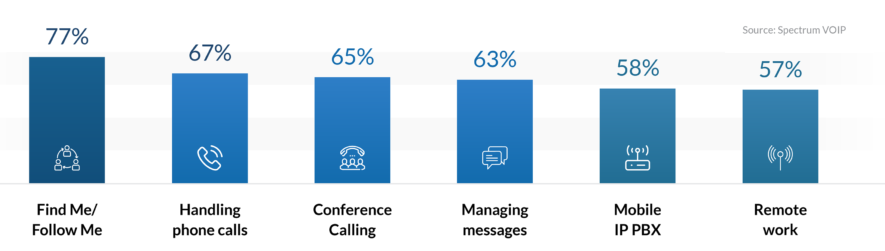
VoIP software is beneficial for small businesses to large enterprises, with features to fit the needs of companies across industries.
A VoIP phone system is a reliable, affordable method for businesses to have phone lines. However, some disadvantages come with them as well like:
Latency is caused by several factors, like the distance between the source and destination server. The farther away callers are the more potential latency can occur during the call. The initial setup cost of a VoIP system is too high for some companies who may not want to switch because they would have to pay a large amount of money upfront. Finally, poor sound quality from low-quality microphones or speakerphones has been known to create disruptions during business hours.
The network should have gigabit ethernet connections throughout its infrastructure for consistent connections. If users want to use their data plans on mobile devices such as tablets and smartphones, they’ll need 4G WAN or 3G/4G USB modems. The modem and the LAN connection can be via cable or wifi. A minimum speed of 2 Mbps upload and 5 Mbps download is suggested for good quality audio transmission over the internet.
The CPU’s core count can influence the number of concurrent calls possible in a system. For example, if there are 100 simultaneous VoIP channels and each call requires 6 Mbps of bandwidth, the CPU will need at least six cores to handle this amount of data. If the CPU is not fast enough, it will fall behind on processing data and cause delays or dropped packets.
Using a high bandwidth network can reduce latency problems, which is not always possible depending on the business size. High latency won’t be a problem if your business doesn’t require streaming audio and video. Implementing quality service policies is highly recommended if you are expecting large amounts of voice traffic. This ensures that voice traffic is not interrupted by non-time-sensitive tasks such as file sharing.
Average costs for VoIP phone systems start at about $100 and go upwards of $25,000 for larger systems. Several actions will determine the cost of your service like:
VoIP phone software can offer a variety of payment plans after you make the initial investment.
Payment plans can be monthly, yearly, or per minute. Depending on the international calling rate features included, the international calling price range per user is usually $20-$50 a month or more. When you add international text messaging, you can expect to pay around $80 a month in international calling rates. Various software offers additional options like unlimited calling and conference calling features companies should consider before purchasing your VoIP system.
To allow your small, medium, or large business to handle digital calls proficiently, we have compiled a list of the 20 best VoIP phone systems and integrations available in 2025. You need a system to meet business VoIP needs with various features, benefits, downsides, and price options.

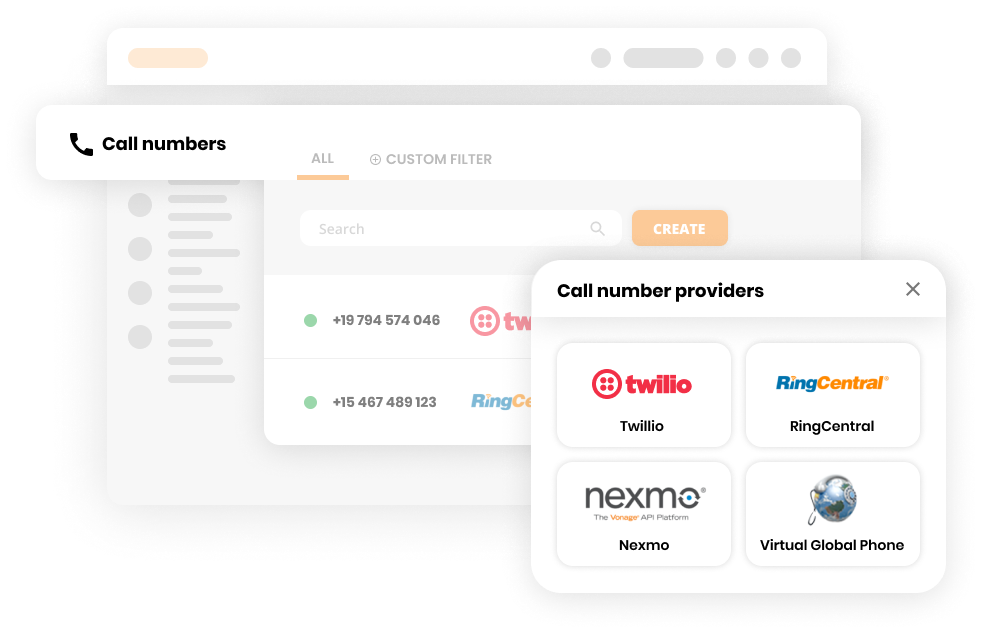
LiveAgent is multi-channel help-desk software that lets you keep track of all your customers’ communications under one single roof. LiveAgent’s universal inbox allows you to view and answer tickets. Like your email inbox but smarter, it will show all your emails, chats, calls, Facebook & Twitter tickets, forum posts, and suggestions. Moreover, it has extensive amounts of flexible VoIP options to connect a number.
Recommended for small-medium+ e-commerce businesses LiveAgent can assist any business looking to provide outstanding customer service using VoIP systems. Ecommerce businesses, from startups to enterprises, will benefit from the various VoIP and customer service features LiveAgent offers.
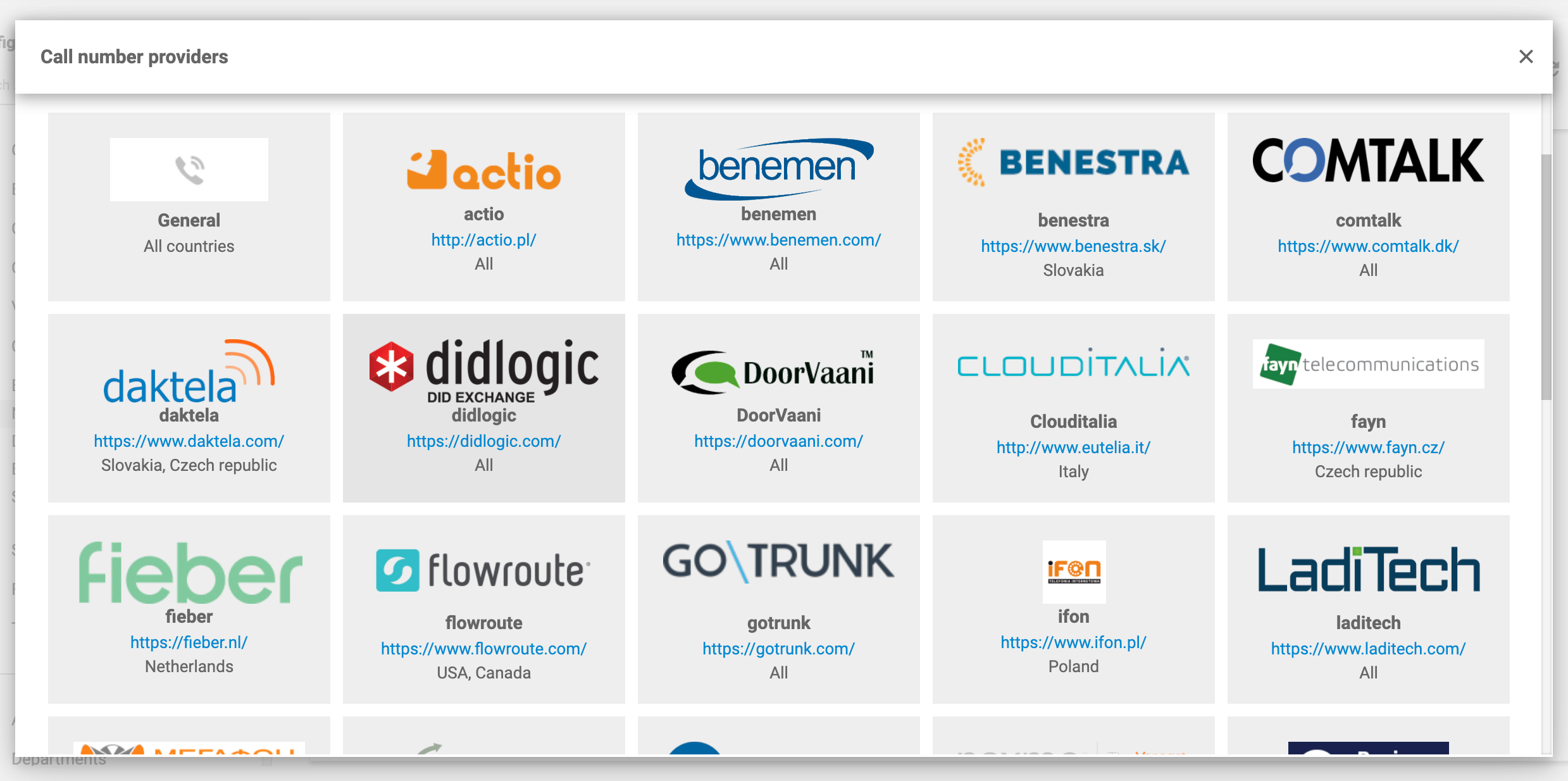
Key features LiveAgent sets itself apart from other systems by easily integrating with over 60 VoIP providers. Features include:
Pros
Cons
Price LiveAgent offers a free version with limited features in addition to their 30-day free trial version. Multiple pricing plans to choose from, including $15, $29, and $49 a month with various features. No credit card is required with a free trial of LiveAgent.
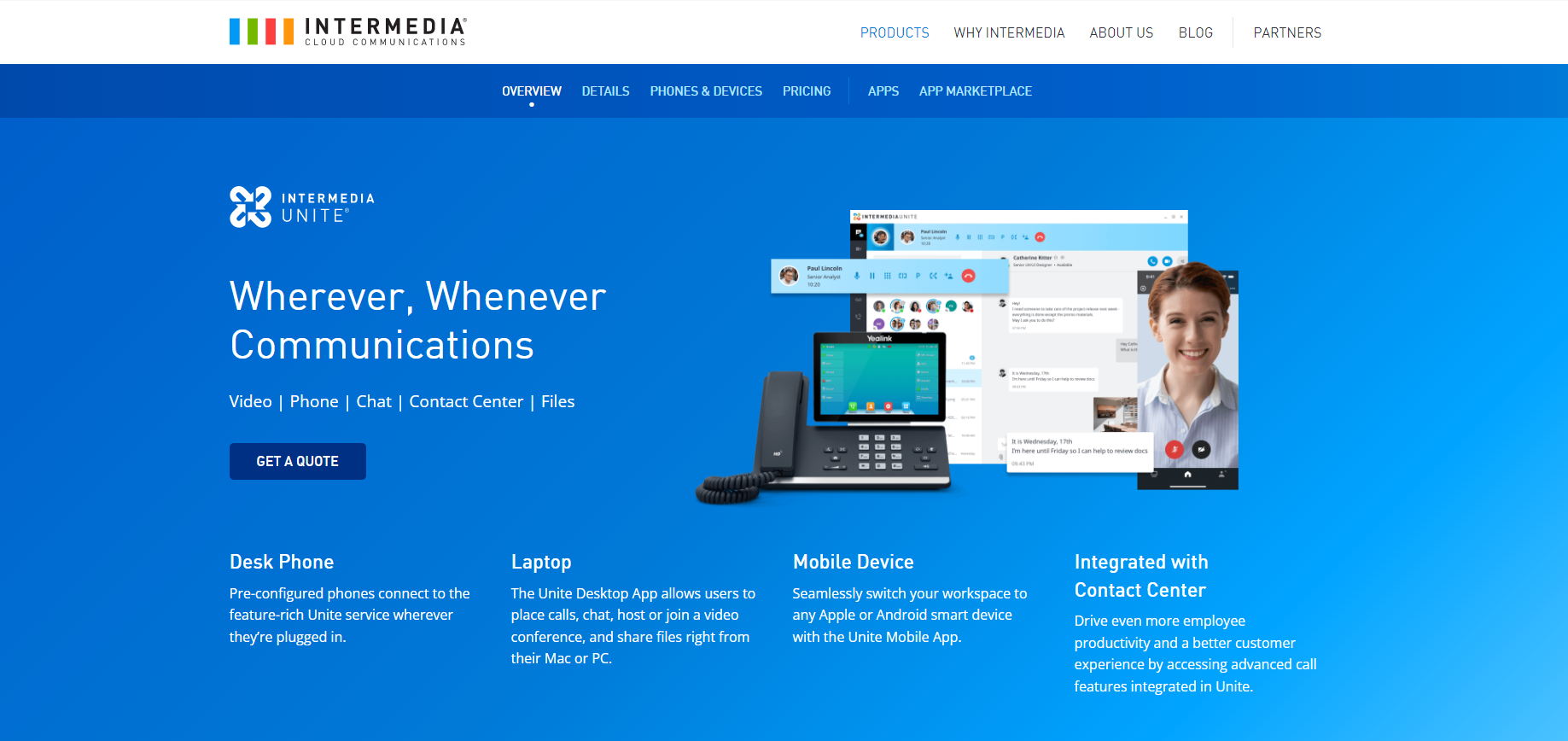
Intermedia Unite offers users a reliable way to access their business and personal contacts through VoIP. Intermedia Unite offers plans that support specific business needs to connect only one telephone line or 20.
Recommended for micro-businesses Intermedia Unite specializes in providing VoIP features for very small or micro-businesses with a maximum of five employees.
Key features Intermedia Unite is set apart from other systems because of its integrated video conferencing, screen sharing, and file sharing. Features include:
Pros
Cons
Price Intermedia Unite offers a $27.99 and $32.99 per agent per month option, with each level containing different features.
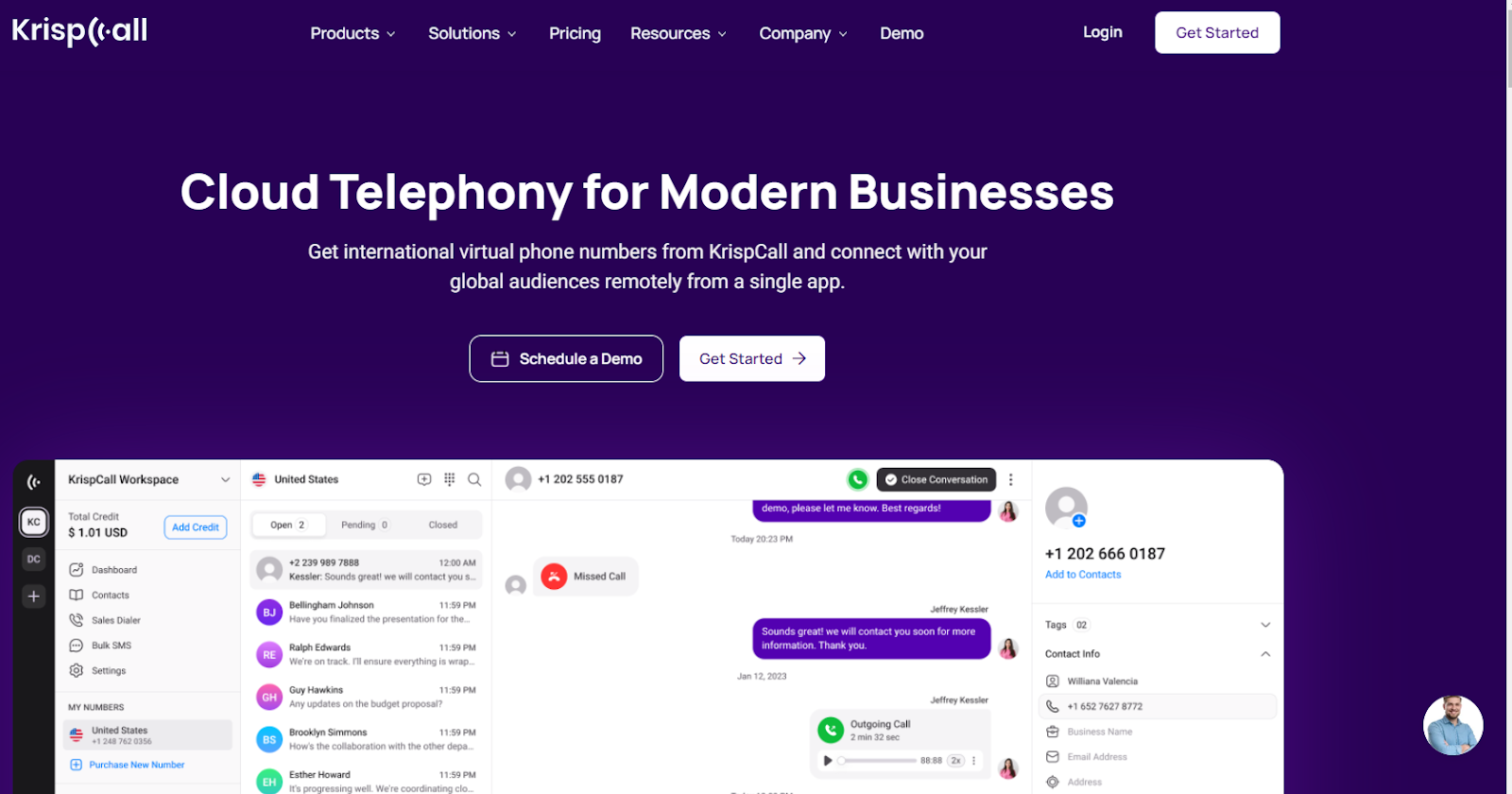
KrispCall is a cloud-based business phone system with features like call routing, CRM integration, and shared numbers for improved communication and scalability.
Recommended for unlimited extensions KrispCall is recommended for businesses of all sizes seeking a comprehensive and affordable communication solution to manage calls, enhance customer service, and streamline team collaboration.
Key features KrispCall offers unified call management, virtual phone numbers, call forwarding, IVR systems, call recording, call analytics, voicemail transcription, team collaboration, CRM integration, number porting, mobile and desktop apps, all at affordable pricing.
Pros
Cons
Price KrispCall’s pricing depends on the number of users and features required, with plans starting at $12 per user per month if billed annually ($15 per month for monthly billing). They offer two main subscription plans: Essential and Standard and a custom Enterprise plan.
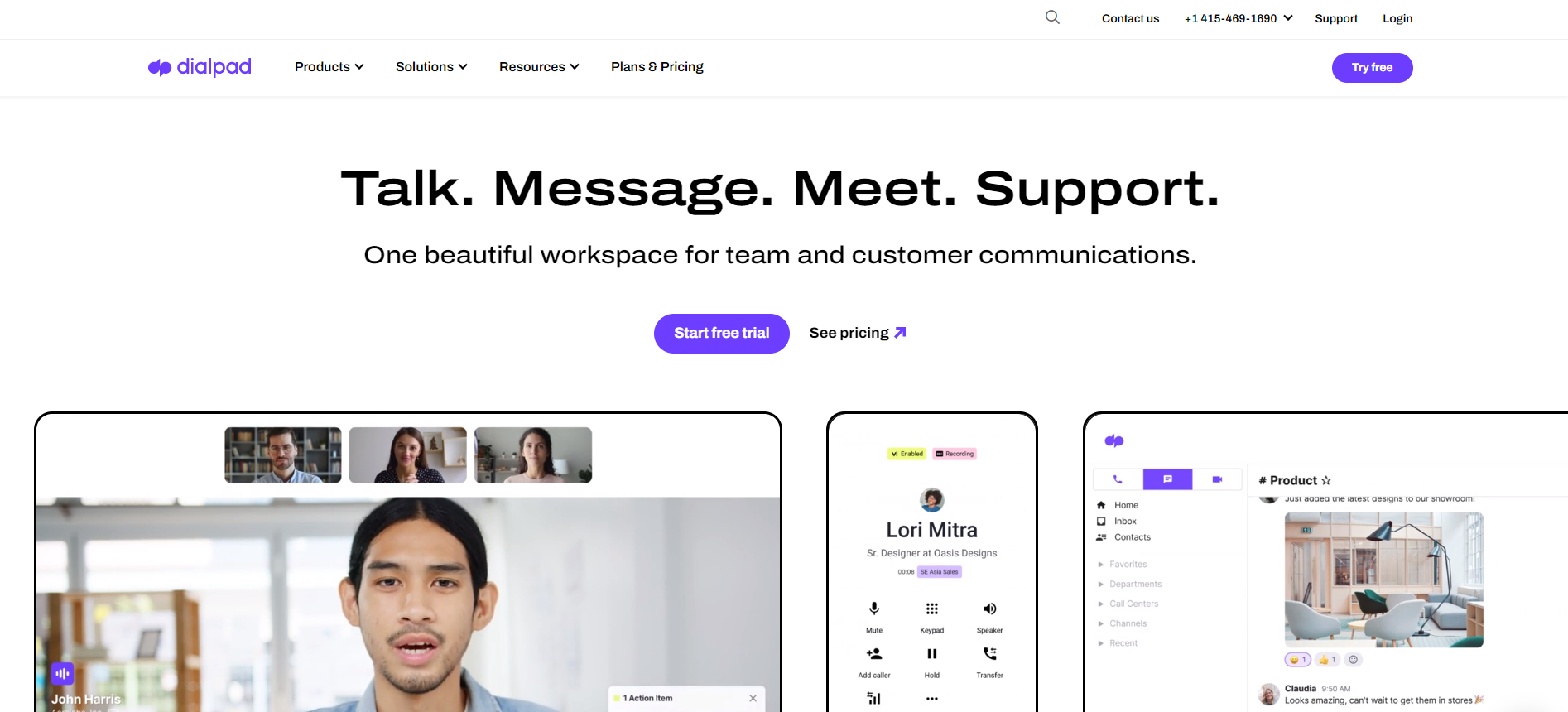
Dialpad is a cloud-based phone system that enables you to receive and make calls from your desk or mobile phone.
Recommended for cloud-based software Dialpad is recommended for businesses looking to use cloud-based software to use VoIP services from anywhere.
Key features Dialpad is different from other pieces of software because of its ability to allow any size of business to use VoIP systems remotely. Features include:
Pros
Cons
Price Dialpad has a 14-day free trial and three plans, which start at $15, but you need to contact them directly for a quote.
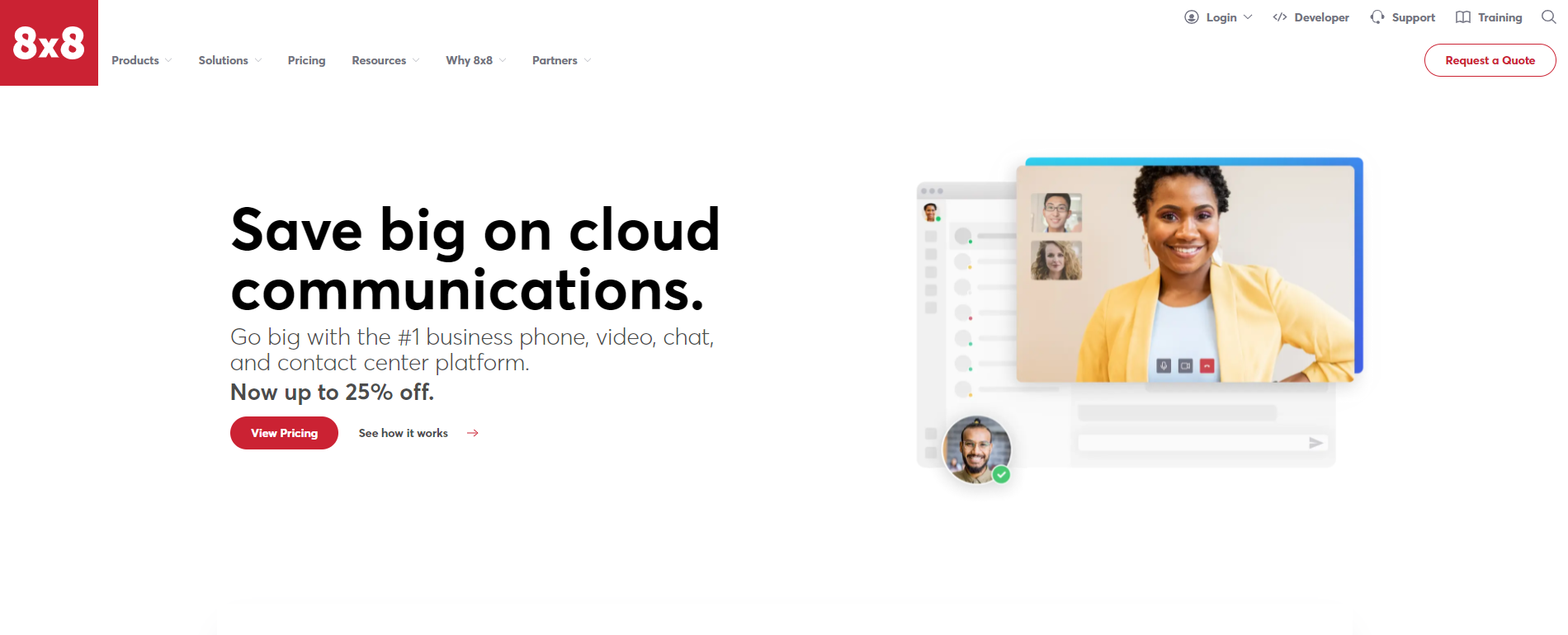
The 8×8 X Series of VoIP phones are designed to make your business communication more efficient and manageable. The X Series comes pre-configured with advanced features for an intuitive user experience.
Recommended for seamless integration The 8×8 X Series integrated networking capabilities combined with the wide variety of applications in the cloud ensure that IT managers can provide users access to systems anytime, anywhere.
Key features 8×8 stands apart from other software on the market because of its seamless integration with businesses. Features include:
Pros
Cons
Price 8×8 X series prices start at $10 per agent per month, but you can contact them directly for a quote. There is no free software or free trial version.
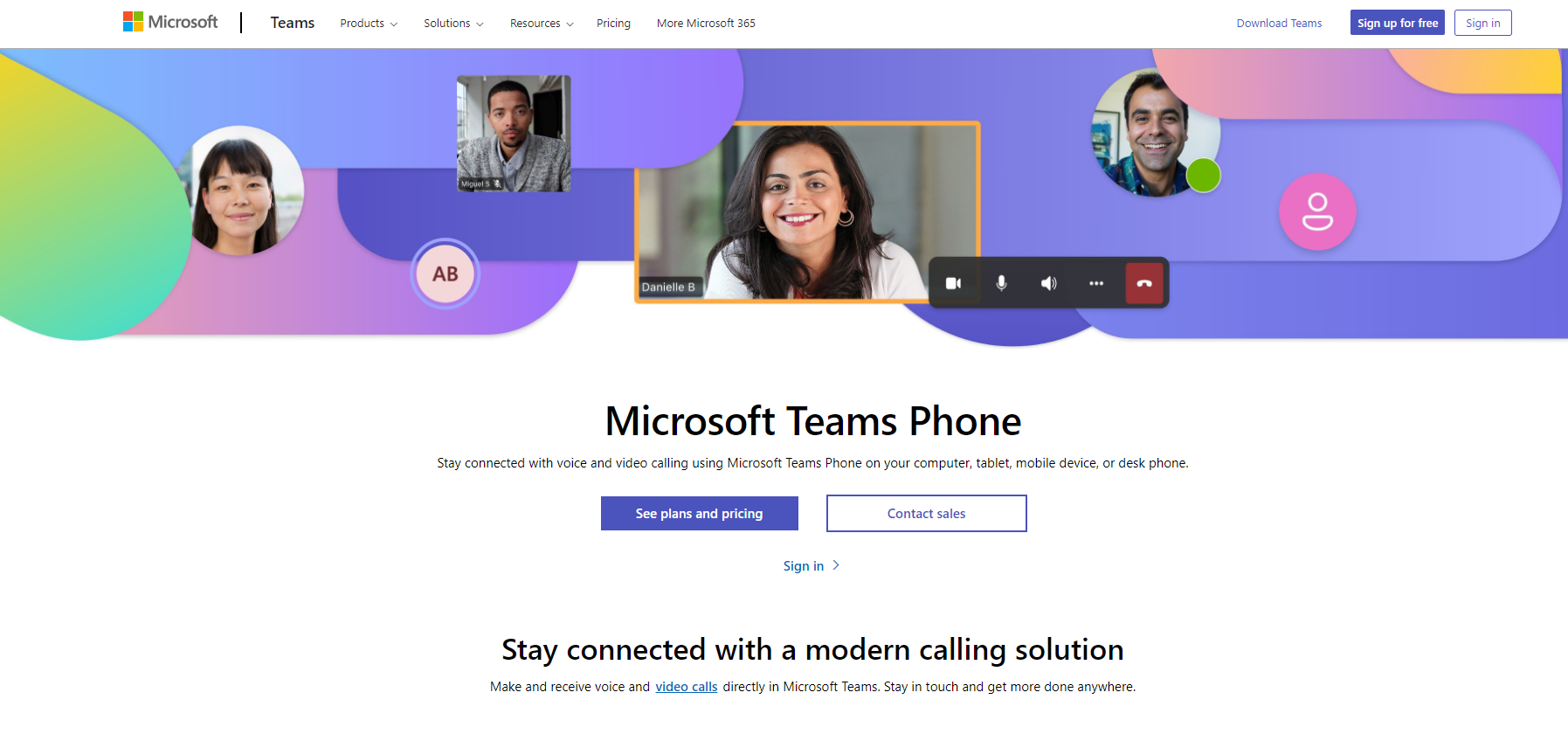
Microsoft 365 Business Voice combines advanced office apps designed with powerful tools like Skype for Business and Outlook in mind for seamless communication.
Recommended for use with Microsoft products Microsoft 365 Business Voice is a VoIP phone system targeted at small business owners and entrepreneurs which offers easy integration with Microsoft Dynamics.
Key features Microsoft 365 Business Voice is different from other systems because of its advanced office apps. Features include:
Pros
Cons
Price There is a $5, $10, and $15 per agent per month plan. This price gets cheaper if you commit to a year at once. There is a free trial version but no free software.
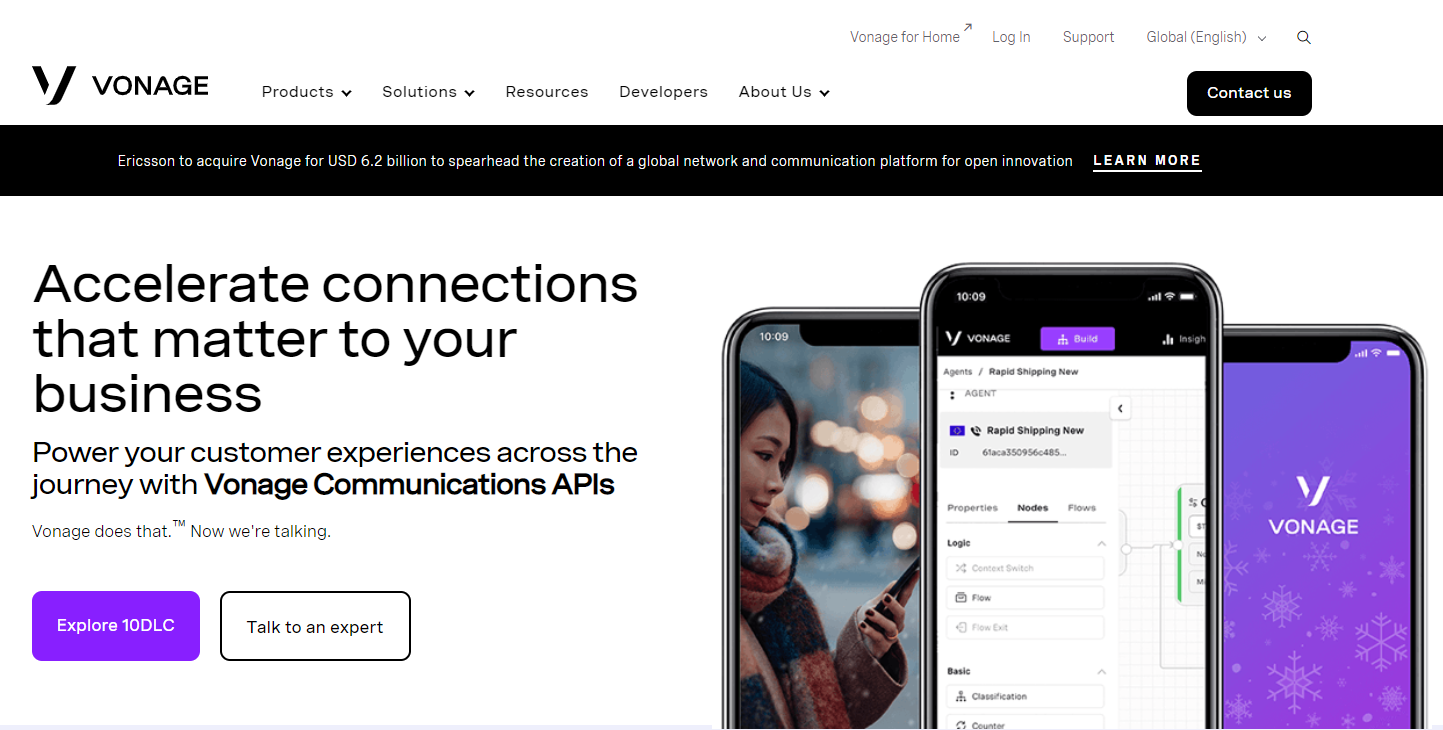
Vonage Business is a business-class phone service that allows users to make and receive landline phone calls over the internet.
Recommended for video conferencing Vonage Business is ideal for SMBs and large enterprises needing a video conferencing solution with various tools.
Key features Vonage Business sets itself apart because of its server message blocking abilities. Features include:
Pros
Cons
Price There is a $14.99 and $39.99 per agent per month option with a $.03 addition per minute on outbound calls, free software, and a free trial version.
Are you looking for a customer service solution that integrates Vonage? Look no further, LiveAgent offers a free Vonage integration.
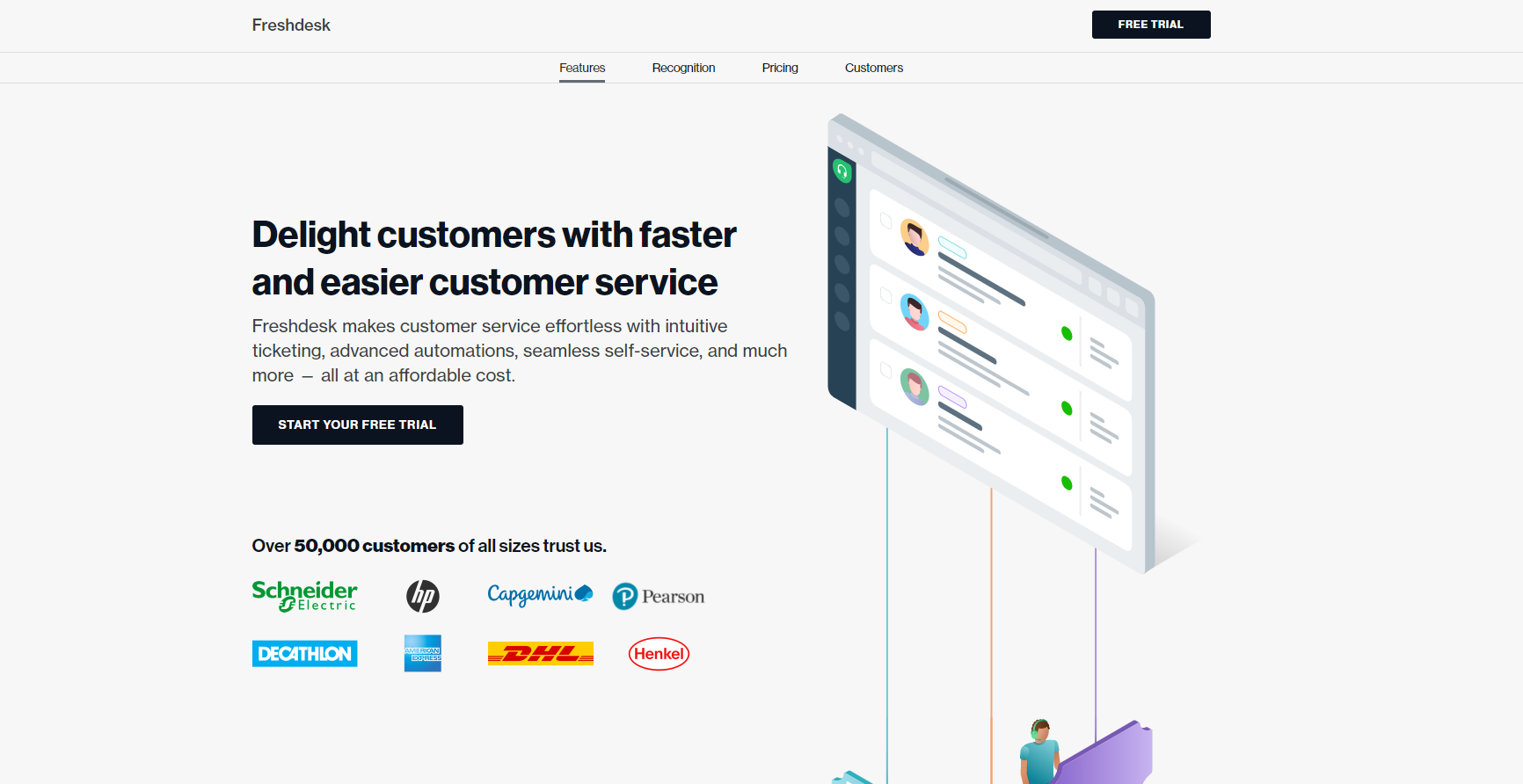
Freshdesk transforms agents into customer advocates through social media integration with Facebook, Twitter, Gmail, LinkedIn, and more.
Recommended for NGOs Freshdesk contact center manages and streamlines phone conversations for those in the NGO, NFP, and BFSI industries.
Key features Freshdesk contact center sets itself apart because of its ability to manage and streamline operations in medium to large businesses. Features include:
Pros
Cons
Price There is a free version in addition to a $15 and $39 per agent per month option. There is also a free trial version of the system.
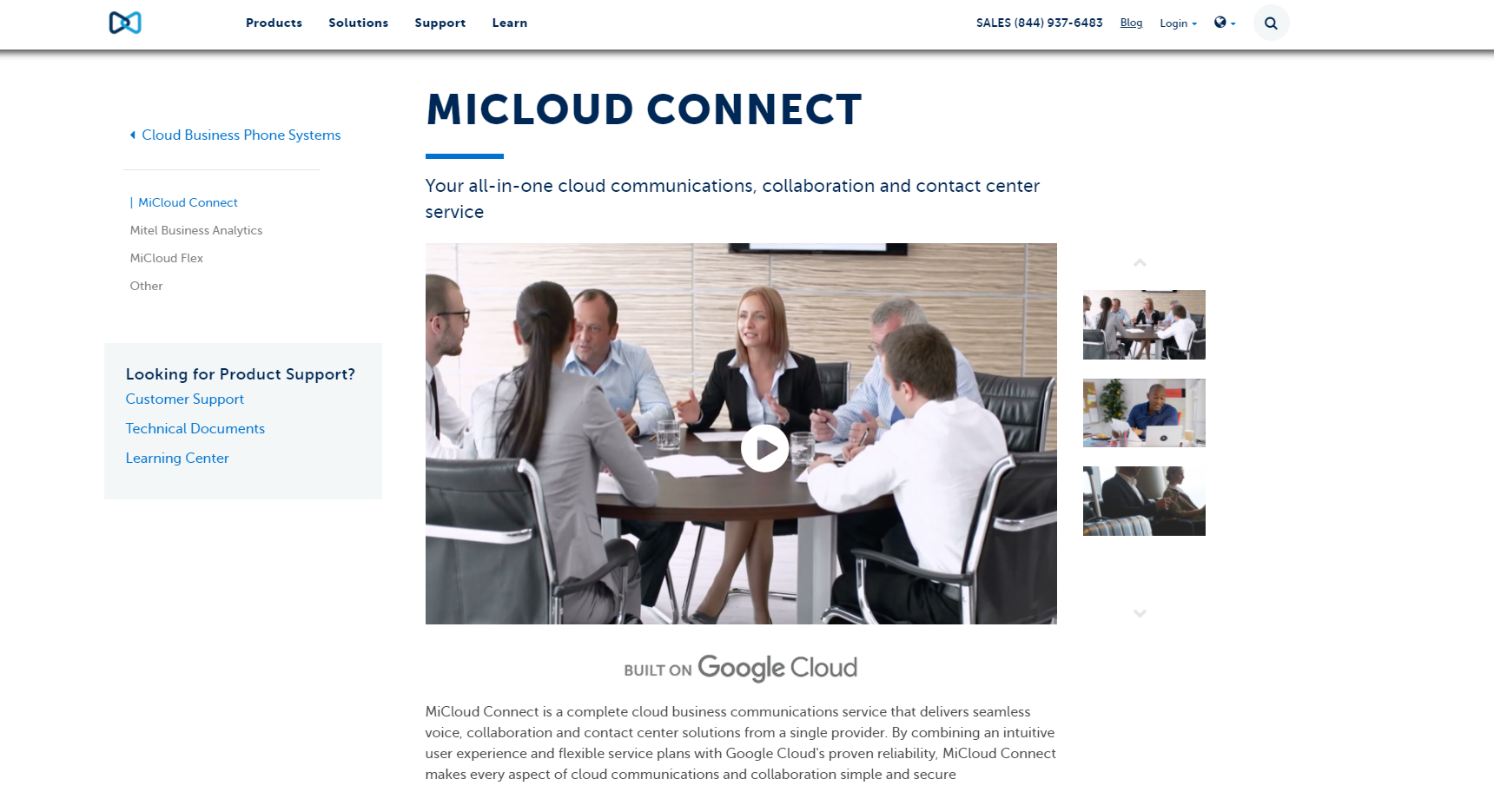
MiCloud Connect ’s goal is to provide a single platform for managing support tickets, VoIP services, and live chats. MiCloud Connect also offers phone integration.
Recommended for using group chat MiCloud Connect is designed for businesses of all sizes. It is a communication platform that helps teams communicate through calls, group chats, conferencing, and more.
Key features MiCloud Connect sets itself apart with its effortless ability to communicate with in-house teams and incoming callers. Features include:
Pros
Cons
Price MiCloud Connect offers no free trial version or free software. Contact them directly for a quote.
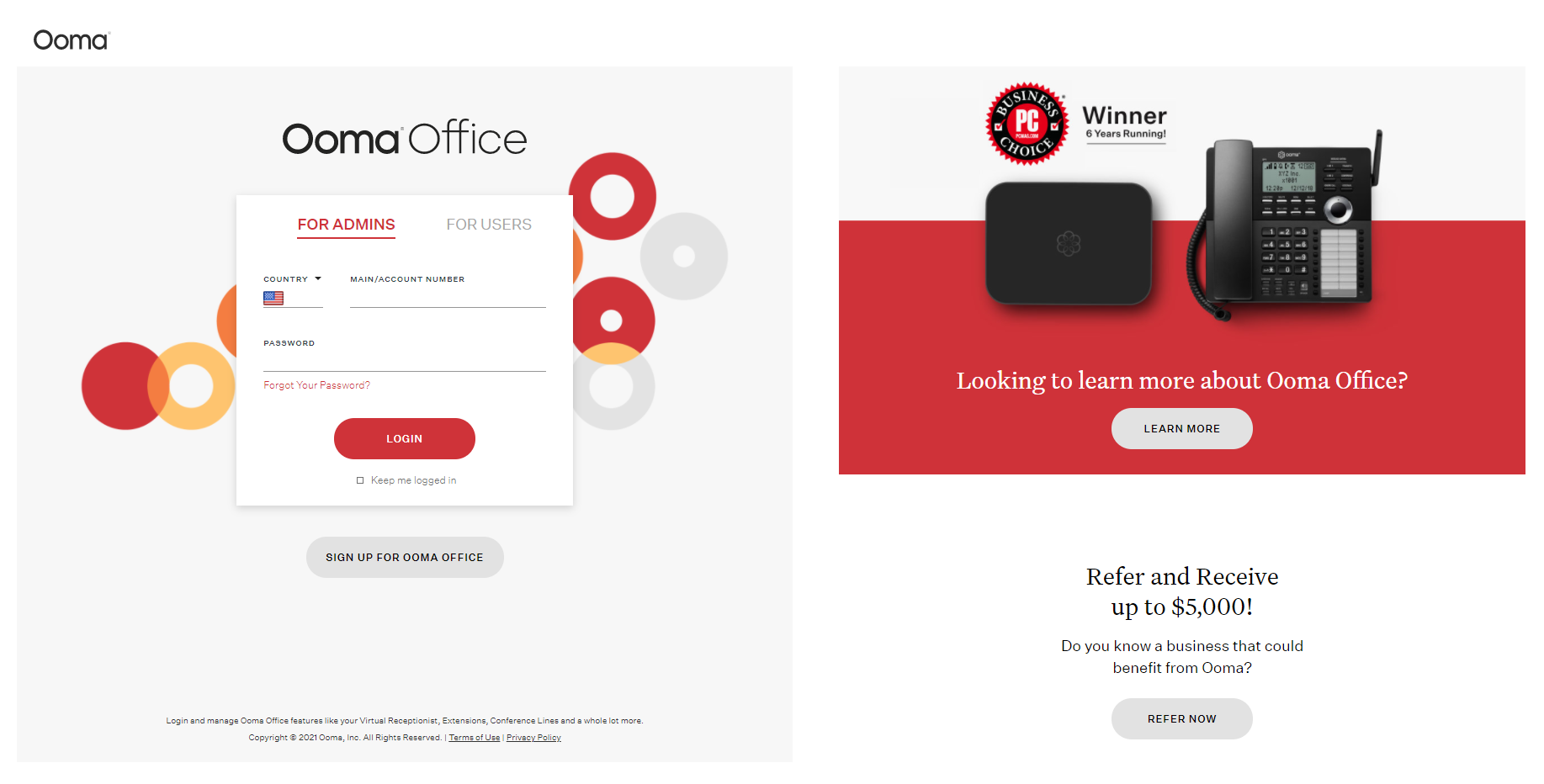
Ooma Office is a cloud-based phone system that brings together local, long-distance and international calling.
Recommended for a virtual assistant Ooma office is recommended for home-office and smaller businesses because their virtual assistant can assist you with daily tasks.
Key features Ooma office is different from other systems using a hardware DECT endpoint by including cordless phones. Features include:
Pros
Cons
Price Ooma office costs $19.99 a month and includes one toll-free number. They have a free trial version but no free version. Contact them directly for a further quote.
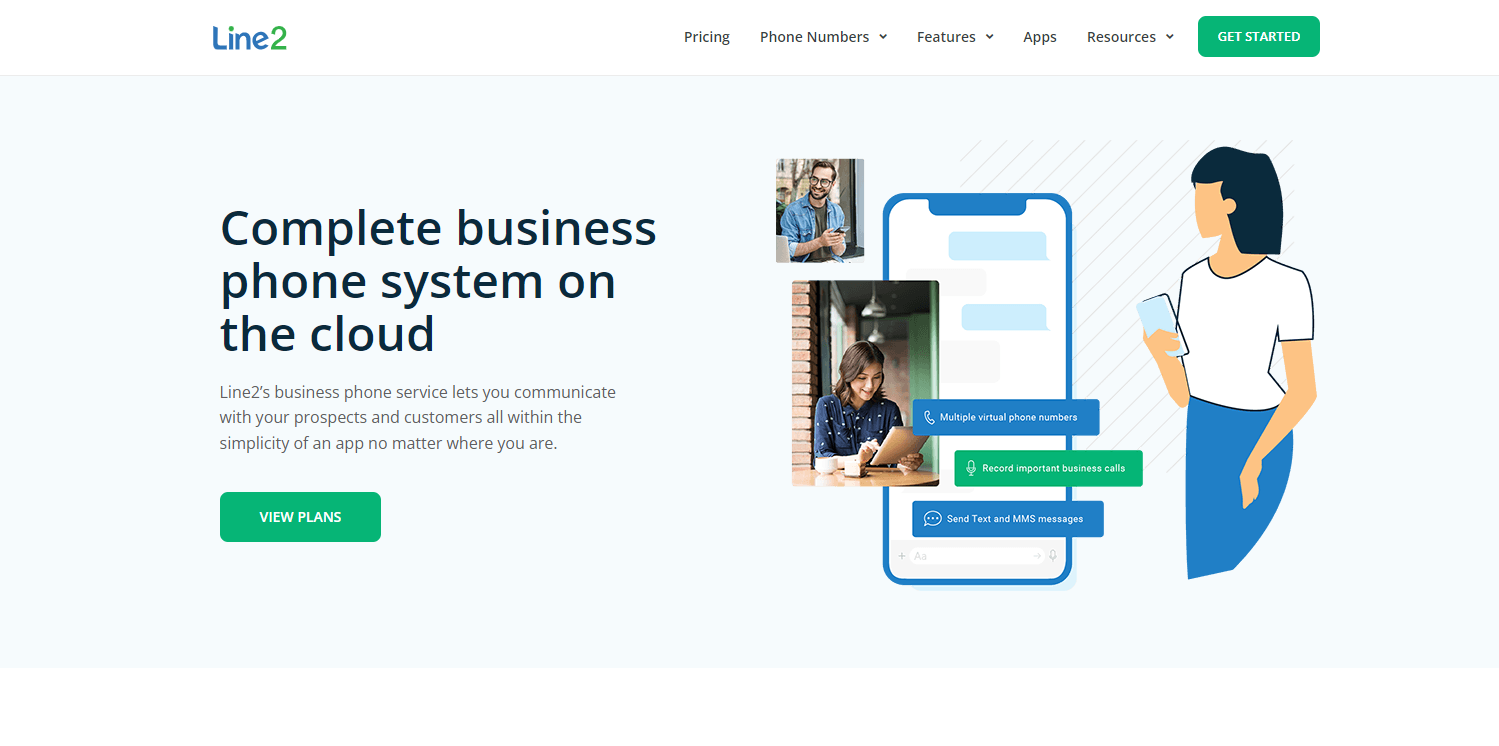
Line2 is a VoIP phone service that allows consumers to call and text from their mobile phones without using cellular minutes.
Recommended for mobile device users Line2 is a VoIP phone service that allows consumers to call and text without using cellular minutes, making Line2 an ideal solution for those who primarily use mobile devices.
Key features Line2 can be installed on any internet connection and used from any device from anywhere in the world. Features include:
Pros
Cons
Price Line2 has a $14.99, $19.99, and $24.99 per agent per month plan. You can get two months free with an annual plan.
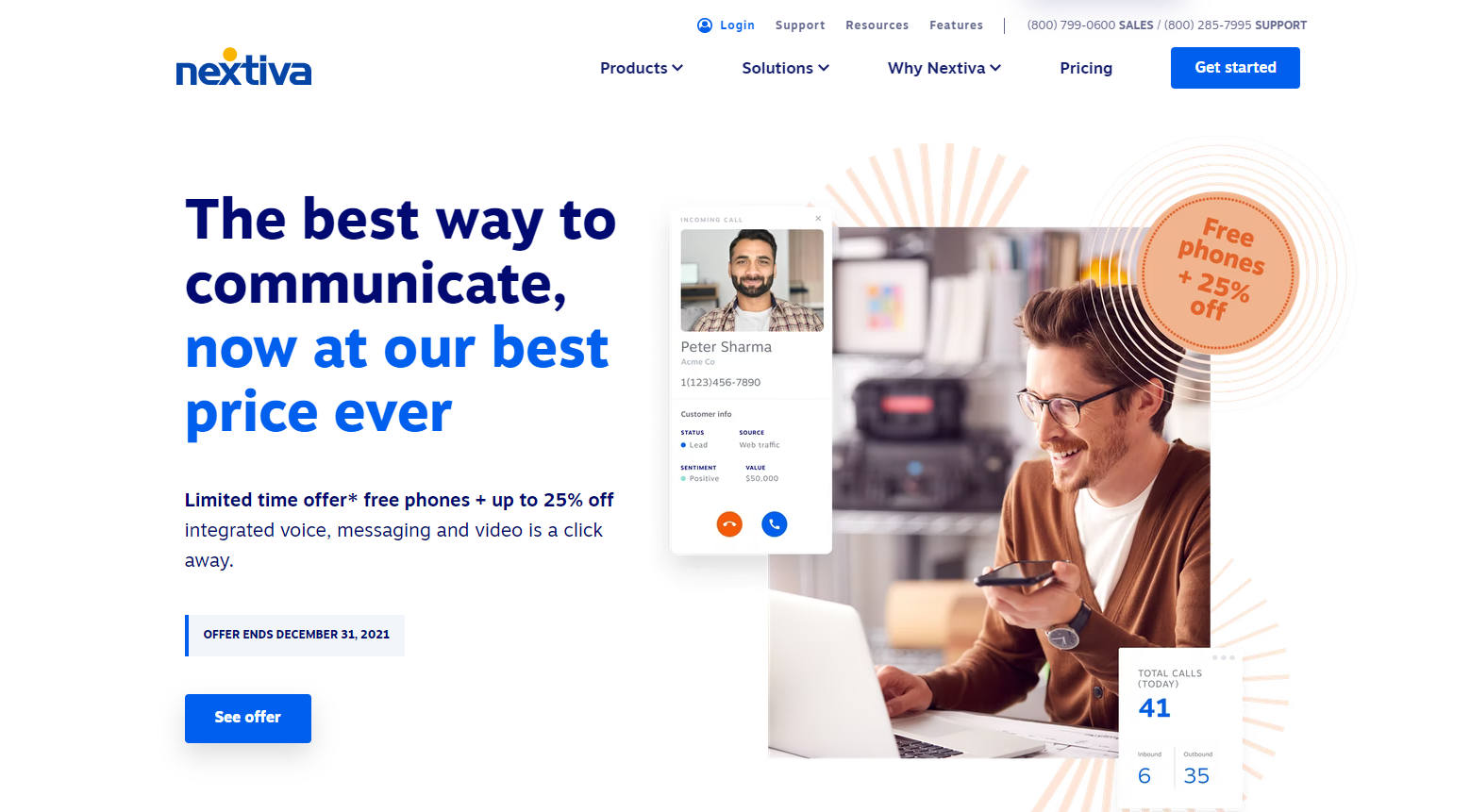
Through Nextiva’s VoIP technology, users can make and receive phone calls using an internet connection rather than a standard telephone line.
Recommended for 1-10 employees The majority of Nextiva users are small to medium-sized companies, including local businesses with 1 to 10 employees per location. Nextiva serves more than 30 countries on six continents.
Key features Nextiva is unique, emphasizing VoIP services for iOS and Android devices. Features include:
Pros
Cons
Price Nextiva offers an $18.95, $22.95, $32.95, and $57.95 option. There is a free trial version of their VoIP system.
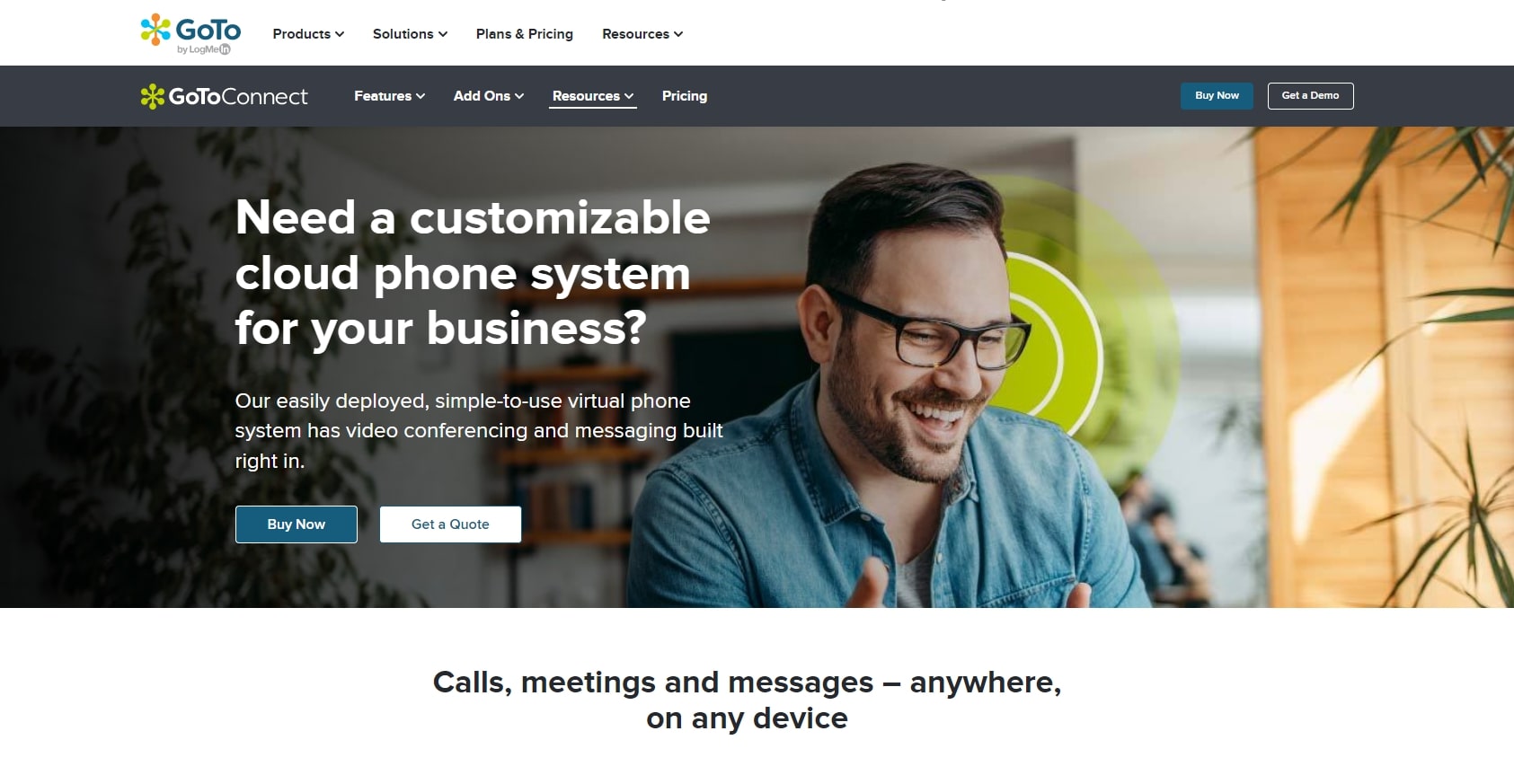
With the GoToConnect, IP-PBX, and SIP, servers can make calls to any other host or user in the world over their VoIP services.
Recommended for multi-site use GoToConnect is a phone system that enables small- to medium-sized businesses and works well with multi-site companies with up to 100 employees per site.
Key features GoToConnect is different from other providers because of their ‘over the top’ virtual PBX services. Features include:
Pros
Cons
Price GoToConnect offers a basic, standard, and premium version, but you need to contact them for a quote.
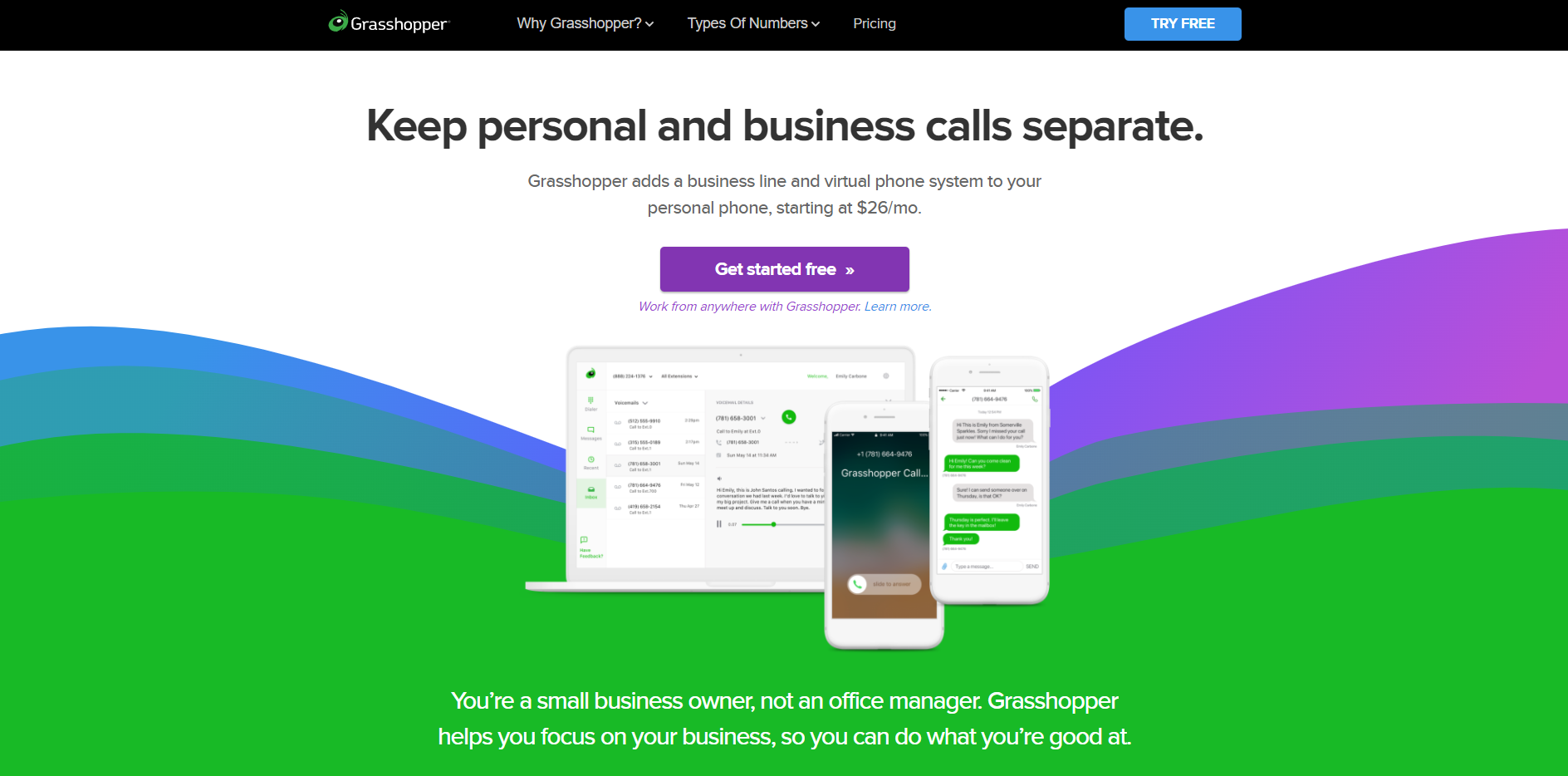
Grasshopper offers a phone number and software which allows you to make and receive calls from your computer or mobile device.
Recommended for self-employed business owners Grasshopper is recommended for small, self-run businesses looking to handle their VoIP needs from computers or mobile devices.
Key features Grasshopper has no monthly fees for using its system, unlike other providers. Features include:
Pros
Cons
Price Grasshopper offers a $26, $44, and $80 option in addition to a free trial version.
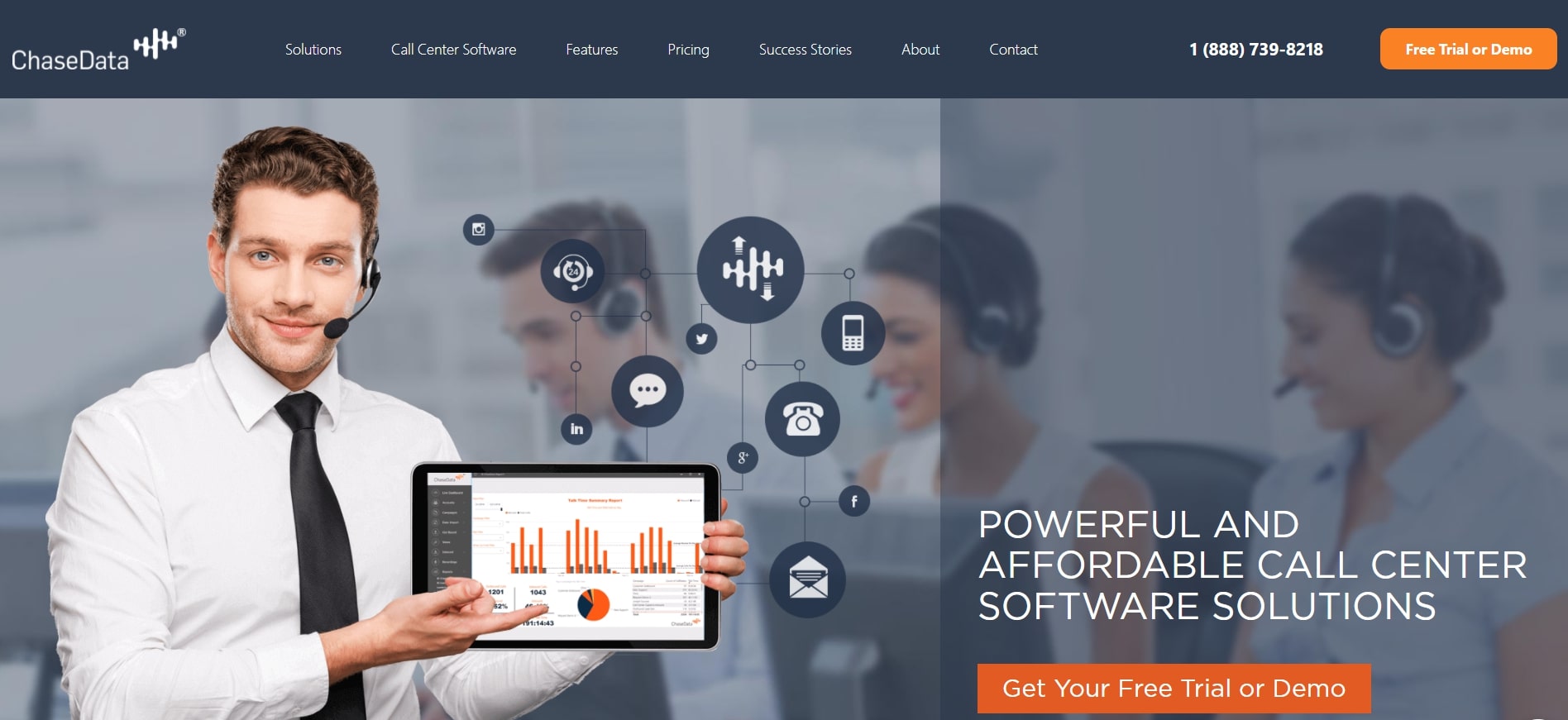
ChaseData provides a CCaaS phone system through the cloud that offers your business unified services.
Recommended for startups ChaseData CCaaS offers eight unique phone service plans to suit any organizational needs, especially for startup businesses.
Key features ChaseData CCaaS provides hosted IVR services that can be launched over SMS messages to set themselves apart from other systems. Features include:
Pros
Cons
Price A free trial version is offered in addition to an $89, $139, and $169 option per agent per month.
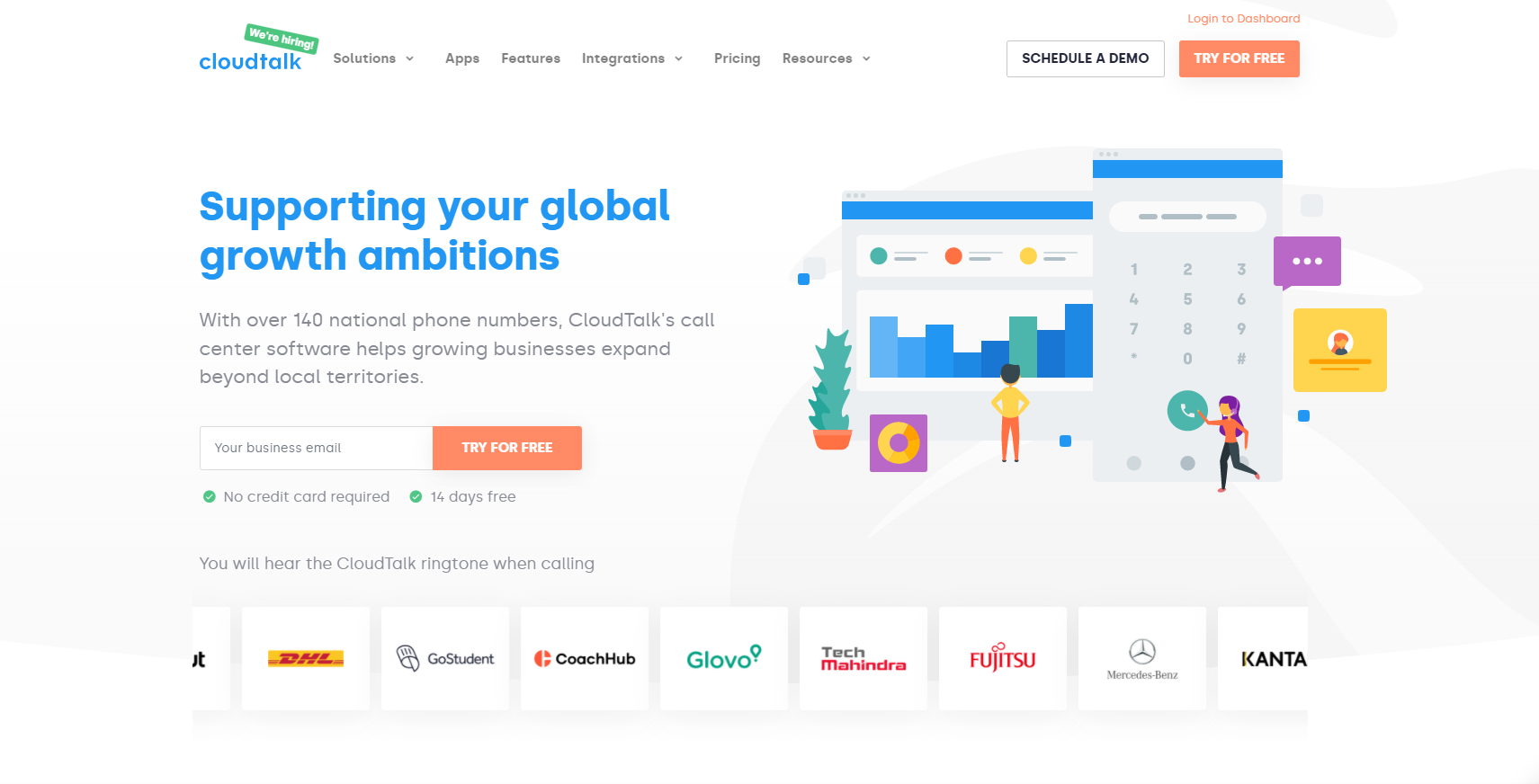
Cloudtalk VoIP phone system is a cloud-based telephone/PBX service capable of supporting 500 employees.
Recommended for trunking features Using an IP-PBX is recommended for all users setting up trunking and conference facilities. Cloudtalk simplifies the operation of these trunking features.
Key features Cloudtalk sells a hosted conference PBX platform with a mobile app that can connect users to multiple conference rooms, unlike other providers. Features include:
Pros
Cons
Price Cloudtalk offers a free trial version, a $20, $25, and $40 option. You can contact them directly for a quote for more services.
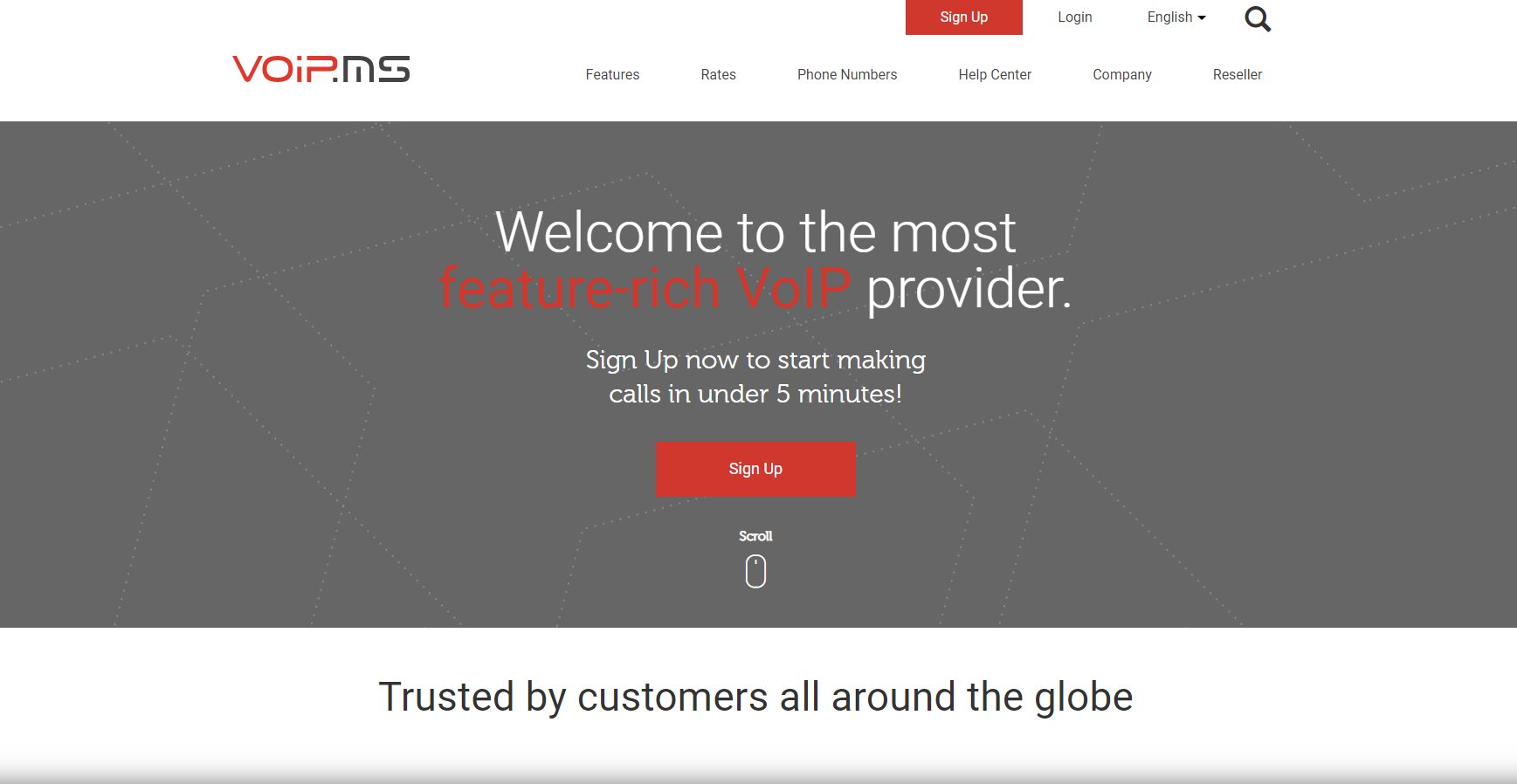
VoIP.ms is a free VoIP service that allows you to call other people worldwide for free or at very low rates.
Recommended for basic VoIP service VoIP.ms can provide the primary calling features your small business needs with its cut and dry features. Features include:
Pros
Cons
Price VoIP.ms has pricing options for calling in the US, Canada, and internationally. They offer rates that cost $.01 per minute or less.
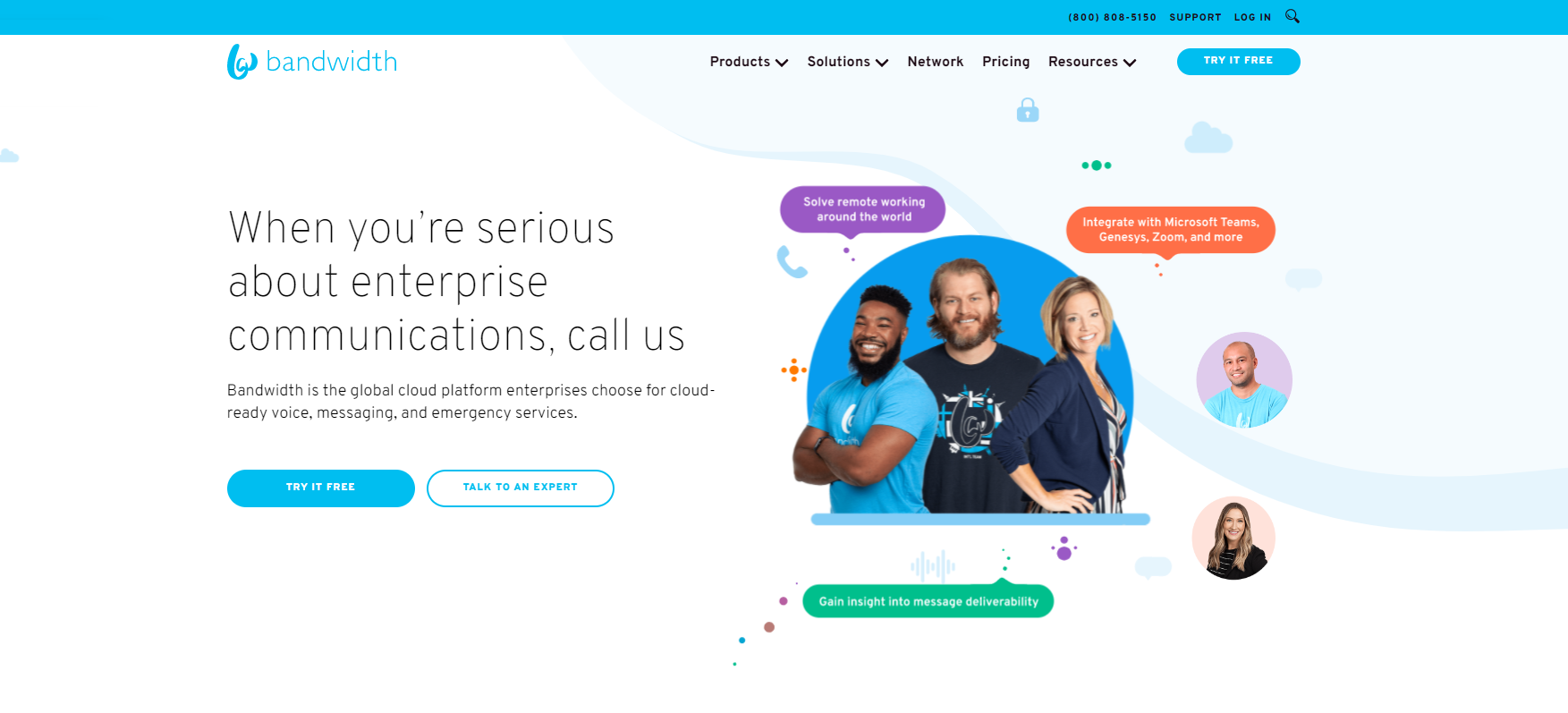
Bandwidth VoIP phone system is an affordable business phone solution that can easily fit into any budget.
Recommended for improved telcom features Bandwidth’s APIs make it easy to embed voice, messaging, and 911 access into software and applications.
Key features VoIP.ms virtual phone system sets itself apart with its use of API embedding in its services. Features include:
Pros
Cons
Price Bandwidth offers voice API and messaging API with a per minute or per 100 character rate. There is a free version and a free trial version.
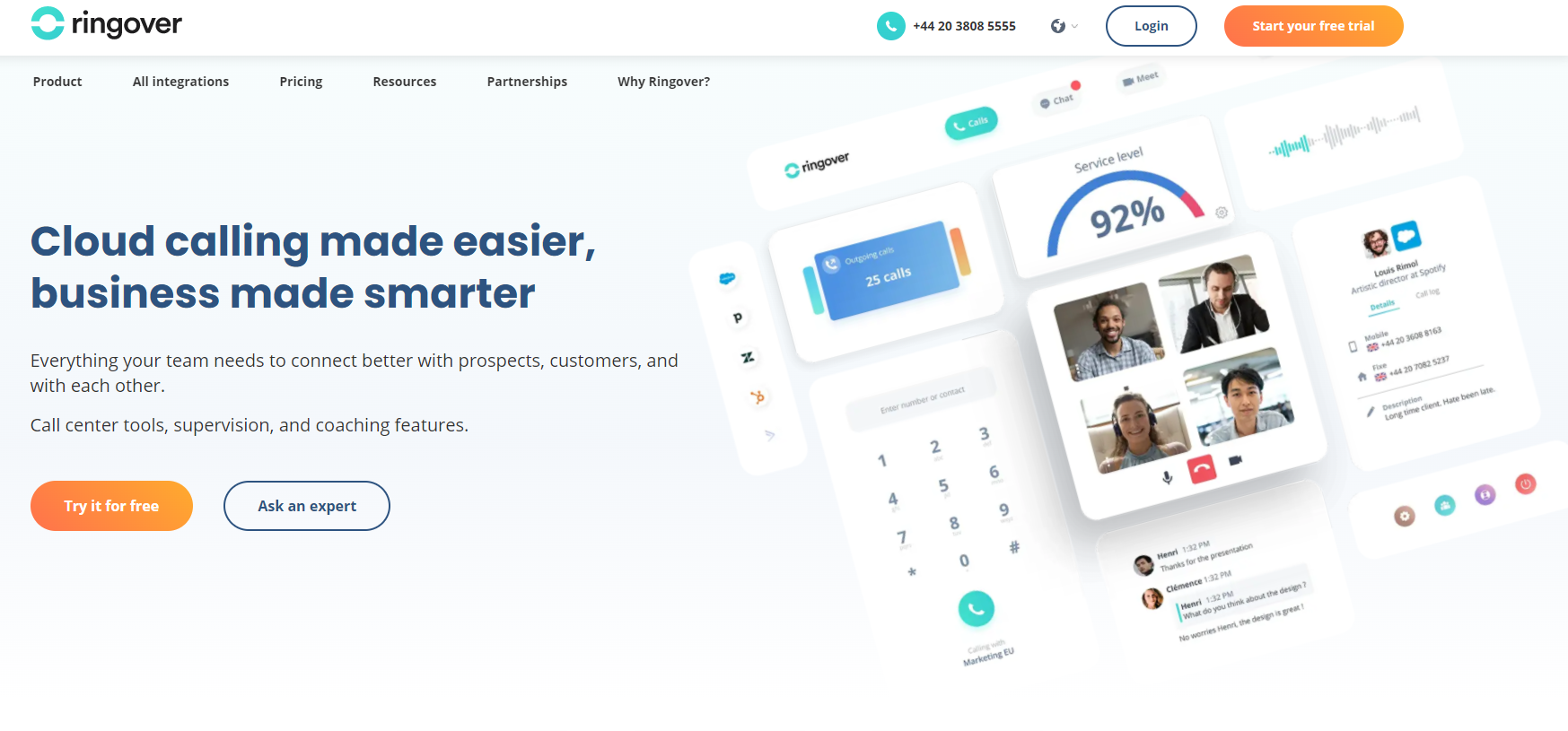
Ringover VoIP phone system was created to allow businesses and users to take advantage of the latest internet technology without spending a fortune on new hardware.
Recommended for calls in Europe Ringover operates its network of more than 20 points of presence across Europe to improve its connection quality.
Key features Ringover enables VoIP phones to switch between computers or other devices in case of technical difficulties, setting itself apart from other providers. Features include:
Pros
Cons
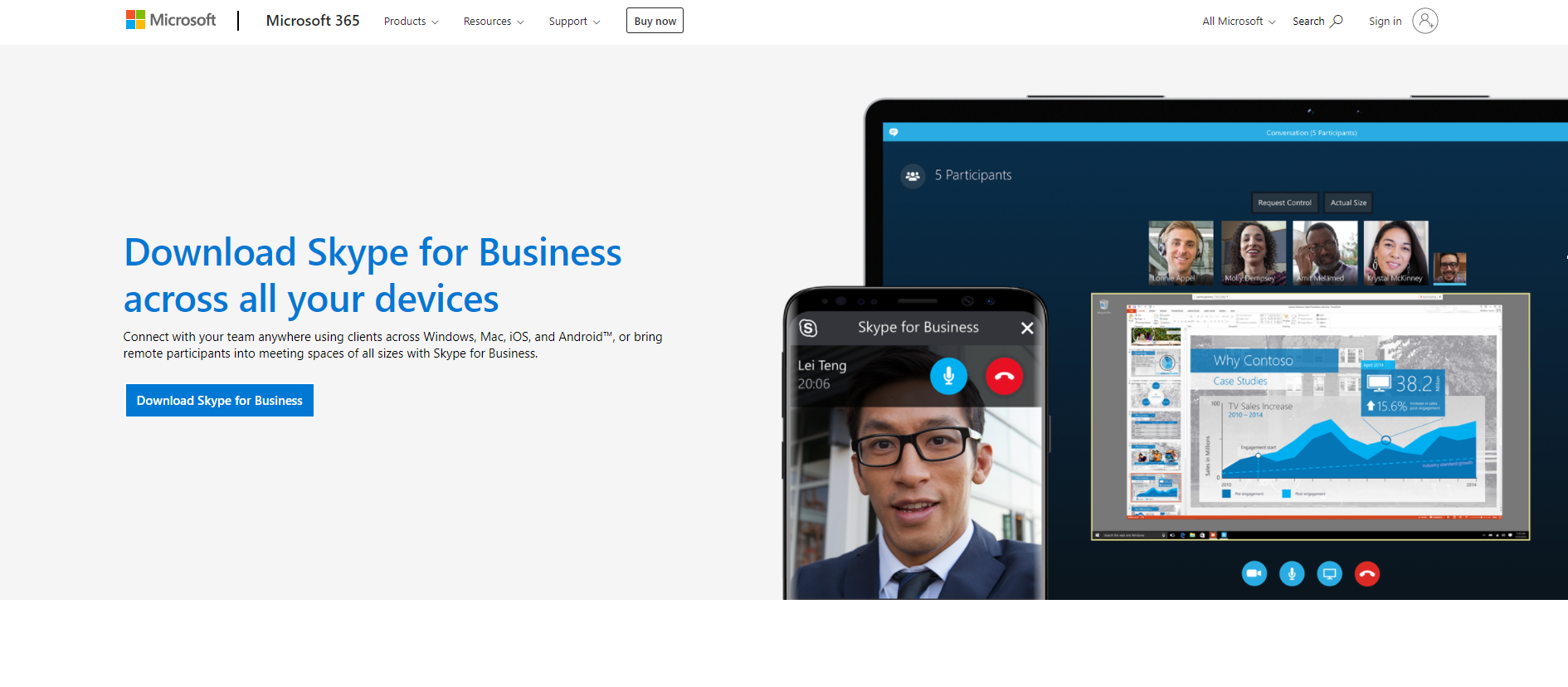
Skype for Business provides conference calling and instant messaging features that allow enterprise-grade phone services.
Recommended for hybrid hosting Microsoft’s Skype for Business can be deployed in on-premise data centers, in a hosted cloud datacenter, or a hybrid of the two.
Key features Skype for Business is different from other providers because they offer skype calls on your phone systems. Features include:
Pros
Cons
Demo versions allow you to try out a VoIP system or call center system without obligation or penalty should you decide that the service isn’t suitable for your needs. Most companies offer their demo version free of charge. So potential customers can test drive their product without signing a contract or paying fees. Demo versions also make it easy for customers to compare their offerings with those of competitors. Demo versions do not always offer all available features depending on the system.
The greatest part about free trials is that they are genuinely free. You don’t have to pay for the service you are not using or even spend your money on a system until you know if the company’s services suit your needs. This way, you can find out what might fit you better. The free trial can last for a limited time or be free forever once you decide to go with the company’s services over all others you have tried.
Your VoIP phone system is a vital part of your business. It helps you communicate with clients, employees, and vendors daily. We hope we have given you an idea of the top 20 VoIP phone systems and integrations. These are some great tools to help your business grow and thrive while saving money on your voice-over IP costs. You should consider multiple factors like hardware, software, payment plans, and current business needs to select the VoIP software that is right for you.
Share this article
Daniel oversees marketing and communications at LiveAgent as a member of the inner product circle and company top management. He previously held various managerial positions in marketing and client communication. He is recognized as one of the experts on AI and its integration into the customer service environment.

Discover cost-effective VoIP software with features like video calls, screen sharing & call recording. Enhance communication & save more today!
Discover SIP calling, a cost-efficient, scalable solution for multimedia communication via VoIP. Learn how LiveAgent enhances it today!
Discover the benefits of Mobile VoIP, a cost-effective and flexible solution for making calls on your smartphone or tablet using an internet connection. Enjoy f...
Join our community of happy clients and provide excellent customer support with LiveAgent.
