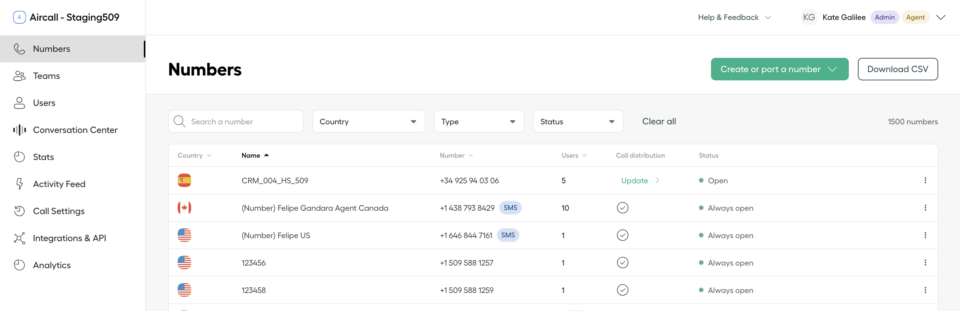
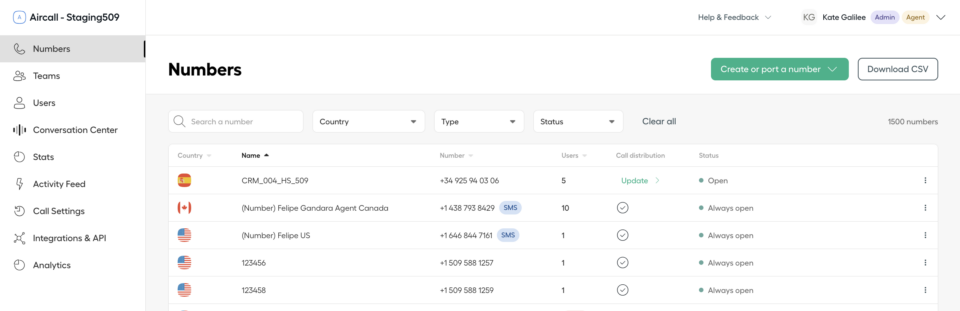
Aircall is a prominent cloud-based phone system designed for customer service teams, offering voice communication solutions tailored for businesses of all sizes. While Aircall is widely used, it may not suit everyone’s needs. This article explores the top 15 alternatives to Aircall for 2025, helping you find the best option to enhance your customer support strategy.
Why Consider Alternatives to Aircall?
While Aircall is a widely used cloud-based phone system, it may not be the perfect fit for every business. Here are some reasons why companies might look for alternatives:
Pricing – Aircall’s pricing starts at $30 per user per month, which can quickly become expensive for growing teams or businesses with tighter budgets.
Limited advanced features – Although Aircall provides essential VoIP services, some users have noted that it lacks advanced features like detailed analytics and robust CRM integrations, which might be crucial for more complex operations.
Customer support experience – While Aircall does offer customer support, there have been reports of slow response times and inconsistent service quality, which can be a major concern for businesses that rely on prompt and reliable support.
These factors might lead businesses to explore other options. A recent study highlighted that nearly 73% of SaaS vendors increased their prices in 2023, reflecting the broader trend of rising software costs, which has driven many businesses to seek more cost-effective solutions.
A Comparison Chart of the Top 5 Aircall Competitors
Platform
Capterra Rating
Integrations
Free Version
Free Trial
Price Starts At
LiveAgent
4.7/5
220+
✅ Yes
✅ Yes
$15 agent/m
Nextiva
4.6/5
200+
❌ No
✅ Yes
$25 agent/m
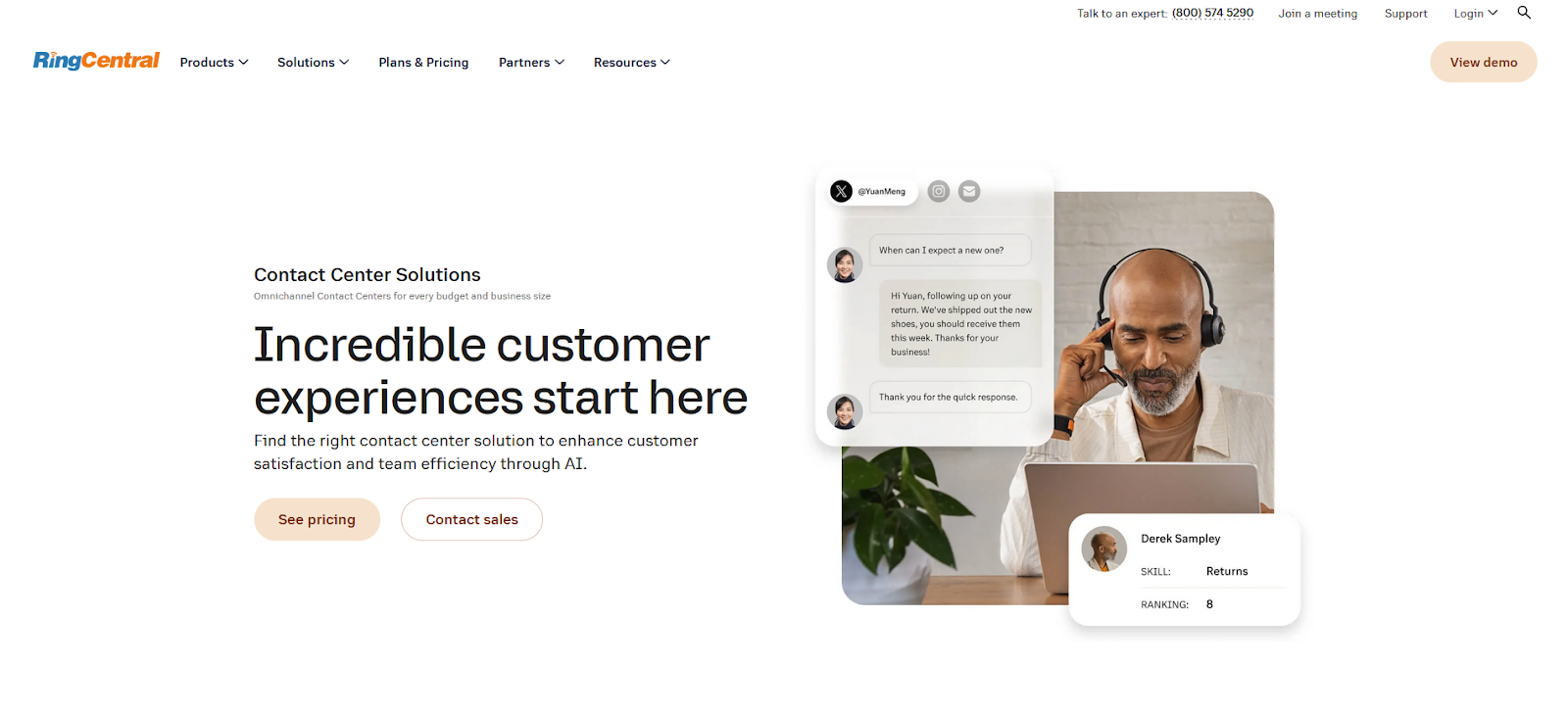
RingCentral Contact Center
4.3/5
200+
❌ No
✅ Yes
$19.99/agent/m
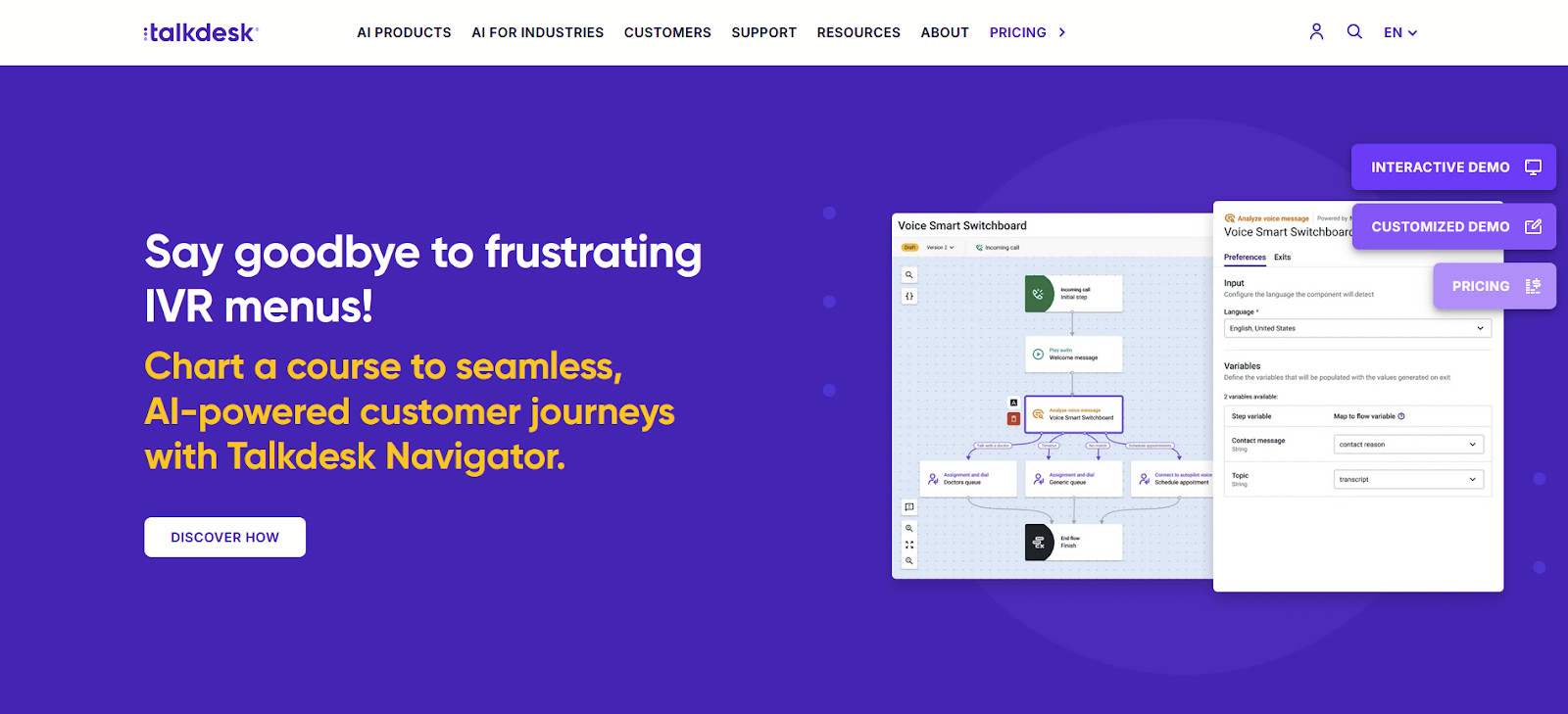
Talkdesk
4.5/5
60+
❌ No
✅ Yes
$85/agent/m
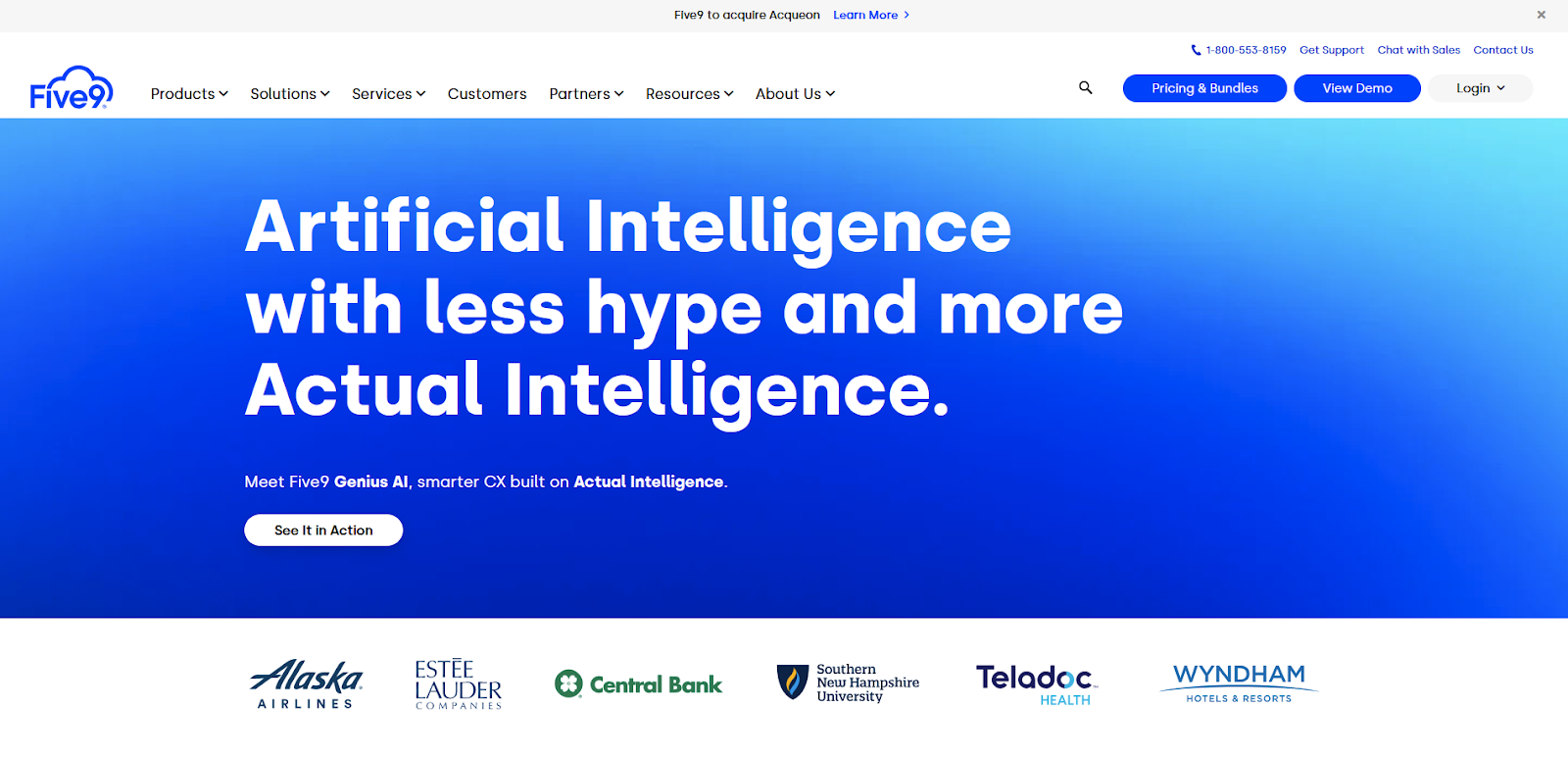
Five9
4.2/5
100+
❌ No
✅ Yes
$175/agent/m
The 15 Best Aircall Alternatives & Competitors for 2025
1. LiveAgent
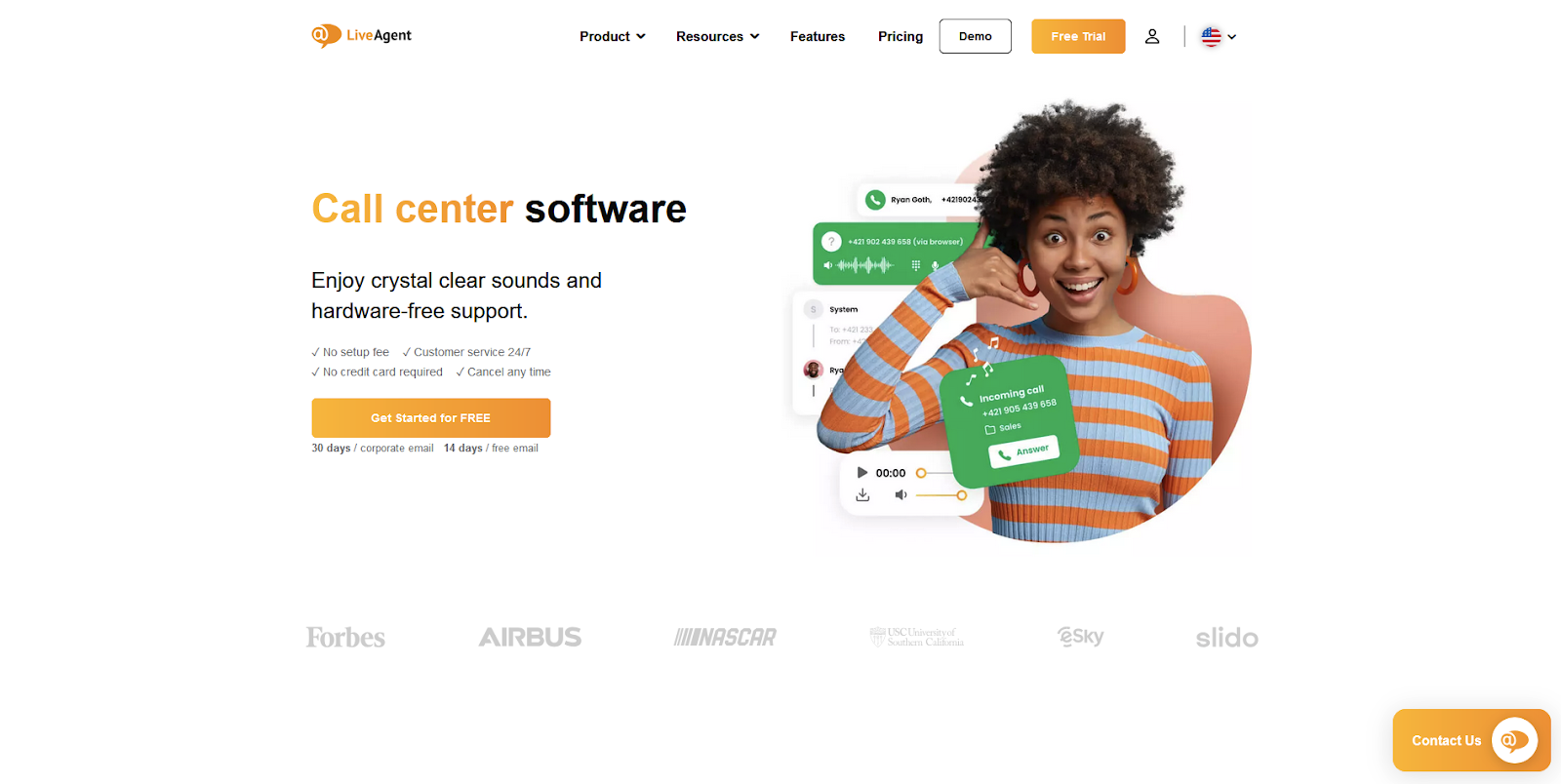
LiveAgent is a top Aircall alternative because it offers a comprehensive set of call center features that extend beyond basic voice communication. While Aircall is primarily focused on VoIP, LiveAgent provides an all-in-one solution that includes advanced ticketing, multi-channel support, and seamless integration with social media. This makes LiveAgent particularly suitable for businesses looking to manage customer interactions across various platforms, ensuring a more holistic approach to customer service. Additionally, with its robust feature set and cost-effective pricing, LiveAgent offers significant value, making it the number one choice among Aircall competitors.
LiveAgent Features
Automatic callback
Call button
Call detail records
Call device scheduling
Call routing
Call transfers
Internal calls
IVR (Interactive Voice Response)
Softphones
Supported call devices
Video call
Unlimited call recordings
Ticketing system
Social media integration
Knowledge base management
Main Differences Between LiveAgent and Aircall
Multi-channel support – While Aircall focuses on voice communications, LiveAgent provides a more diverse set of tools, including social media and email support.
Advanced ticketing system – LiveAgent offers a more comprehensive ticket management system.
Knowledge base – LiveAgent includes a built-in knowledge base feature that Aircall lacks.
Pros
Comprehensive solution that eliminates the need for additional purchases
Budget-friendly pricing with a 30-day free trial
Supports multiple languages with customizable language widgets
Cons
Cannot be logged into the same account on two browsers simultaneously
24/7 tech support is available, but it’s based in the EU
Best For
Small to medium-sized businesses looking for an all-in-one customer support solution with integrated voice communication.
LiveAgent Pricing
Free trial: YES (30-day free trial)
Free: $0 per user/month
Small: $15 per user/month
Medium: $29 per user/month
Large: $49 per user/month
Enterprise: $69 per user/month
2. Nextiva
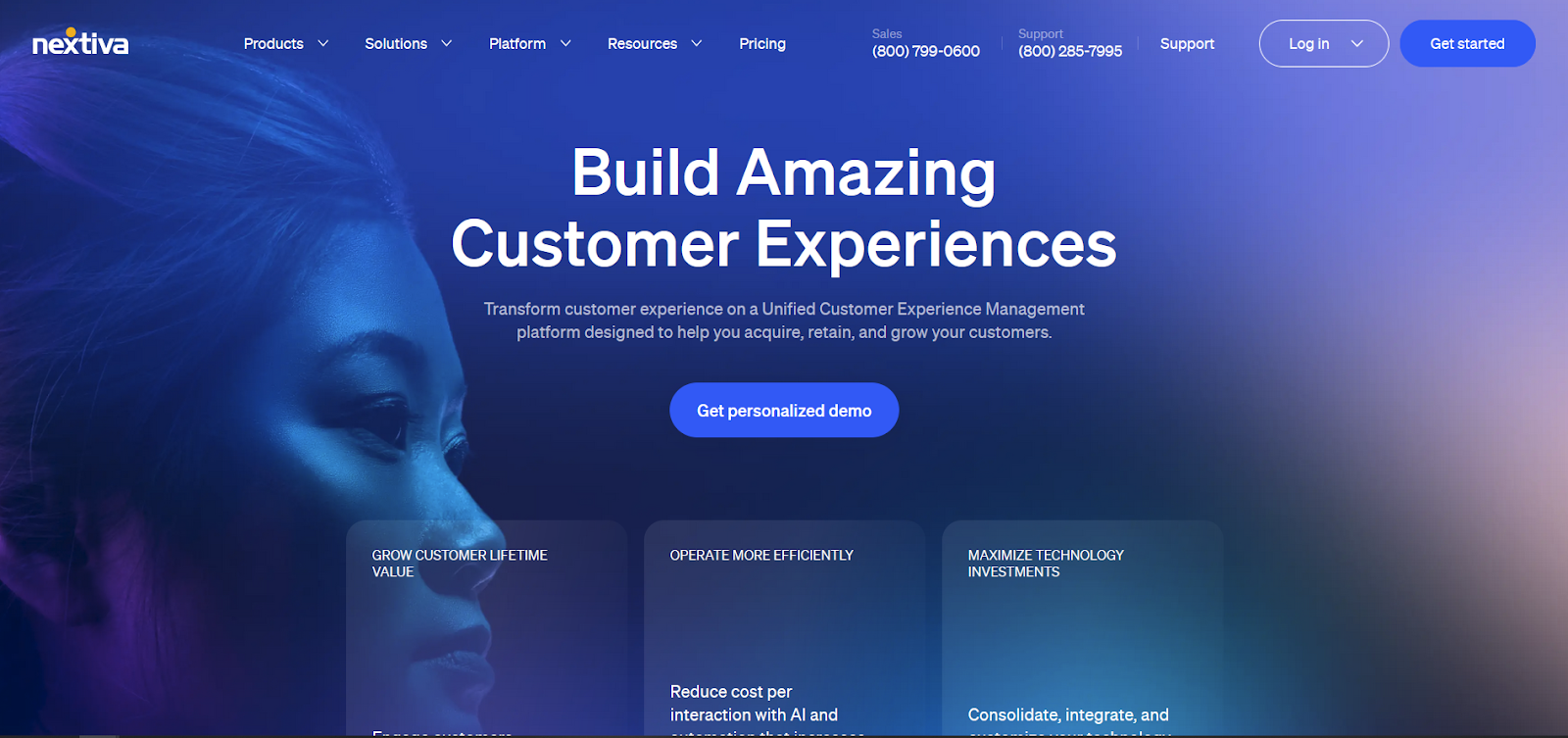
Nextiva is a customer service and engagement platform equipped with an intuitive interface and many extensive features. It focuses on streamlining customer support processes and enhancing the customer experience. Nextiva’s integration options and its emphasis on data-driven insights make it a good choice for companies looking to optimize their communication capabilities and customer support.
Nextiva Features
VoIP services
Multi-channel support
Call recording
CRM integration
Advanced call analytics
Team collaboration tools
Automation features
Unified communications platform
Video conferencing
Team messaging
Main Differences Between Nextiva and Aircall
Unified platform – Nextiva offers a full suite of communication tools including voice, video, and messaging, while Aircall is primarily focused on VoIP.
Team messaging – Nextiva includes integrated team messaging, which Aircall lacks.
Video conferencing – Nextiva provides built-in video conferencing, adding to its all-in-one communication capabilities.
Pros
Unified communication tools that go beyond VoIP
Integration with popular CRM systems
Strong team collaboration features
Cons
Higher cost, particularly for smaller businesses
Can be more complex to set up and manage for teams only needing basic VoIP services
Best For
Mid to large-sized businesses seeking a comprehensive, unified communications platform with integrated team messaging and video conferencing.
Nextiva Pricing
Free trial: No
Digital: $20 per user/month
Core: $30 per user/month
Engage: $40 per user/month
Power Suite: $60 per user/month
3. RingCentral Contact Center
RingCentral Contact Center is a project management and issue-tracking platform popular because of its robust feature set. It provides tools for IT management and customer support, as well as integration with third-party applications. RingCentral’s flexibility and scalability make it an interesting choice for companies that want to enhance their management processes and overall productivity.
RingCentral Features
Omnichannel routing
Real-time analytics and reporting
Workforce optimization tools
Call monitoring and recording
Advanced IVR system
Main Differences Between RingCentral and Aircall
Omnichannel support – RingCentral offers broader support for multiple communication channels, beyond just voice.
Workforce optimization – RingCentral includes tools for optimizing agent performance, which Aircall lacks.
Scalability – Designed to support varying business sizes, RingCentral offers more scalable solutions compared to Aircall.
Pros
Broad omnichannel support
Advanced tools for workforce optimization
Suitable for businesses of various sizes
Cons
Complexity in setup and management can be challenging for teams without experience in contact center tools
Best For
Medium to large-sized businesses needing a scalable, omnichannel contact center solution with workforce management capabilities.
RingCentral Pricing
Free trial: Yes, 30 days
Pricing: Available on request from RingCentral’s sales team
4. Talkdesk
Talkdesk is a cloud-based contact center platform that provides businesses with powerful tools to enhance customer interactions. Known for its user-friendly interface and AI-driven features, Talkdesk is designed to support enterprise-level contact centers with minimal complexity.
Talkdesk Features
AI-powered customer interactions
Omnichannel support
Real-time analytics and reporting
Workforce management tools
Customizable IVR and call routing
Main Differences Between Talkdesk and Aircall
AI capabilities – Talkdesk offers AI-powered tools that provide deeper customer insights, which Aircall lacks.
Workforce management – Talkdesk includes more advanced workforce management features compared to Aircall.
Omnichannel communication – Talkdesk supports a wider range of communication channels, enhancing its versatility.
Pros
Advanced AI and automation tools
Comprehensive workforce management
Strong omnichannel support
Cons
Requires more effort to set up and integrate
Can be complex for smaller teams
Best For
Mid to large-sized businesses needing a robust contact center platform with AI capabilities and advanced workforce management tools.
Talkdesk Pricing
Free trial: No
CX Cloud Digital Essentials: $85 per user/month
CX Cloud Essentials: $85 per user/month
CX Cloud Elevate: $115 per user/month
CX Cloud Elite: $145 per user/month
5. Five9
Five9 excels as a cloud-based contact center solution for enterprises seeking advanced automation and AI capabilities. Its comprehensive workforce management tools, coupled with predictive analytics, make it particularly suited for large organizations focused on optimizing both inbound and outbound communications. While it may offer more features than smaller businesses need, Five9’s robust capabilities make it an excellent choice for those with complex customer service requirements.
Five9 Features
AI/machine learning for predictive analytics
Omnichannel support
Advanced call routing and automation
Workforce management tools
Real-time reporting and analytics
Main Differences Between Five9 and Aircall
AI capabilities – Five9 offers more advanced AI tools, such as predictive analytics, which Aircall lacks.
Omnichannel communication – Five9 supports a broader range of communication channels, enhancing its versatility.
Pros
Advanced AI and automation tools
Comprehensive workforce management
Strong omnichannel support for various communication channels
Cons
Complexity in setup and integration
May be more than what smaller businesses need
Best For
Medium to large-sized enterprises needing a comprehensive contact center platform with advanced AI and workforce management tools.
Five9 Pricing
Free trial: No
Digital: $175 per month
Core: $175 per month
Premium: $235 per month
Optimum: $290 per month
Ultimate: $325 per month
6. Freshdesk
Freshdesk is an omnichannel customer support platform designed to help businesses of all sizes manage their customer interactions efficiently. It integrates multiple channels such as email, phone, chat, and social media, offering a comprehensive help desk solution. Freshdesk is known for its ease of use, affordability, and extensive feature set, making it a strong contender for businesses seeking an Aircall alternative.
Freshdesk Features
Ticketing system
Multi-channel support
Automation features
Customer portals
Knowledge management
Ticket routing
Advanced reporting features and analytics
Main Differences Between Freshdesk and Aircall
Integrated help desk – Freshdesk combines ticketing with phone support, while Aircall is focused primarily on voice communication.
SLA management – Freshdesk includes tools for managing service level agreements, which Aircall lacks.
Community engagement – Freshdesk supports customer community forums, a feature not offered by Aircall.
Pros
Affordable pricing with a free tier available
Easy to set up and use
Comprehensive help desk features with integrated phone support
Cons
Limited advanced call center features
Higher-tier plans may be required for more advanced functionalities
Best For
Small to medium-sized businesses looking for an affordable, integrated help desk solution.
Freshdesk Pricing
Free trial: Yes, 21 days
Free: $0 per user/month
Growth: $18 per user/month
Pro: $59 per user/month
Enterprise: $95 per user/month
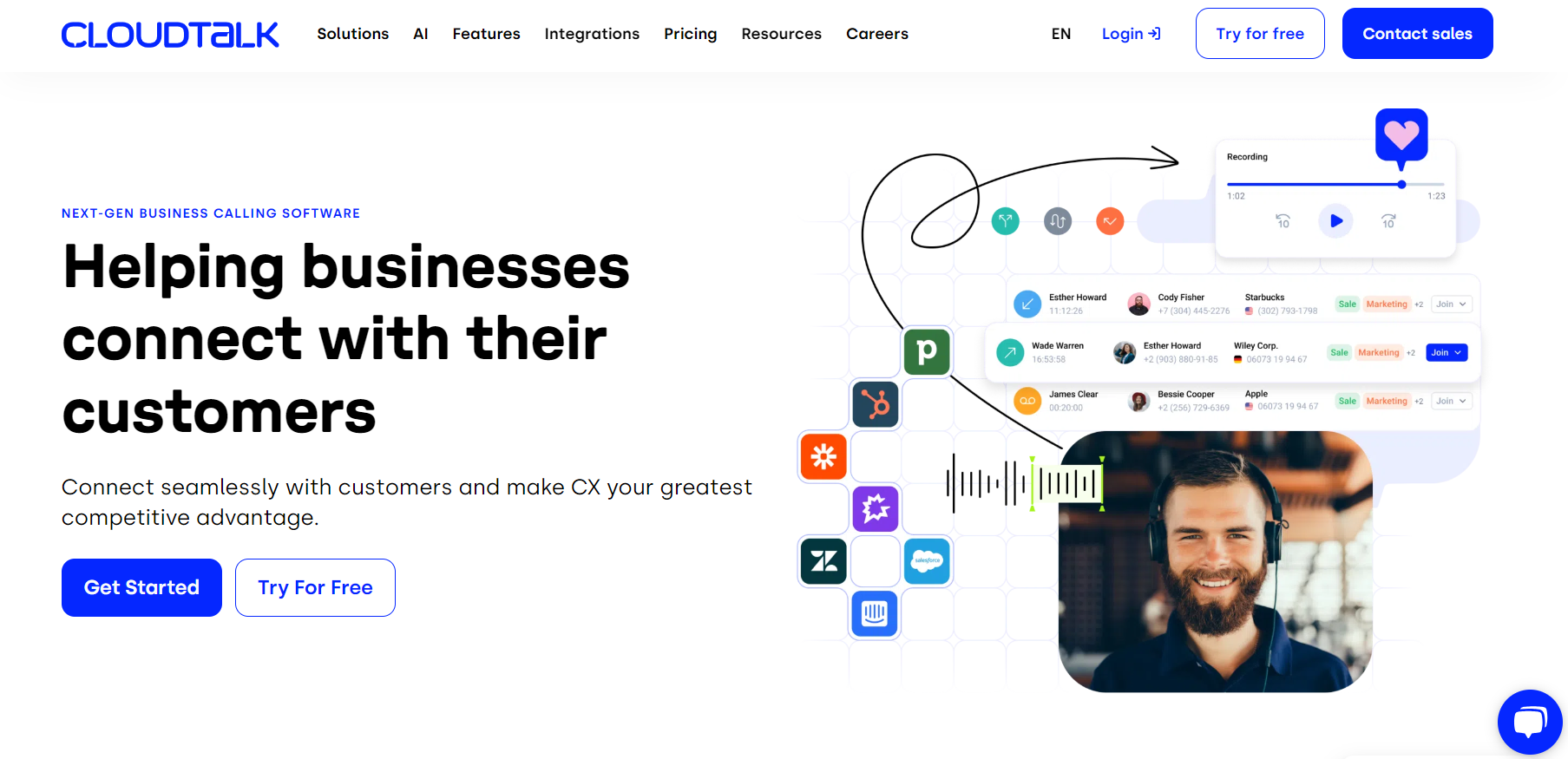
7. CloudTalk
CloudTalk is a cloud-based call center solution that caters to sales and support teams looking to improve productivity and customer satisfaction. It provides a comprehensive suite of features designed to streamline communication and enhance customer interactions.
CloudTalk Features
VoIP services
Call recording and monitoring
Skill-based call routing
CRM integration
Real-time analytics
Call scripting
Multi-language support
Main Differences Between CloudTalk and Aircall
Advanced call center features – CloudTalk offers more sophisticated call center functionalities, such as predictive dialing and advanced IVR, which Aircall lacks.
Customization – CloudTalk provides more options for customizable call flows and agent scripts.
Multi-language support – CloudTalk is better suited for businesses that operate in multiple languages, offering more extensive support.
Pros
Advanced call center features that enhance customer interactions
Strong CRM integration for better customer management
Highly customizable call flows and scripting tools
Cons
Setup and customization may require additional time and resources
Some features may be more complex to implement for smaller teams
Best For
Small to medium-sized businesses that require advanced call center functionalities and customizable workflows.
CloudTalk Pricing
Free trial: Yes, 14 days
Starter: $34/month
Essential: $39/month
Expert: $69/month
Custom: Contact for pricing
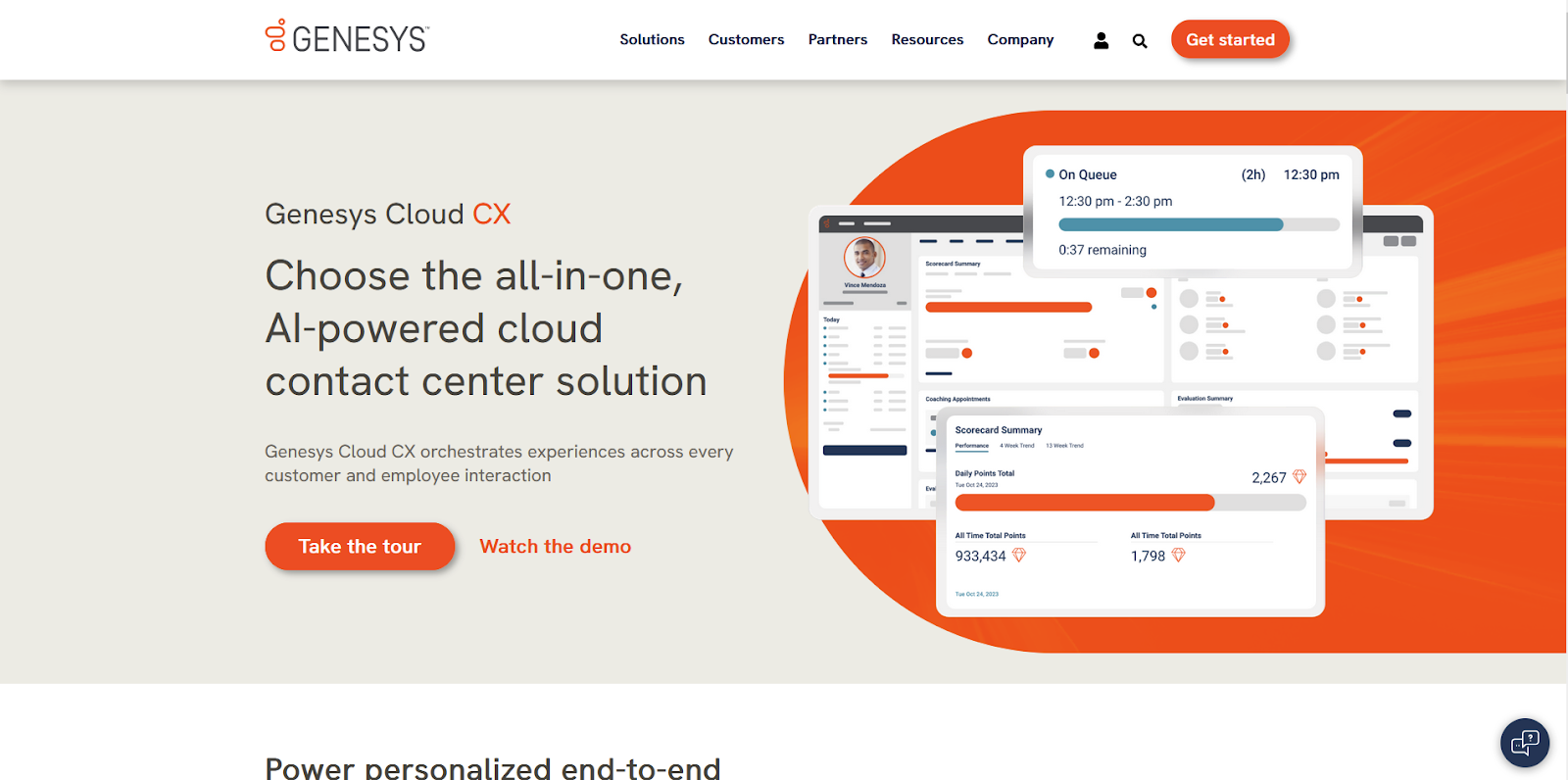
8. Genesys Cloud CX
Genesys Cloud CX is an IT monitoring and analytics platform that enables IT teams to monitor performance, visualize metrics, and troubleshoot issues across different IT infrastructures. It provides a wide set of features, including log analytics, APM, network performance monitoring, and infrastructure management.
Genesys Cloud CX Features
Omnichannel support
AI-driven customer engagement
Workforce management
Advanced reporting and analytics
Predictive analytics
Real-time and historical data insights
CRM integration
Main Differences Between Genesys Cloud CX and Aircall
Genesys Cloud CX offers a more robust set of features tailored to large enterprises, including advanced AI and workforce management tools, which Aircall lacks. It also supports a broader range of communication channels, making it more comprehensive for businesses with complex customer service needs.
Pros
Advanced AI and predictive analytics
Comprehensive omnichannel support
Strong workforce management tools
Cons
Higher pricing tiers, better suited for larger enterprises
Best For
Large enterprises needing a powerful, AI-driven contact center solution with extensive omnichannel support.
Genesys Cloud CX Pricing
Free trial: Yes, 14 days
CX1: $75/user/month (Billed annually)
CX2: $115/user/month (Billed annually)
CX3: $155/user/month (Billed annually)
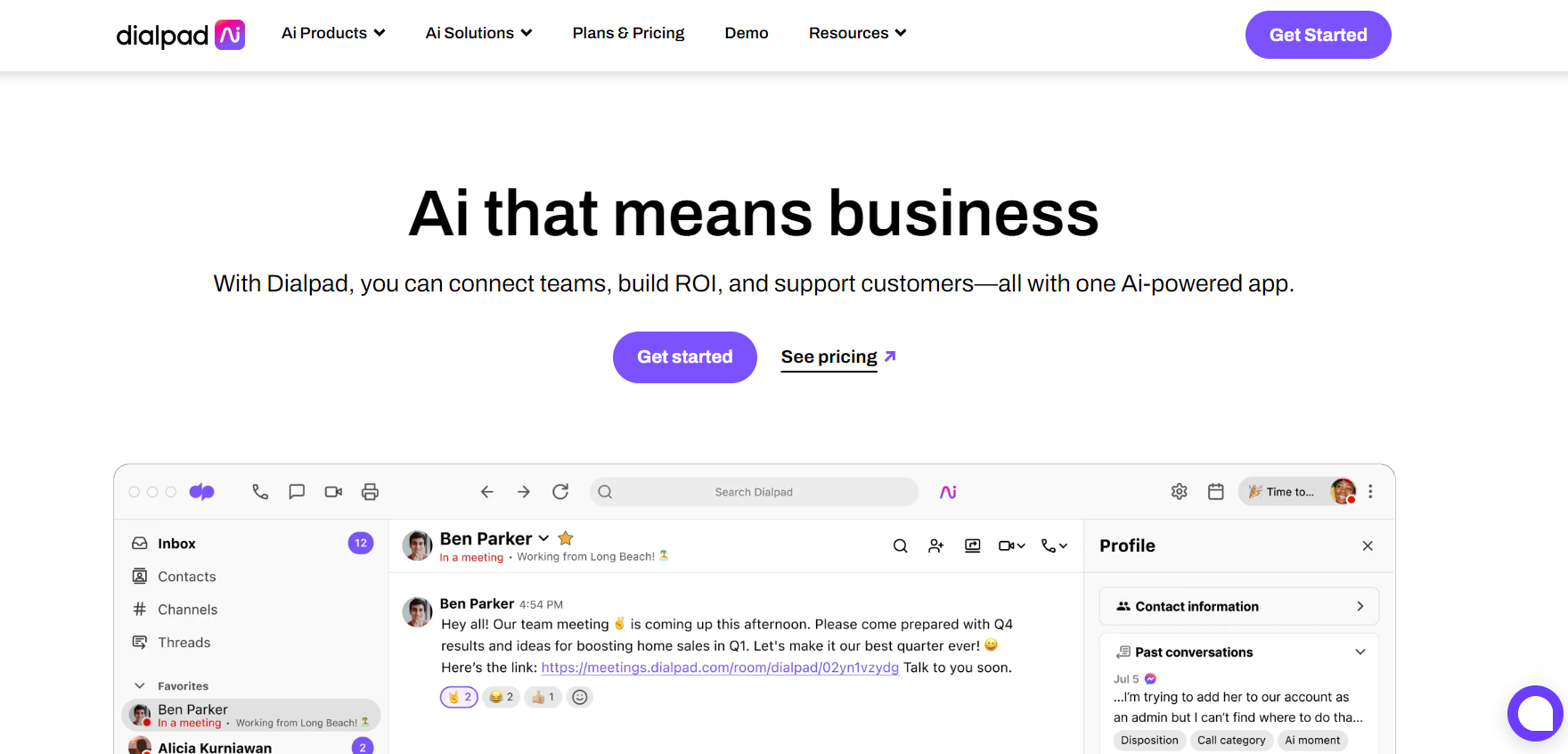
9. Dialpad
Dialpad is a cloud-based communication platform that integrates voice, video, and messaging services. It is particularly known for its AI-powered features and seamless integration with popular productivity tools like Google Workspace and Microsoft 365.
Dialpad Features
VoIP services
AI-powered voice intelligence
Unified communications (voice, video, messaging)
Call recording and monitoring
Real-time analytics
CRM integration
Video conferencing
Main Differences Between Dialpad and Aircall
AI capabilities – Dialpad provides real-time transcription and sentiment analysis, offering advanced communication insights.
Unified communications – Dialpad integrates voice, video, and messaging, unlike Aircall, which focuses primarily on voice.
Productivity tool integration – Dialpad’s strong integration with tools like Google Workspace makes it ideal for tech-savvy teams.
Pros
Advanced AI-powered communication insights
Unified platform for voice, video, and messaging
Strong integration with popular productivity tools
Cons
Requires time to explore and utilize all features
May be complex for users only needing basic VoIP services
Best For
Small to medium-sized businesses looking for a modern communication platform with advanced AI capabilities and strong productivity tool integration.
Dialpad Pricing
Free trial: Yes, 14 days
Essentials: $95/user/month
Advanced: $135/user/month
Premium: $170/user/month
10. Twilio
Twilio is a cloud communications platform known for offering APIs that enable businesses to build custom communication solutions, including voice, messaging, and video. It is highly flexible and integrates well with a wide range of business tools, making it ideal for companies with specific, customizable needs.
Twilio Features
Programmable voice APIs
SMS and messaging APIs
Video conferencing
Global communication capabilities
Security and compliance features
CRM integration
Main Differences Between Twilio and Aircall
Customizability – Twilio’s API-driven approach allows for highly tailored communication solutions.
Global reach – Twilio supports international communication with local numbers, providing broader coverage.
Developer-focused – Twilio is built with developers in mind, offering advanced custom integrations that are beyond Aircall’s out-of-the-box features.
Pros
Highly customizable platform suitable for diverse communication needs
Strong global reach with local numbers and extensive international support
Comprehensive security and compliance features
Cons
Requires technical expertise for implementation
Costs can accumulate depending on usage and customization needs
Best For
Large enterprises and developers needing a customizable, API-driven communication platform with strong global capabilities.
Twilio Pricing
Twilio has a complex pricing plan that would be better explained by their sales team.
11. JustCall
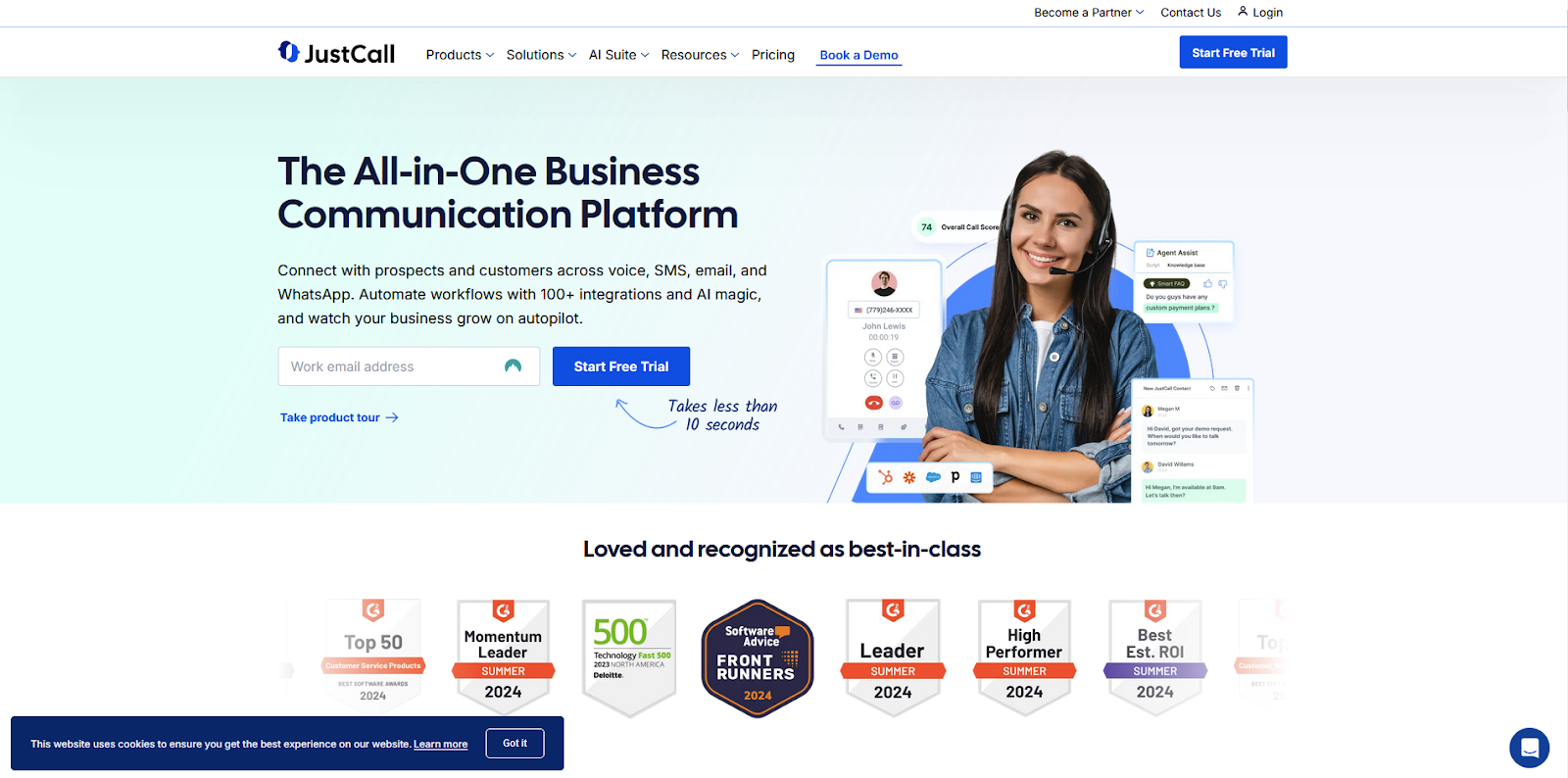
JustCall is a cloud-based phone system tailored for sales and support teams. It integrates seamlessly with popular CRMs and offers features like SMS automation, call tracking, and an auto-dialer, making it a comprehensive tool for businesses focused on outbound communication.
JustCall Features
VoIP services
Call recording and monitoring
SMS automation
CRM integration
Auto-dialer
Call tracking and analytics
Multi-channel support
Main Differences Between JustCall and Aircall
SMS automation – JustCall includes built-in SMS automation, a feature that Aircall does not offer.
Auto-dialing – JustCall provides an auto-dialer for outbound calls, which is not available in Aircall.
Call tracking – JustCall offers more detailed call tracking and analytics than Aircall.
Pros
Strong SMS automation and auto-dialer features
Detailed call tracking and analytics
User-friendly interface
Cons
May experience occasional call quality issues
Setup for SMS campaigns may require additional time
Best For
Small to medium-sized sales and support teams requiring a cloud-based phone system with strong SMS automation and detailed call tracking features.
JustCall Pricing
Free trial: Yes, 14 days
Essentials: $19 per user/month
Team: $29 per user/month
Pro: $49 per user/month
Pro Plus: $89 per user/month
Business: Custom pricing
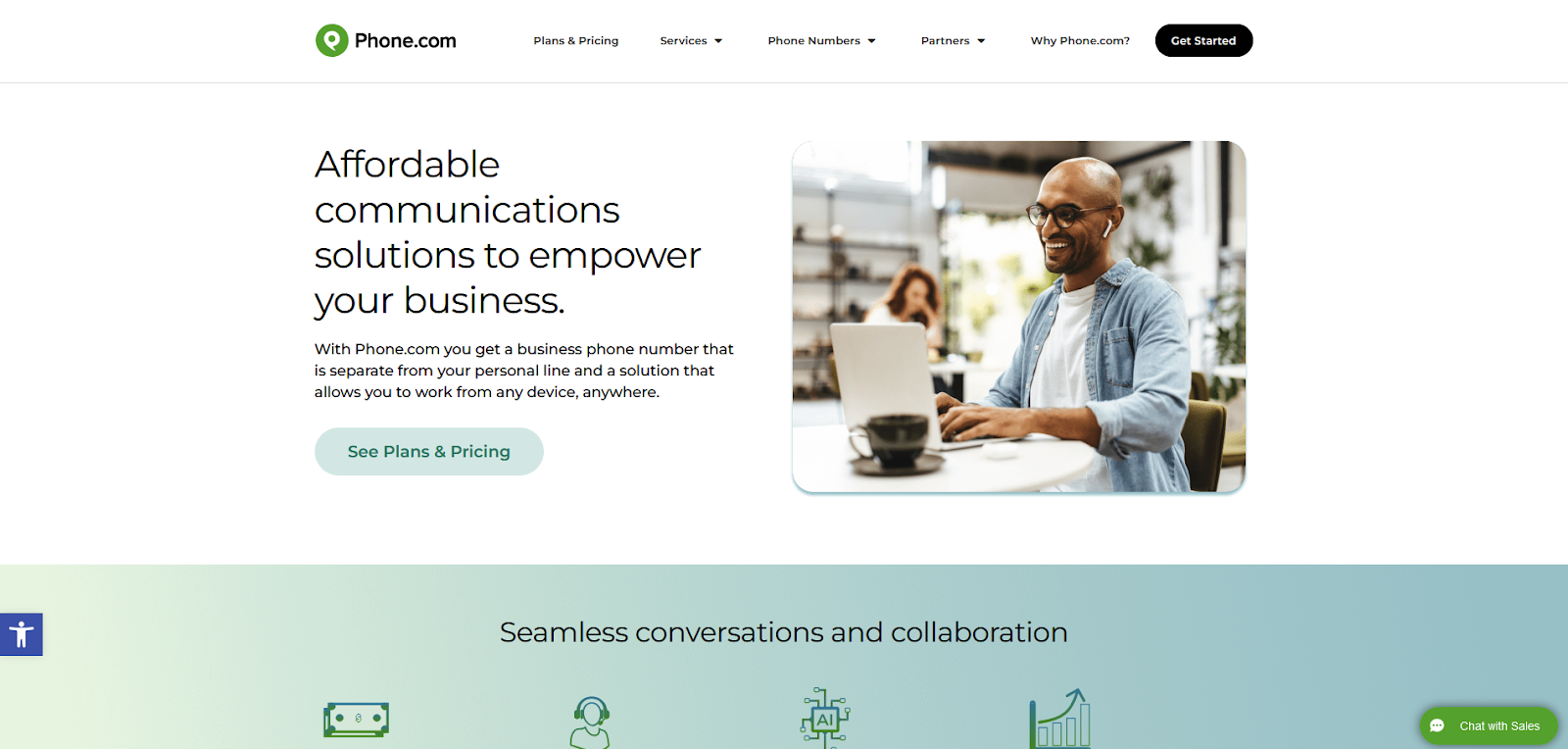
12. Phone.com
Phone.com is a versatile cloud-based communication platform designed for small to medium-sized businesses. It offers essential features like VoIP services, SMS messaging, and video conferencing, with a focus on affordability and ease of use. Phone.com also integrates with various CRM systems, providing businesses with streamlined communication tools.
Phone.com Features
VoIP services
Call recording and management
Video conferencing
SMS messaging
CRM integration
Customizable voicemail
Main Differences Between Phone.com and Aircall
Pricing – Phone.com offers more budget-friendly plans, making it accessible for small businesses.
Feature set – Phone.com includes built-in fax and advanced SMS capabilities not found in Aircall.
Customization – Phone.com provides more customizable options for voicemail and call management.
Pros
Affordable pricing
Comprehensive communication features
Easy setup and use
Cons
Lacks some advanced analytics tools
Integration options are limited compared to Aircall
Best For
Small businesses and entrepreneurs looking for a budget-friendly communication solution with essential features.
Phone.com Pricing
Free trial: Yes
Basic plan: $12.74/user/month
Plus plan: $18.69/user/month
Pro plan: $27.19/user/month
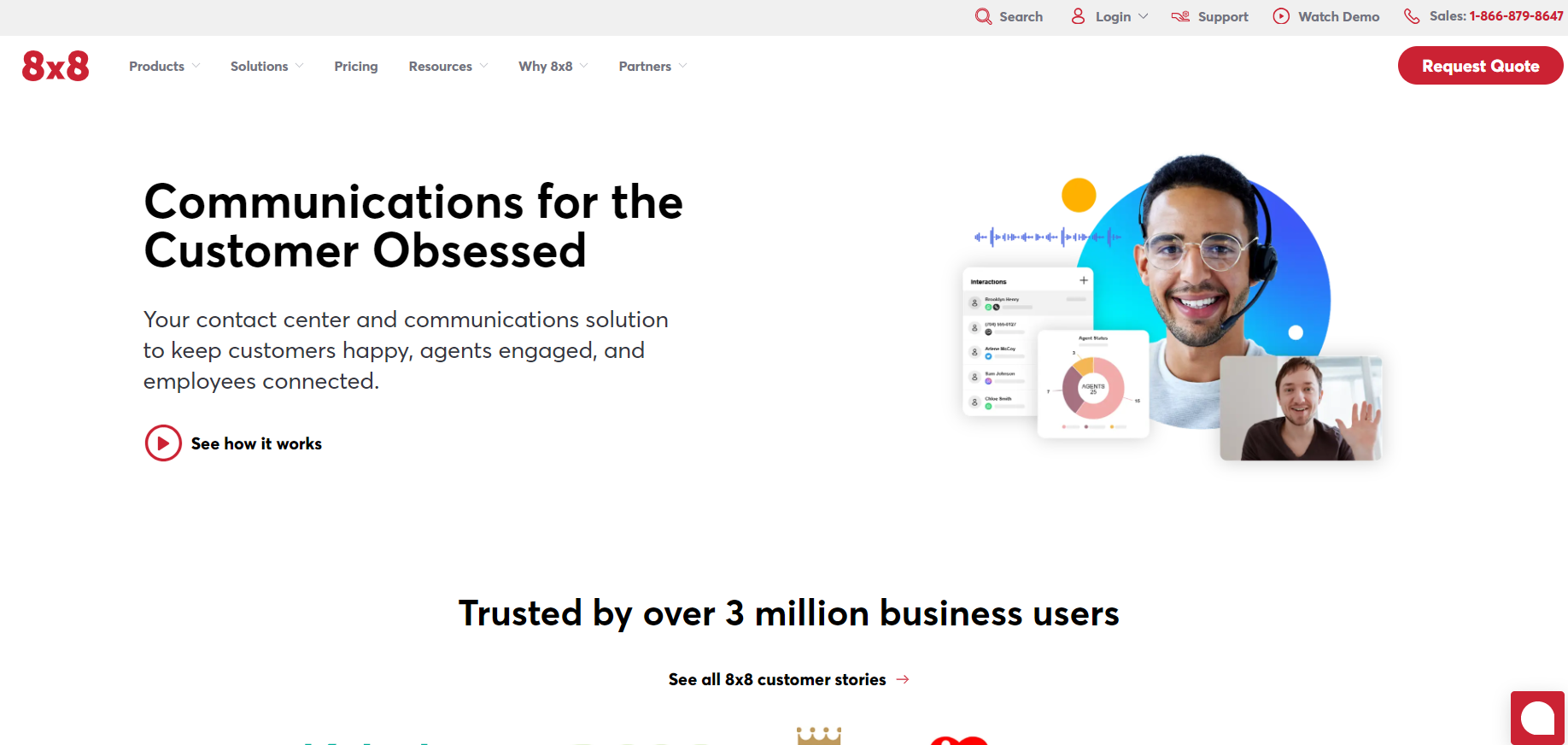
13. 8×8 Contact Center
8×8 Contact Center is a robust solution designed to enhance engagement and collaboration across businesses. It supports multiple platforms like web and iPhone, making it accessible and versatile. This software is tailored to integrate with existing business tools, offering a streamlined experience for managing customer interactions.
8×8 Features
Automatic call distribution (ACD)
Call recording and monitoring
IVR (Interactive Voice Response)
Predictive dialing
CRM integrations
Real-time analytics
Multi-channel communication support
Main Differences Between 8×8 Contact Center and Aircall
AI integration – 8×8 Contact Center provides AI-powered speech analytics, which is not available in Aircall.
Workforce management – 8×8 includes integrated WFM tools, streamlining scheduling and performance monitoring, whereas Aircall does not offer this feature.
Scalability – 8×8 is more suitable for large enterprises with complex needs due to its comprehensive feature set, while Aircall is often favored by small to mid-sized businesses for its simplicity.
Pros
Comprehensive feature set including WFM and AI tools
Strong integrations with popular CRM and communication tools
Excellent scalability for growing businesses
Cons
Can be complex to set up for small businesses
Higher pricing may be a barrier for startups
Best For
Large enterprises and mid-sized businesses that require a comprehensive, scalable solution with advanced features like AI-powered analytics and workforce management tools.
8×8 Pricing
Free trial: No
Custom pricing: Available upon request
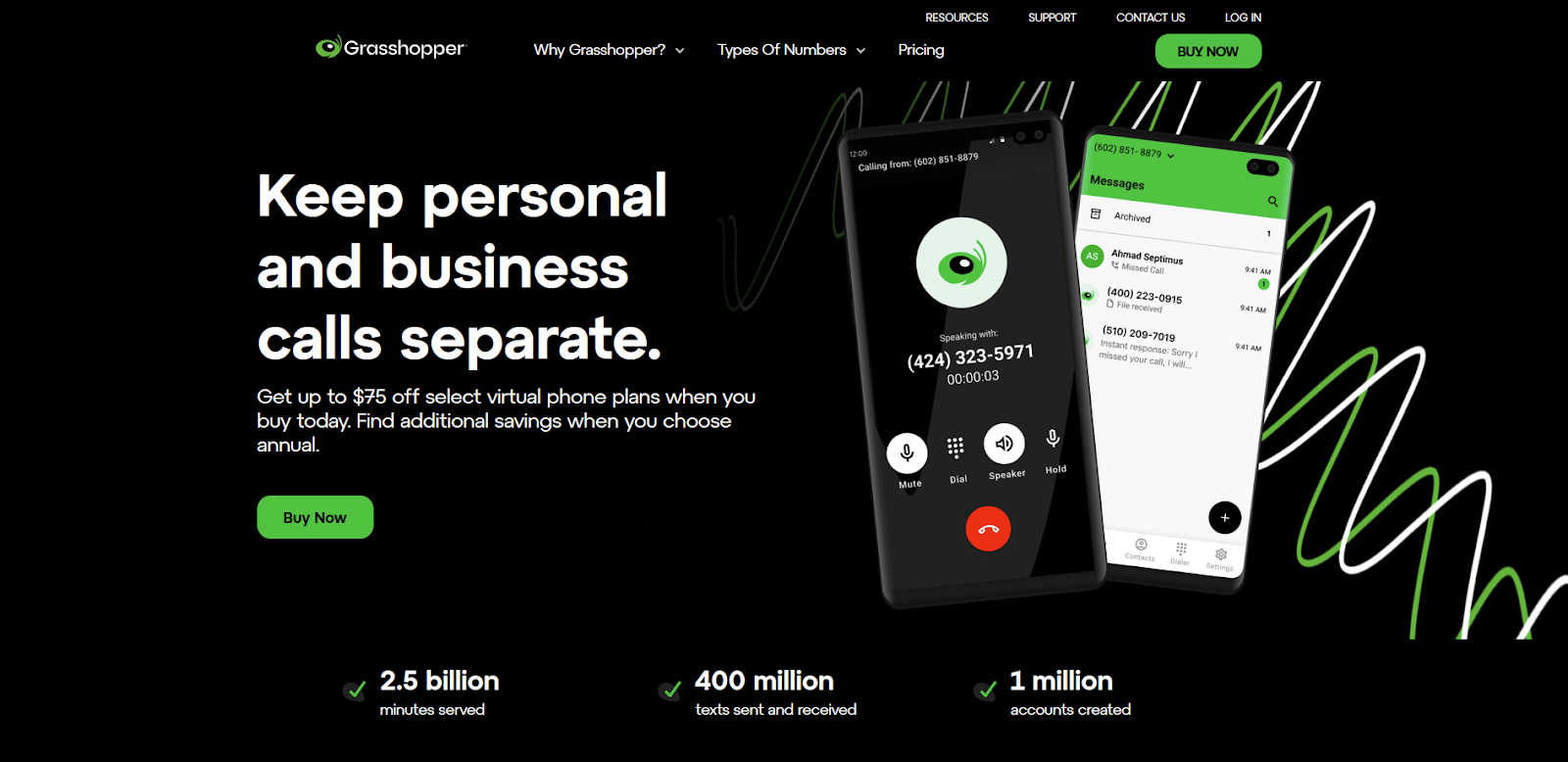
14. Grasshopper
Grasshopper is a virtual phone system designed for small businesses and entrepreneurs. It provides users with features like call forwarding, voicemail transcription, and business text messaging. It integrates with popular business tools, making it a practical solution for teams that need basic phone system functionalities without the complexity.
Grasshopper Features
Voicemail transcription
Call forwarding and transfer
Business text messaging
Extensions for departments or employees
Custom greetings
Main Differences Between Grasshopper and Aircall
User base – Grasshopper is more suited for freelancers and small businesses, while Aircall targets larger teams with more advanced needs.
Features – Aircall offers more advanced call center features like CRM integration and analytics, which Grasshopper lacks.
Complexity – Grasshopper is simpler and more straightforward, making it easier for non-technical users to set up and manage.
Pros
Easy to use with a simple interface
Affordable pricing for small businesses
Provides essential business phone features
Cons
Lacks advanced call center features
Not ideal for larger teams or enterprises
Limited integration options compared to competitors
Best For
Freelancers and small businesses that need a straightforward, easy-to-use virtual phone system without complex features.
Grasshopper Pricing
Free trial: Yes, 7 days
Pricing: Available upon request
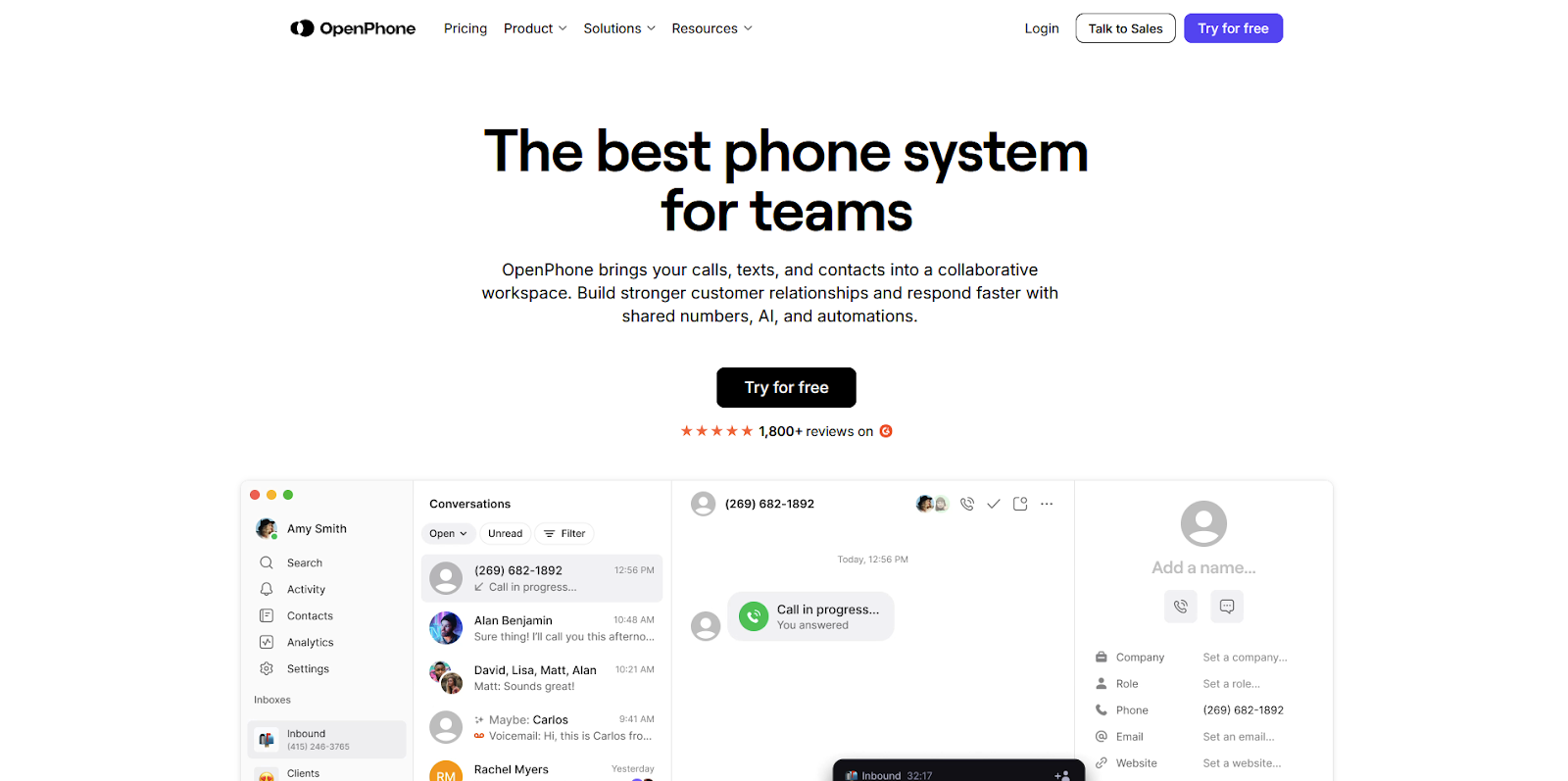
15. OpenPhone
OpenPhone is a versatile business phone system designed to help teams manage communications with ease. It offers a streamlined interface and integrates with popular tools like HubSpot and Slack. OpenPhone is particularly suited for small businesses and freelancers who need a simple, cost-effective solution for managing calls and messages.
OpenPhone Features
VoIP services
Call recording
Text messaging
Integrations with CRM tools like HubSpot
Shared phone numbers
Voicemail transcription
Main Differences Between OpenPhone and Aircall
Pricing – OpenPhone generally offers more affordable pricing plans, making it more accessible for small teams.
Simplicity – OpenPhone provides a more straightforward user interface, making it easier for non-technical users to navigate.
Integrations – While Aircall offers a broader range of integrations, OpenPhone focuses on essential tools that are crucial for small businesses.
Pros
Affordable pricing, especially for small teams
Easy-to-use interface
Reliable call quality and text messaging
Cons
Limited advanced features compared to Aircall
Fewer integrations with enterprise-level tools
Best For
Small businesses, startups, and freelancers who need an affordable and easy-to-use phone system with essential features.
OpenPhone Pricing
Free trial: Yes, 7 days
Standard Plan: $19 per user/month
Premium Plan: $33 per user/month
How to Choose the Right Aircall Alternative
When selecting an alternative to Aircall, it’s essential to consider your unique business needs, compare features and pricing, and evaluate the quality of customer support. This section will guide you through these critical factors to help you make an informed decision.
Assess Your Business Needs
Start by evaluating your business’s specific requirements. Consider factors like the number of agents, the volume of daily customer interactions, and the channels through which you communicate (e.g., phone, email, social media). Understanding these needs will help you identify the features and integrations that are crucial for your business, such as CRM integration, call routing, or multi-channel support.
Compare Features and Pricing
When comparing alternatives, it’s important to analyze the pricing structures and feature sets of each option. Look for solutions that offer the best value, balancing cost with the features you require. LiveAgent, for example, provides a cost-effective solution with a wide range of features, making it an attractive option for businesses of all sizes.
Consider Customer Support and Service
Customer support is a critical factor when choosing a software solution. Ensure that the alternative you choose offers reliable and accessible support. LiveAgent excels in this area by providing 24/7 customer support, ensuring that help is available whenever you need it. This level of service can be a significant advantage in maintaining smooth operations and addressing any issues that arise.
Conclusion
Choosing LiveAgent as an alternative to Aircall provides numerous advantages, including a comprehensive feature set, cost-effective pricing, and exceptional customer support available 24/7. While evaluating different options, it’s essential to consider your specific business needs, but LiveAgent stands out with its versatile offerings and affordability. This makes it a compelling choice for enhancing your customer service operations. Take the next step in optimizing your business communication by trying out LiveAgent with our 30-day free trial.
Are you ready to improve your efficiency and elevate your customer support?
Don’t miss out on the opportunity to enhance your customer service experience!
Share this article
Meet Jana, the distinguished head WordPress content editor spearheading operations at LiveAgent, Post Affiliate Pro, URLsLab and FlowHunt. Armed with an unwavering dedication to excellence, she diligently navigates the intricate landscapes of digital content, ensuring pristine quality and seamless functionality across platforms. She enjoys creative activities even outside of work.
Jana Kostelanska
Head WordPress Content Editor
Frequently asked questions
Many businesses switch from Aircall due to high pricing ($30+ per user/month), limited advanced features, slow customer support response times, and lack of comprehensive multi-channel support. Alternatives often provide better value with more features at lower costs.
LiveAgent offers an all-in-one solution with call center, ticketing, social media integration, and knowledge base features. Aircall focuses primarily on VoIP. LiveAgent starts at $15/agent/month compared to Aircall's $30/agent/month, and includes 220+ integrations versus Aircall's limited options.
No, Aircall does not support MMS. It only supports SMS for messaging capabilities.
Yes, most Aircall alternatives including LiveAgent, Nextiva, and RingCentral allow you to port your existing phone number into their systems.
Yes, most modern Aircall alternatives provide international calling capabilities, allowing you to connect with customers worldwide. Check specific features with each provider.
Explore 15 Zendesk alternatives for 2025 to enhance customer service with options like LiveAgent, Freshdesk, and HubSpot Service Hub. These solutions offer flex...
The 15 Best Intercom Alternatives & Competitors for 2025
Explore top 15 Intercom alternatives for 2025, highlighting cost, features, and user experience. Consider factors like niche, customer base size, and support. K...
32 min read
Intercom
Alternatives
+3
You will be in Good Hands!
Join our community of happy clients and provide excellent customer support with LiveAgent.