



Bad Email Examples
Discover what not to do in business emails with examples of unprofessional emails. Enhance your communication skills and professional image by avoiding these co...
10 min read
LiveAgent
Email Templates
+2
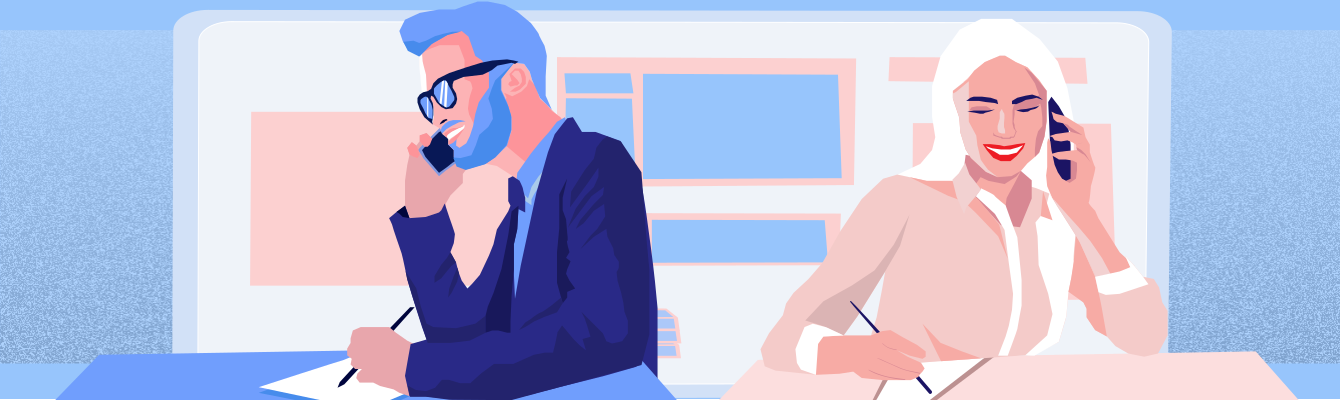
Enhance your email communication with these tips: be clear, concise, and polite; use a clear subject line; check spelling and grammar; remember emails aren’t private; state your main point upfront; use the reply key; be eco-friendly; avoid yelling; and include your signature.
Email communication started in 1971 when Ray Tomlinson sent the first email to himself. While this technology is already over 50 years old, billions of emails are sent every day. Sometimes we daily read and send more emails than meet real people. Nevertheless, in email communication we commit the same mistakes, which we should avoid for our own good. So how to improve our emails?
Below are 10 tips for effective email communication:
Most people have too little time in the day to read and respond to emails. The body of the email should be informative and direct. Even if you’re using other alternatives to email, your recipient will appreciate short and clear messages. Consider using bulleted points or writing a separate email for each topic you need to communicate with someone.
Remember: Long emails suck the life out of people.
Unless you’re on good terms with someone, avoid informal language, jargon, slang and inappropriate abbreviations. Think about how your email ‘feels" emotionally. If your emotions could be misunderstood, find another way how to phrase your words. Be friendly, respectful and thankful.
Do you want to know when to use a casual, formal, serious or friendly tone?

On the basis of a subject line people decide whether to open an email or not. Many people receive a huge amount of emails, it’s important to describe what the reader will find inside. Your recipient inbox does the first cleanup for them. And messages without a subject line are considered bad emails and is, therefore, forwarded to spam.
This is an easy way to show that you care. Try reading your message out loud to help you catch any grammar mistakes or inconvenient phrasing that you might otherwise miss.

Your message could be forwarded on to other people without your knowledge. If your information is highly confidential, make sure it comes to the right person.
If you’re answering a question in someone’s email, put the answer near the beginning. Most people don’t like reading long paragraphs to get the main point at the end of the message.
Include the previous message when you’re answering an email. Don’t start a new email. This practice saves your time and the time of your recipient.
Avoid printing emails whenever possible. You’ll be able to keep your communications better organized and moreover save trees.

Do not use all caps, it implies shouting. It is also MORE DIFFICULT TO READ typed letters that are all the same size, so give your readers a break.
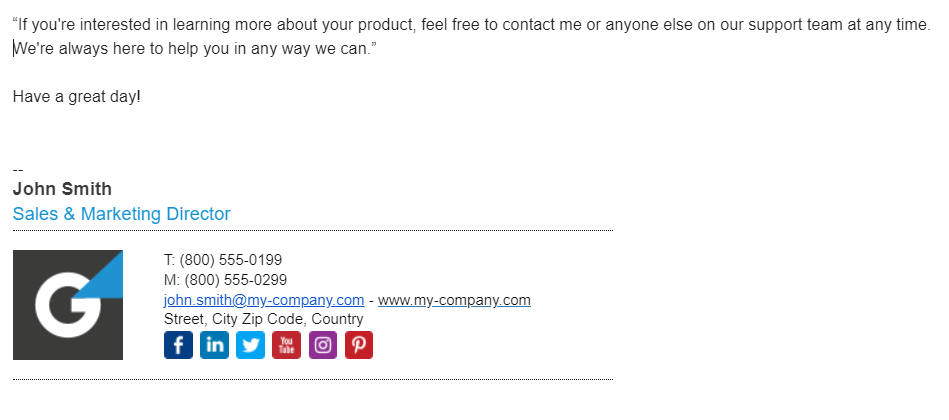
Don’t hide behind an email and include your name. Close your message with ‘Yours sincerely,", “Regards”, " or “All the best”, " depending on the situation. Do not forget to write the name of a company under your name or share your digital business card.
Realize that once your message is sent, it’s impossible to recall. By sending the wrong message to someone you may damage and ruin your business or career. Always double check your message and the recipient line before sending any email. It is also a good idea to create a new email account dedicated to outreach and client communications.
Share this article
Daniel oversees marketing and communications at LiveAgent as a member of the inner product circle and company top management. He previously held various managerial positions in marketing and client communication. He is recognized as one of the experts on AI and its integration into the customer service environment.

Email is one of the most common business communication channels. Effective email communication helps build professional relationships, ensures clear understanding of messages, and improves customer satisfaction and retention.
A clear and concise email should have a specific purpose, use simple language, avoid unnecessary details, and get to the main point quickly. Use short paragraphs and bullet points when appropriate to improve readability.
The subject line is crucial as it determines whether recipients will open your email. A clear, descriptive subject line helps recipients understand the email's purpose and increases the likelihood of your message being read and not marked as spam.
Always double-check your message for spelling and grammar errors, verify the recipient's email address is correct, review the tone to ensure it matches your intent, and read the email aloud to catch any awkward phrasing or mistakes.
Use a professional email signature with your name and contact information, maintain a respectful and courteous tone, avoid informal language and slang, use proper grammar and spelling, and keep your emails organized with clear formatting.
Discover what not to do in business emails with examples of unprofessional emails. Enhance your communication skills and professional image by avoiding these co...
Enhance your networking skills with LiveAgent's email templates and tips. Learn to craft compelling subject lines and messages for effective communication and r...
Discover tips and templates for starting professional emails with appropriate greetings and openers for various business contexts. Enhance your first impression...
Join our community of happy clients and provide excellent customer support with LiveAgent.
